


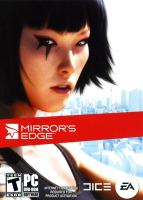


Be ready for loads of running, jumping, climbing and little to no weapon wielding. Make your way across the City's rooftops as a death- and gravity-defying Runner. Your agility and awareness of your environment will be your most useful resources as you try to stay alive and uncover the truth on a murder implicating your own cop sister.
Support Summary
Widescreen | Ultra/Super‑Wide | Multi-Monitor | 4K Ultra HD | |
Support | ||||
Method | ||||
HUD | ||||
Cutscenes | ||||
FMVs |
Game Information
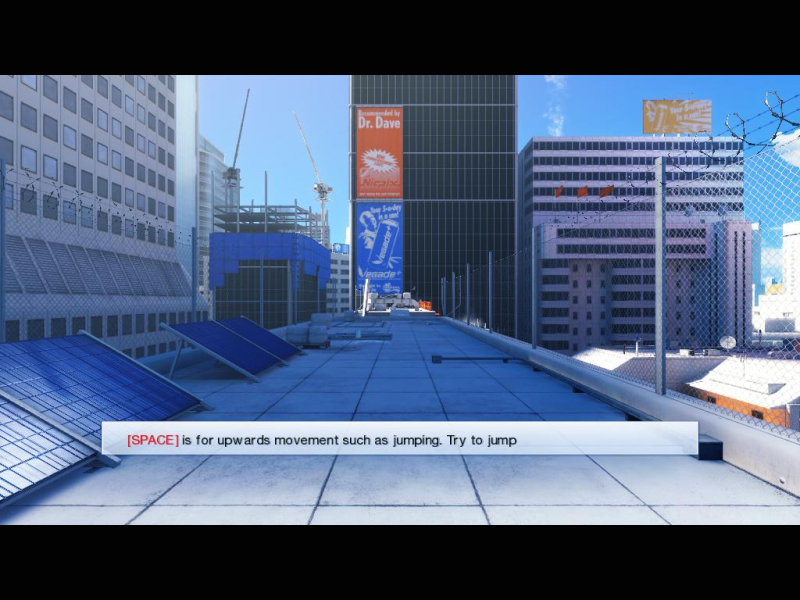
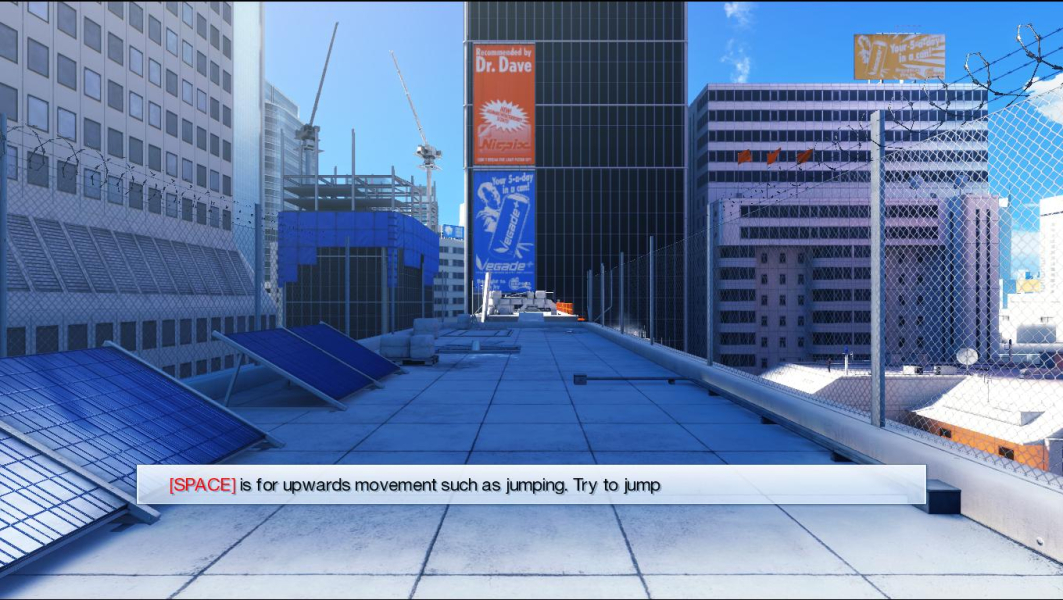
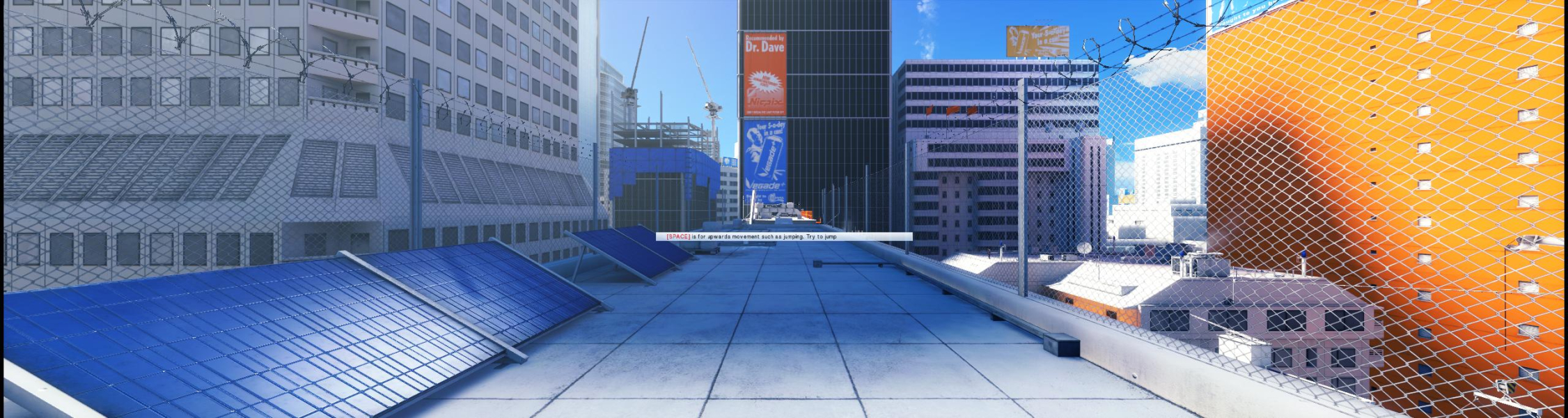
Screenshots Comparison
Solutions & Issues
Native support.
The FOV hack by Racer_S can be used in widescreen, however it won't eliminate the letterboxing.
Use Flawless Widescreen to fix issues.
Alternately, open Engine.u in a hex editor and change F3 8E E3 3F to CD 90 18 40 (21:9) or 39 8E 63 40 (32:9)
Then edit TdInput.ini
Add the following line under [Engine.PlayerInput]
Bindings=(Name="F1",Command="FOV 120",Control=False,Shift=False,Alt=False)
(You can also use Flawless Widescreen to modify FOV)
Press F1 in-game to set the FOV to 120 degrees (change 120 to your desired FOV).
Download the FOV hack for Mirror's Edge 1.0 and 1.01, using the link below.
It will make the game Hor+ in TripleHead, with displaced/stretched HUD and 2D elements.
Suggested FOV hack settings :
For 3840x1024 (3.75:1) - Aspect 3.75, FOV 0.012575
For 5040x1050 (4.8:1) - Aspect 4.8, FOV 0.013500
For 5x1-P + bezel (2.995:1) - Aspect 2.995, FOV 0.0089
FSAA set to 4x might cause the game to crash while using the FOV hack in TripleHead.
The main menu and all fonts will also look odd in some resolutions. If you want to change some of your settings and are unable to read the in-game display options, open this file :
\EA Games\Mirror's Edge\TdGame\Config\TdEngine.ini
and edit the following :
MaxMultisamples=
ResX=
ResY=
----------------------
I found a way to run ME all maxed, including PhysX and AA 4x, at 5040x1050 (around 60 FPS) with my 3-way SLI rig, by forcing wtih Nvidia Inspector, in Mirror's Edge profile, SLI rendering mode to SLI_GPU_COUNT_ONE. Racer_S hack was also used of course. Dont forget to update game to version 1.01 (the patch includes some physX fixes).
Another option is to use FlawlessWidescreen by HaYDeN:
https://www.flawlesswidescreen.org/index.php/Flawless_Widescreen
/!\ Do NOT edit TdInput.ini or the picture will be pillarboxed /!\ Thanks luluco250 & imusrt.
Gameplay Screenshots



In-Game (Rendered) Cutscenes
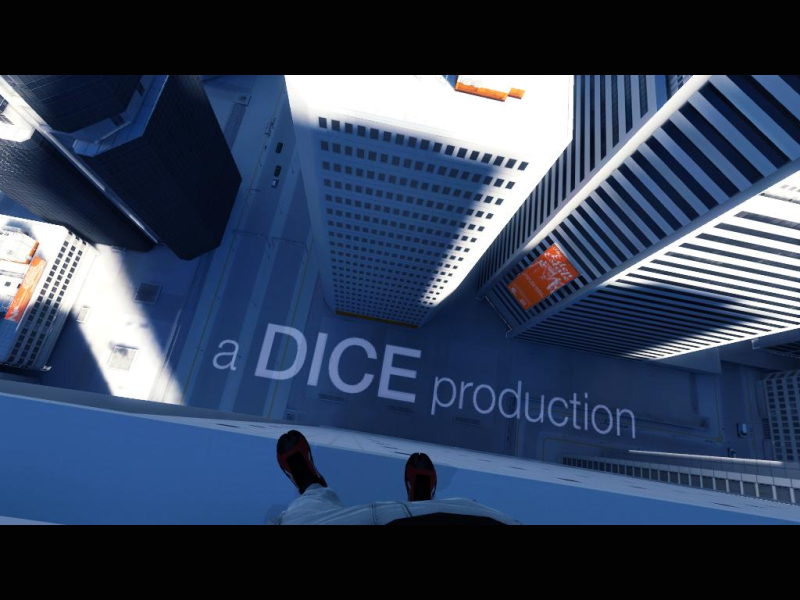
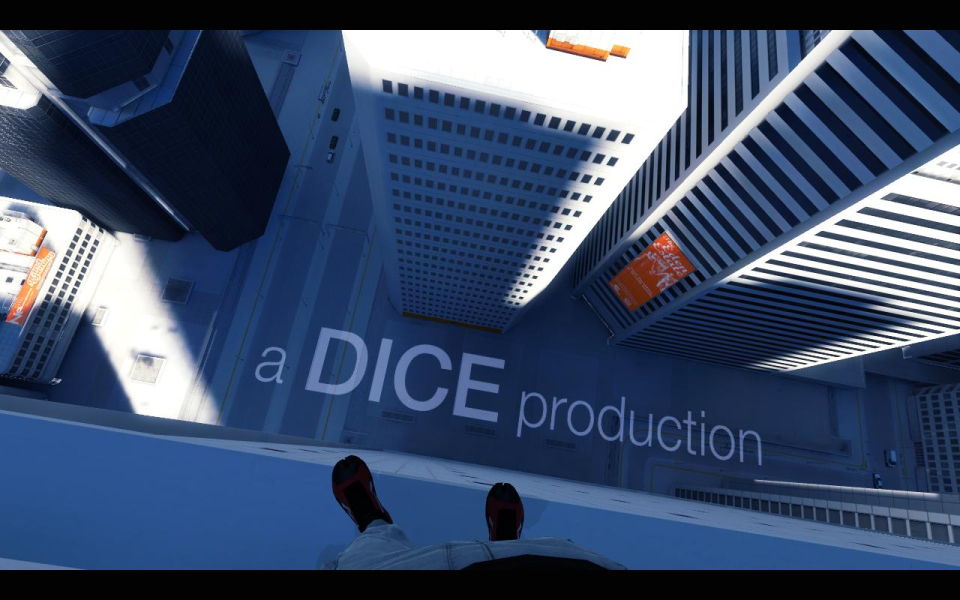
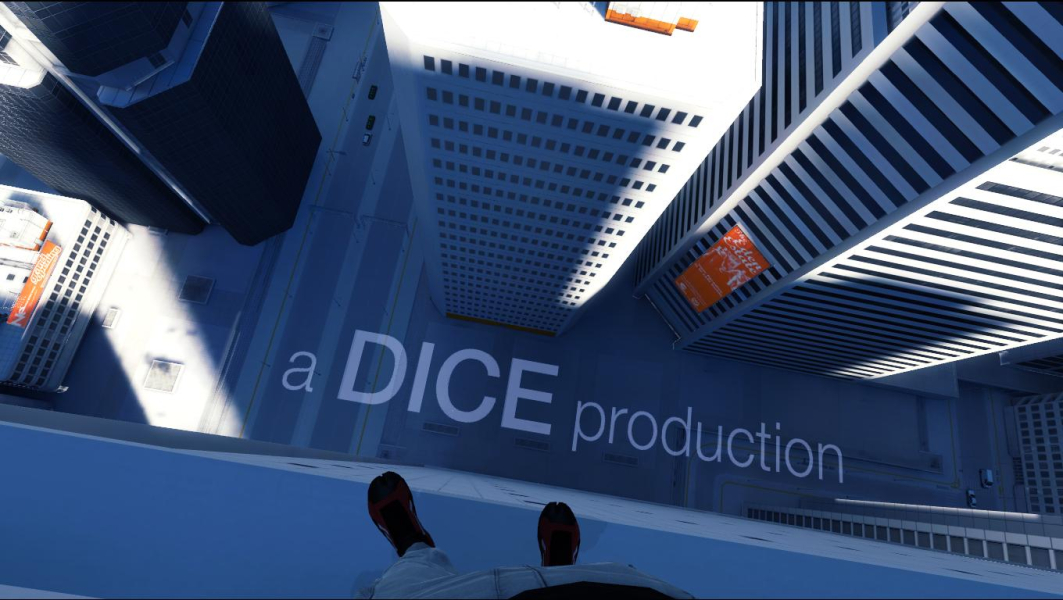
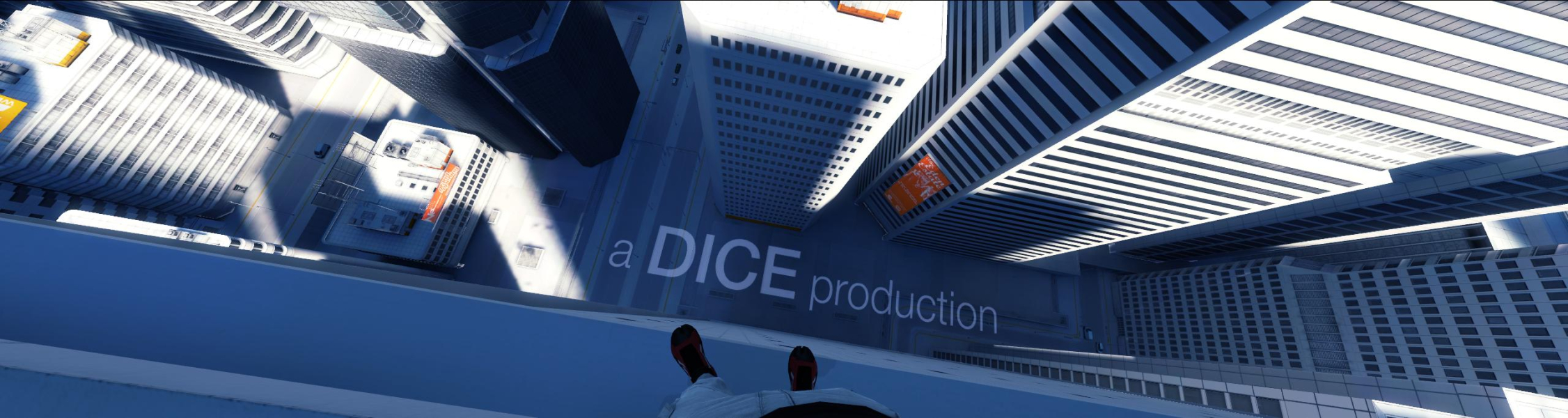
FMV Cutscenes
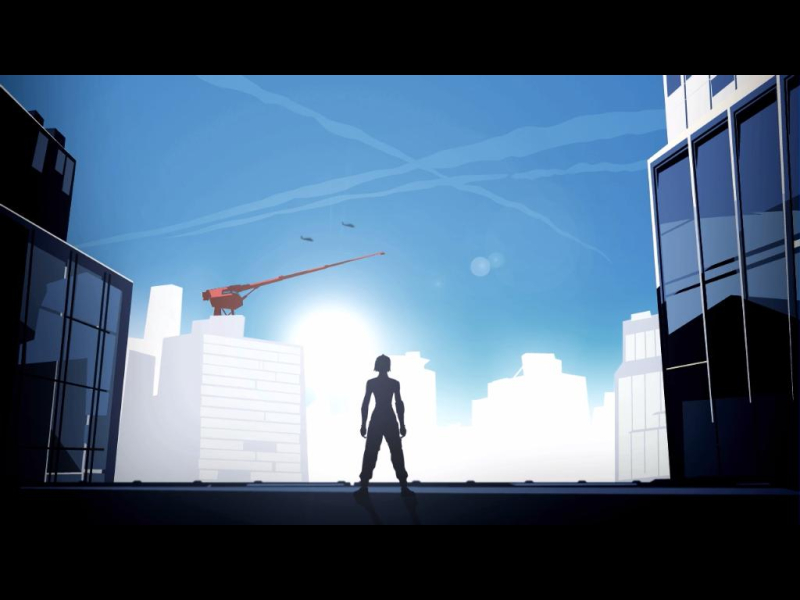


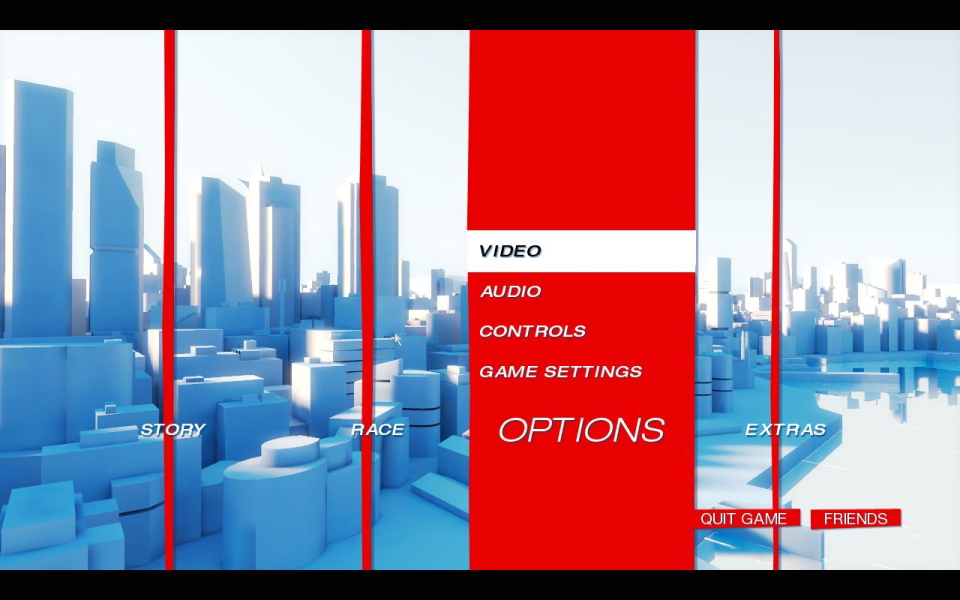
Menu Screenshots


Additional Screenshots


