


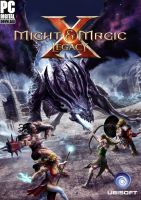


Might & Magic X - Legacy revives the tile-based gameplay of the RPGs of yore - namely Might and Magic III and the Xeen games, rather than the latter titles in the series. Legacy's world and plot are not in direct relation with New World Computing's classic Might and Magic RPGs, though but loosely linked to turn-based strategy game Might & Magic Heroes 6 and even to Dark Messiah. Compared to dungeon crawler Legend Of Grimrock, Legacy is more of a classic RPG with open areas, towns, NPCs and quests; puzzles are fairly straightforward, combat is entirely turn-based and all party members virtually stand on the same spot... no dancing around with wizards hiding behind their armored comrades. On the technical side Ubisoft's game is a clear loser, with its dated and resource-hungry graphics, awkward sound, and crippled moddability. Still, the publisher's first shot at "RPG nostalgia" is a success, hopefully paving the way to more polished Might & Magic games to come.
Support Summary
Game Information
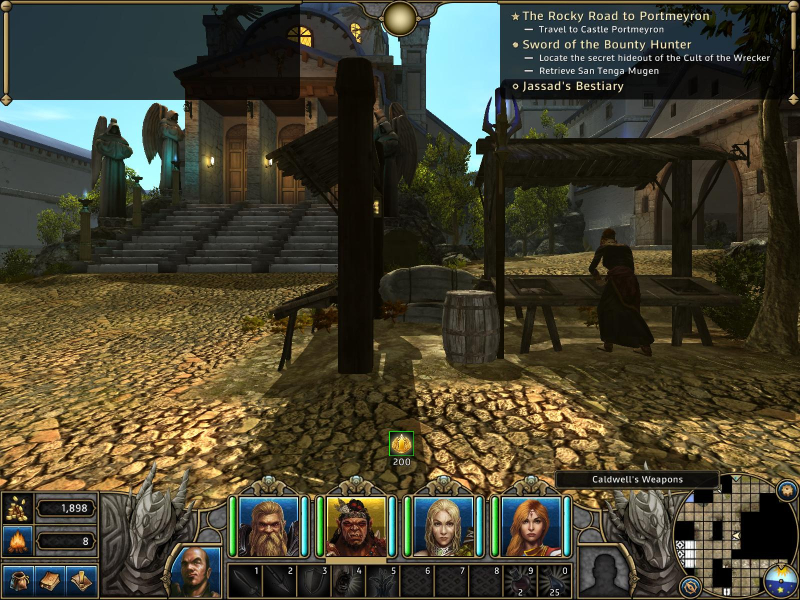
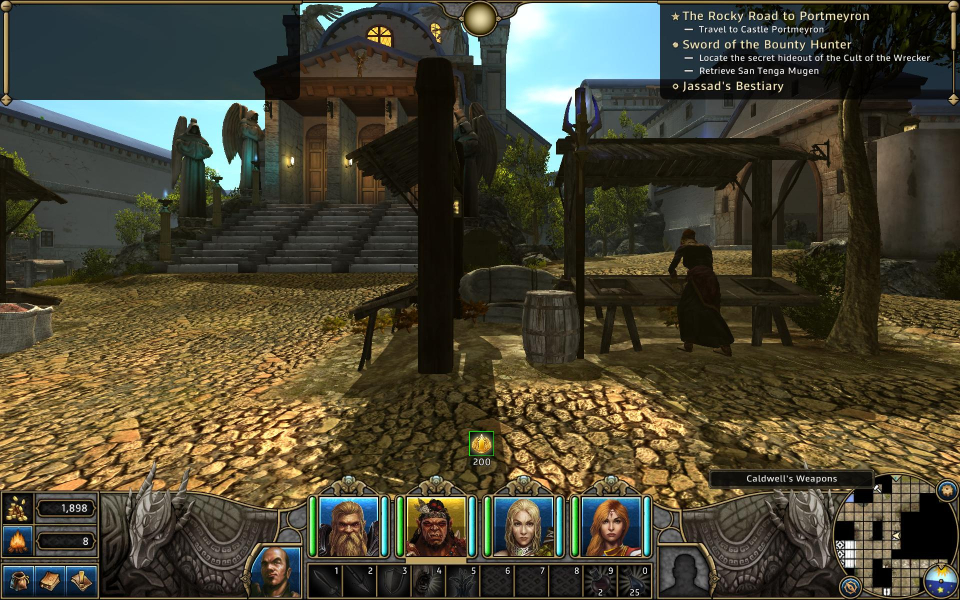
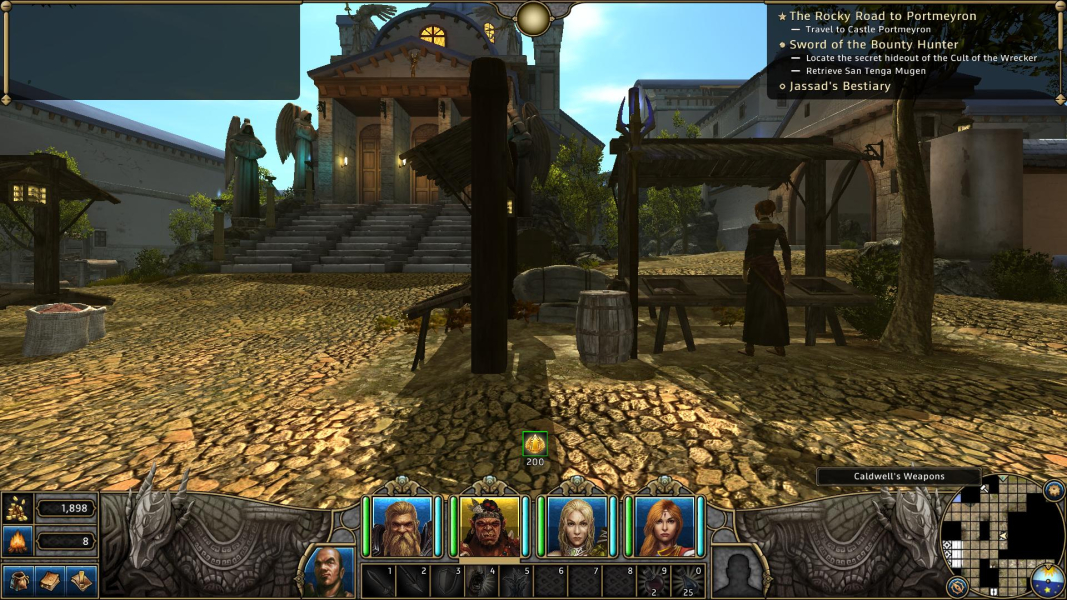
Screenshots Comparison
Solutions & Issues
Native support for 16:10 and 16:9 resolutions.
For less common aspects e.g 15:9 (1280x768), windowed mode and a manual edit are required; see Multi-Monitor section.
FOV is basically Hor+, although inside buildings 4:3 is Vert+ with a slightly different perspective (dolly out ?).
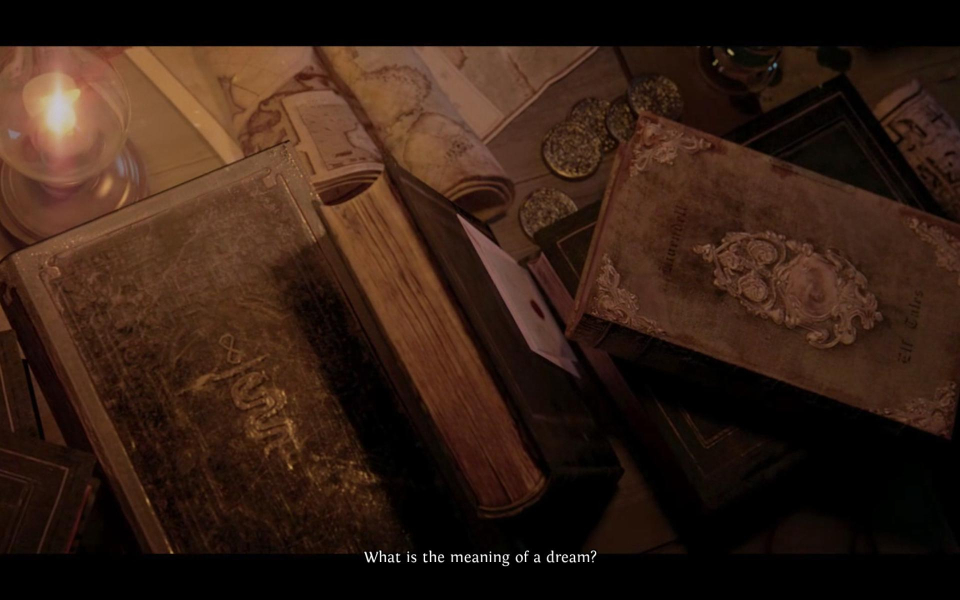
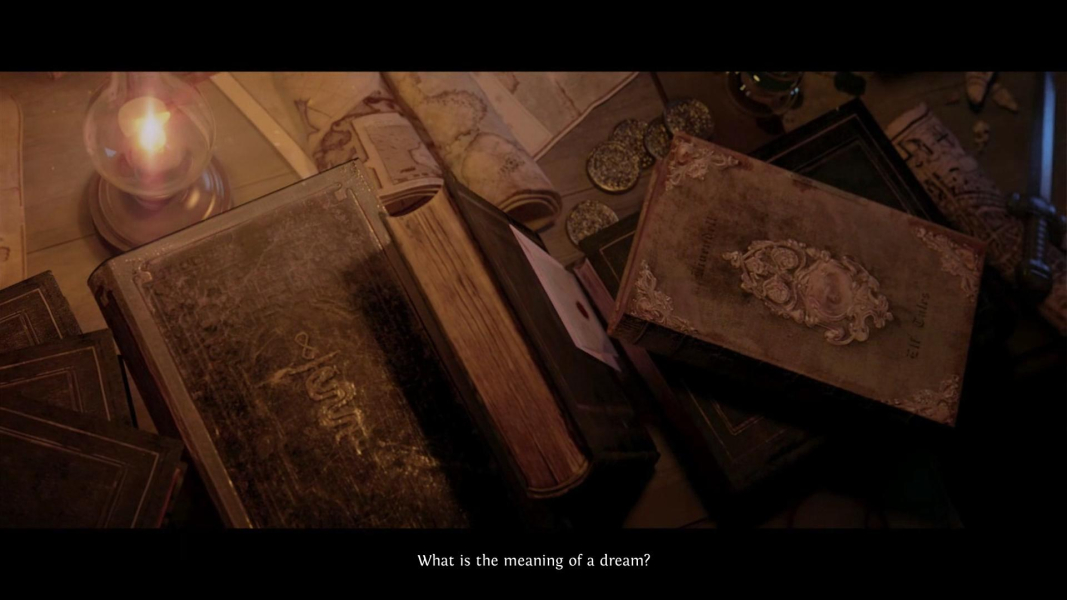
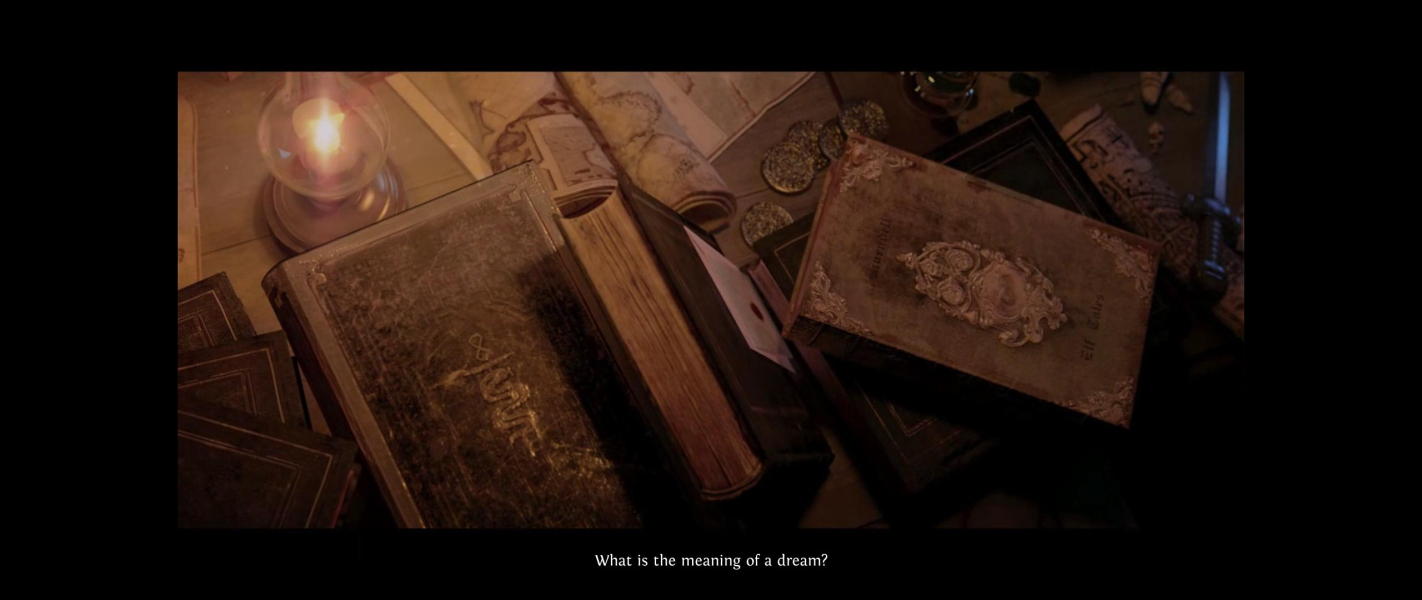
FMVs, loading and death screens are Hor+ (16:9 designs cropped in lower aspects).
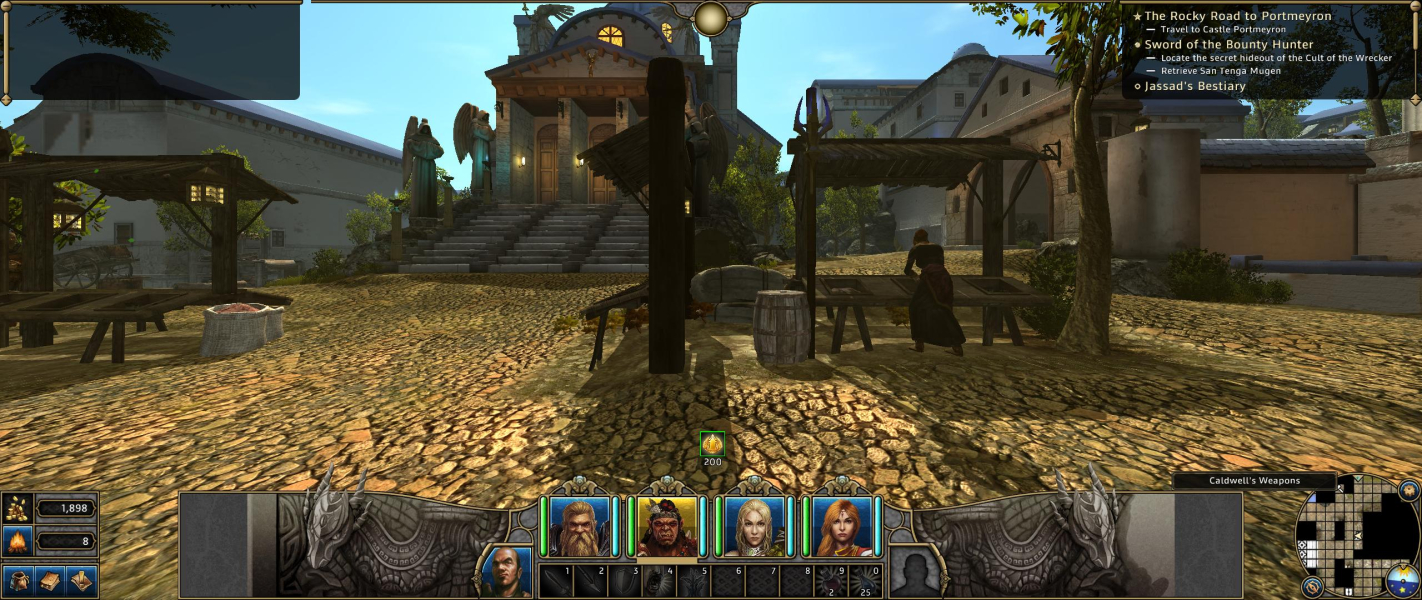
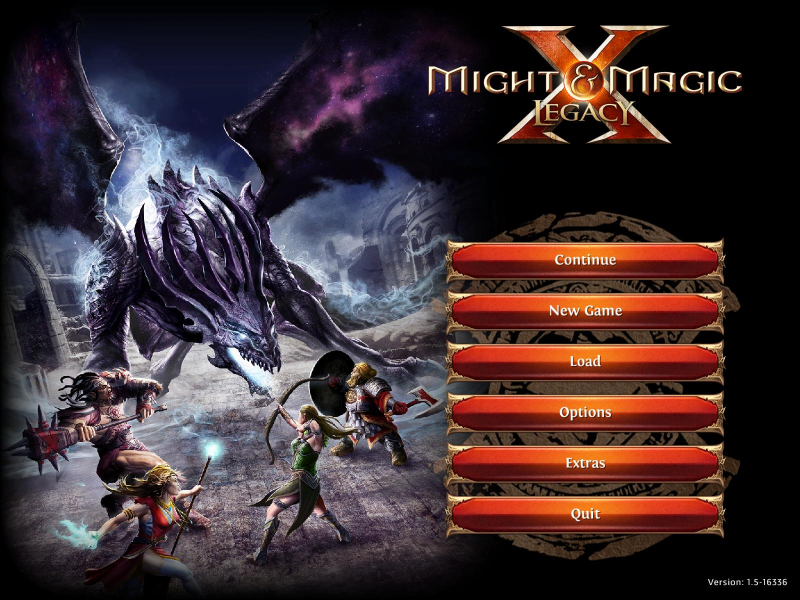
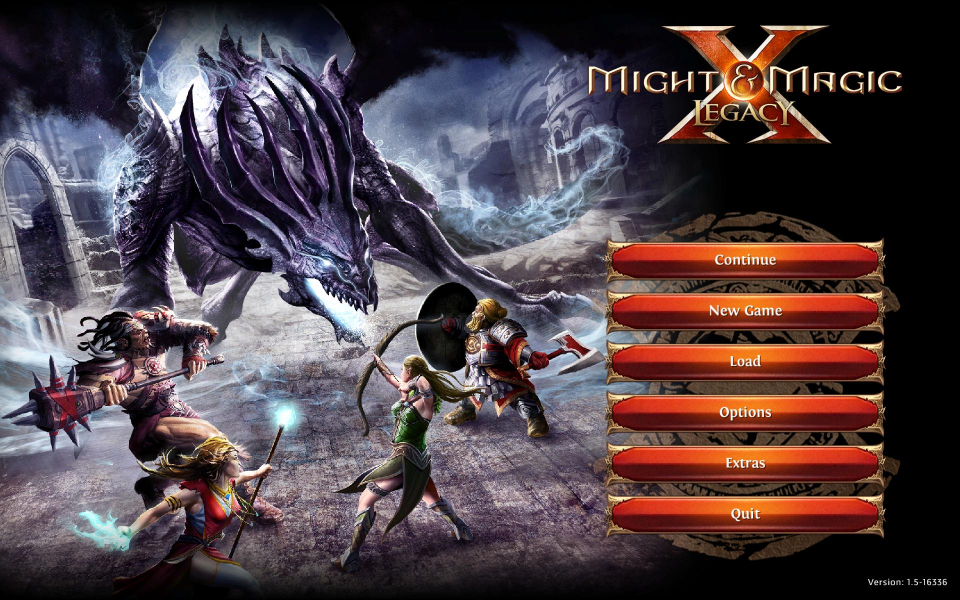
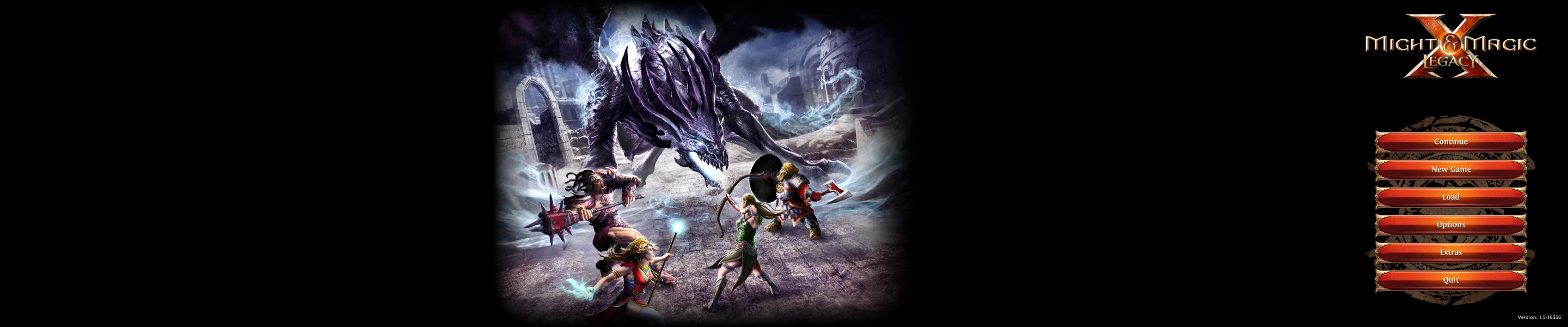
The lower part of the HUD is designed to "slide" and adapt to 4:3, 16:10 and 16:9. Main menu art is also "Vert+" in standard resolutions.
Same method as for Multi-Monitor.
FMVs are windowboxed.
Dialog text and talking NPC's portrait scale to the left side of the display, while the dialog UI remains centered. This makes reading a bit harder. Cast that Light Orb before you have a chat in dark areas !
Only working in windowed mode, through some manual fiddling:
%USERPROFILE%\Documents\MightAndMagicXLegacy\options64.txt
Make the following changes under [graphics]
- First input a smaller-than-native MM resolution to be run windowed:
- Run the game, then quit.
- Now input your native resolution:
- Run the game again.
- For the final touch, use Codeusa's Borderless Gaming and voilà ! Hor+ fullscreen.
resolutionWidth = 5040
resolutionHeight = 1050
fullScreen = False
(Not sure if this is actually required, but it seems to help.)
resolutionWidth = 6060
resolutionHeight = 1200
fullScreen = False
FMVs are windowboxed.
Dialog text and talking NPC's portrait scale to the left monitor.
Gameplay Screenshots


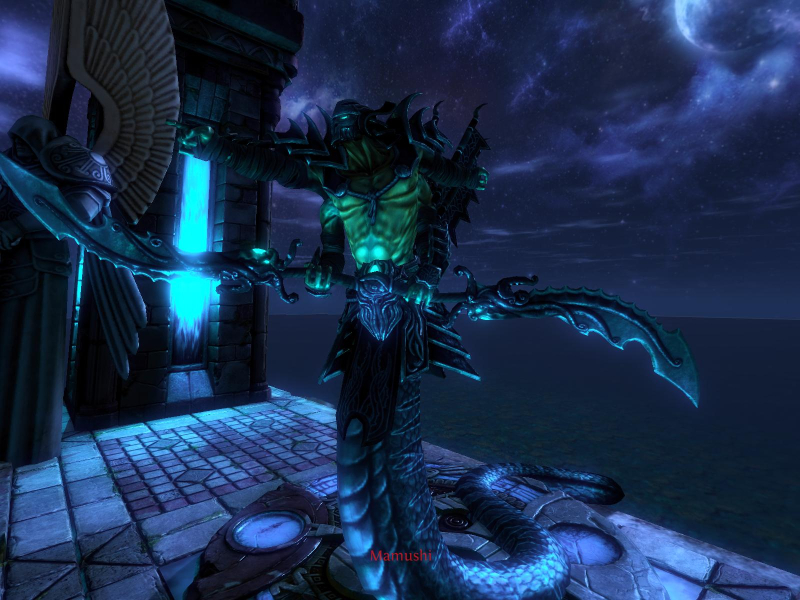
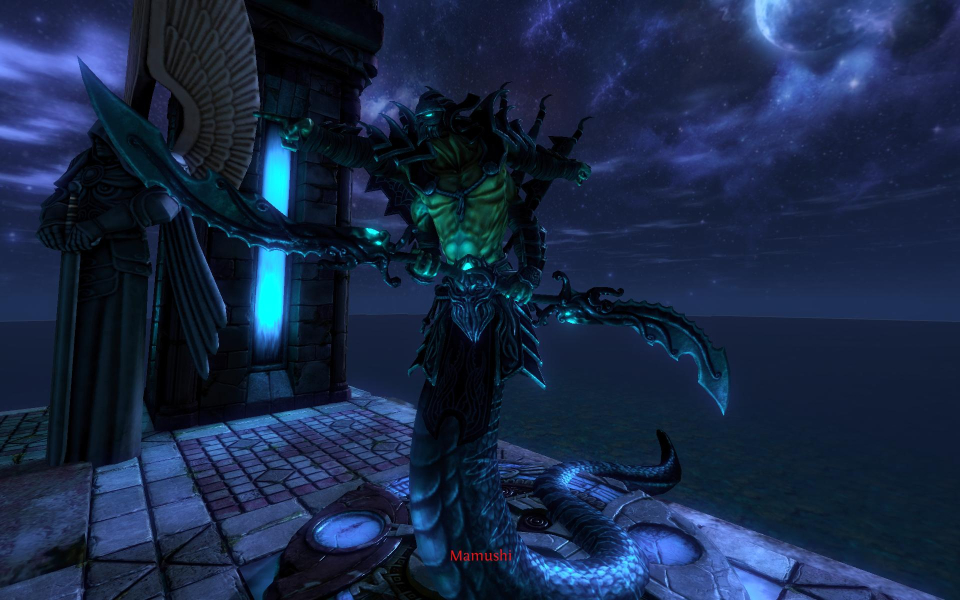
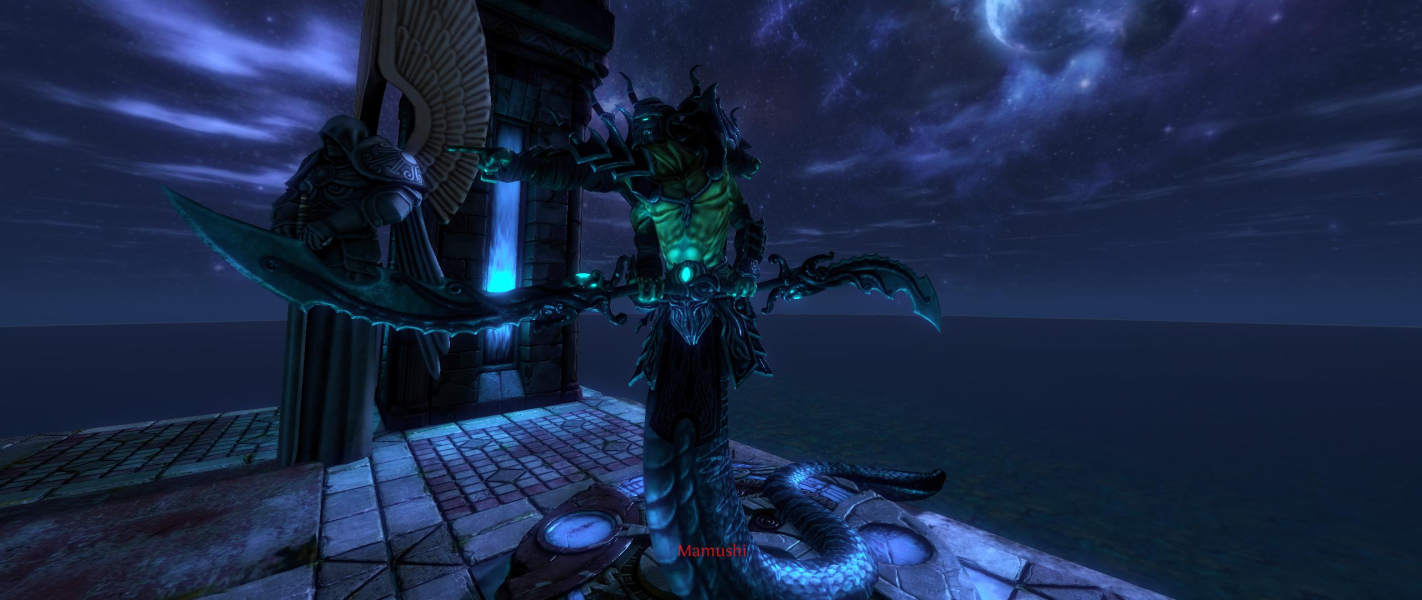
In-Game (Rendered) Cutscenes


FMV Cutscenes


Menu Screenshots


Additional Screenshots


