




Metro 2033 is a post-apo FPS set in the underground tunnel network of nuked Moscow.
Support Summary
Game Information
Screenshots Comparison
Solutions & Issues
Native. Simply select your desired resolution from the Options, Video menu.
A launcher exists if you want to edit some graphics settings including resolution and FOV without fiddling with config files: http://www.moddb.com/mods/metro-2033-launcher
FYI settings are saved in user.cfg files in two distinct locations:
1) C:\Users\\AppData\Local\4A Games\Metro 2033\ (or in WinXP: C:\Documents and settings\\Local Settings\Application Data\4A Games\Metro 2033\)
2) C:\Program Files\Steam\userdata\\43110\remote\
Any manual edit must be done in both user.cfg files to take effect.
There's also a third one in the install folder holding default values; you shouldn't need to ever edit this one (C:\Program Files\Steam\steamapps\common\metro 2033\).
Resolution is saved like this...
r_res_hor 1680 (display width)
r_res_vert 1050 (display height)
A couple other useful values...
r_fullscreen on (off for windowed mode)
sick_fov 45. (try 65. for a less "in your face" experience. Affects gameplay, cut-scenes and the main menu.)
The game just fine with the resolution and nothing has to be tweaked.
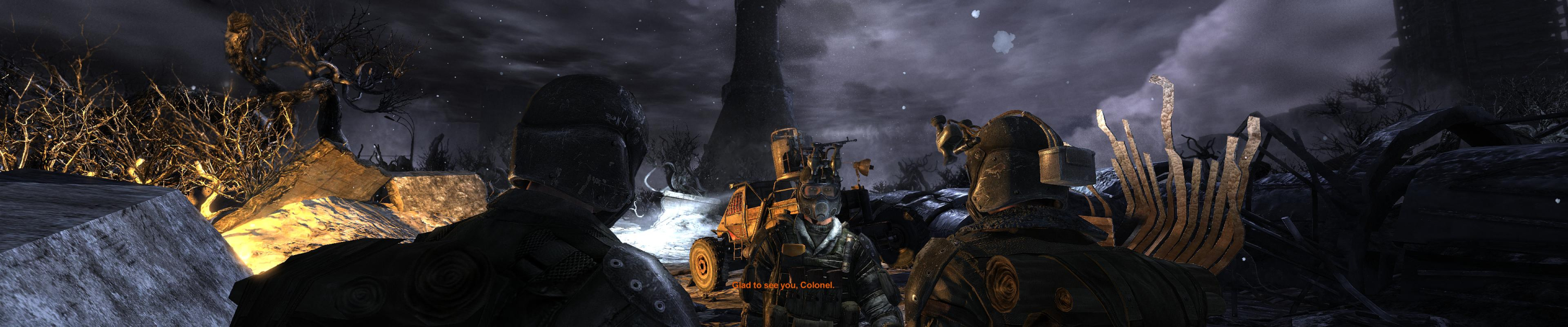
In normal (fullscreen) mode, the game's aspect ratio is inherited from the monitor's native res (and not from the currently selected resolution). To play in single-screen on a multi-mon setup, you must enable windowed mode.
Native, Hor+.
The game will initially fill a 4:3 resolution with your multi-mon AR (and not the opposite), so everything is squished and some fonts are very small - but getting into the Video options menu to select your desired resolution should be easy. Otherwise, exit and edit the user.cfg files.
As usual, 5040x1050 (and other custom res's) might be unavailable to TripleHead2Go DE users in DX10/11 modes.
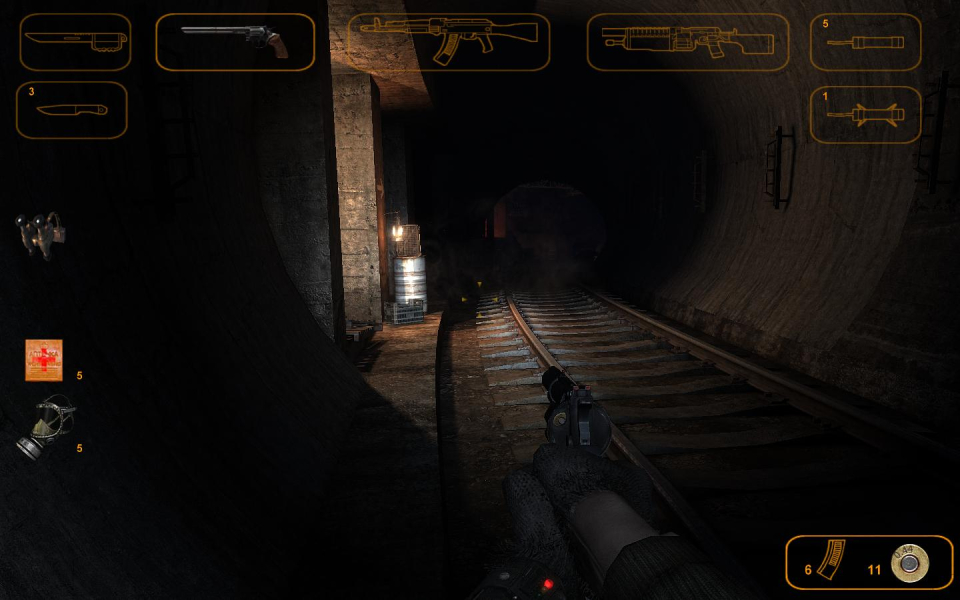
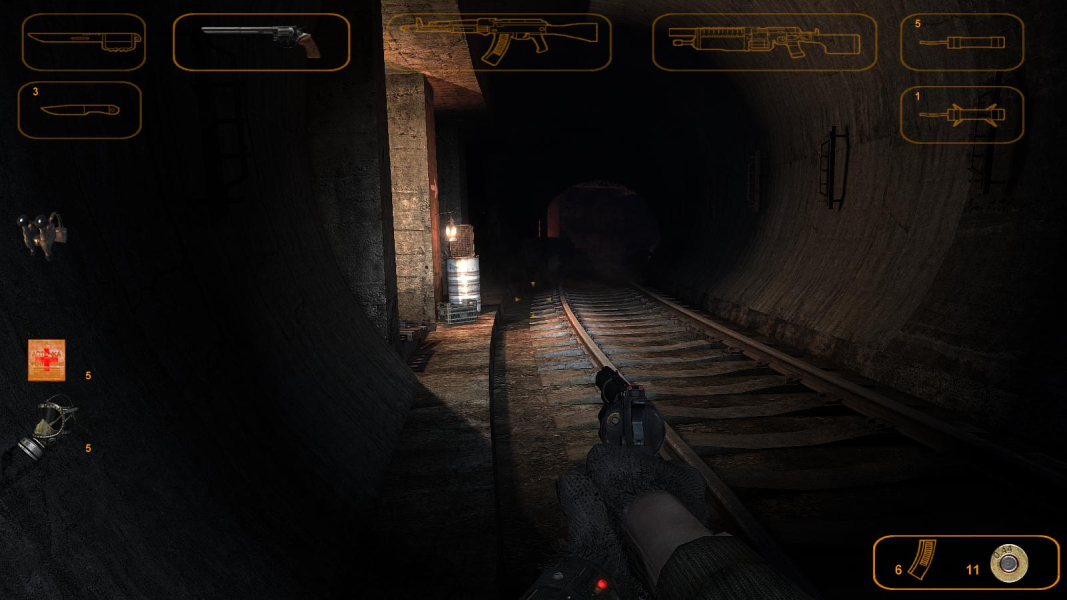
Mouse acceleration oddity: it seems the speed over the x axis varies with the display width. In multi-mon, horizontal mouse movement is noticeably "accelerated" compared to vertical movement (roughly 3x faster). If you have a fancy mouse with independent x/y acceleration, lower x acceleration to compensate. Some HUD elements stretch (weapon inventory icons, gas mask & night vision goggles overlays).
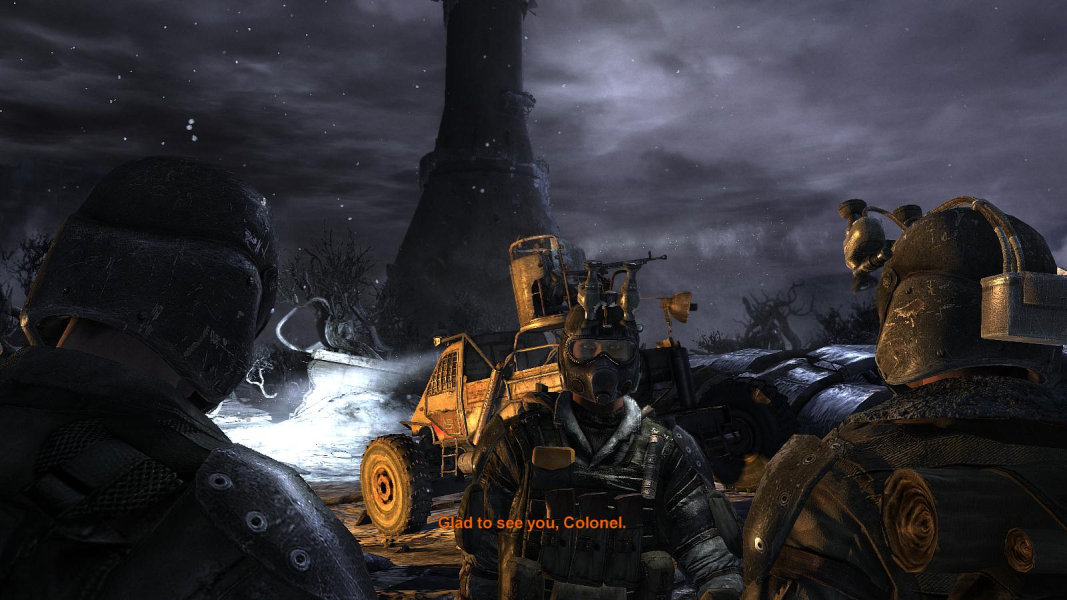
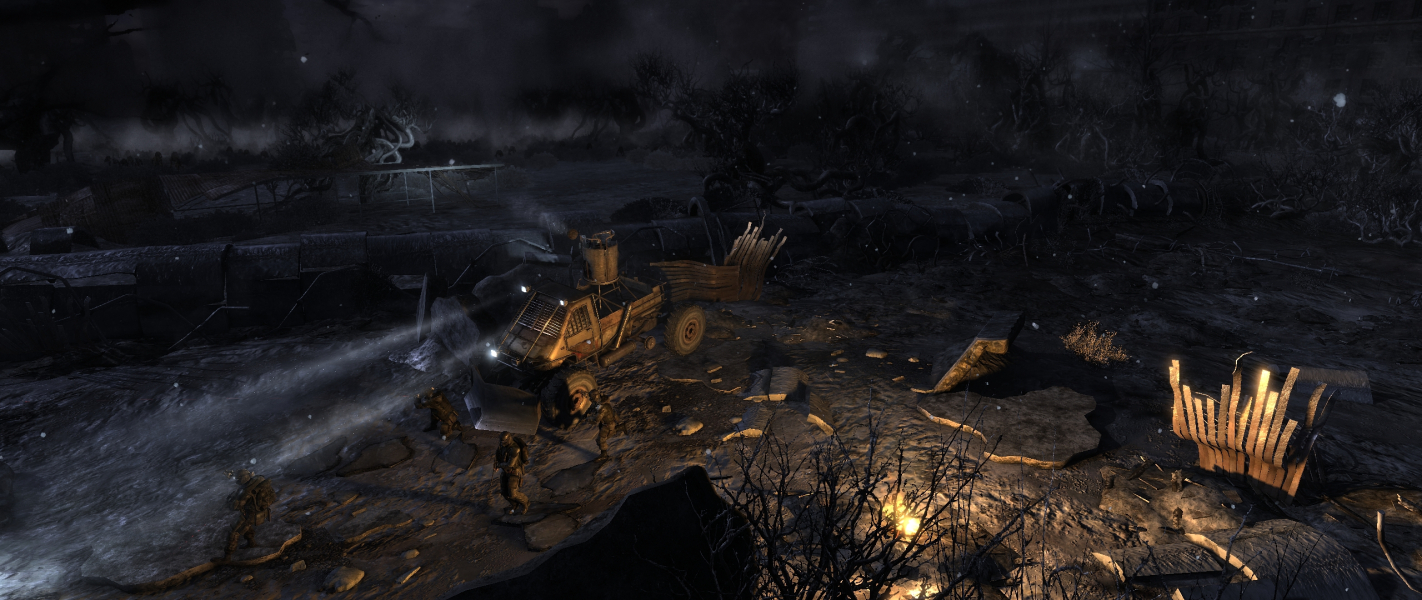
Gameplay Screenshots



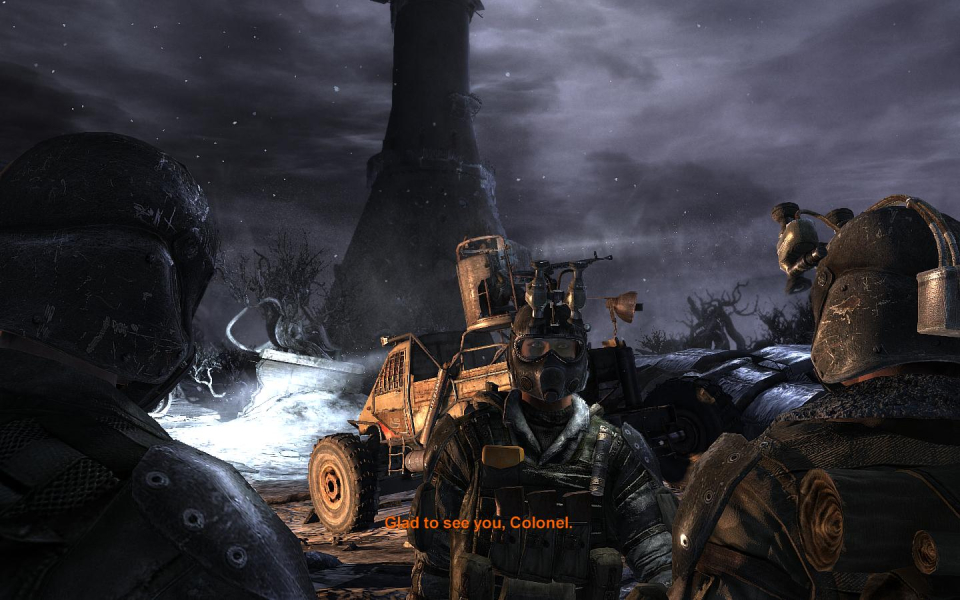
In-Game (Rendered) Cutscenes

FMV Cutscenes



Additional Screenshots


