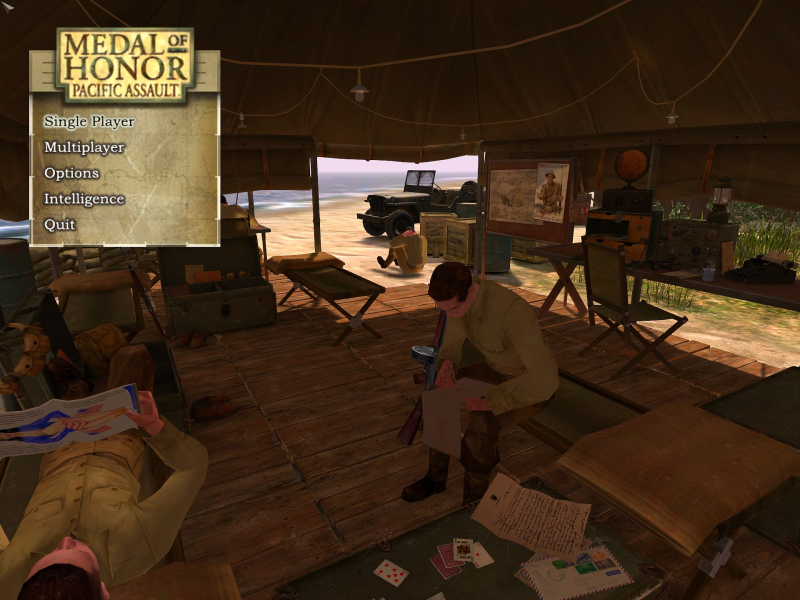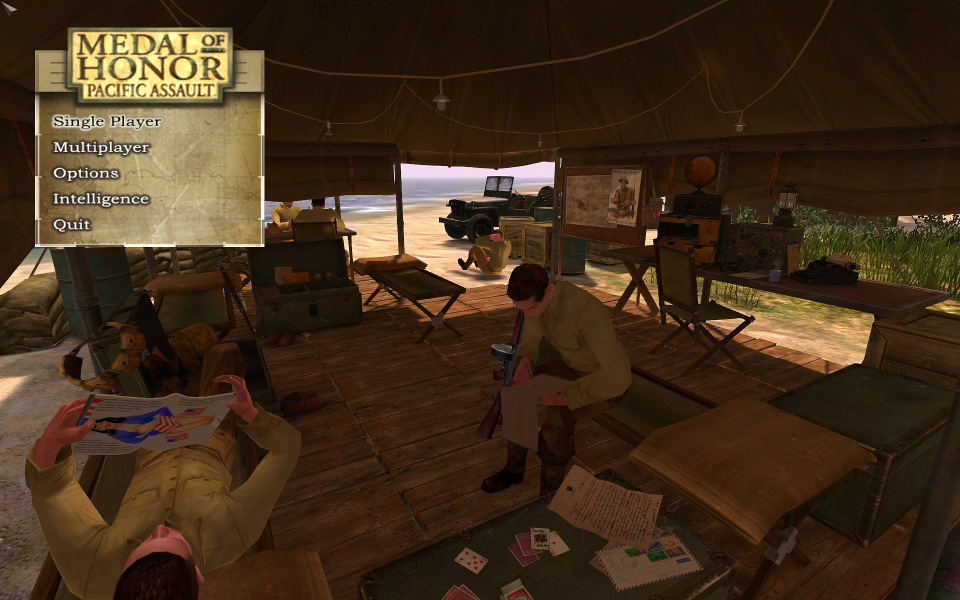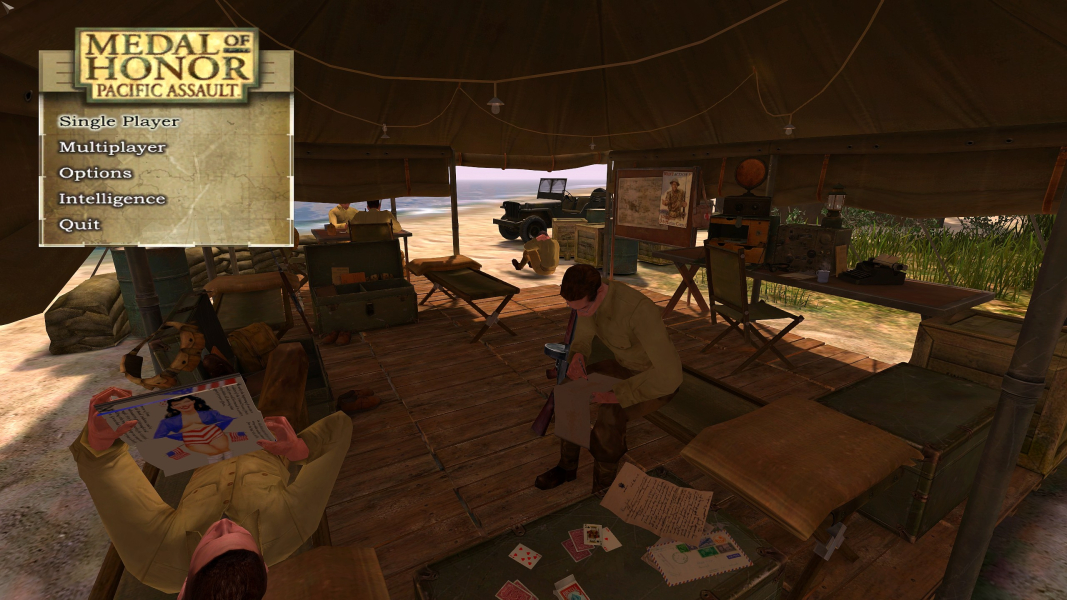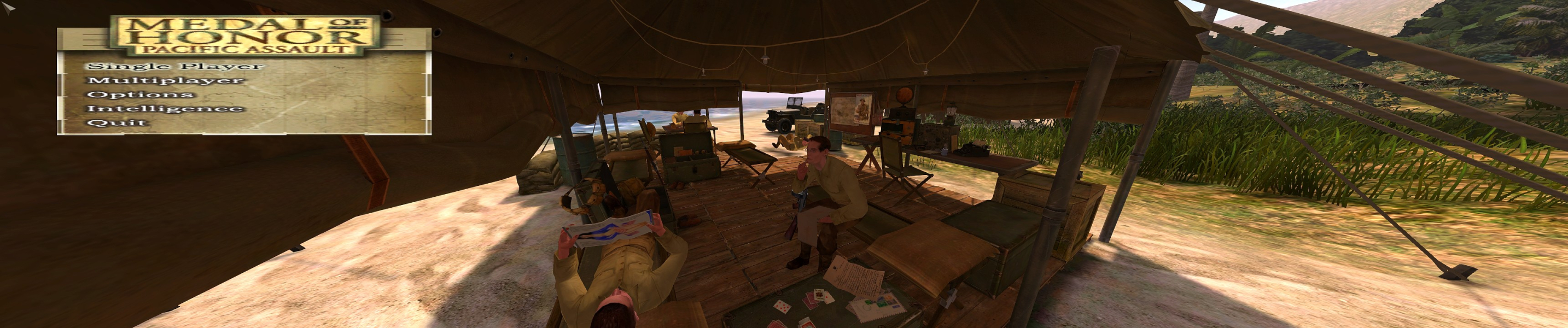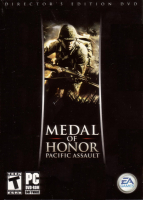


MOH:PA is an action FPS set within WWII. The MOH franchise was created by Steven Spielberg and Dreamworks.
Support Summary
Game Information
Screenshots Comparison
Solutions & Issues
The Game only supports 4:3 Aspect Ratio - use HEX & INI edit to get HOR+
You need to launch the game once in order for the files needed to appear.
Resolution INI edit: Go to --> ...\Documents\EA Games\Medal of Honor Pacific Assault(tm)\newconfig.cfg
and edit your Resolution:
set r_screenheight "XXXX"
set r_screenwidth "XXXX"
INI edit Weapon FOV: Go to --> ...\Documents\EA Games\Medal of Honor Pacific Assault(tm)\newconfig.cfg
and add this Lines:
set r_first_person_fov_x "70"
set r_first_person_fov_y "50"
HEX edit FOV -> First you need to download a Fixed EXE from Gamecopyworld - the Hex edit will work on Version 1.1 and Version 1.2 but unf. not on the Original/Origin EXE.
Go to Gameroot ...\Medal of Honor Pacific Assault\mohpa.exe
Game FOV look for F6 68 00 00 A0 42 8B and change it to F6 68 00 00 BA 42 8B (16:10) or F6 68 00 00 C8 42 8B (16:9)
Menu FOV look for BA 00 00 A0 42 and change it to BA 00 00 BA 42 (16:10) or BA 00 00 C8 42 (16:9)
When in Game press Zoom IN and Out once to activate the FOV. (ALT)
--------------------------------------------------------------------------------------------------------------------------------------------------------------------------------------------------------------------------------------------------------------------------------
The Alternative FOV Solution adding the Line set cg_fov "XXX" in newconfig.cfg never worked for me.
Same as in Widescreen except some Variables:
INI edit Weapon FOV: Go to --> ...\Documents\EA Games\Medal of Honor Pacific Assault(tm)\newconfig.cfg
and add this Lines:
set r_first_person_fov_x "70"
set r_first_person_fov_y "40"
HEX edit FOV
Go to Gameroot ...\Medal of Honor Pacific Assault\mohpa.exe
Game FOV look for F6 68 00 00 A0 42 8B and change it to F6 68 00 00 EA 42 8B
Menu FOV look for BA 00 00 A0 42 and change it to BA 00 00 EA 42
Same as in Widescreen except some Variables:
INI edit Weapon FOV: Go to --> ...\Documents\EA Games\Medal of Honor Pacific Assault(tm)\newconfig.cfg
and add this Lines:
set r_first_person_fov_x "75"
set r_first_person_fov_y "30"
HEX edit FOV
Go to Gameroot ...\Medal of Honor Pacific Assault\mohpa.exe
Game FOV look for F6 68 00 00 A0 42 8B and change it to F6 68 00 00 11 43 8B
Menu FOV look for BA 00 00 A0 42 and change it to BA 00 00 11 43
Gameplay Screenshots


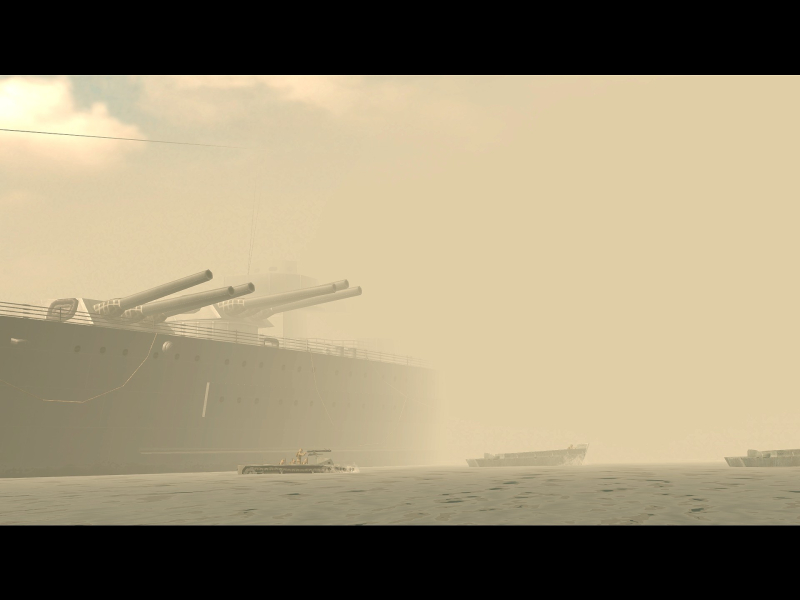
In-Game (Rendered) Cutscenes


FMV Cutscenes
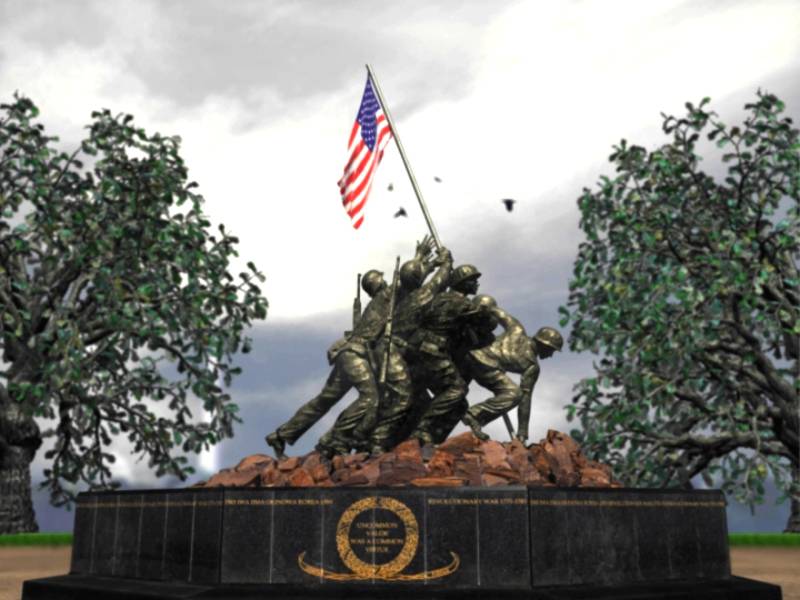
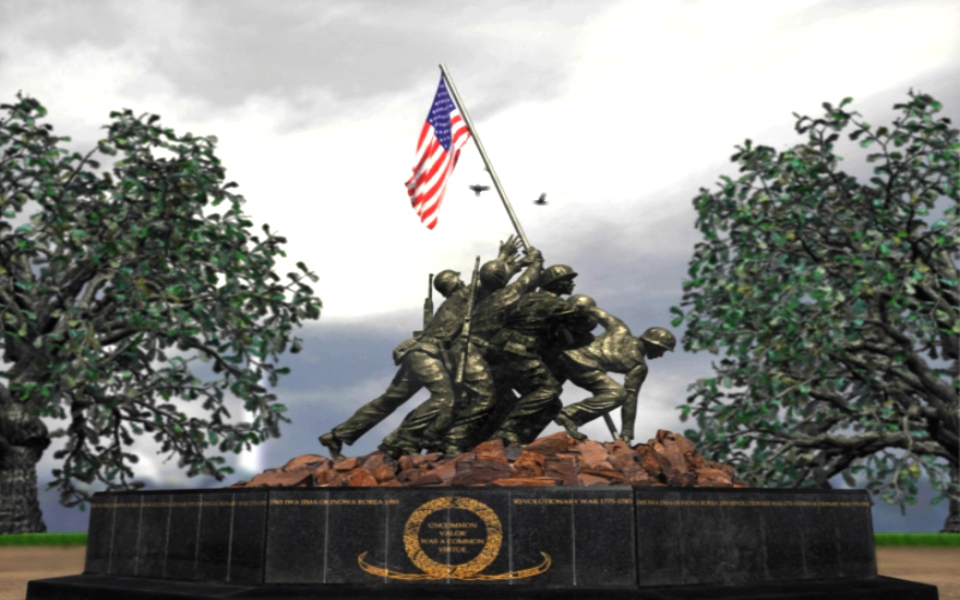
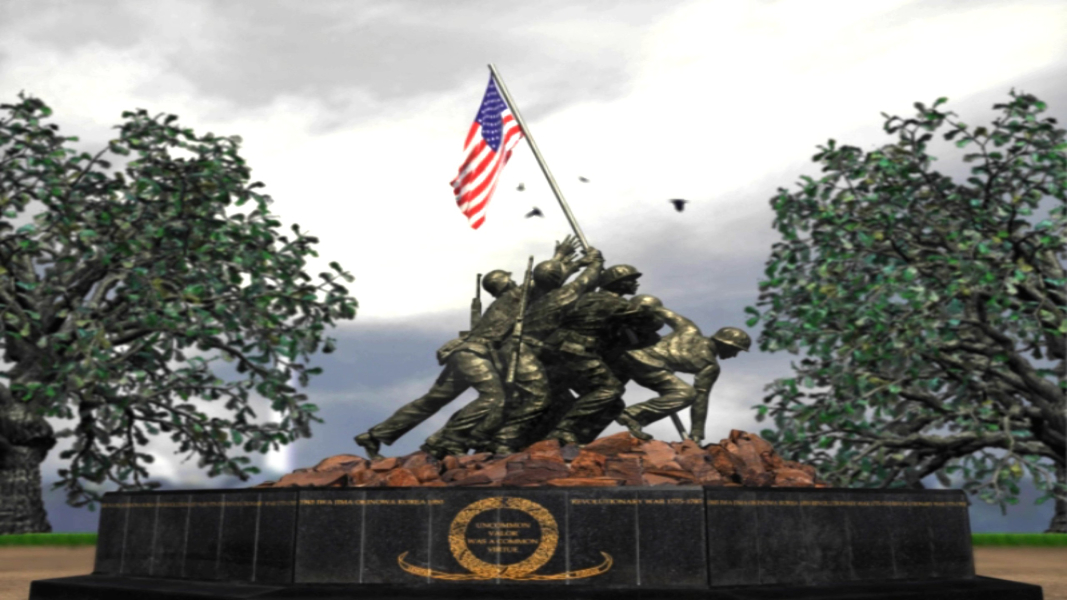
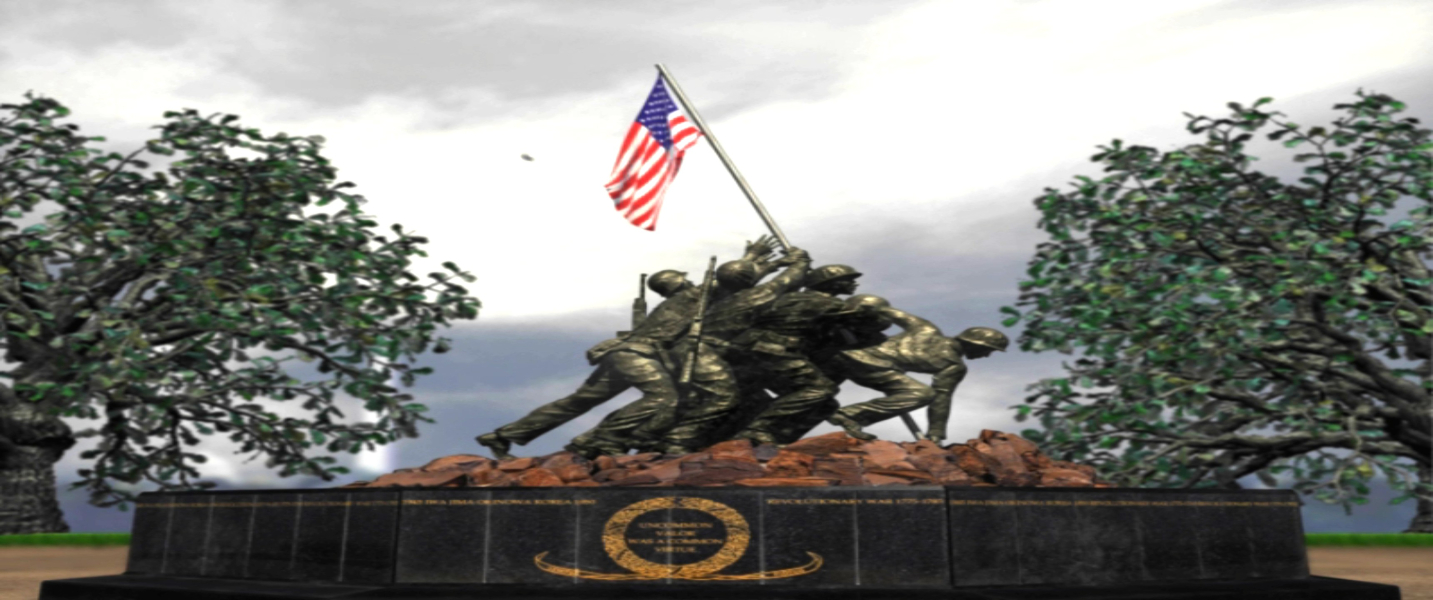
Menu Screenshots