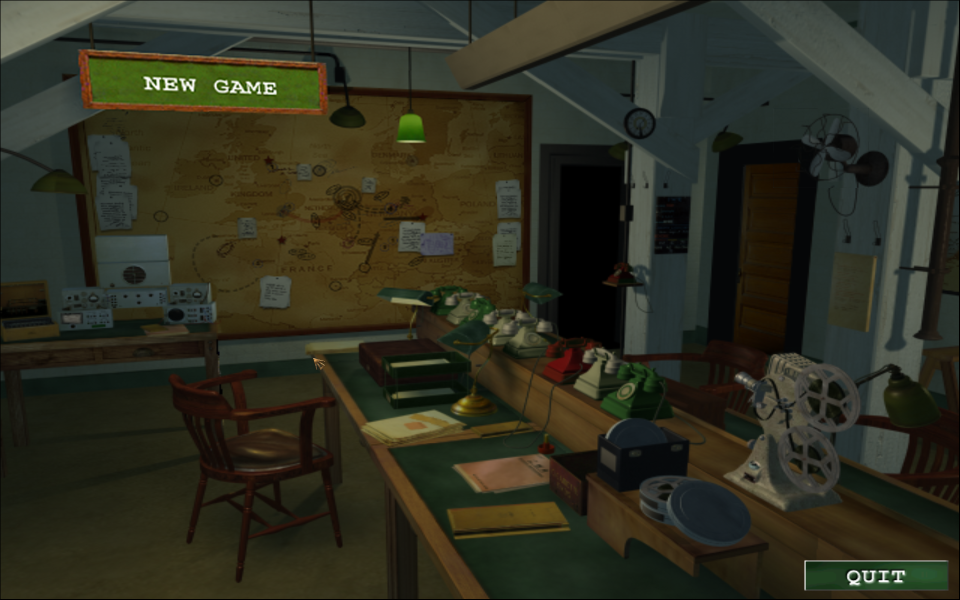


Medal of Honor: Allied Assault War Chest is a treasure trove of historical battles presented as a gritty World War II action FPS. Call in artillery and air strikes against the opposing forces and keep your squad away from the jaws of defeat and despair. Drive various assault vehicles, always charging onwards to victory. Uncle Sam wants YOU!
Medal of Honor: Allied Assault War Chest includes Medal of Honor: Allied Assault and its two expansions: Spearhead and Breakthrough.Wage war in vast and stunning locales--from North Africa to Norway, occupied France all the way to the heart of Germany.Over 48 carefully researched and authentic weapons from World War II.
Support Summary
Game Information
Screenshots Comparison
Solutions & Issues
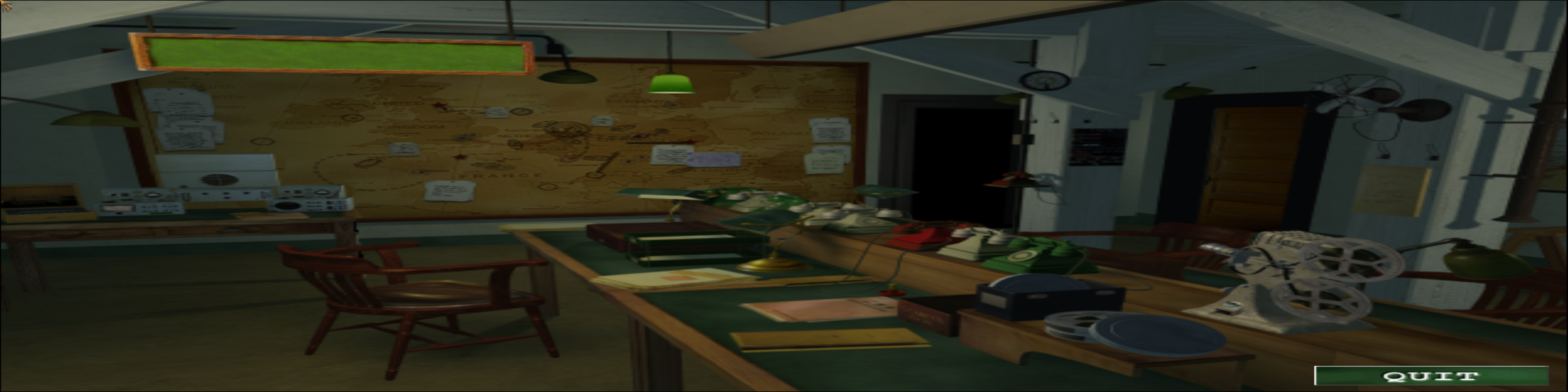
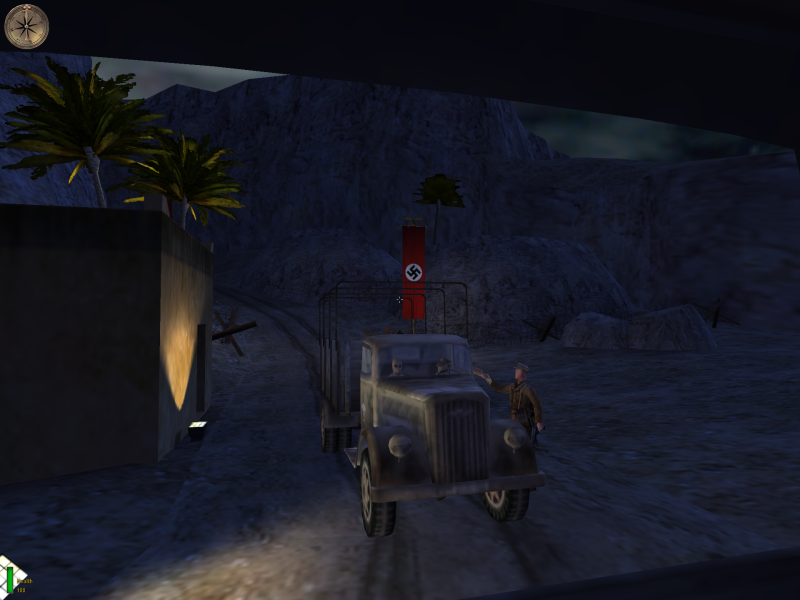
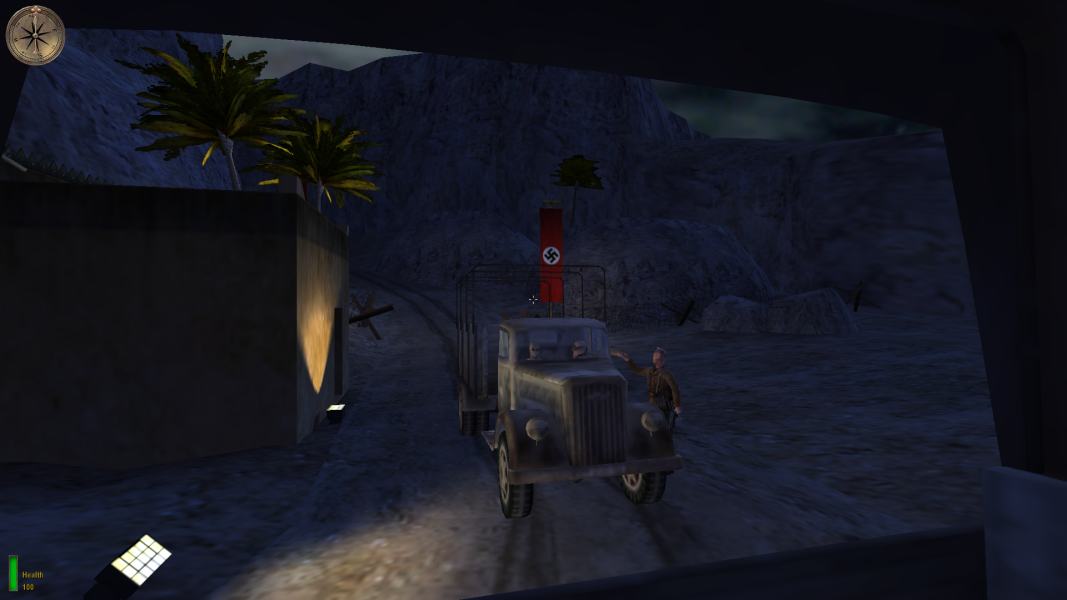
The Game offers only 4:3 Resolutions - you need to INI Edit the Resolution and HEX edit the FOV to get it HOR+
Resolution INI edit:
Go to \main\configs\unnamedsoldier.cfg
Scroll down to the "cvars" section. Add these lines:
seta r_customwidth "2560"
seta r_customheight "1400" //set these variables to whatever you want the resolution to be.
seta r_mode "-1"
FOV HEX edit:
Alied Assault: Go to \main\gamex86.dll
Cutscene FOV: Go to Offset 000A10A0 and change 00 00 A0 42 --> 00 00 B4 42 (16:10) or 00 00 BE 42 (16:9)
Game FOV: Go to Offset 00112E60 and change 00 00 A0 42 --> 00 00 B4 42 (16:10) or 00 00 BE 42 (16:9)
Spearhead: Go to \mainta\gamex86.dll
Cutscene FOV: Go to Offset 000E7830 and change 00 00 A0 42 --> 00 00 B4 42 (16:10) or 00 00 BE 42 (16:9)
Game FOV: Go to Offset 00147A50 and change 00 00 A0 42 --> 00 00 B4 42 (16:10) or 00 00 BE 42 (16:9)
Breakthrough: Go to \maintt\gamex86.dll
Cutscene FOV: Go to Offset 000EEB00 and change 00 00 A0 42 --> 00 00 B4 42 (16:10) or 00 00 BE 42 (16:9)
Game FOV: Go to Offset 00150C00 and change 00 00 A0 42 --> 00 00 B4 42 (16:10) or 00 00 BE 42 (16:9)
I created some FOV Solutions in the Attachment - MOH-Warchest-FOV.zip
--------------------------------------------------------------------------------------------
Alternative FOV via INI edit - This must be done every time you enter a new level, and it doesn't work in multiplayer.
Add this 2 Lines more in your unnamedsoldier.cfg
seta ui_console "1"
seta developer "1"
Now start the game. Whenever you load a level, you must bring down the console ("~" key), and type "fov 90." You can go higher. Advanced users may consider binding an out-of-the-way key to "fov 90". (e.g. add the following to the unnamedsoldier.cfg: bind b "fov 90")
Resolution same as above.
FOV HEX edit:
Alied Assault: Go to \main\gamex86.dll
Cutscene FOV: Go to Offset 000A10A0 and change 00 00 A0 42 --> 00 00 F0 42
Game FOV: Go to Offset 00112E60 and change 00 00 A0 42 --> 00 00 F0 42
Spearhead: Go to \mainta\gamex86.dll
Cutscene FOV: Go to Offset 000E7830 and change 00 00 A0 42 --> 00 00 F0 42
Game FOV: Go to Offset 00147A50 and change 00 00 A0 42 --> 00 00 F0 42
Breakthrough: Go to \maintt\gamex86.dll
Cutscene FOV: Go to Offset 000EEB00 and change 00 00 A0 42 --> 00 00 F0 42
Game FOV: Go to Offset 00150C00 and change 00 00 A0 42 --> 00 00 F0 42
I created some FOV Solutions in the Attachment - MOH-Warchest-FOV.zip
Resolution same as above.
FOV HEX edit:
Alied Assault: Go to \main\gamex86.dll
Cutscene FOV: Go to Offset 000A10A0 and change 00 00 A0 42 --> 00 00 0C 43
Game FOV: Go to Offset 00112E60 and change 00 00 A0 42 --> 00 00 0C 43
Spearhead: Go to \mainta\gamex86.dll
Cutscene FOV: Go to Offset 000E7830 and change 00 00 A0 42 --> 00 00 0C 43
Game FOV: Go to Offset 00147A50 and change 00 00 A0 42 --> 00 00 0C 43
Breakthrough: Go to \maintt\gamex86.dll
Cutscene FOV: Go to Offset 000EEB00 and change 00 00 A0 42 --> 00 00 0C 43
Game FOV: Go to Offset 00150C00 and change 00 00 A0 42 --> 00 00 0C 43
I created some FOV Solutions in the Attachment - MOH-Warchest-FOV.zip
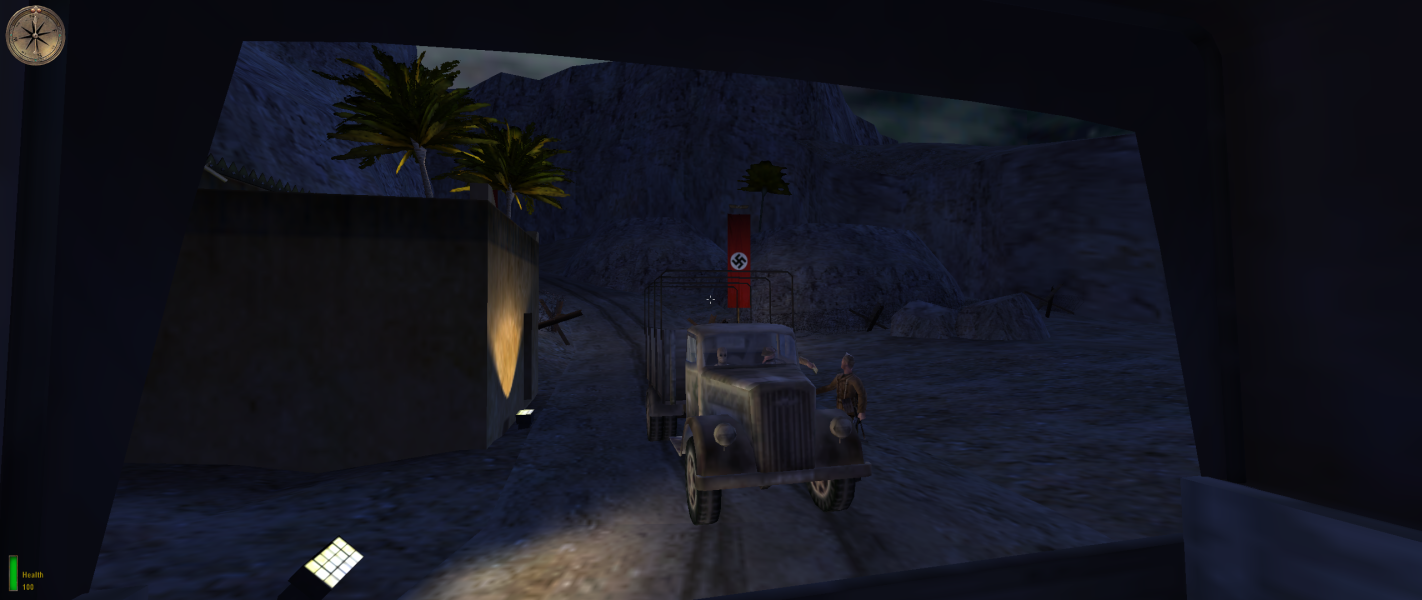
Gameplay Screenshots


In-Game (Rendered) Cutscenes


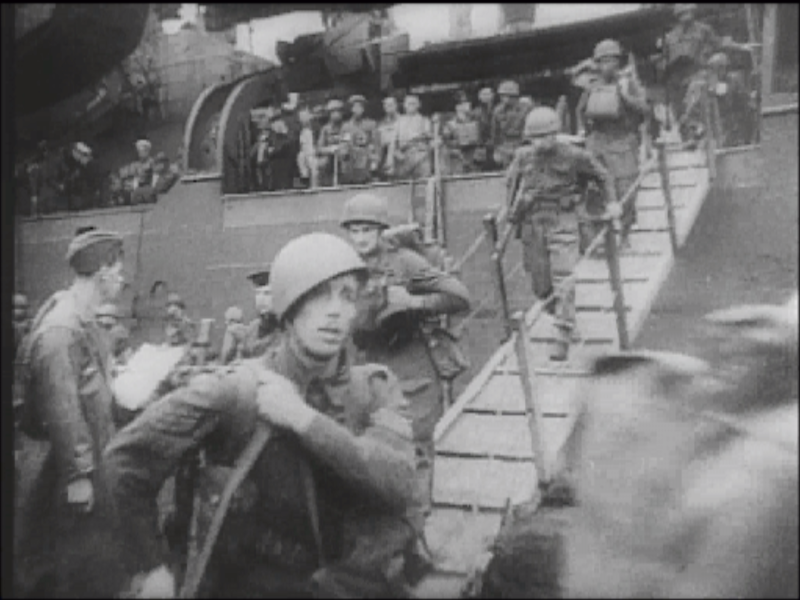
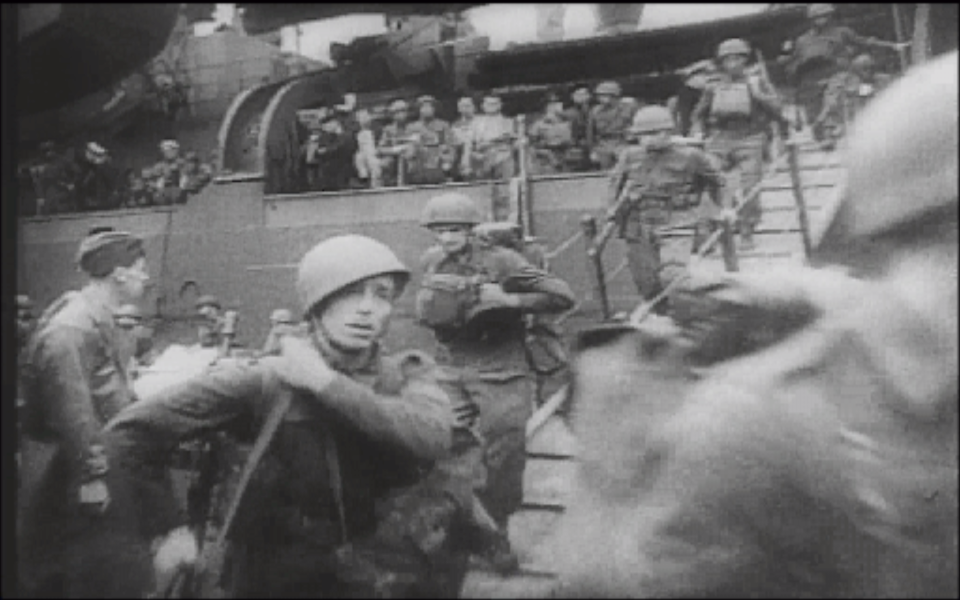
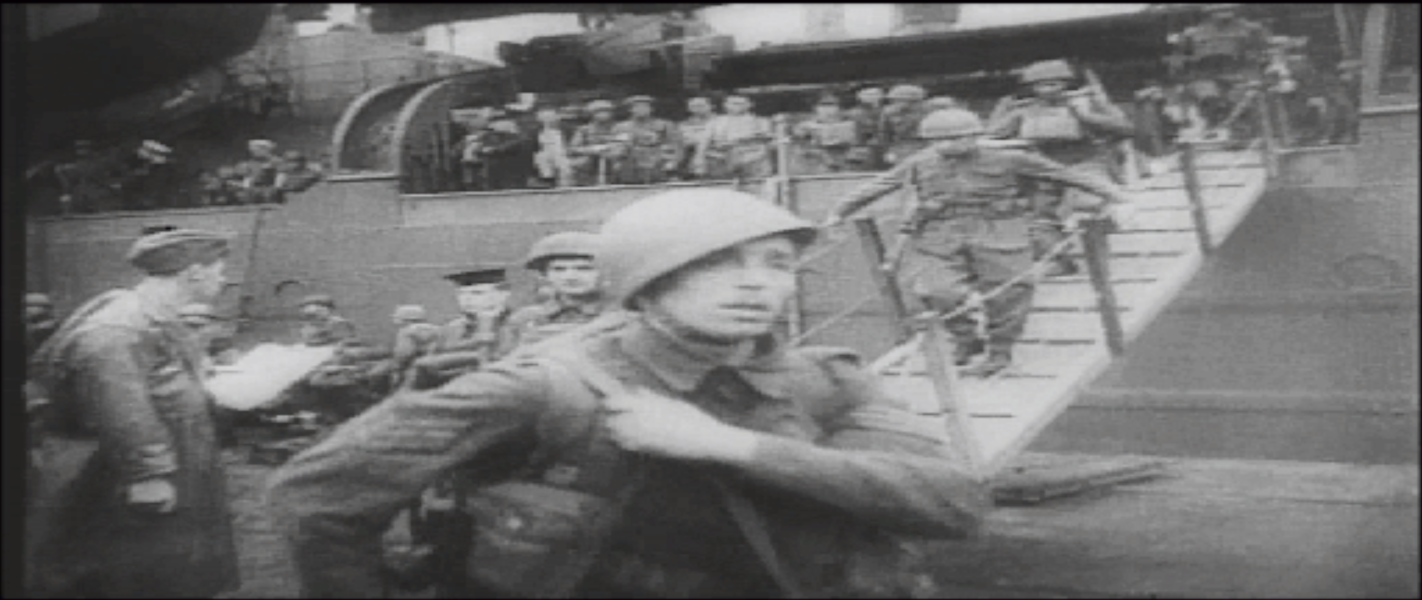
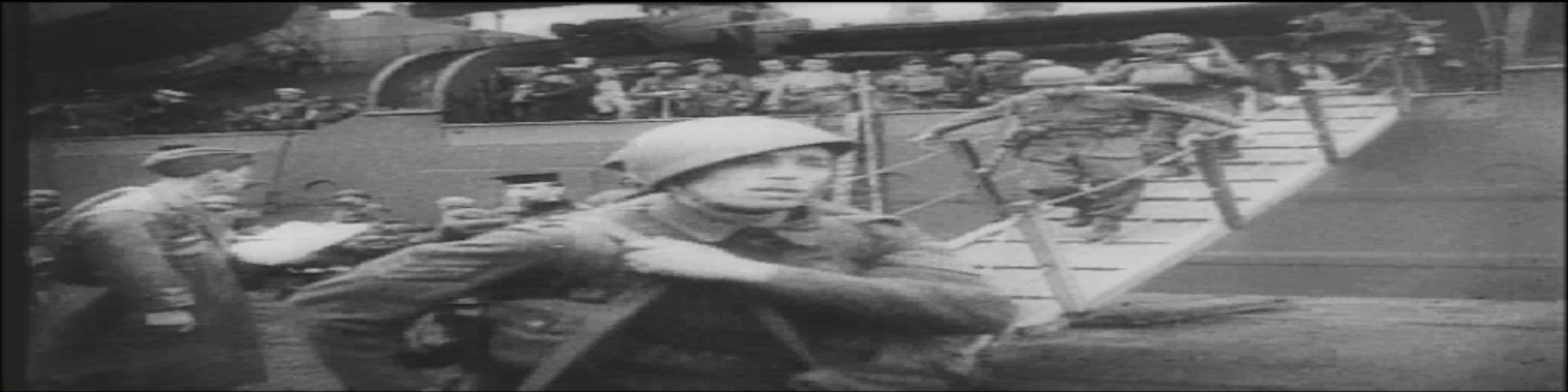
FMV Cutscenes

Menu Screenshots