


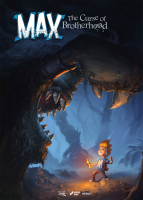


Max: The Curse of Brotherhood is a reimagening of Max & the Magic Marker. Just like the original game it is a 2D side-scrolling platformer with a focus on physics to solve puzzles. The visuals have been enhanced extensively and are now presented in 2.5D instead of the plain 2D of the original game. Basic movement allows Max to move around, jump, slide down, swing and climb ropes, duck through narrow passages and climb platforms. There is no way to attack, instead he has to use a magic marker in inventive ways. His old marker is turned into a magic one by an old lady and the player uses it to draw in the environment to help Max get around and defeat enemies.
Support Summary
Widescreen | Ultra/Super‑Wide | Multi-Monitor | 4K Ultra HD | |
Support | ||||
Method | ||||
HUD | ||||
Cutscenes | ||||
FMVs |
Game Information
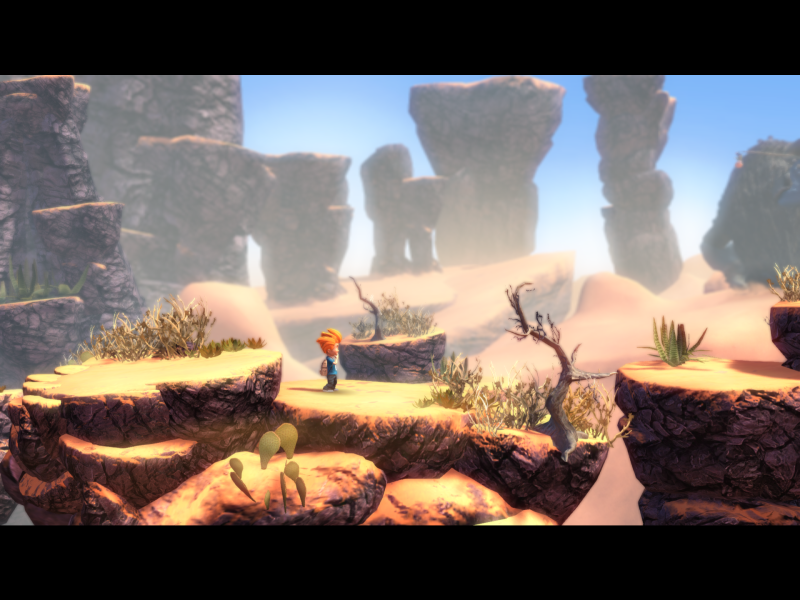
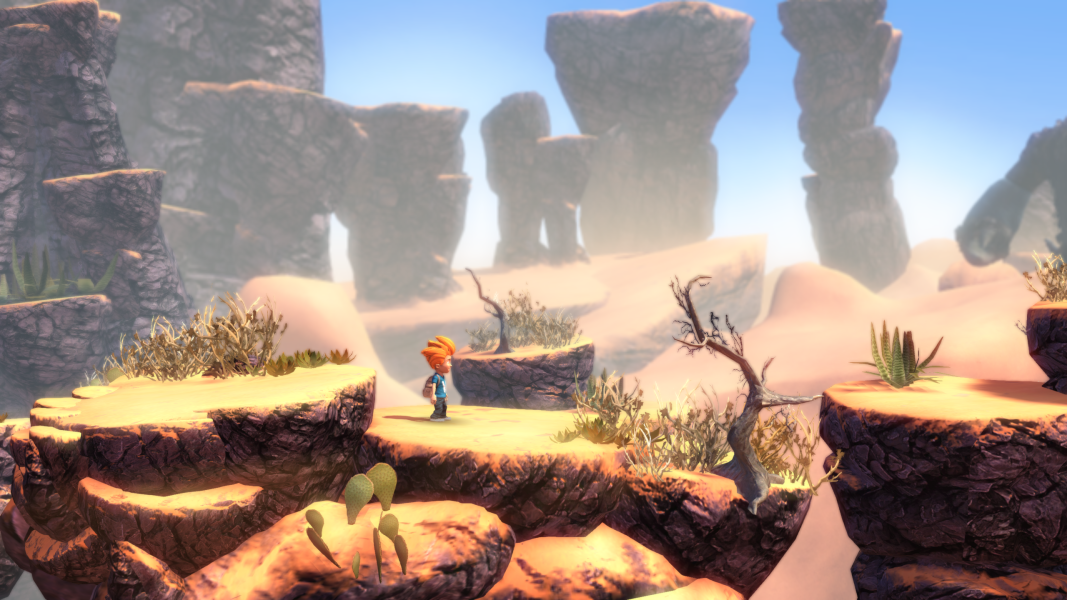
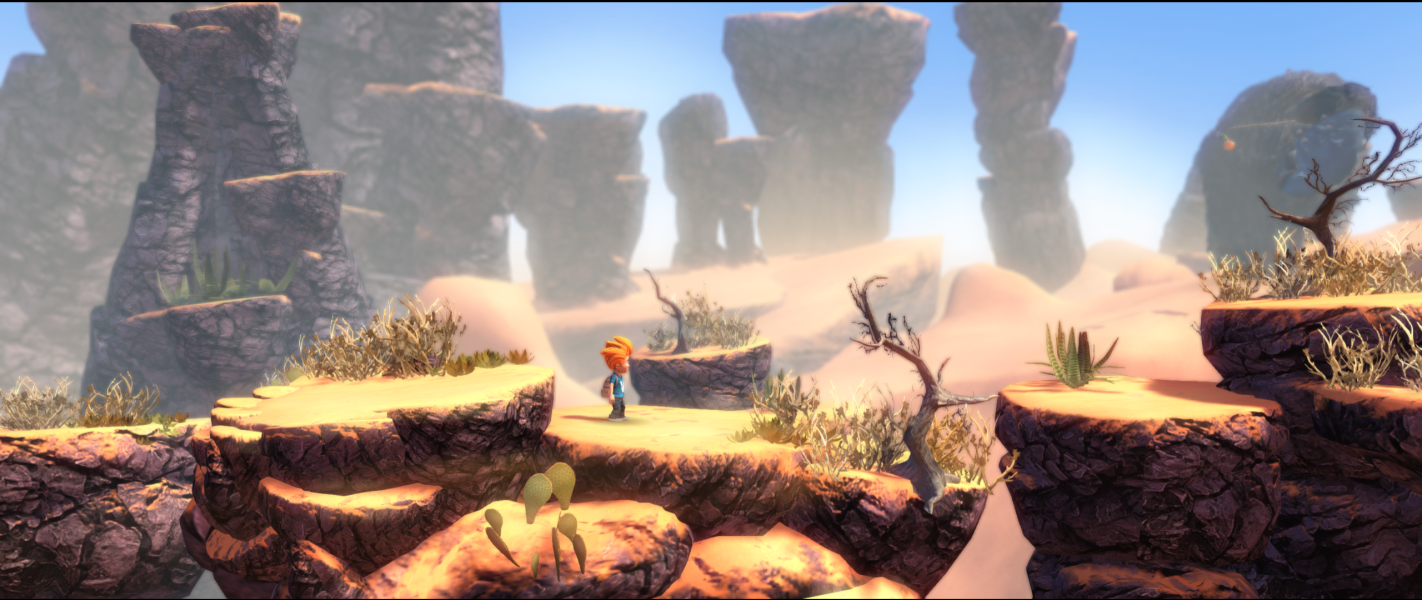
Screenshots Comparison
Solutions & Issues
There is no Option to change the resolution - the Game uses the Desktop resolution.
You can manually edit different resolutions via Regedit:
[HKEY_CURRENT_USER\Software\PressPlay\Max The Curse of Brotherhood]
"Screenmanager Resolution Width_h182942802"=dword:00000780
"Screenmanager Resolution Height_h2627697771"=dword:000005a0
What you need to do: Change the Aspect Ratio from 16:9 to 21:9
Go to --> ...\Steam\steamapps\common\Max The Curse of Brotherhood\Max2_Data\Managed
Hex Edit the Assembly-CSharp.dll -> look for 39 8E E3 3F and change the to CD 90 18 40
Or use files available from the PC Gaming Wiki Community Files (search there).
- The intro, outro & credits FMVs are pillarboxed.
- All other FMVs are both letterboxed and Vert-.
Same method: use ResHex to find the right 'Combined Hex' for your resolution, open Assembly-CSharp.dll in a hex editor and replace 3 instances of 39 8E E3 3F with the new value.
- Only the intro, outro & credits FMVs are anamorphic.
- All other FMVs are both letterboxed and Vert-.
Native support.
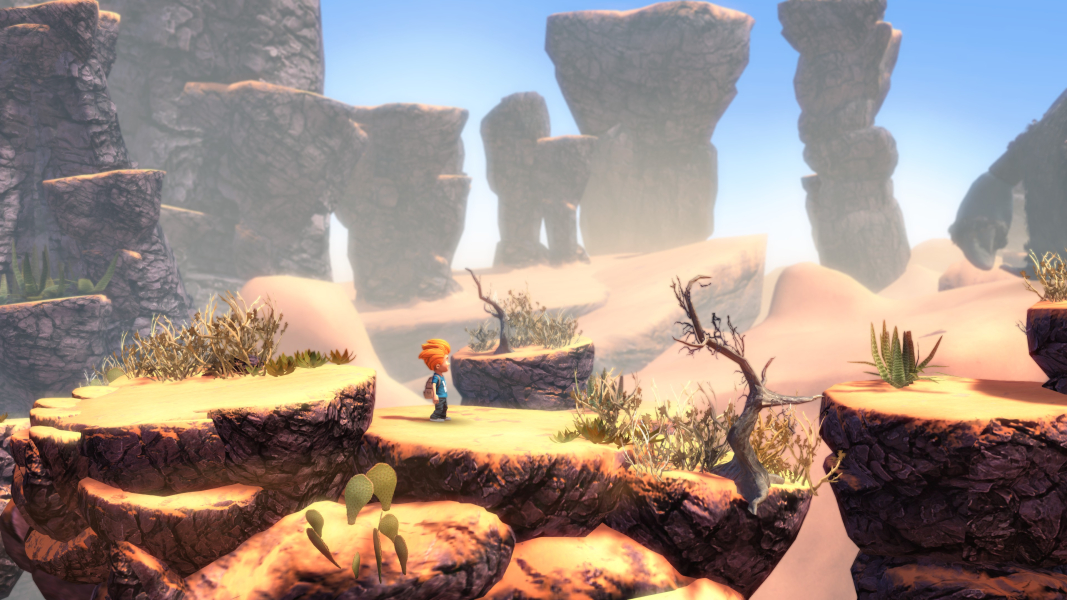
Gameplay Screenshots



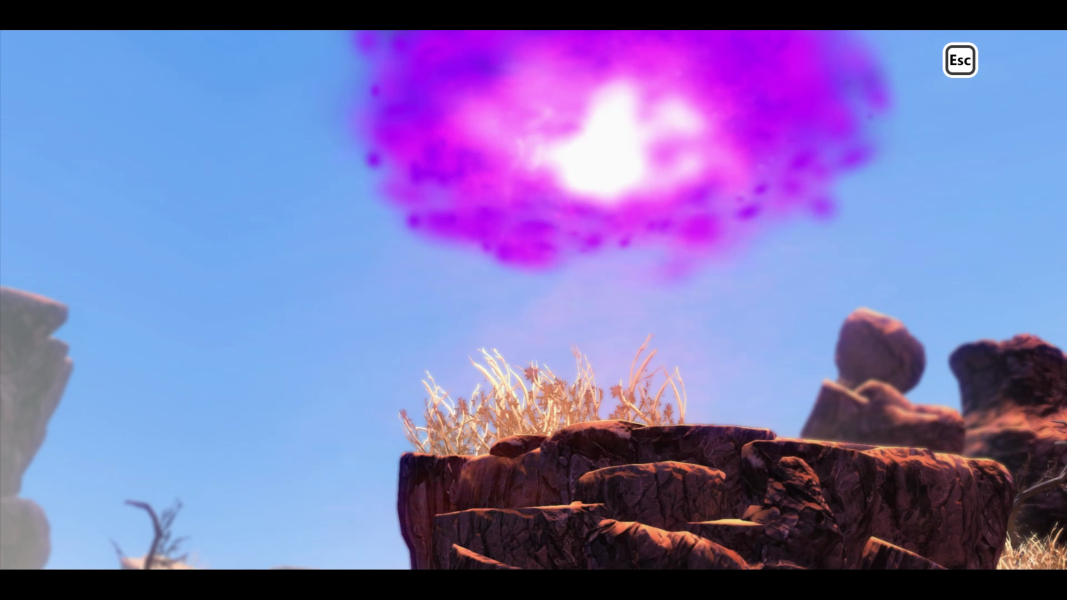
In-Game (Rendered) Cutscenes
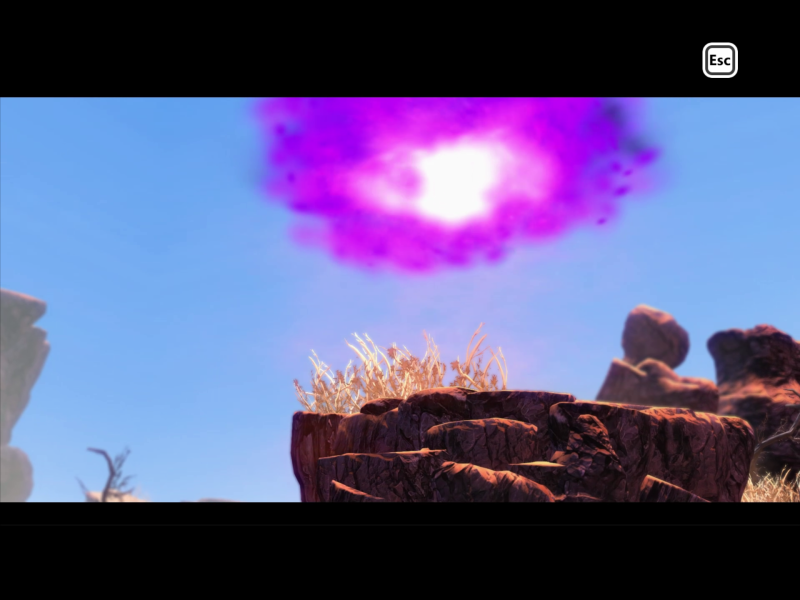
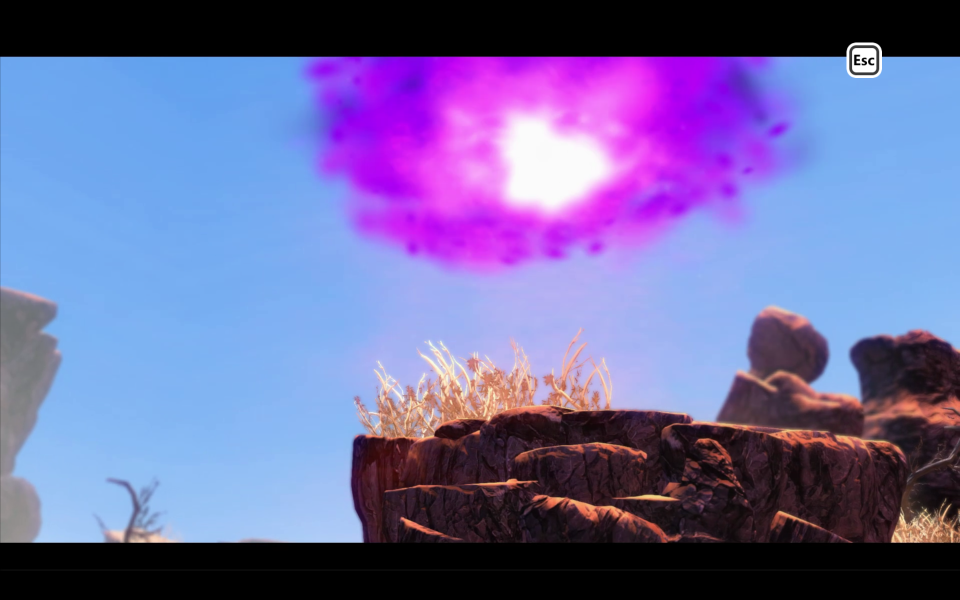
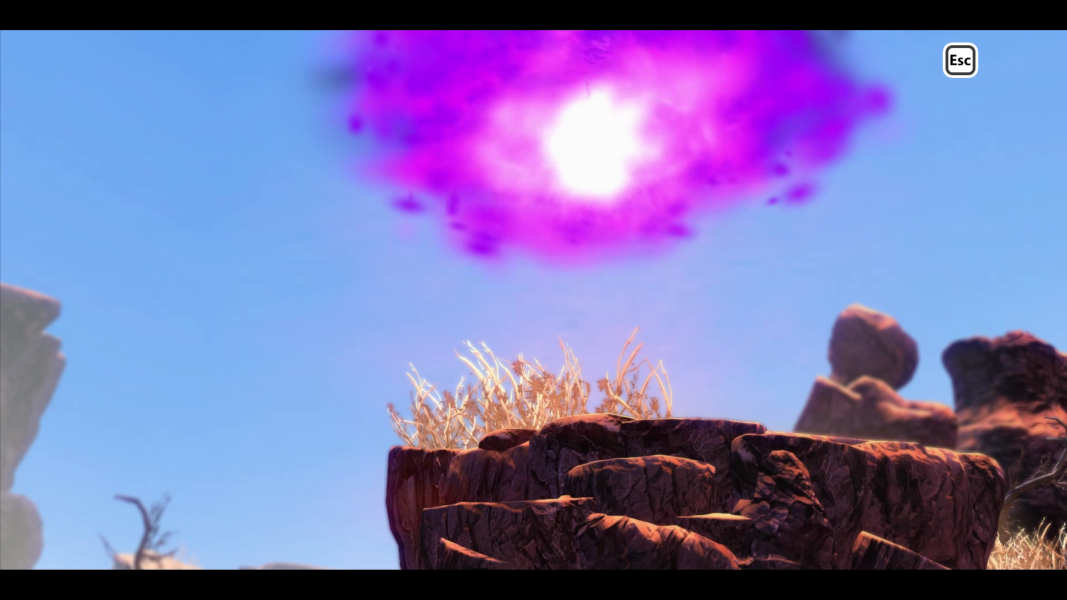
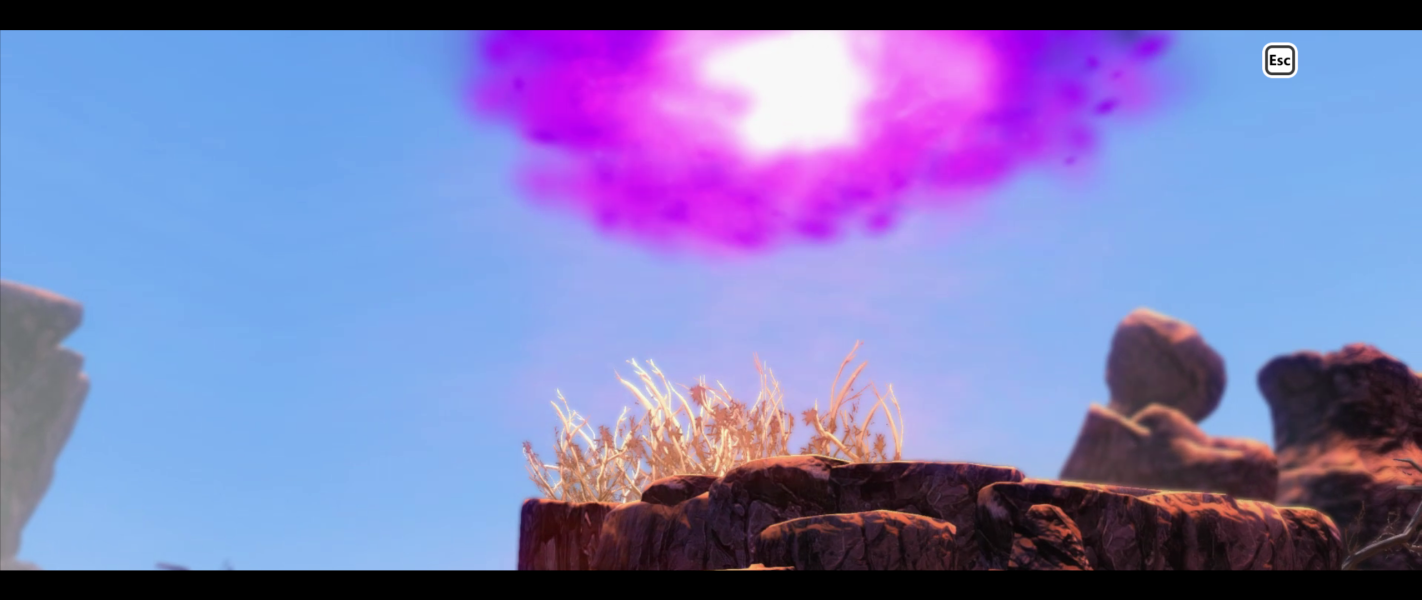

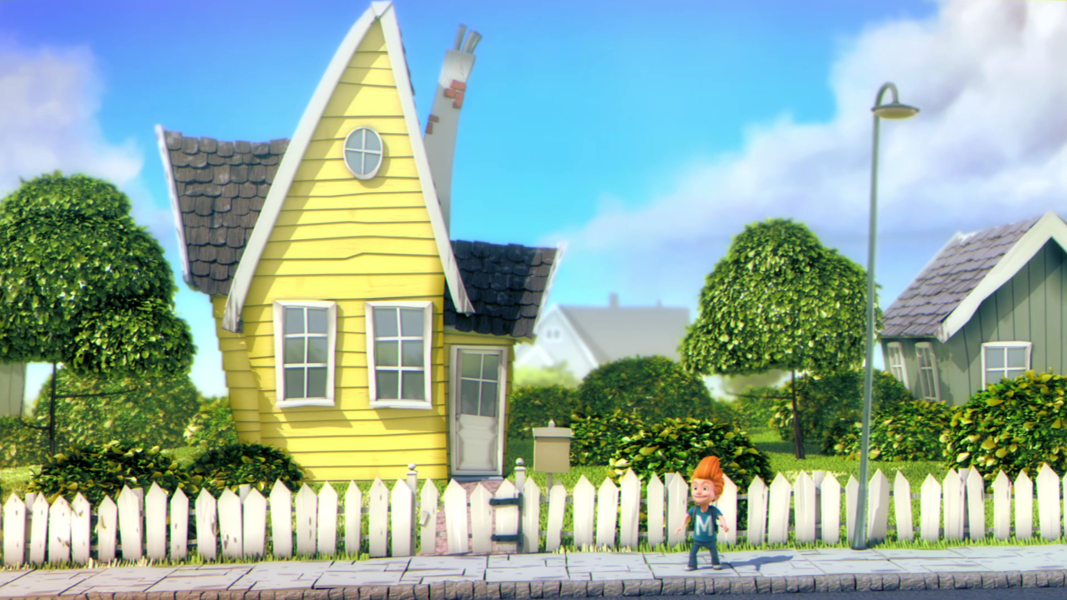
FMV Cutscenes
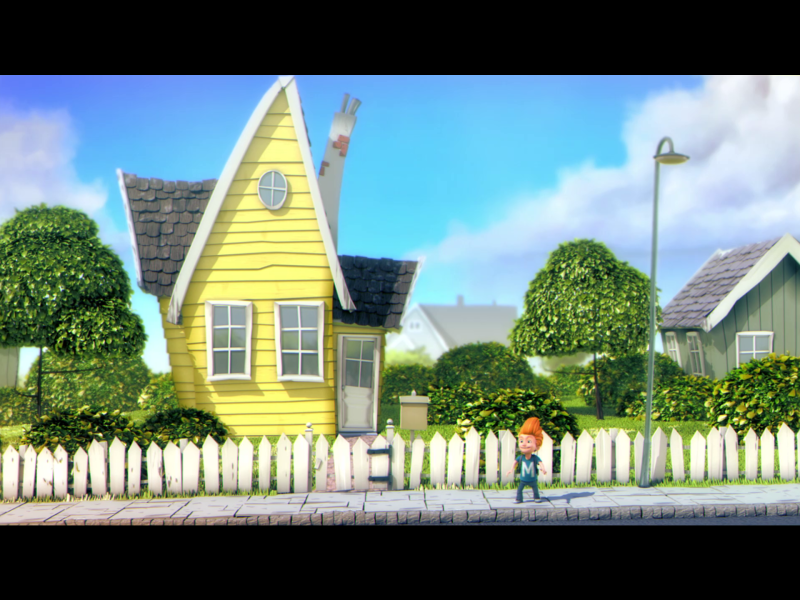



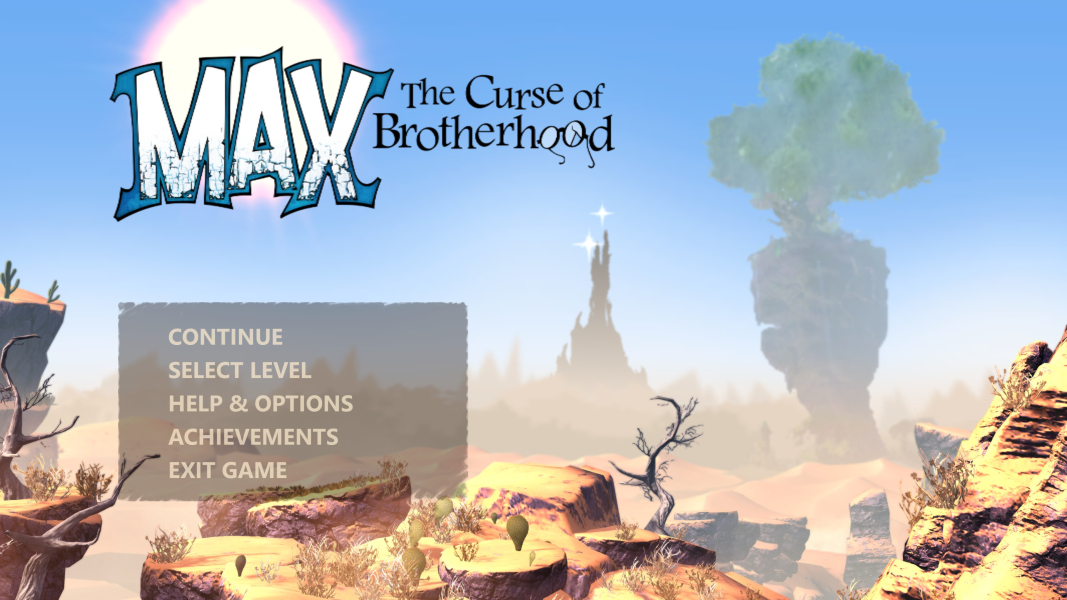
Menu Screenshots
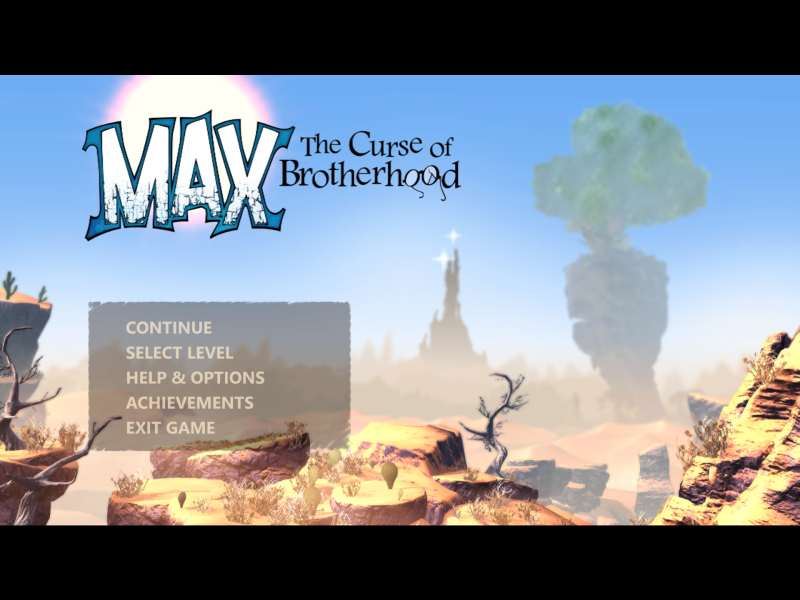
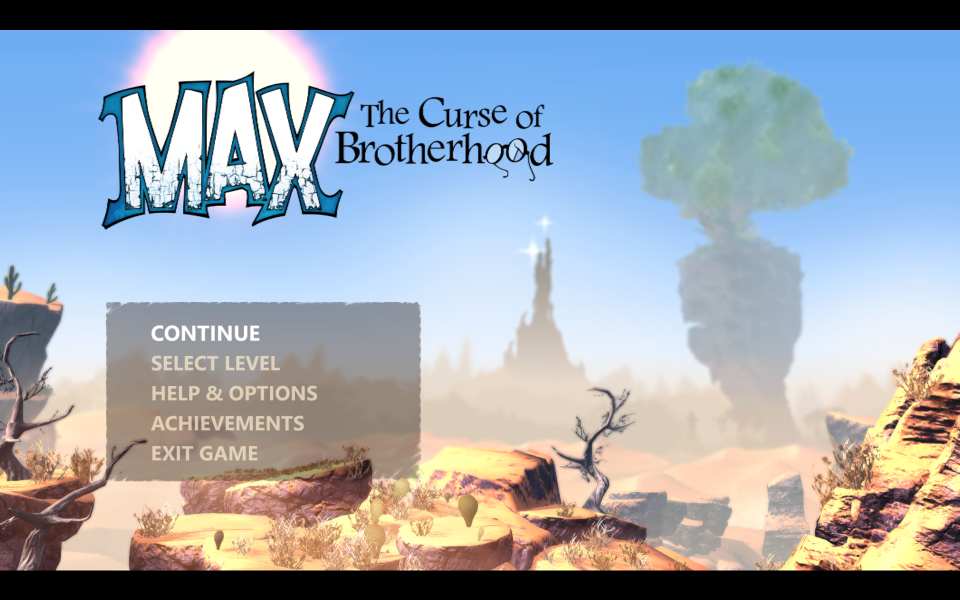
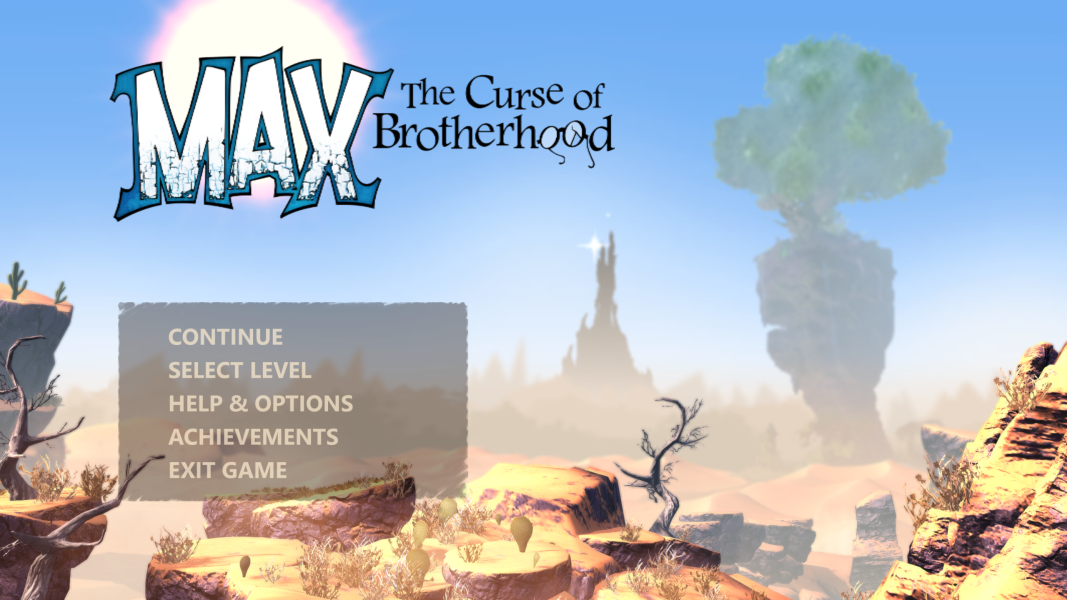


4K UHD Screenshots
Additional Screenshots


