


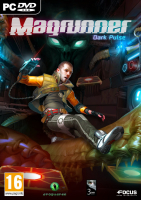


This first-person puzzler combines the two-color logic of Portal with the potentially lethal visions of Amnesia. Copycat ? Sure... but Magrunner is also the one and only videogame featuring both a teleporting magnetizer dog and the Cthulhu mythos.
Support Summary
Game Information
Screenshots Comparison
Solutions & Issues
You must quit and launch the game again to apply any new resolution.
Default FOV is "Vert+", but can be adjusted using the FOV slider (under Options/Video) according to your display's aspect ratio:
Assuming the default setting (central notch) is ok for 16:9...
For 16:10 move the cursor one notch to the left.
For 4:3 move the cursor all the way to the left.
For fine-tuning, you can also edit the value of 'OnFootDefaultFOV=' in Documents\my games\Magrunner\YoshiGame\ConfigYoshiYoshiSave.ini (supported range: 70-110).
Regardless of the FOV, zoom is Vert- (i.e less powerful on wider screens).
Move the FOV cursor a couple notches to the right and you're all set.
Tested in "faux 21:9" (windowed).
Default FOV is Vert- but this is easily arranged:
Documents\my games\Magrunner\YoshiGame\Config\YoshiEngine.ini
[Engine.LocalPlayer]

AspectRatioAxisConstraint=AspectRatio_MaintainXFOV // replace MaintainXFOV with MaintainYFOV
Then slide the in-game FOV cursor all the way to the left.
Even at the minimum setting the Vert FOV is a tad too high. Zoom is Hor+/Vert+ as well.
Dax's glove is cut-off (Vert-)... sudden holo-com transmissions may cause jump scares.
Cosmetic issue: menu items are slightly broken in 48:9 (missing parts in text and pictures, but navigation is ok). 48:10 and 15:4 are unaffected.
Gameplay Screenshots
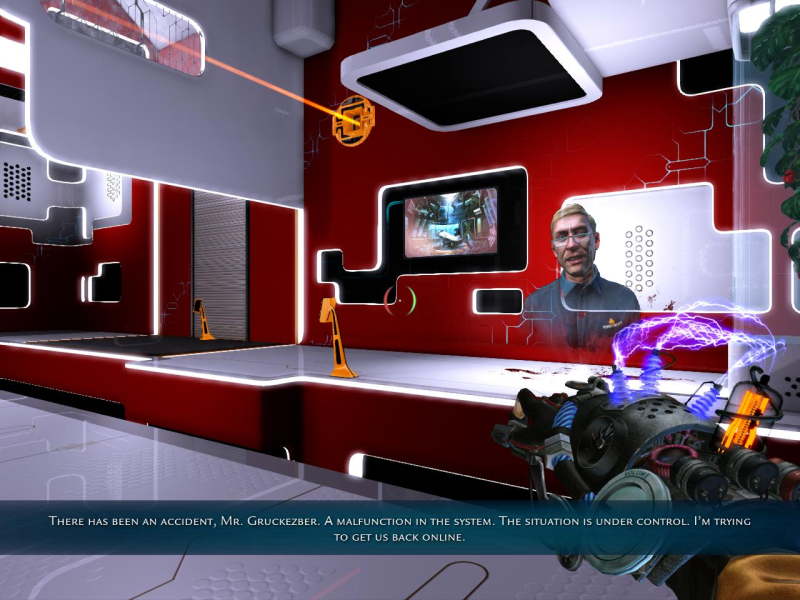
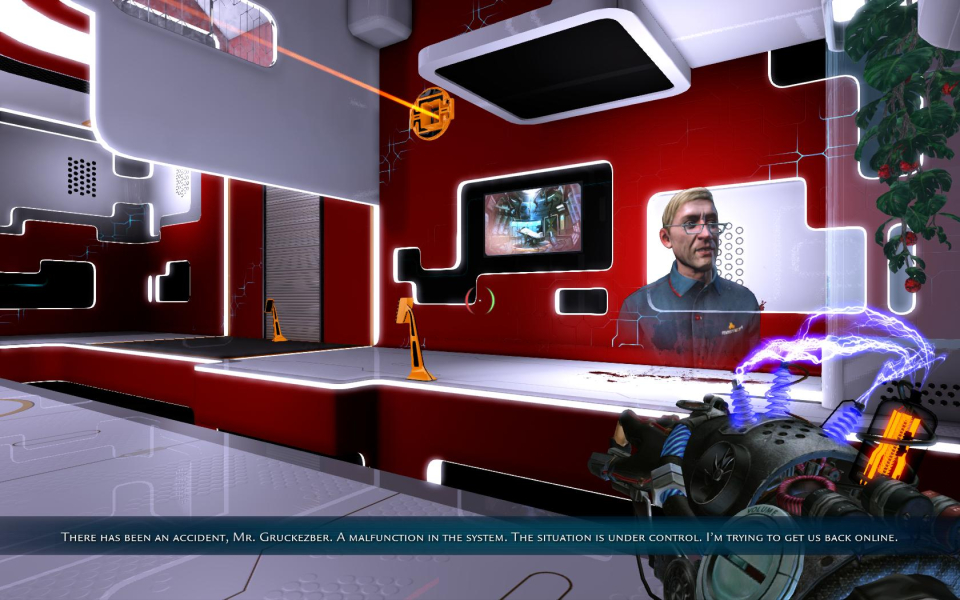
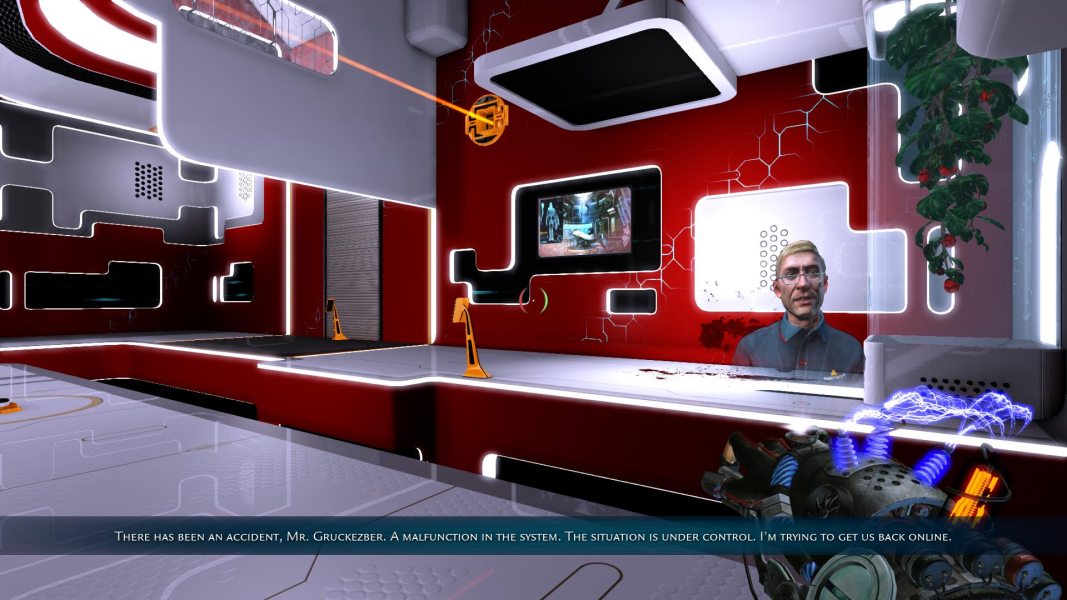
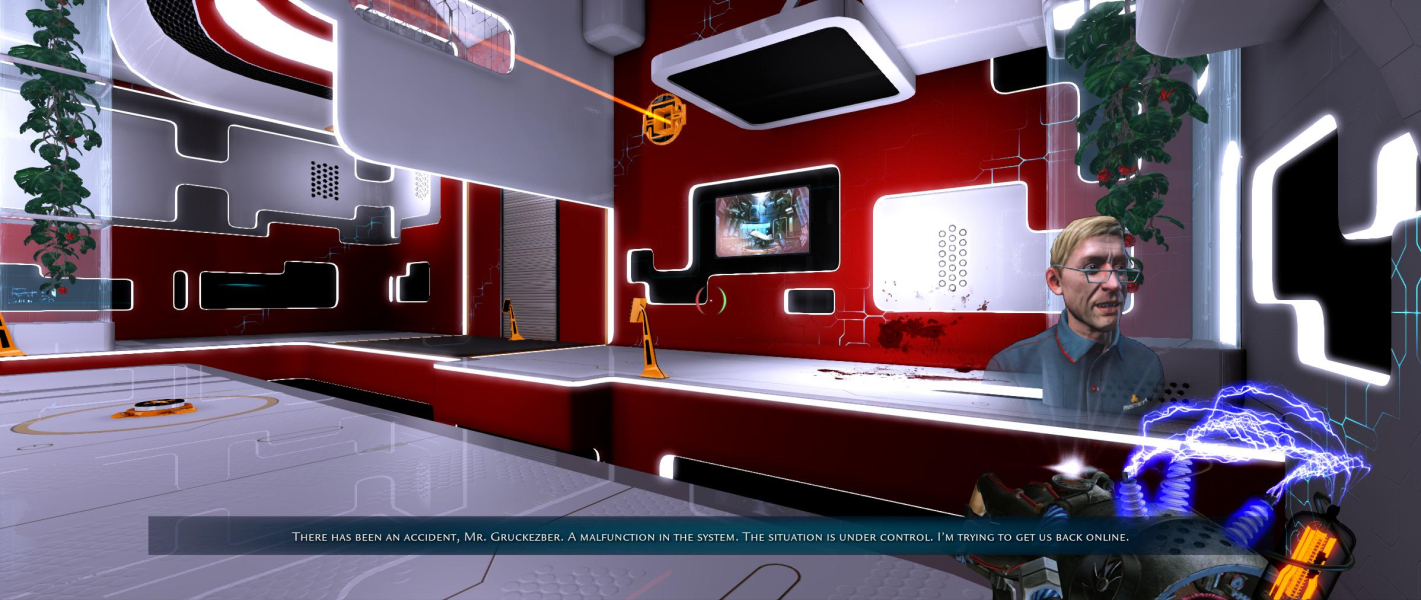


In-Game (Rendered) Cutscenes

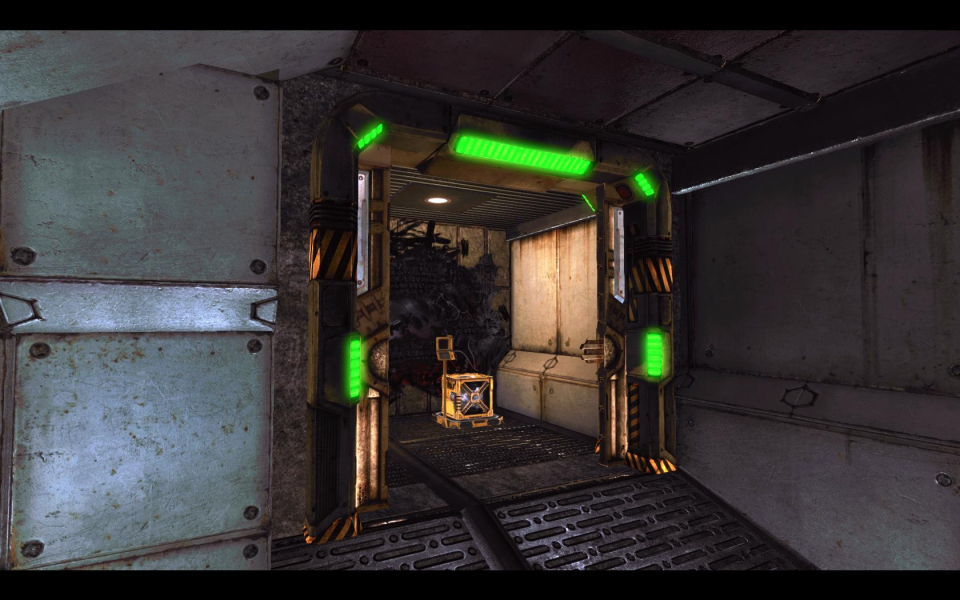
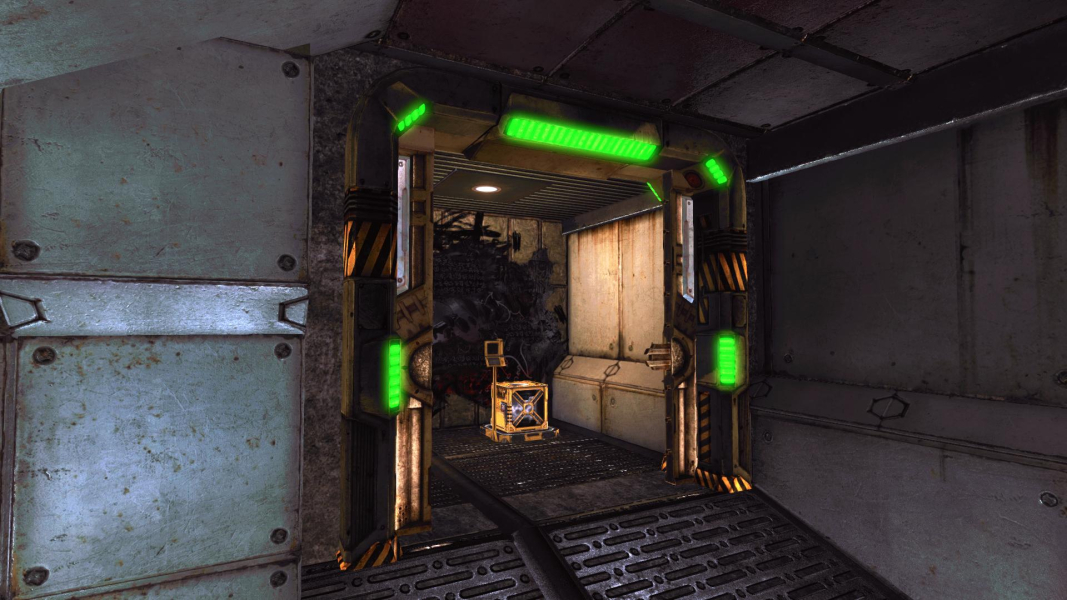
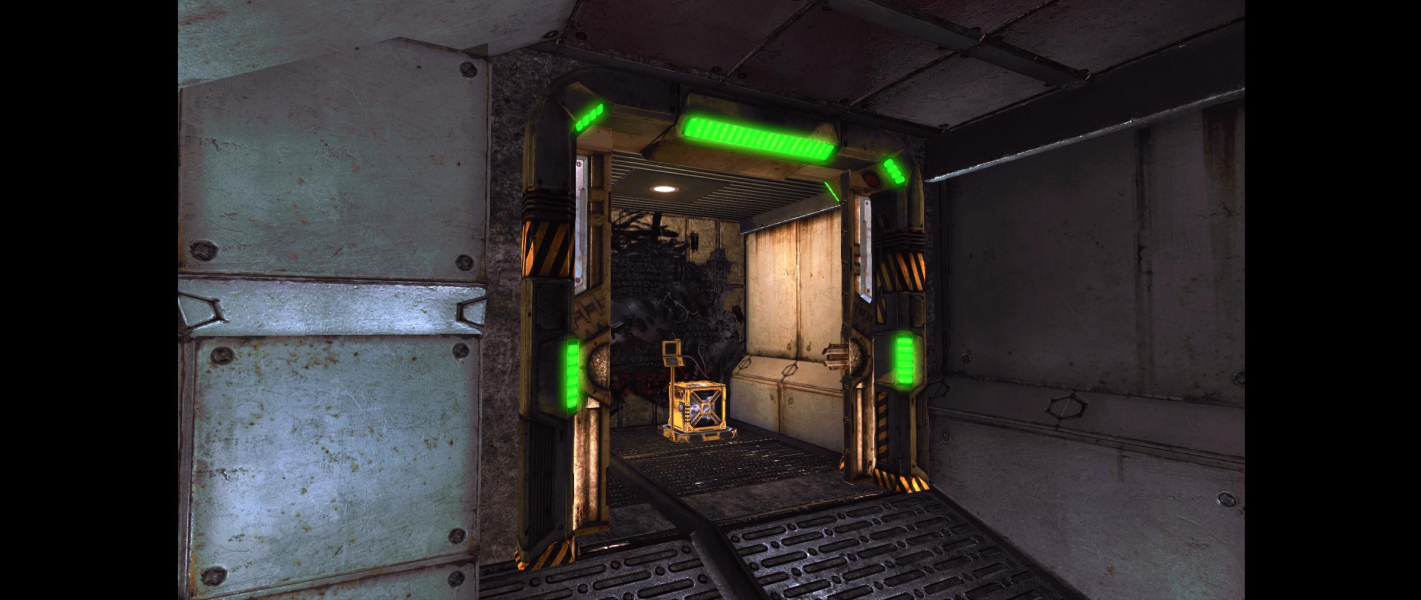

FMV Cutscenes
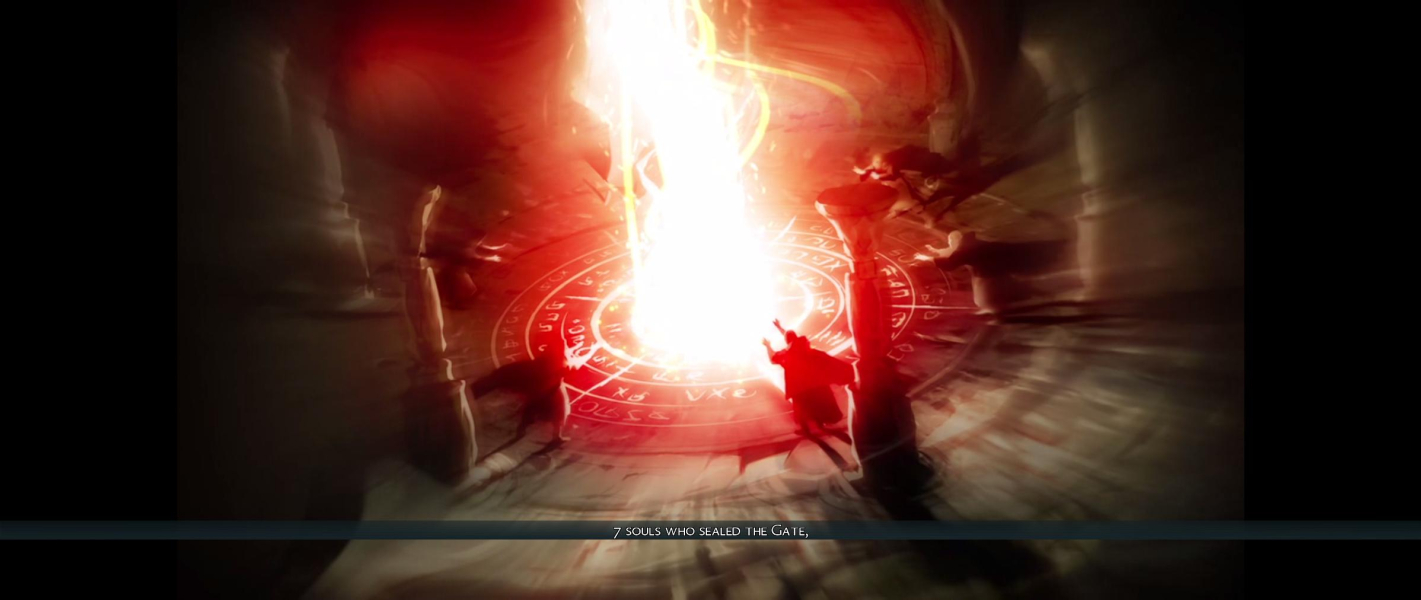

Menu Screenshots
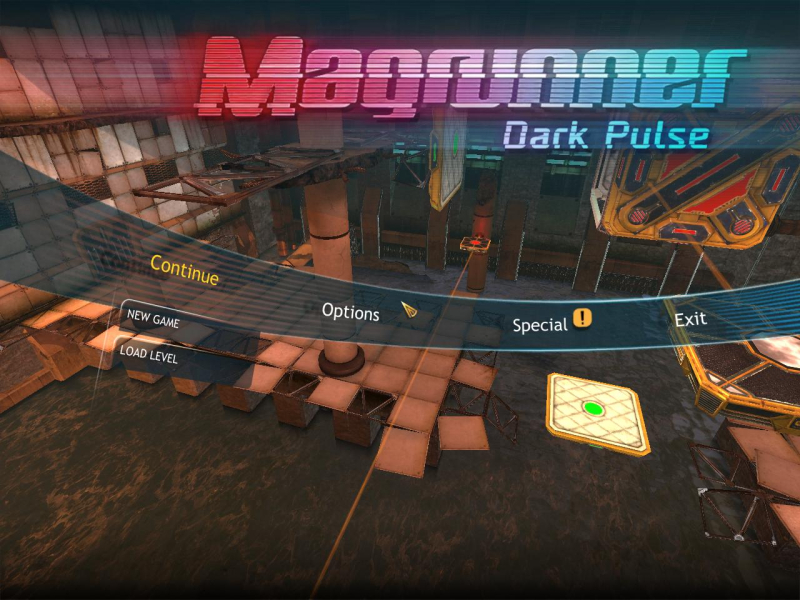
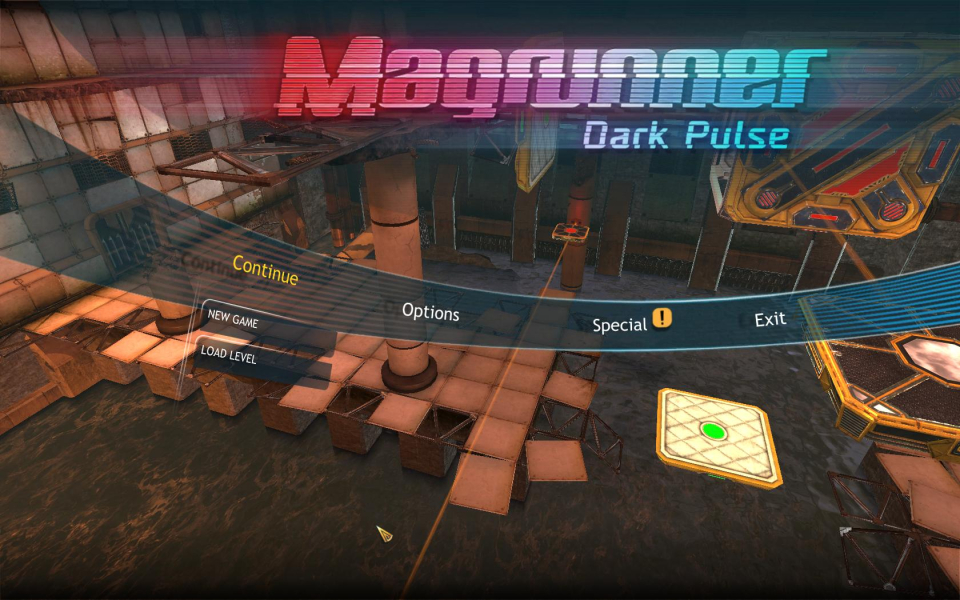
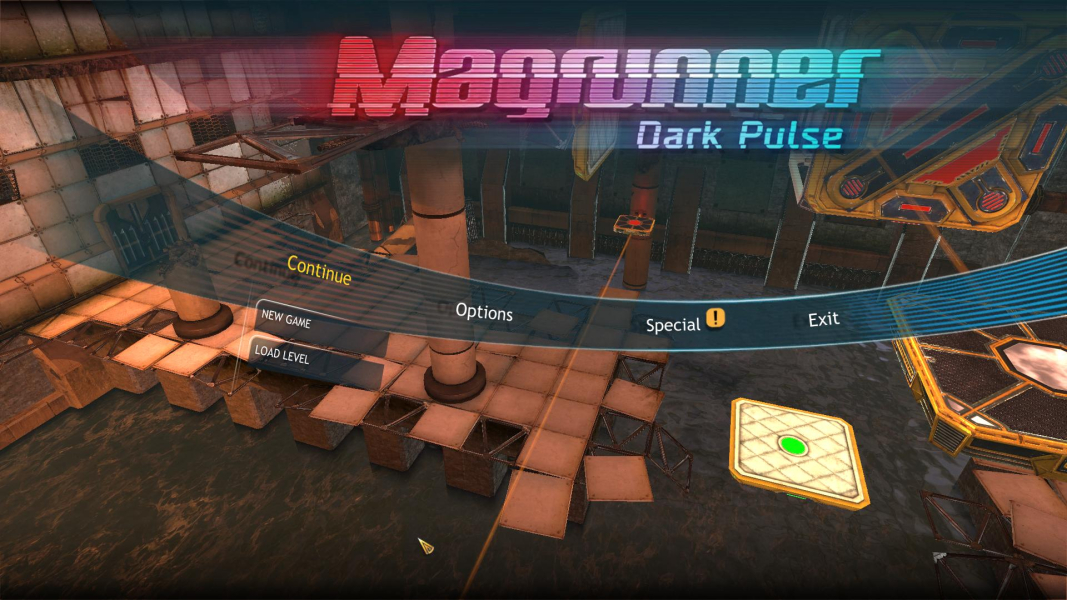
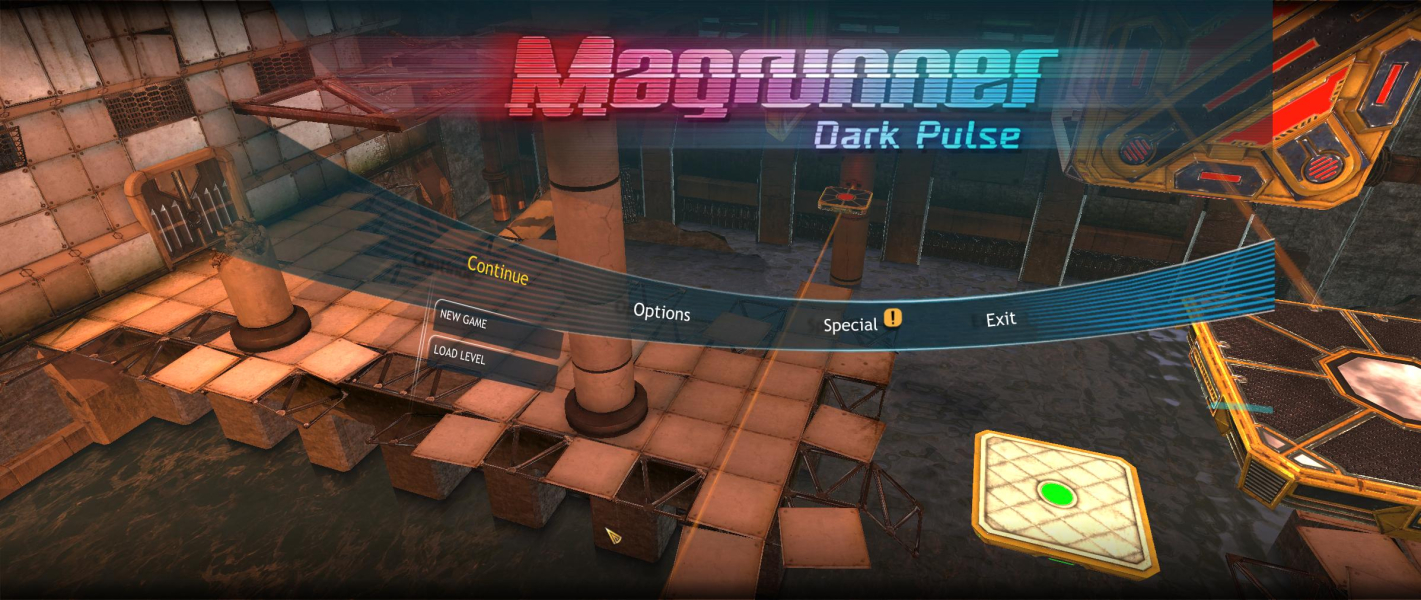

Additional Screenshots


