

Mafia is a third person action-adventure game in the vein of GTA. The game takes place in a fictional 1930's city.
Support Summary
Game Information
Screenshots Comparison
Solutions & Issues
I. Mafia Widescreen Fix: thirteenag.github.io/wfp#mafia
II. You need to use Mafia Widescreen Fix 1.2
1. You need MafiaDataXTractor 1.1
2. Extract MISSION data with MafiaDataXTractor
3. Copy "missions" folder from archive to your Mafia directory
16:9 --> http://wsgfmedia.com/uploads/thales100/Mafia_Widescreen_Fix_1.2_16-9.rar
16:10 --> http://wsgfmedia.com/uploads/thales100/Mafia_Widescreen_Fix_1.2_16-10.r…
For custom fov:
1. You need MafiaDataXTractor 1.1, BScriptView 6.0
2. Extract MISSION data with MafiaDataXTractor
3. Edit each "scene2.bin" file in all folders in "Mafia/Missions" with BSV6.0 - add to "GameInitEnd" script this string "camera_setfov xx".
(be careful because you have to edit 70 files and only some of them are called "GameInitEnd", sometimes you have to edit "GameInitStart" and few different files.
4. Remember! Each file in each mission folders.
5. Save Results
Fov that i used for creating fix:
16:10 camera_setfov 80.08
16:9 camera_setfov 86.07
48:9 camera_setfov 70.4
48:10 camera_setfov 68.4
The Direct2Drive version of the game, although Vert- in widescreen, is natively Hor+ in multi-mon.
For retail version You need to use Mafia Widescreen Fix 1.2
1. You need MafiaDataXTractor 1.1
2. Extract MISSION data with MafiaDataXTractor
3. Copy "missions" folder from archive to your Mafia directory
48:9 --> http://wsgfmedia.com/uploads/thales100/Mafia_Widescreen_Fix_1.2_48-9.rar
48:10 --> http://wsgfmedia.com/uploads/thales100/Mafia_Widescreen_Fix_1.2_48-10.rar
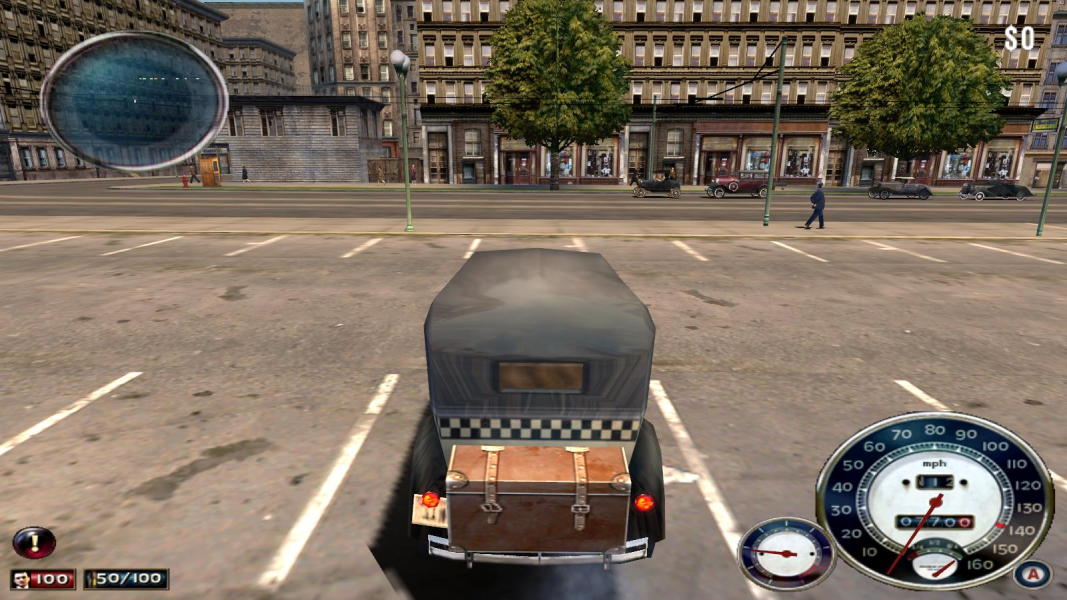
Gameplay Screenshots

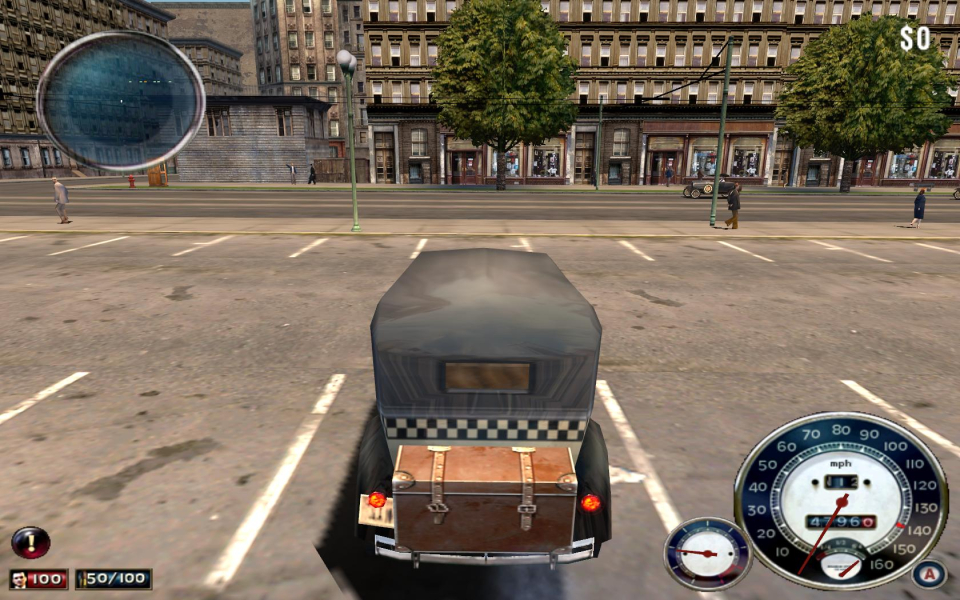


In-Game (Rendered) Cutscenes
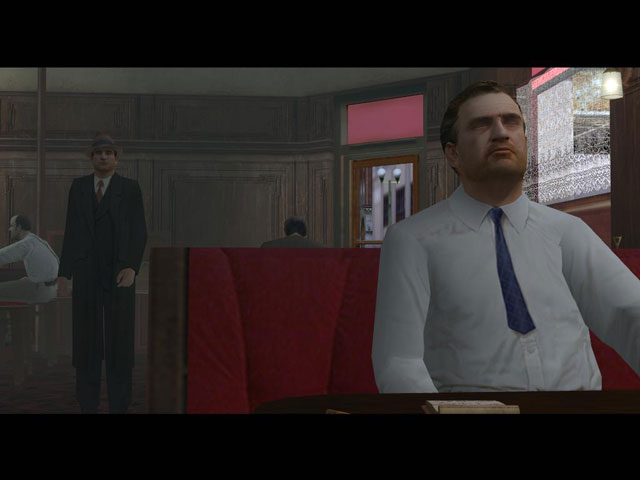
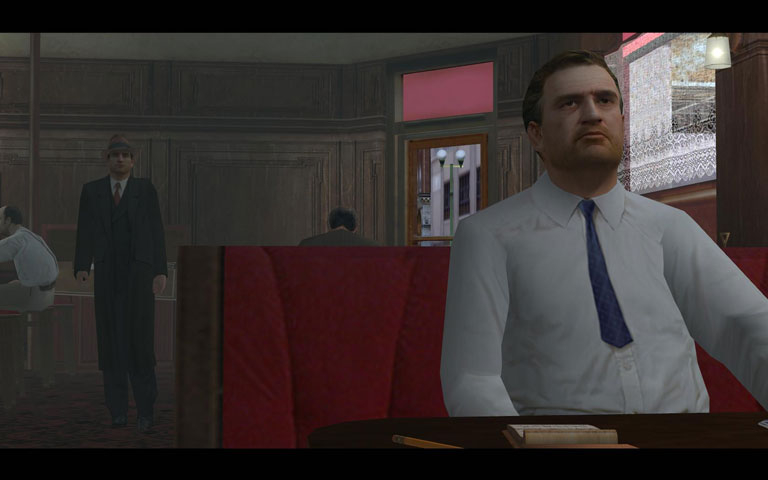
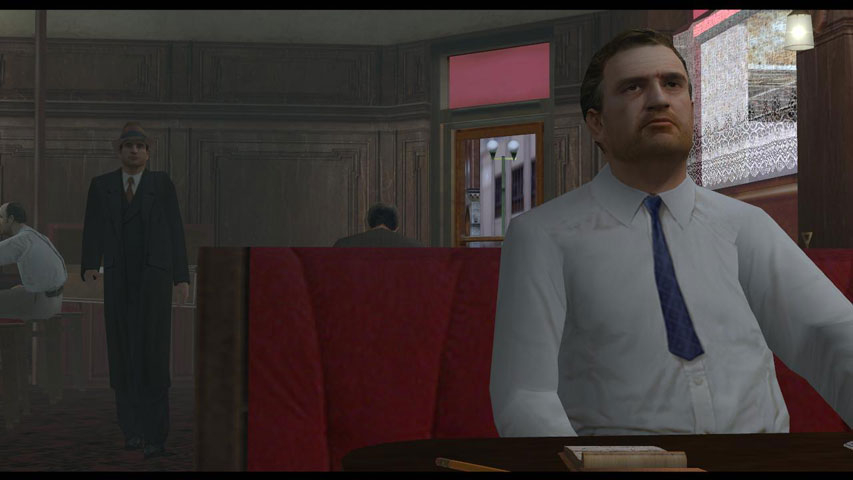

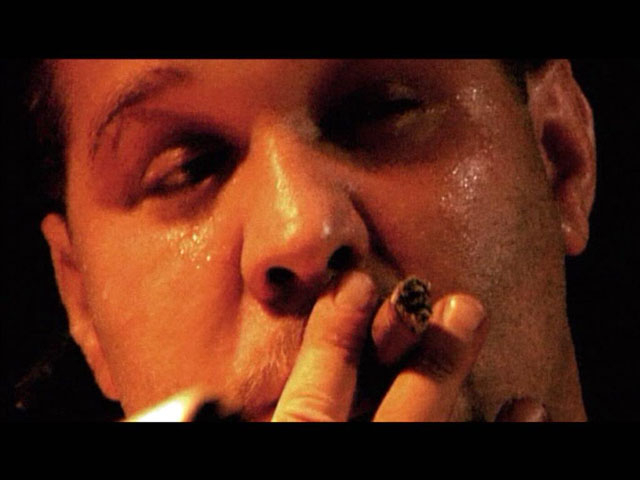
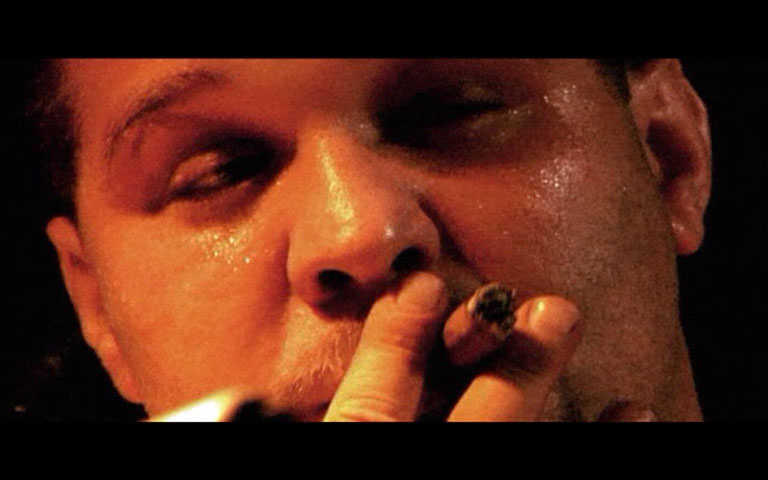
FMV Cutscenes
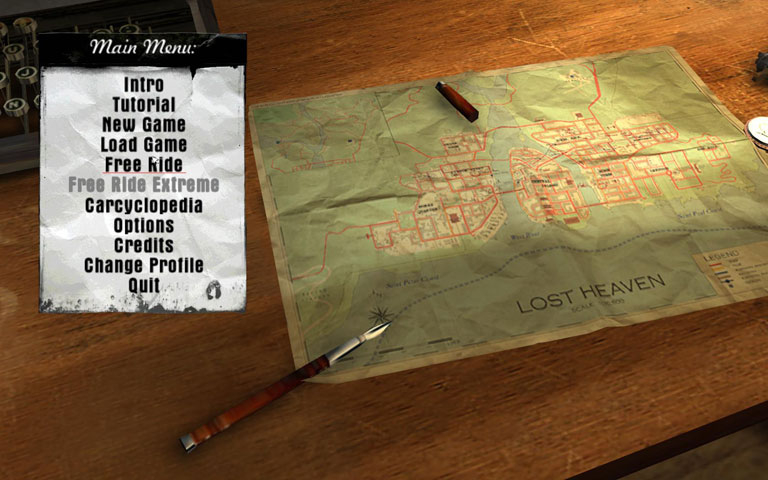
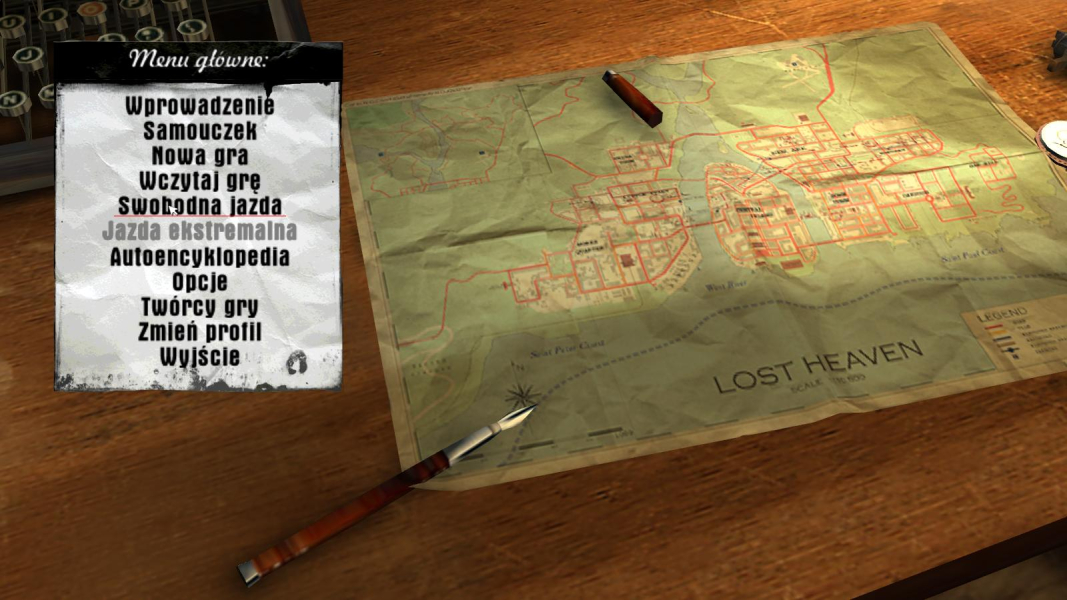
Menu Screenshots


Additional Screenshots