


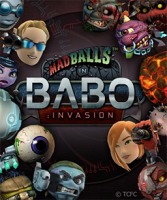


Top-down shooter featuring spherical characters with guns and special abilities.
Support Summary
Game Information
Game Status:Released
Release Date:
Tested Version:Steam
Play Styles:
Setting:Cartoon
Genre:Arcade
Developer:Playbrains
Store Links:
Screenshots Comparison
Solutions & Issues
Widescreen Solution & Issues:
Select your resolution from the in-game Display Settings.
-------------------------------
Optional FOV Fix:
Open the Attachment FOV - D3DX9_41.7z and extract the File D3DX9_41.dll into the Game root Folder - see Additional Screenshots. Fix available from the PC Gaming Wiki Community Files (search there).
Ultra/Super-Wide Specific Solution & Issues:
Native HOR+
Eyefinity / Surround Specific Solution & Issues:
Native HOR+, only HUD is not centered.
4K UHD Specific Solution & Issues:
Native HOR+
Gameplay Screenshots
4:3 Screenshot

16:10 Screenshot

16:9 Screenshot

21:9 Screenshot

32:9 Screenshot

Eyefinity / Surround Screenshot

In-Game (Rendered) Cutscenes
4:3 Cutscene

16:10 Cutscene

16:9 Cutscene

21:9 Cutscene

Eyefinity / Surround Cutscene

FMV Cutscenes
4:3 FMV Cutscene
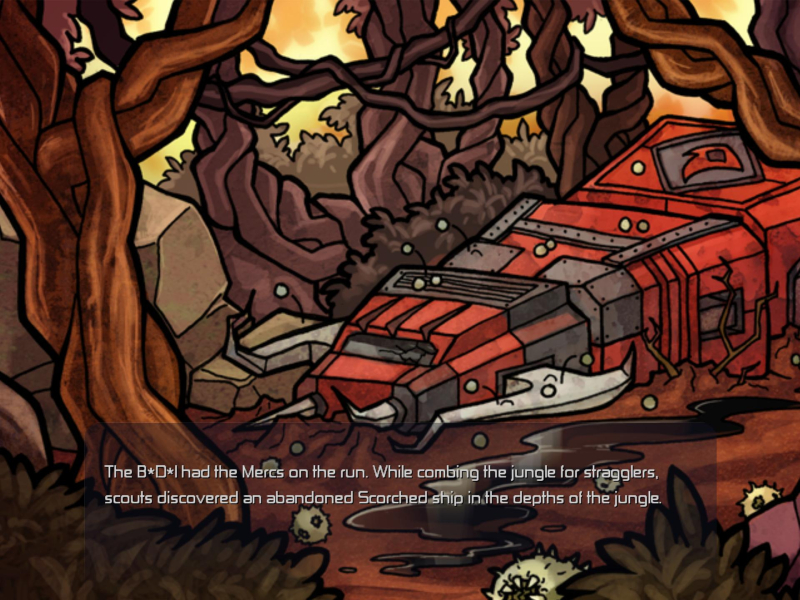
16:10 FMV Cutscene

16:9 FMV Cutscene

21:9 FMV Cutscene
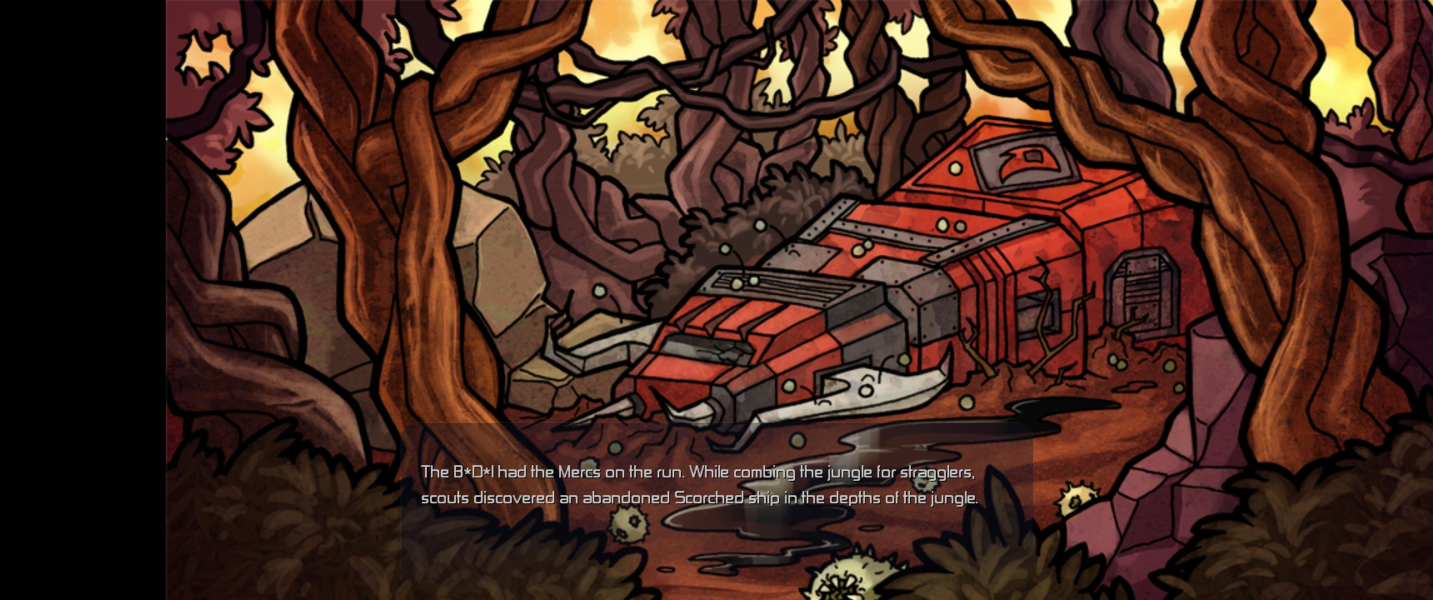
Eyefinity / Surround FMV Cutscene

Menu Screenshots
4:3 Menu
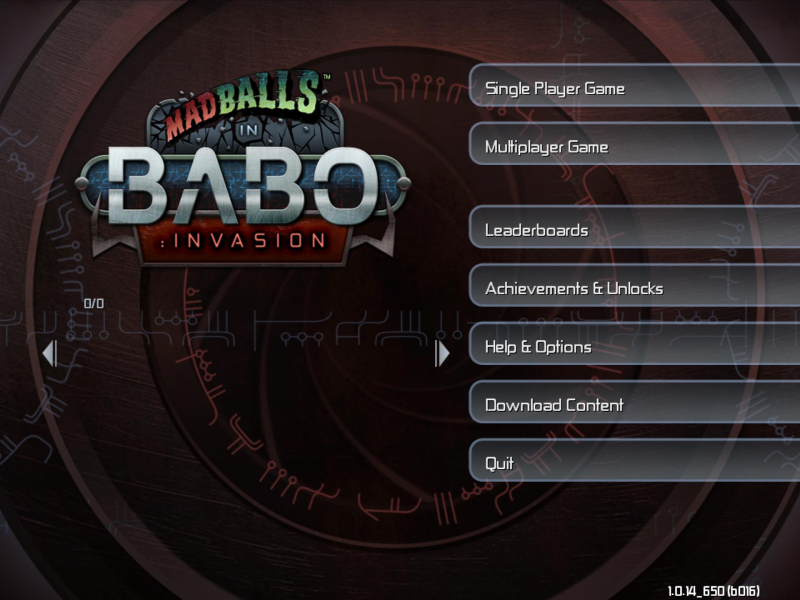
16:10 Menu
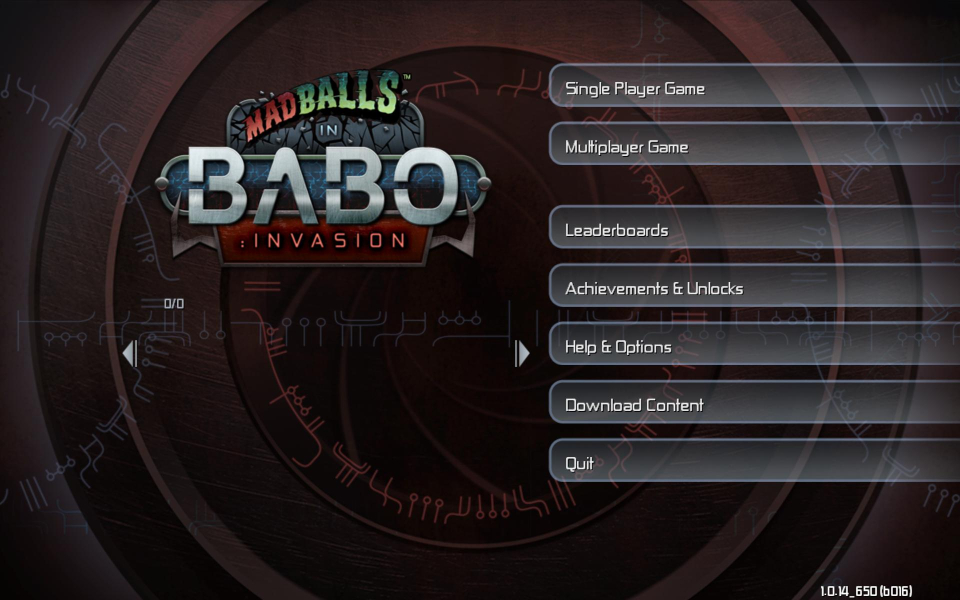
16:9 Menu
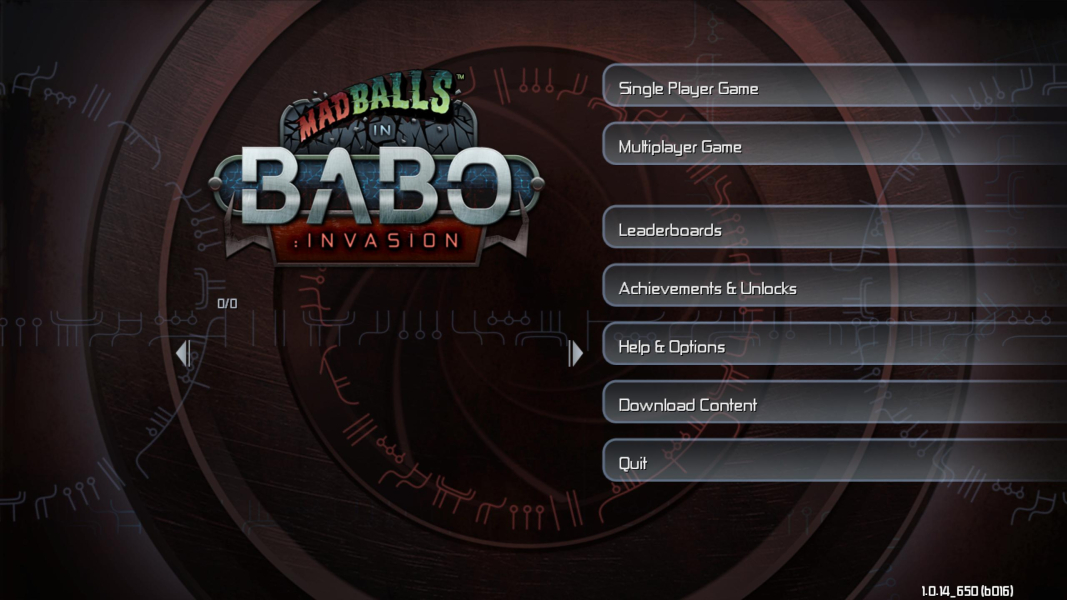
21:9 Menu
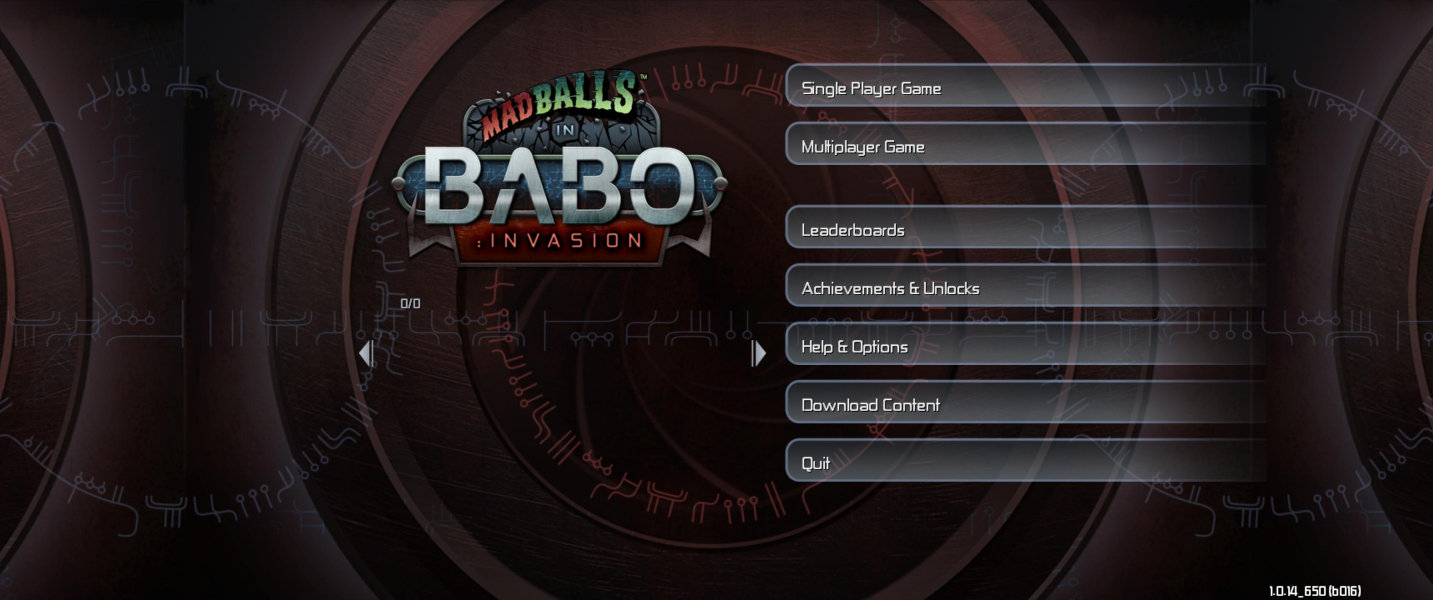
Eyefinity / Surround Menu

4K UHD Screenshots
4K Gameplay Screenshot

4K In-Game Cutscene

4K FMV Cutscene
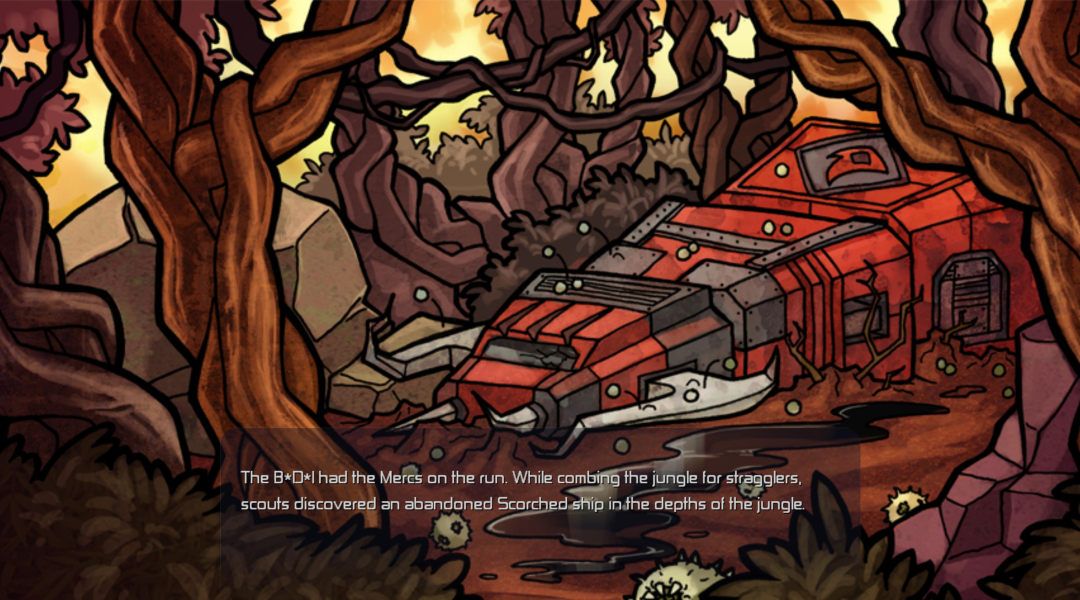
4K Menu Screenshot
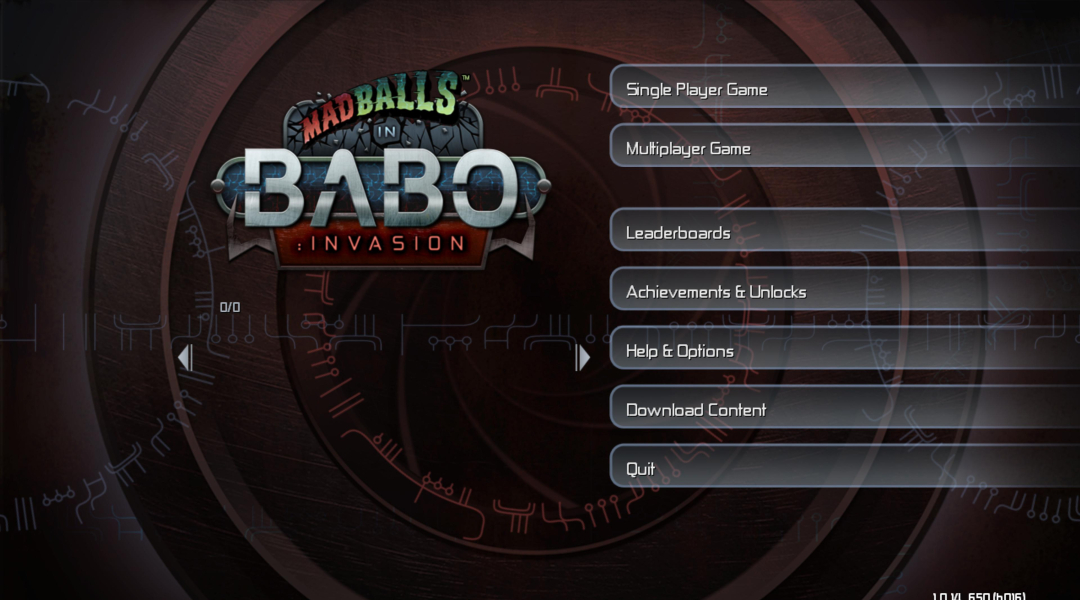
Additional Screenshots
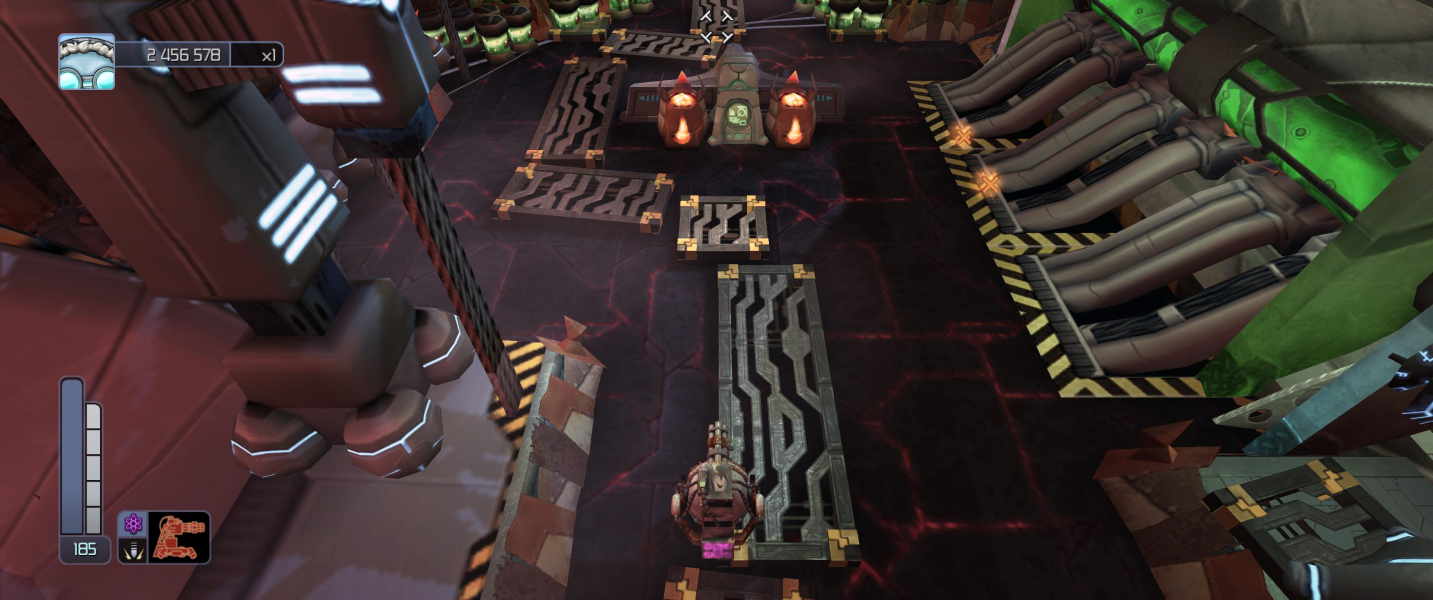
Original FOV

FOV 1.3


