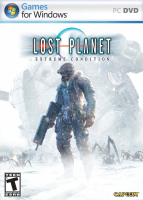


Rescued from a veil of ice with only fragments of memory, Wayne Holden struggles to recover his past on a blizzard-ridden world swarming with deadly aliens. With only treacherous Snow Pirates and the mysterious NEVEC Corporation remaining, can anyone be trusted or is everything lost?
Support Summary
Game Information
Screenshots Comparison
Solutions & Issues
The game has native widescreen support in the options menu. Make sure to turn Aspect Correction OFF.
All resolutions are native but you may need to lower the in game refresh rate setting to get the resolutions to appear on the menu. Then you can raise it to your supported max refresh rate.
It is possible however, to set custom resolutions in the .ini file:
XP: C:\Documents and Settings\Username\Local Settings\Application Data\capcom\lostplanet\config.ini
Vista: C:\Users\Username\AppData\Local\capcom\lostplanet\config.ini
Just put in your custom resolution in here:
[DISPLAY]
Resolution=1920x1080
RefreshRate=60Hz
FullScreen=ON
FOV fix available from the PC Gaming Wiki Community Files (search there).
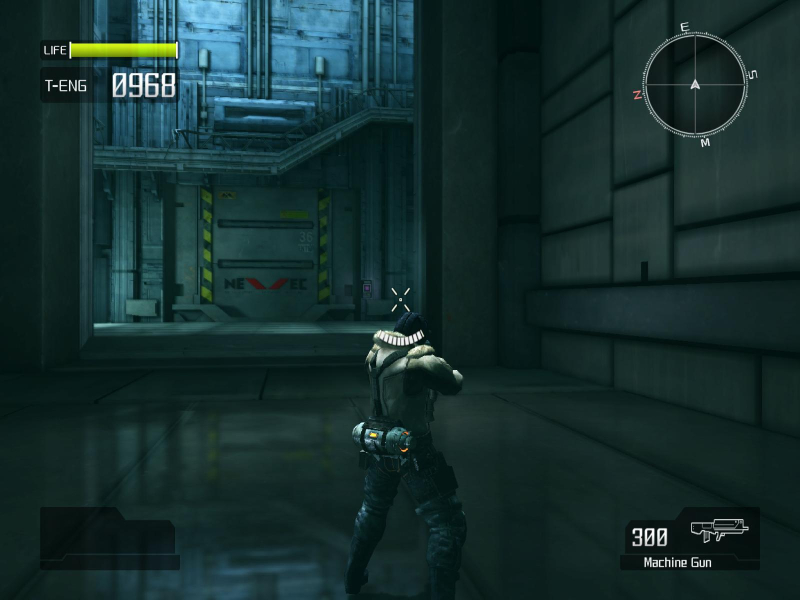
Gameplay Screenshots
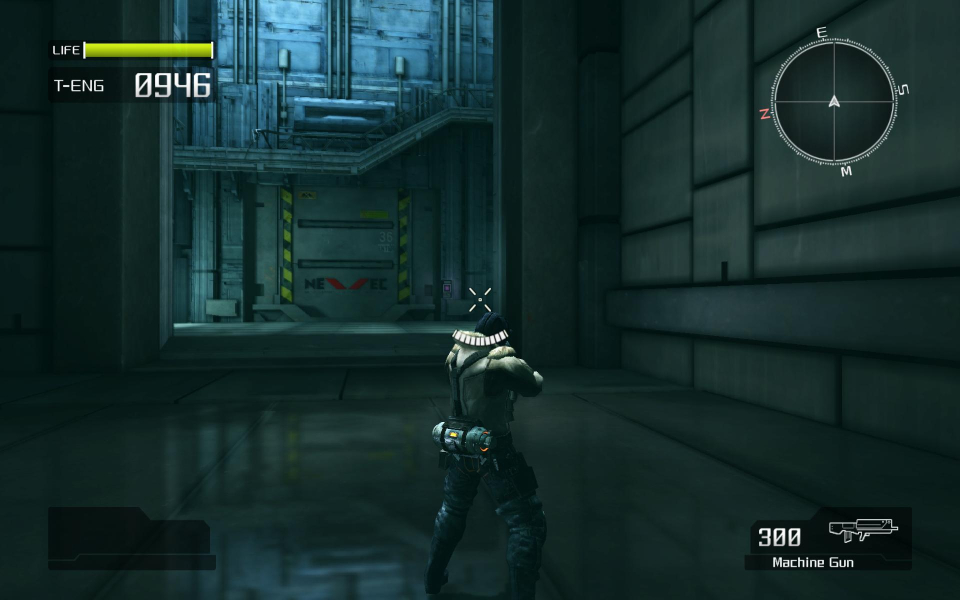
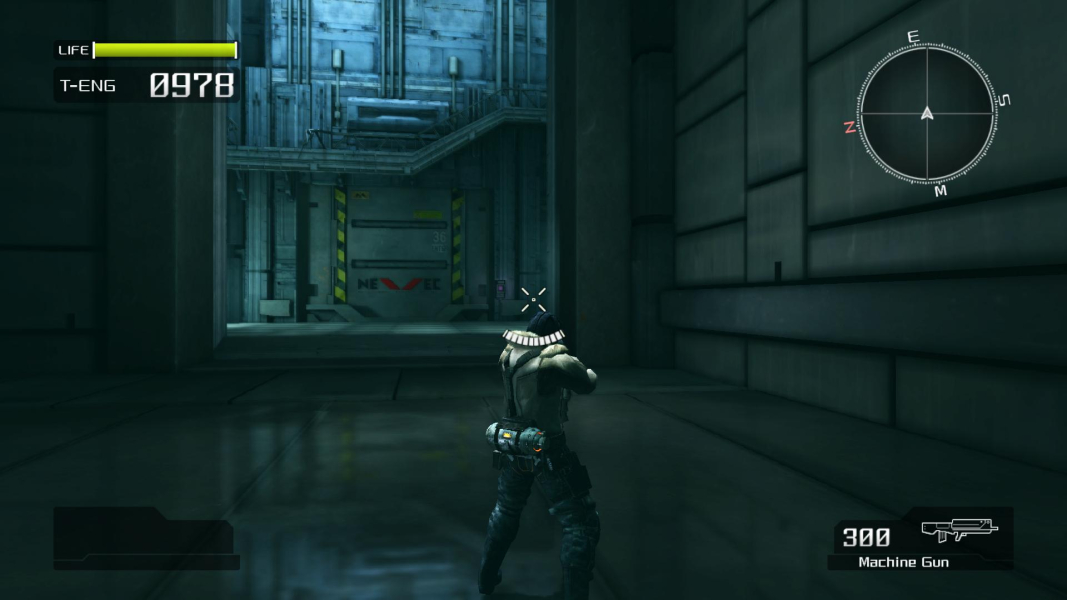
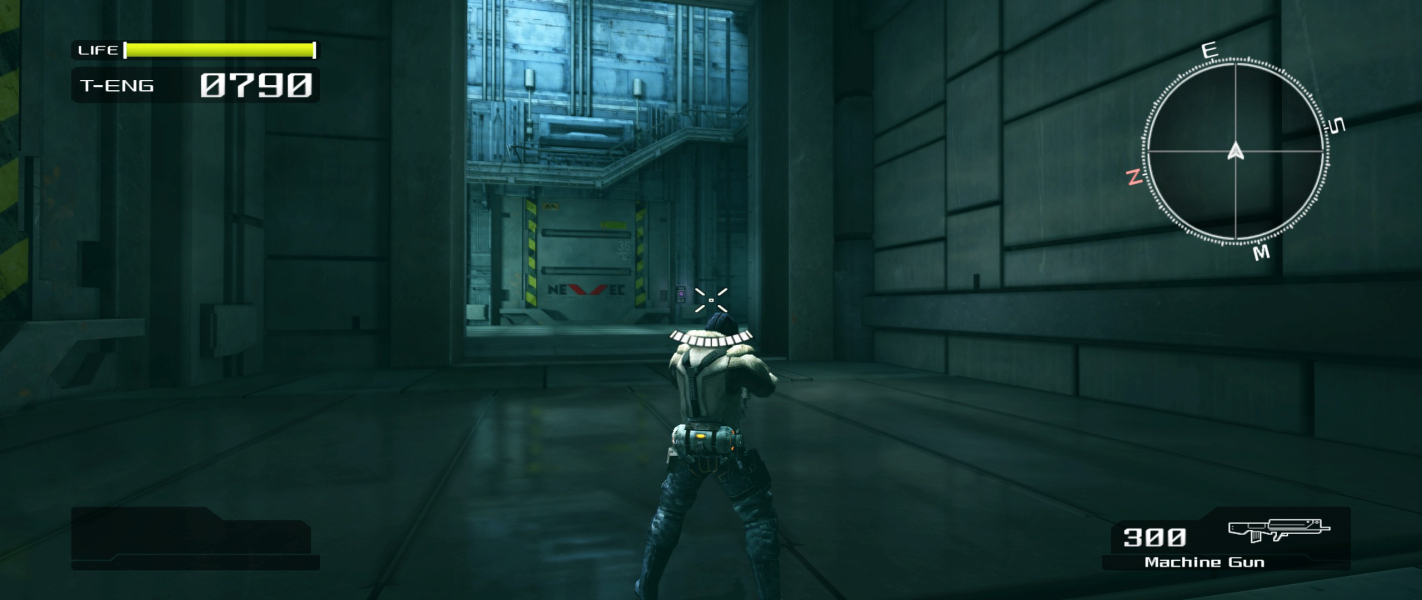


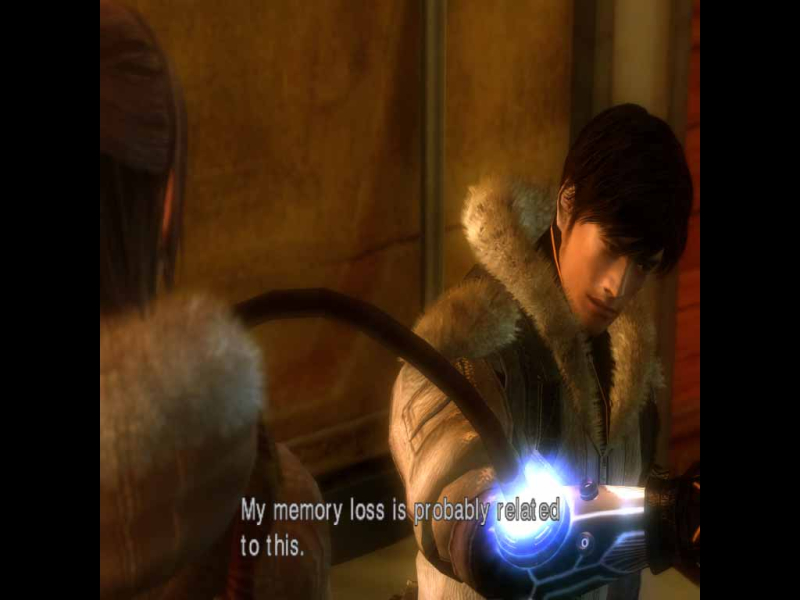
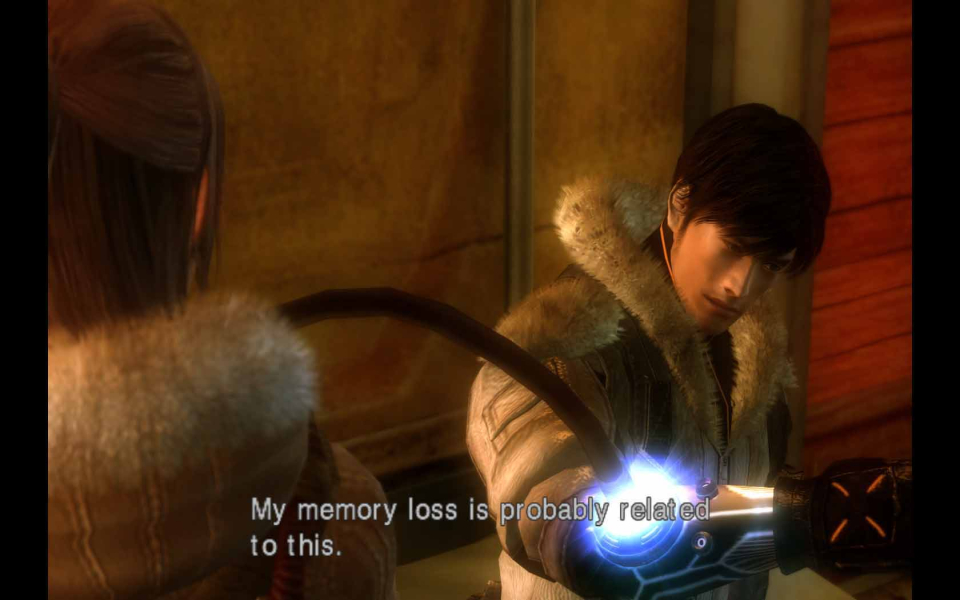
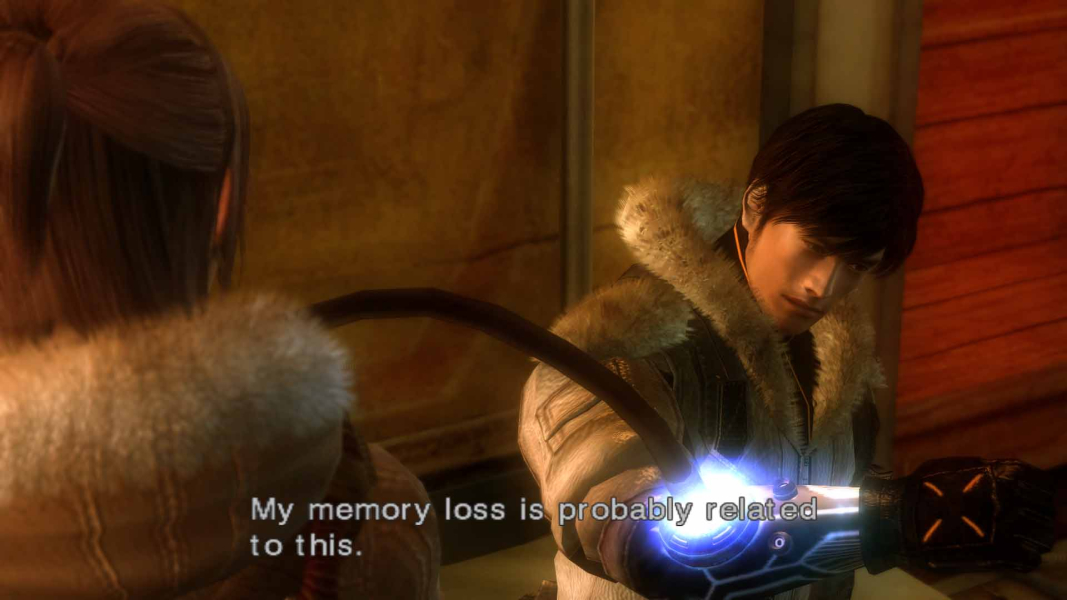
In-Game (Rendered) Cutscenes
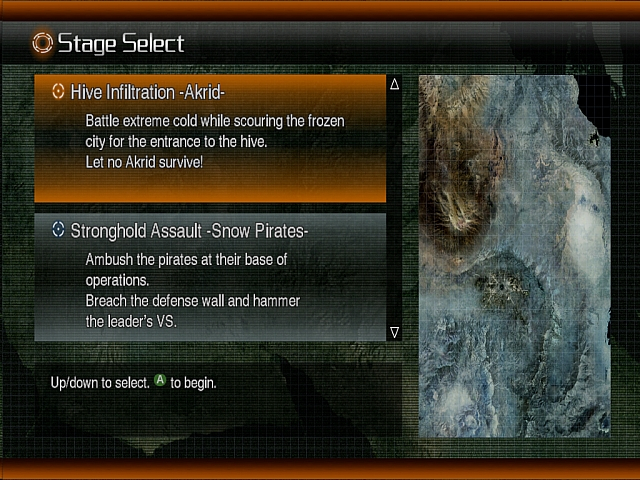
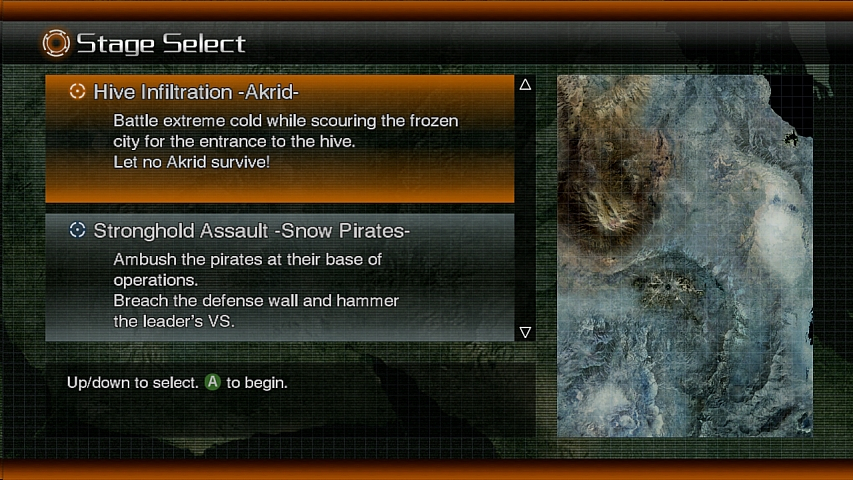
Menu Screenshots