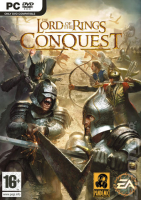


EA's last take on the Lord of the Rings movies' license combines the classic gameplay of the Star Wars Battlefront titles and beat-em-up elements from the Return of the King game. It features two solo campaigns and skirmish maps as well as 16-player (only!) multiplayer modes.
Support Summary
Game Information
Screenshots Comparison
Solutions & Issues
Native.
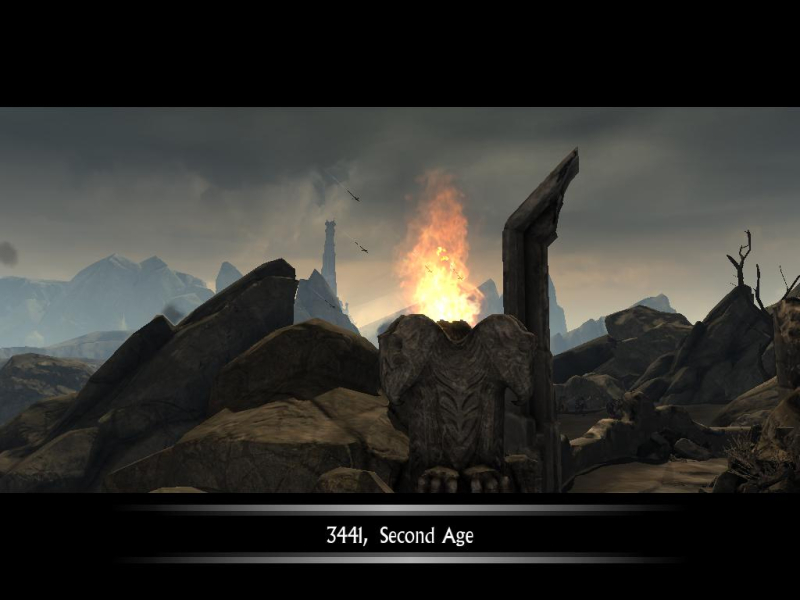
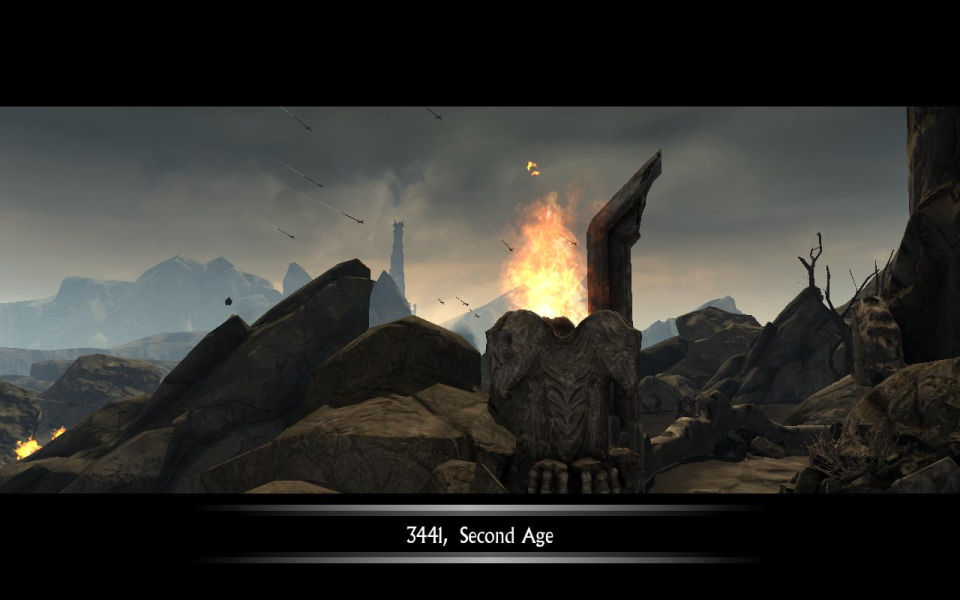
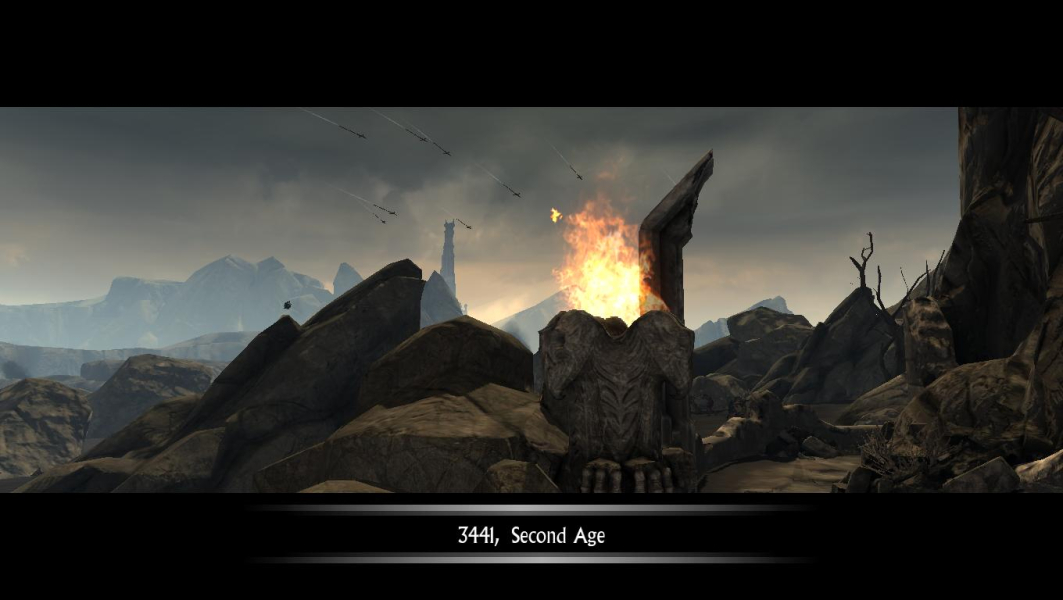
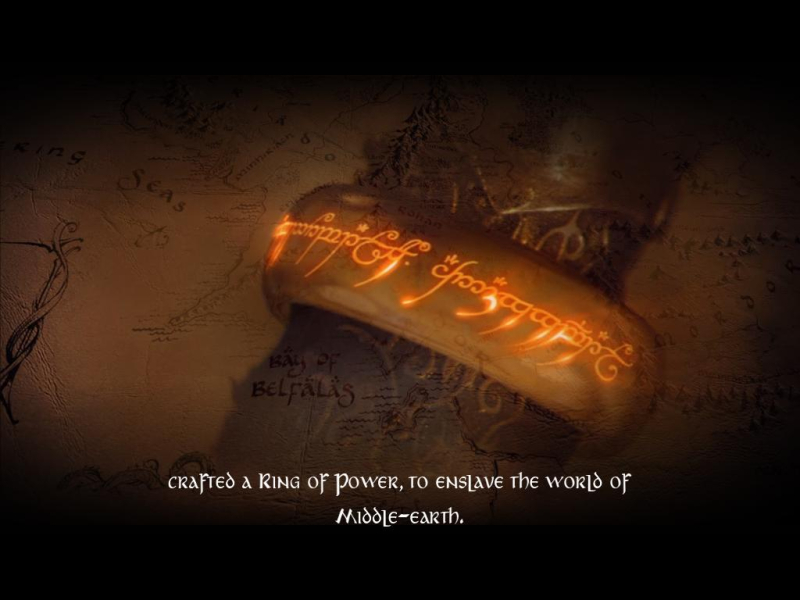
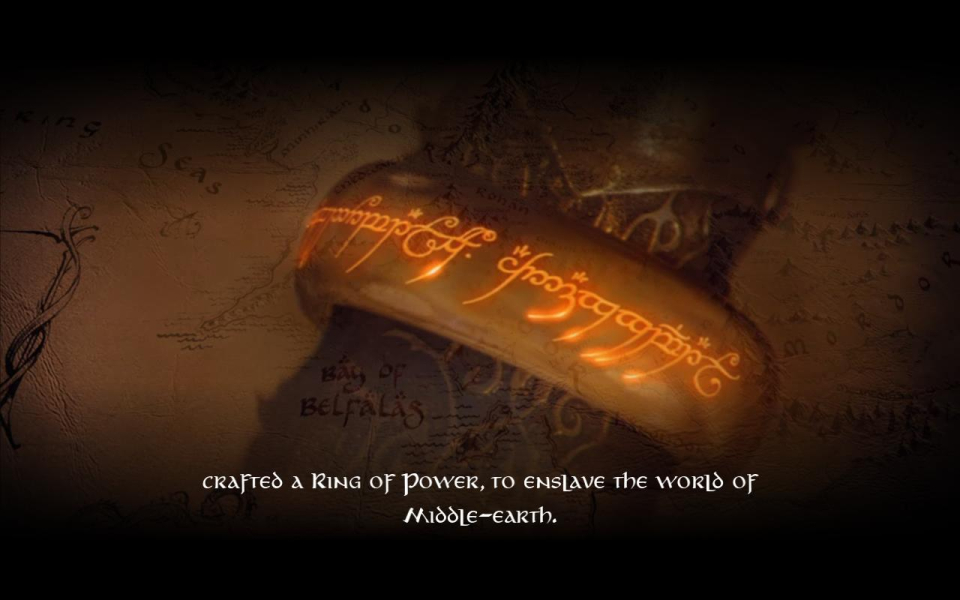
For the cinematics (2D cut scenes and main menu background) to look right, the game has to start in your desired aspect ratio; in other words, restart the game after you've set your resolution or the cinematics may squash/stretch.
(5040x1050 requires an additional workaround for cinematics, see Surround section below.)
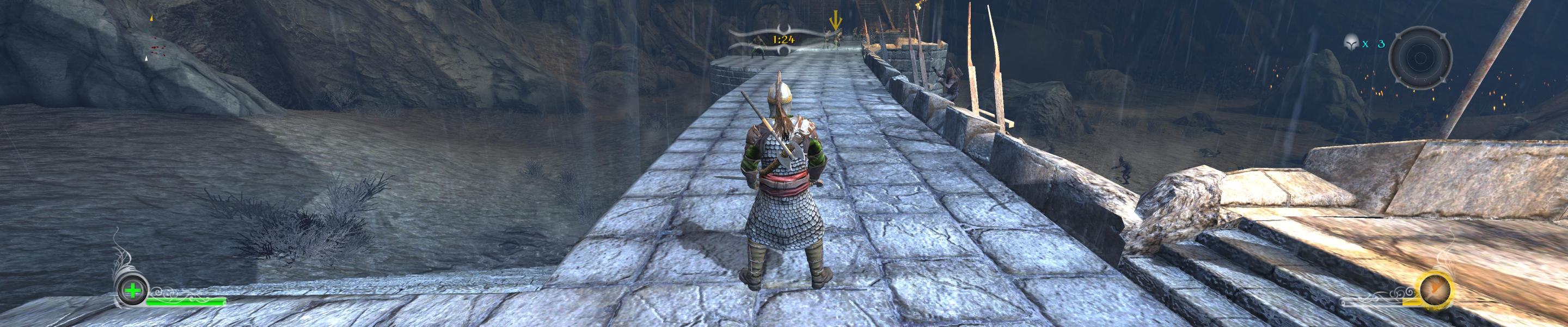
All two-dimensional HUD elements and menu items scale correctly.
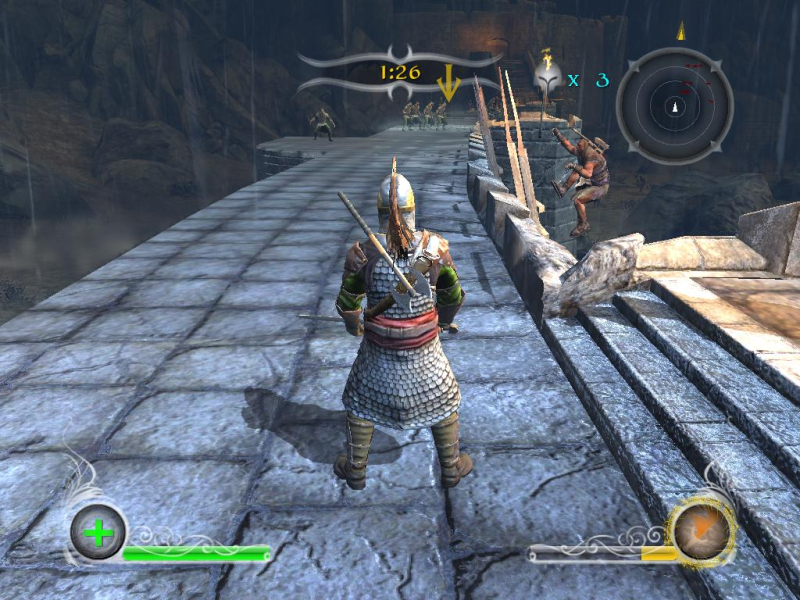
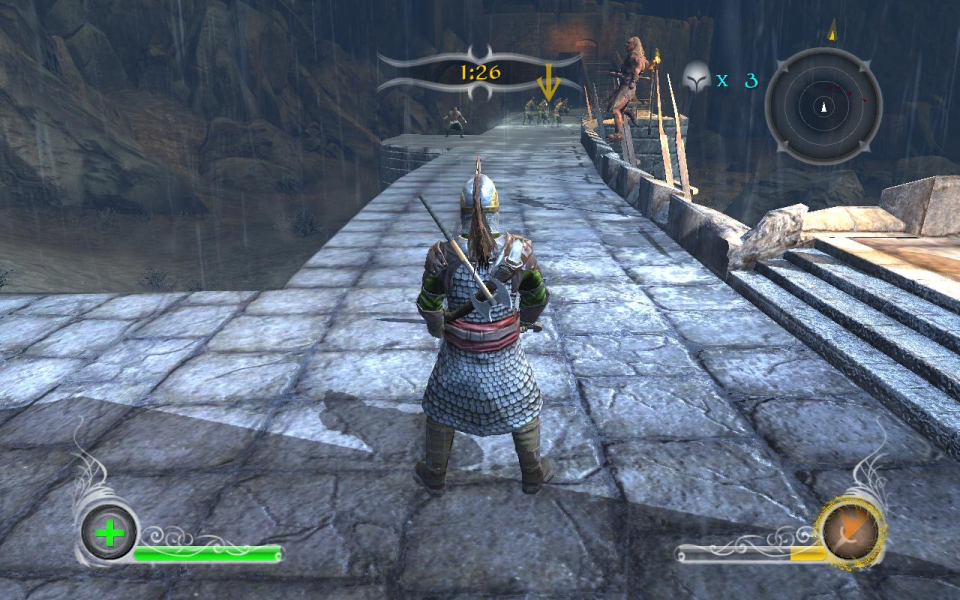
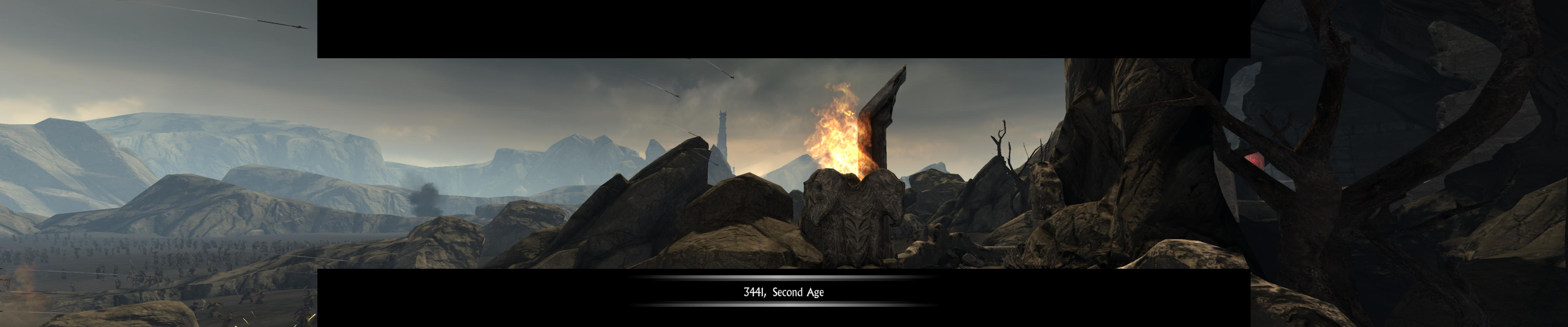
Real-time rendered cut scenes are Hor+ although 'theatrically letterboxed' in all ARs.
Cinematics are anamorphic, although a fixed smokey letterboxing renders them almost Vert-. Subtitles stretch.
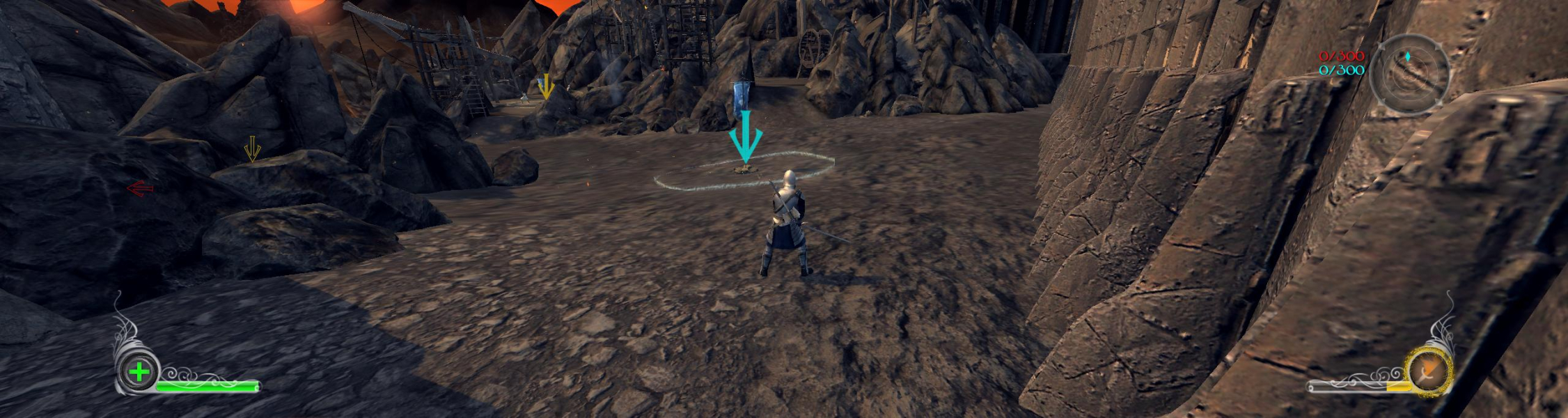
Native, Hor+.
It seems the game cannot start in 5040x1050; resolution will be reset to 800x600 upon next launch. No biggie but for the cinematics not to stretch in 5040 the game must start in a 4.8:1 AR. Pick your poison : play in 5040, get stretched cinematics and set the resolution everytime you play; play in 4320x900 or 3840x800 and have no problems; play in 5040 but set the res back to 4320x900 or 3840x800 before you quit the game.
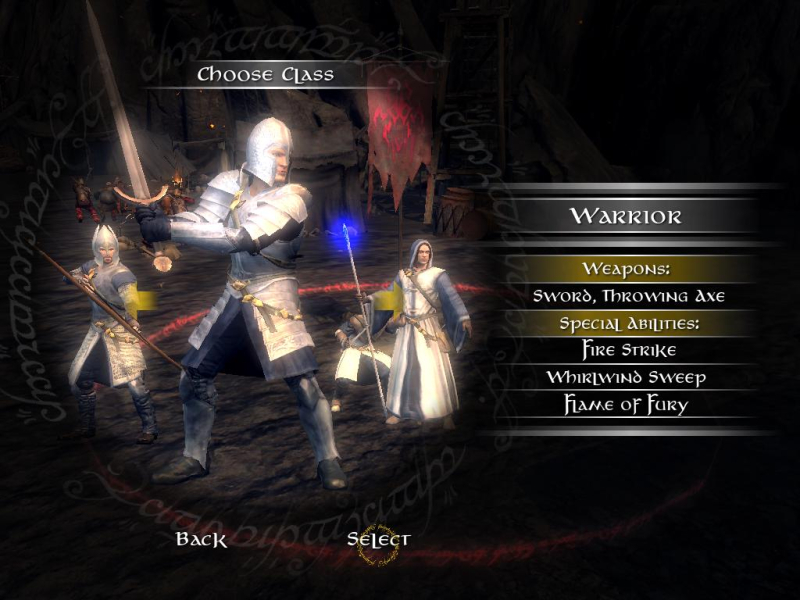
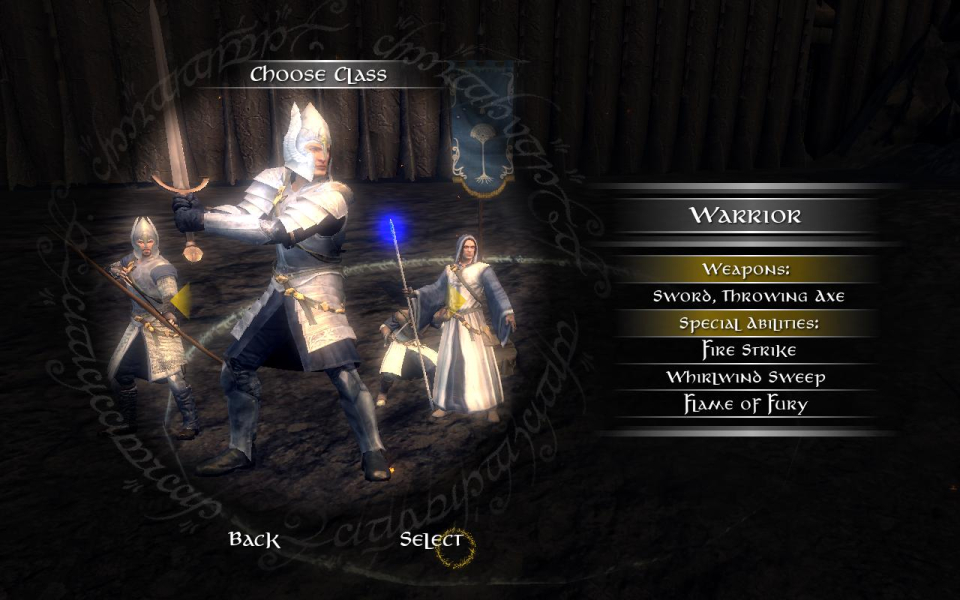
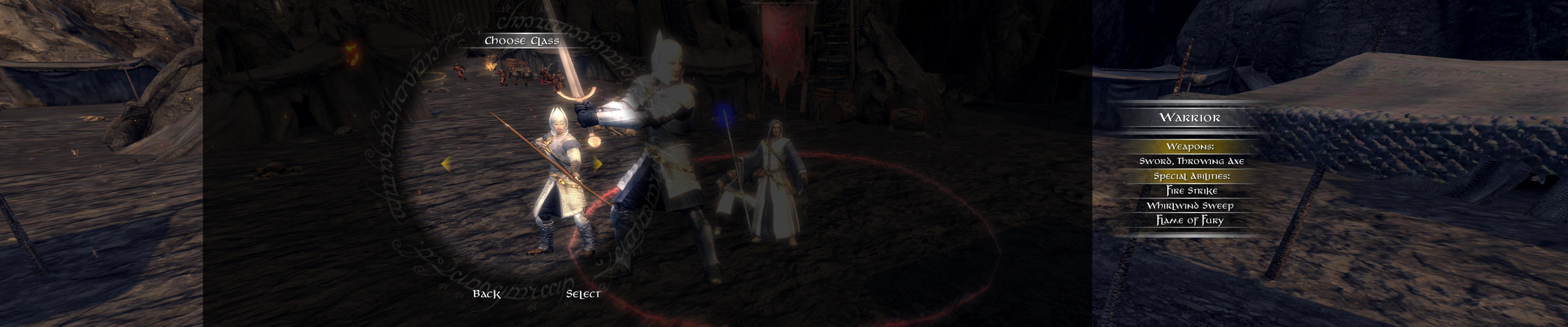
The character class selection screen is broken in TripleHead, the 2D overlay and 3D models being misaligned. Looks stupid (your selected class is not the one in the circle) but still works ok.
Minimap: no directional 'diamonds'. No unit icons - in 5040x1050, they're displayed on the opposite side of the display (i.e the left screen) !
Gameplay Screenshots


In-Game (Rendered) Cutscenes
FMV Cutscenes


Menu Screenshots

Additional Screenshots