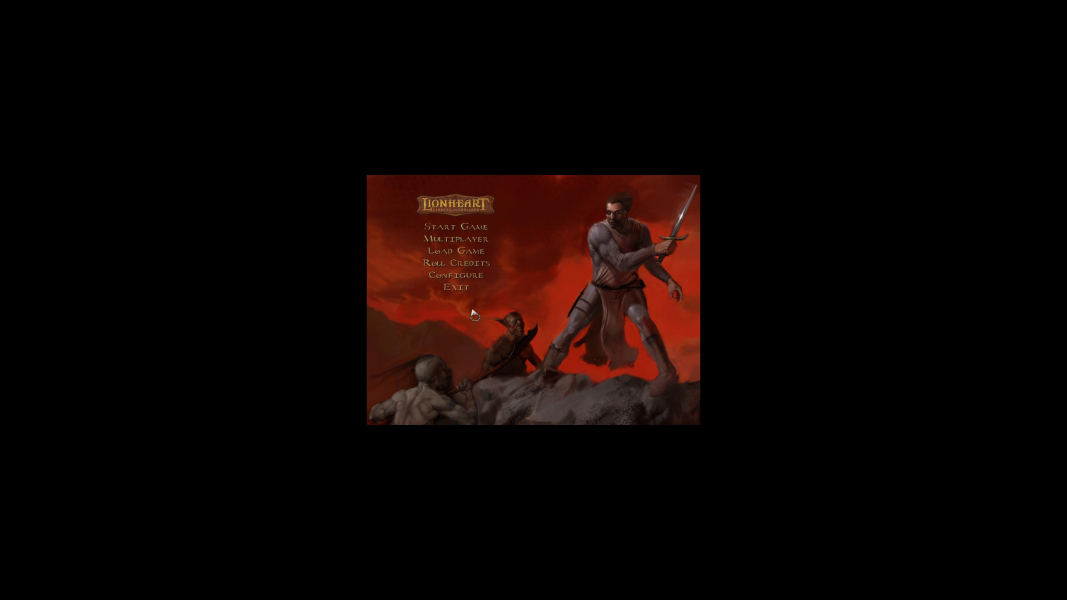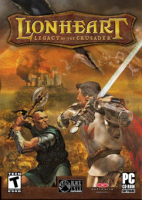


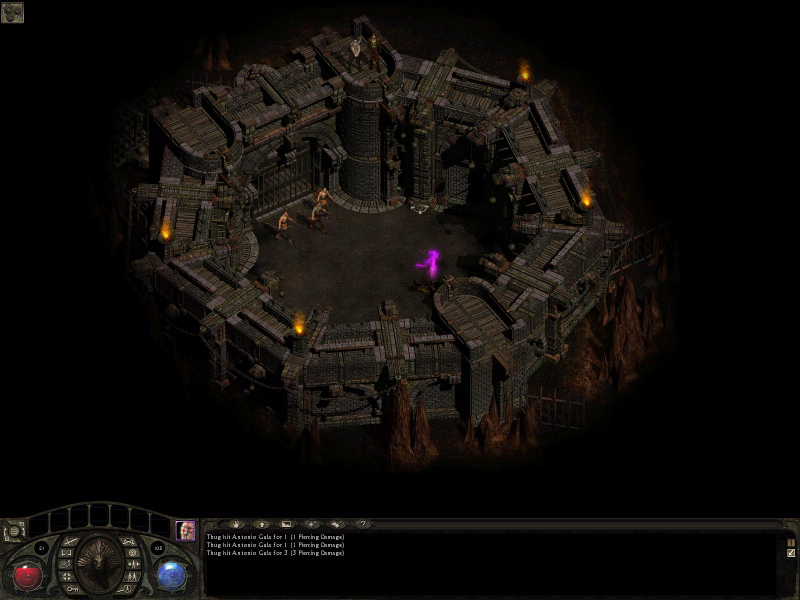
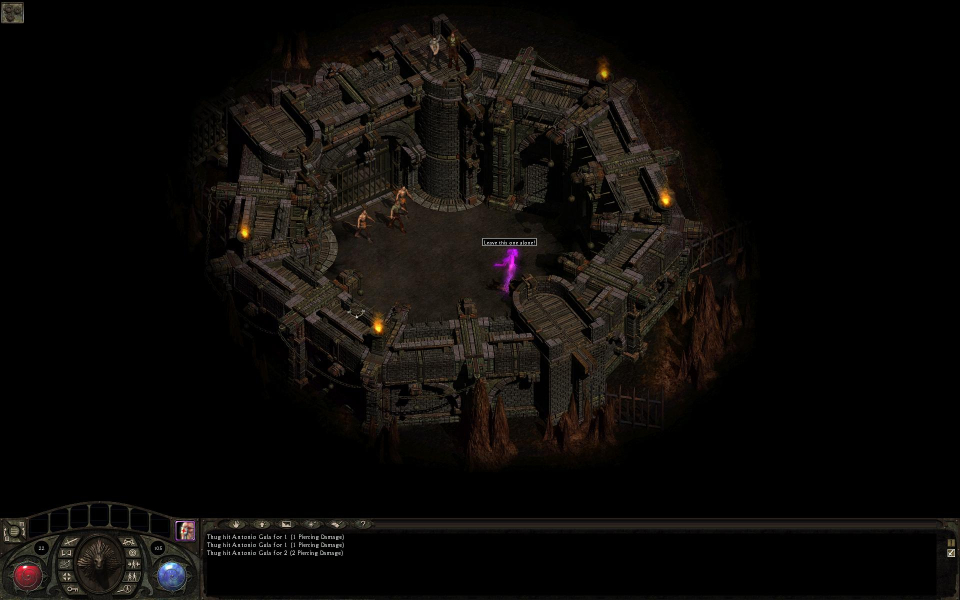
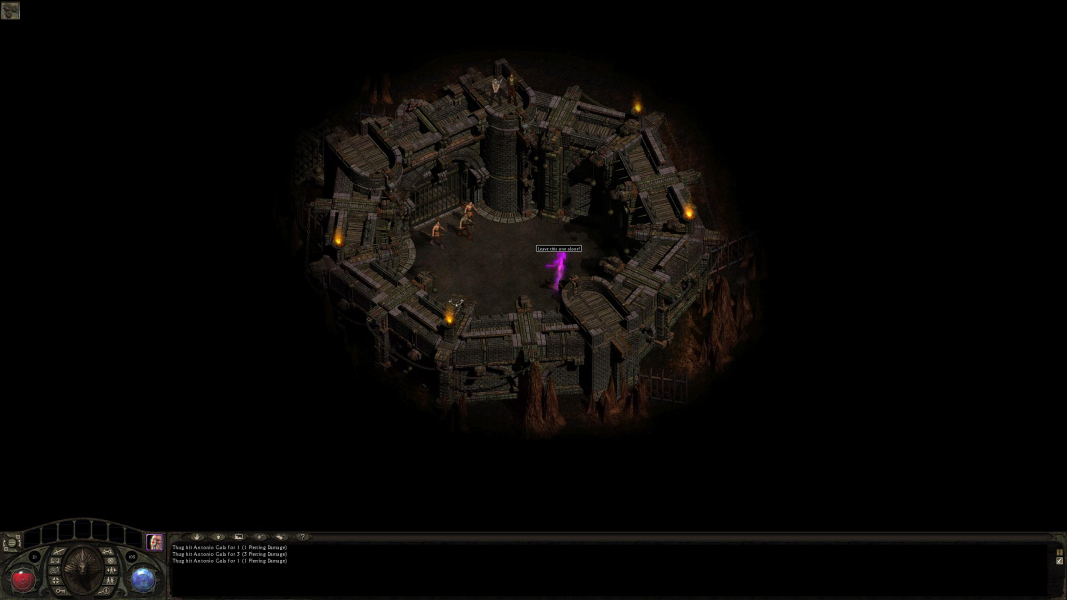
Lionheart: Legacy of the Crusader is an action role-playing game, developed for the PC by Reflexive Entertainment, and released on August 13, 2003. The game is viewed from a 3/4 isometric camera angle (as is common in many third-person role-playing games, such as the Diablo series). It focuses on a protagonist, controlled by the player, as he travels on a quest that constitutes the central focus of the game. The plot stipulates a rift in reality that drastically altered medieval history by allowing demons and other similar beings to enter the mortal realm. During the game, the protagonist encounters and interacts with numerous historical figures such as Joan of Arc, Leonardo Da Vinci and Galileo Galilei who are represented as non-player characters.
Lionheart utilizes the SPECIAL role-playing system, which was first used in the Fallout series, and in this game functions primarily in adding points to specific skills in separate trees to strengthen a character's "Spiritkind," which has a personality and nature chosen by the player at the start of the game.
Support Summary
Game Information
Screenshots Comparison
Solutions & Issues
There is a new MOD - Lionheart: Legacy of the Crusader Widescreen Patch
http://www.moddb.com/mods/lionheart-legacy-of-the-crusader-widescreen-p…
Lionheart: Legacy of the Crusader Widescreen Patch (c) 2014. KoriTama ([email protected])
--------------------------------------------------------------------------------------------------
1. Extract content of data.dat file (ZIP-archive) into "\data\" folder
2. Delete or raname data.dat file
3. Copy patch to game folder
4. Run patch
5. Play game
Fix also available from the PC Gaming Wiki Community Files (search there).
Gameplay Screenshots


In-Game (Rendered) Cutscenes
Menu Screenshots