





Maxine may not be the most popular girl on the campus, but she's got a gift: rewinding time to rethink choices, undo mistakes, avert bad consequences. Suddenly caught in Arcadia Bay's tangle of secrets, only she can see that the whole city is on the brink of disaster... Life Is Strange is an episodic third-person adventure with an emphasis on atmosphere and the long-term effects of Max's actions. The story should be complete by July, 2015 although no official release date was announced for any of the remaining episodes.
Support Summary
Game Information
Screenshots Comparison
Solutions & Issues
Native "Vert+" support. Most 2D items (including photos, readable documents, Max's journal and smartphone) are formatted for 16:9 and squished in lower aspects.
To customize the FOV, see the methods described below.
Update: since the release of Episode 3 black bars enforce a 16:9 picture in all resolutions !
2D elements stretch.
Fixing the Vert- FOV can be done in several ways...
- Method 1: MaintainYFOV aka High FOV for Dummies
Very easy but modifies the look of the game drastically. Interaction widget is all over the place until Max closes in on the object/person.
Open the file %USERPROFILE%\Documents\my games\Life Is Strange\LifeIsStrangeGame\Config\LifeIsStrangeEngine.iniLook for the line AspectRatioAxisConstraint=AspectRatio_MaintainXFOV
Replace MaintainXFOV with MaintainYFOV.
- Method 2: bind FOV to key
Requires more effort but less damaging to the graphics and gameplay.
Open the file Steam\SteamApps\common\Life Is Strange\LifeIsStrangeGame\Config\DefaultInput.ini
Add the following line at the end of [Engine.PlayerInput]+Bindings=(Name="Q",Command="FOV 83.93") // fixed hFOV for gameplay (default is 68 for 16:9)
Run the game and press Q to fix the FOV.
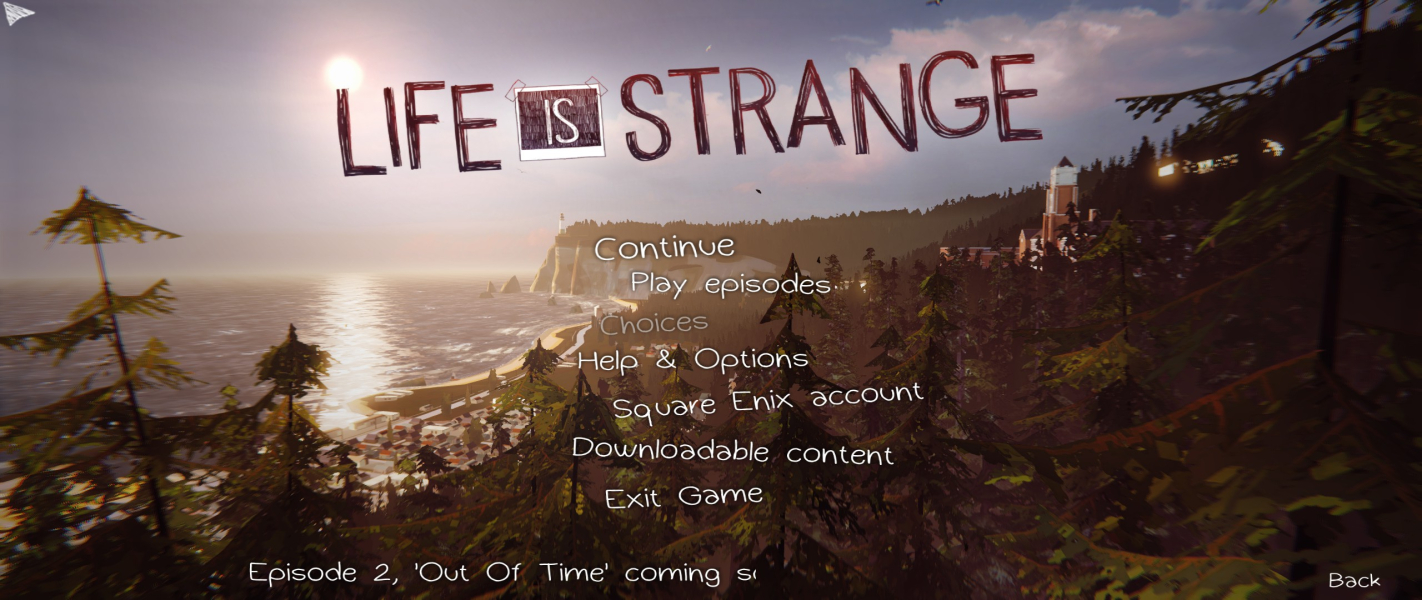
There are actually more than one baseline for FOV. To take good comparison screenshots, additional FOV keys were required:+Bindings=(Name="E",Command="FOV 74.06") // fixed hFOV for cinematics (default is 59 for 16:9)+Bindings=(Name="R",Command="FOV 96.42") // fixed hFOV for main menu (default is 80 for 16:9)
These values are for 2560x1080, use FOVCalc to get the right values for your resolution.
.exe fix for 2560x1080 that removes the black bares for that where introduced since episode 3:
http://www.file-upload.net/download-10718392/LifeIsStrange_21-9_fix.exe…
Barely playable: a fixed FOV causes the interaction widget to scale incorrectly. Other 2D elements stretch.
Gameplay Screenshots
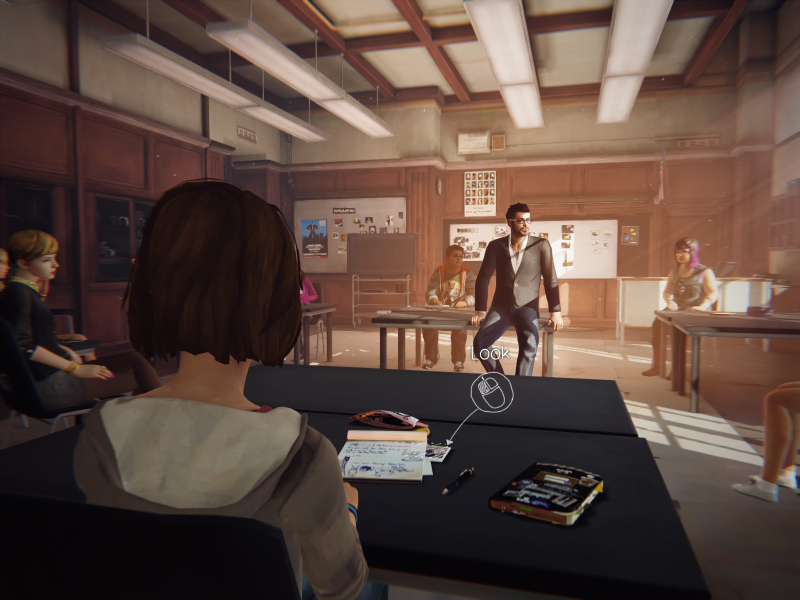
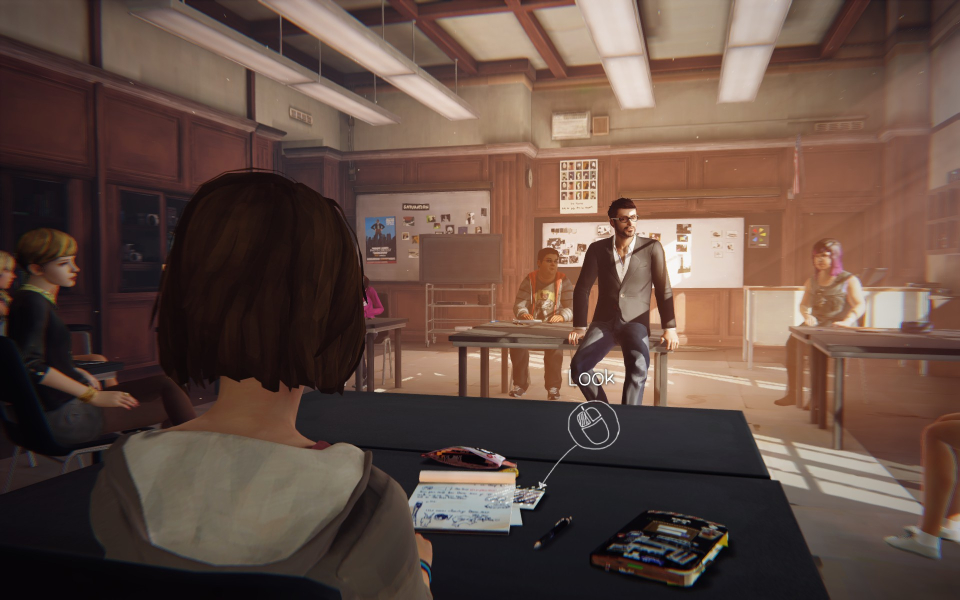
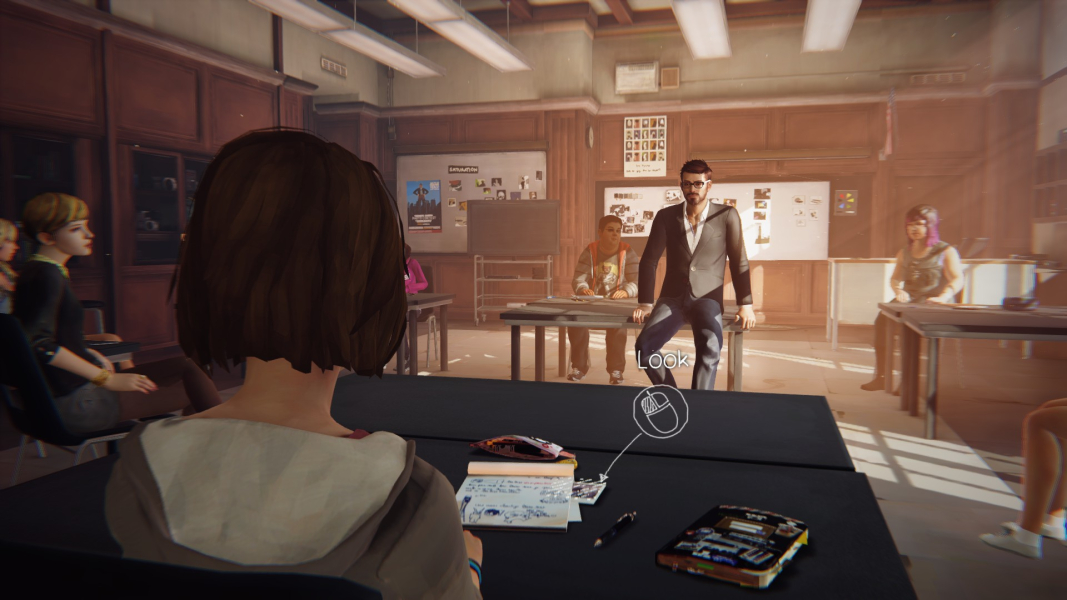



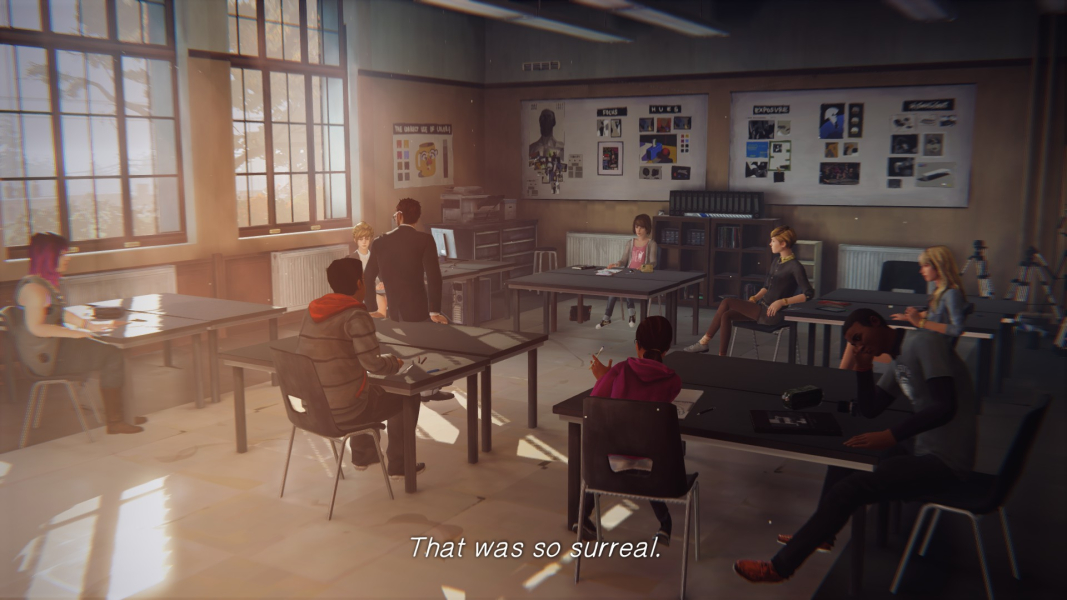
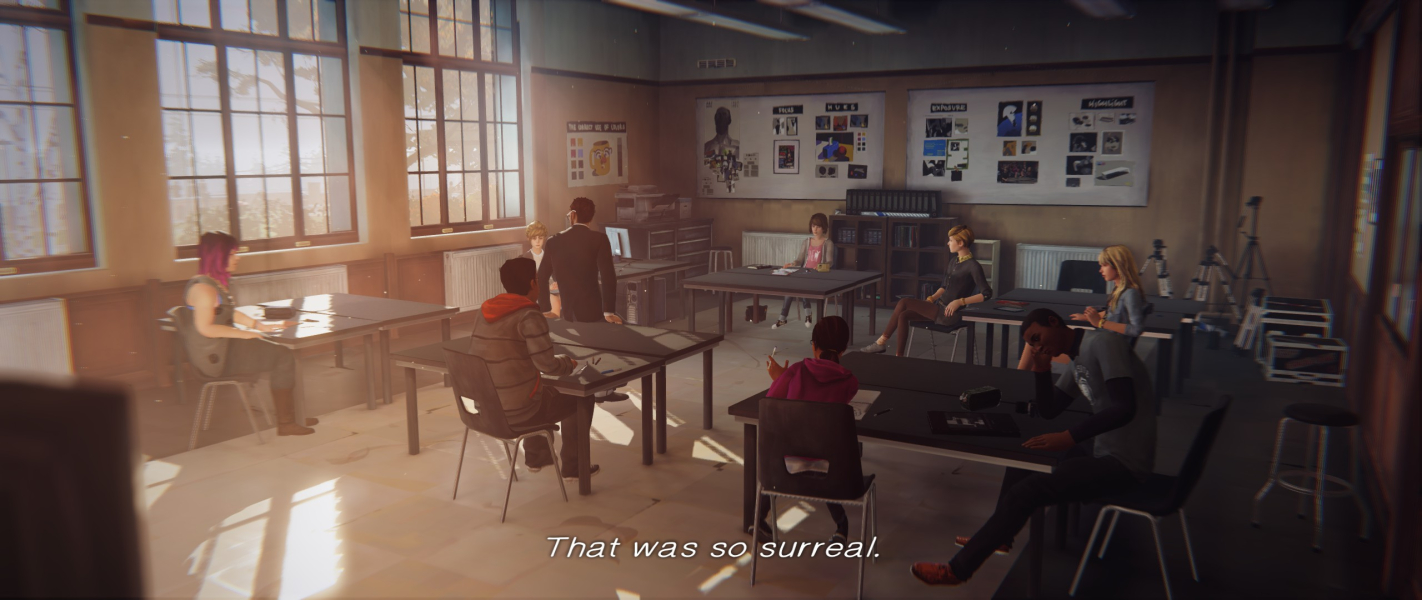
In-Game (Rendered) Cutscenes



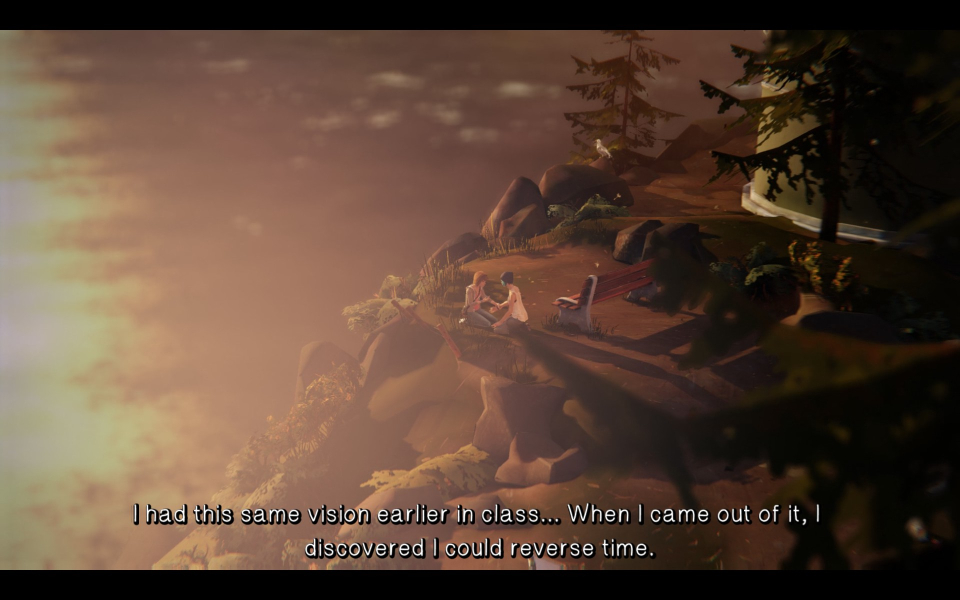
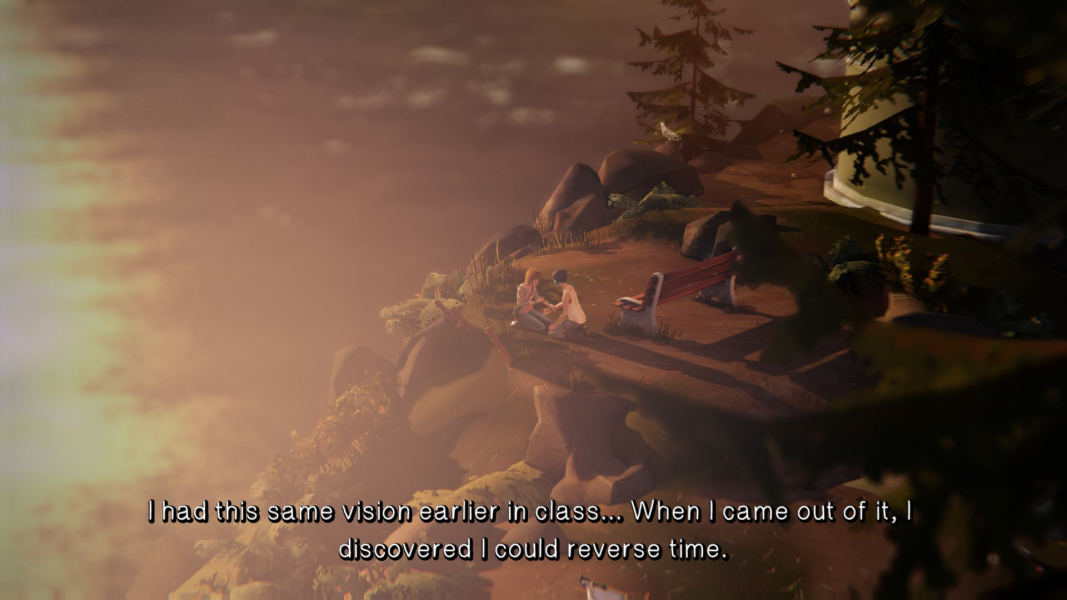
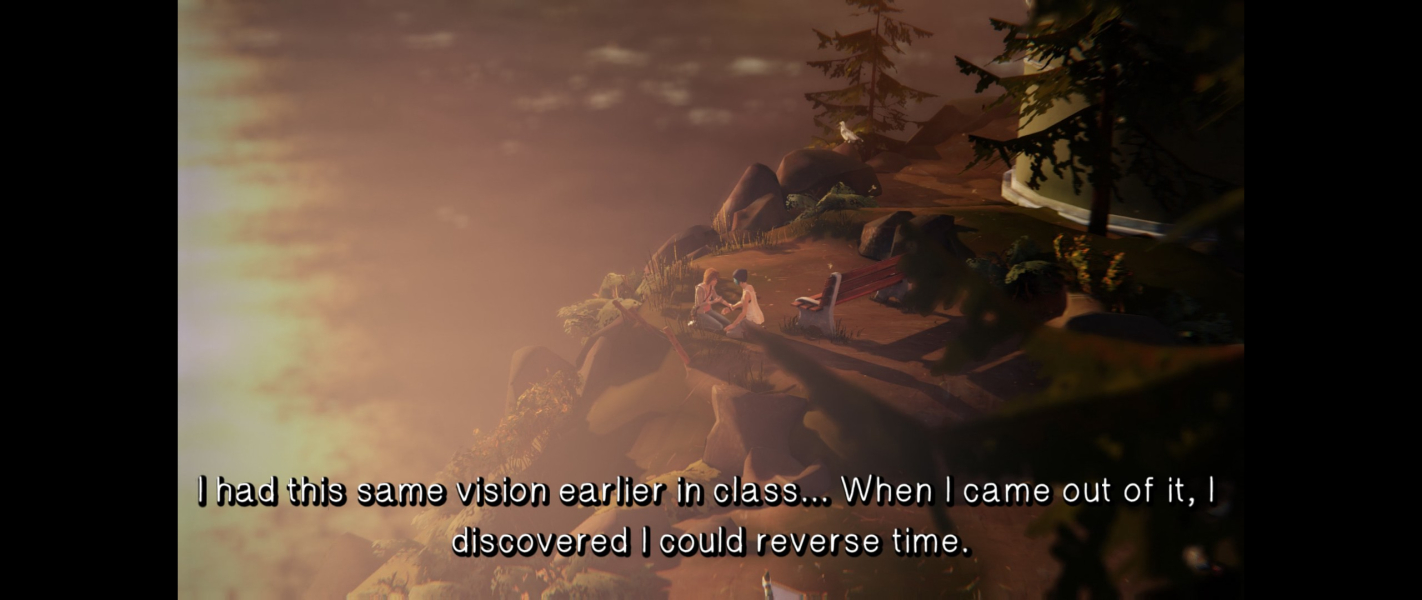
FMV Cutscenes


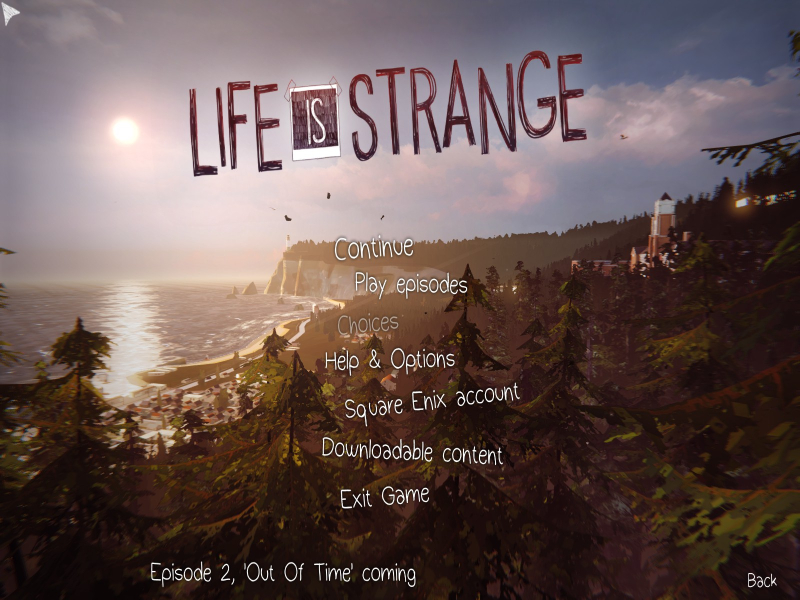
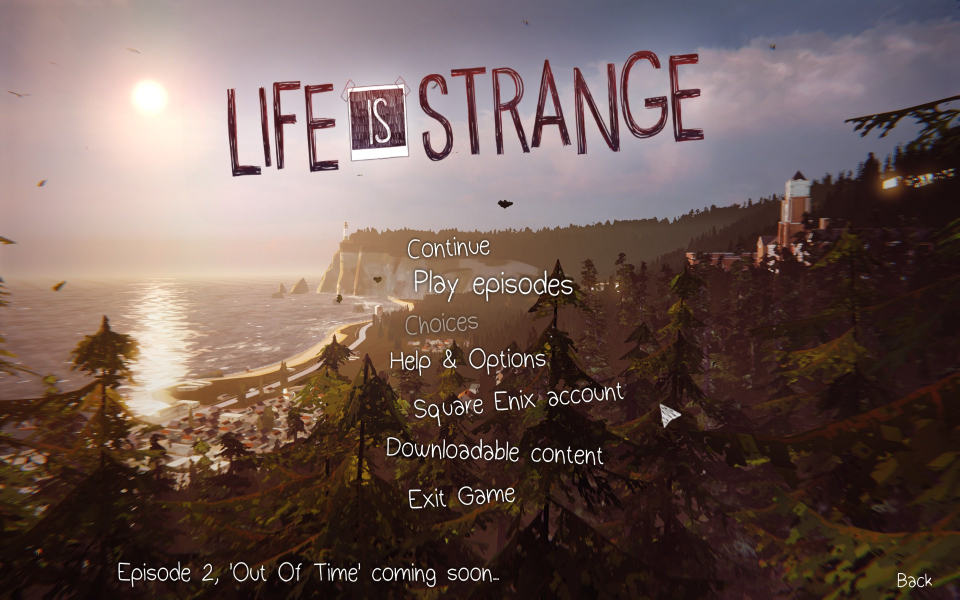
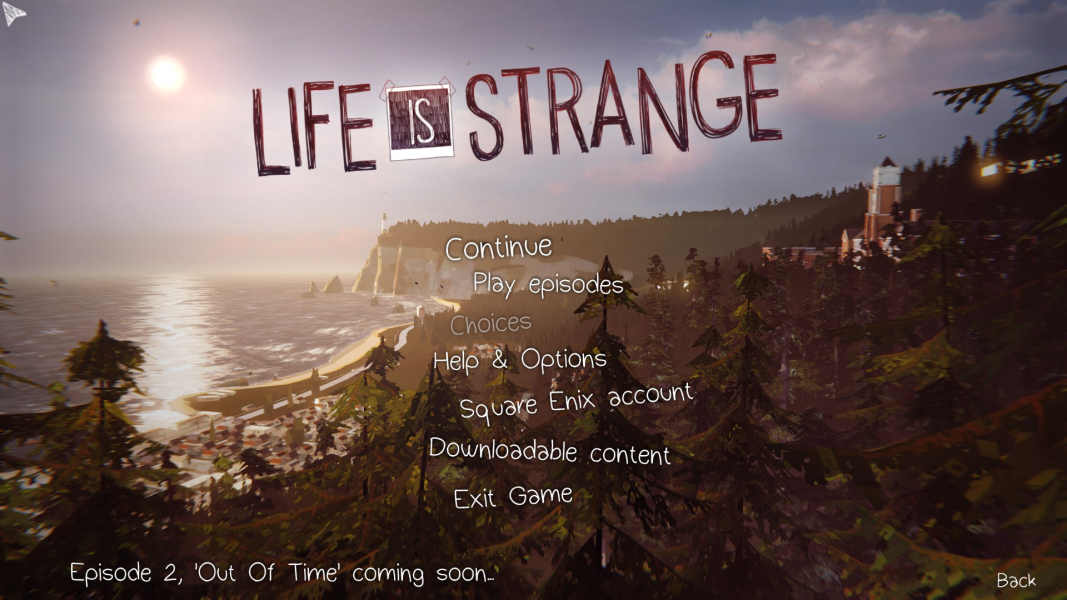
Menu Screenshots

Additional Screenshots


