

Square Enix and their JRPG stable are wading back into the PC pond and this is the first dipped toe. Thank your friends at omnipresent Microsoft.
Support Summary
Widescreen | Ultra/Super‑Wide | Multi-Monitor | 4K Ultra HD | |
Support | ||||
Method | ||||
HUD | ||||
Cutscenes | ||||
FMVs |
Game Information
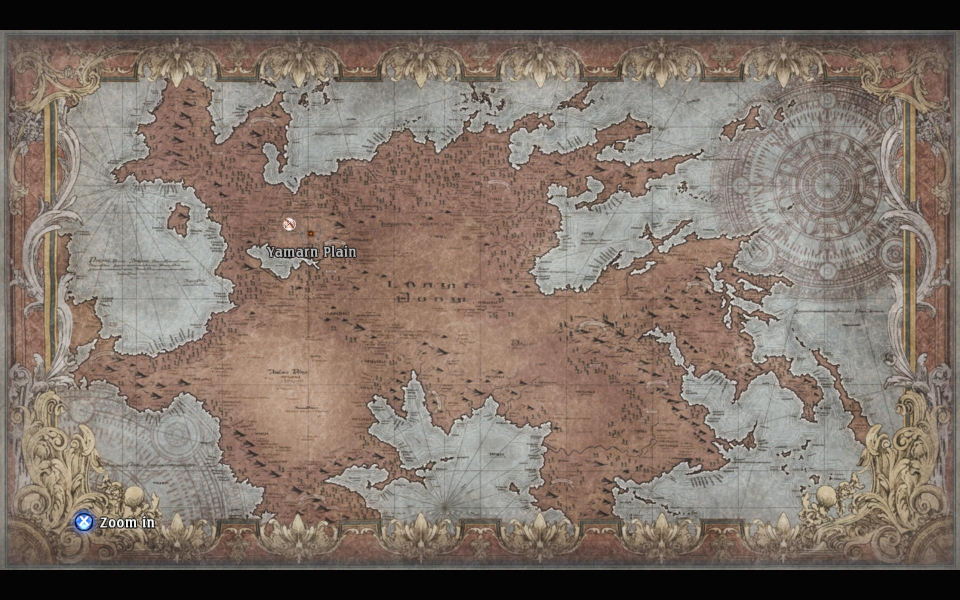
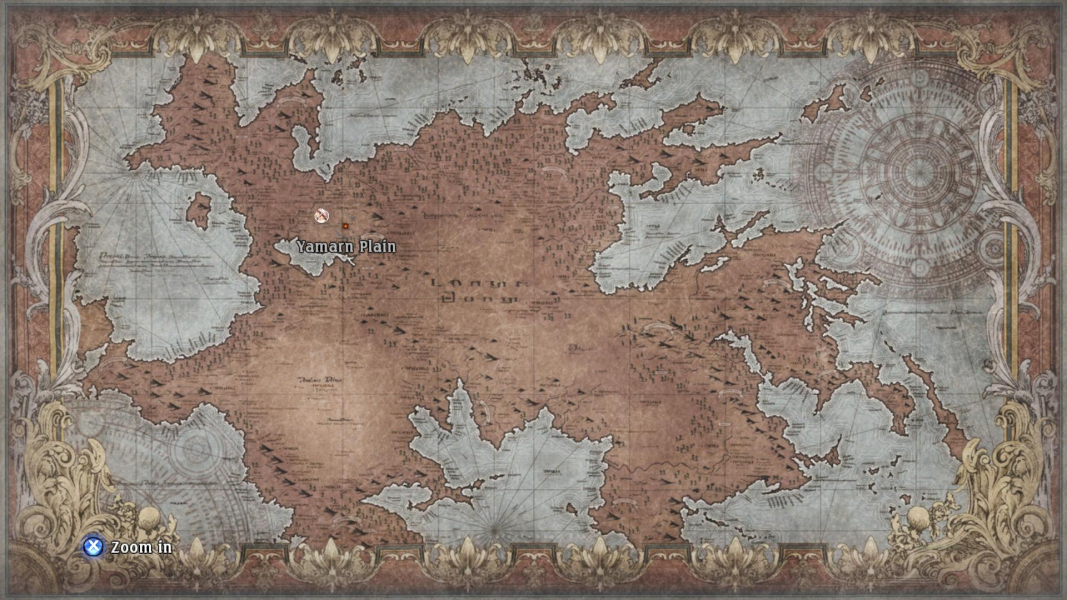
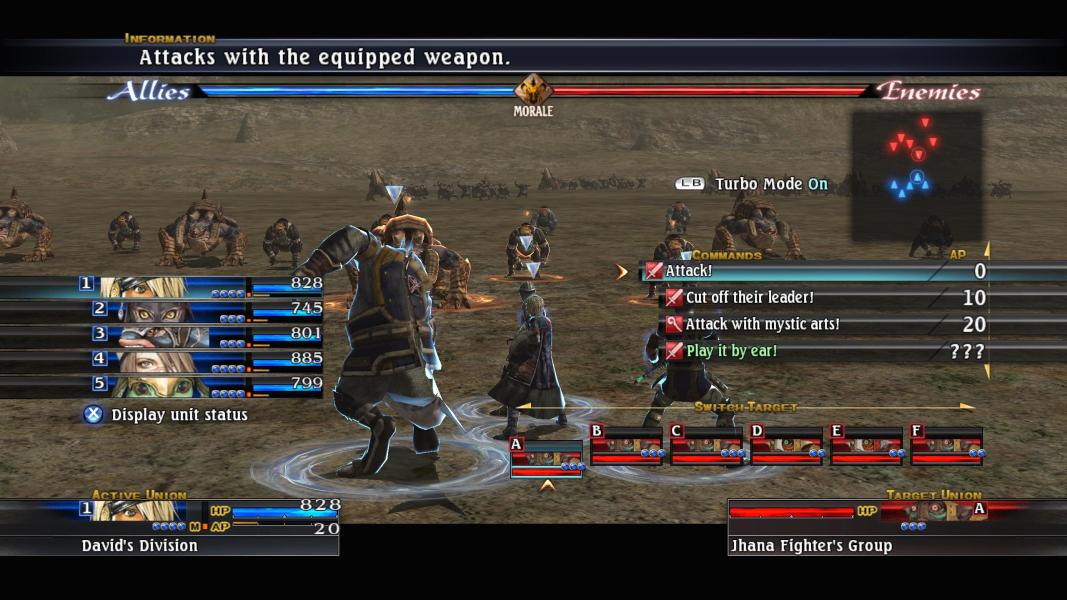
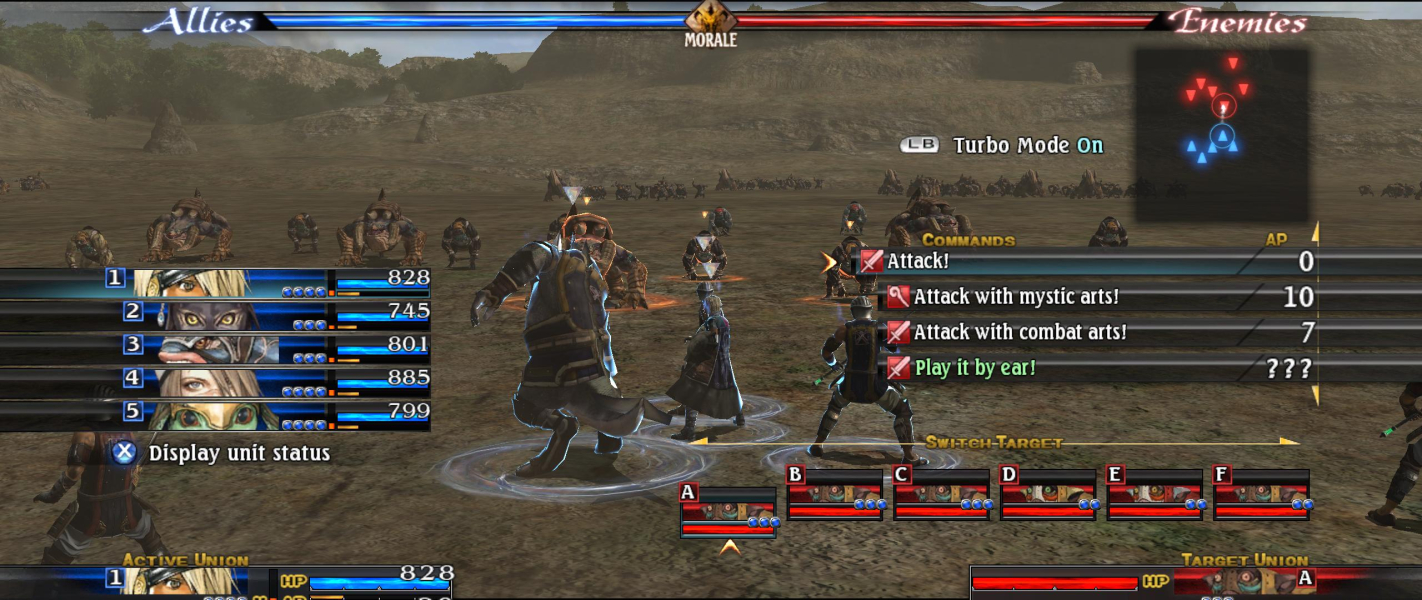
Screenshots Comparison
Solutions & Issues
Native support for widescreen resolutions.
The game is anamorphic.
Solution: FOV via ini edit & Aspect ratio via HEX edit.
Aspect Ratio: Go to ...\Steam\steamapps\common\The Last Remnant\RushGame\CookedPC\Engine.u
Look in Offset 9D570 for this Hex Code: 39 8E E3 3F and change it to your Aspect Ratio. for example CD 90 18 40 (21:9)
FOV: Go to C:\Users\...\Documents\My Games\The last remnant\RushGame\Config\RushInput.ini
Add this Lines under [Engine.PlayerInput]
Bindings=(Name="F1",Command="FOV 58",Control=False,Shift=False,Alt=False)
I have the Files in the Attachment.
Issues: The HUD become slightly cut off.
Solution: FOV via ini edit & Aspect ratio via HEX edit.
Aspect Ratio: Go to ...\Steam\steamapps\common\The Last Remnant\RushGame\CookedPC\Engine.u
Look in Offset 9D570 for this Hex Code: 39 8E E3 3F and change it to your Aspect Ratio.
FOV: Go to C:\Users\...\Documents\My Games\The last remnant\RushGame\Config\RushInput.ini
Add this Lines under [Engine.PlayerInput]
Bindings=(Name="F1",Command="FOV 100",Control=False,Shift=False,Alt=False)
Issues: The HUD become totally cut off.
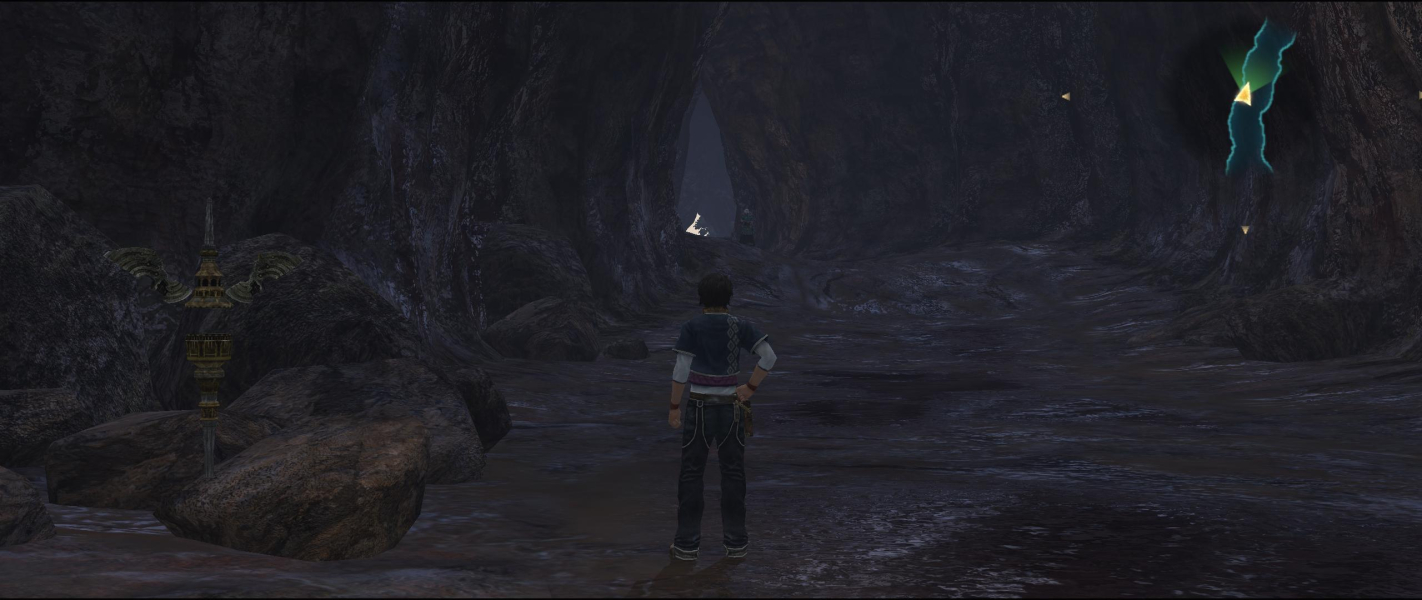
Gameplay Screenshots




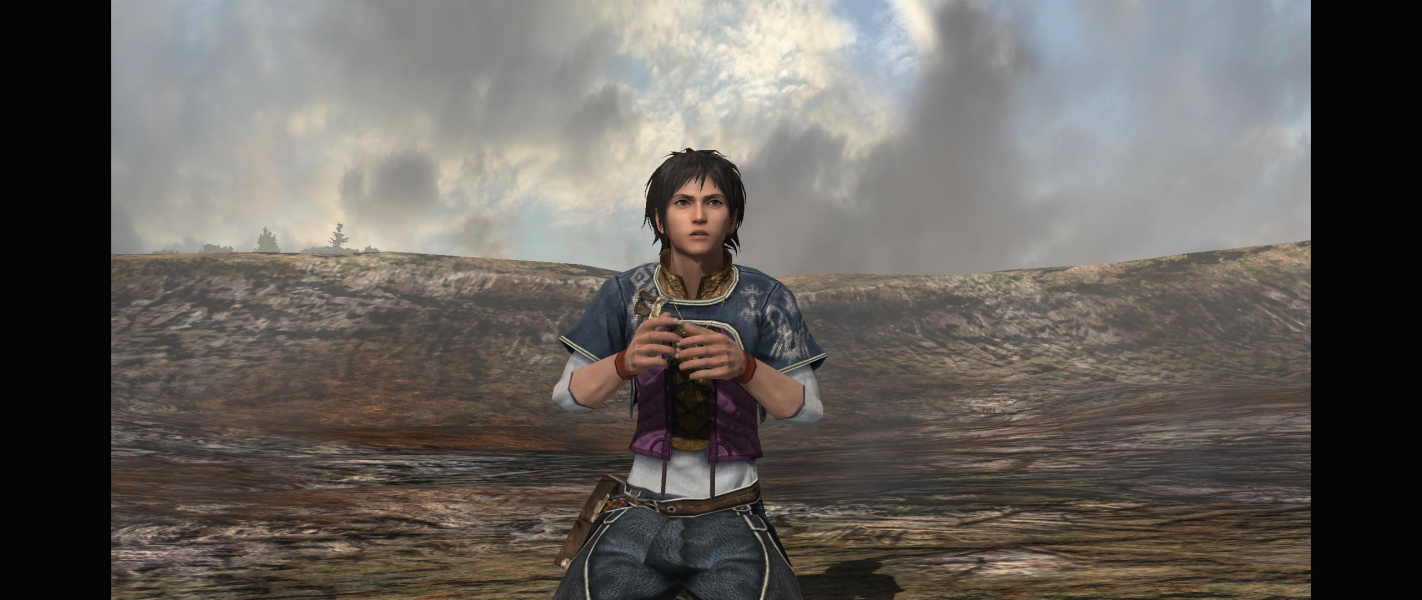
In-Game (Rendered) Cutscenes



FMV Cutscenes



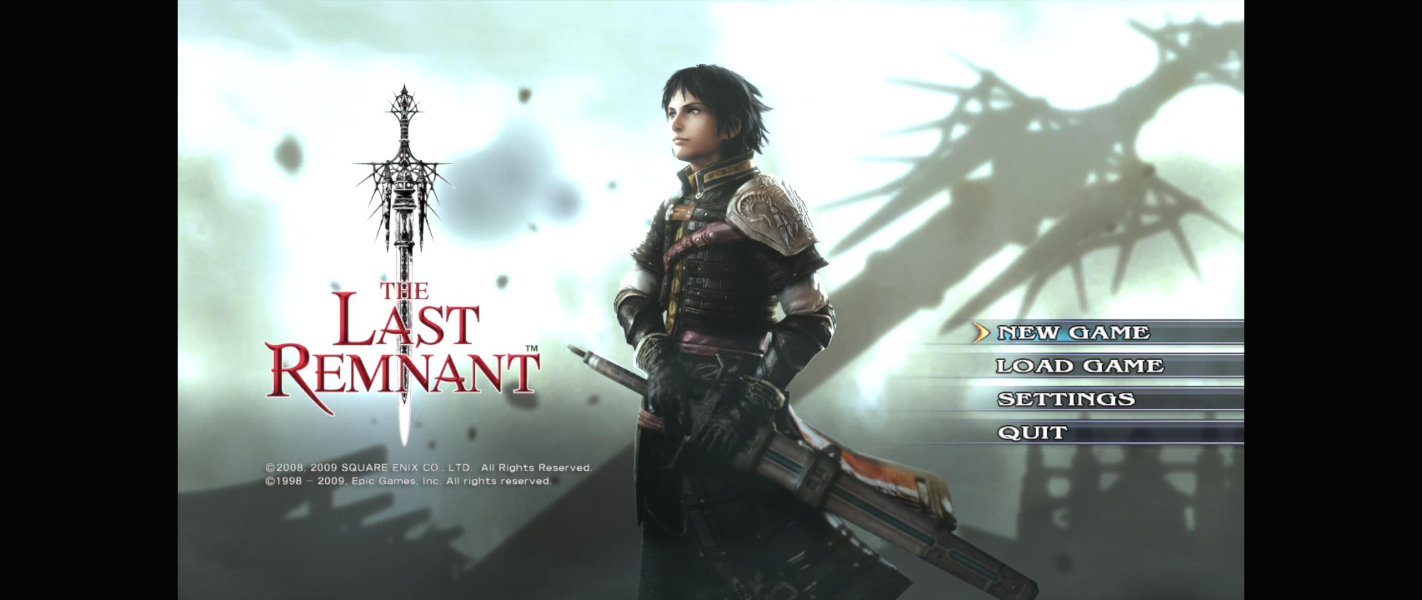
Menu Screenshots



Additional Screenshots