


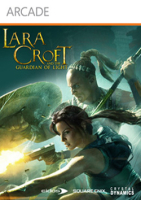


Played from an isometric-like perspective, this 3D action/adventure game combines platform, combat and puzzles through the jungles and not-quite-abandoned aztec temples of Yucatan. The game features local and online 2-player coop, but slight differences in gameplay and level design make it possible to play the whole game solo.
Support Summary
Game Information
Screenshots Comparison
Solutions & Issues
Native support for 16:10 and 16:9 resolutions. Select your resolution and aspect ratio from Help & Options, Graphics, Display Mode Selection.
Other aspect ratios require a registry edit:
HKEY_CURRENT_USER\Software\Crystal Dynamics\Lara Croft: GoL\Graphics
AspectRatio (decimal) = Width : Height x 10.000
FullScreenModeID (hexadecimal) = a complex key that includes refresh rate, height and width. Resolution and refresh rate can be set from the launcher rather than calculating it manually (the calculation is below):
Example: 1280x768 (15:9), 60 Hz
Dec >>> Hex
60 >>> 3C
768 >>> 300
1280 >>> 500
So the registry values would be:
AspectRatio 16667
FullScreenModeID 3c300500
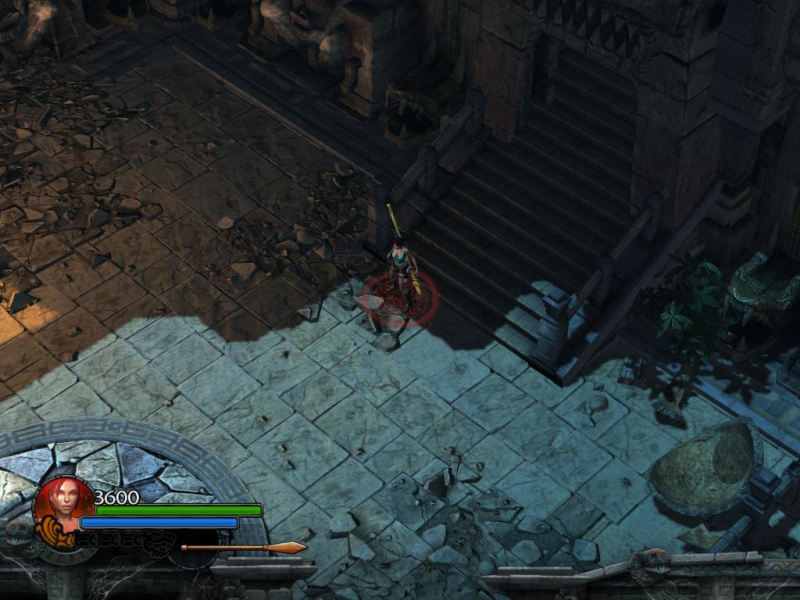
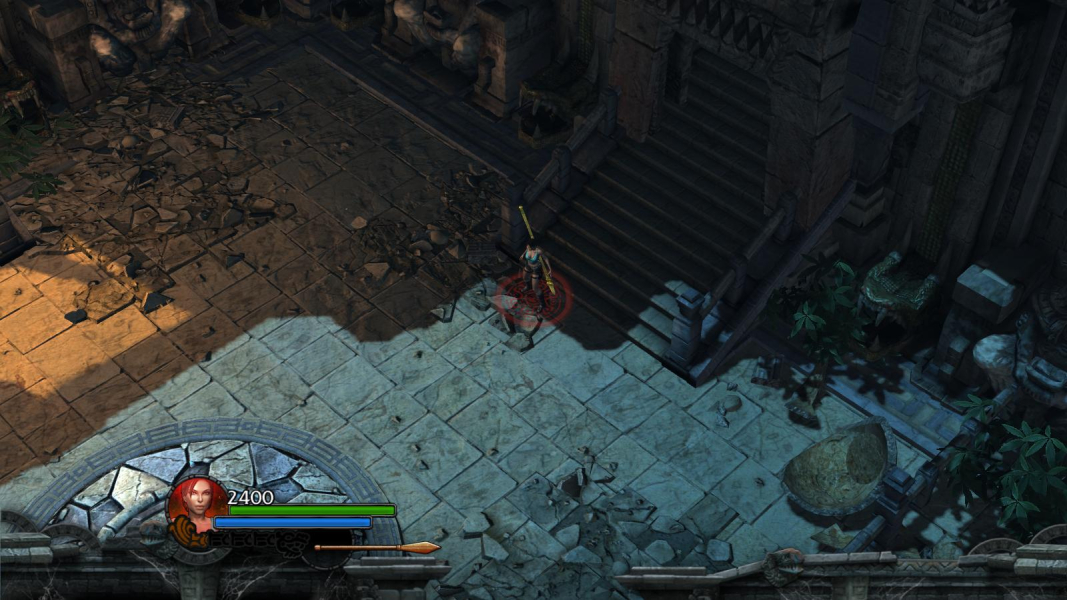
The HUD stretches in non-16:9 widescreen. In fact, all 2D elements and interface screens are a squished or stretched version of the 16:9 design.
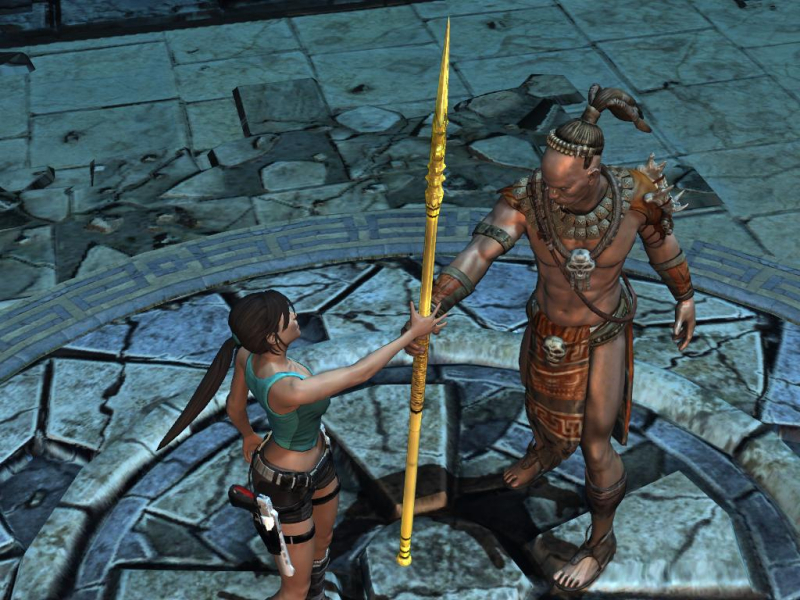
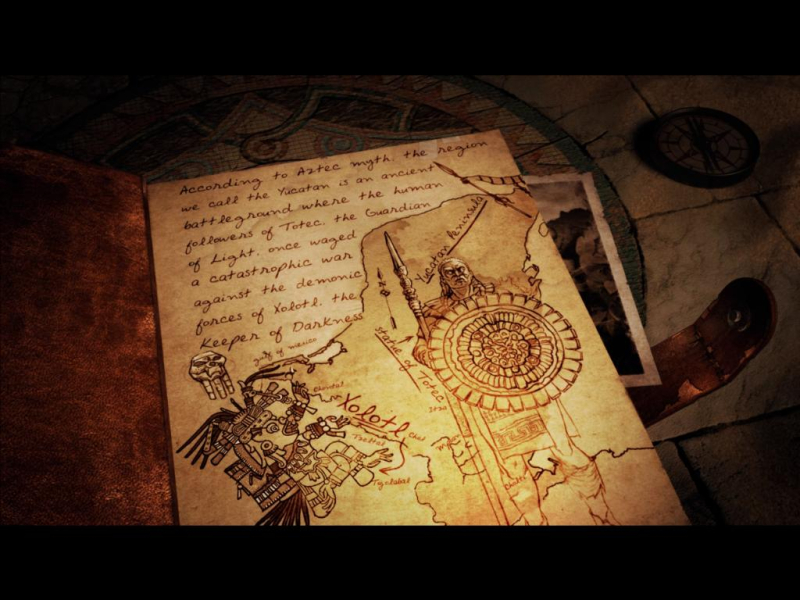
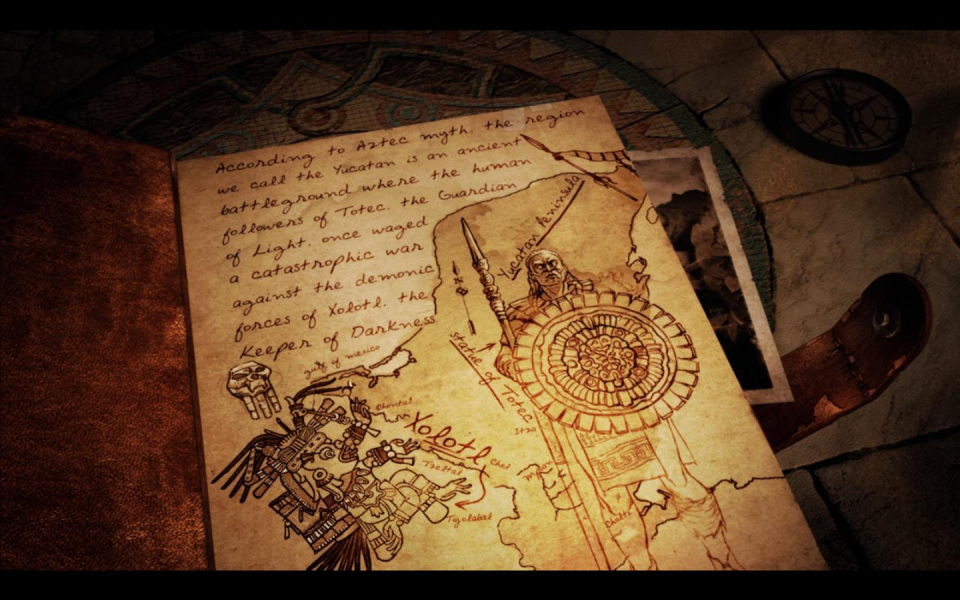
Real-time rendered cut-scenes are roughly 50% Vert-, 50% Hor+. All skippable story-related cut-scenes are Vert-...
Same as widescreen. Set resolution and refresh rate in launcher, then hex edit aspect ratio manually.
2560x1080: set AspectRatio to 23704 in Decimal mode
3440x1440: set AspectRatio to 23889 in Decimal mode
Registry, Hor+ (see Method section above).
Because FullScreenModeID is a 8-character value, height and width are limited to 3 chars each (+2 for refresh rate), i.e can't be more than FFF (4095 pixels). As long as you stay within the 4095-pixel limit, all crazy aspect ratios and bezel-compensated resolutions do work, though.
Here are the settings I used for 3840x720, 120 Hz :
AspectRatio 53333
FullScreenModeID 782d0f00
Gameplay Screenshots




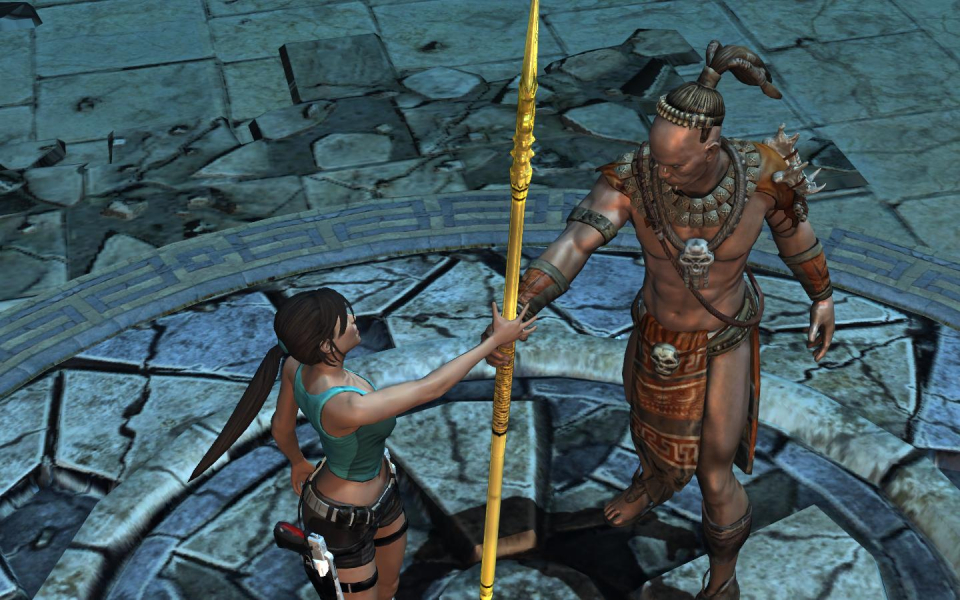
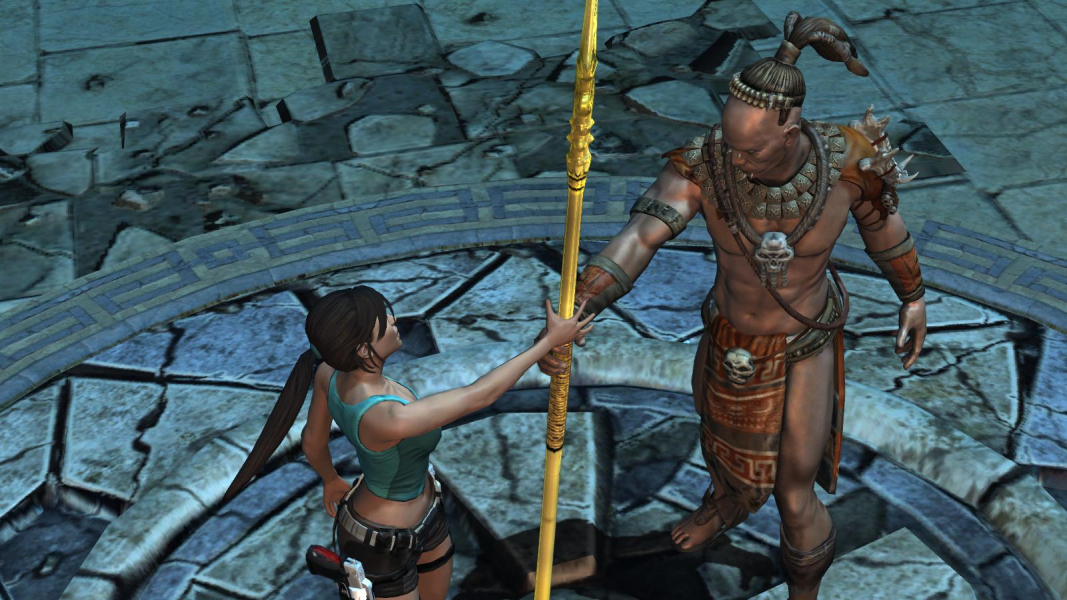
In-Game (Rendered) Cutscenes

FMV Cutscenes
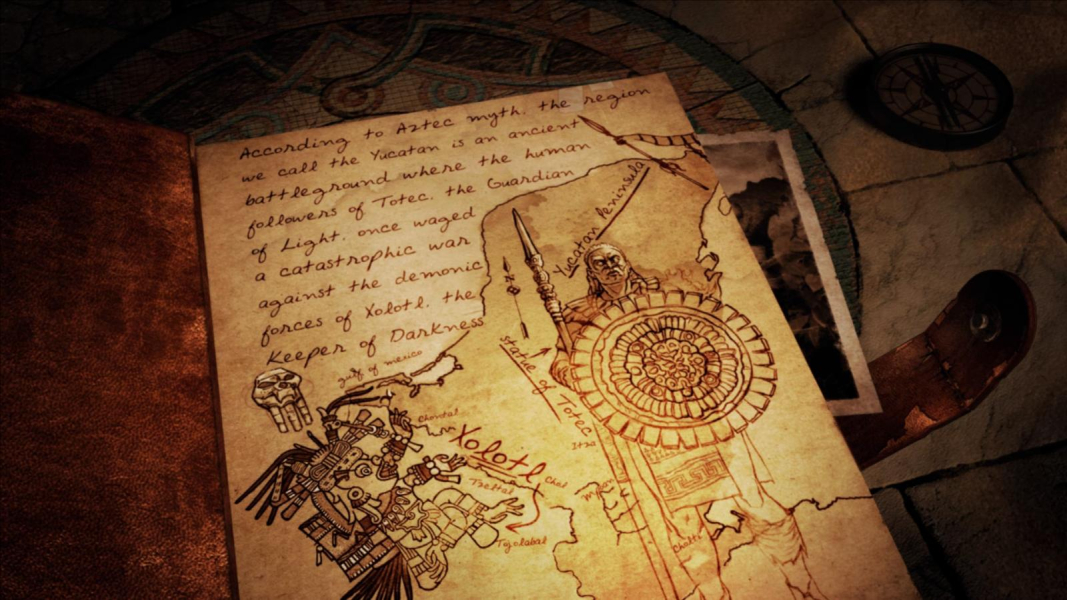


Menu Screenshots

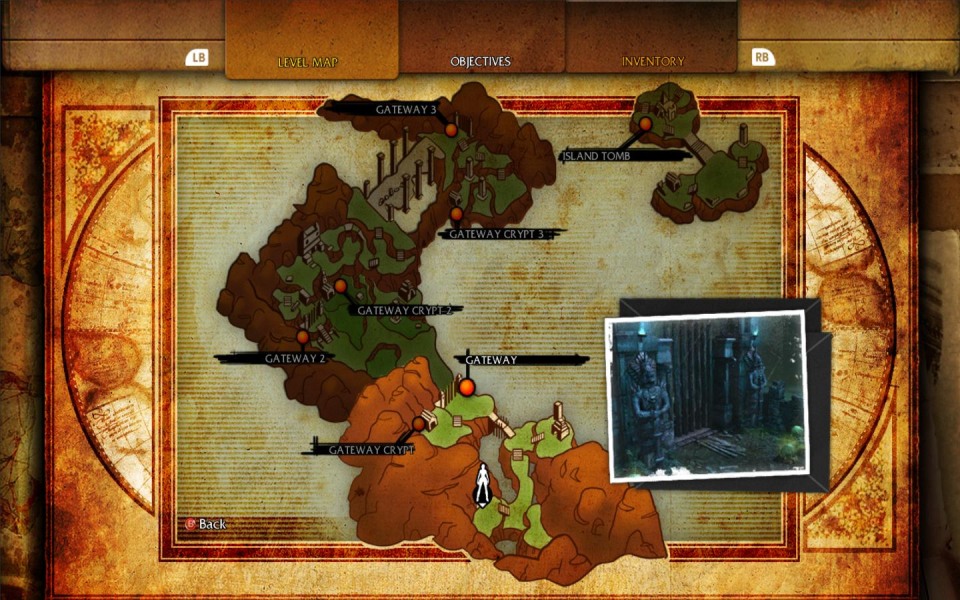
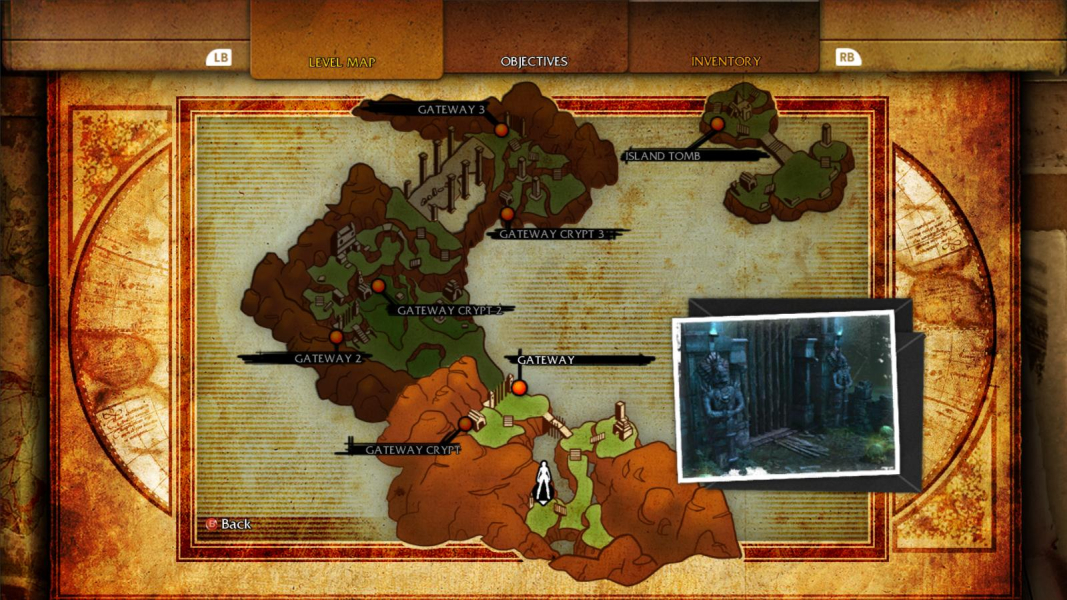

Additional Screenshots


