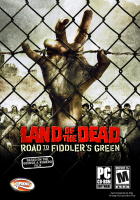
Land of the Dead: Road to Fiddler's Green

Land of the Dead: Road to Fiddler's Green is an FPS from Brainbox and Groove Games, acting plotwise as a prequel to the zombie film of the same name. You play as a redneck named Jack, and must fight hordes of zombies in a variety of abandoned locations, using whatever weapons you can get your hands on.

Support Summary

Widescreen
Ultra/Super‑Wide
Multi-Monitor
4K Ultra HD
Support
Method
HUD
Cutscenes
FMVs

Game Information

Game Status:Released
Release Date:
Tested Version:demo
Setting:Horror
Genre:FPS

Screenshots Comparison

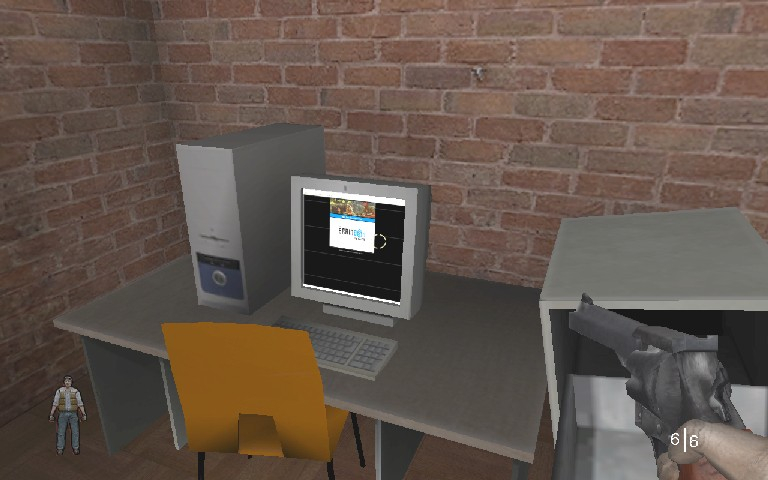
4:3 Screenshot
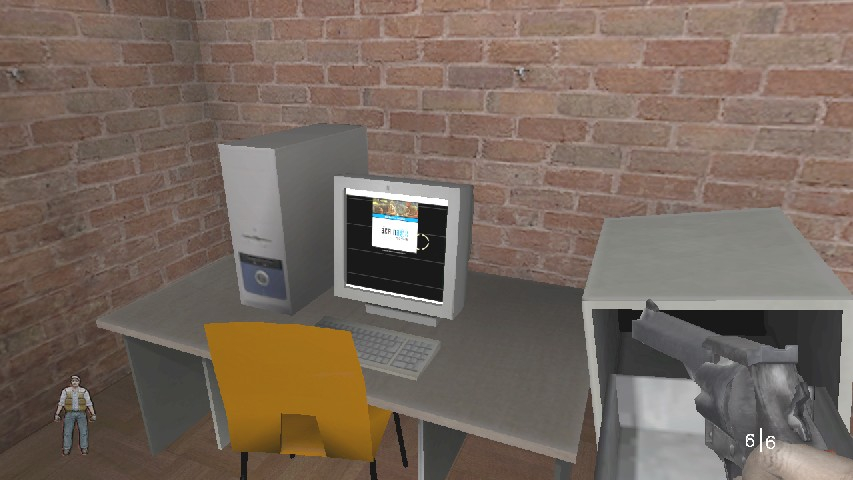
16:10 Screenshot
16:9 Screenshot
21:9 Screenshot
A monitor with a question mark on it. The text above it reads "There is currently no image uploaded for this field." There is a semi-transparent WSGF logo in the background, while the main background is white. The image aspect ratio is 21:9.
32:9 Screenshot
Eyefinity / Surround Screenshot
Solutions & Issues
Widescreen Solution & Issues:

Go to \system. Open lotd.ini. Find these lines:

FullscreenViewportX=xxxx
FullscreenViewportY=xxx

Change them to set your resolution.

Now open user.ini. Find these lines:

DesiredFOV=65.000000
DefaultFOV=65.000000

Change the values to set your FOV to your preference. According to FOV Calc, you should use 74.8 for 16:10 resolutions and 80.7 for 16:9 resolutions.

FOV can be changed in console FOV ''x''

The weapon in your view is vert -, even if you increase the FOV.

4:3 Screenshot
16:10 Screenshot
1280x800, FOV=74.8
16:9 Screenshot
1280x720, FOV=80.7
21:9 Screenshot
A monitor with a question mark on it. The text above it reads "There is currently no image uploaded for this field." There is a semi-transparent WSGF logo in the background, while the main background is white. The image aspect ratio is 21:9.
32:9 Screenshot
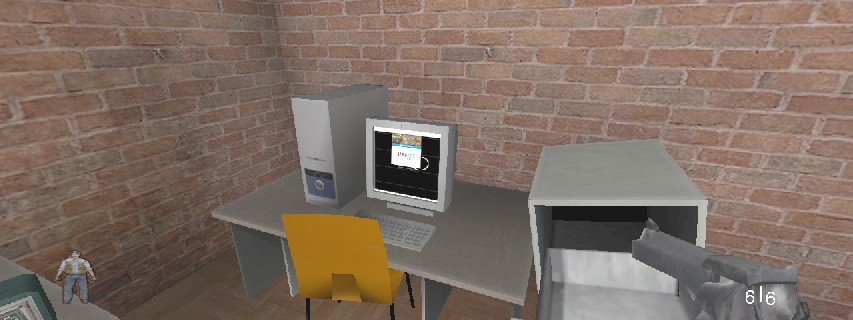
Eyefinity / Surround Screenshot
1280x480 (2.66:1 Cinerama!), FOV=105
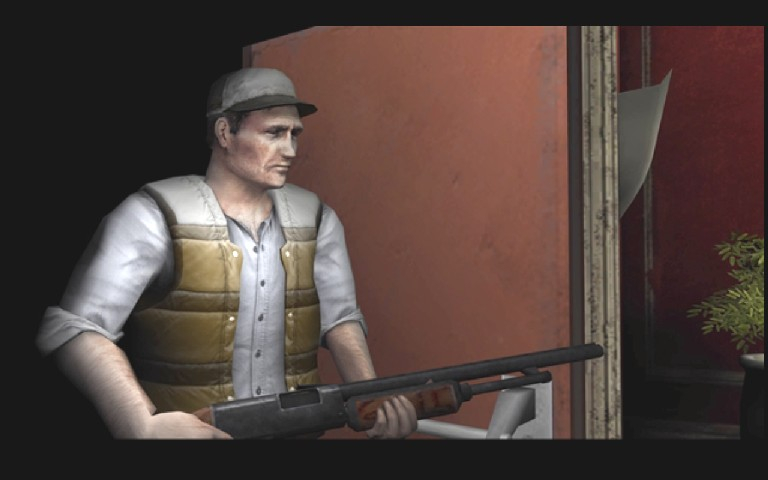
4:3 FMV Cutscene
16:10 FMV Cutscene
Uploaded by: skipclarke
1920X1080 8X AA 16X AF MAX SETTINGS FOV 135
15:9 Resolutions:1280x768
Multi-Monitor Layouts:3x1-L