

King's Quest: The Complete Collection is a five-part episodic adventure series and a reboot/re-imagining of the classic King's Quest adventure franchise.
Support Summary
Widescreen | Ultra/Super‑Wide | Multi-Monitor | 4K Ultra HD | |
Support | ||||
Method | ||||
HUD | ||||
Cutscenes | ||||
FMVs |
Game Information
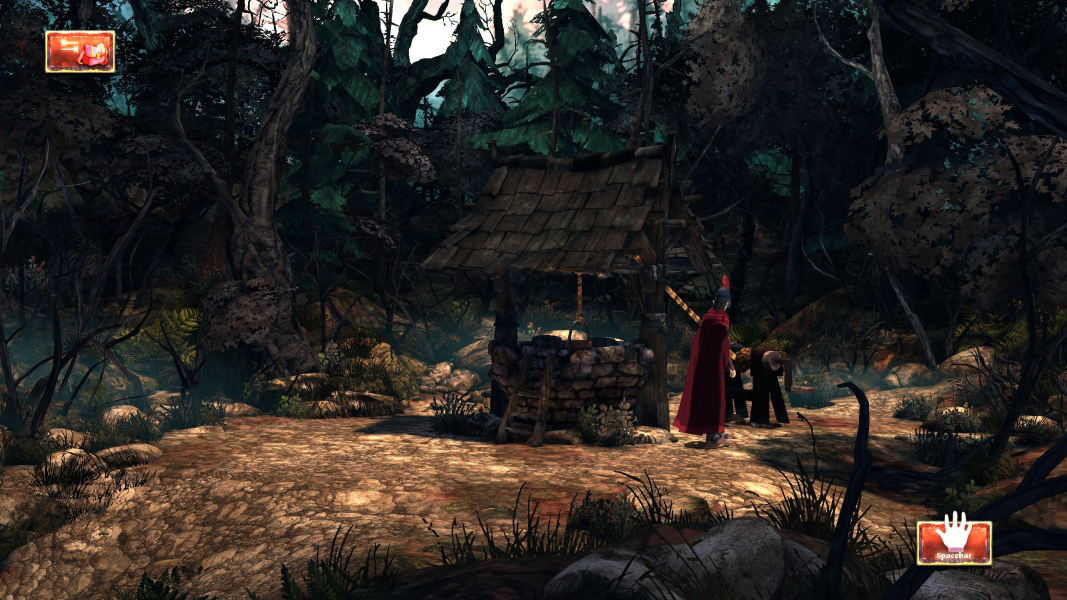
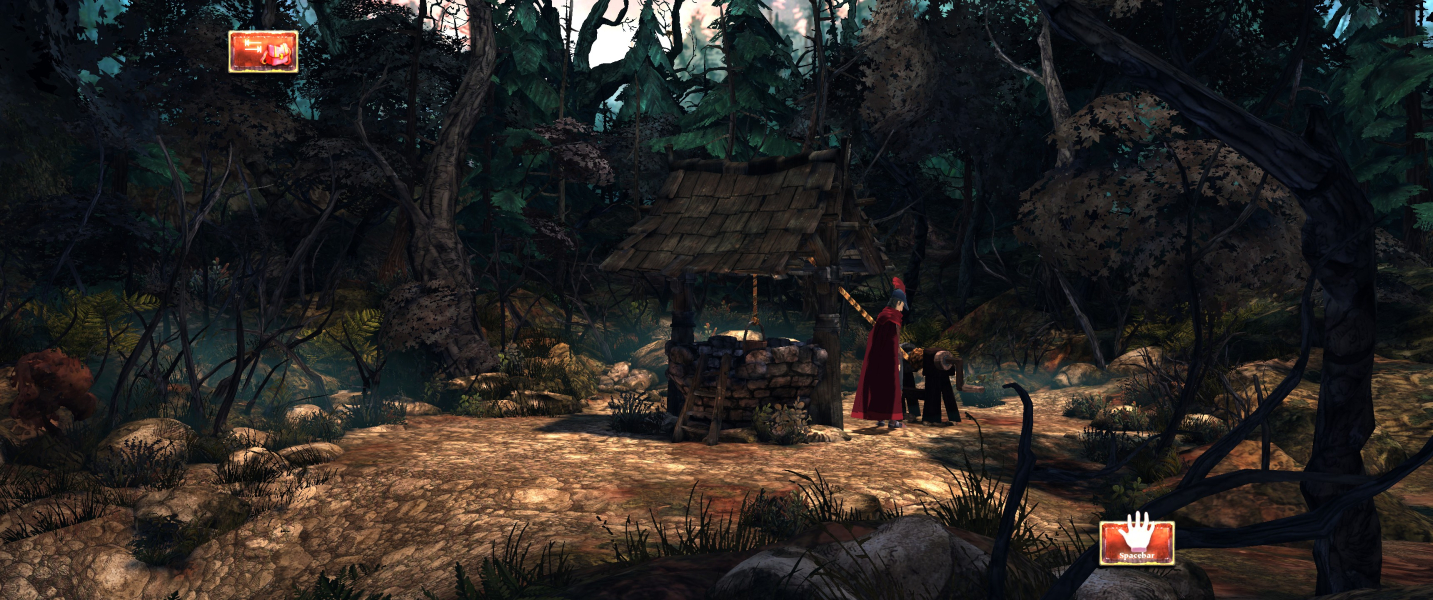
Screenshots Comparison
Solutions & Issues
Native Anamorphic.
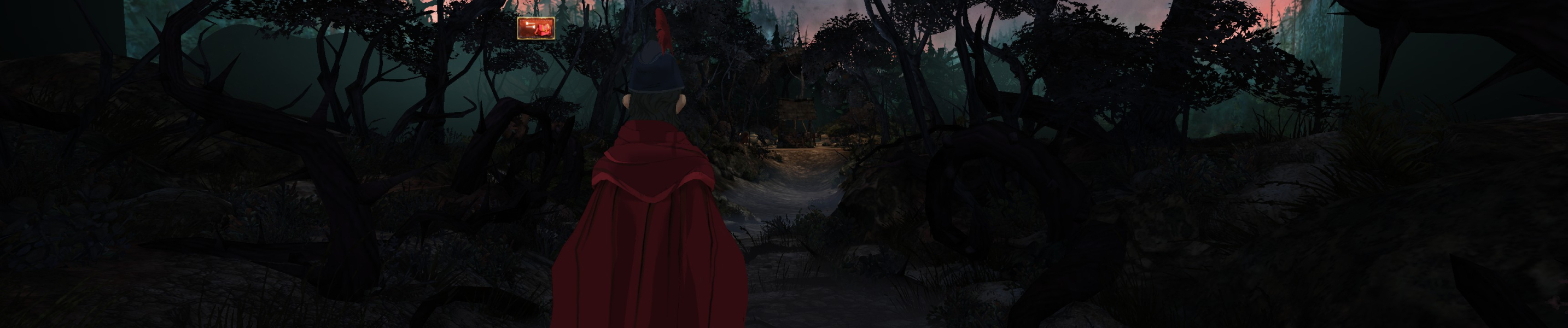
The Game is only 16:9 out of the BOX - use INI & HEX edit to get HOR+
Hex edit the Aspect Ratio: Go to --> ..\steamapps\common\King's Quest\GrahamsGame\CookedPCConsole\GrahamsGame.upk
Look for 39 8E E3 3F and change it to CD 90 18 40
INI edit the FOV: Go to --> ...\Documents\my games\UnrealEngine3\GrahamsGame\Config\GrahamsInput.ini
Add to [Engine.PlayerInput] this Line: Bindings=(Name="F1",Command="FOV 65",Control=False,Shift=False,Alt=False)
In Game press F1
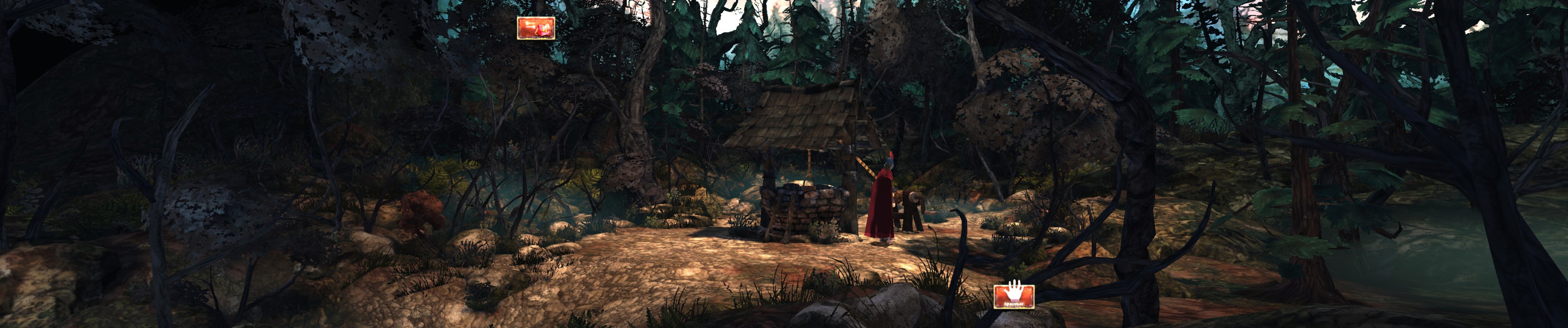
The Game is only 16:9 out of the BOX - use INI & HEX edit to get HOR+
Hex edit the Aspect Ratio: Go to --> ..\steamapps\common\King's Quest\GrahamsGame\CookedPCConsole\GrahamsGame.upk
Look for 39 8E E3 3F and change it to AB AA AA 40 (3x16:9) or 9A 99 99 40 (3x16:10)
INI edit the FOV: Go to --> ...\Documents\my games\UnrealEngine3\GrahamsGame\Config\GrahamsInput.ini
Add to [Engine.PlayerInput] this Line: Bindings=(Name="F1",Command="FOV 109",Control=False,Shift=False,Alt=False)
In Game press F1
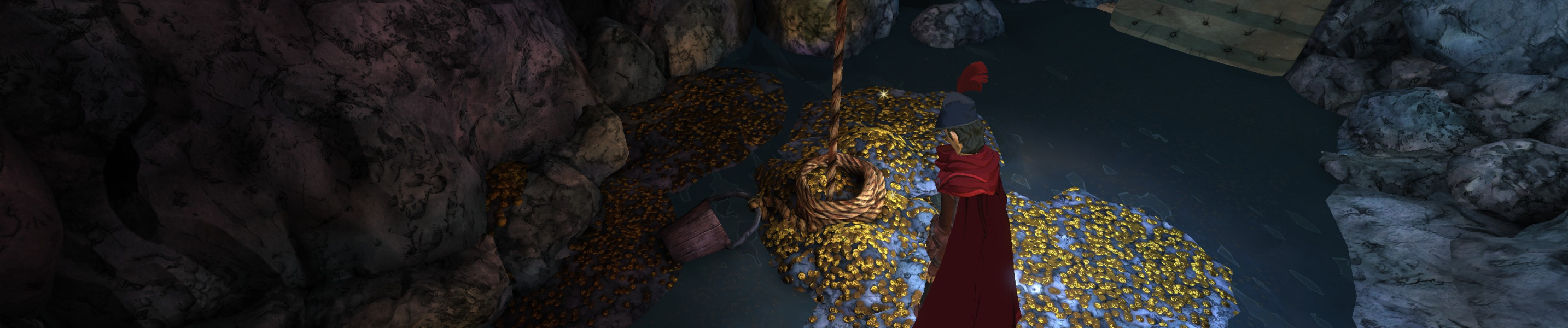
Issues: Some Background Graphics are cut of
Gameplay Screenshots



In-Game (Rendered) Cutscenes
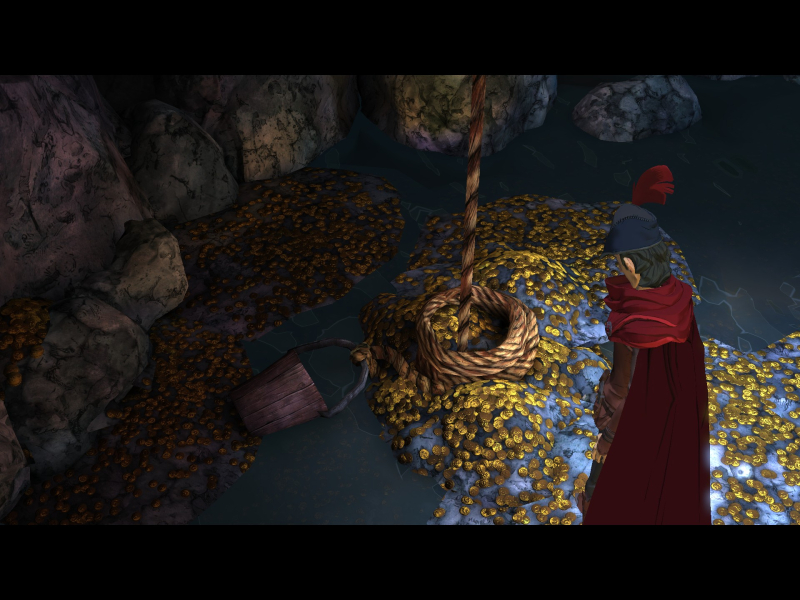

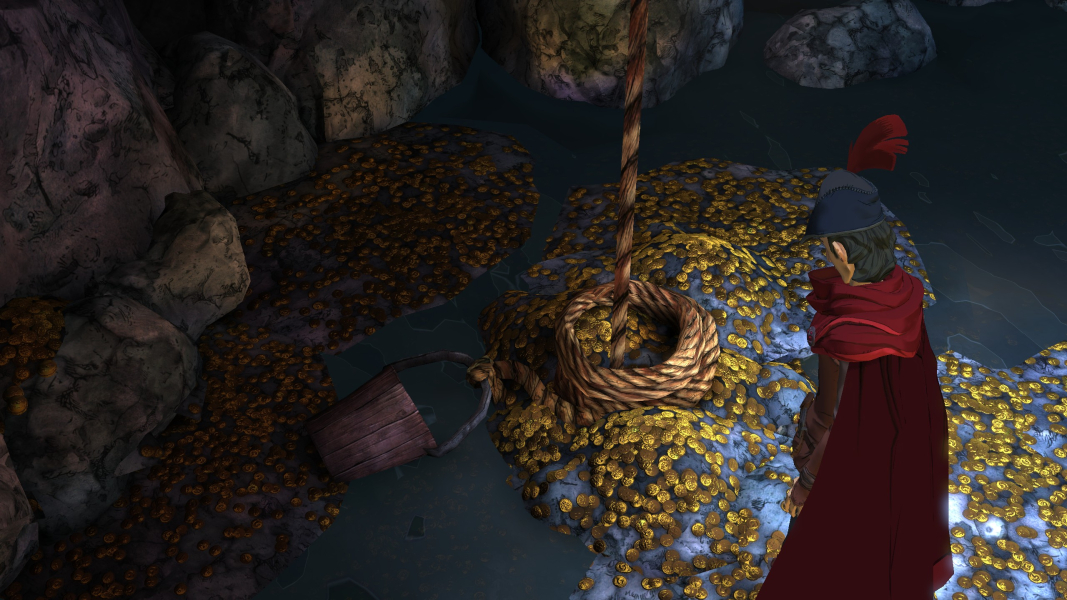
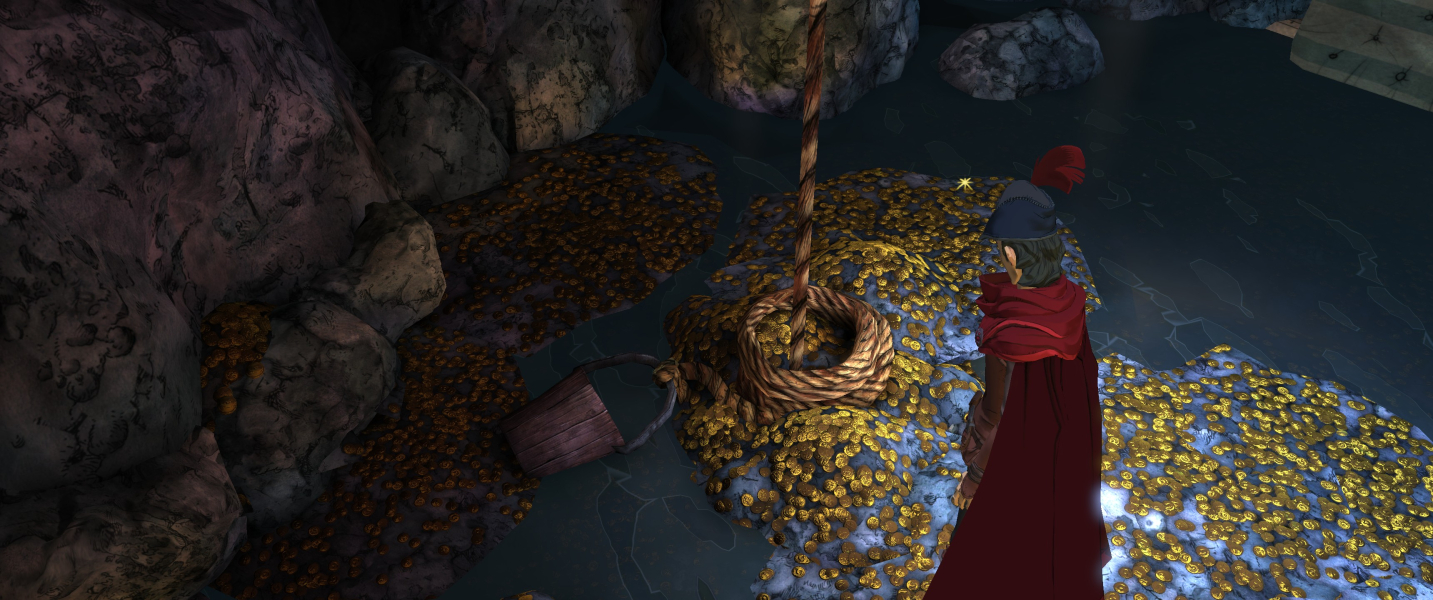
FMV Cutscenes


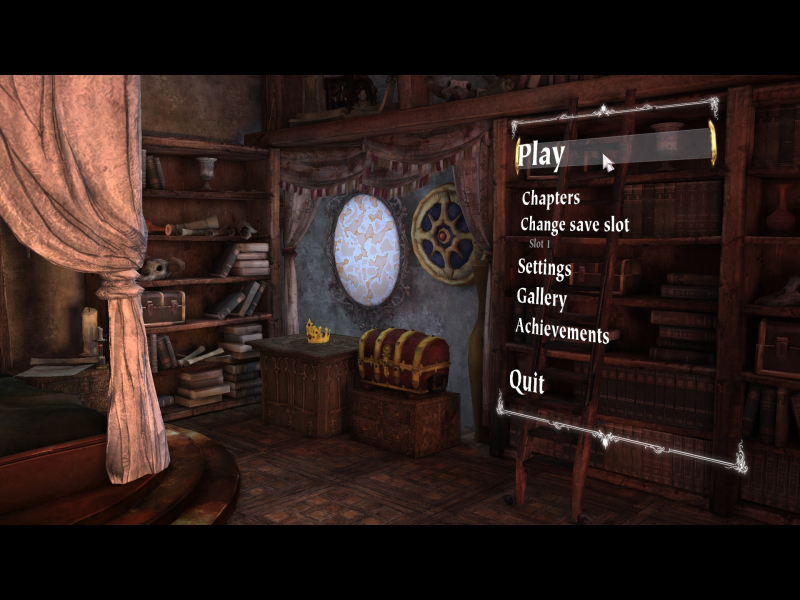
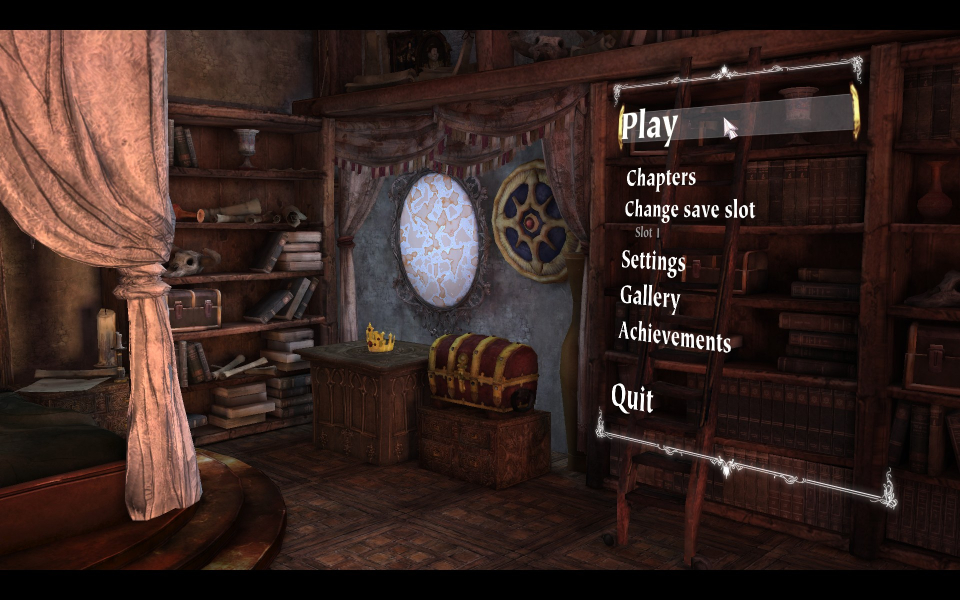
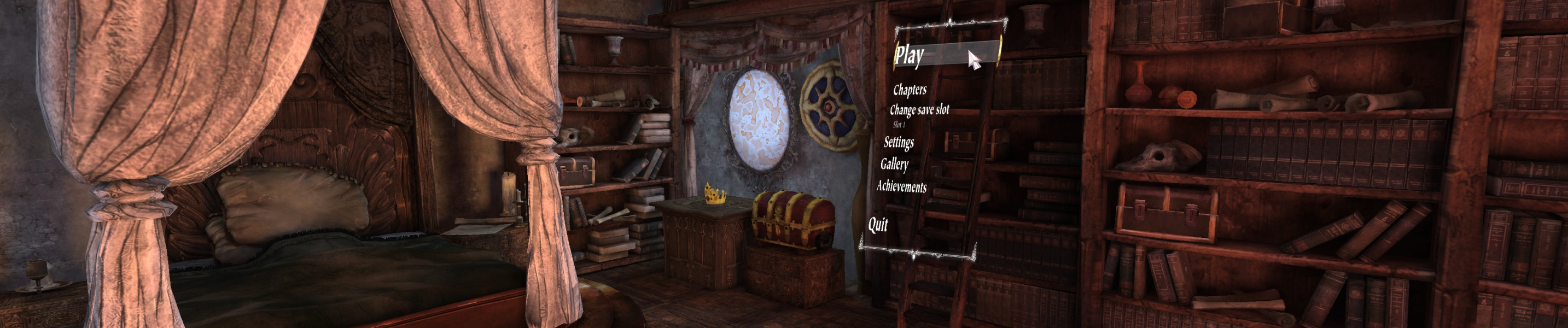
Menu Screenshots


Additional Screenshots