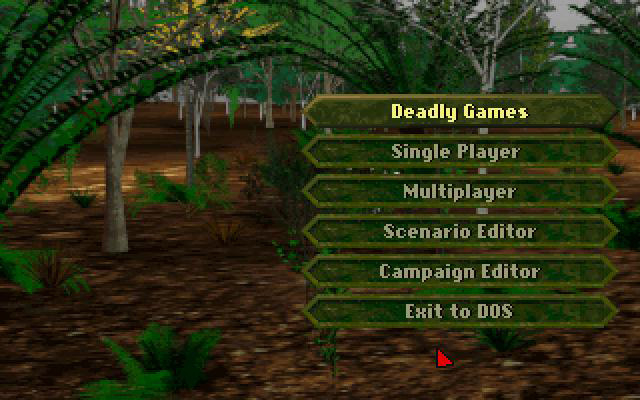


Deadly Games is a DOS sequel to the original game. It features a different format, however, and is considered by some to be more of a spin-off than a sequel. This game features the same engine and top-down perspective as the original game.
In Deadly Games, the player takes a group of mercenaries through a series of missions. The missions are linked chronologically, removing the need for micro-management on a strategic map. The scenario branches somewhat depending on the player's successes and failures. There are multiple terrain types, the mercenaries are hired and fired between missions, and the first equipment trader (Micky) of the series offers his services (occasionally he may sell the player a bunch of equipment that turns out to be junk prompting the mercs to voice their displeasure with the deal).
The most innovative aspects of Deadly Games include a wide variety of special ops mission types like hostage rescues, demolition and infiltration missions. Strategic features like turn limits and a boosted AI as well as networked multiplayer capabilities make this the most complete package in the series. The integrated scenario and campaign editors allow for the creation of custom strategic scenarios, adding to the replay value. Merc weapons can be modified by adding scopes, silencers and barrel extenders. Heavier equipment such as grenade launchers and mortars are available as well.
Support Summary
Game Information
Screenshots Comparison
Solutions & Issues
The game output is upscaled from a fixed 320x200 resolution.
Select OpenGL mode in the GOG game loader to run in Nvidia Surround. Other rendering would result in just a black screen for me.
Gameplay Screenshots


In-Game (Rendered) Cutscenes
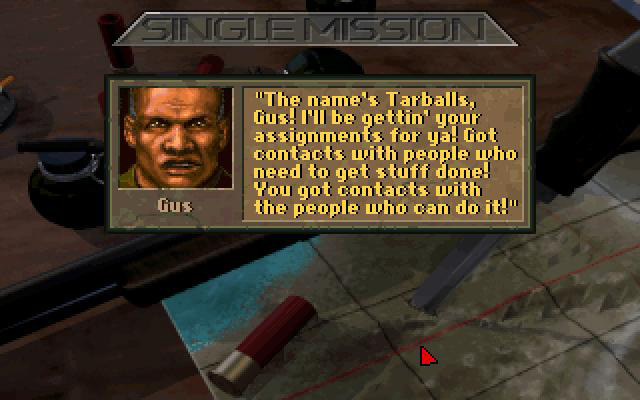
FMV Cutscenes

Menu Screenshots