


You play as an martial arts student who is trying to rescue his/her abducted Master from a group of assassins. While unveiling the circle of treachery, you can choose to follow the Way of the "Open Palm" or the "Closed Fist" (Good/Evil - much like the KotOR series) and influence the story and people in this way.
Support Summary
Game Information
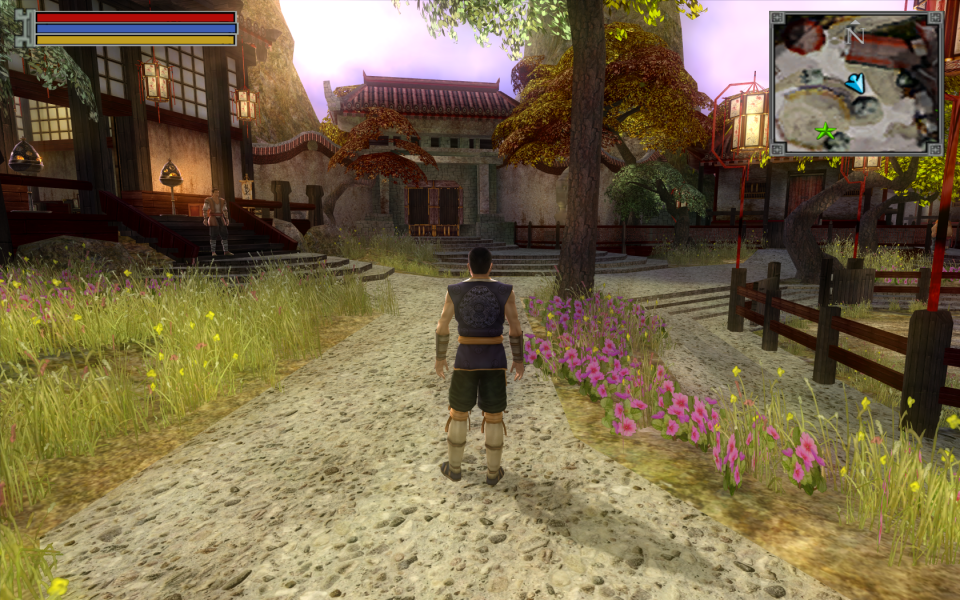
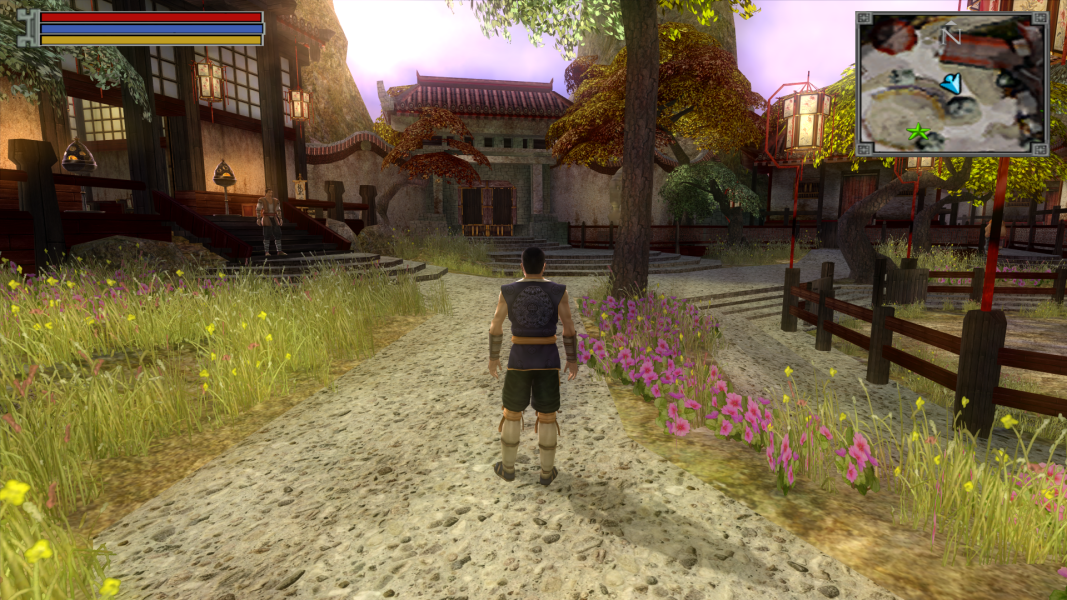
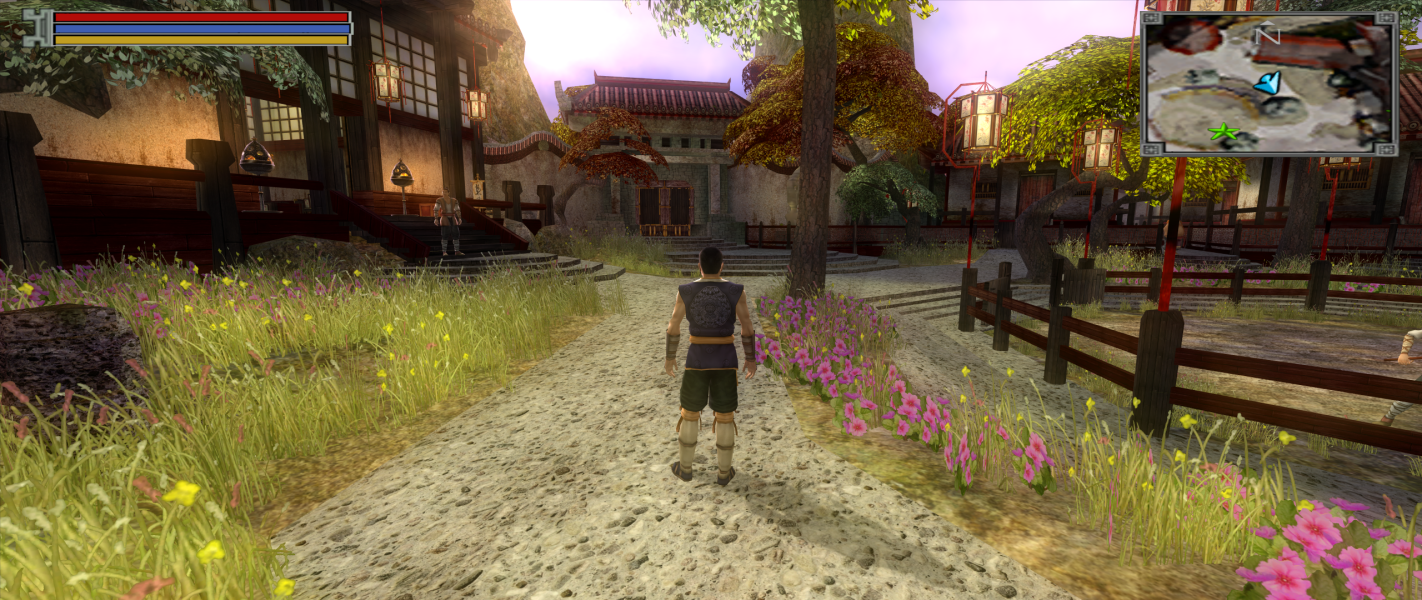
Screenshots Comparison
Solutions & Issues
Native widescreen support available.
For manual entry, enter your resolution in the "JadeEmpire.ini" located in the game folder.
--------------------
[Render]
ScrW=1920
ScrH=1080
RefreshRate=29
--------------------
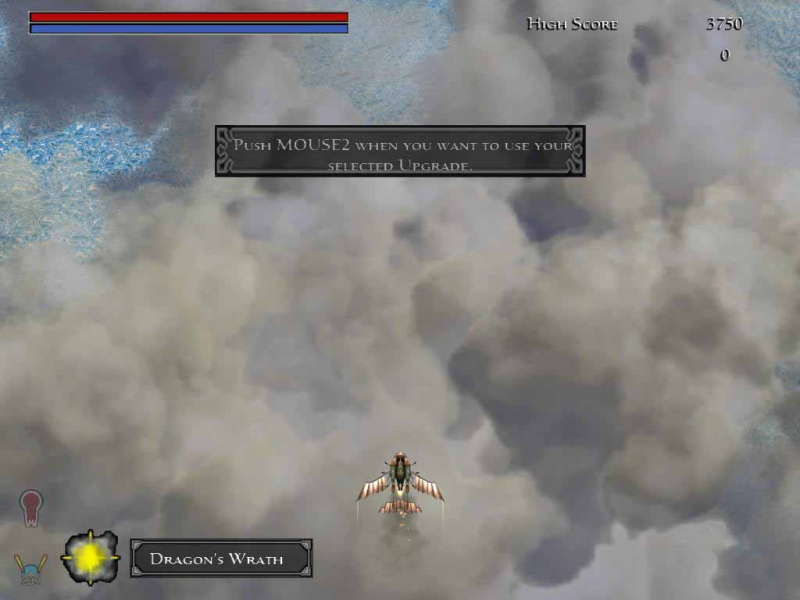
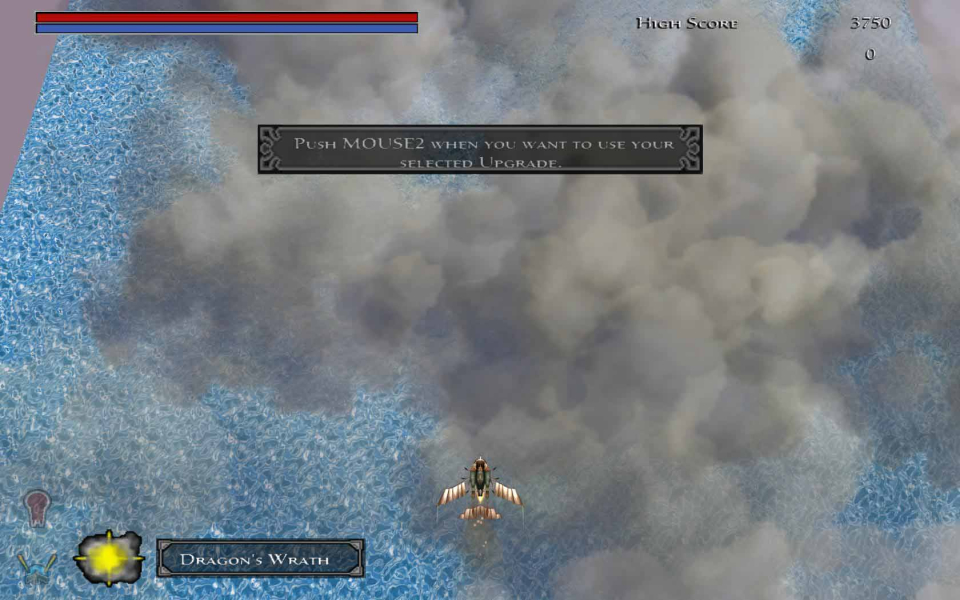
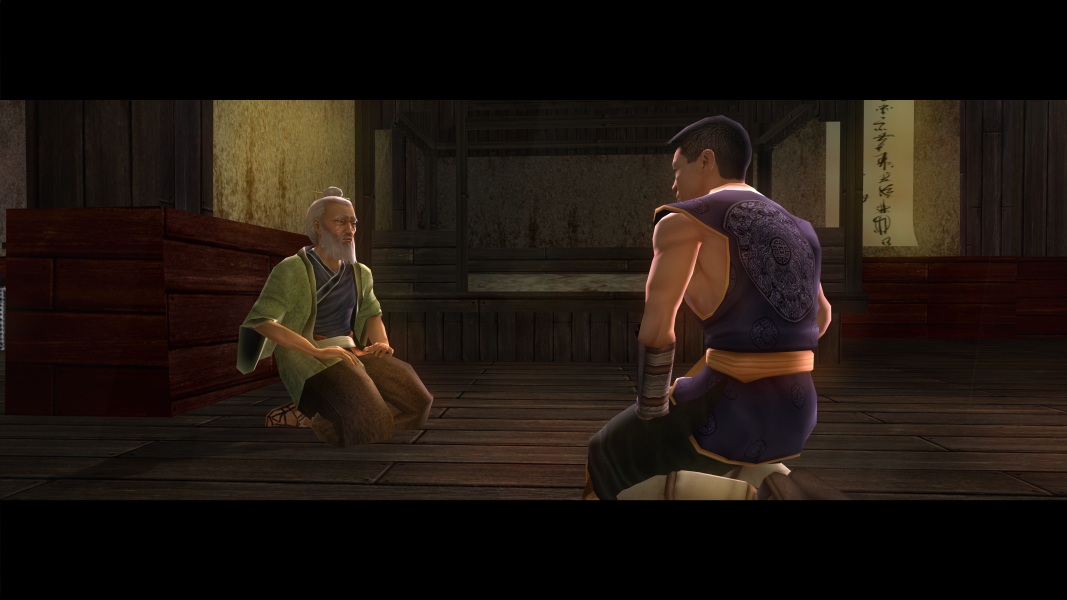
There is a minigame included, a vertically scrolling shooter. Its Hor+ as well but in widescreen resolutions there is a graphical glitch at the edges. The HUD, menus and all texts stretch horizontally. There are some FMV's available throughout the game, all of them stretch horizontally. Ingame-rendered cut-scenes are Hor+.
Native.
Simply select 16:9 aspect ratio to access SG resolutions in the options menu (or run SGU).
Note that in minigames you can move your ship to the edges of your display, so you can spot and shoot enemies earlier than in normal resolutions.
[+] The character sheet, quest log, texts and subtitles stretch too, but can still be read easily, which is the most important.
[-] There are quite a lot of nice short FMVs throughout the game, their stretching is much more annoying.
[-] Maps are mostly corridor-like (even the cities) and everything happens right under your nose. The game is too "narrow" by nature to really benefit from SG, if you will.
[-] Hotkey for PowerDeskSE's Bezel Management is NOT functional ingame. (Alt-tabbing to use the hotkey on the desktop then get back into the game works though.)
Centered HUD Solution:
Replace JadeEmpire.exe in the game folder. Fix available from the PC Gaming Wiki Community Files (search there).
Gameplay Screenshots
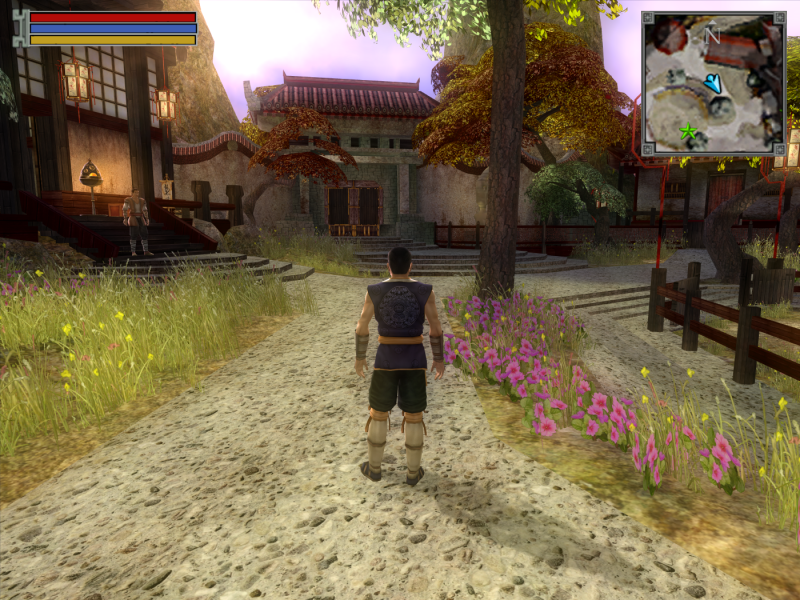


In-Game (Rendered) Cutscenes


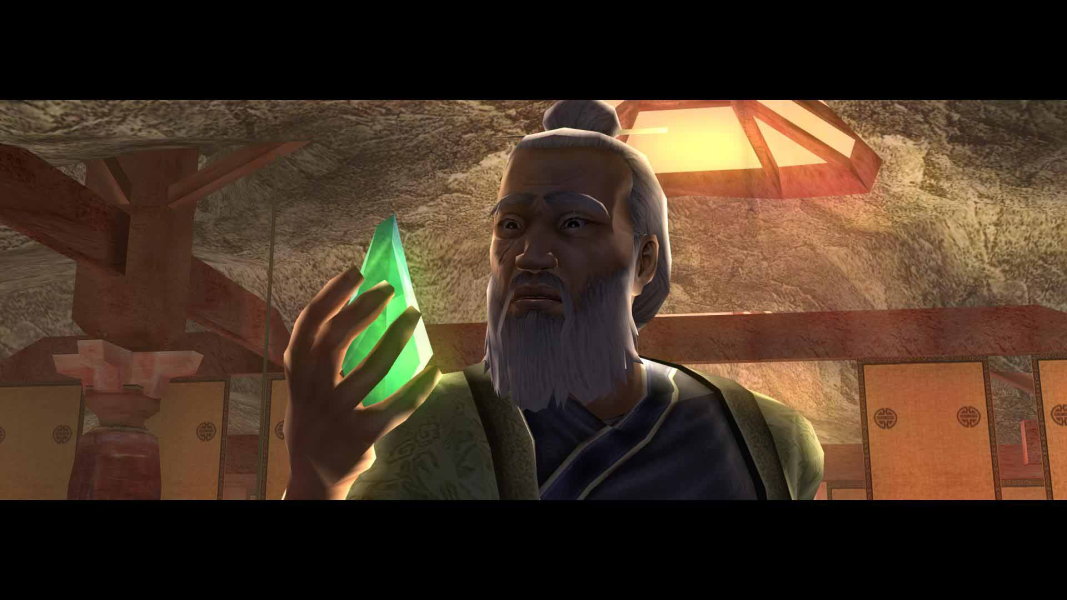
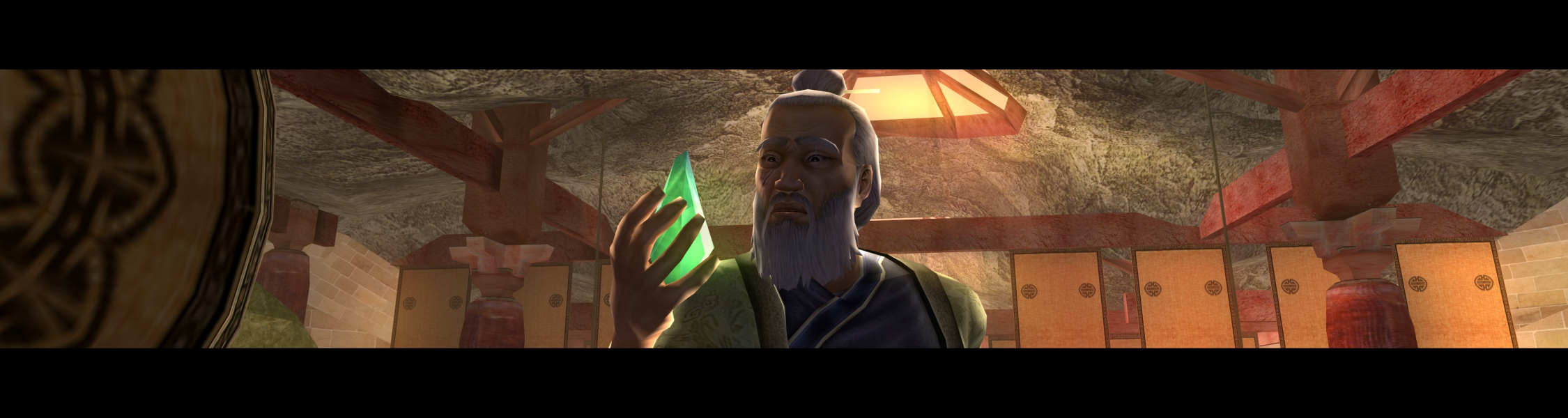
FMV Cutscenes
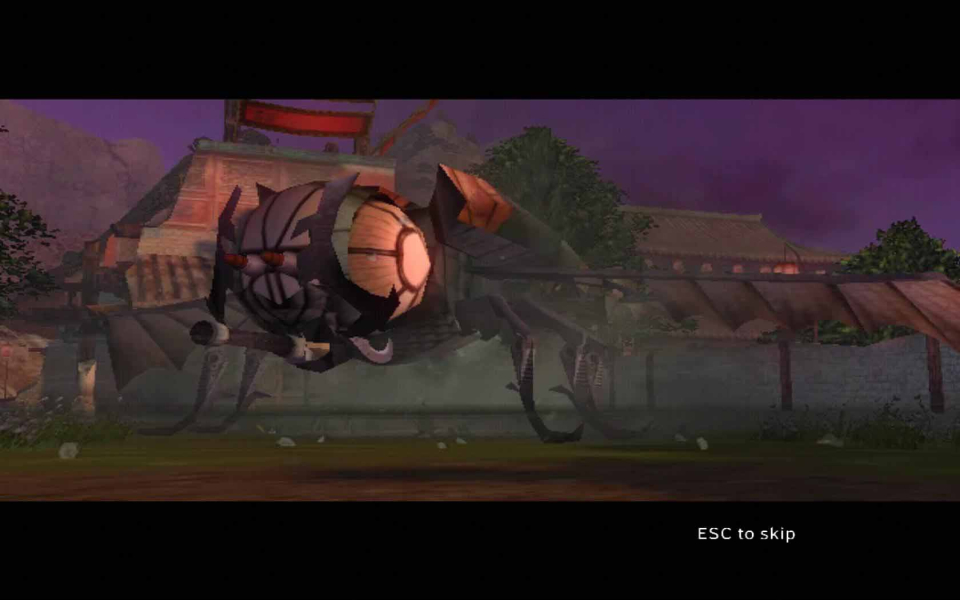
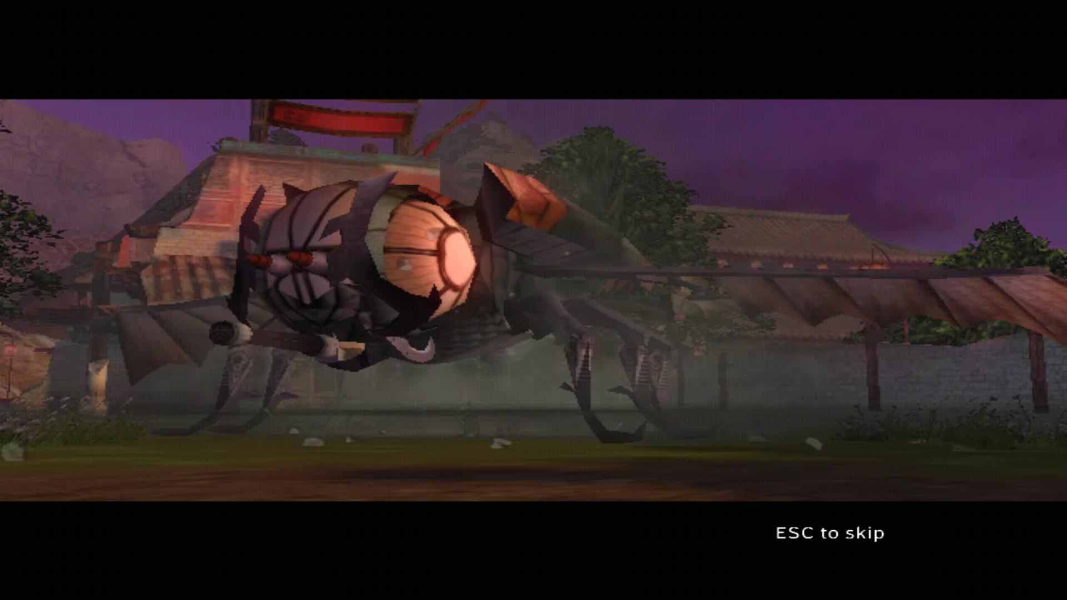
4K UHD Screenshots

Additional Screenshots