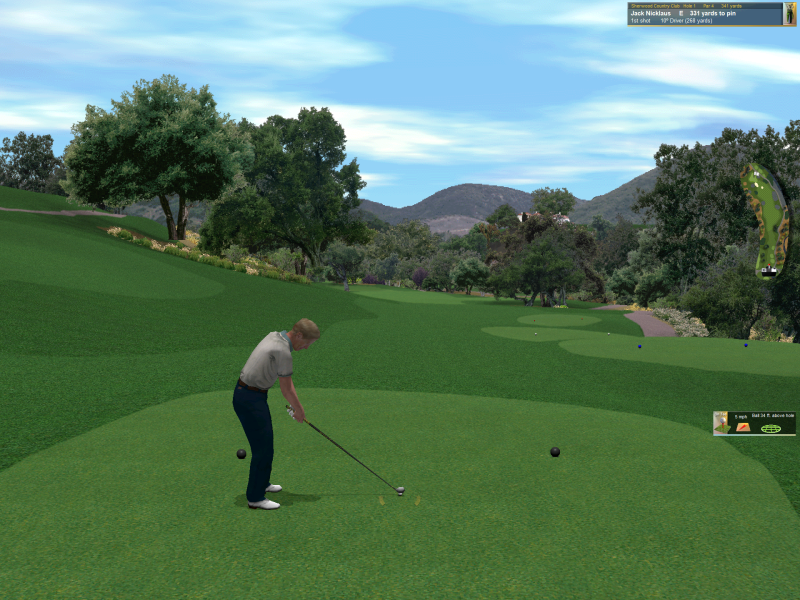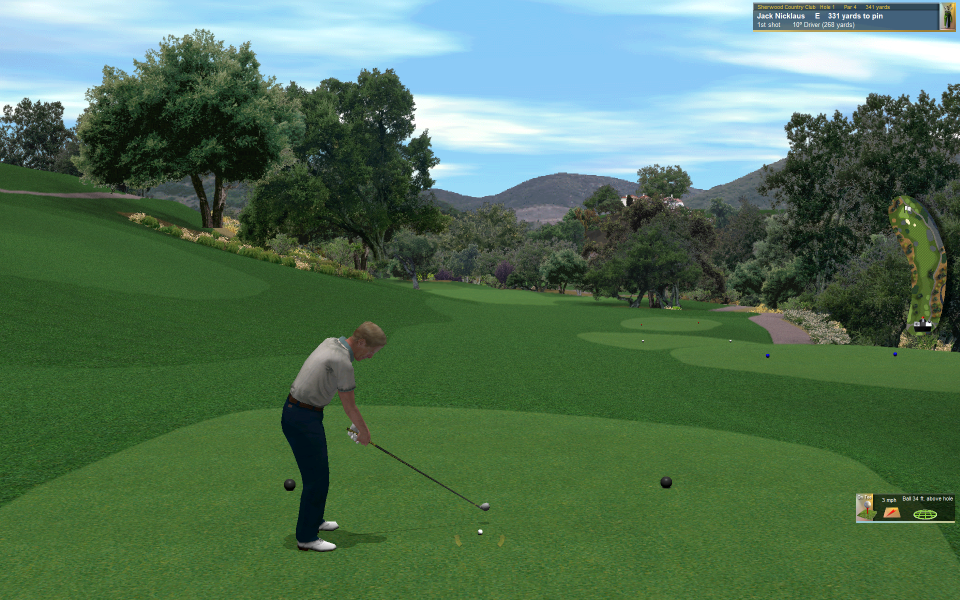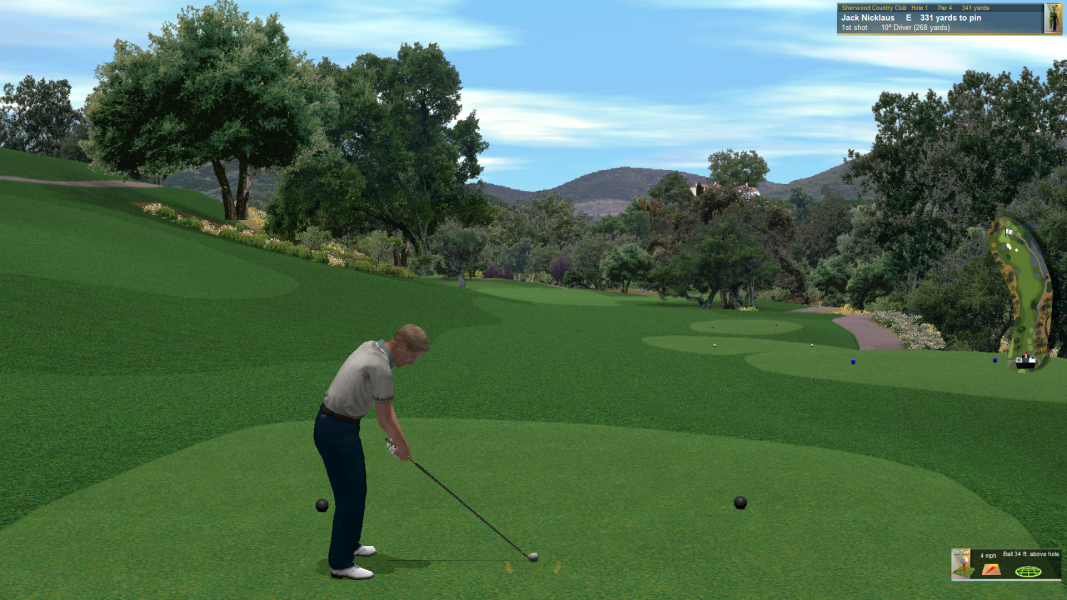


Sequel to the best-selling Jack Nicklaus golf series, Jack Nicklaus 6: Golden Bear Challenge garnered a PC Gamer Editors’ Choice award (July 1999 issue) and a five-star rating from Computer Gaming World (August 1999 issue). With state-of-the-art physics, design innovations like Season Mode, the addition of RPG elements, Ready Golf, and an innovative green reading mechanic, this title is the ultimate golf simulation. The graphics are the best of the genre, and the interface is gorgeous, polished, and easy to use. From a technical standpoint, the game is superbly engineered. The existing franchise code-base was completely rewritten in C++. The terrain renderer was sped up by at least 2 times and a custom software polygonal renderer was added. The code is architected to make use of 3D hardware acceleration if it is present.
Source: Amazon store page.
Support Summary
Game Information
Screenshots Comparison
Solutions & Issues
Resolution must be set to 800x600 in preferences/options for the hack to work.
Width is 20 03 (Offset 2A2158) & Height is 58 02 (Offset 2A215C)
Replace 20 03 00 00 58 02 with:
For example, 1080p: 80 07 00 00 38 04
For other resolutions: http://www.wsgf.org/article/common-hex-values
Main menu, some menu backgrounds, and loading screens don't scale the entire screen.
Won't get ingame with resolutions above ~1920x1440.
Won't get ingame with resolutions above ~1920x1440.
Gameplay Screenshots