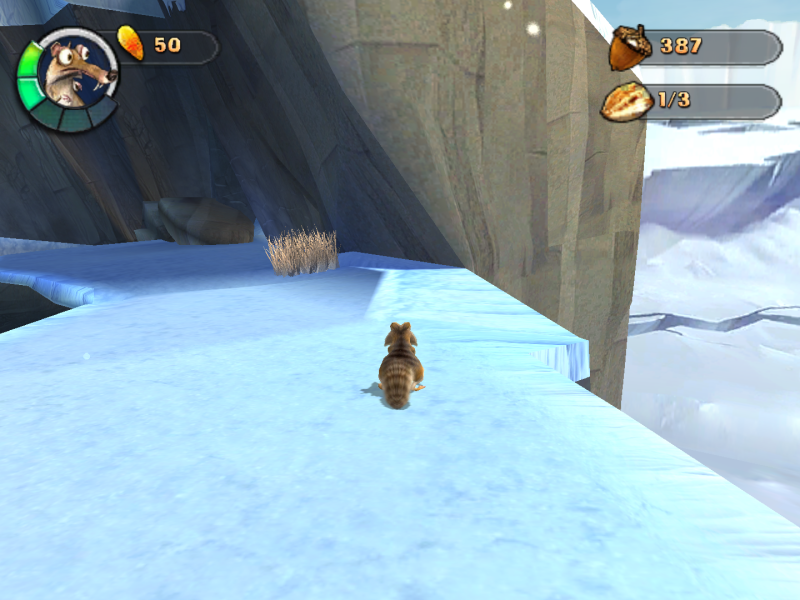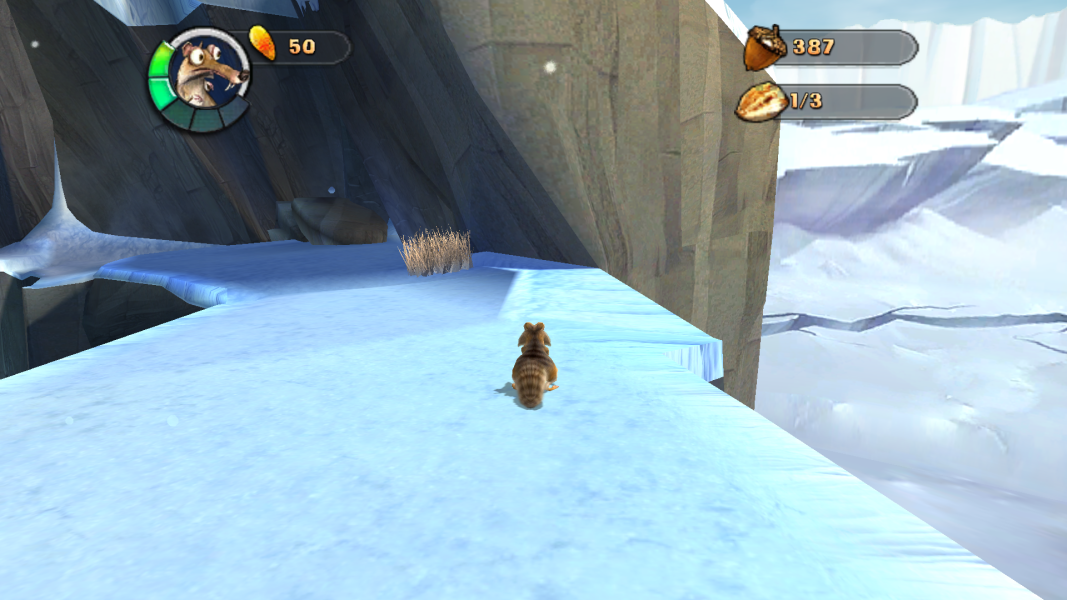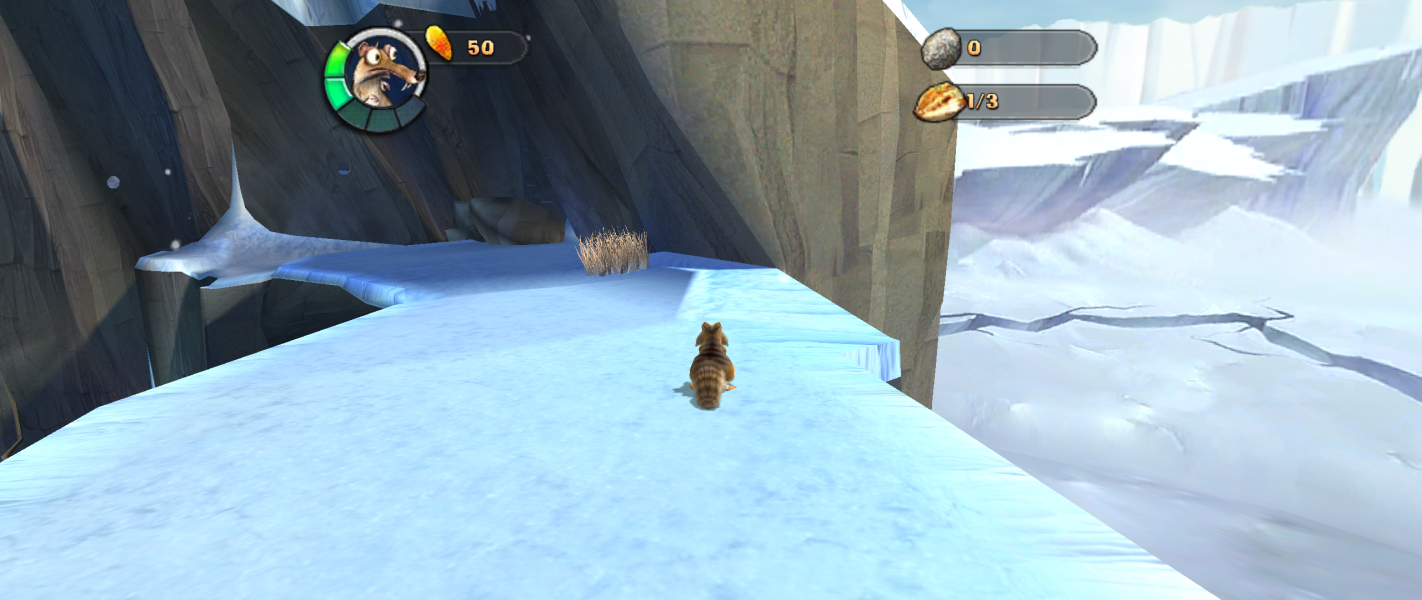


Based on the film, the video game version was developed for the consoles and the PC version. Scrat tries to pursue acorns.
Support Summary
Game Information
Screenshots Comparison
Solutions & Issues
The built-in widescreen option can only scale the screen to 16:9 albeit the resolutions are only in 4:3 format. Before opening "IceAge2pc.exe" in a hex editor, you will need a a No-CD crack version of the exe to edit resolutions provided in the source code since the original executable memory is protected. The following addresses contain these resolutions:
38248 - Resolution Width #1: 640
3824E - Resolution Height #2: 480
38255 - Resolution Width #2: 800
3825B - Resolution Height #2: 600
38262 - Resolution Width #3: 1024
38268 - Resolution Height #3: 768
Be sure to disable the built-in widescreen setting when running the game with different resolutions to avoid squashed widescreen.
Alternatively, download the files available from the PC Gaming Wiki Community Files (search there) and extract the contents. Then, replace the original exe with the modified one in the installation directory. After that, open the Universal Widescreen Patcher and find the installation path and set the resolution to however you want (Default max resolution is 1024x768), then click "patch". At last, open the executable and set the resolution setting in the display settings to 1024x768 and it will adjust the resolution to your resolution.
Same as baseline widescreen support.
Same as baseline widescreen support.
Gameplay Screenshots