

Abandoned for decades, crew MIA, the ICARUS.1's job was to store mined minerals from the systems outlying planets and perform research duties. Orbiting the local sun to maintain it's solar energy and live up to its namesake, it provided a lucrative business for JME corp. After contact was lost no rescue attempt was ever made with the stricken station, instead the project was mothballed along with its precious cargo - a cover up some may say. Many stories about what happened have become lore but Sam isn't focusing on these 'stories', the goal is the cargo and the wealth it will bring. - Steam store page
Support Summary
Widescreen | Ultra/Super‑Wide | Multi-Monitor | 4K Ultra HD | |
Support | ||||
Method | ||||
HUD | ||||
Cutscenes | ||||
FMVs |
Game Information
Screenshots Comparison
Solutions & Issues
NOTE: using higher DPI settings may prevent some resolutions being detected in-game. If this occurs the game will fall back on a non-native internal resolution.
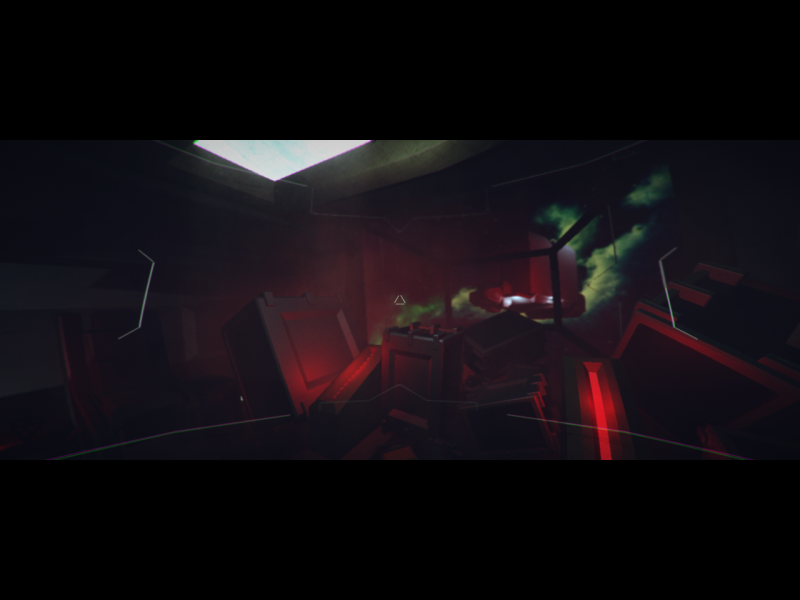
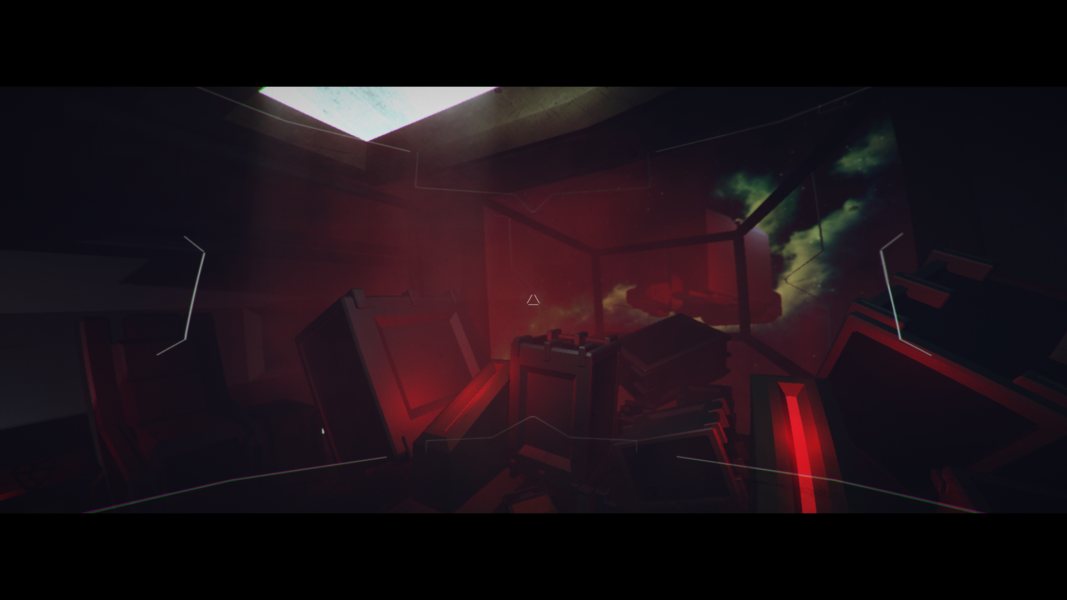
Gameplay uses a letterboxed ultrawidescreen-style output for all aspect ratios.
Fullscreen mode is a type of borderless window. The in-game resolution choice determines the game's internal resolution which is then scaled to fit the available desktop area. Everything scales correctly.
Subtitles and interaction prompts are shown on the bottom letterbox area. The main menu, loading screen, and journal screen use a 16:9 area rather than the wider aspect ratio used for gameplay.
Letterboxing is almost entirely removed.
Subtitles and interaction prompts are shown within the gameplay area rather than on the bottom letterbox area.
The output is pillarboxed with some slight letterboxing remaining. The gameplay area uses an internal resolution lower than the native resolution and extends beyond the central portion of the output due to the aspect ratio.
If the Steam Community overlay is used in-game the pillarboxed area will retain the overlay's grey gradient for the remainder of the session (temporary prompts for screenshots, achievements, etc. will also partially remain after appearing).
Subtitles and interaction prompts are shown within the gameplay area rather than on the bottom letterbox area.
Gameplay Screenshots




Menu Screenshots