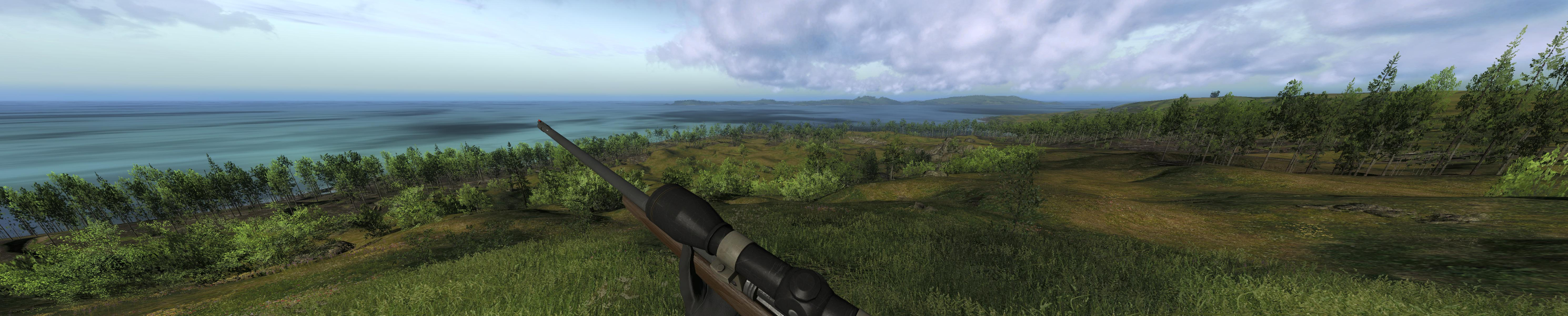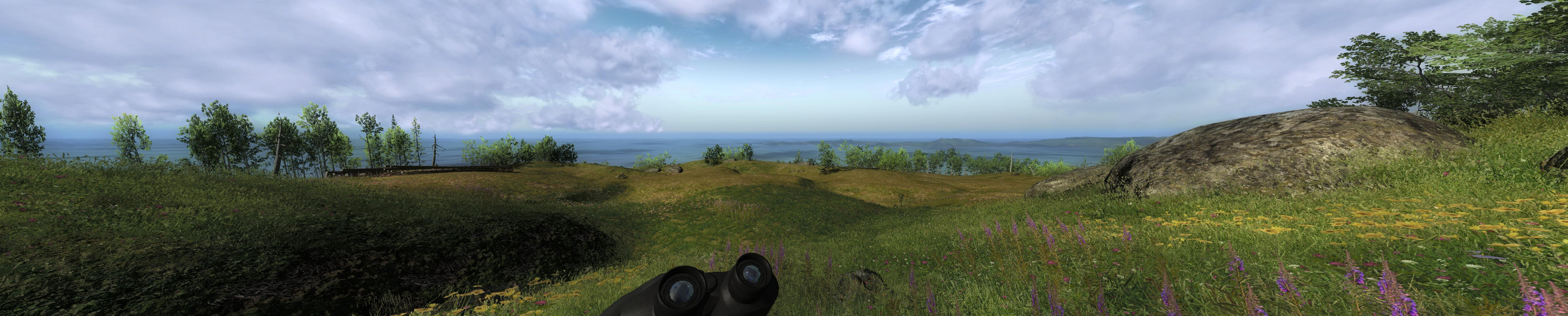


The Hunter is a free to play PC game that recreates hunting wild animals in as realistic a manner as possible, on an open world island, based on various locations, including the islands and surroundings of Washington State in the USA and parts of Canada. The free game features one huntable animal type (Mule Deer), and subscribers can unlock other animals, along with a variety of guns, bows and lures with which to hunt them. More animals are planned for future game versions.
The developers are constantly updating and evolving the game, and new content and tweaks are added on a regular basis.
The Hunter is not a browser-based game, but rather a full PC game that runs from a player's hard-drive.
Support Summary
Game Information
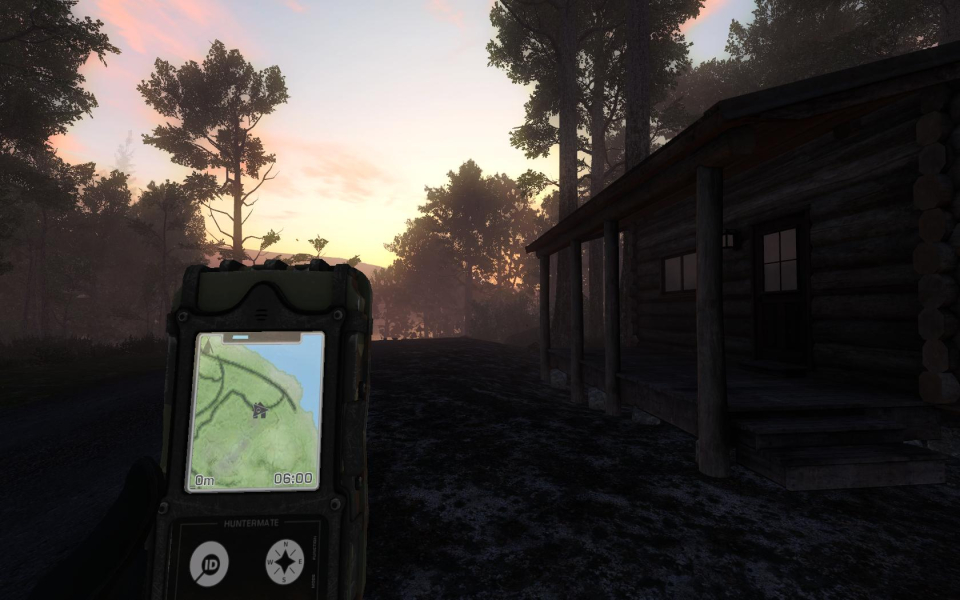
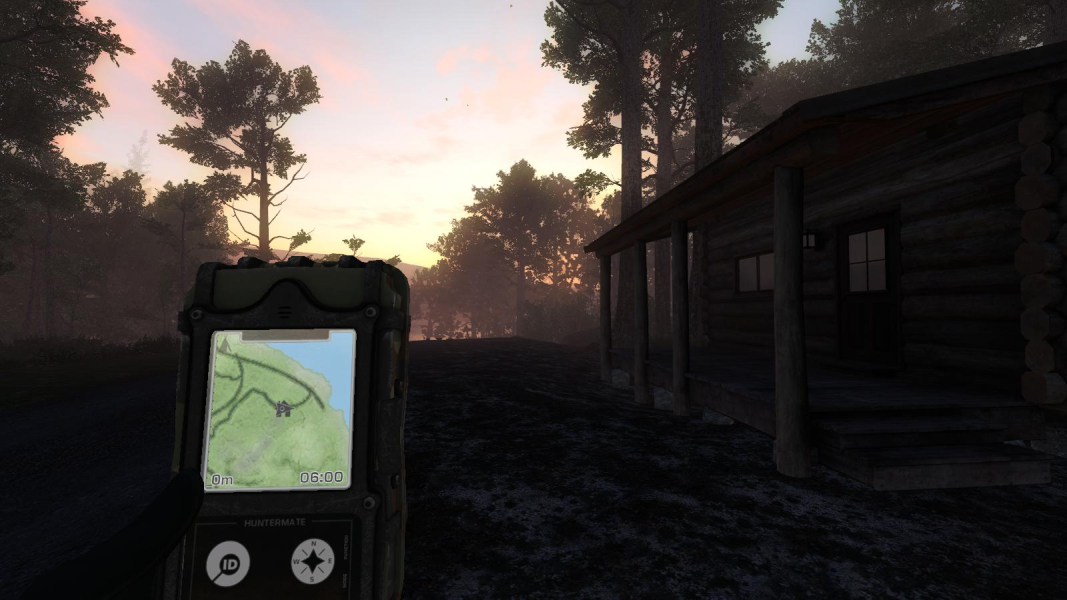
Screenshots Comparison
Solutions & Issues
The game supports all resolutions but the FOV is correct in 16:9 only. All other aspect ratios use the same FOV as 16:9.
Thanks to Bifurk8.
1. Start the Hunter at your desired resolution in fullscreen.
2. After the game launches, press ALT+ENTER as if you wanted to change to windowed-mode.
3. Instead of reverting to a window, the screen will flicker. When it's restored, you will still be in full screen but now the aspect ratio and FOV will be correct!
You may have to repeat these steps each time you launch The Hunter.
Gameplay Screenshots



Additional Screenshots