




A ground-based RTS prequel to the classic Homeworld games. Assemble your fleet and lead them to victory on the shifting sands of Kharak in this compelling strategy game. Crafted by Blackbird Interactive, a studio founded by veterans of Homeworld and Company of Heroes, Homeworld: Deserts of Kharak takes players to the deserts of Kharak where danger lurks over every dune.
Support Summary
Game Information
Game Status:Released
Release Date:
Tested Version:Steam
Play Styles:
Setting:Sci-Fi
Genre:RTS
Developer:Blackbird Interactive
Screenshots Comparison
Solutions & Issues
Widescreen Solution & Issues:
Native Hor+ support.
- Only 16:10 and 16:9 resolutions are listed in-game. 1280x768 works fine (after a restart) but adjusting detail settings will also reset the resolution.
To fix this right-click the game in your library: Properties > Set Launch Options... > -screen-height 1280 -screen-width 768
You can also manually edit the config file: Steam\steamapps\common\Deserts of Kharak\settings.json - Real-time rendered cutscenes are not anamorphic but Hor+/Vert+ (receding letterboxing over Hor+ scenes).
Ultra/Super-Wide Specific Solution & Issues:
Support is natively Hor+ (requires one restart to remove black bars) but launch options are more robust. For 2560x1080: -screen-width 2560 -screen-height 1080
- FMVs are windowboxed.
- NLIPS is impacted by display width (gameplay screenshot: Rachel's vehicle appears slightly bigger).
Eyefinity / Surround Specific Solution & Issues:
Support is natively Hor+ (requires one restart to remove black bars) but launch options are more robust. For 5760x1080: -screen-width 5760 -screen-height 1080
- FMVs are windowboxed. There are no subtitles - the dialog box scales to the same area of the HUD on the left monitor.
- NLIPS is impacted by display width (gameplay screenshot: Rachel's vehicle appears bigger).
- Texture details and unit health bars are not rendered on the side monitors. When visible, the health bars of regular units are also shorter than in other aspects.
- Like most Unity-powered games, DoK can be confined to an Ultrawide-ish picture between black bars to help keep the UI in full view. Simply input any custom, lower-than-native screen width.
See Additional Screenshots for an example of the game running at 5600x1440 over a 7800x1440 display. Notice how it also fixes the missing details : painted "05" on the rooftop on the left, yellow health bars on the right...
4K UHD Specific Solution & Issues:
Native support.
Gameplay Screenshots
4:3 Screenshot
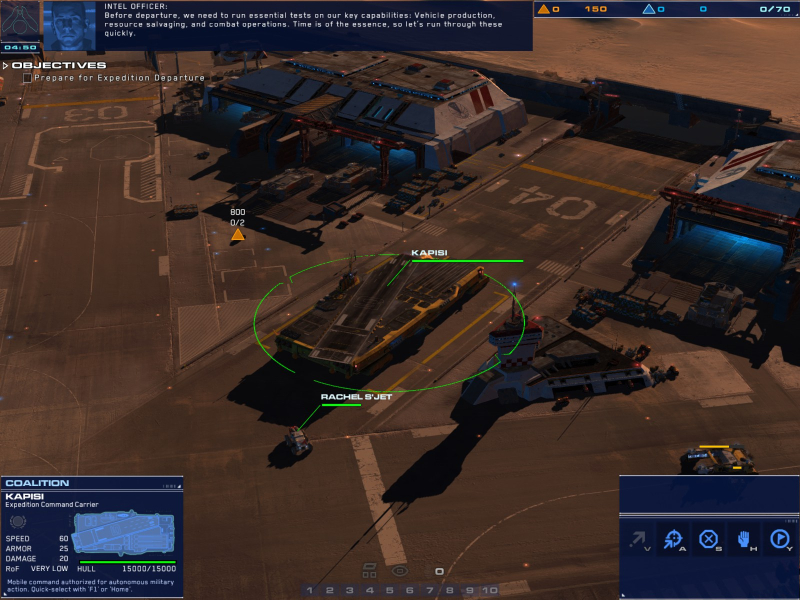
16:10 Screenshot
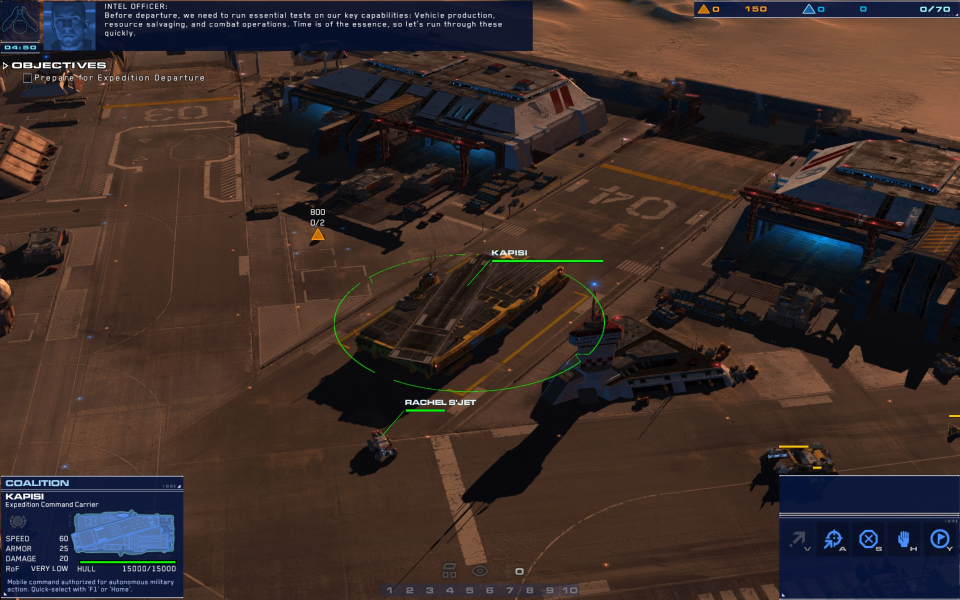
16:9 Screenshot
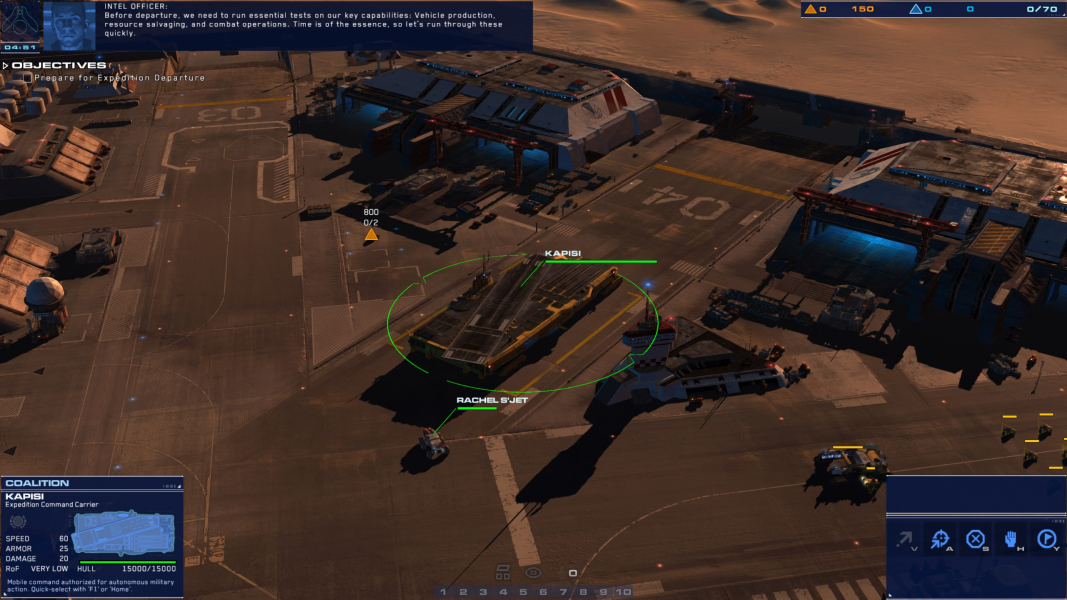
21:9 Screenshot
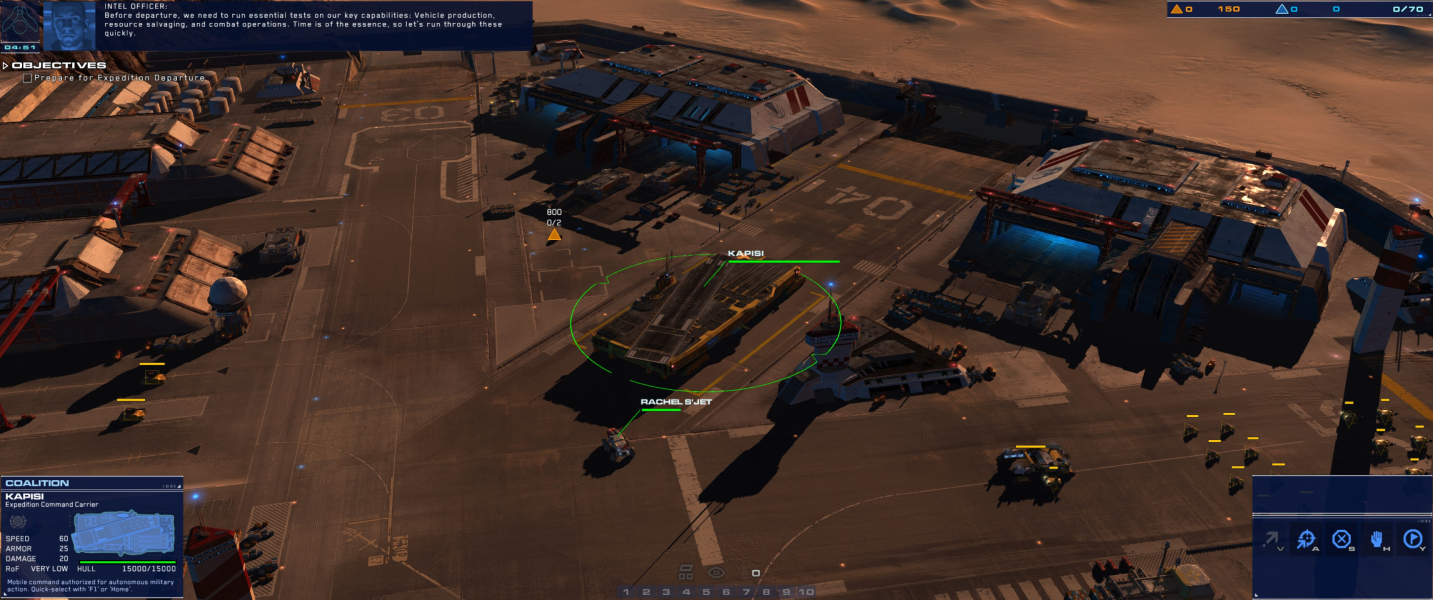
32:9 Screenshot

Eyefinity / Surround Screenshot

In-Game (Rendered) Cutscenes
4:3 Cutscene
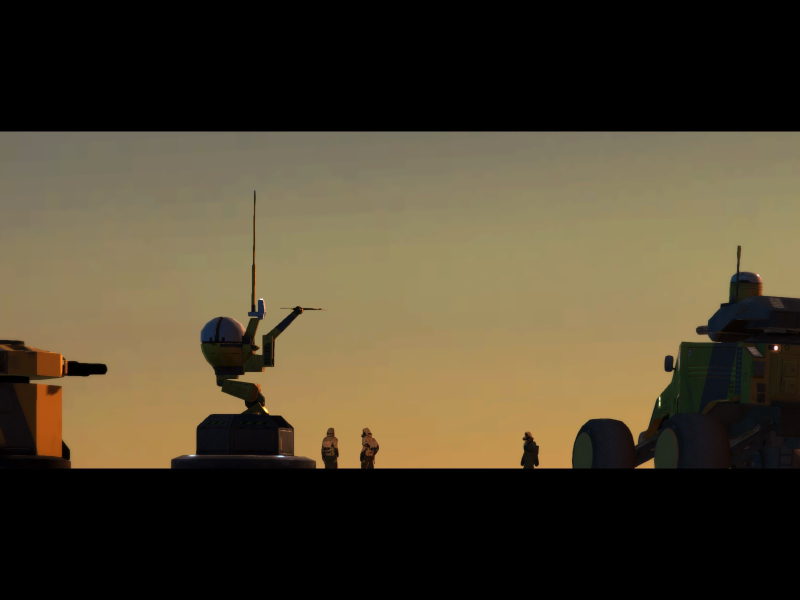
16:10 Cutscene
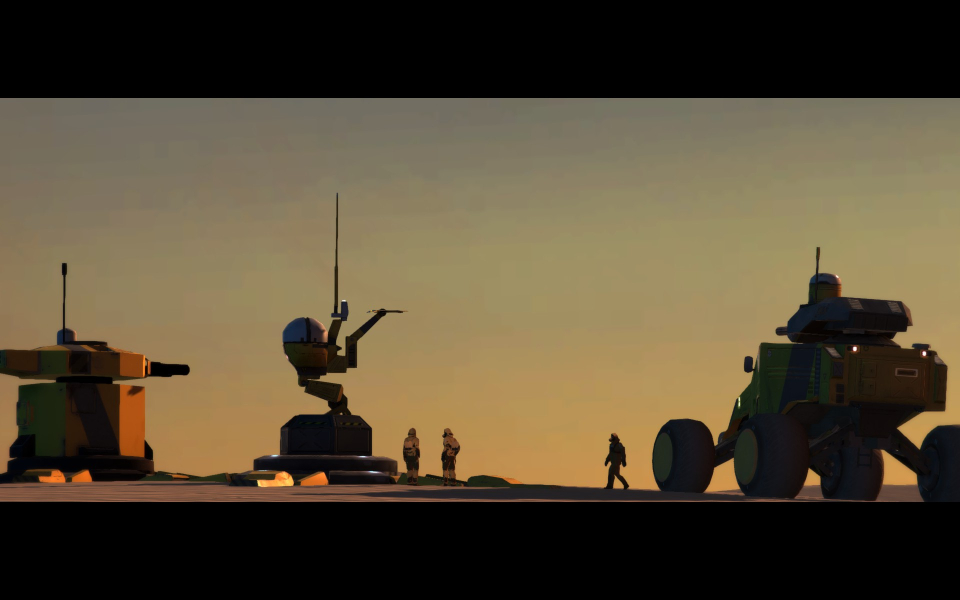
16:9 Cutscene
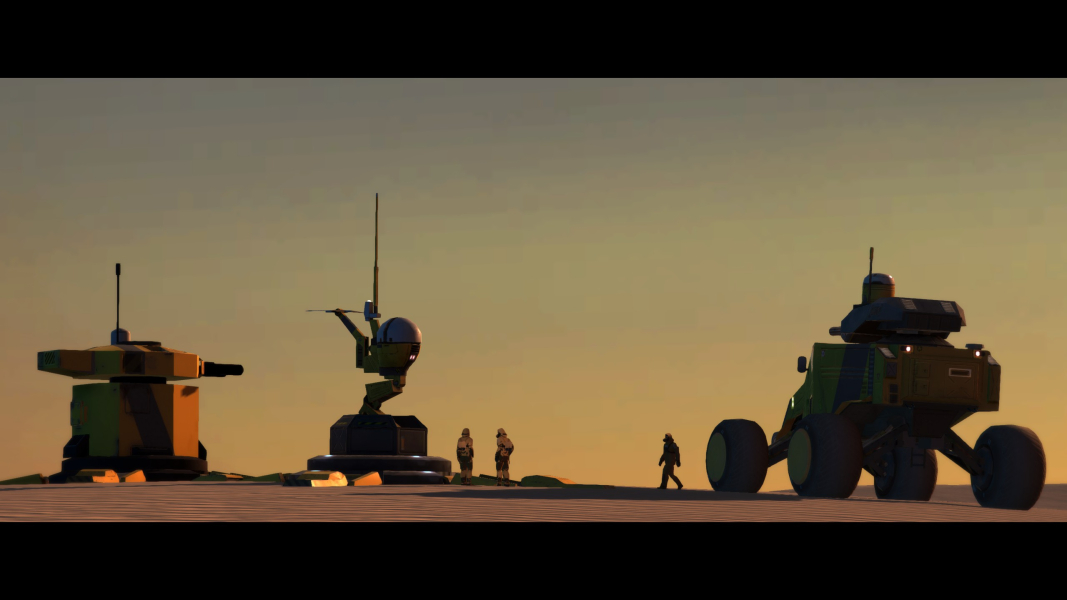
21:9 Cutscene
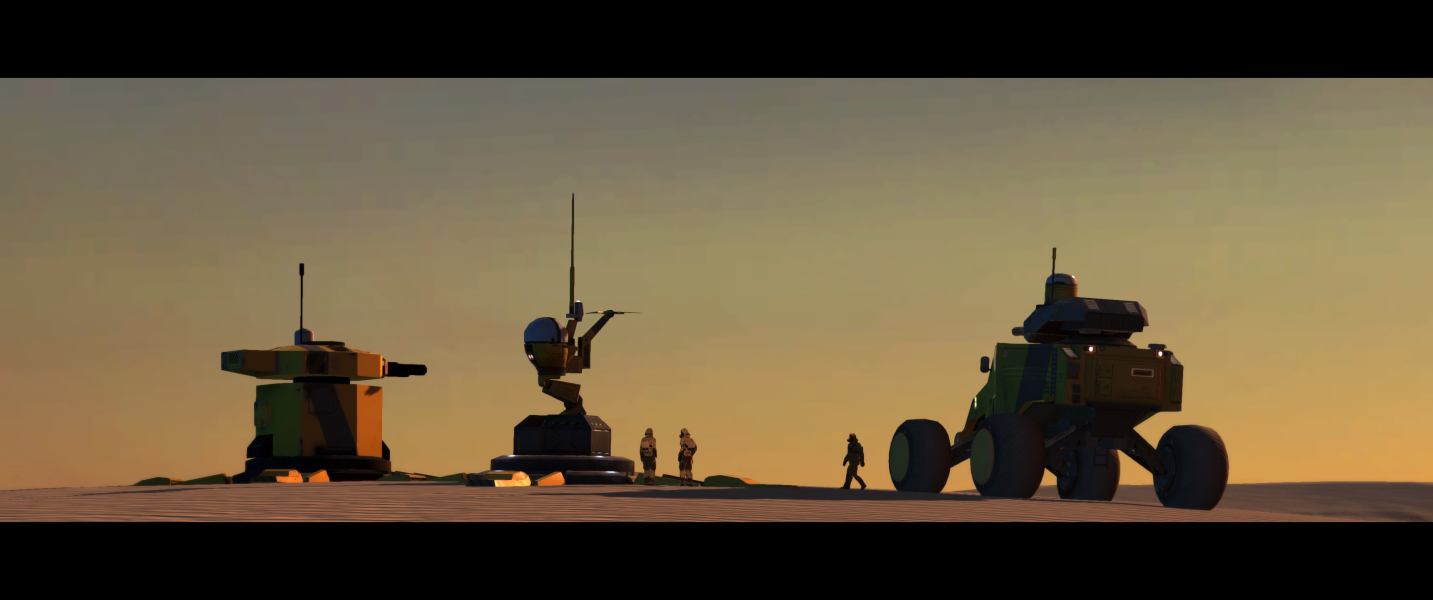
Eyefinity / Surround Cutscene

FMV Cutscenes
4:3 FMV Cutscene
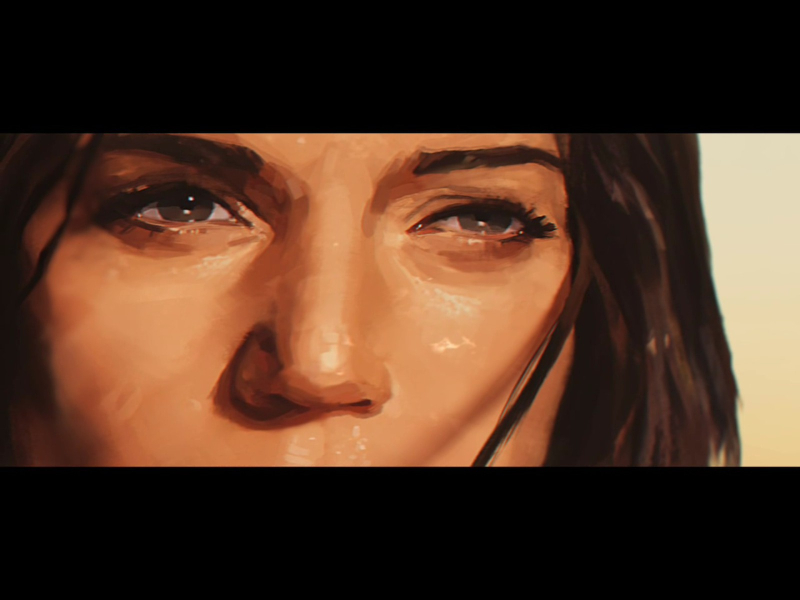
16:10 FMV Cutscene

16:9 FMV Cutscene
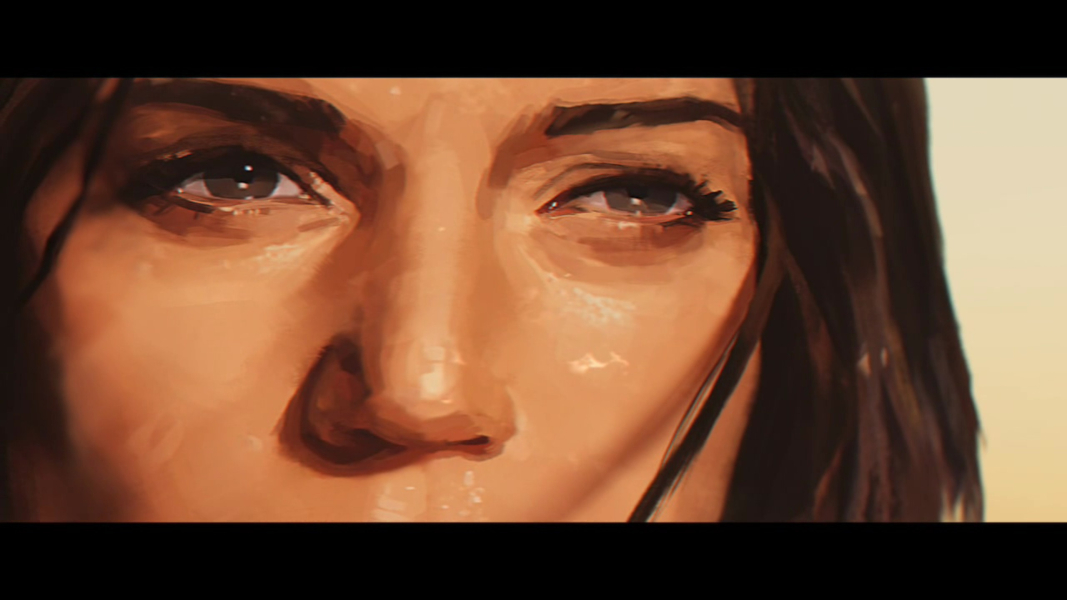
21:9 FMV Cutscene
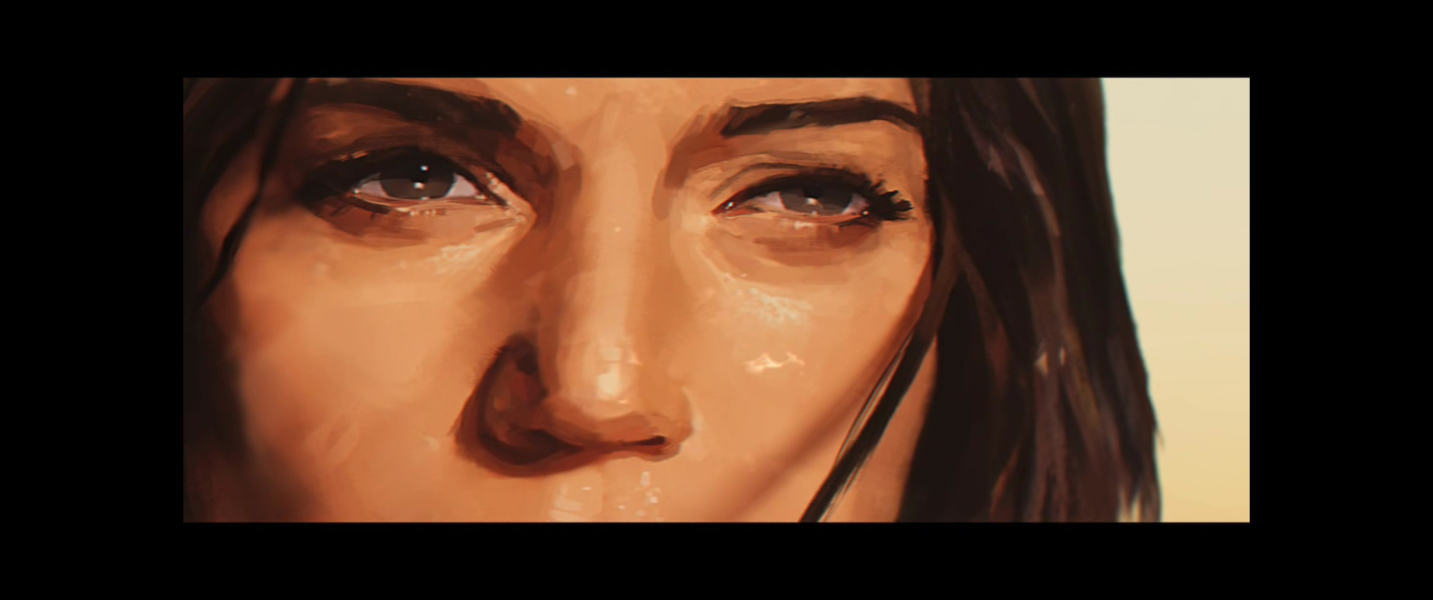
Eyefinity / Surround FMV Cutscene

Menu Screenshots
4:3 Menu
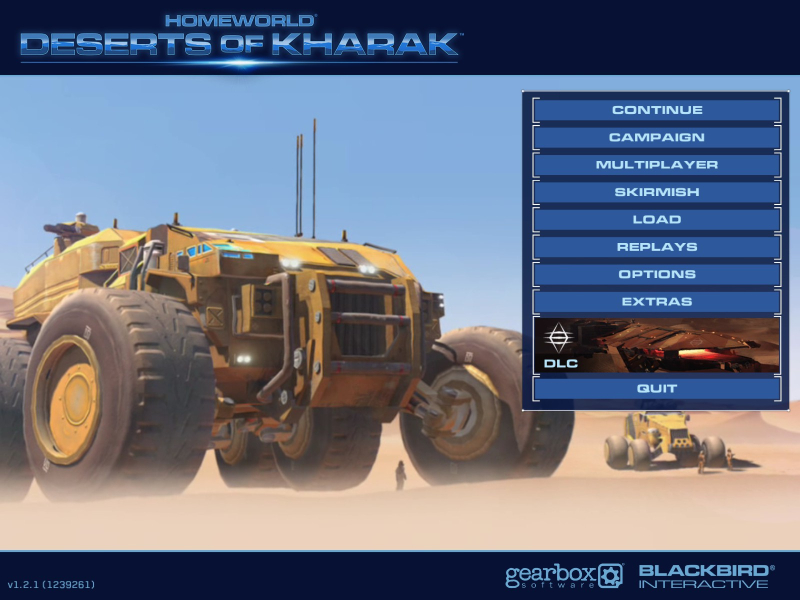
16:10 Menu
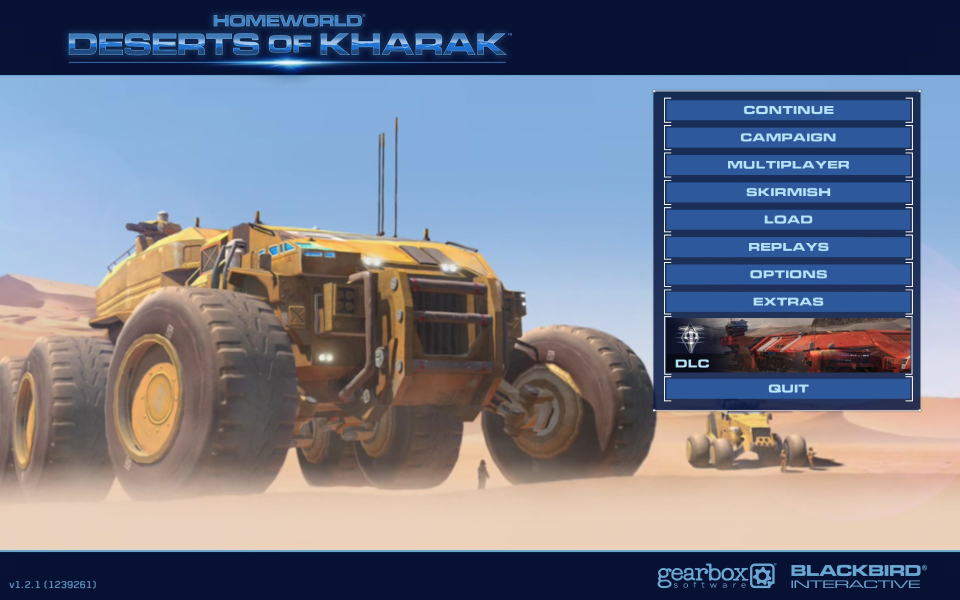
16:9 Menu

21:9 Menu
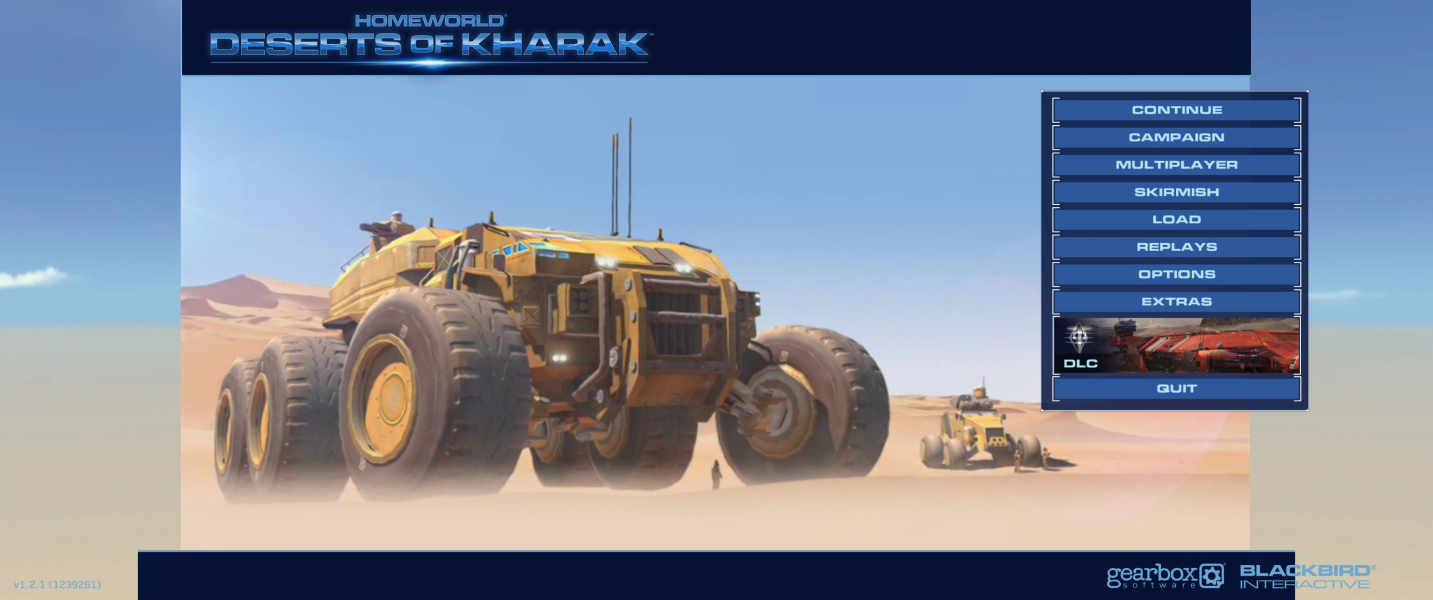
Eyefinity / Surround Menu

4K UHD Screenshots
4K Gameplay Screenshot
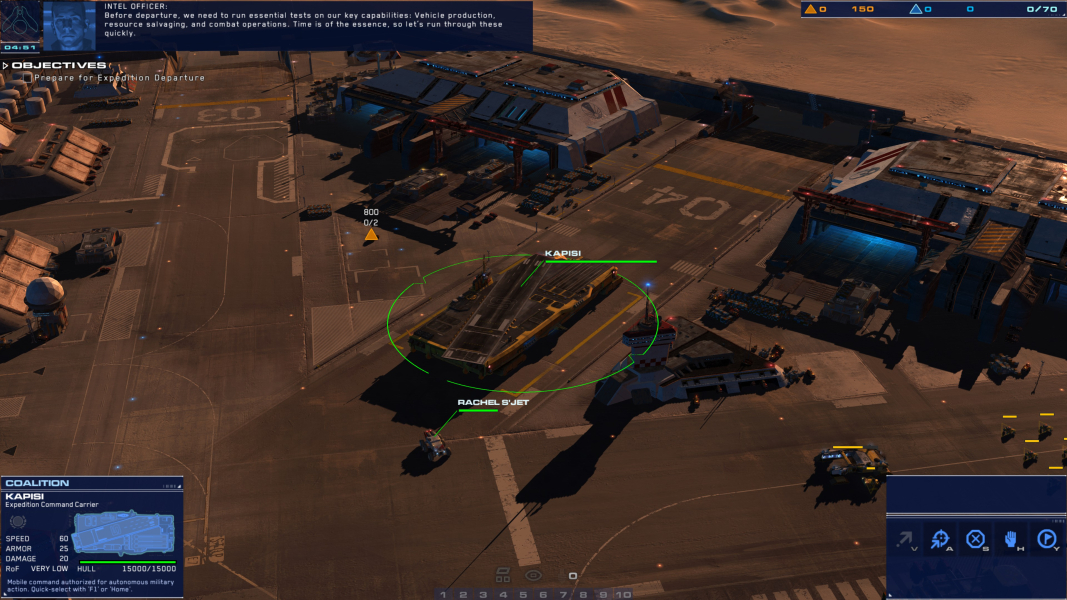
4K In-Game Cutscene
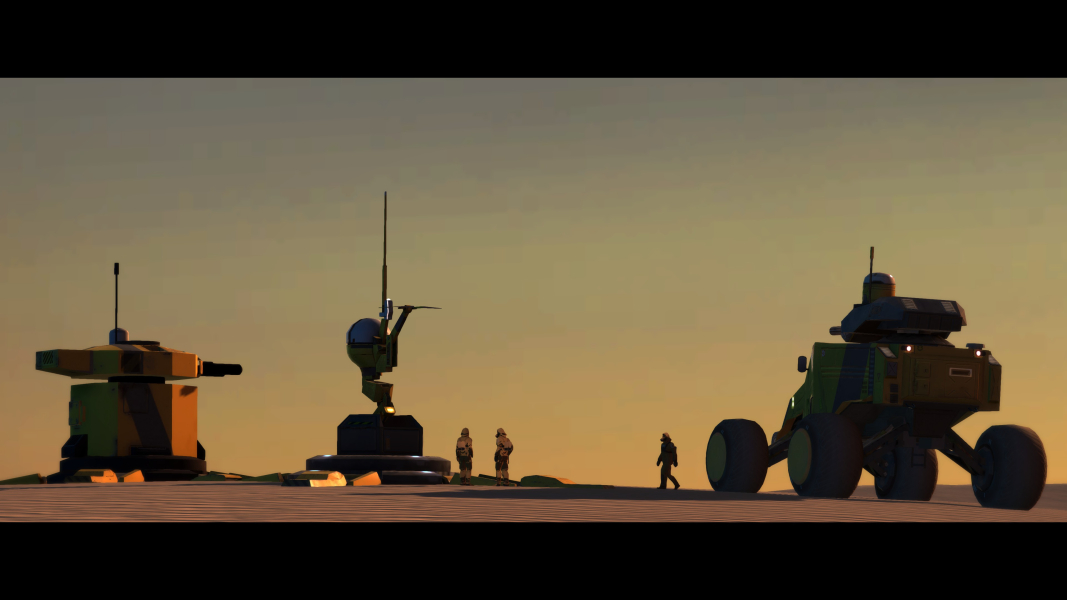
4K FMV Cutscene
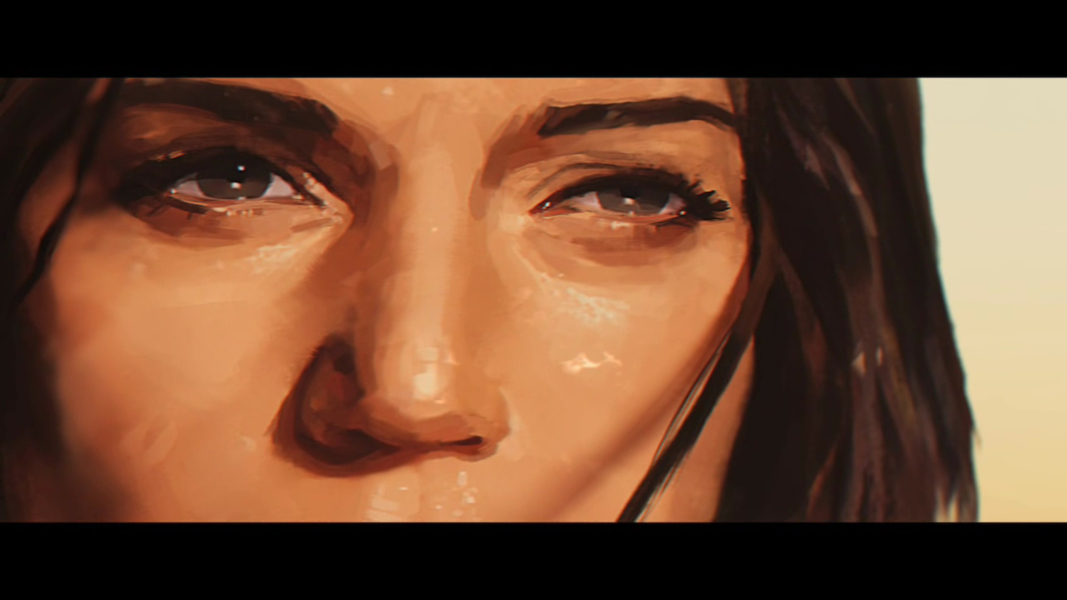
4K Menu Screenshot
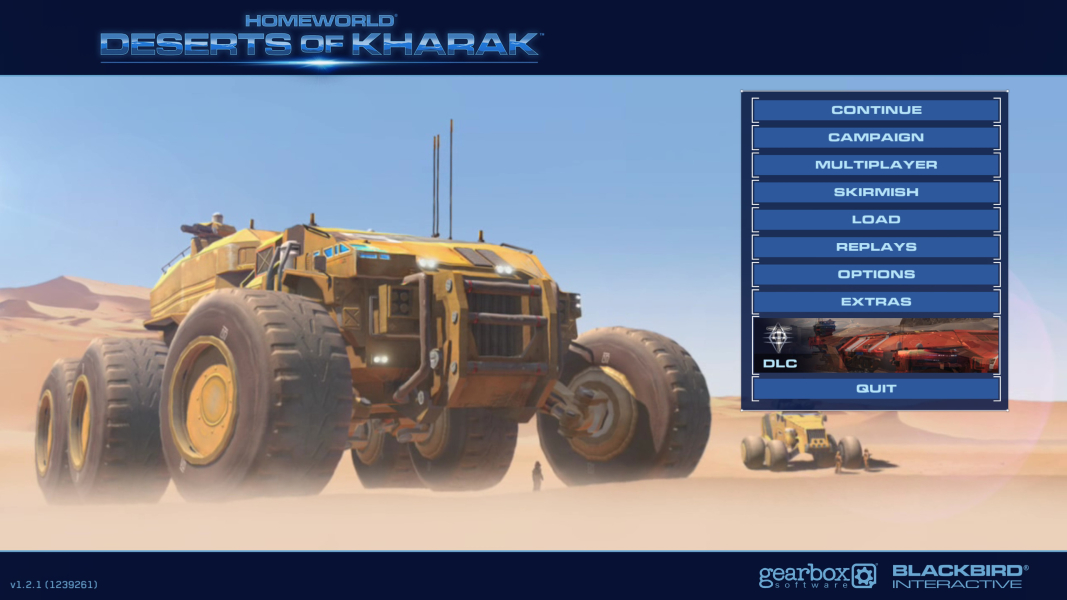
Additional Screenshots

Native Width 7800, Game Width 5600

NLIPS off: actual vehicle scale, 16:9

NLIPS off: actual vehicle scale, 48:9

Loading Screen, 4:3

Loading Screen, 16:10

Loading Screen, 16:9

Loading Screen, 21:9

Loading Screen, 48:9


