

Homefront is an FPS game set a near-future US. The story is written by John Milius, who co-wrote the classic movie, Apocalypse Now. He also wrote and directed the 80's classic movie, Red Dawn.
Support Summary
Game Information
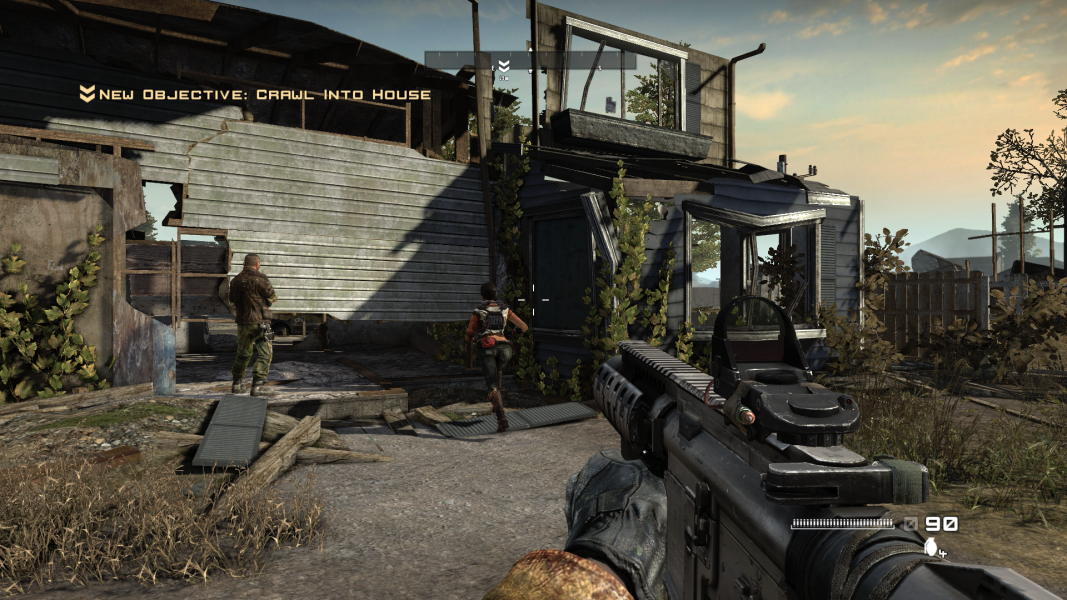
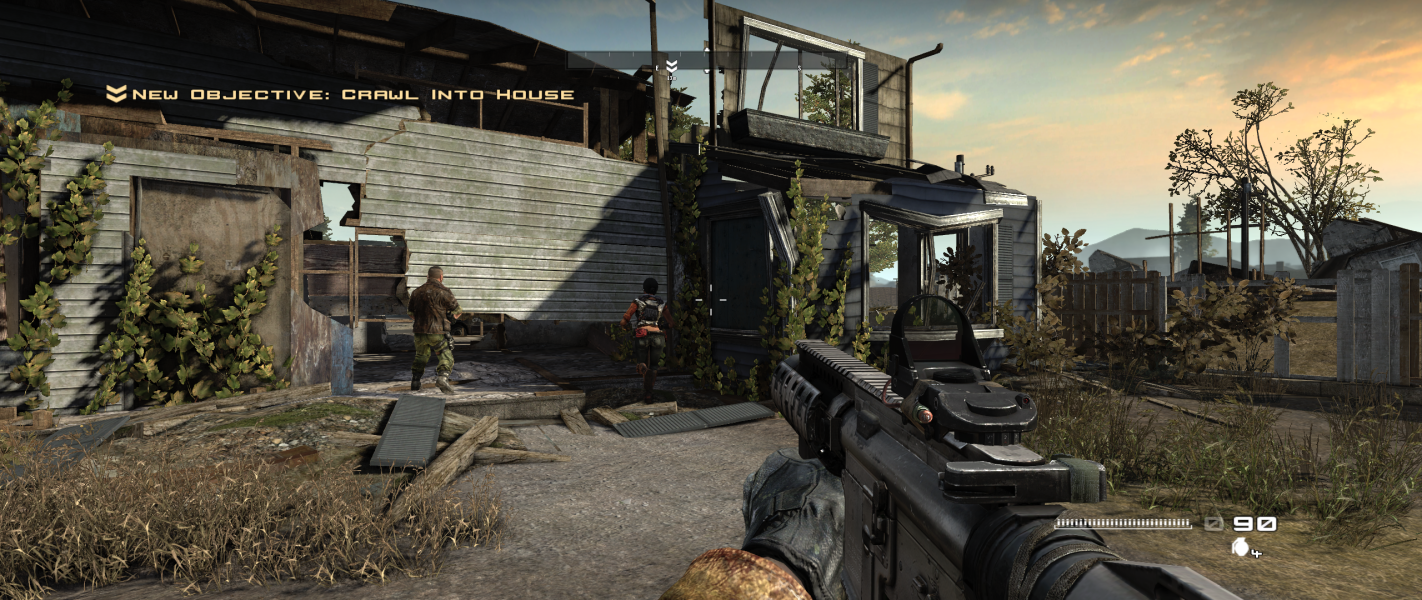
Screenshots Comparison
Solutions & Issues
Select your aspect ratio and resolution at any time from the Options, System menu.
The game has built-in support for 5:4, 4:3, 16:10 and 16:9 resolutions.
For other aspect ratios e.g 15:9, an .ini edit is required:
%USERPROFILE%\Documents\My Games\HOMEFRONT\GCGame\Config\GCEngine.ini
Code:
[SystemSettings]
ResX=1280
ResY=768
ScreenAspectRatio=1.666666
Edit %USERPROFILE%\Documents\My Games\HOMEFRONT\GCGame\Config\GCEngine.ini
Set ResX= and ResY= to your resolution.
Next set aspect ratio:
For 2560x1080 use ScreenAspectRatio=2.370370
For 3440x1080 use ScreenAspectRatio=2.388888
If guns are fat try starting the game in Fullscreen mode and then switching to Full Window mode in the settings once gameplay begins (tested in DirectX 11 mode).
FMV cutscenes are pillarboxed 16:9.
-------
or
-------
Edit %USERPROFILE%\Documents\My Games\HOMEFRONT\GCGame\Config\GCEngine.ini
Set ResX= and ResY= to your resolution.
Next set aspect ratio:
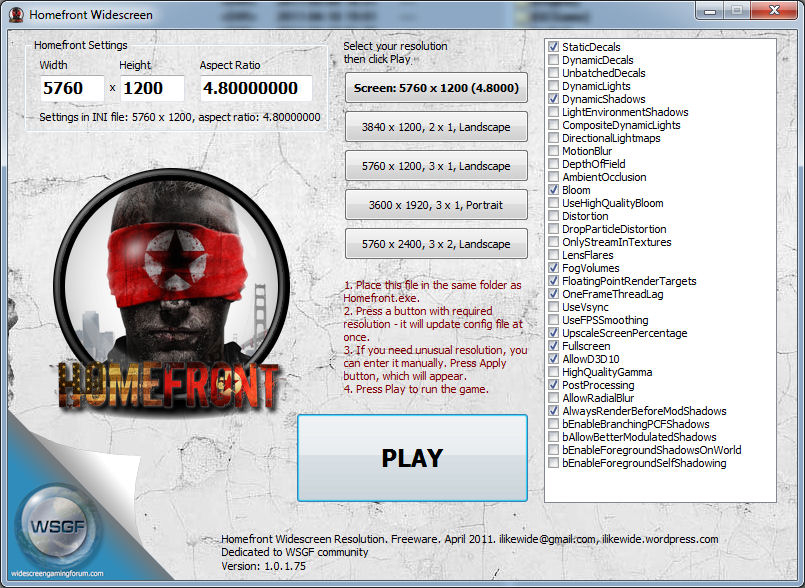
For 48:9 use ScreenAspectRatio=5.333333
For 48:10 use ScreenAspectRatio=4.8
Screen change is Hor+. The HUD & lobby screens stretch.
If you get a stretched weapon, first apply a single-screen resolution from the options, exit the game, then edit the .ini file again.
FMV cutscenes are pillarboxed 16:9.
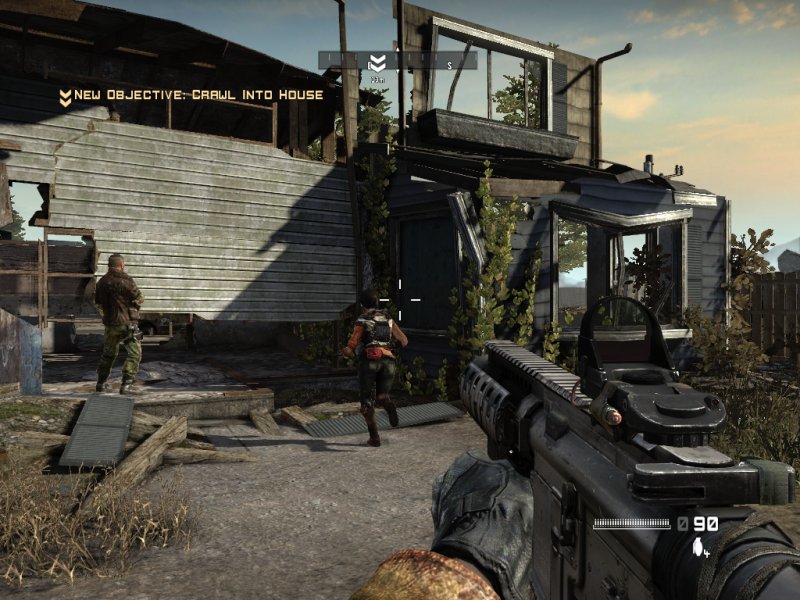
Gameplay Screenshots
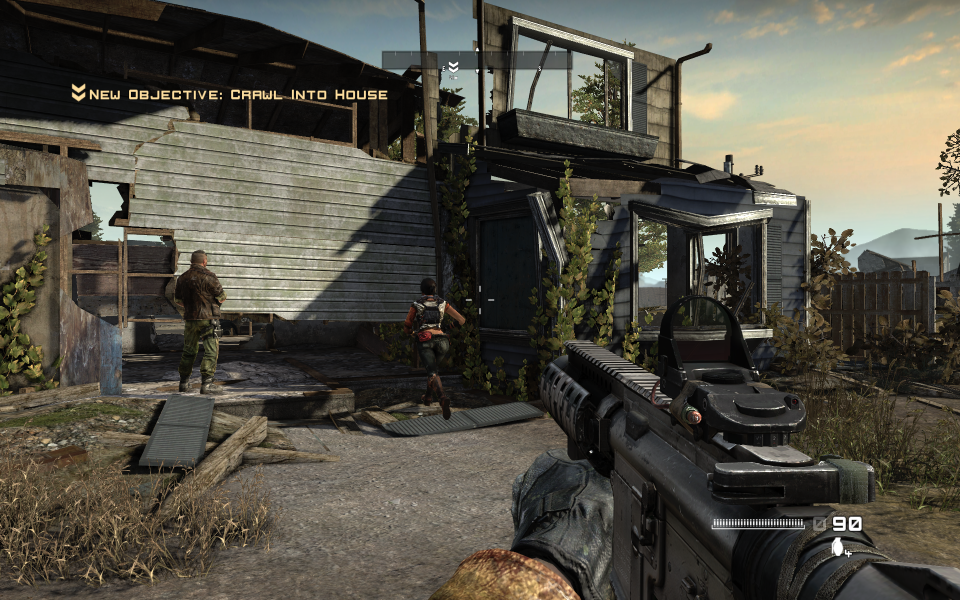


Additional Screenshots