


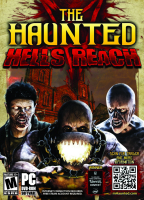


Massacre meets machismo in this third-person co-op survival shooter. Repel demonic hordes with firearms, melee and hand-to-hand moves in various solo and multiplayer modes over eight open maps plus an Inferno boss stage. And for a change of pace, why not play as a trap-setting, minion-spawning demon yourself ?
Support Summary
Game Information
Screenshots Comparison
Solutions & Issues
An .ini edit is required to fix the FOV:
%USERPROFILE%\Documents\My Games\the-haunted-hells-reach\UDKGame\Config\UDKGame.ini[HauntedGame.TH_CamMode_Default]
DefaultFOV=75
[HauntedGame.TH_CamMode_Aimed]
Default=65
[HauntedGame.TH_CamMode_Sprinting]
DefaultFOV=80
[HauntedGame.TH_CamMode_Monster]
DefaultFOV=75
The max value interpreted by the game is 110 - so for a no-brainer, replace all values by 999.
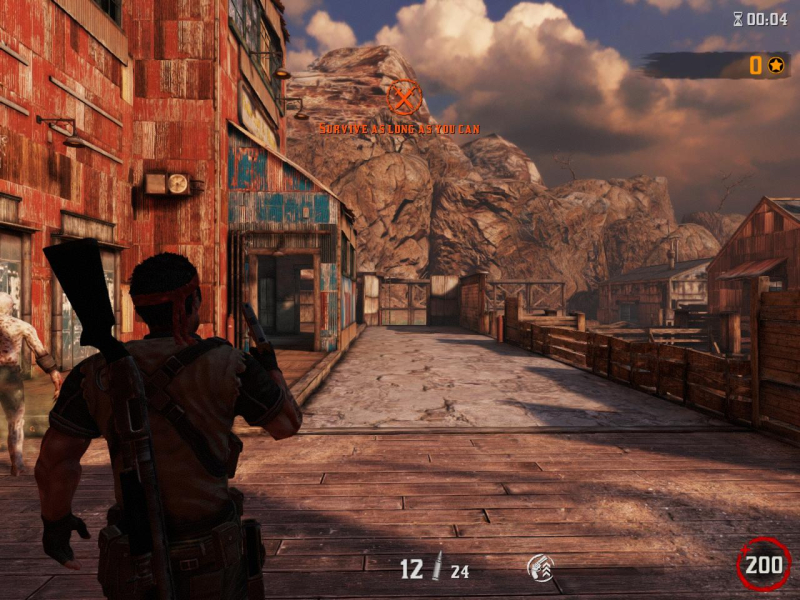
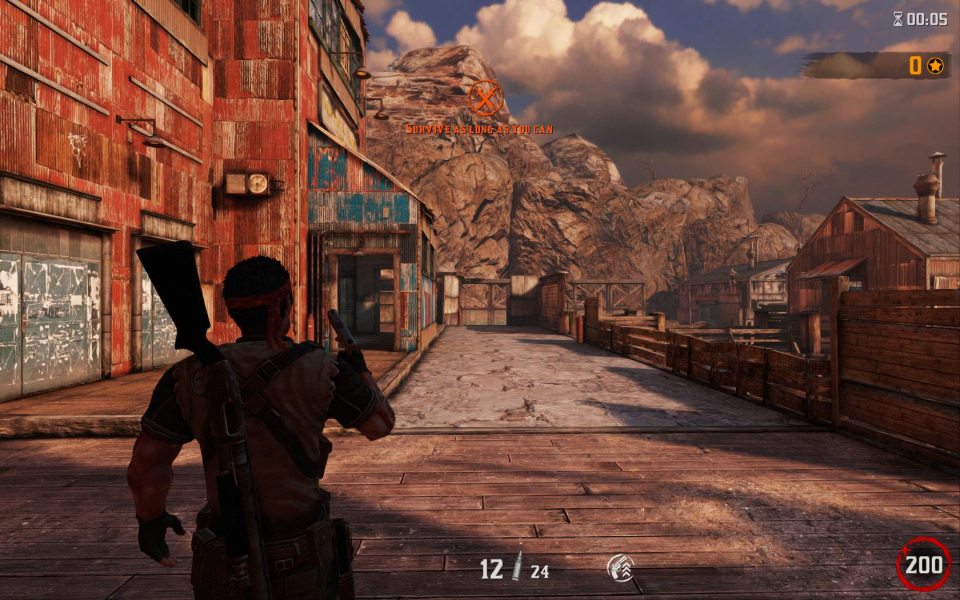
To take the screenshots below I used the following FOVCalculated values:
16:9[HauntedGame.TH_CamMode_Default]
DefaultFOV=91.31
[HauntedGame.TH_CamMode_Aimed]
DefaultFOV=80.69
[HauntedGame.TH_CamMode_Sprinting]
DefaultFOV=96.42
[HauntedGame.TH_CamMode_Monster]
DefaultFOV=91.31
16:10[HauntedGame.TH_CamMode_Default]
DefaultFOV=85.28
[HauntedGame.TH_CamMode_Aimed]
DefaultFOV=74.79
[HauntedGame.TH_CamMode_Sprinting]
DefaultFOV=90.4
[HauntedGame.TH_CamMode_Monster]
DefaultFOV=85.28
- Resolution must be set manually in %USERPROFILE%\Documents\my games\the-haunted-hells-reach\UDKGame\Config\UDKEngine.ini
- FOV must be adjusted in %USERPROFILE%\Documents\My Games\the-haunted-hells-reach\UDKGame\Config\UDKGame.ini
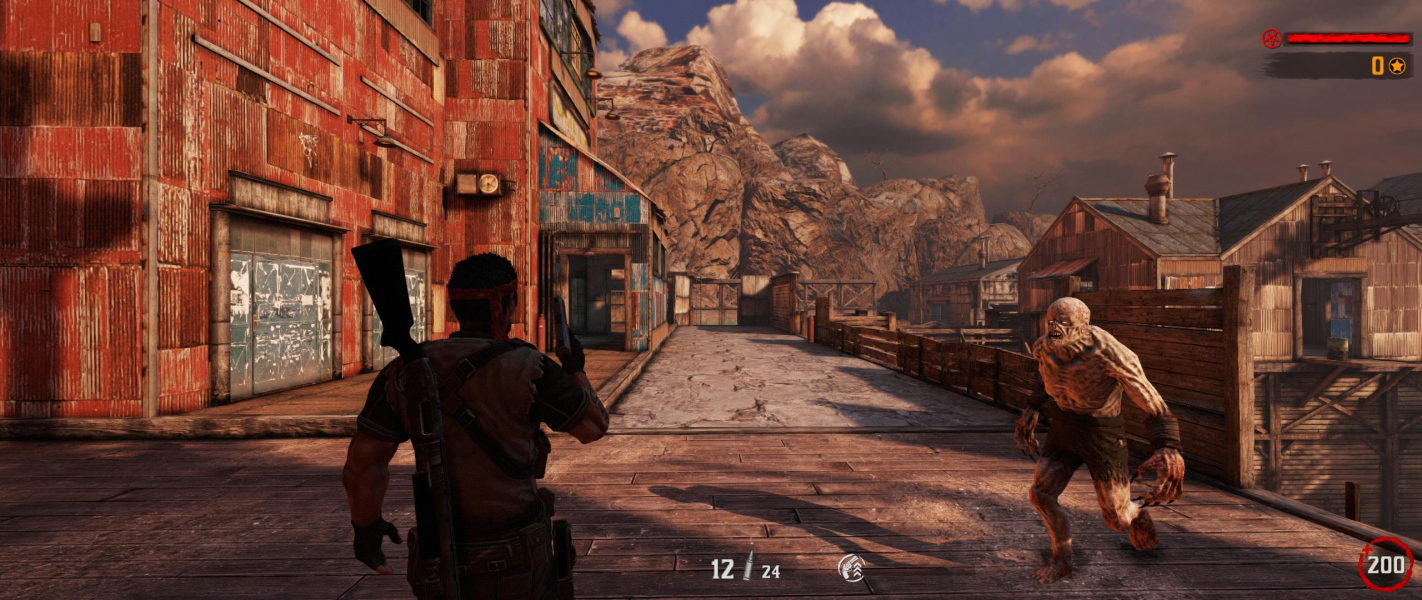
FOVCalculated values for 64:27 (2560x1080):
[HauntedGame.TH_CamMode_Default]
DefaultFOV=107.51
[HauntedGame.TH_CamMode_Aimed]
DefaultFOV=97.11
[HauntedGame.TH_CamMode_Sprinting]
DefaultFOV=112.33
[HauntedGame.TH_CamMode_Monster]
DefaultFOV=107.51
ResX=

ResY=
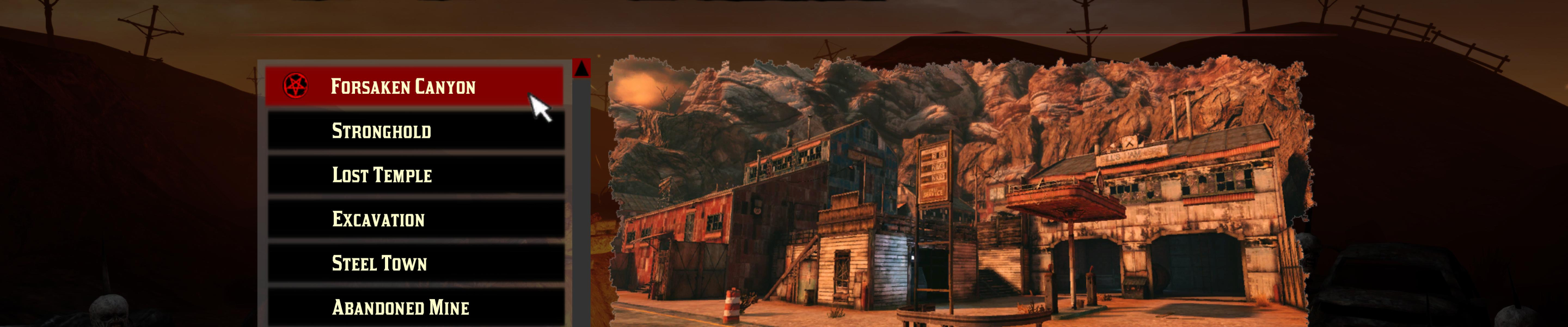
Unsupported. Max FOV is vastly Vert- and cut-off menus block access to most game features anyway.
Gameplay Screenshots



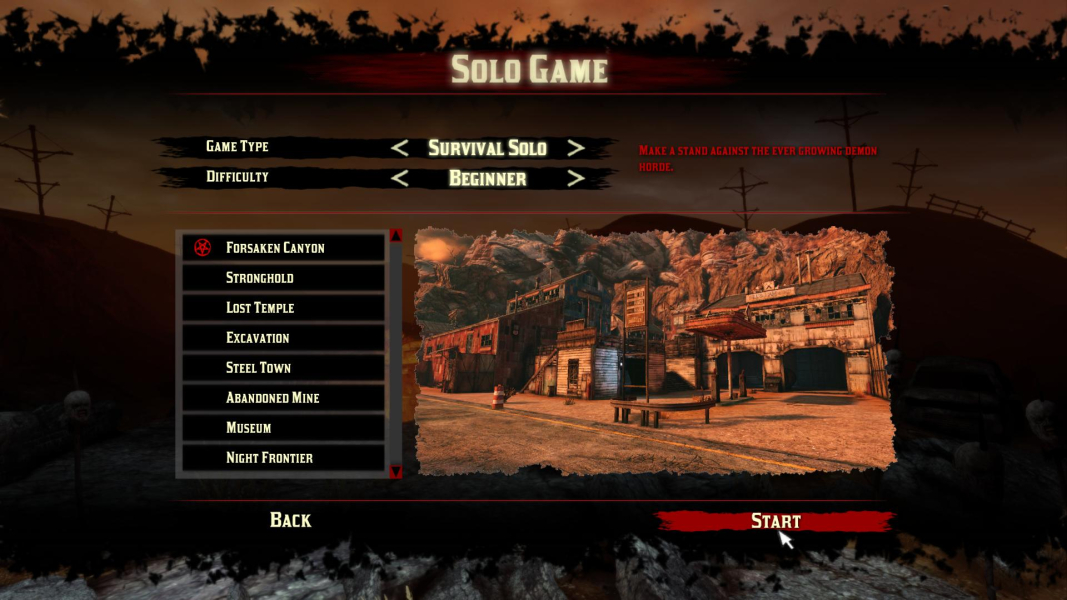
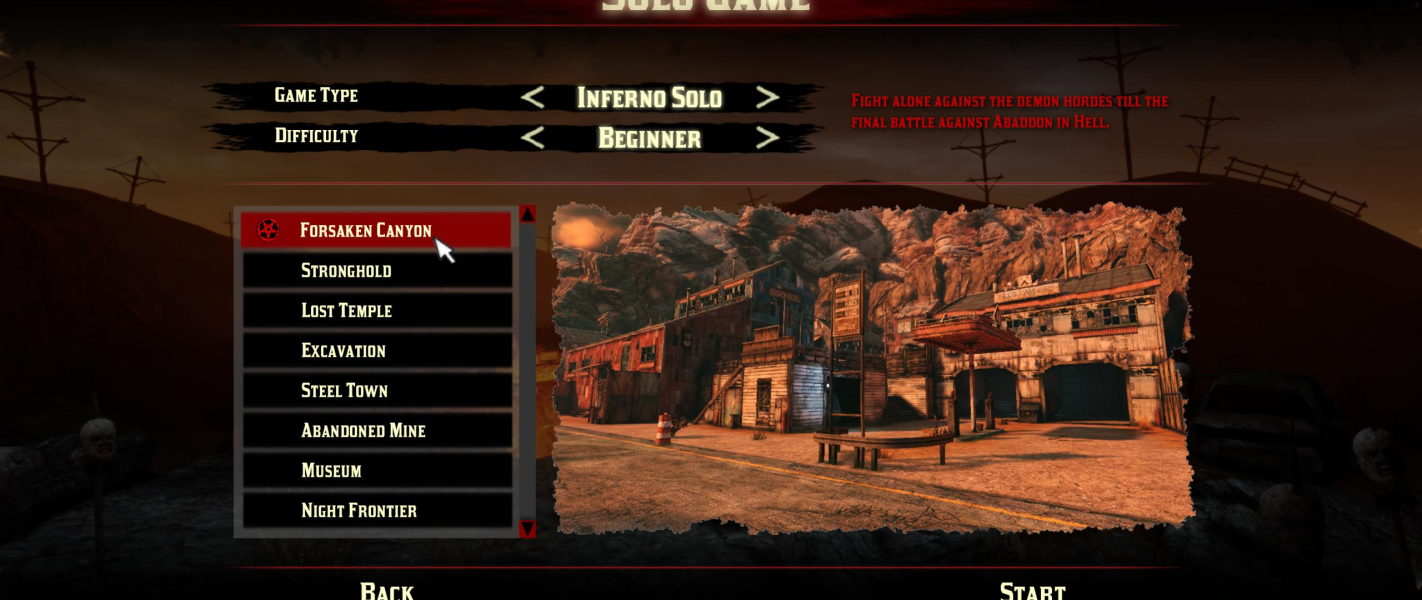
Menu Screenshots


Additional Screenshots


