Harry Potter and the Chamber of Secrets

Profile picture for user skipclarke

Harry Potter and the Chamber of Secrets is the game based on the second Harry Potter movie (and thus book). It is based on the Unreal engine, and is an action/adventure game.

Support Summary

Widescreen
Ultra/Super‑Wide
Multi-Monitor
4K Ultra HD
Support
Method
HUD
Cutscenes
FMVs

Game Information

Game Status:Released
Release Date:
Tested Version:Retail
Setting:Fantasy

Screenshots Comparison

4:3 Screenshot
16:10 Screenshot
16:9 Screenshot
21:9 Screenshot
A monitor with a question mark on it. The text above it reads "There is currently no image uploaded for this field." There is a semi-transparent WSGF logo in the background, while the main background is white. The image aspect ratio is 21:9.
32:9 Screenshot
Eyefinity / Surround Screenshot
Solutions & Issues
Widescreen Solution & Issues:

This method is an .ini edit.

C:\My Documents\Harry Potter II\game.ini

[windrv.windowsclient]
FullscreenViewportx=
FullscreenViewporty=

Then, in the user.ini file, edit these lines:

[Engine.PlayerPawn]
DesiredFOV=100.39
DefaultFOV=100.39

The default FOV is 90, so the 16:10 FOV is 100.39487232

4K UHD Specific Solution & Issues:

Issue: Game starts windowed 1920x1200 because of the high res not properly handled by the engine. Unreal engine 1 doesn't support resolutions properly past 2560x* (unable to test the exact resolution.) Known issue also for original UT99.
Issue: Because I started at such an high res, i noticed in the whomping willow cutscene that the fence and wall behind the tree were visible in front of it. any case of dept is completely destroyed.

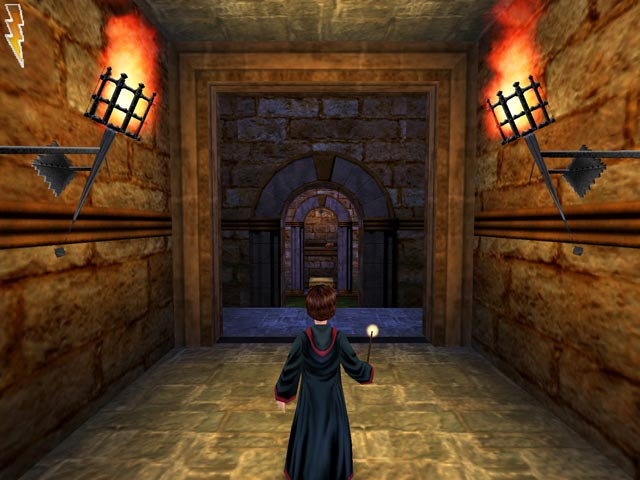
4:3 Screenshot
1600x1200 screenshot, resized to 480px tall. 4:3, native FOV
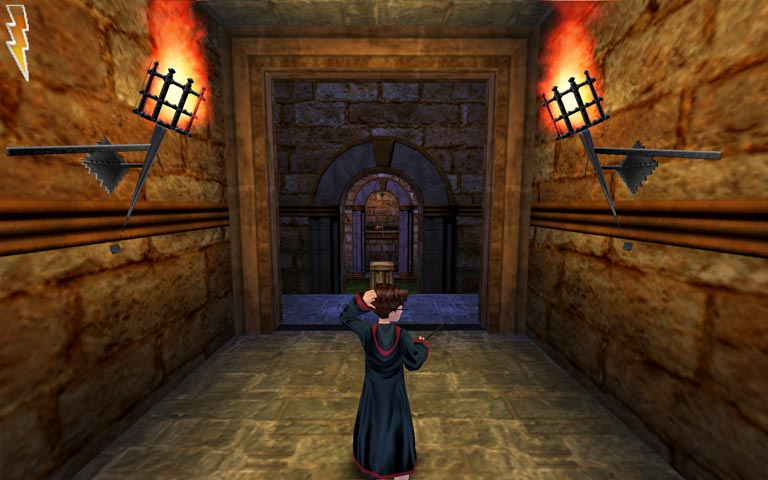
16:10 Screenshot
1920x1200 screenshot, resized to 480px tall. 16:10, FOV from the WSGF FOV-Calc
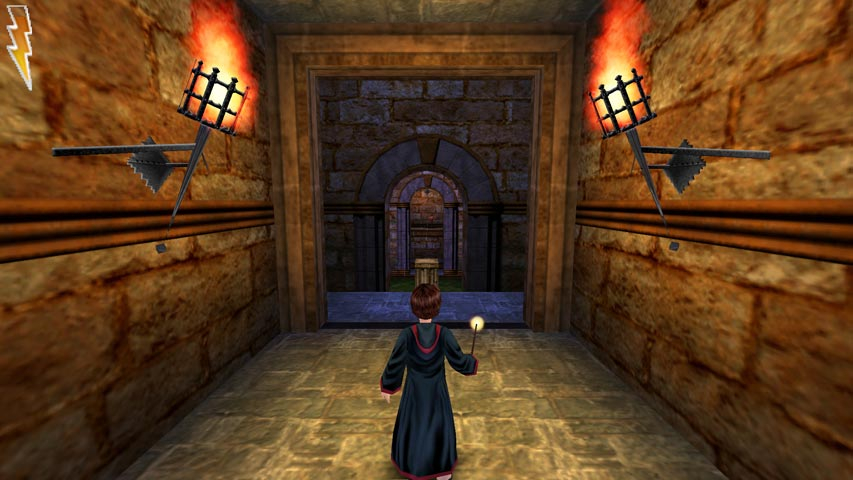
16:9 Screenshot
1920x1080 screenshot, resized to 480px tall. 16:9, FOV from the WSGF FOV-Calc
21:9 Screenshot
A monitor with a question mark on it. The text above it reads "There is currently no image uploaded for this field." There is a semi-transparent WSGF logo in the background, while the main background is white. The image aspect ratio is 21:9.
32:9 Screenshot
Eyefinity / Surround Screenshot
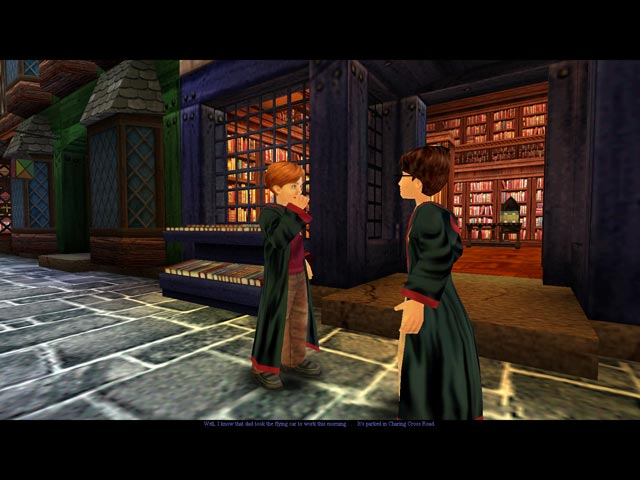
4:3 Cutscene
1600x1200 screenshot, resized to 480px tall. 4:3, native FOV
16:10 Cutscene
1920x1200 screenshot, resized to 480px tall. 16:10, FOV from the WSGF FOV-Calc
16:9 Cutscene
1920x1080 screenshot, resized to 480px tall. 16:9, FOV from the WSGF FOV-Calc
4:3 Menu
1600x1200 screenshot, resized to 480px tall. 4:3, native FOV
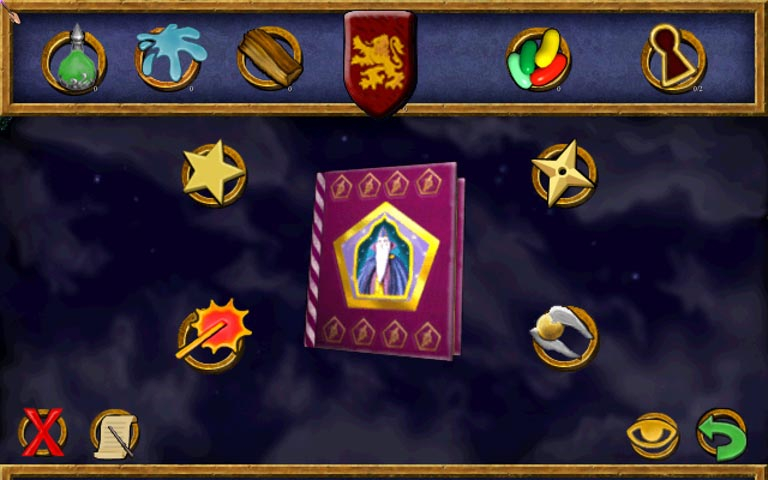
16:10 Menu
1920x1200 screenshot, resized to 480px tall. 16:10, FOV from the WSGF FOV-Calc
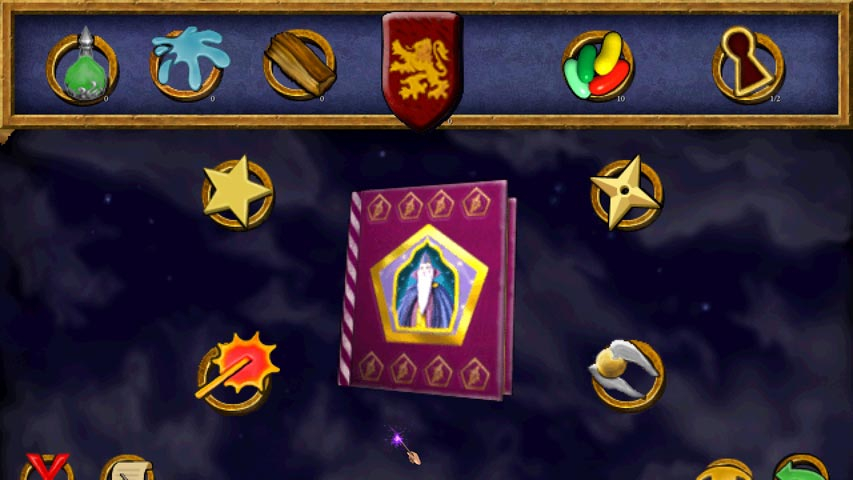
16:9 Menu
1920x1080 screenshot, resized to 480px tall. 16:9, FOV from the WSGF FOV-Calc
15:9 Resolutions:1280x768
16:9 Resolutions:
Eyefinity / Surround Resolutions:3840x1024
Unsupported Resolutions:2560x1600