

Halo 2 is a Vista only port and sequel to the Xbox hit Halo. Once agian you play as Master Chief and perhaps more later on....
Support Summary
Screenshots Comparison
Solutions & Issues
This report is based on the retail release of Halo 2 seeing as how the patch was only created for a problem where nudity was shown in game.
Native solution.
Fun little discovery I just made! If you have Ultramon, you can set the game to run in a window, then launch it with an Ultramon Shortcut that's set to automatically re-size the window to be just slightly larger than your desktop. This puts the frame off-screen, making the game appear full-screen AND any resolution you want.
This even works as a triplehead / Eyefinity solution.
-------------------------------------------------------------------------
Using this method, although it works in game breaks text in menus. Text maybe garmbled or even disappear.
Best way to get around this is to create a hotkey to "maximize window to desktop." When the window is in a regular resolution text can be read.
So you can easily switch between maximized and none maximized states.
One thing to note is that you should wait til the scene is rendered to go into maximized mode as the FOV will be set to what ever resolution the smaller window is.
If this happens, un-maximize then re-maximize.
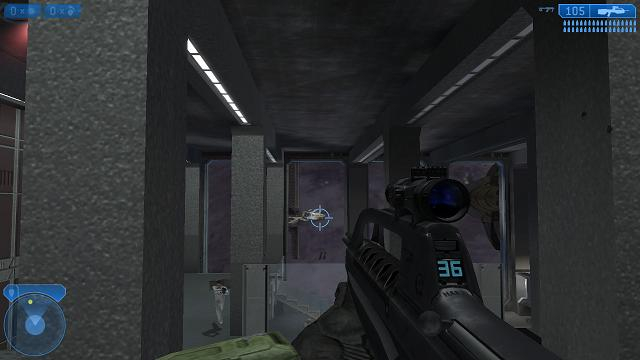
Gameplay Screenshots
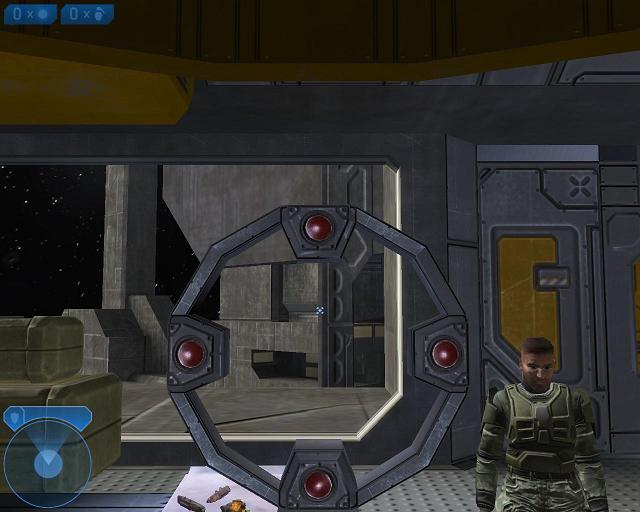
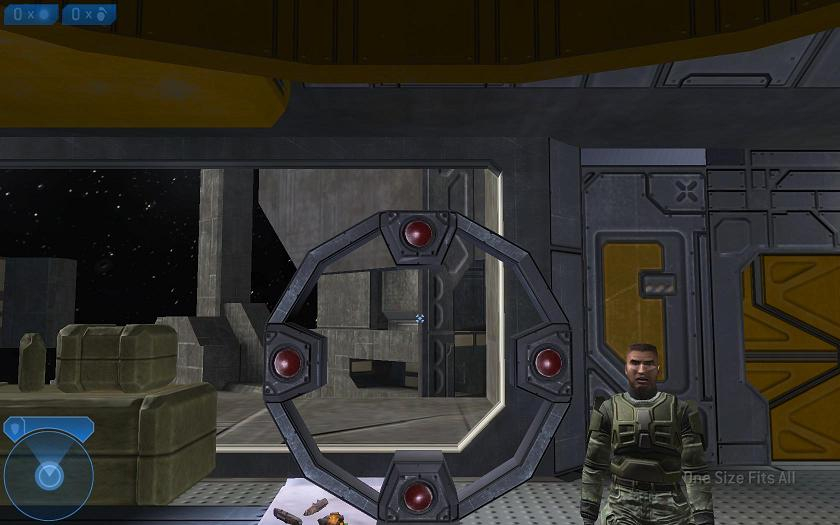



In-Game (Rendered) Cutscenes
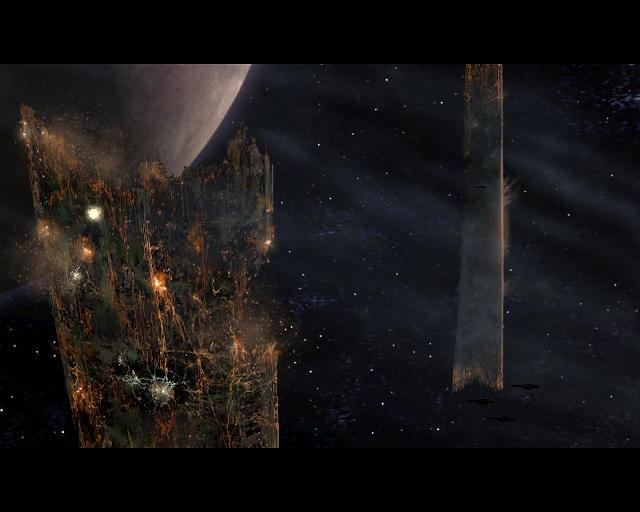
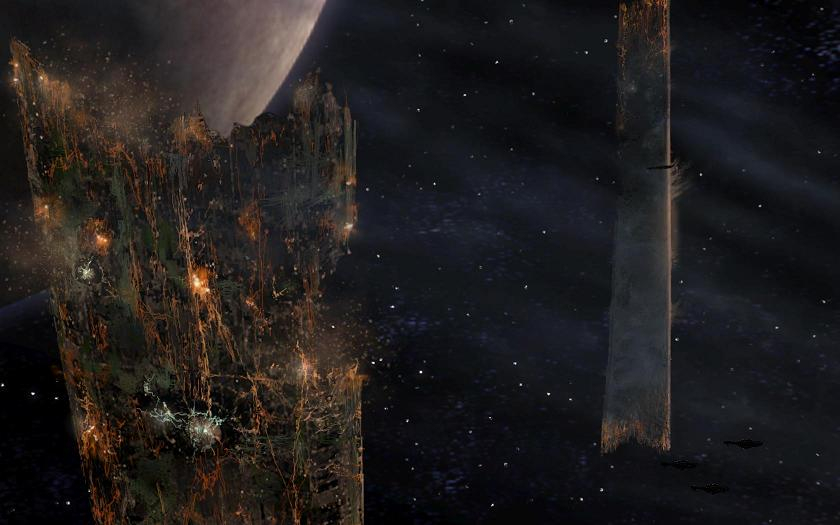
Menu Screenshots
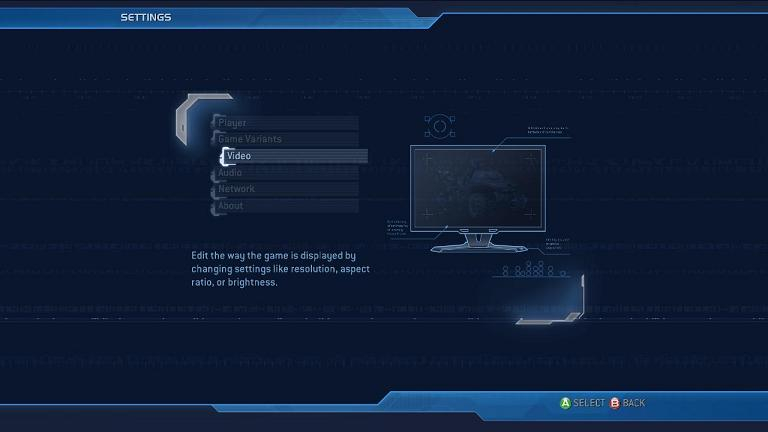

Additional Screenshots