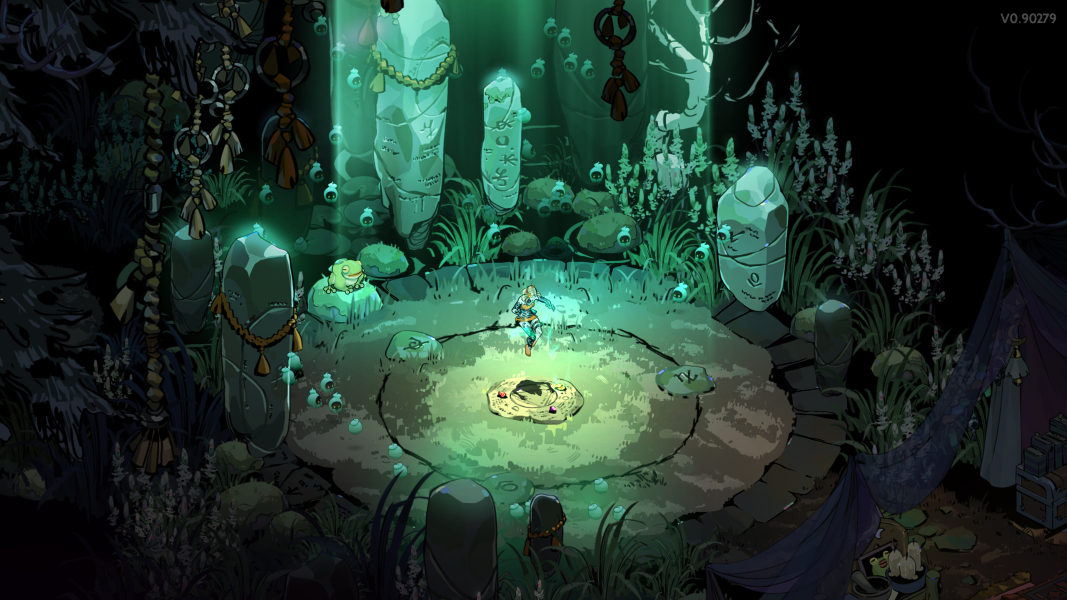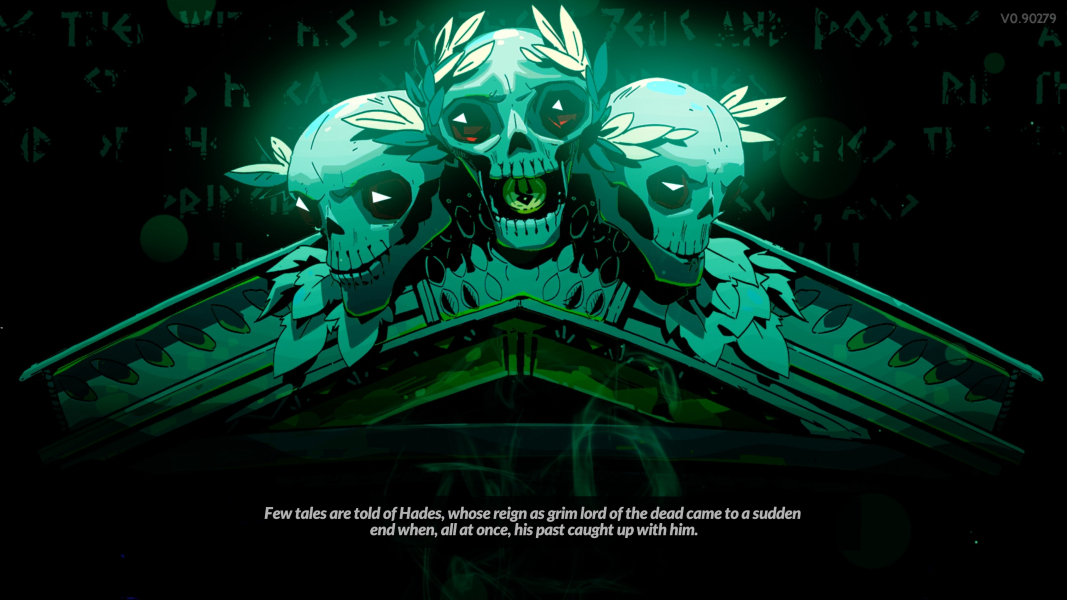


Hades II is an upcoming roguelike action role-playing game video game developed and published by Supergiant Games (previous games: Bastion, Transistor, Pyre, and Hades). It is a direct sequel to the first game.
Support Summary
Game Information
- In Development
- Beta/Demo
Screenshots Comparison
Solutions & Issues
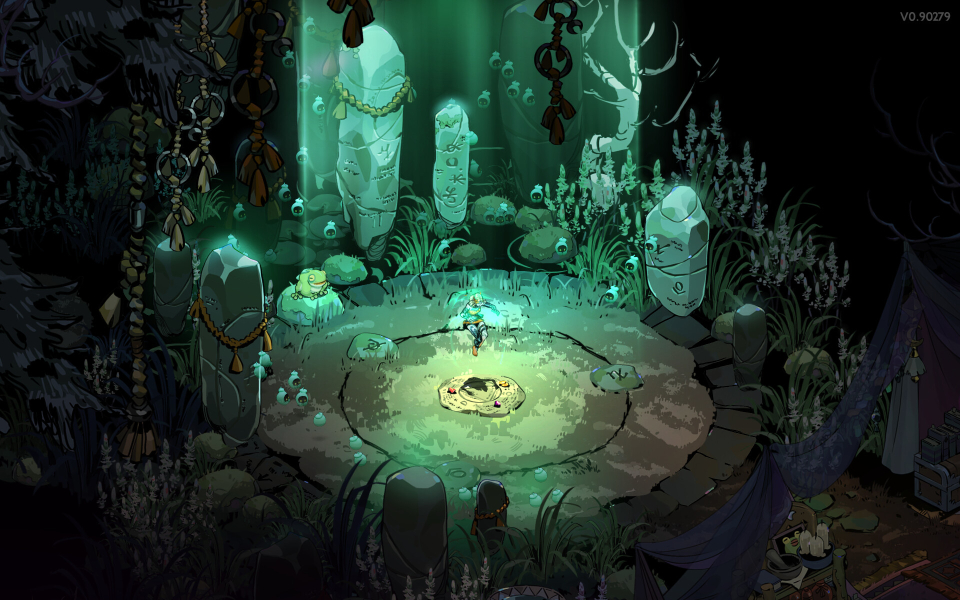
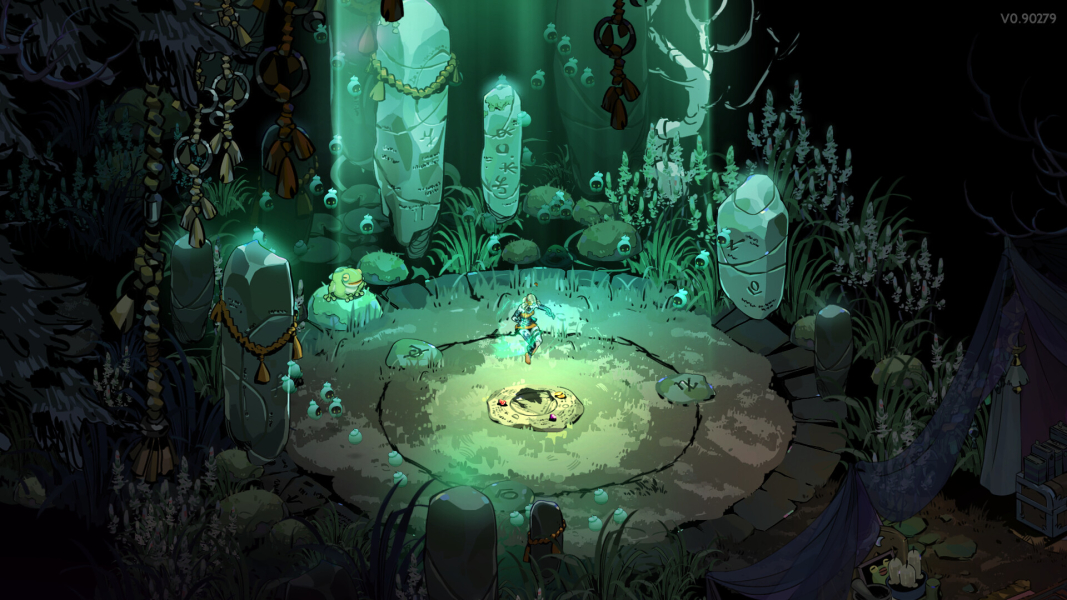
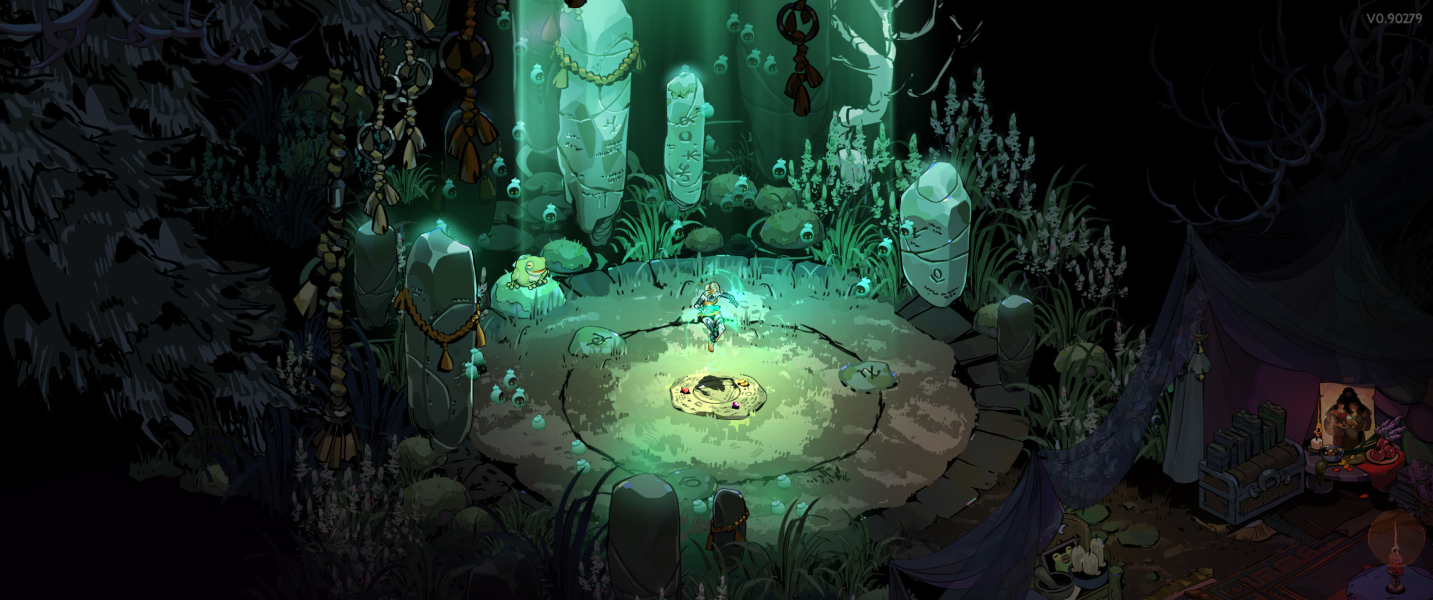
Hades II has native 16:9 support (scaled up/down from the internal viewport of 1920x1080). For resolutions taller than 16:9 (e.g. 16:10), Hades II uses Vert+ scaling for gameplay / main rendering, with the HUD expanded vertically as well, while menus and static assets (e.g. dialogues, FMV) are letterboxed in the center of the screen.
By default, window size is static: only the resolutions from the current selected display are offered in the game settings, and the game window cannot be freely resized.
A custom window size / resolution can be manually set, by either:
- Adding
/X=<width> /Y=<height>to the game’s command line parameters from Steam/Epic. - Setting
X = <width>andY = <height>in yourGlobalSettingsWin.sjsonconfiguration file.
(Note: replace <width> and <height> with your desired resolution.)
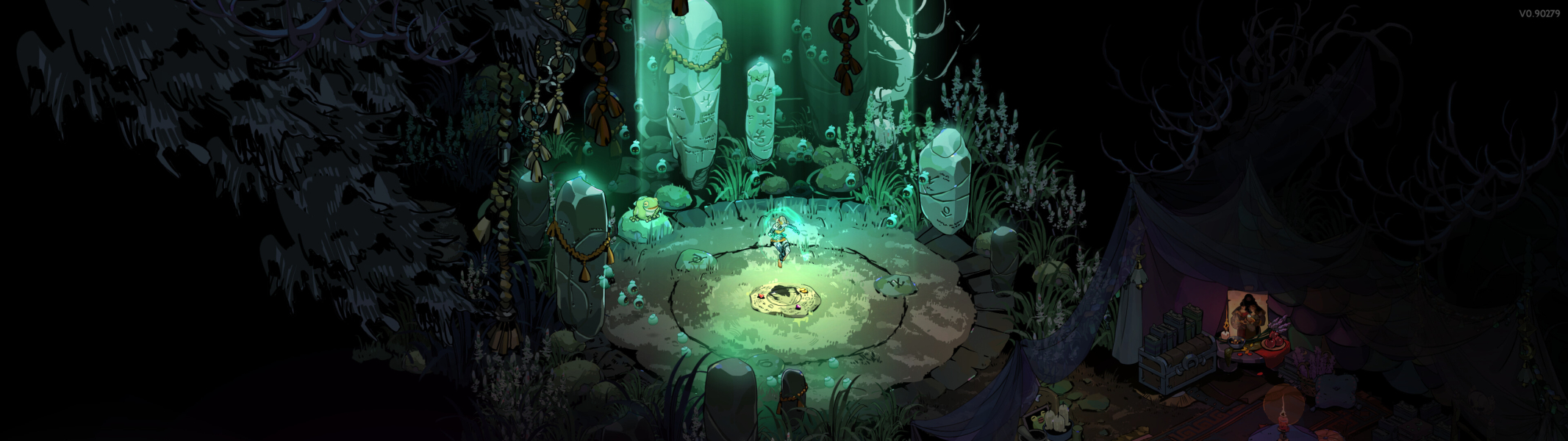
For resolutions wider than 16:9 (e.g. 21:9), Hades II uses Hor+ scaling for gameplay / main rendering, with the HUD expanded horizontally as well, while menus and static assets (e.g. dialogues, FMV) are pillarboxed in the center of the screen, with dedicated artwork rather than plain black bars.
There is an option to disable the artwork, but as of V0.90373 this setting does nothing.
Multi-monitor setups behave identically to ultrawide (see ultrawide entry above for details), however there are issues with the HUD and menus, with some elements not properly resizing or being repositioned and being locked at 32:9-like sizes, as if internally the game was only expected to be played up to 32:9.
As the window size / resolution is static, multi-monitor setups not using a single-screen virtualizer (e.g. Surround) will also require manually resizing the window (see widescreen entry above for details).
Hades II has native widescreen support, and internally 16:9 is the native viewport (see widescreen entry above for details). It thus looks identical in 3840x2160 as it does in 1920x1080 or 2560x1440.
Gameplay Screenshots
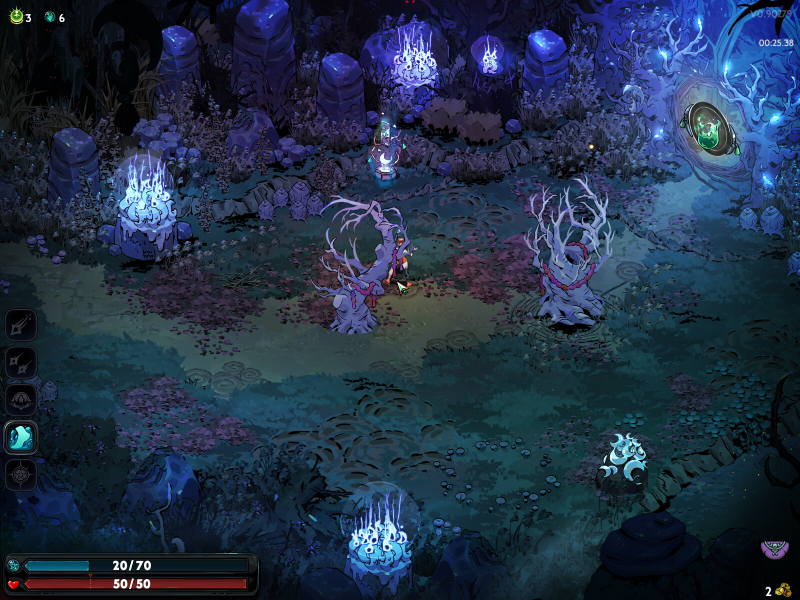
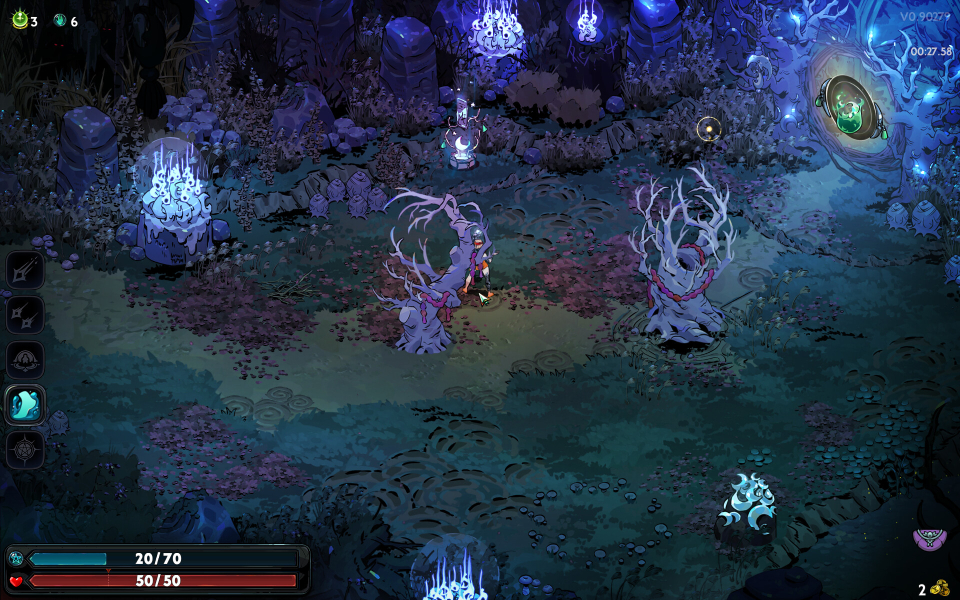
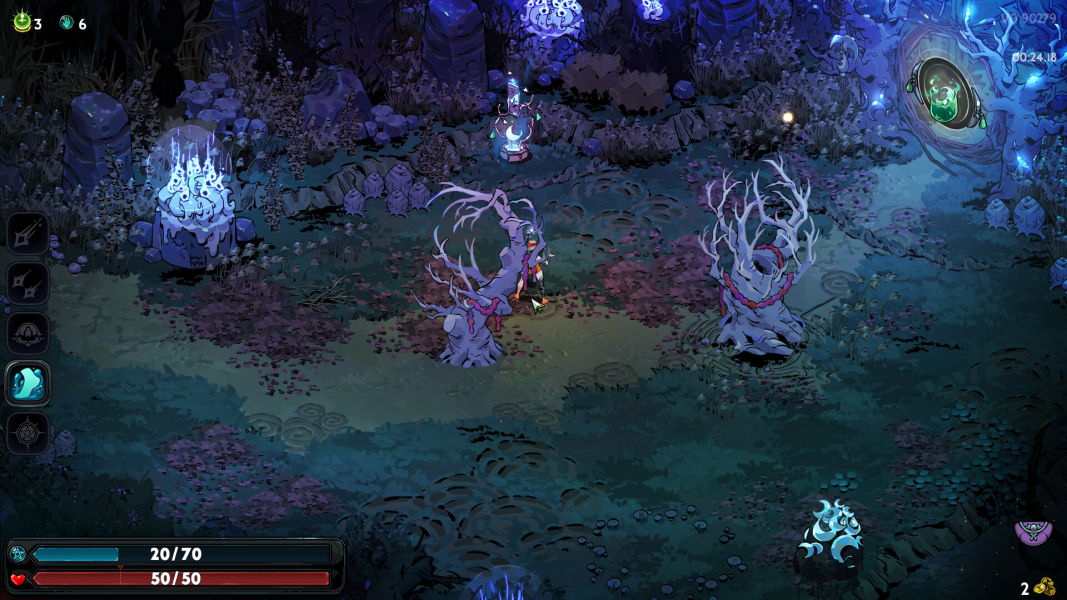
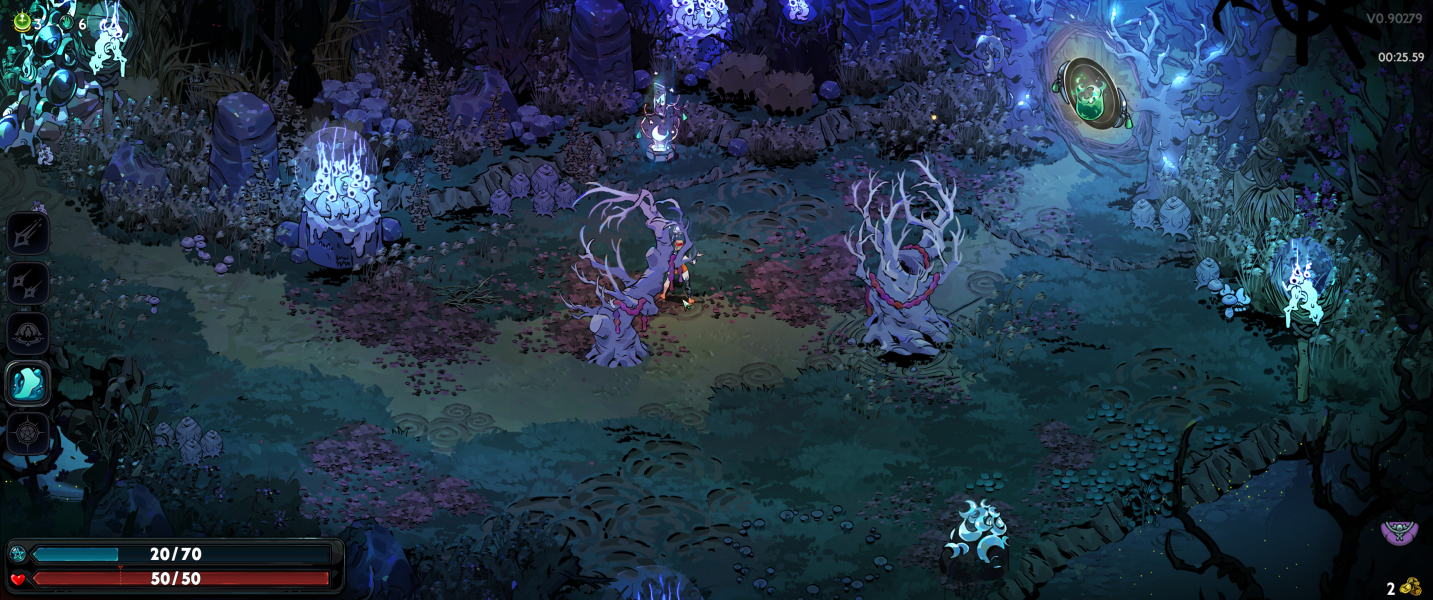
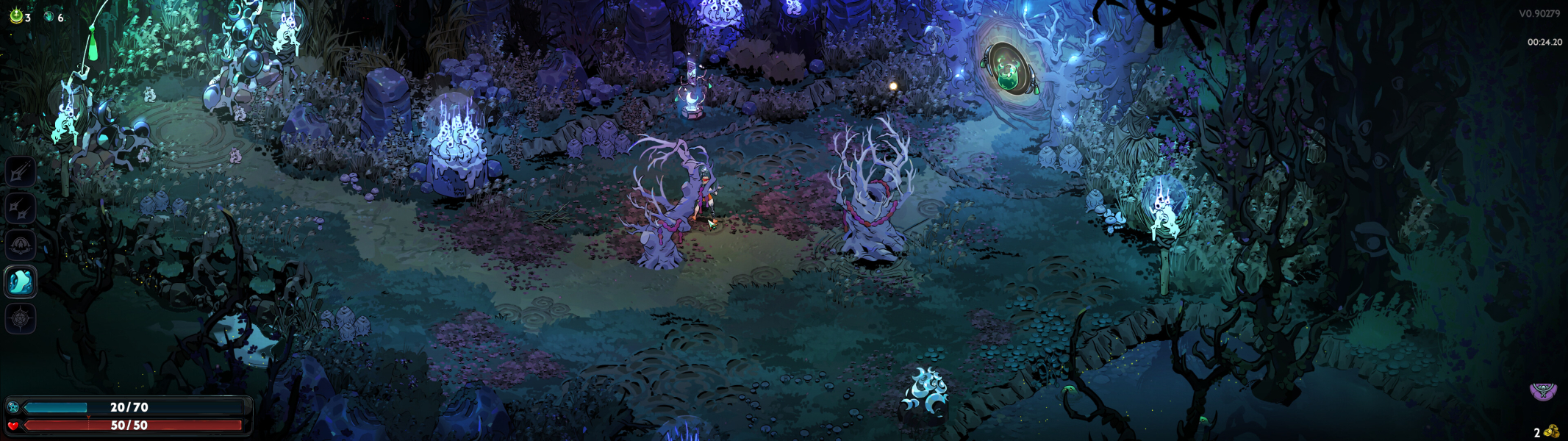

In-Game (Rendered) Cutscenes
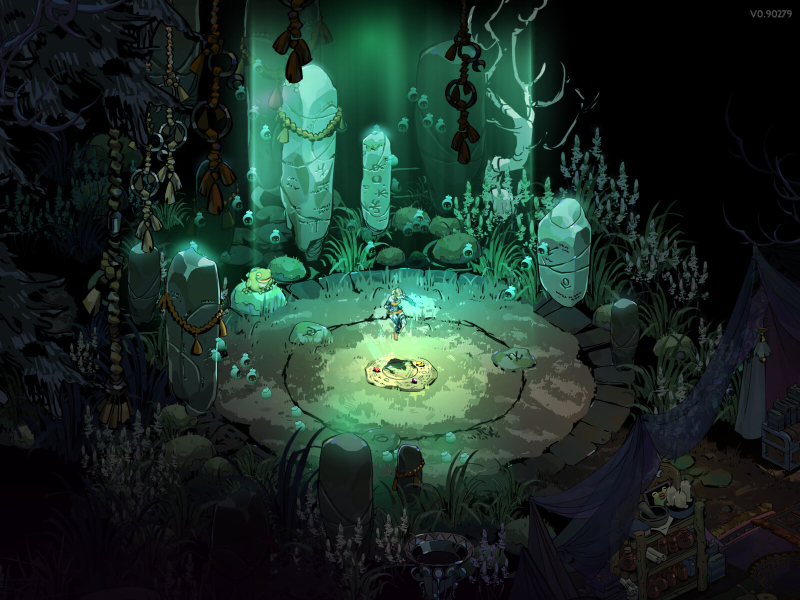

FMV Cutscenes
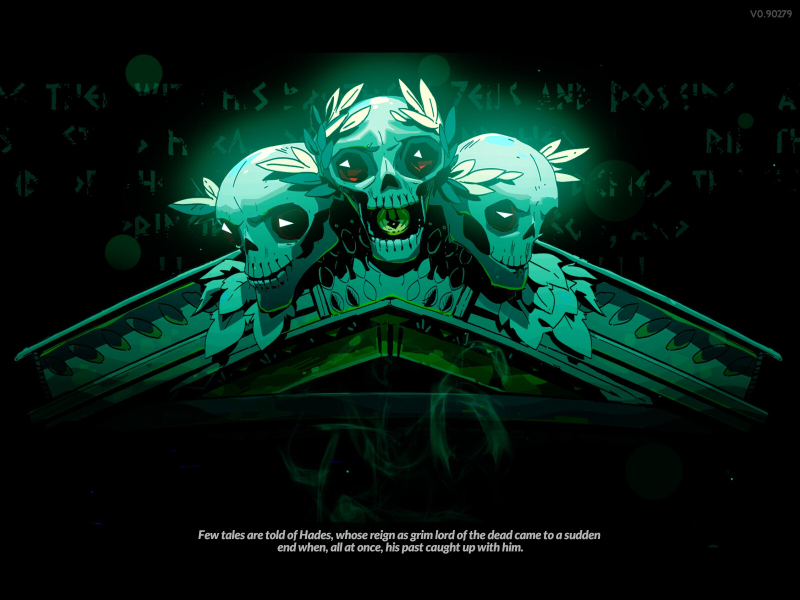
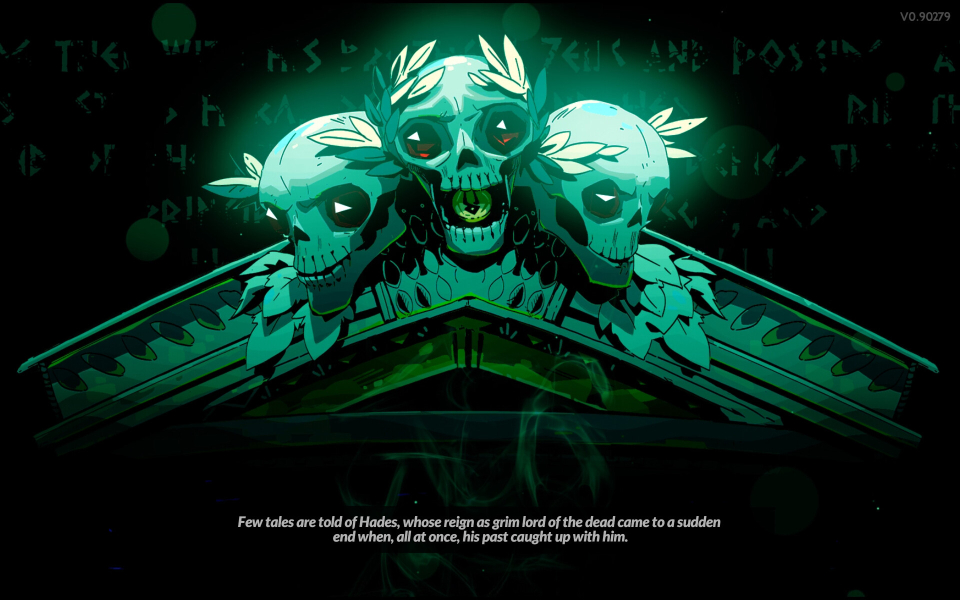

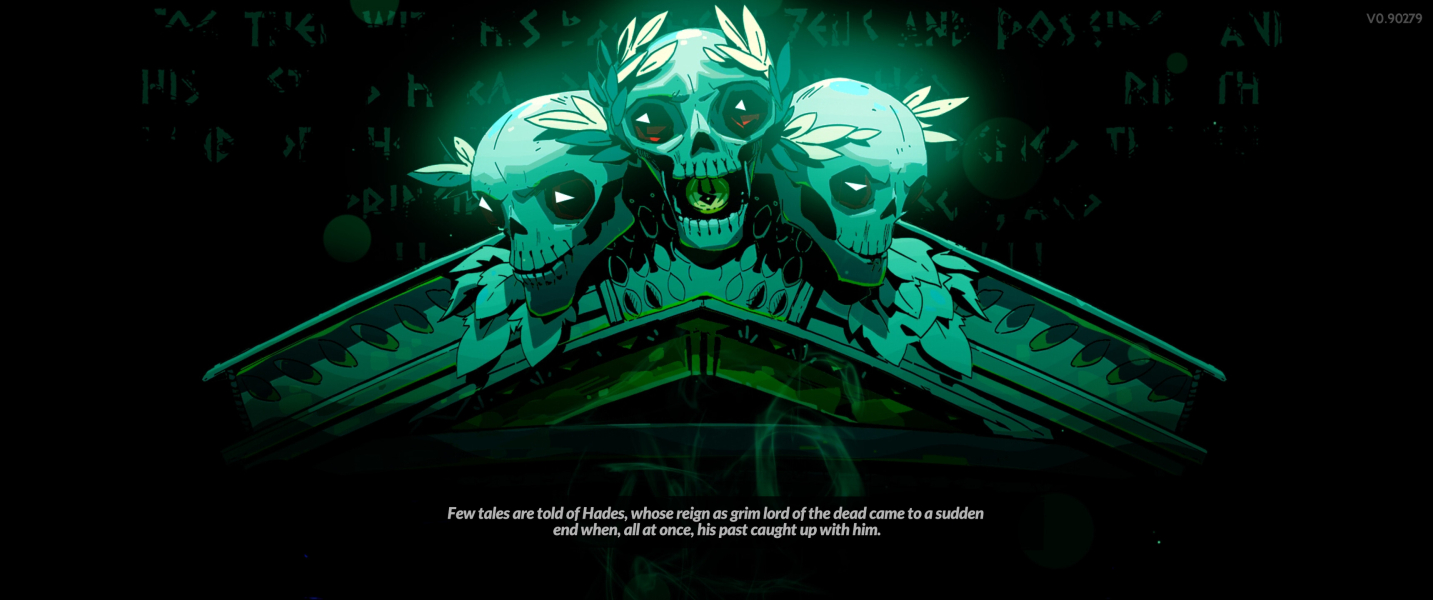


Menu Screenshots
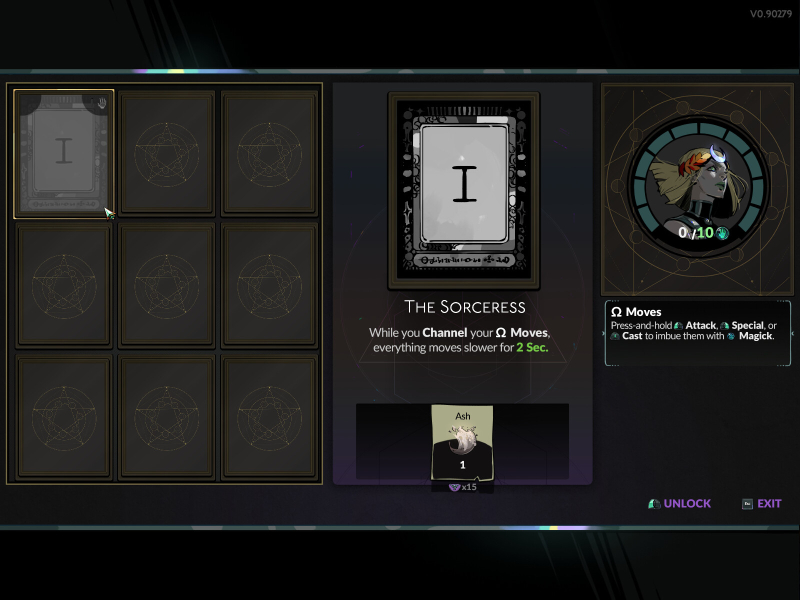
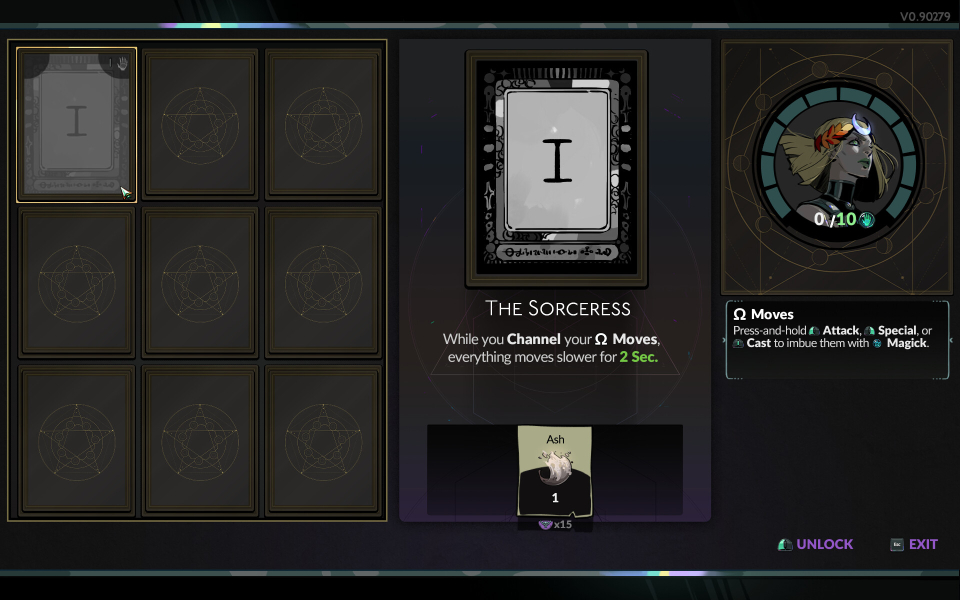

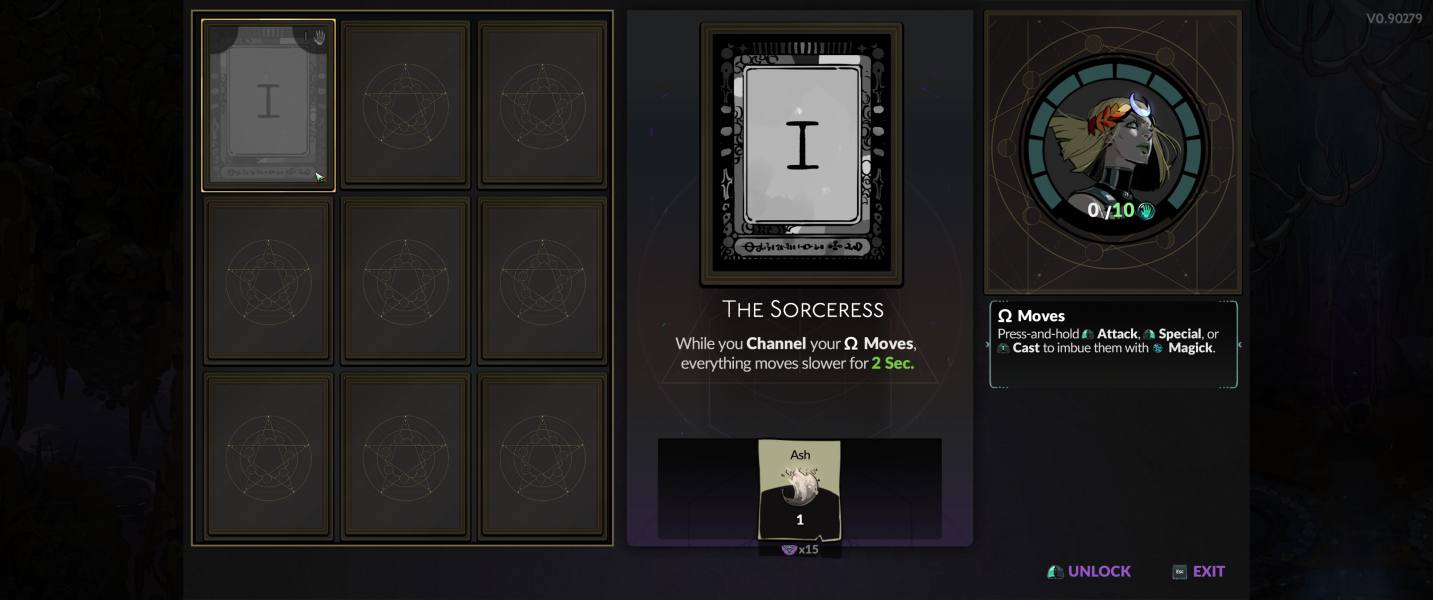


4K UHD Screenshots