Guild Wars 2

Profile picture for user skipclarke

Guild Wars 2 is a massively multiplayer online role-playing game in development by ArenaNet. Set in the fantasy world of Tyria, the game follows the re-emergence of Destiny's Edge, a disbanded guild dedicated to fighting the Elder Dragons, a Lovecraftian species that has seized control of Tyria in the time since the original Guild Wars. The game takes place in a persistent world with a story that progresses in instanced environments.

Support Summary

Widescreen
Ultra/Super‑Wide
Multi-Monitor
4K Ultra HD
Support
Method
HUD
Cutscenes
FMVs

Game Information

Game Status:Released
Release Date:
Tested Version:Release 18-Sep-12 Update
Play Styles:MMO
Setting:Fantasy
Genre:MMORPG
Developer:ArenaNet

Screenshots Comparison

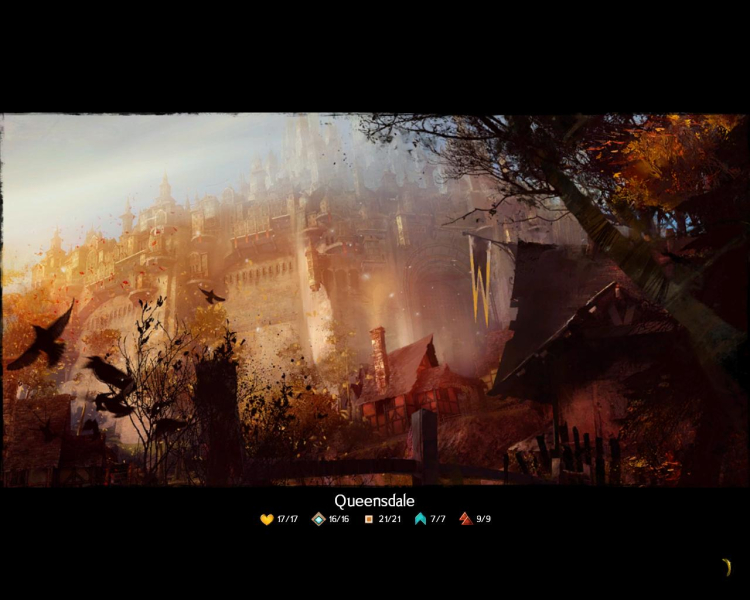
4:3 Screenshot
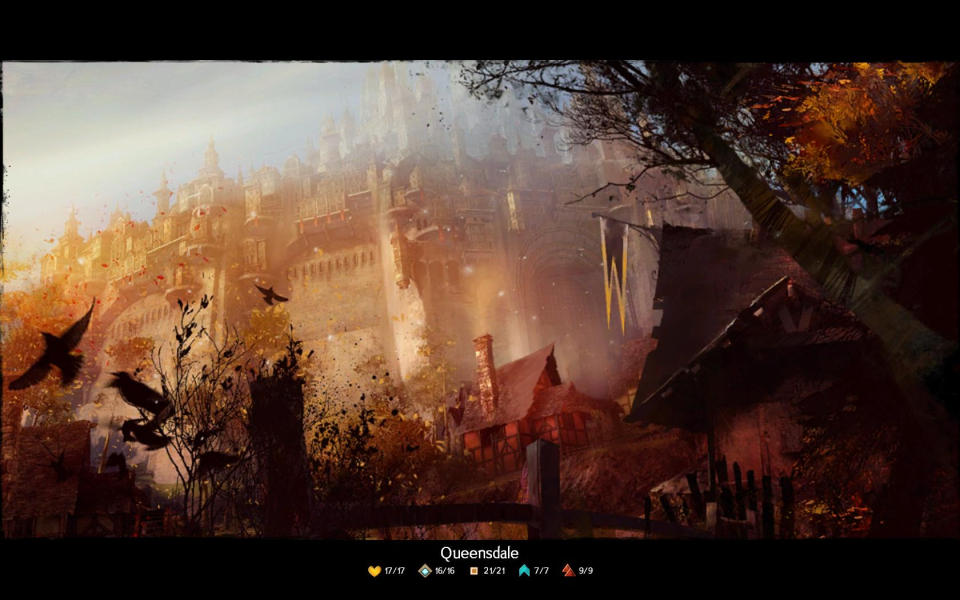
16:10 Screenshot
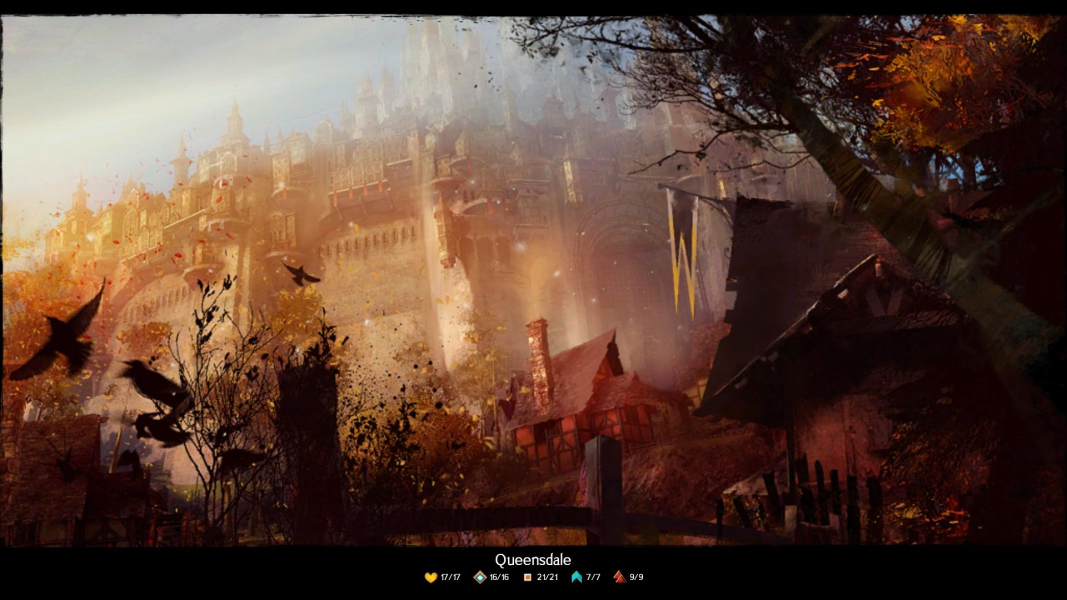
16:9 Screenshot
21:9 Screenshot
A monitor with a question mark on it. The text above it reads "There is currently no image uploaded for this field." There is a semi-transparent WSGF logo in the background, while the main background is white. The image aspect ratio is 21:9.
32:9 Screenshot
Eyefinity / Surround Screenshot
Solutions & Issues
Widescreen Solution & Issues:

Technically, the game is Vert- in single screen. However, 16:9 provides an ample FOV, and Surround/Eyefinity are Hor+ based on 16:9. The developer could have made 5:4 and 16:10 amamorphic, but instead chose to do "Vert+". This can all be debated, but it's not worth impacting the grade.

Eyefinity / Surround Specific Solution & Issues:

With the 1-Oct-12 update, the handling of NVIDIA Surround is much improved, with the HUD and cut-scenes now properly centered. The HUD is not fully positionable.

Using HaYDeN's "Flawless Widescreen", you can use a "Centered HUD" option to make AMD hardware behave like NVIDIA Surround. Personally, I would prefer a non-centered (or at least positionable) HUD. I like my gameplay view unobstructed, and AMD gives me that. You can use the F11 hotkey to change to a 1920x1080 resolution during cut-scenes on AMD hardware.

AMD Eyefinity:

  • HUD: Fully spanned across all three monitors. Personally, I like this in an RPG as it gives me an unobstructed view. However, I preferred the freedom in the original Guild Wars to put HUD elements exactly where I wanted them. This way I could put things just off the center monitor, or put party health bars inside the center monitor.
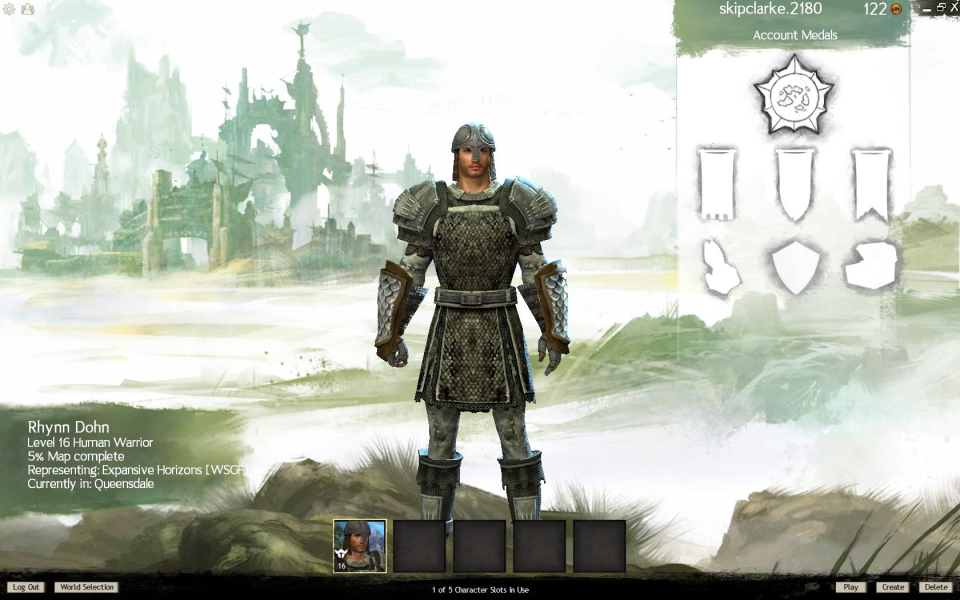
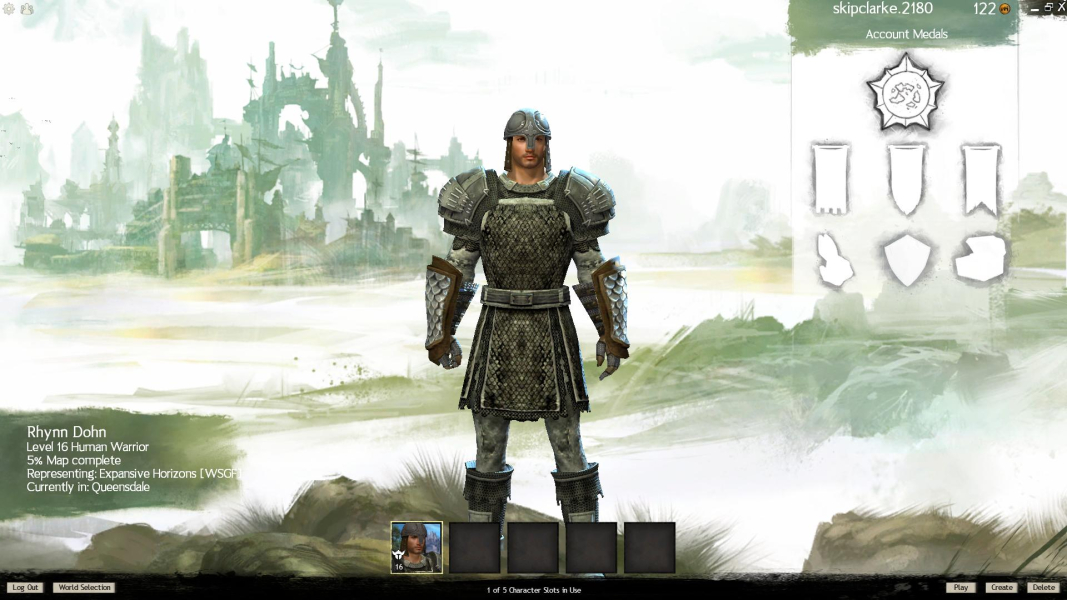
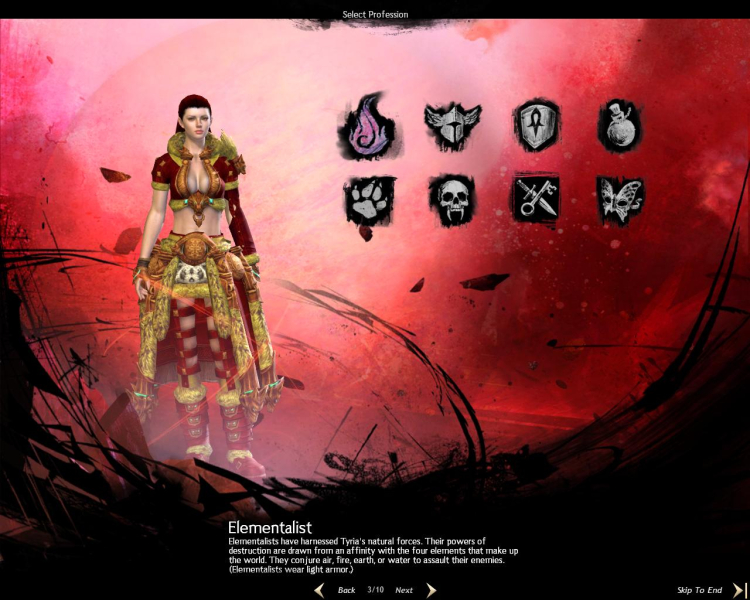
  • Char/Cut-Scenes: The 2D backgrounds and 3D models are both Vert-, making character creation and character selection difficult.
4:3 Screenshot
16:10 Screenshot
16:9 Screenshot
21:9 Screenshot
A monitor with a question mark on it. The text above it reads "There is currently no image uploaded for this field." There is a semi-transparent WSGF logo in the background, while the main background is white. The image aspect ratio is 21:9.
32:9 Screenshot
Eyefinity / Surround Screenshot
See additional screenshots for updates on how HUD placement on AMD and NVIDIA hardware.
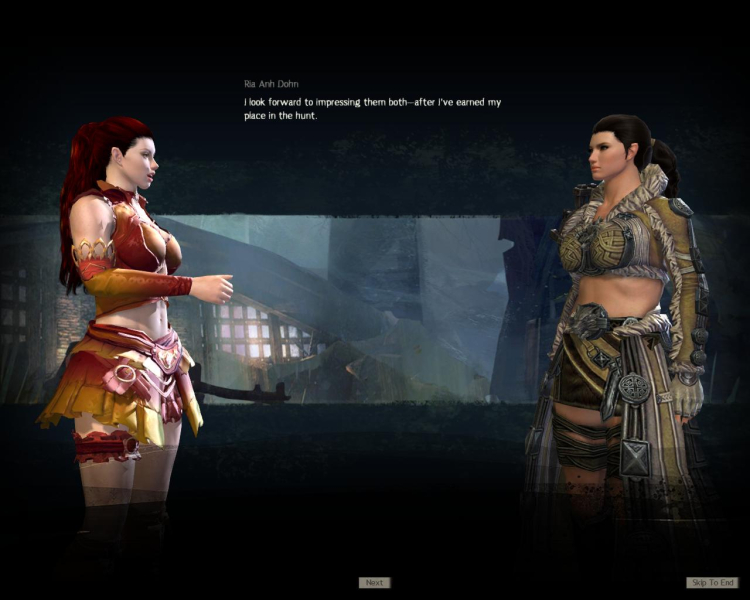
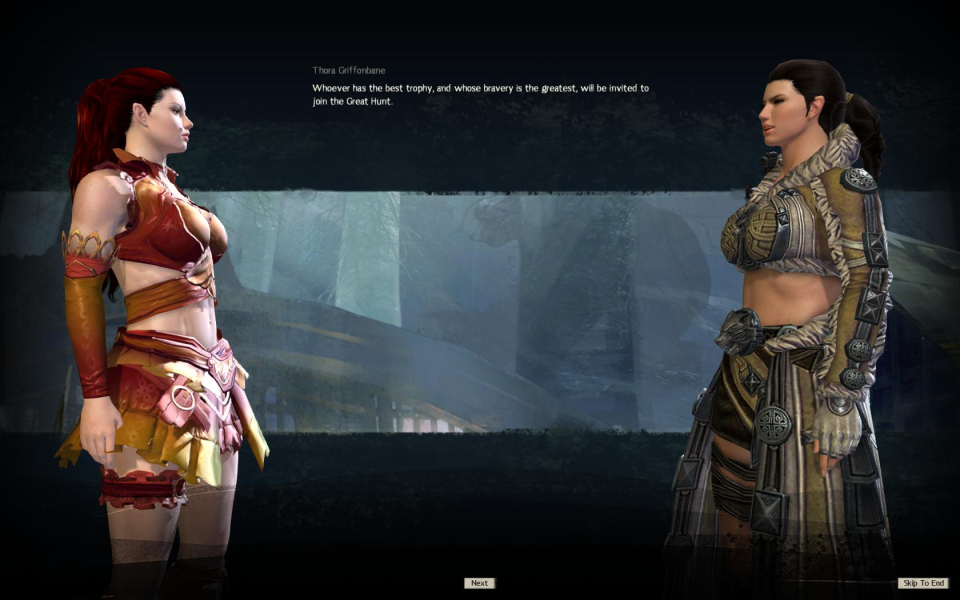
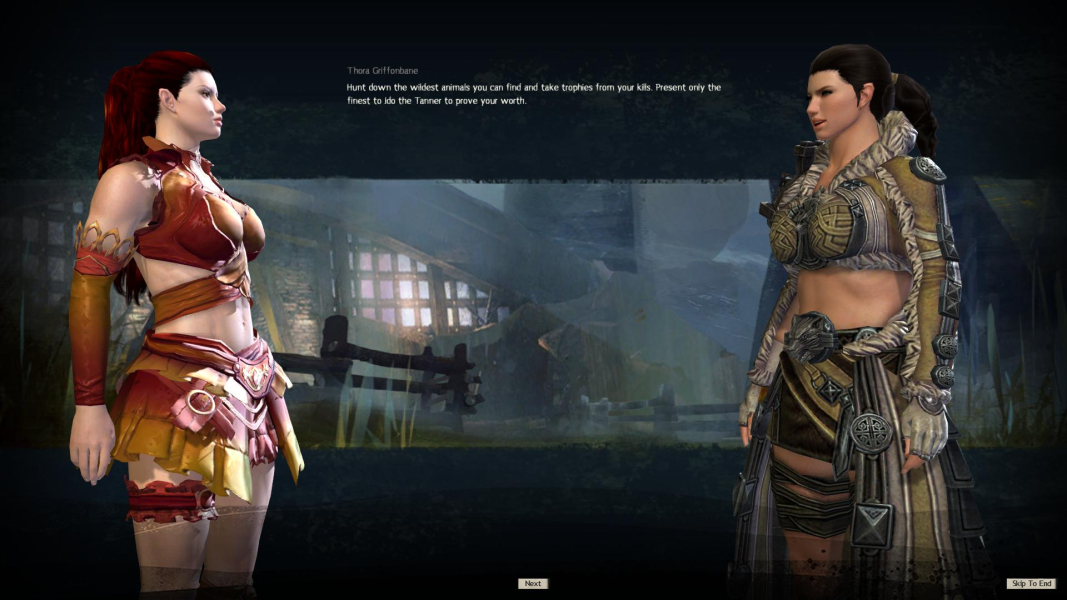
4:3 Cutscene
16:10 Cutscene
16:9 Cutscene
Eyefinity / Surround Cutscene
4:3 Menu
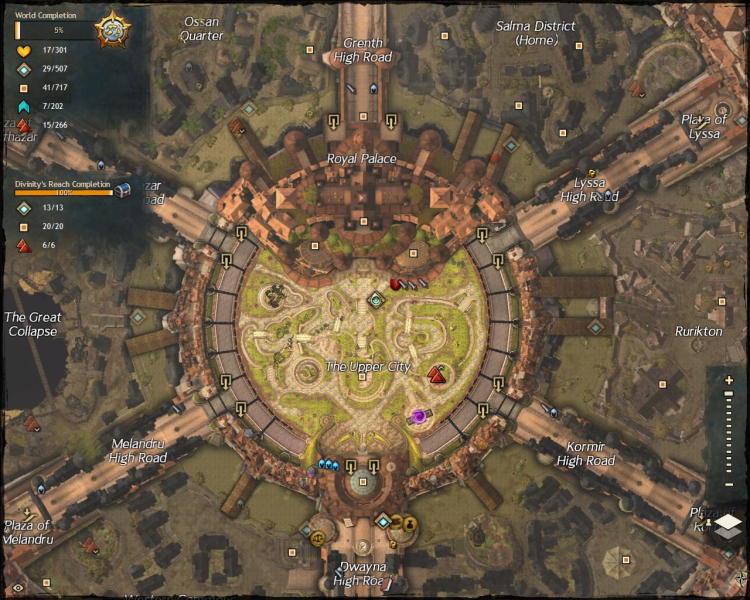
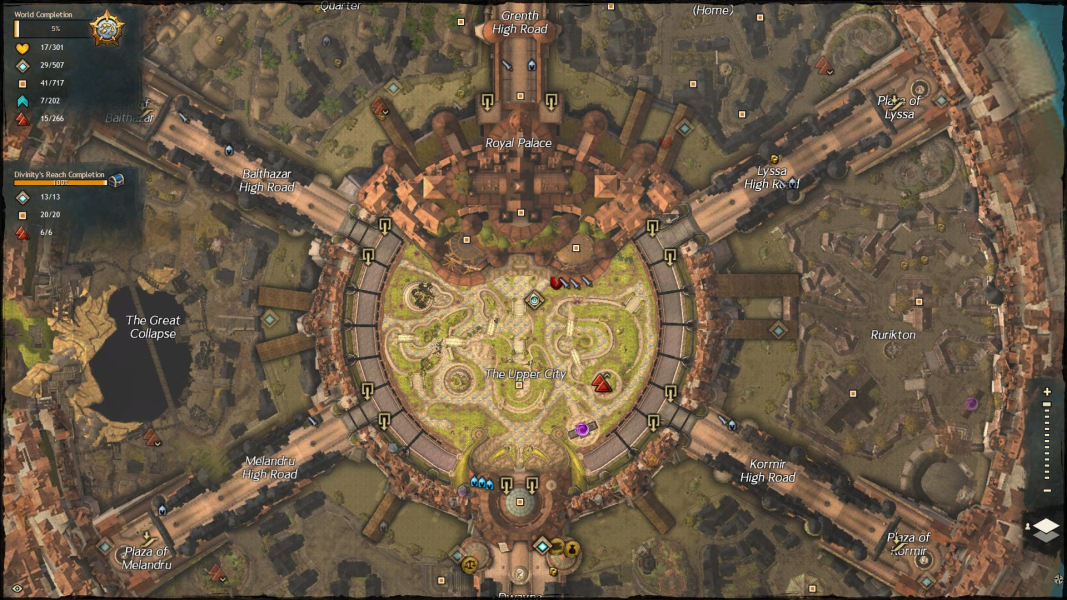
World Map - Zoomed In
16:10 Menu
World Map - Zoomed In
16:9 Menu
World Map - Zoomed In
Eyefinity / Surround Menu
World Map - Zoomed In
Uploaded by: skipclarke
Updated Eyefinity/Surround HUD
Uploaded by: skipclarke
NPC Interaction - Surround/Eyefinity
Uploaded by: skipclarke
Character Select - 5:4
Uploaded by: skipclarke
Character Select - 16:10
Uploaded by: skipclarke
Character Select - 16:9
Uploaded by: skipclarke
Character Select - Surround
Uploaded by: skipclarke
Character Select - Eyefinity
Uploaded by: skipclarke
Character Creation - 5:4
Uploaded by: skipclarke
Character Creation - 16:10
Uploaded by: skipclarke
Character Creation - 16:9
Uploaded by: skipclarke
Character Creation - Surround
Uploaded by: skipclarke
Character Creation - Eyefinity
Uploaded by: skipclarke
Loading Screen - 5:4
Uploaded by: skipclarke
Loading Screen - 16:10
Uploaded by: skipclarke
Loading Screen - 16:9
Uploaded by: skipclarke
Loading Screen - Surround
16:10 Resolutions:
16:9 Resolutions:
Eyefinity / Surround Resolutions:
Multi-Monitor Types:
Multi-Monitor Layouts:3x1-L