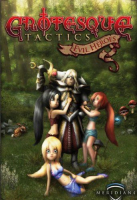



The young Recruit Drake fails the entrance exam of the military academy. It is denied to him to fight for his kingdom, Glory. Humiliated and frustrated, he wants to throw himself into the throat of the brutal mushrooms. But there Drake realizes that he is not the only one who wishes to end their lives due to disappointment. He encounters the last, depressed remains of the royal troops that are returning, with heavy casualties, from a decisive battle. From the battle that was denied Drake.
Among the survivors is one of the most famous heroes of the people: Holy Avatar. The arrogant knight in shining armor tells the tale of how the sudden appearance of a sect has led to the destruction of the entire Royal Guard. The lands of Glory are being overrun by the vile creatures of the Dark Church and worse yet, HE, the mighty Holy Avatar has suffered the first defeat in his heroic lifetime. Before the population learns of the catastrophe that has befallen the royal guard and panic breaks out, you, Drake, are tasked with putting together a troop to fight off the Dark Church.
As all the heroic men were killed or critically injured, you are left with the shadiest of characters left in the high security prison. Well... them and the most dangerous creatures you could ever ask for aid: WOMEN!. Holy Avatar and Drake have little choice if they wish to save their country from the fanatic claws of the Dark Church. The Evil Heroes are established!
Support Summary
Game Information
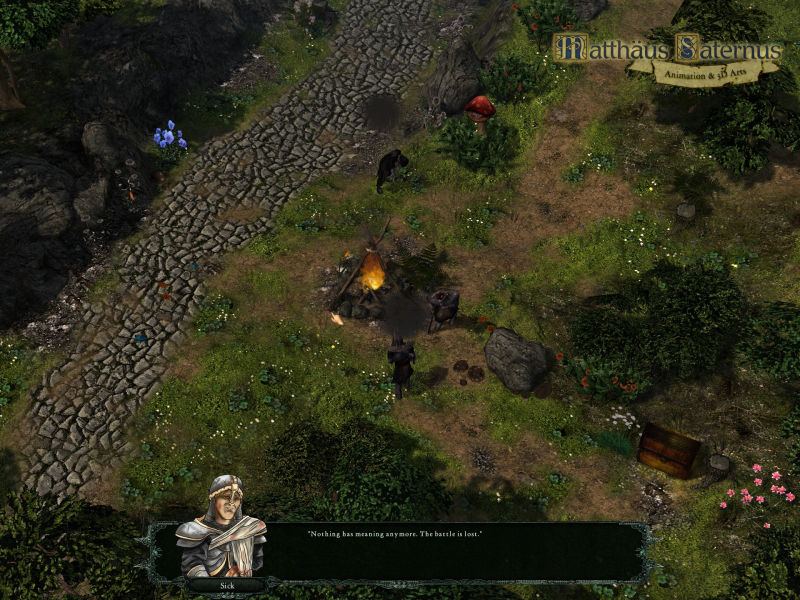
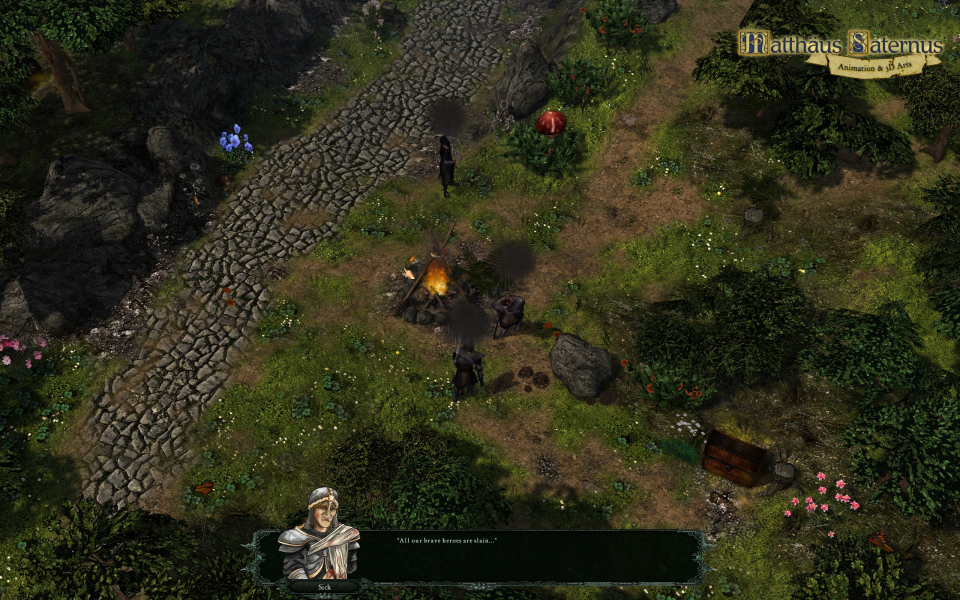
Screenshots Comparison
Solutions & Issues
The Game is VERT- out off the BOX - you need to INI edit the FOV to get it HOR+
INI edit FOV: Go to --> ...\Documents\Grotesque-Tactics\Settings\Config.xml
Look for this Line: Effects FoVMinRange="45" FoVMaxRange="48" and change it to Effects FoVMinRange="53" FoVMaxRange="56" (16:10) or Effects FoVMinRange="58" FoVMaxRange="61" (16:9)
Same Solution as in Widescreen. Change the FOV to: Effects FoVMinRange="85" FoVMaxRange="90"
Same Solution as in Widescreen. Change the FOV to: Effects FoVMinRange="118" FoVMaxRange="121"
Same Solution as in Widescreen.
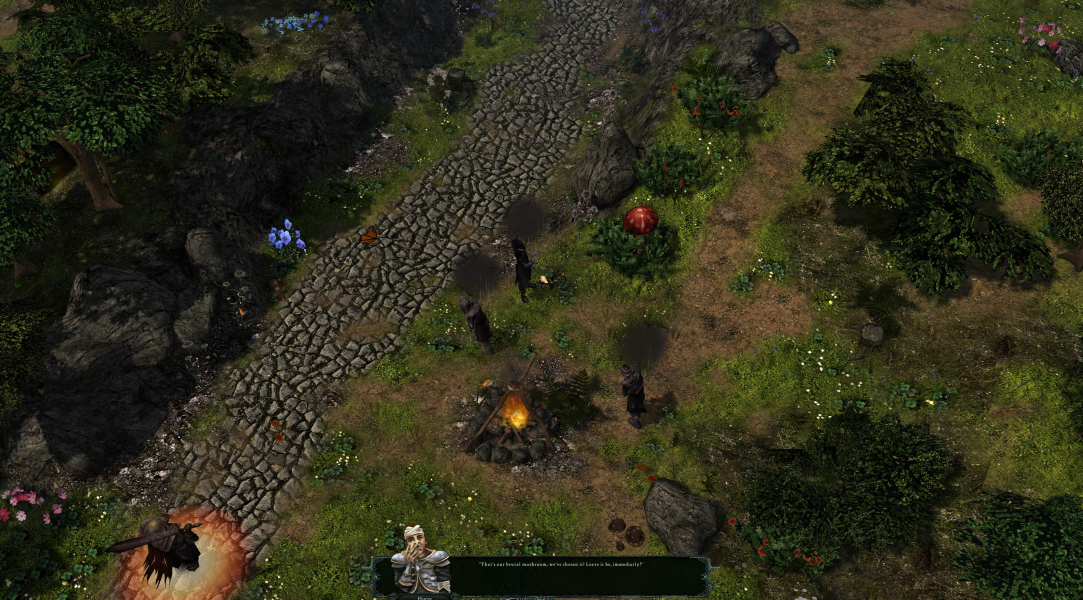
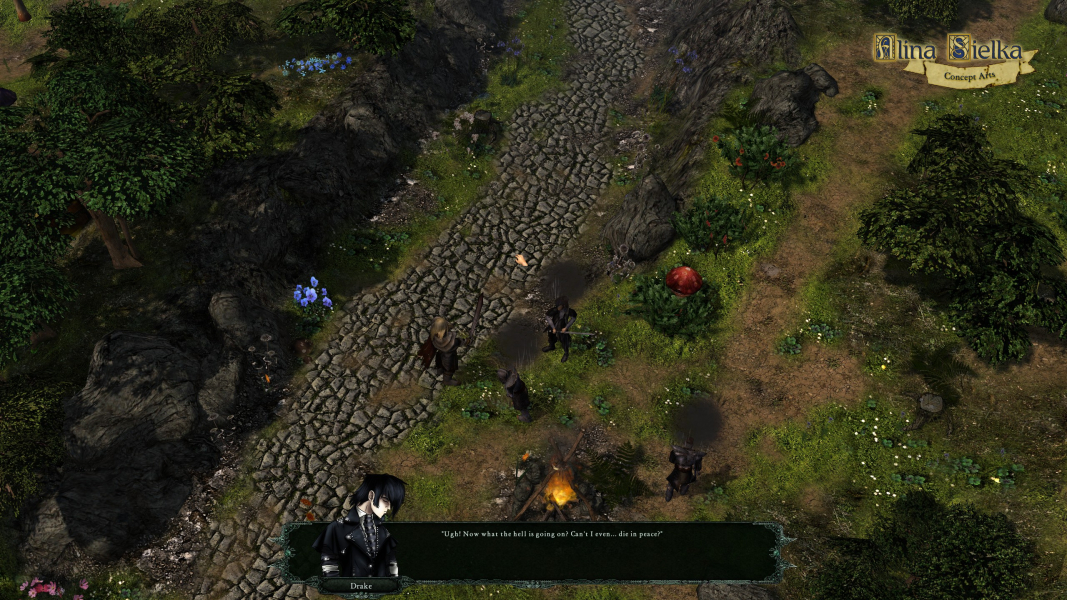
Gameplay Screenshots


In-Game (Rendered) Cutscenes


FMV Cutscenes





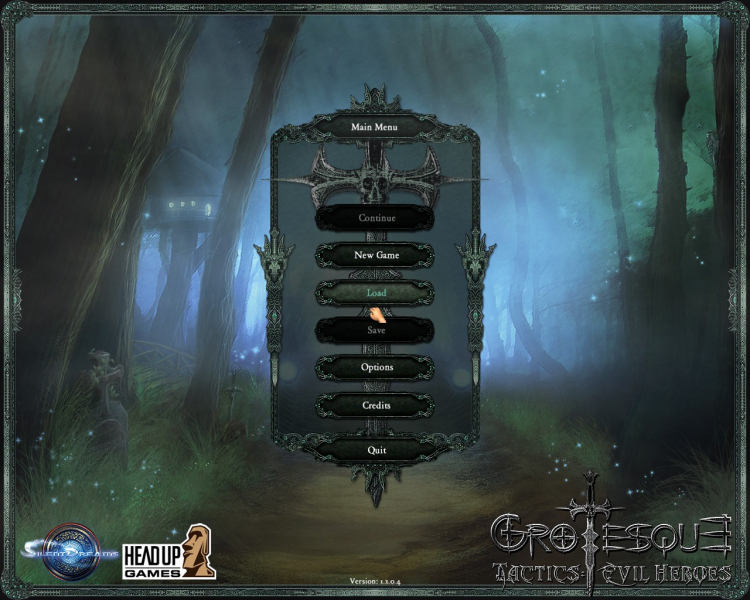
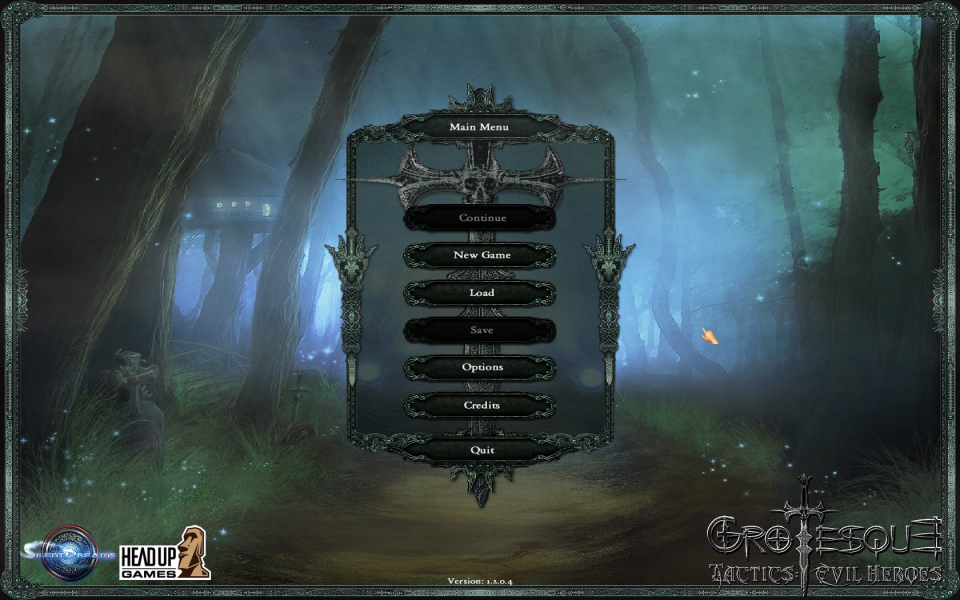
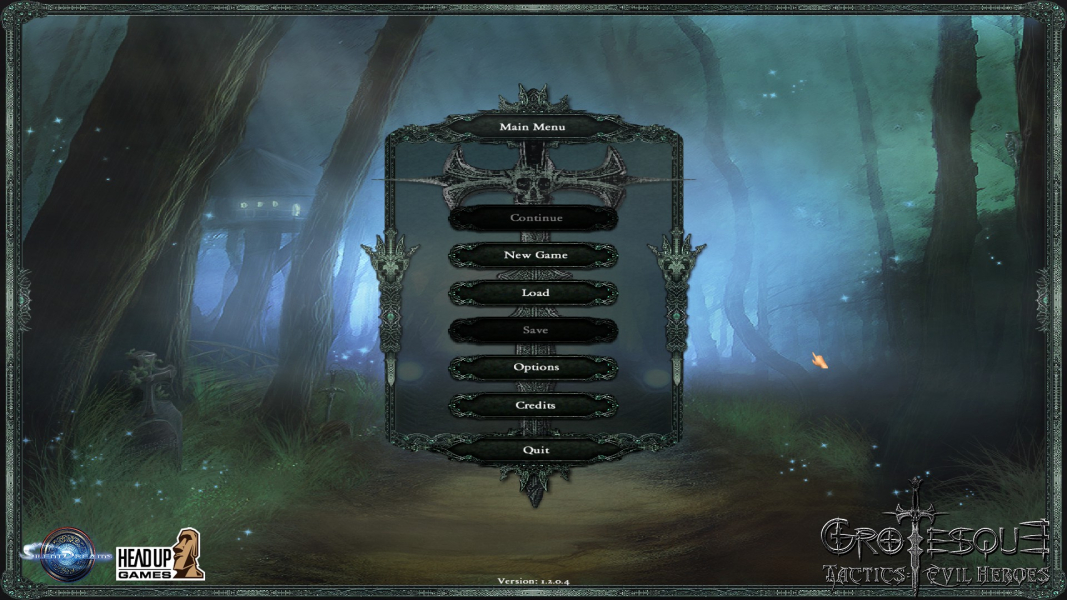
Menu Screenshots


4K UHD Screenshots