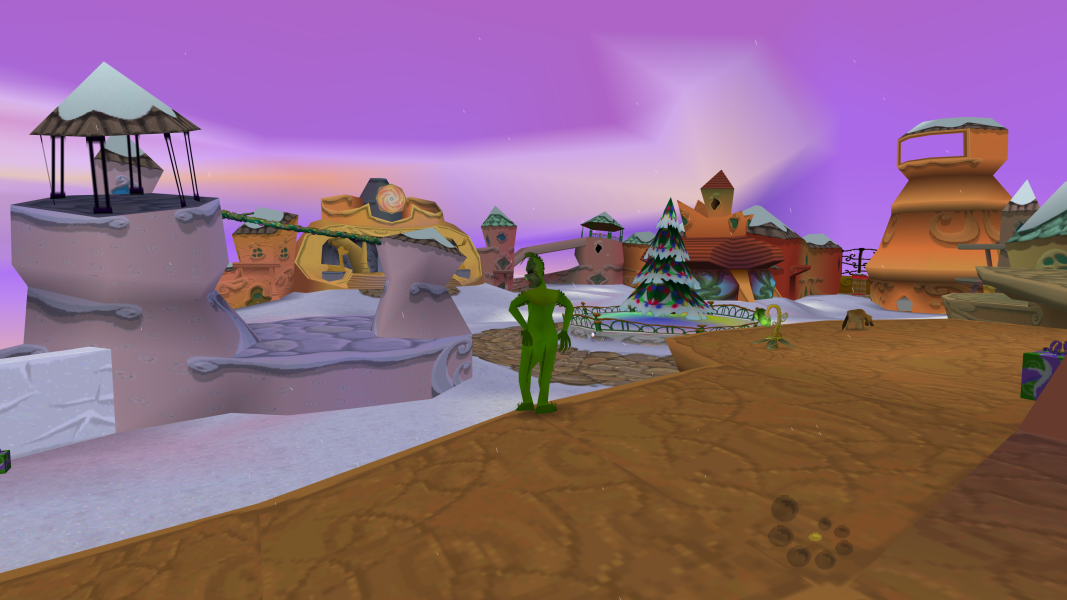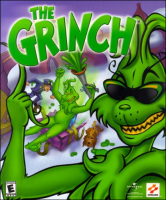


As the Grinch, you're going to make sure that Whoville will NOT celebrate Christmas this year... Your missions, should you choose to accept them, includes breaking presents, build some of your nasty gadgets (rotten egg launcher, slime shooter), messing with the mail... And more. Explore four large environments in search of your blueprints for your "weapons". Even summon your pal Max for a little assistance at times.
Support Summary
Game Information
Screenshots Comparison
Solutions & Issues
Replace TheGrinch.exe in the game folder from this archive - files available from the PC Gaming Wiki Community Files (search there)
Launch game from *.bat file with desired resolution.
Custom resolution can be setup by adding arguments to shortcut:
/x - width
/y - height
/win - windowed mode
/skip_intro
/opengl - 3D acceleration mode
For example, for 1920x1080:
"C:\Games\The Grinch\bin\TheGrinch.exe" /x 1920 /y 1080 /opengl
Same as widescreen.
Same as widescreen.
Same as widescreen.
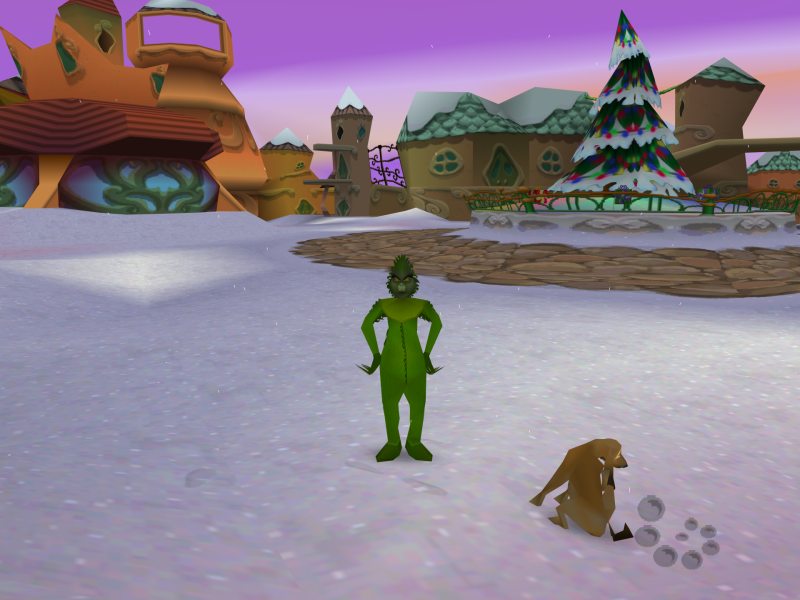
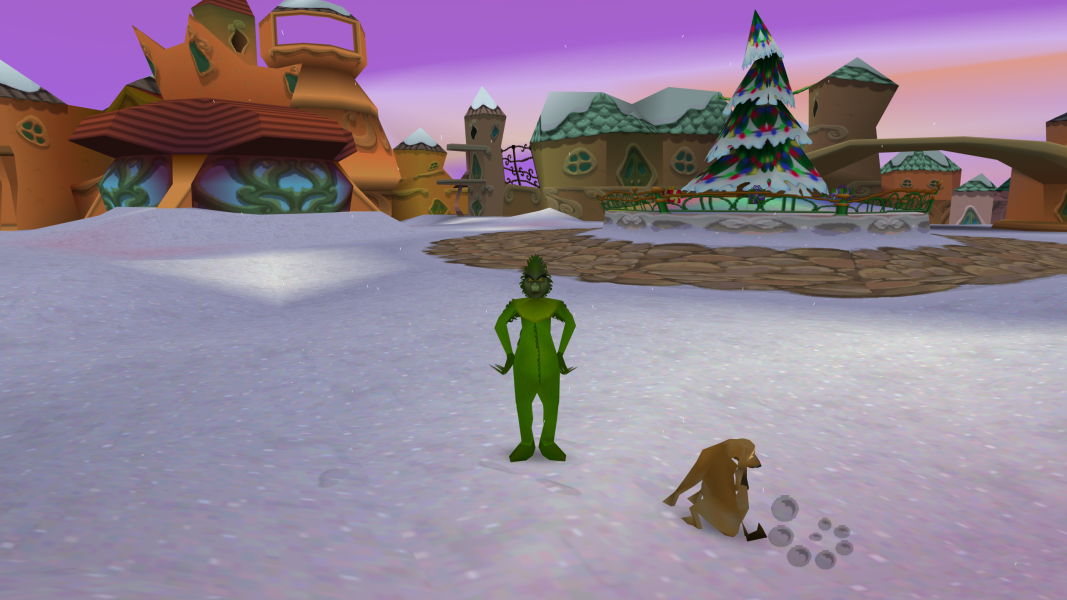
Gameplay Screenshots

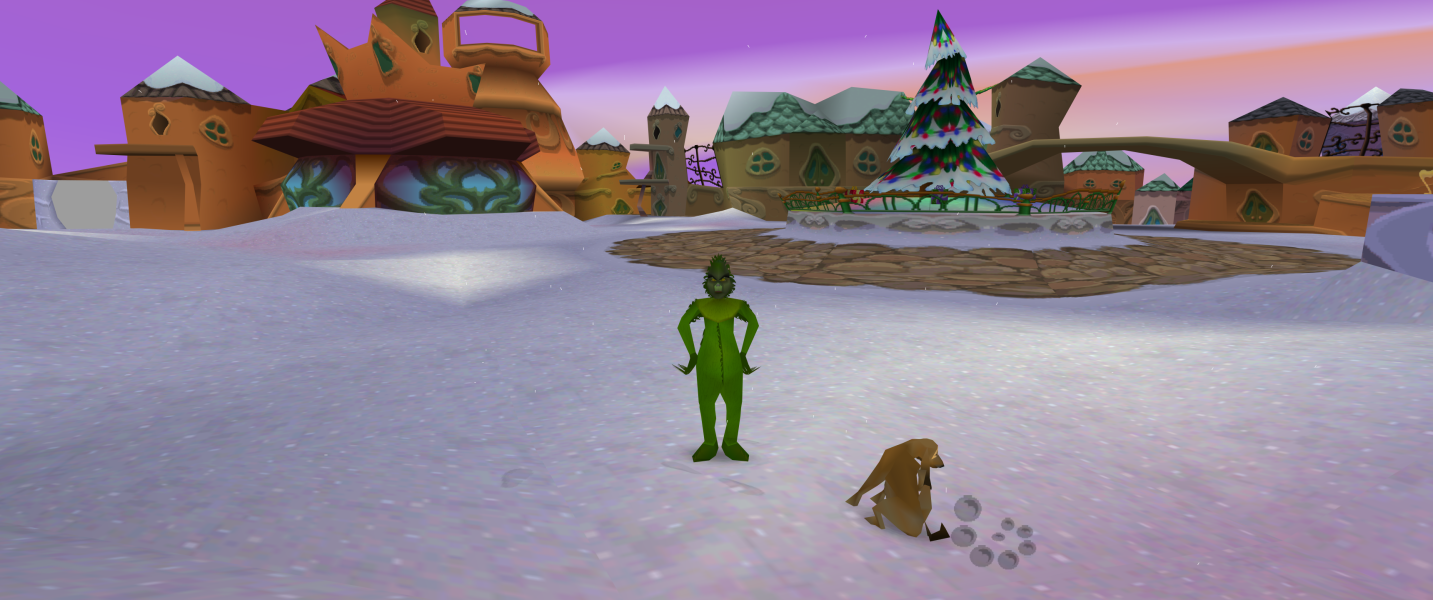


In-Game (Rendered) Cutscenes
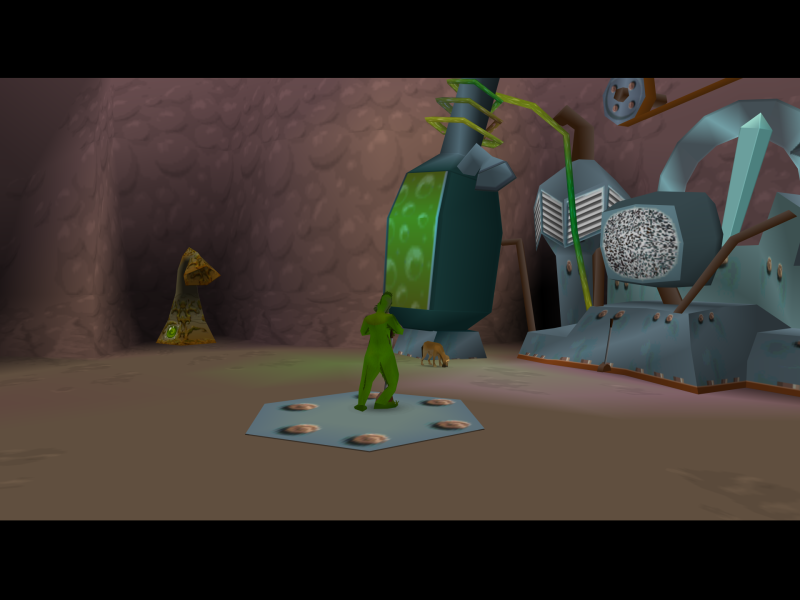

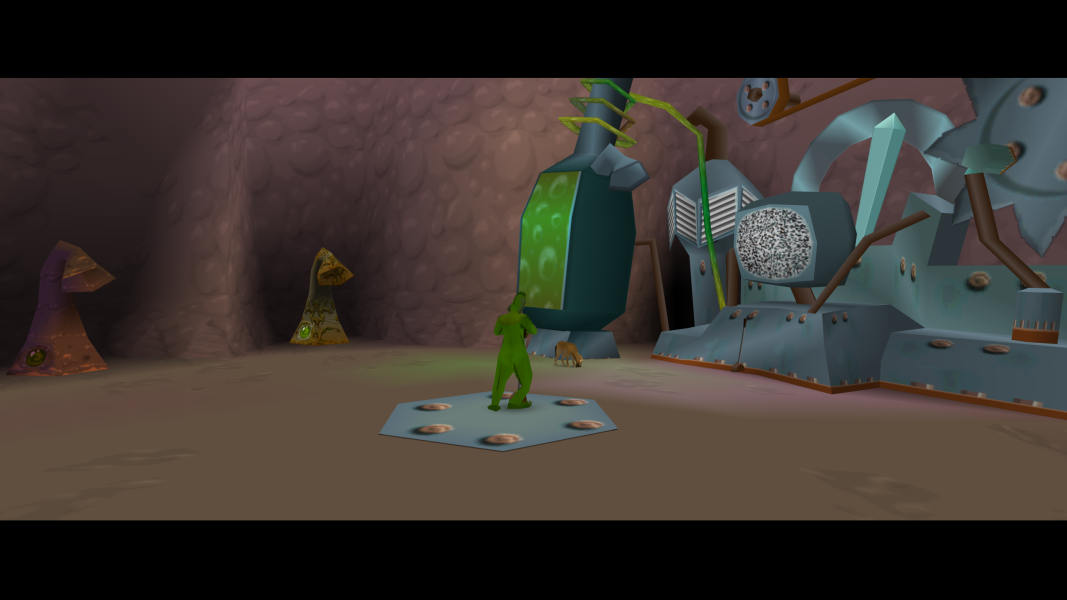
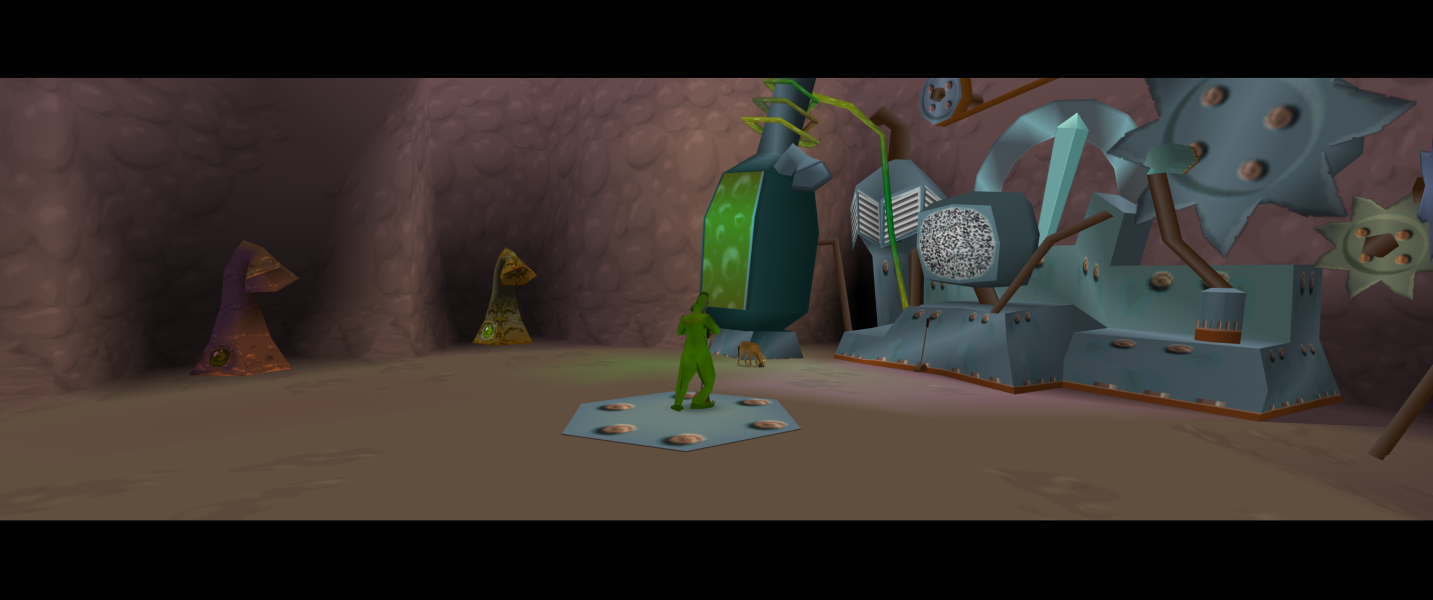

Menu Screenshots
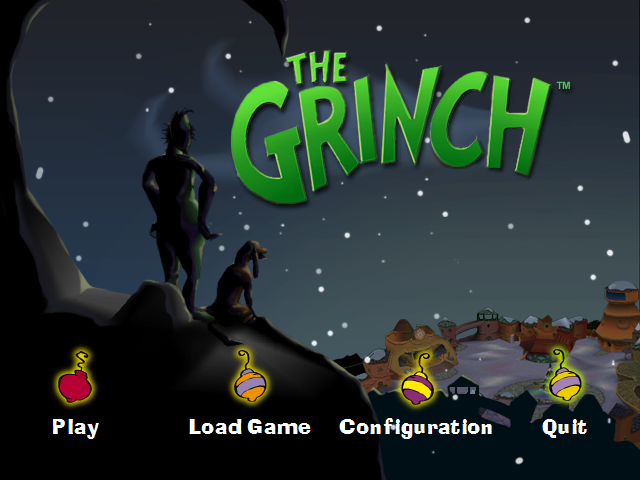

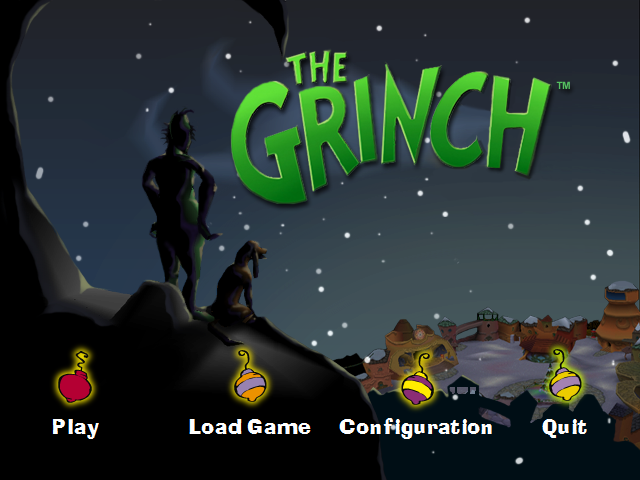
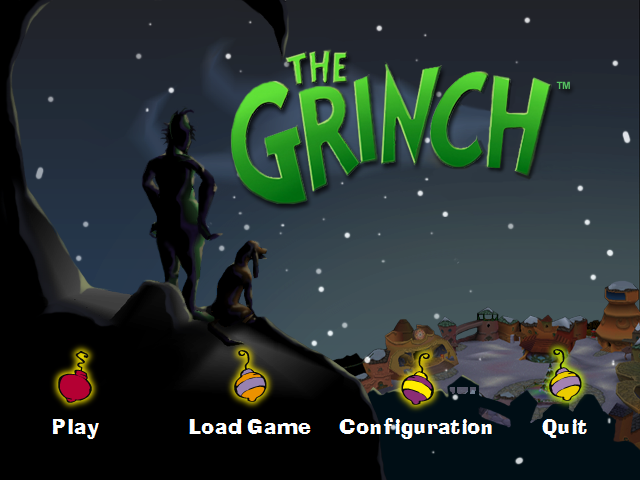
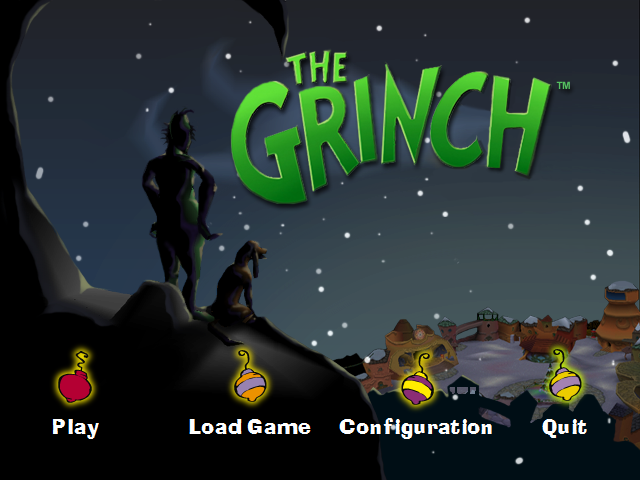
4K UHD Screenshots