




June 7th, 1995. 1:15 AM
You arrive home after a year abroad. You expect your family to greet you, but the house is empty. Something's not right. Where is everyone? And what's happened here? Unravel the mystery for yourself in Gone Home, a story exploration game from The Fullbright Company.
Gone Home is an interactive exploration simulator. Interrogate every detail of a seemingly normal house to discover the story of the people who live there. Open any drawer and door. Pick up objects and examine them to discover clues. Uncover the events of one family's lives by investigating what they've left behind.
Support Summary
Game Information
Screenshots Comparison
Solutions & Issues
Native Hor+ support. VFOV may be adjusted through a slider under Options, Graphics (default 70, range 60-90).
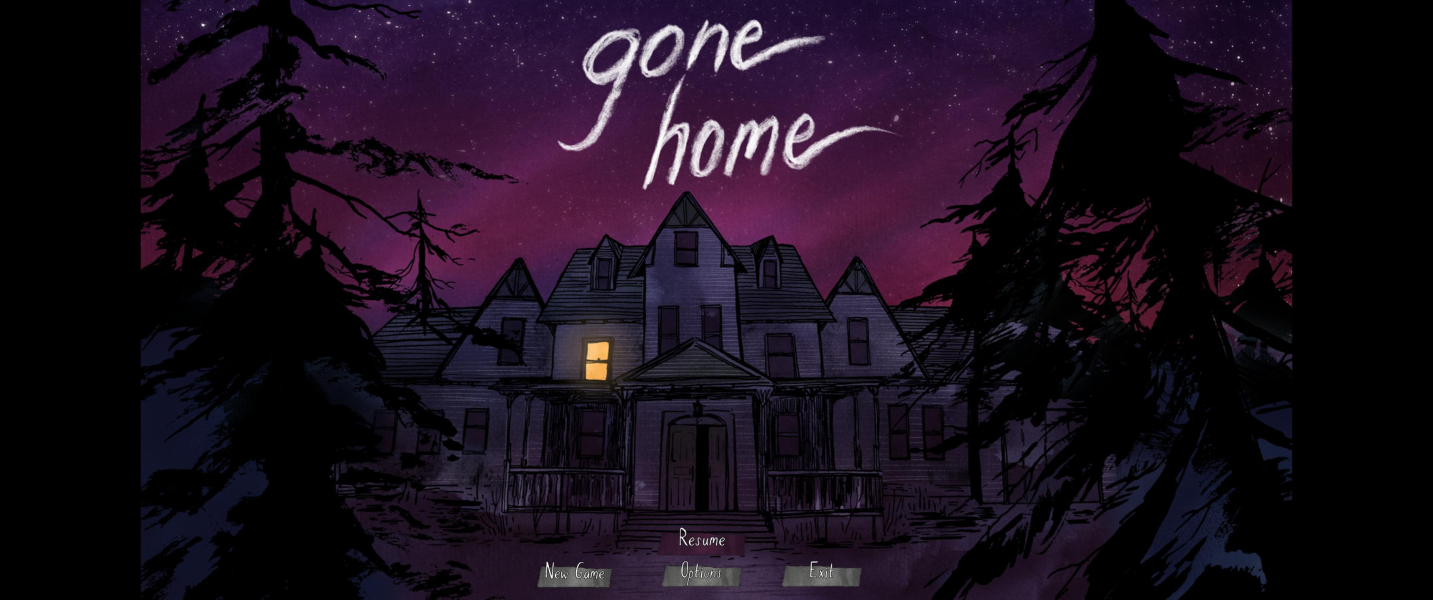
What you need to do: Change the Aspect Ratio from 16:9 to 21:9
Hex Edit the GoneHome.exe -> look for 39 8E E3 3F and change the to CD 90 18 40
After that the Resolution 2560 x 1080 & 3440 x 1440 will be available in Resolution Options.
Czarman's way: same method as for Ultra-Widescreen. Use ResHex to get the right value for your resolution ('Combined Hex').
Spoonie's way: disable fullscreen in-game, then launch the game with command line parameters -screen-width -screen-height (e.g screen-width 5760 -screen-height 1080).
Native support.
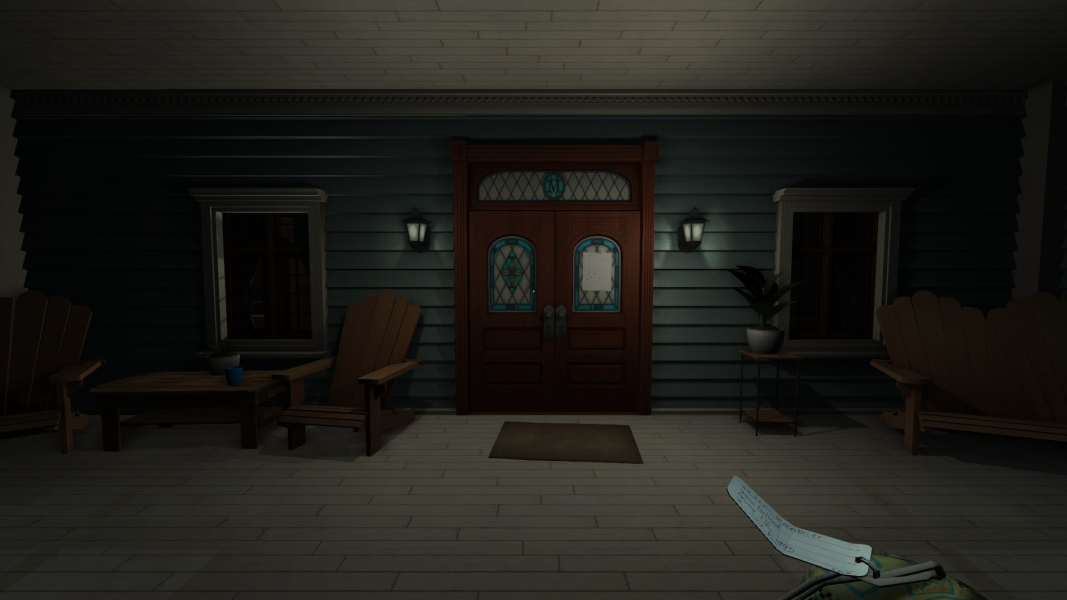
Gameplay Screenshots





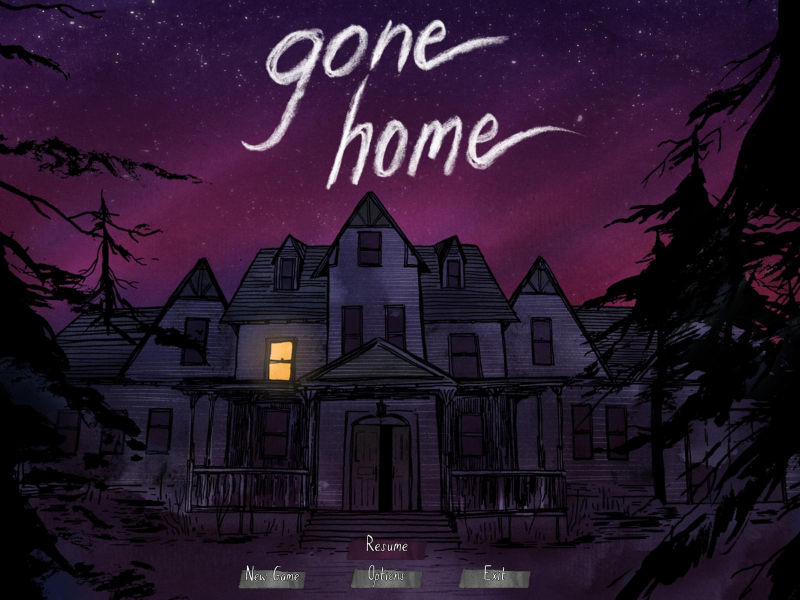
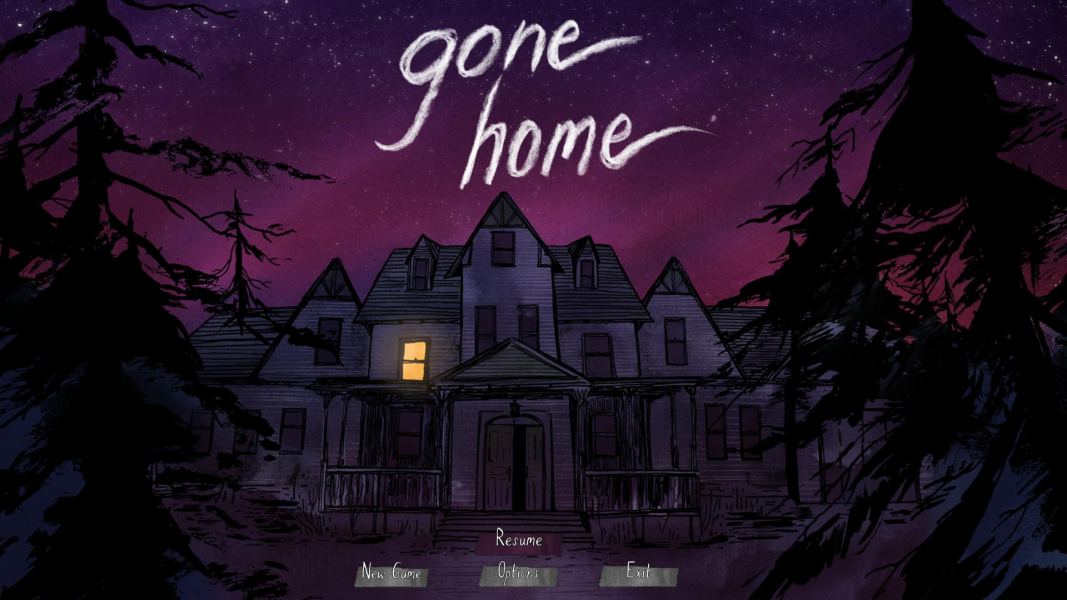
Menu Screenshots
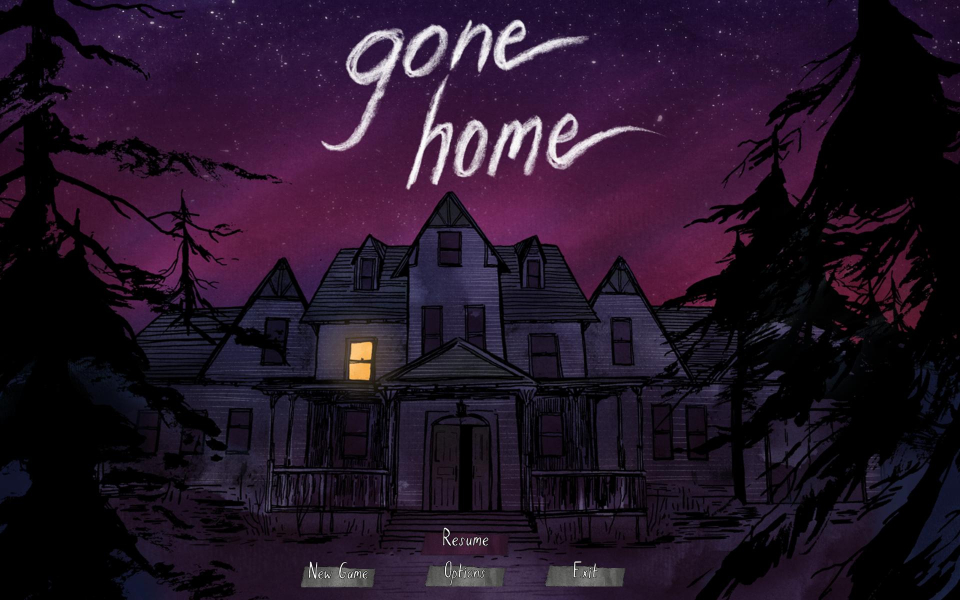

4K UHD Screenshots
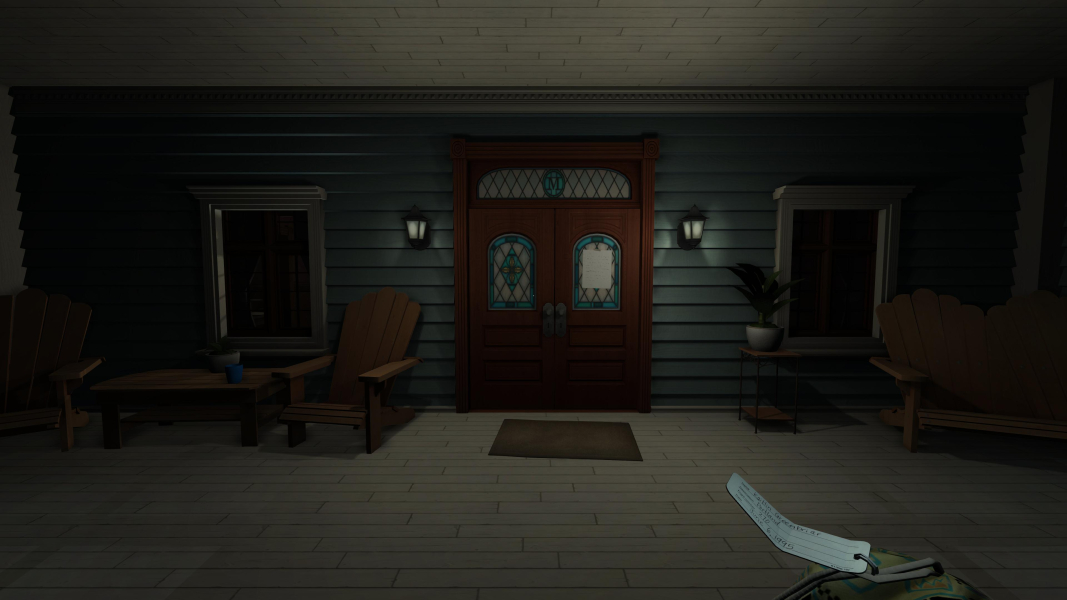
Additional Screenshots


