




W(h)ether you call it GOATY or just another sheepish hype train, here's as a rare example of an indie project going viral and hitting its release window without turning to crowdfunding.
Goat Simulator is an exploration and stunt game set in a living open world and built with glitch-friendly physics. Points are awarded for disrupting, destroying and "bungee licking" everything in sight, with countless objectives, achievements and secrets to boot. Free updates introduced even more madness material in the form of split-screen multiplayer, a new neighborhood open for goatness, and a parodistic yet feature-complete RPG module. Bleat this !
Support Summary
Game Information
Screenshots Comparison
Solutions & Issues
Native "Vert+" support. An FOV slider is present (default 70, range 50-110, horizontal FOV).
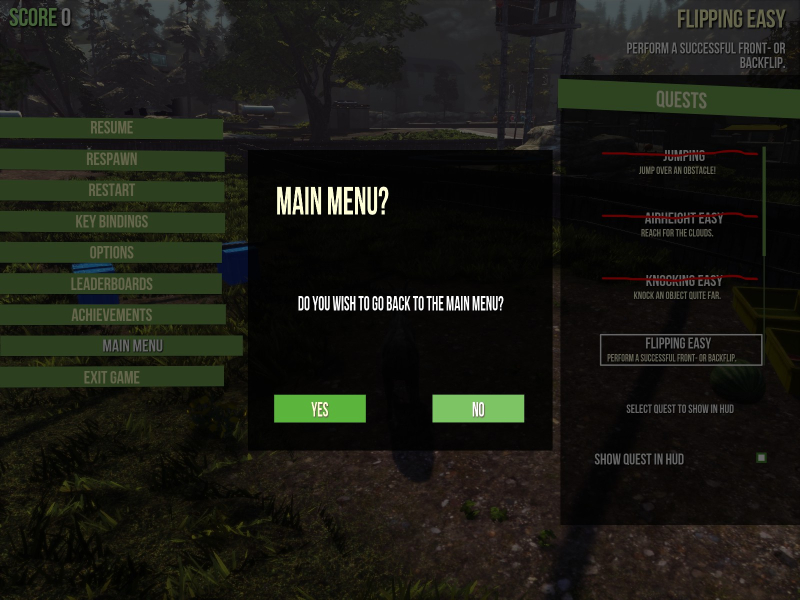
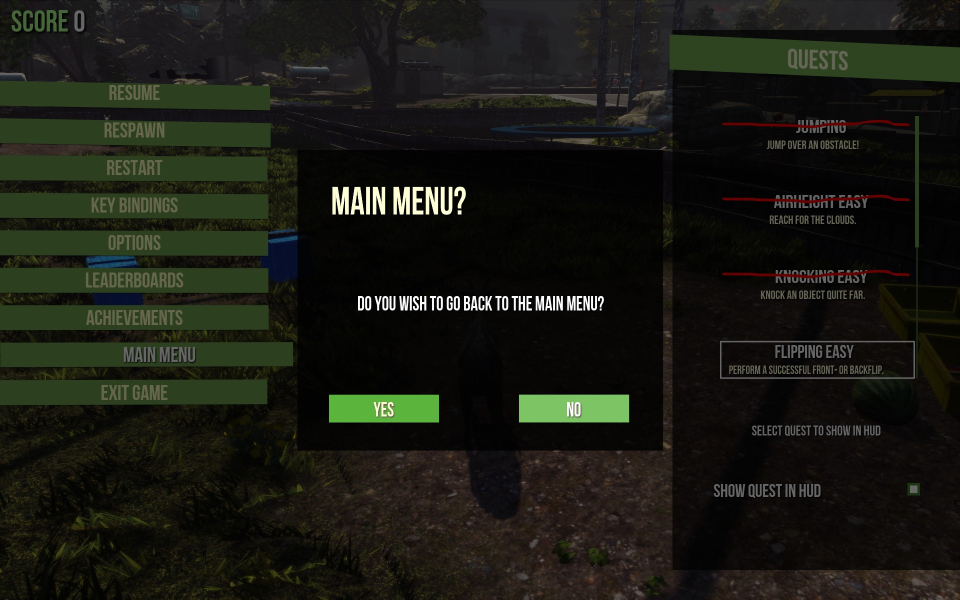
Cosmetic UI blemish: dialog boxes are squished in aspects lower than 16:9.
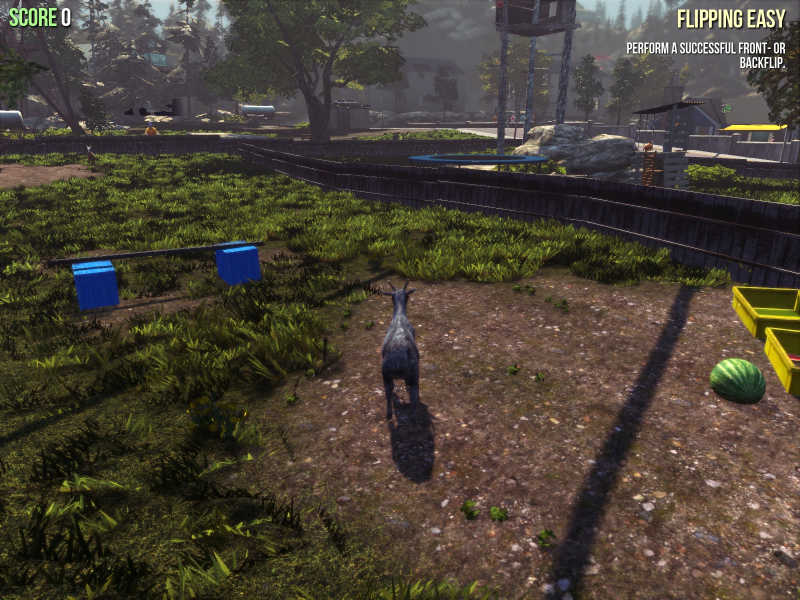
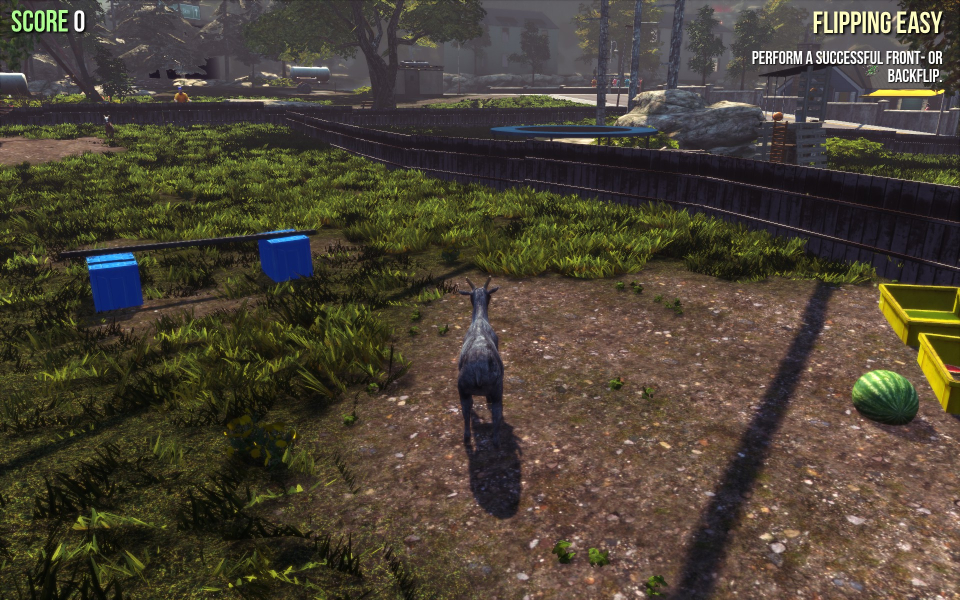
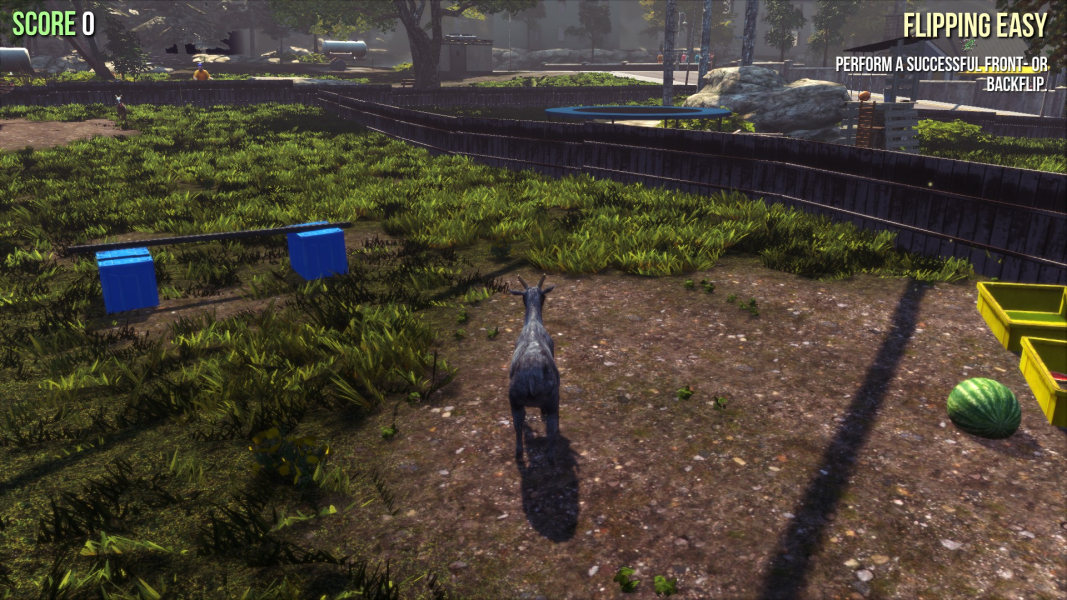
Native Hor+ support through the FOV slider: FOV 85 results in Hor+ gameplay. (The 3440x1440 screenshots below were taken using a smug mFOV=86.51)
Blemishes:
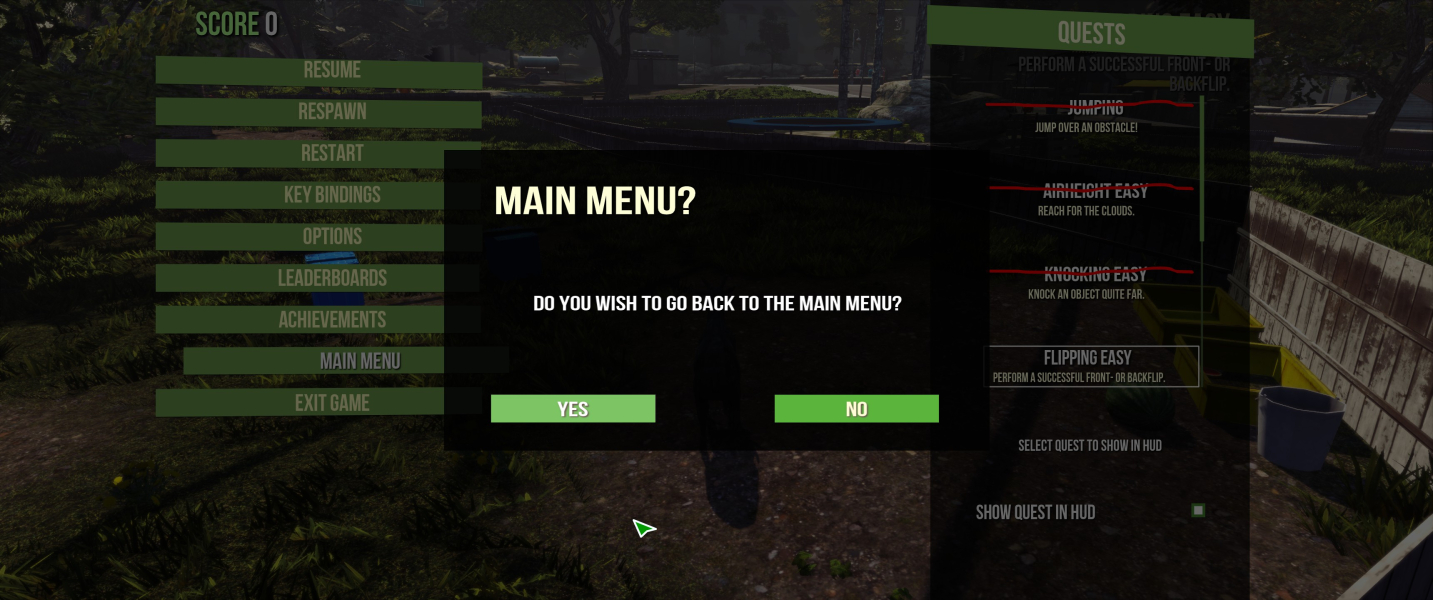
- HUD and menus don't scale past 16:9.
- Dialog boxes stretch.
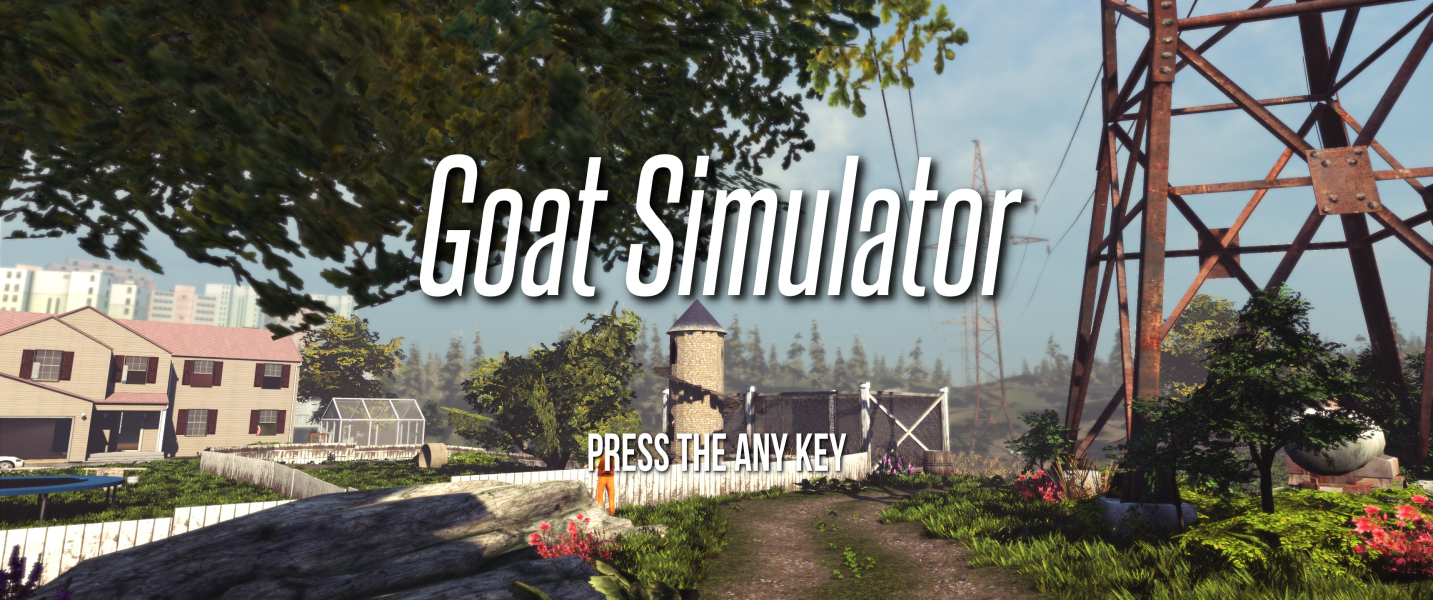
- *Title screen fly-by remains Vert-.
- *MMO Simulator: character selection screen remains Vert-.
*These can be fixed temporarily through a console command: press Tab then type fov 106
Max FOV 110 is too low for TripleWide, but this is easily fixed.
- Open the file
%USERPROFILE%\Documents\my games\GoatSim\GoatGame\Config\GoatSettings.ini - Under [GoatGame.GGSystemSettings] edit or add the following line...
mFOV=
...followed by your desired FOV.
According to FOVCalc if mFOV=70 for 16:9 then...
mFOV=129.09 for 48:9
mFOV=124.25 for 48:10
mFOV=111.8 for 15:4
Q: The game offers free zoom. Why not use that to fix the FOV ?
A: GoatSim's "zoom" is actually a... dolly. (Think about it. Seriously.)
Contrarily to zoom, dolly affects both the FOV and perspective. Camera distance may also shrink suddenly because a building or prop is in the way. Plus the "zoom" won't work in non-playable Vert- areas. Fixing the FOV regardless of dolly is a much better option.
Q: Two-player horizontal splitscreen sucks in Eyefinity/Surround. Any way to fix this ?
A: Press Tab then type setsplit 1 to switch to vertical split.
Blemishes:
- UI position is identical to 16:9. On a narrower center monitor, the HUD spans across bezel gaps.
- Dialog boxes stretch.
- *Title screen fly-by remains Vert-.
- *MMO Simulator: character selection screen remains Vert-.
*These can be fixed temporarily using console command fov (baseline is 90 in 16:9, not 70).
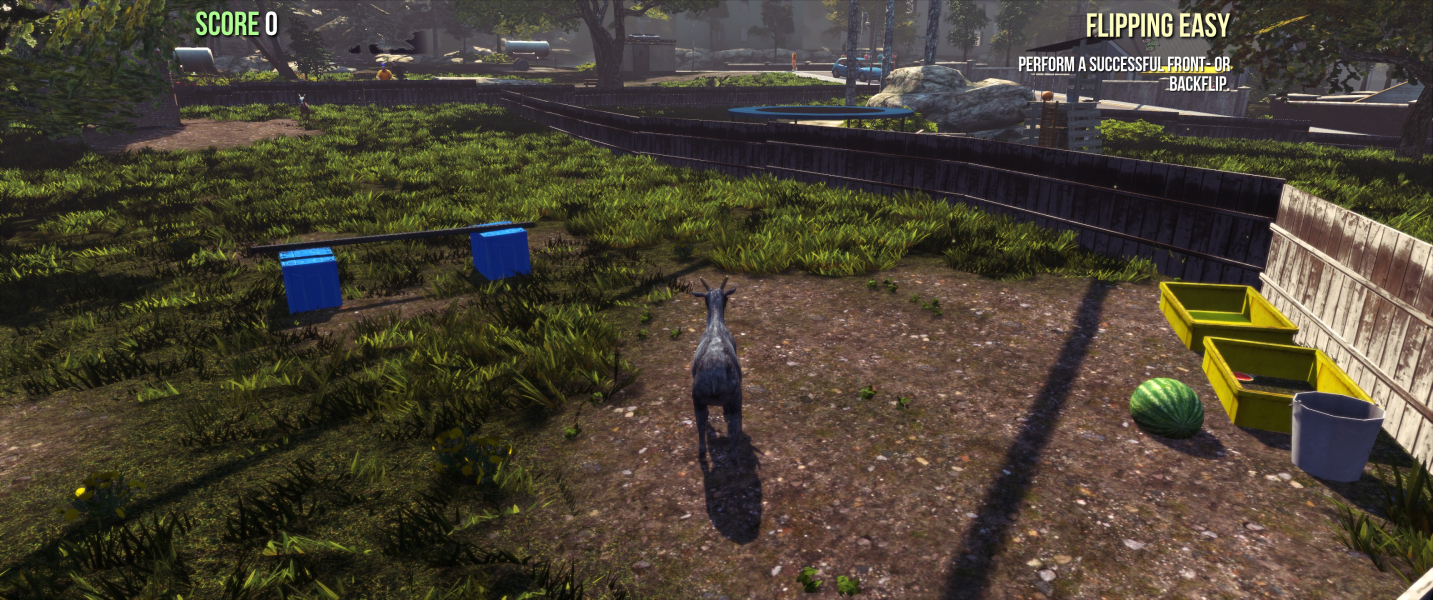
Gameplay Screenshots


In-Game (Rendered) Cutscenes
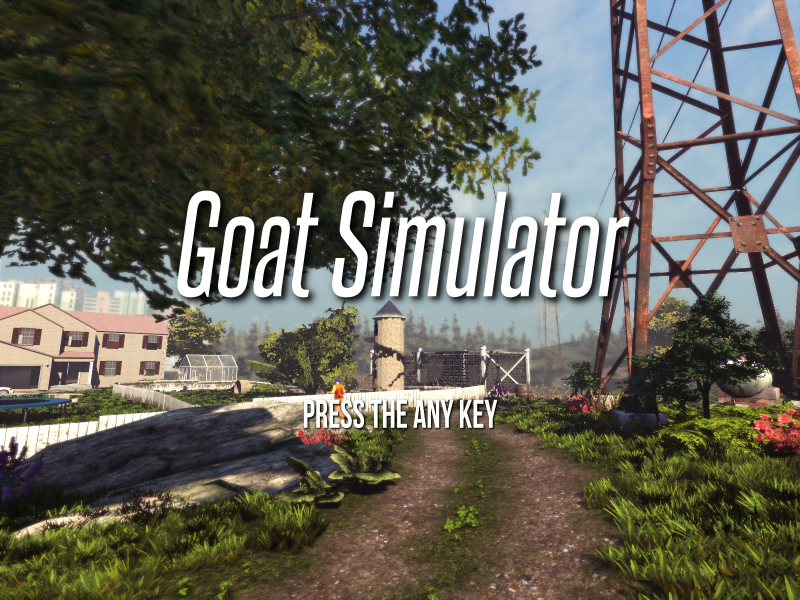
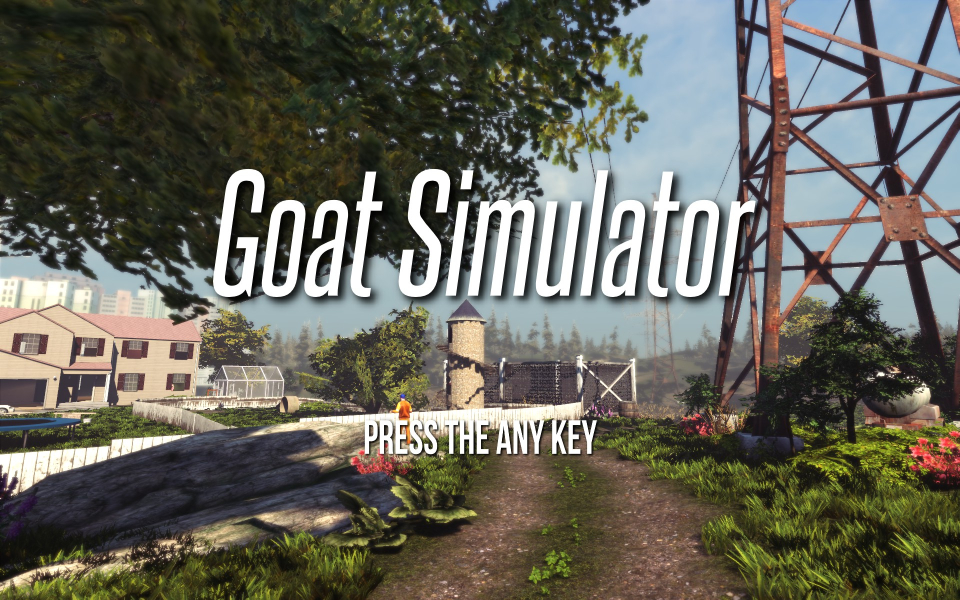
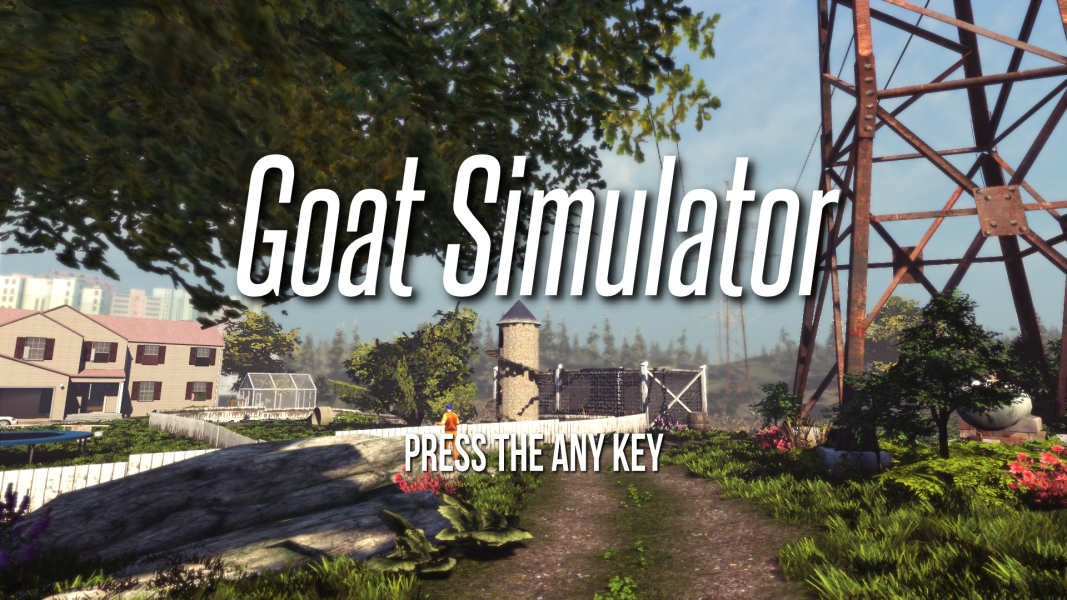

Menu Screenshots


Additional Screenshots


