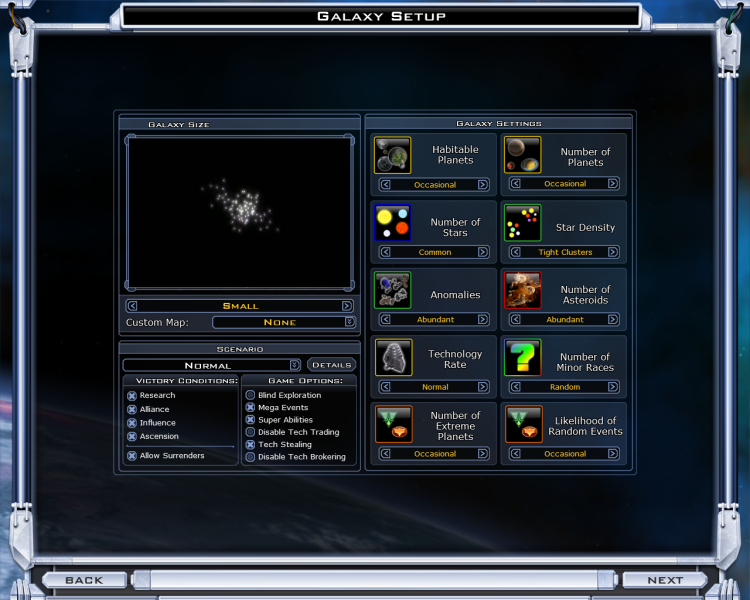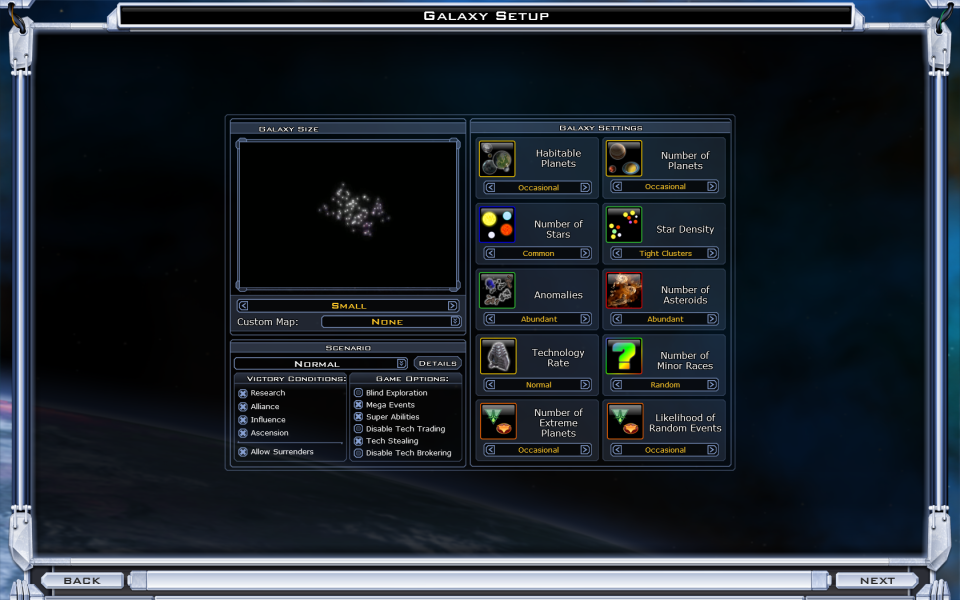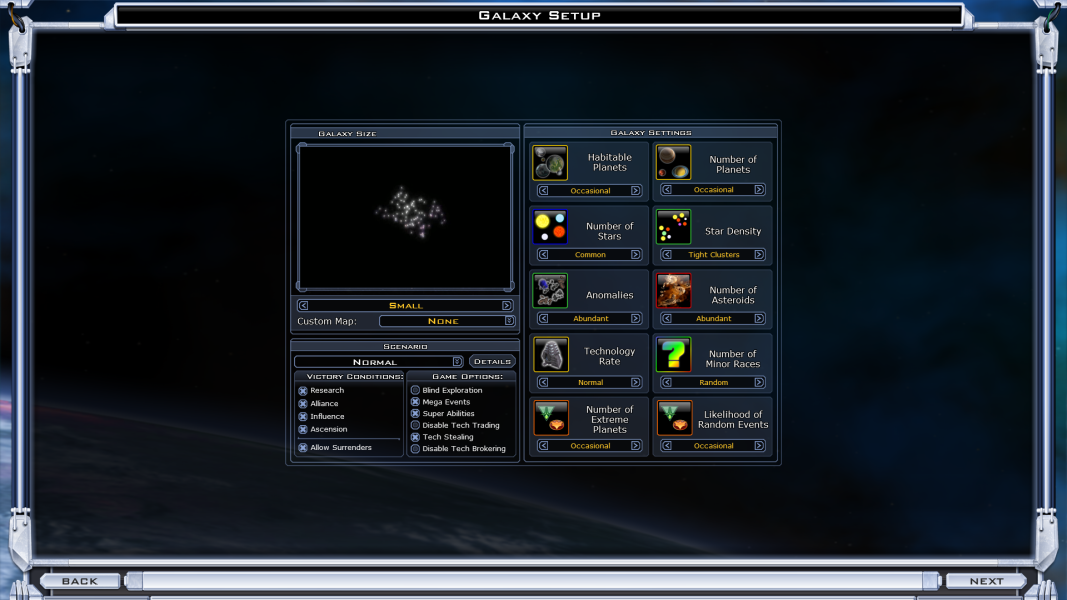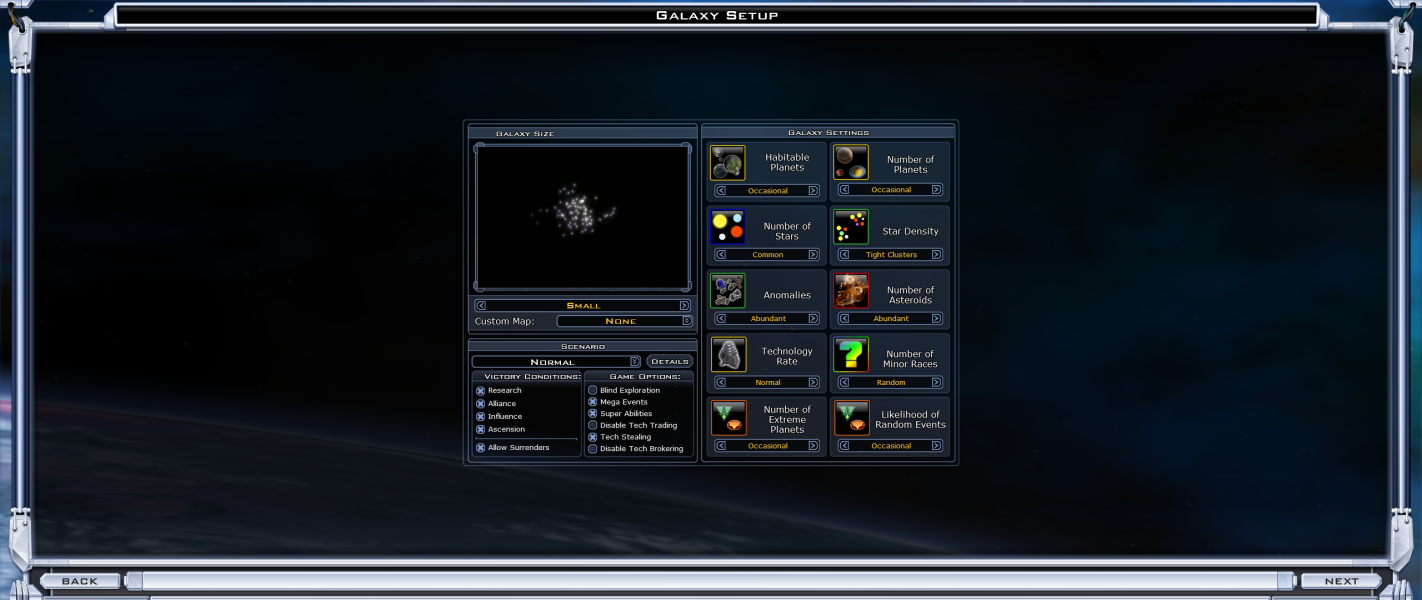


Galactic Civilizations II: Dread Lords (commonly GalCiv II or GalCiv2) is a 4X turn-based strategy computer game by Stardock. It is the sequel to the original Galactic Civilizations. Two expansions Dark Avatar (2007) and Twilight of the Arnor (2008) were collected with the original title into the "Ultimate Edition".
GalCiv II is set in the 23rd Century, when multiple alien races, including Humans, scramble to conquer the galaxy, planet by planet, by force, diplomacy, influence (culture), or technology. GalCiv II focuses on the single-player experience that consists of a Campaign mode and a "Sandbox" mode, and omits multiplayer. The game is notable for its artificial intelligence, which is challenging without being given resources and abilities not available to the player, as is common in the majority of strategy games.
Support Summary
Game Information
Screenshots Comparison
Solutions & Issues
The game now offers native support for all Windows resolutions, and has an option for Custom Resolutions. You can still manually set a resolution via:
My Documents\My Games\GC2TwilightArnor\prefs.ini
In this file lookup the lines :
[Video]
DisplayWidth=xxxx
DisplayHeight=yyyy
=====
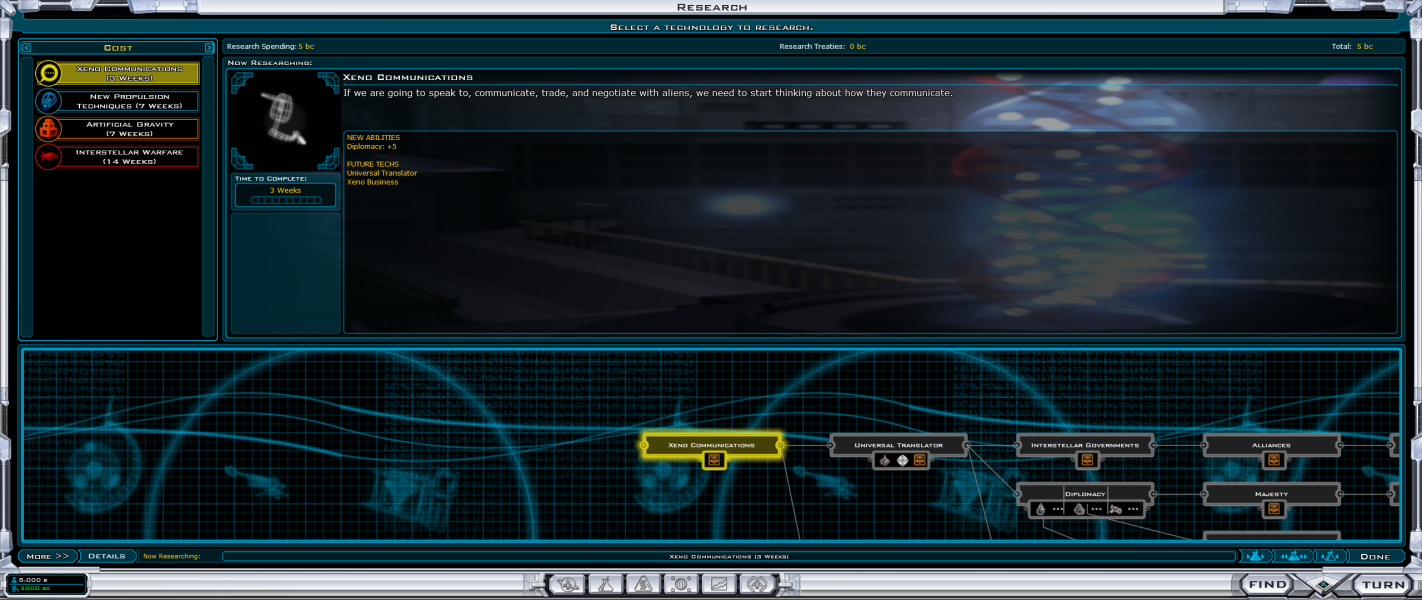
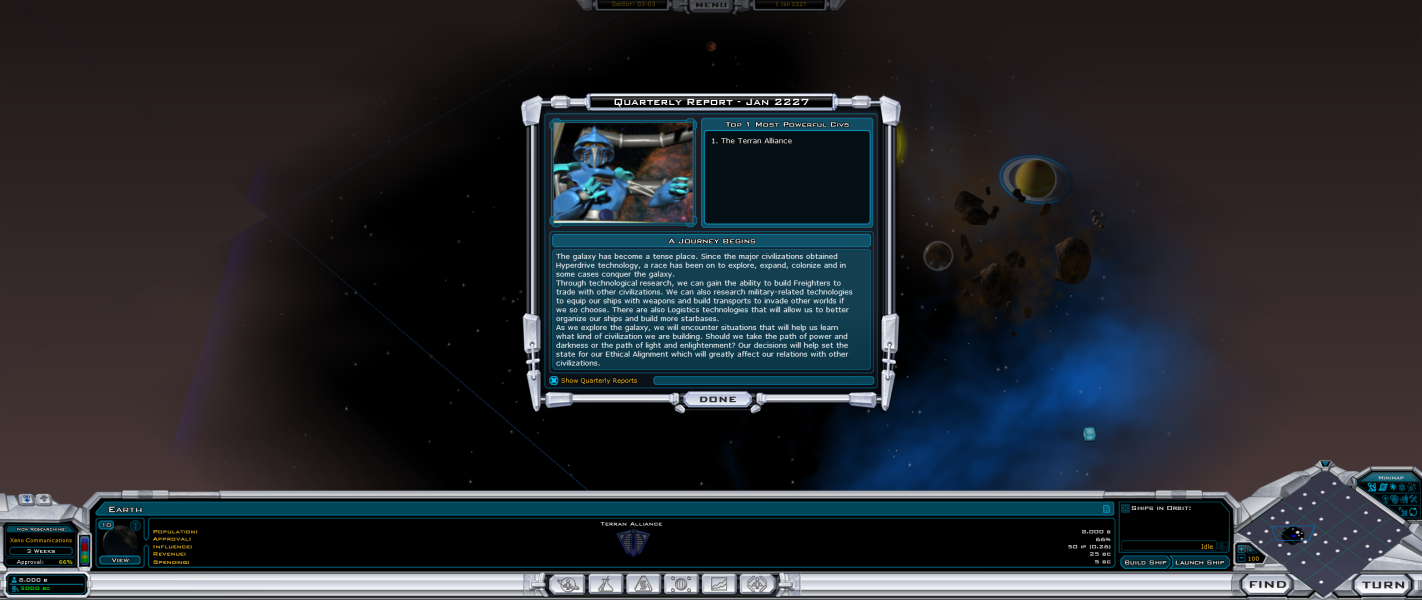
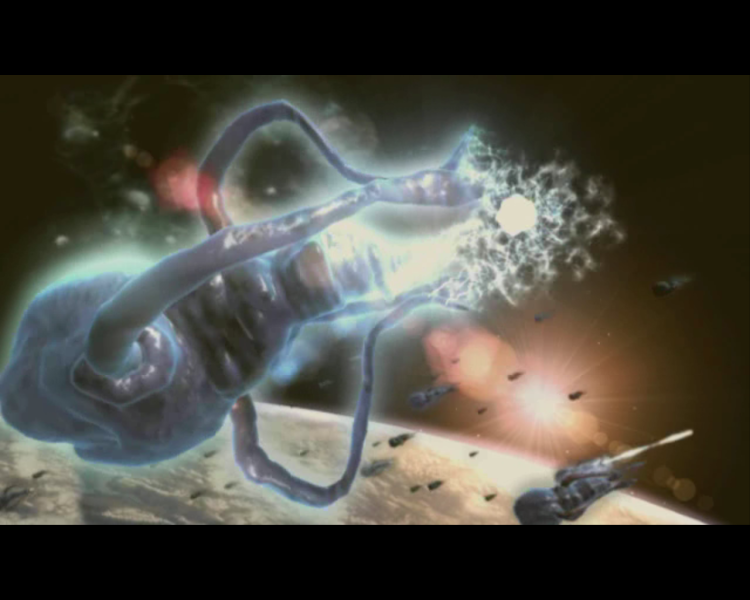
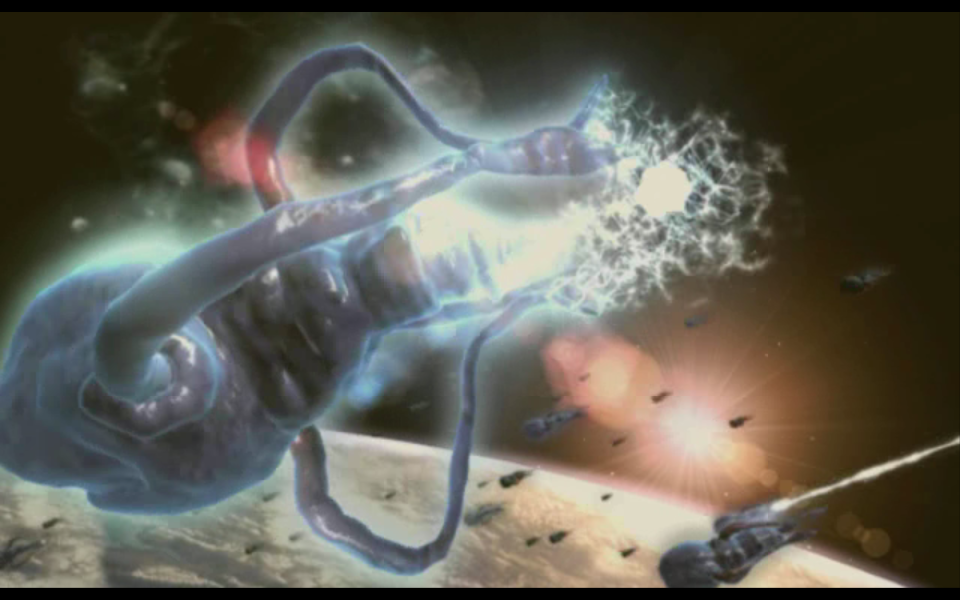
The (pre-rendered) tutorials in the game have a fixed resolution, taking up a small portion of the screen. There is an option to put it in full screen. However, when using a widescreen resolution, the screen is filled, but the tutorial's aspect is not. This means you lose the bottom part of the screen, which can be rather disturbing.
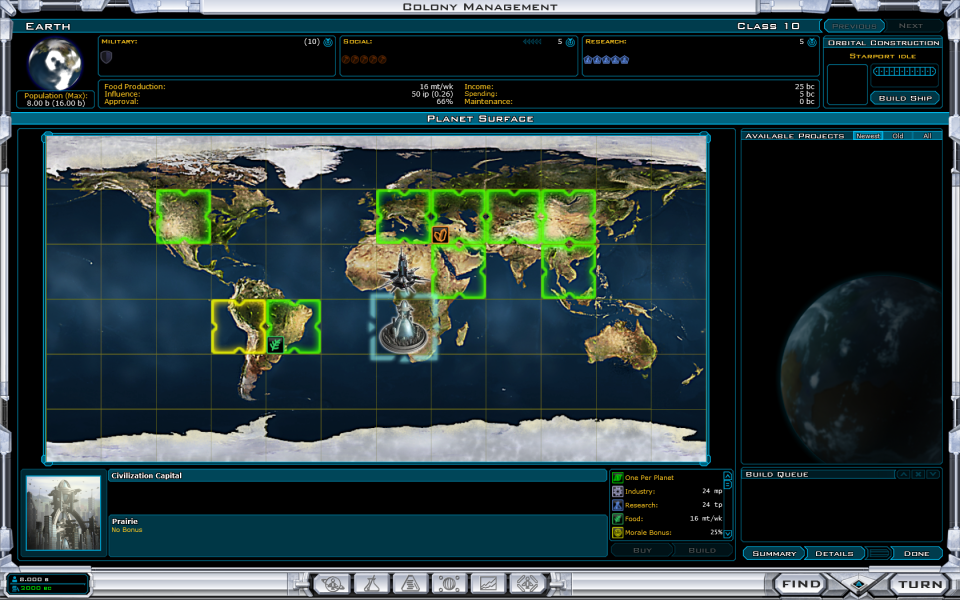
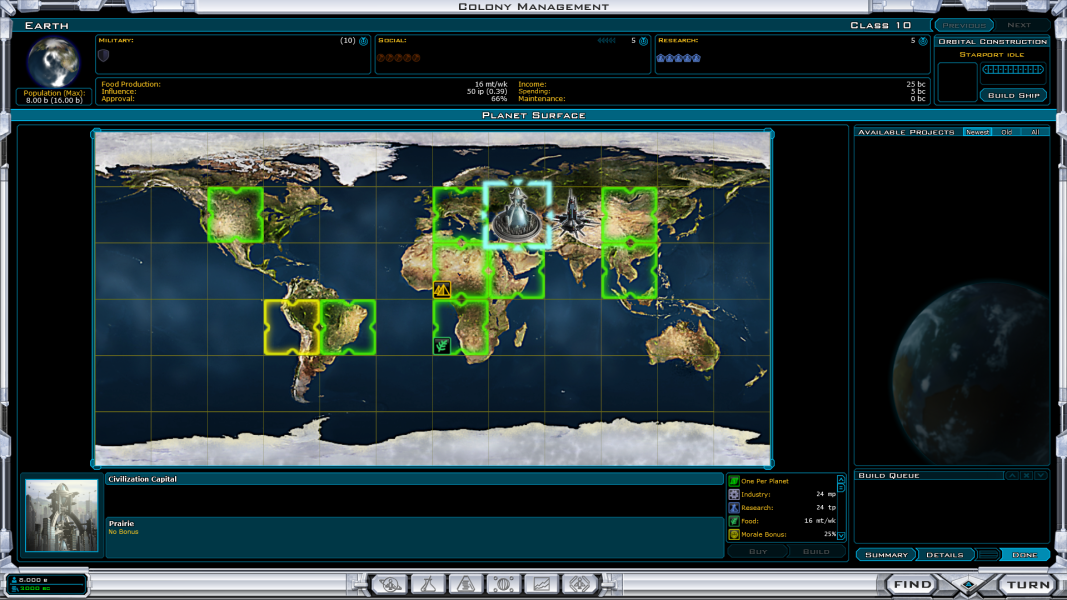
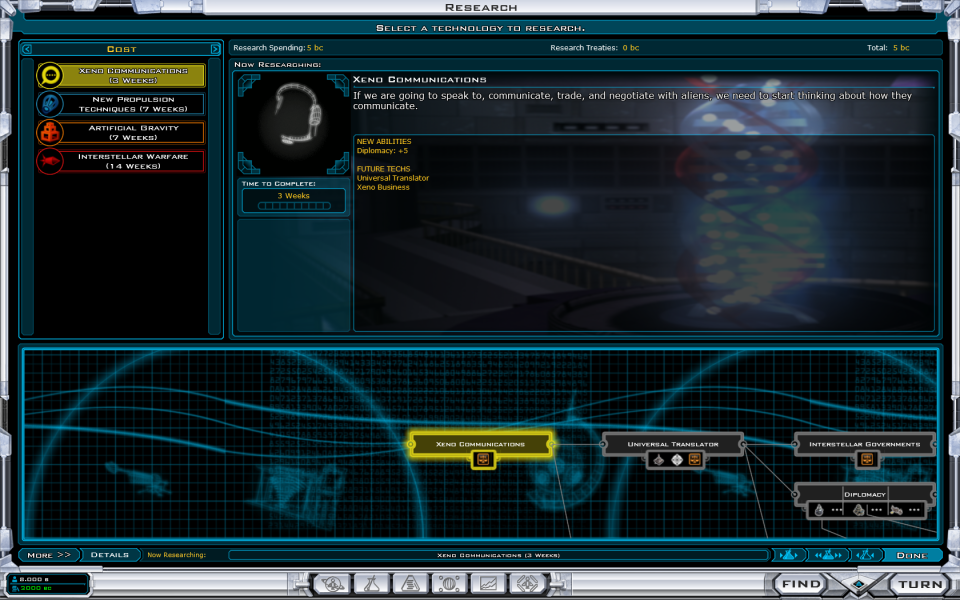
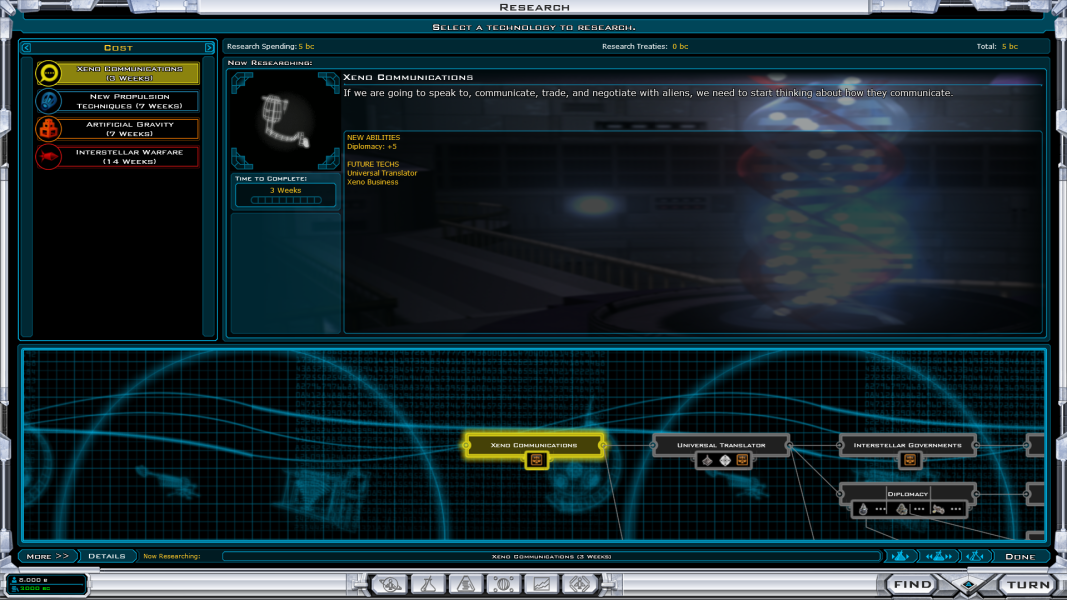
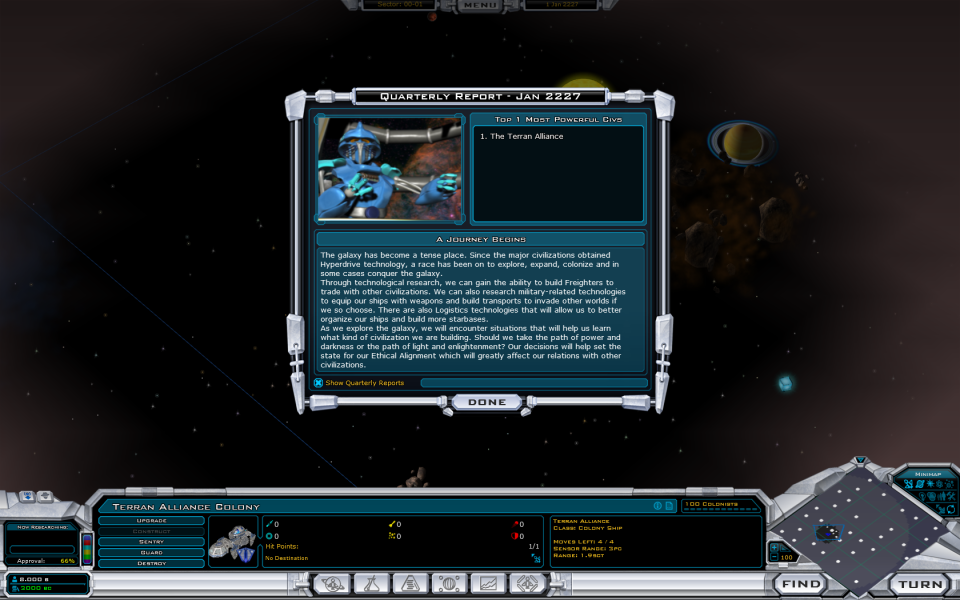
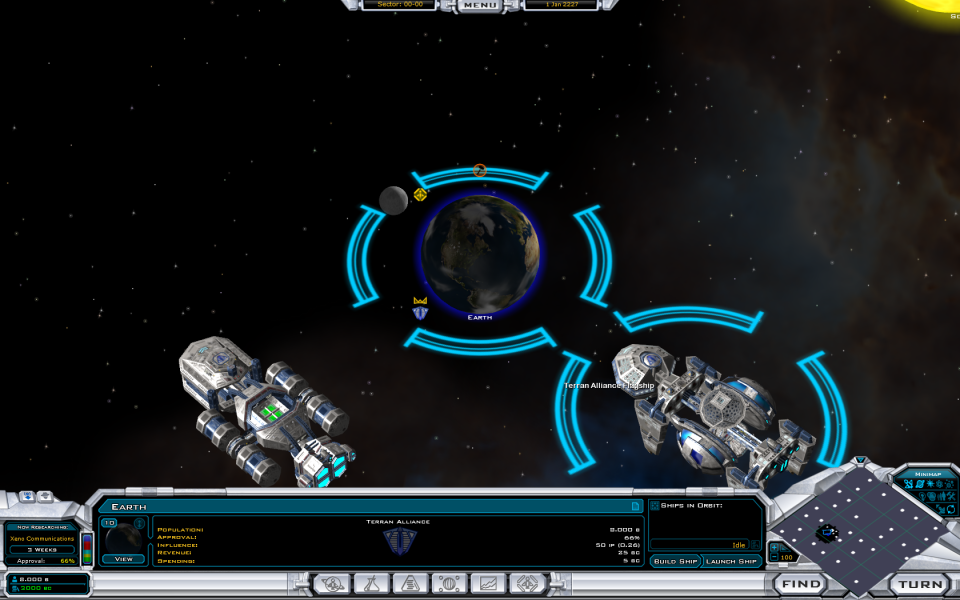
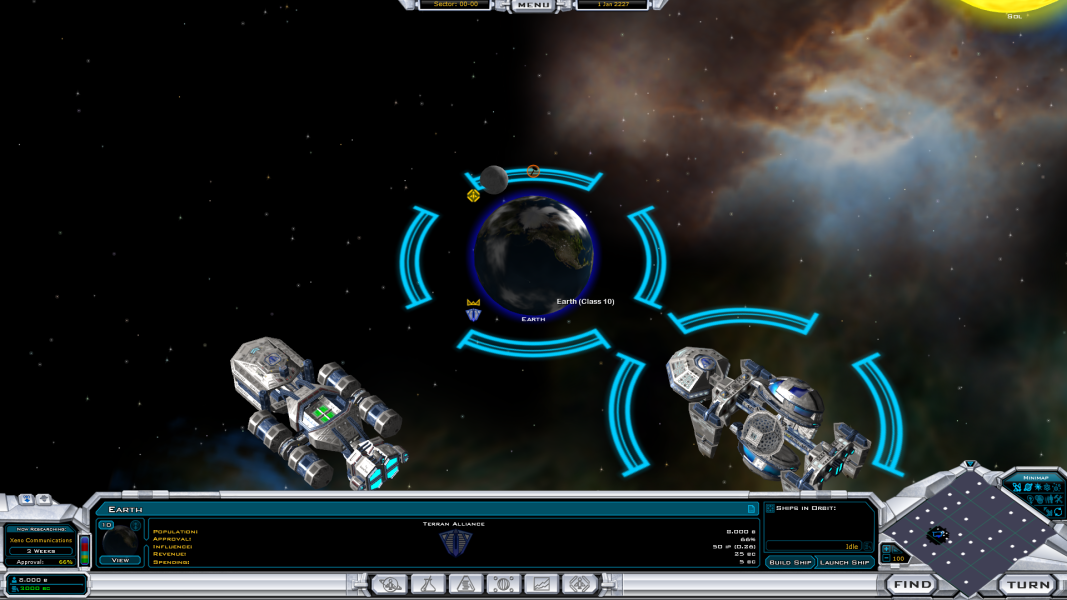
The HUD generally remains as it is, except for the middle bottom part, which becomes larger fit the screen size. This can cause tables to become rather spacious, making it difficult to combine the explanation with the numbers, due to the large space between them.
Gameplay Screenshots



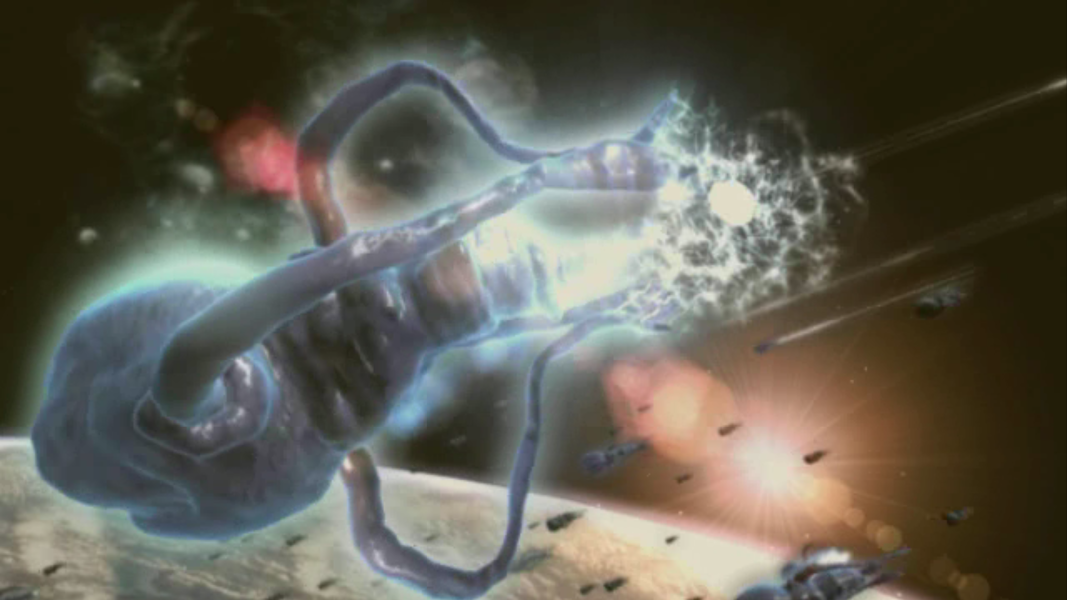
FMV Cutscenes


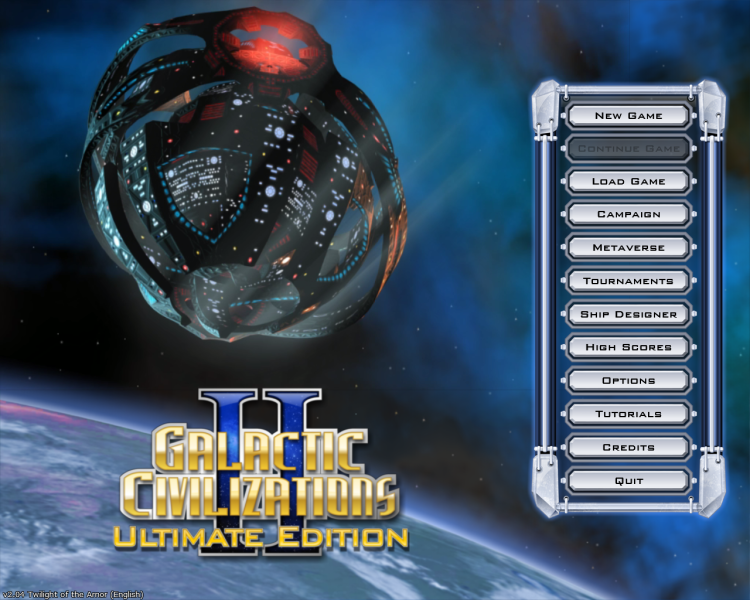
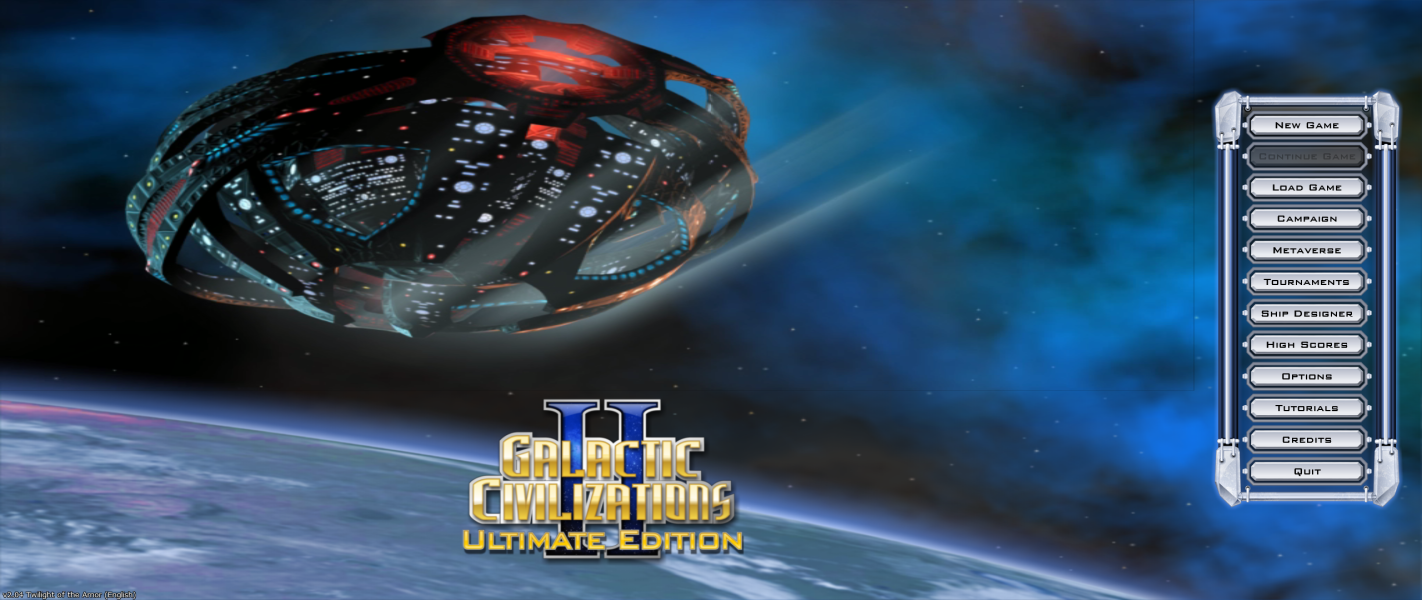
Menu Screenshots
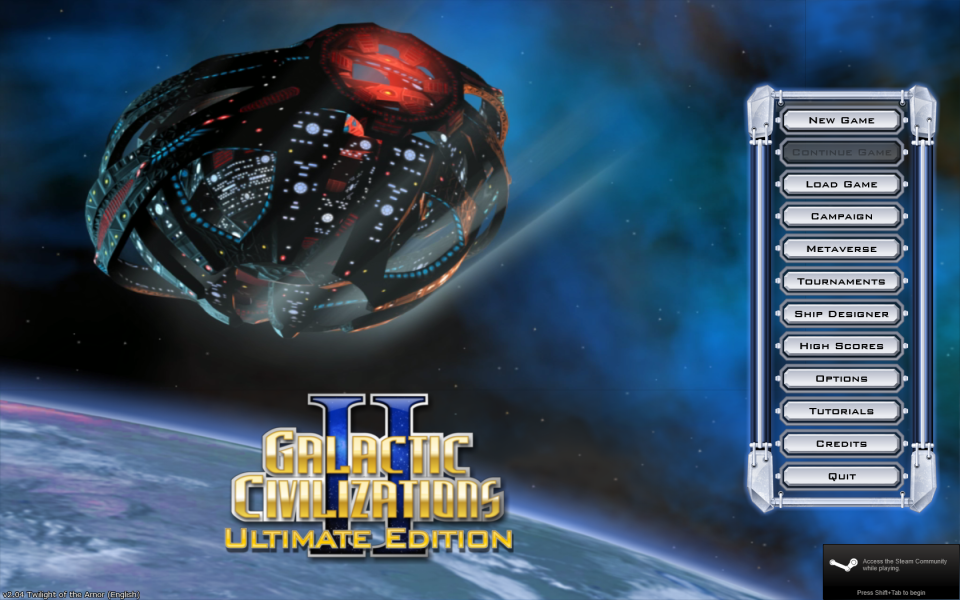
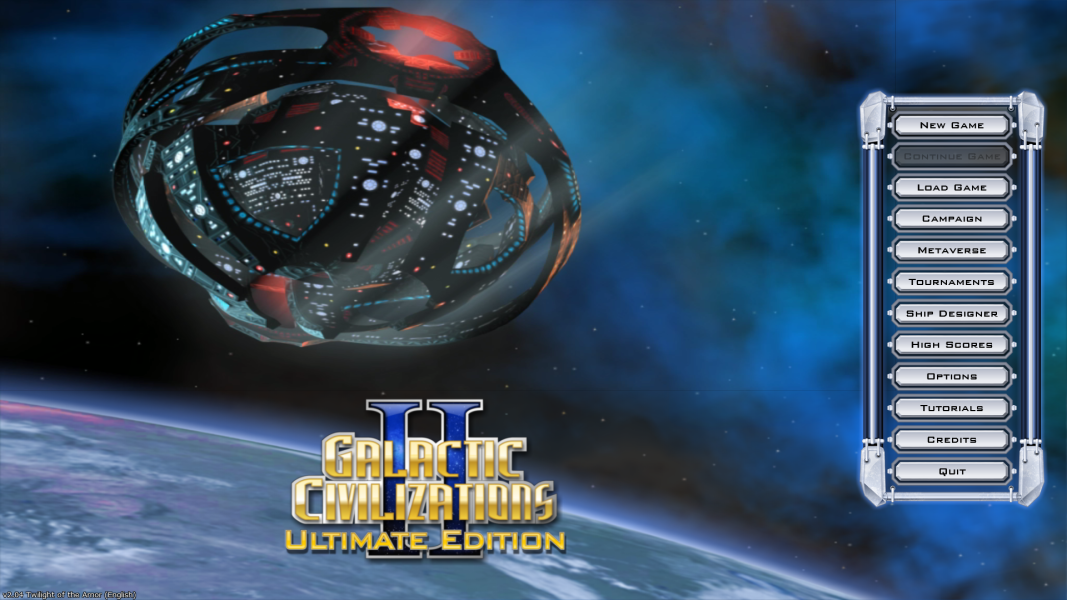

Additional Screenshots