




Forge is a PVP team-combat game, basically the end-state of many MMOs without the level grind to make it to that end-state content. It uses many similar character/class/skill tropes found in MMO games. The combat is action oriented, more like Team Fortress 2. It doesn't rely on "tab targeting" as many other MMOs do. The player must stay active and engaged in the combat to be successful.
GameSpy asked if Forge was the "Post-MMO MMO".
Support Summary
Game Information
Screenshots Comparison
Solutions & Issues
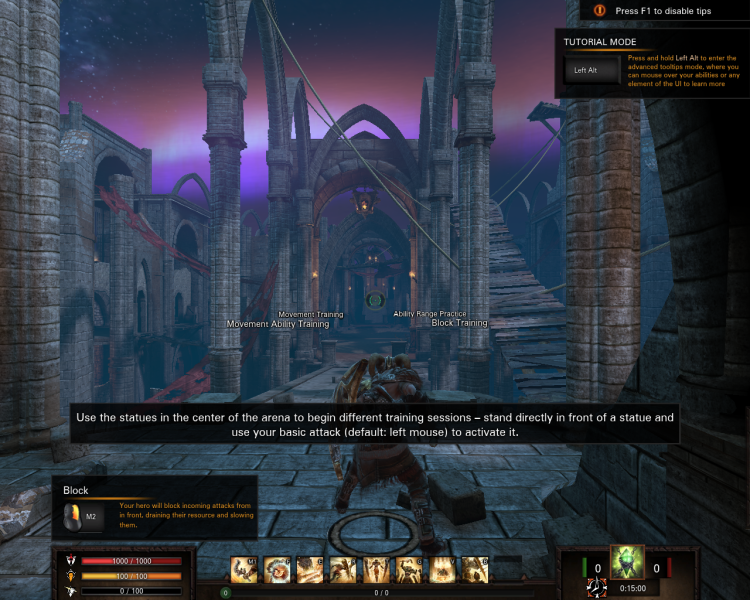
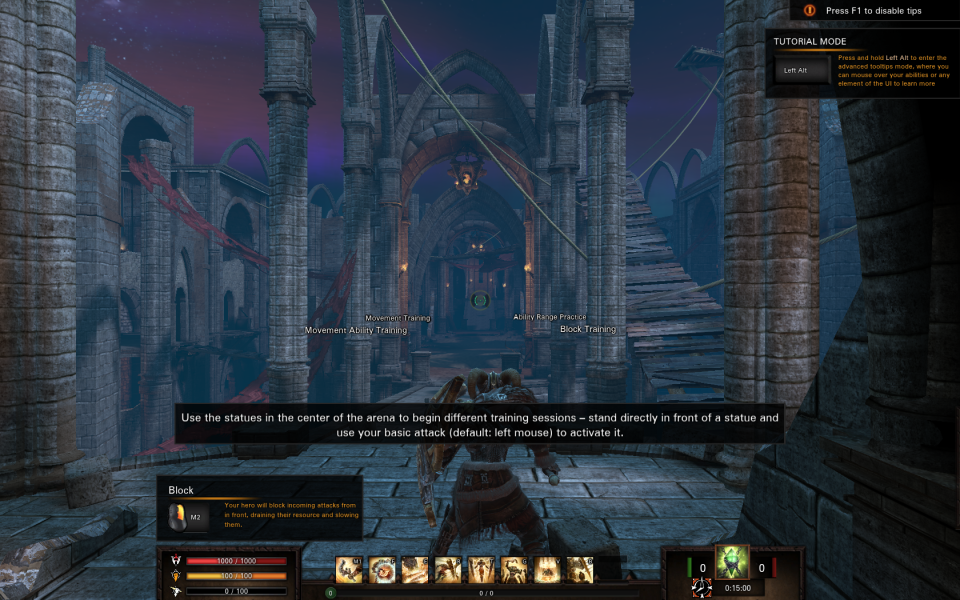
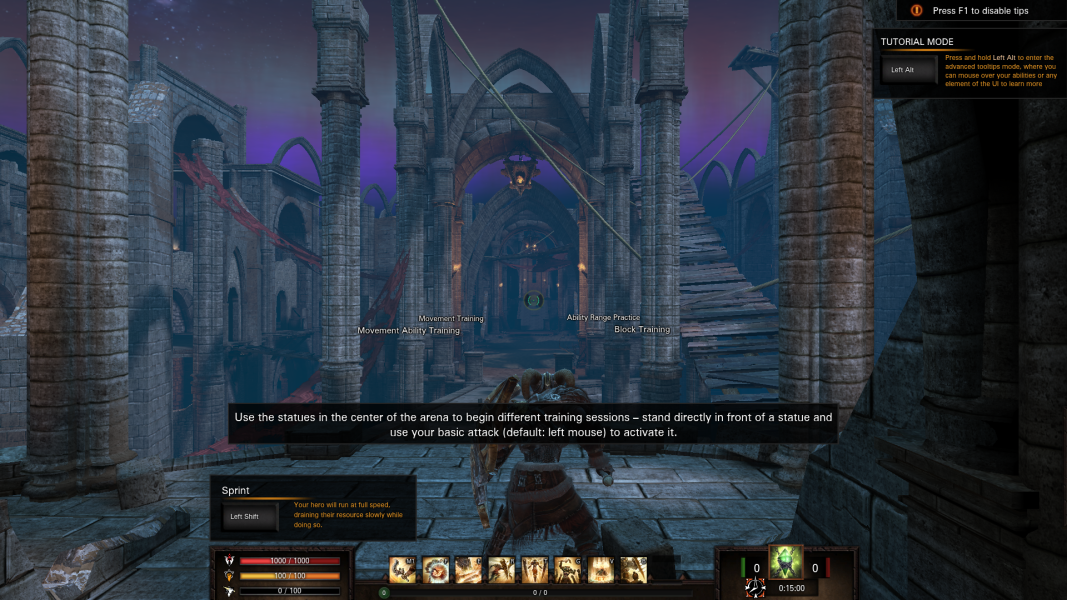
Widescreen in supported, but the FOV slider will need to be set manually. Assuming baseline is 16:9 and 90 degrees, then 16:10 needs to be 84 degrees. Otherwise, 16:10 is "Vert+". The FOV slider only goes down to 80 degrees, and that isn't low enough for 5:4 or 4:3.
The game does offer borderless window option.
The FOV slider goes high enough for 21:9, but all the menu buttons and HUD are cut off.
Unreal Engine Game (and all that entails)
The game natively supports the Eyefinity/Surround resolutions. The game has an FOV slider. The base for 16:9 is 90 degrees. The slider only goes to 110 degrees; however Eyefinity/Surround needs 151 degrees. So, the game is horribly Vert-. And, the menus are cut-off and broken. There is a HUD variable under [Enginer.HUD] in ForgeGame.cfg, but it doesn't do anything. There are also FOV variables in the cfg files, but they don't do anything above 110.
Gameplay Screenshots
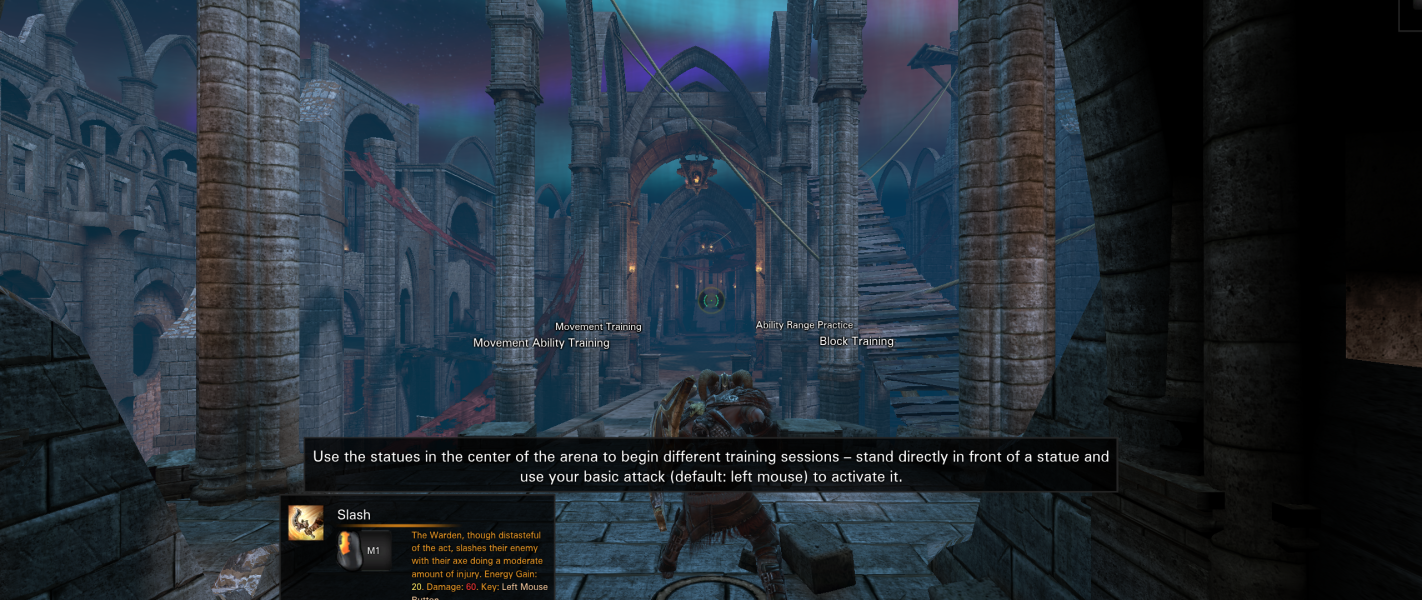


Menu Screenshots
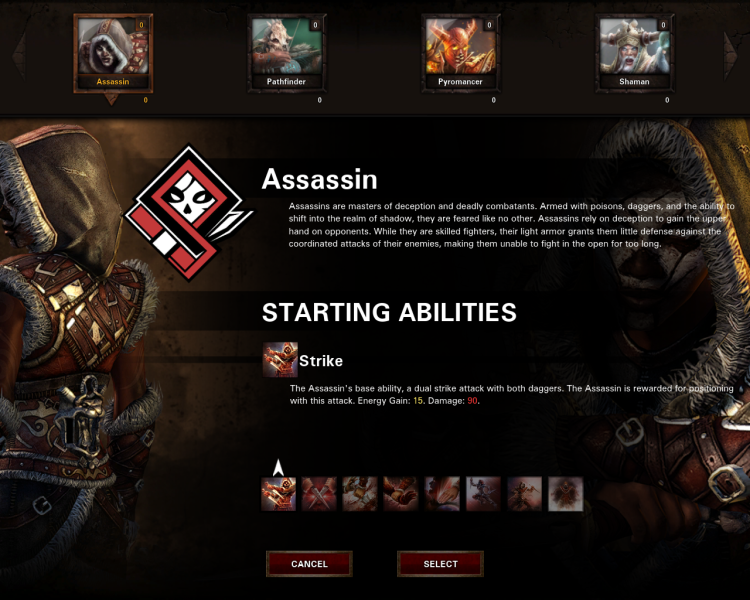

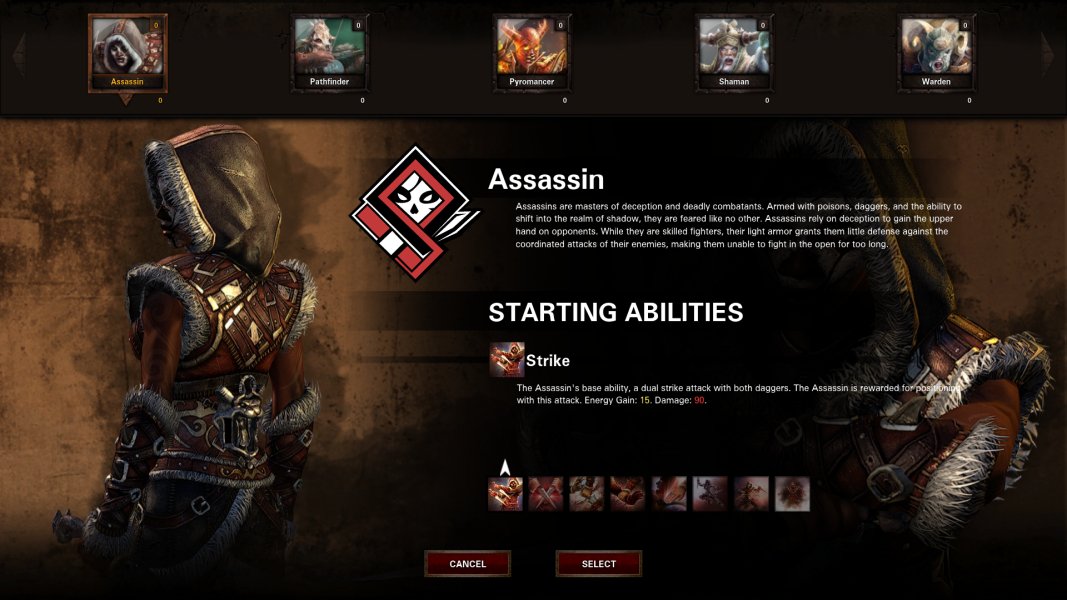


Additional Screenshots


