

In Flock! you control a flying saucer and must drive scared animals to your mothership through obstacles and traps. The game also features a proper campaign for 2-player co-op and a map editor.
Like in Switchball and a couple other "cross-platform" titles, the framerate is capped to 30 fps.
Support Summary
Screenshots Comparison
Solutions & Issues
Native. Select your resolution in the in-game options and restart the game. Alternatively you can edit My Documents\Flock\videosettings.FlockSaveGame in Notepad as explained in the readme.
The game failed to run at 1280x768 : although it is present in the in-game options, it defaults to 1280x720. In windowed mode, you'll get a 1272x694 gameplay area (wider than 16:9 !)
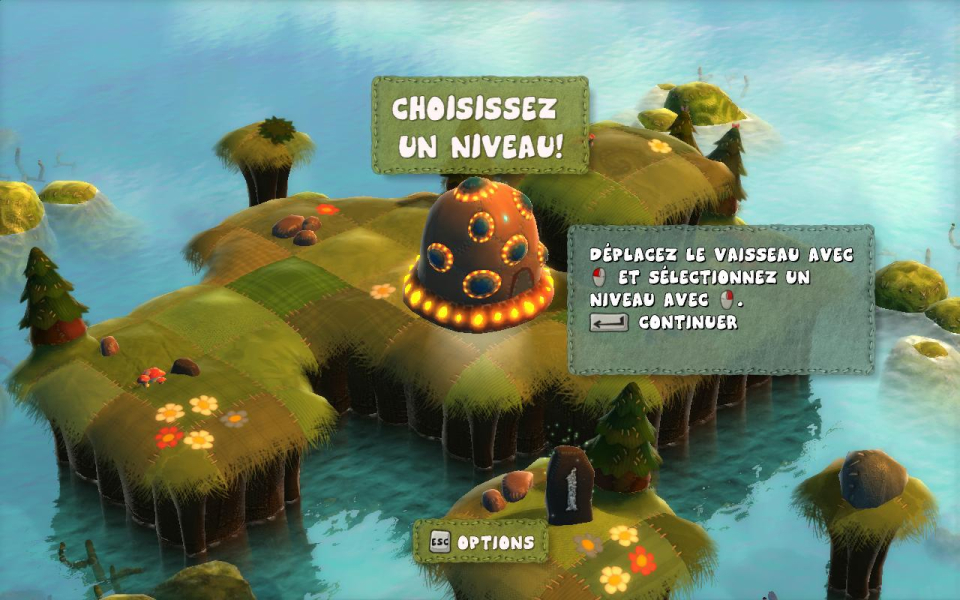
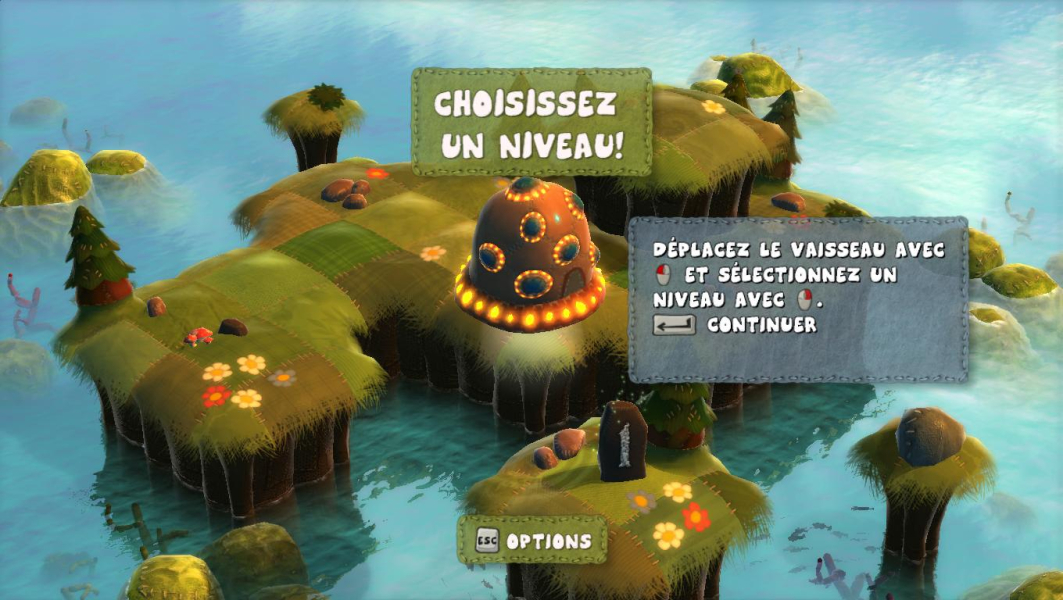
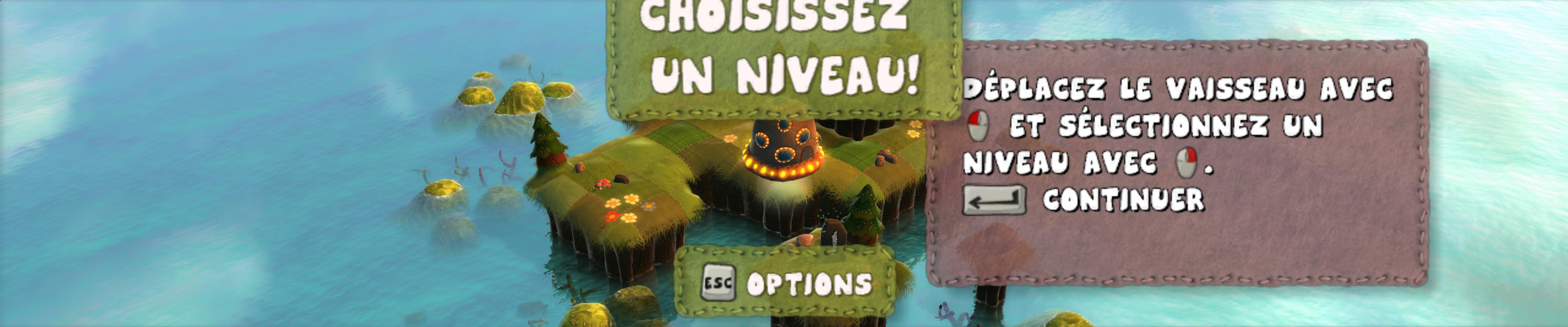
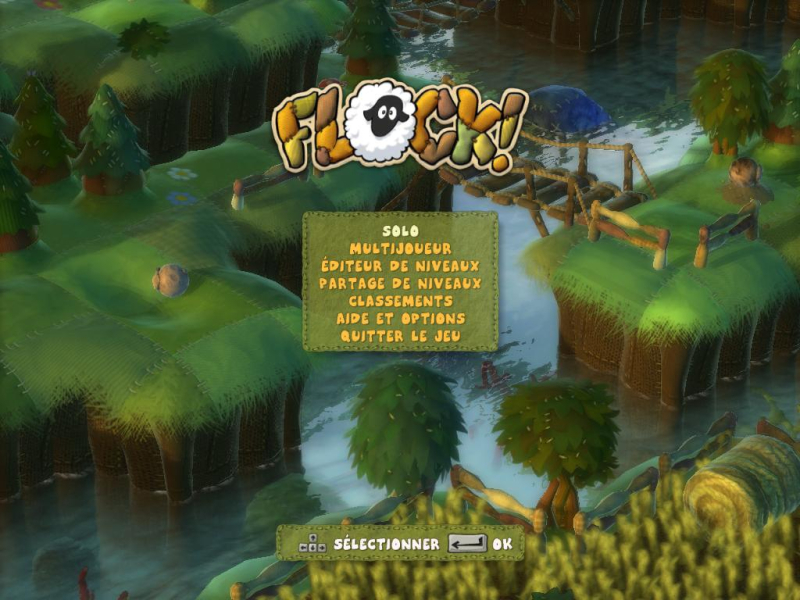
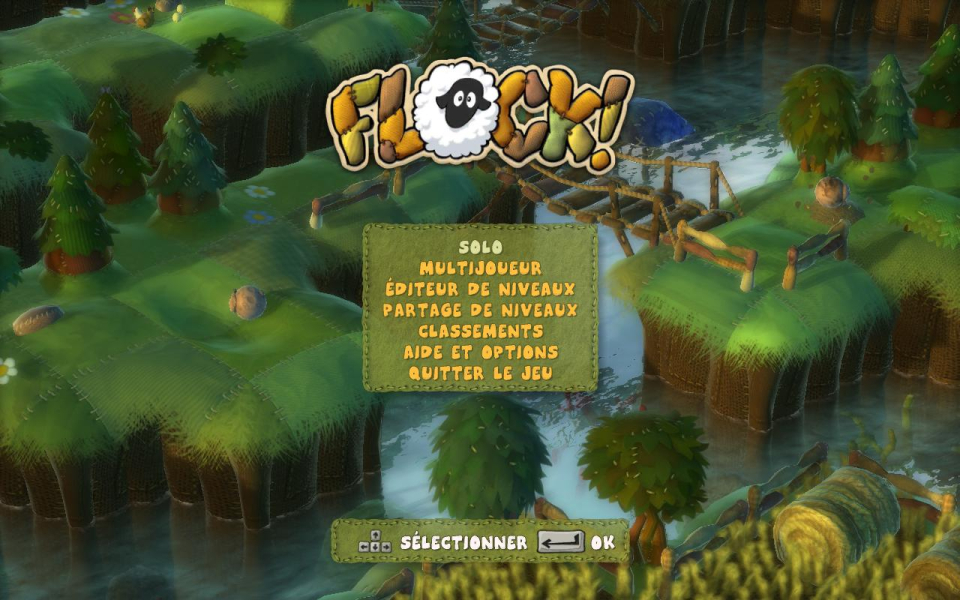
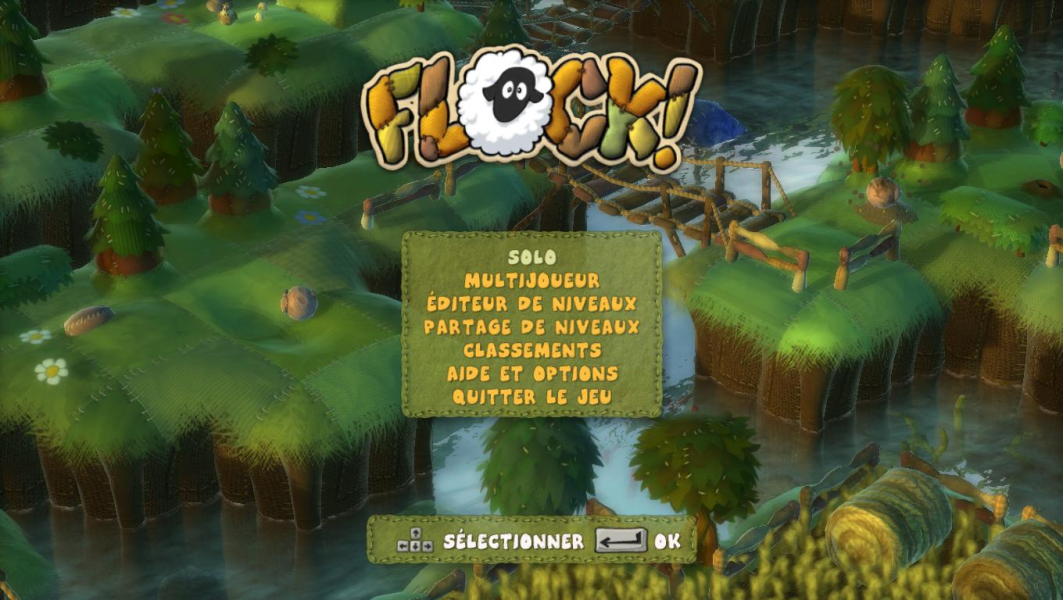
Native, no HUD stretch, broken main menu. You can still access all items using the keyboard so it's not that big of a problem, to access the singleplayer campaign at least. Remember to use My Documents\Flock\videosettings.FlockSaveGame to reset the resolution if need be.
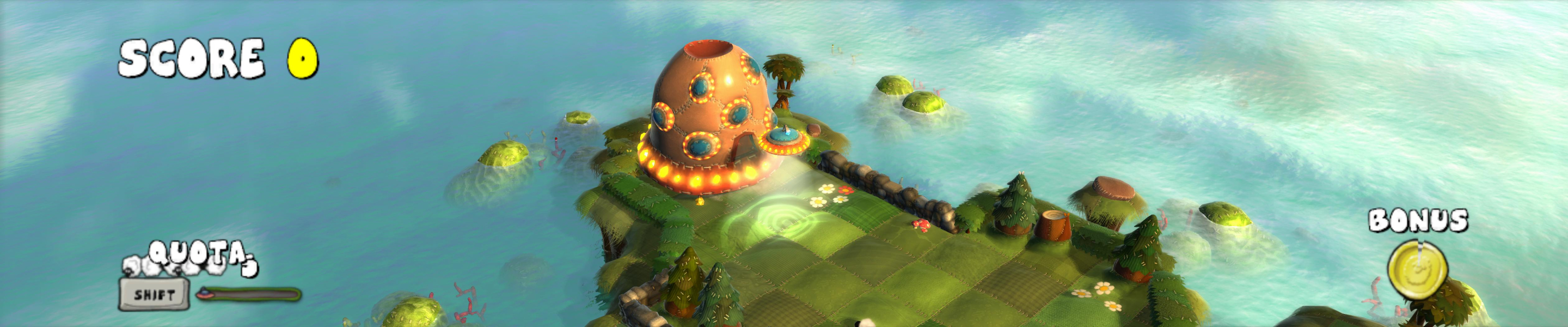
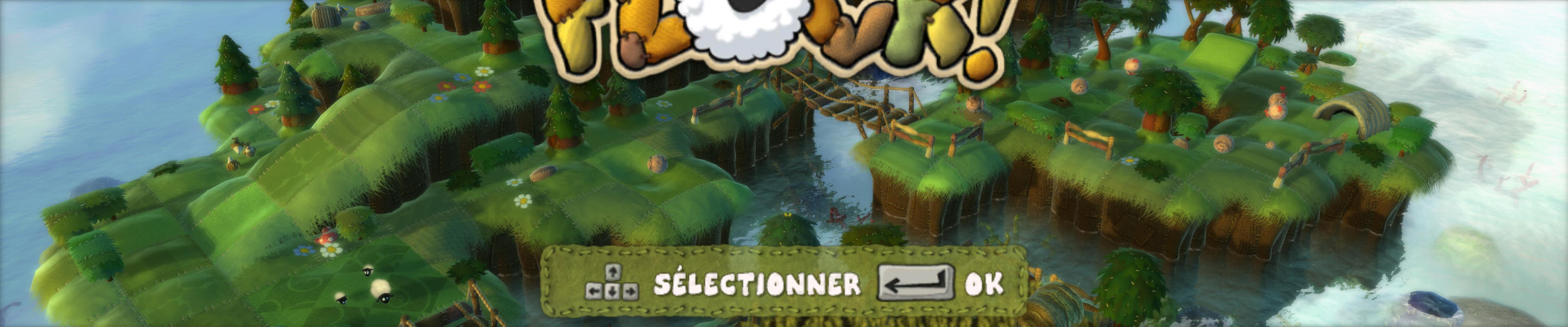
The main menu is broken in TripleHead (only two lines displayed in 3x 5:4, totally invisible in 3x 16:10 although you can still navigate it blind - at least to play solo: just press Enter twice). The HUD does not stretch, but the wider the aspect ratio, the bigger all 2D elements. No cut scenes.
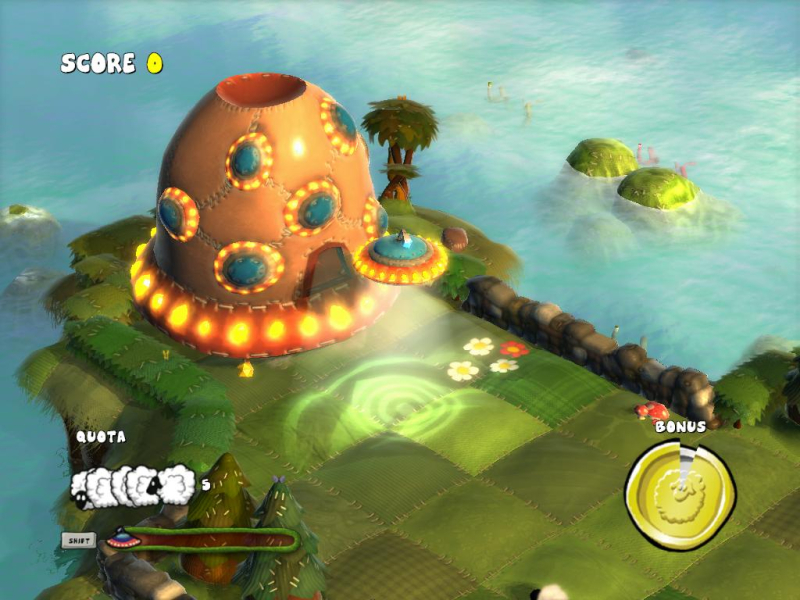
During each map's short "Mother Flocker landing" sequence or when the game takes control of the camera to show you hints and tips, everything remains as isometric and Hor+ as always.
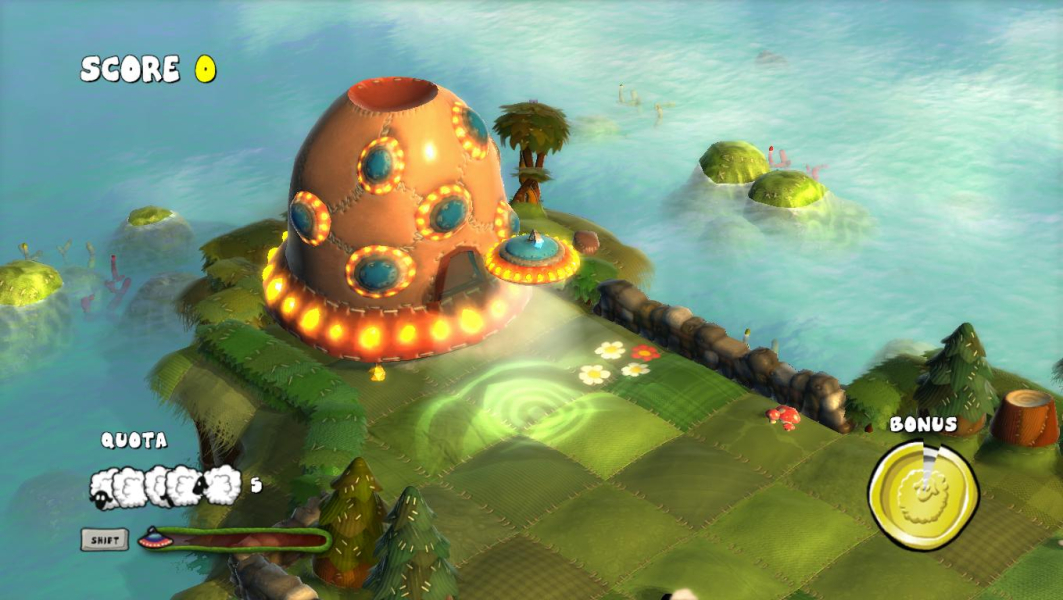
Gameplay Screenshots



Menu Screenshots
Additional Screenshots