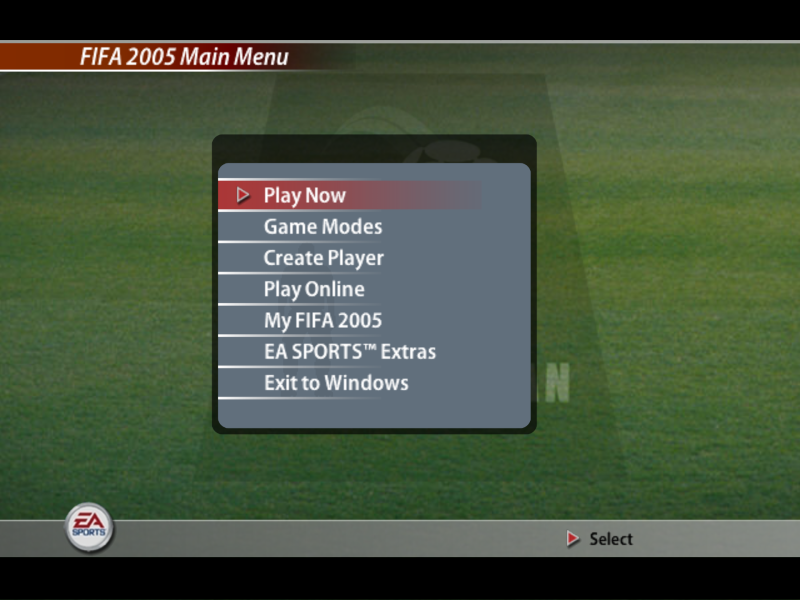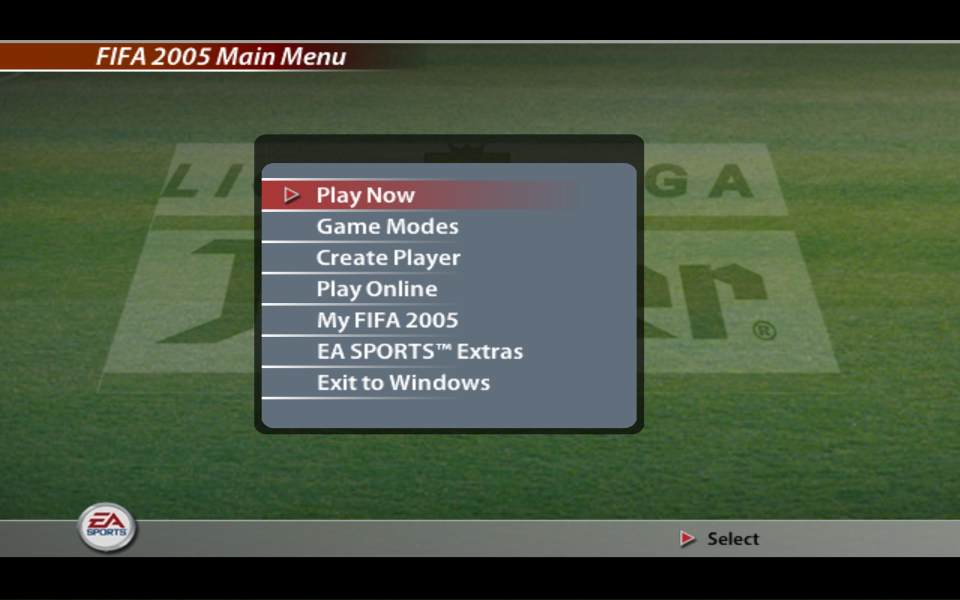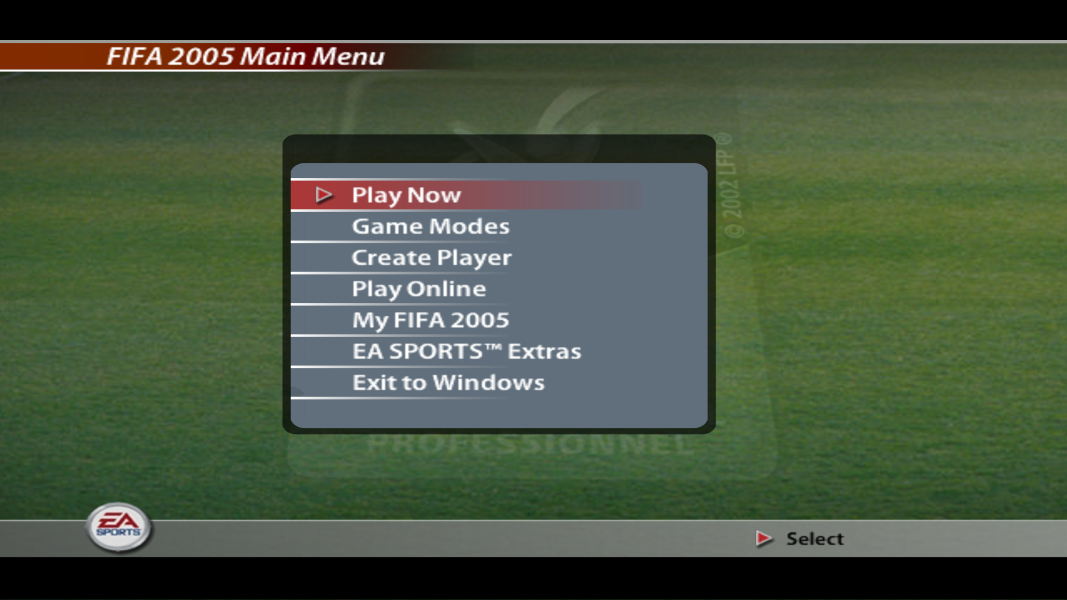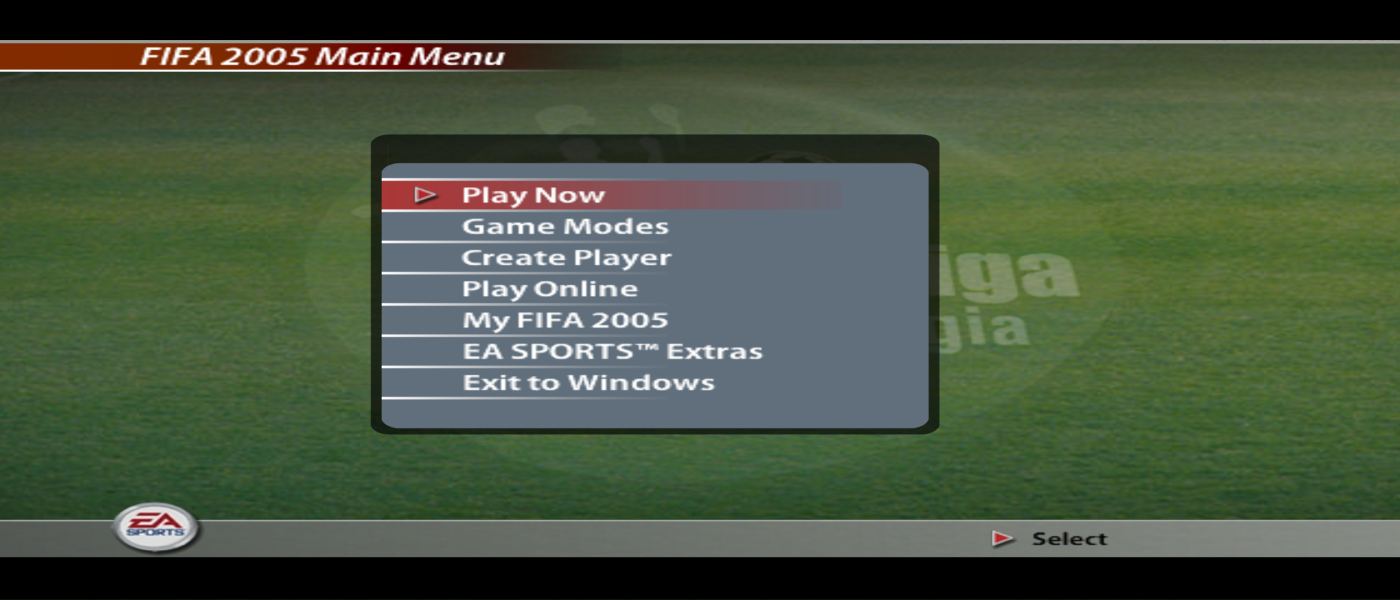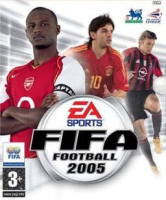


FIFA Football 2005, also known as FIFA Soccer 2005, FIFA 2005 or simply FIFA 05, is a football video game released in 2004. It was developed by EA Canada and published by Electronic Arts. It was released for the PlayStation, PlayStation 2, Microsoft Windows, Xbox, PlayStation Portable (as simply FIFA Soccer), GameCube, mobile phone, Gizmondo, N-Gage and the Game Boy Advance. The tagline for the game was: "A great player needs a great first touch." FIFA 2005 is the twelfth game in the FIFA series, the ninth in 3D and the final game in the series for the PlayStation. FIFA Football 2005 marks the first time to include the seventh-generation handheld game consoles. The Japanese version of the game went by the name of FIFA Total Football 2 and was released on December 9, 2004.
Support Summary
Game Information
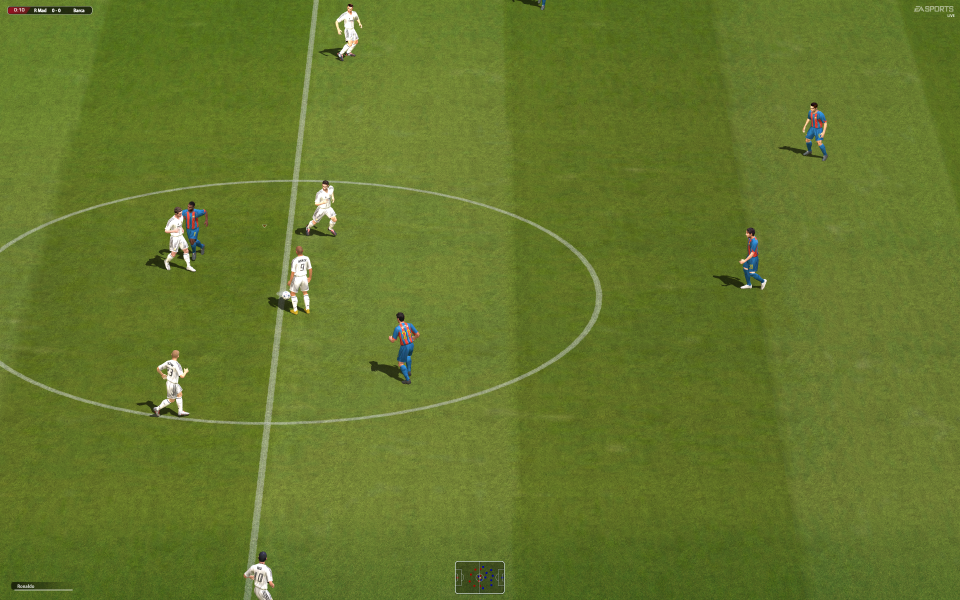
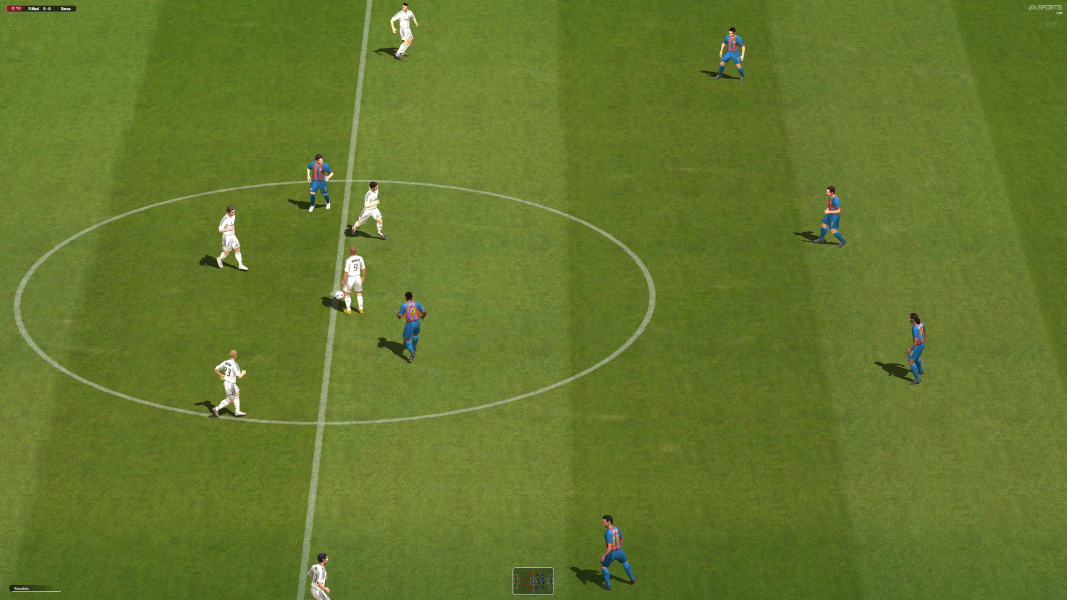
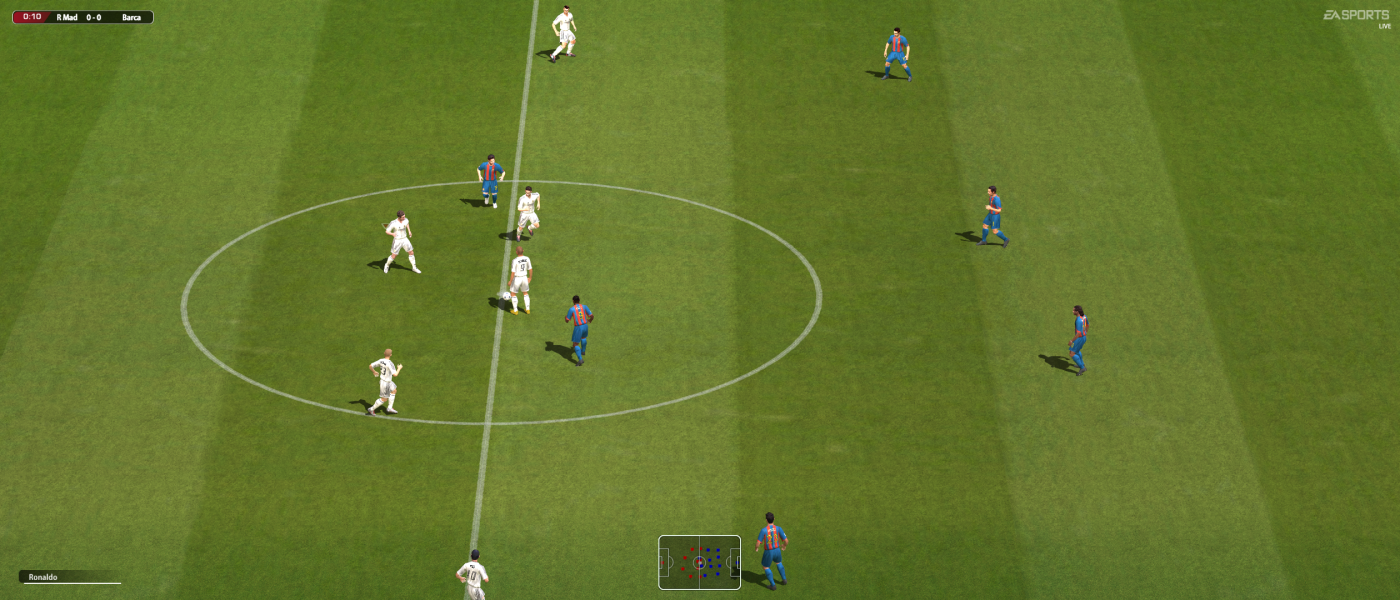
Screenshots Comparison
Solutions & Issues
Video tutorial and original source of the fix by AuToMaNiAk005 : https://www.youtube.com/watch?v=on_Xuwh6S_c
For this fix you need HxD64 hexeditor.
STEP 1:
Open "fifa2005.exe" with HxD64 hexeditor. Set Bytes Per Row to "16" as shown in the picture below:
STEP 2:
Search for hex values "8002000068CC" and replace "80 02" with hex value of your desired horizontal resolution and "E0 01" with hex value of your desired vertical resolution. See the screenshot below where the hex values are marked:
STEP 3:
Then search for hex values "80020000E001" and replace all the hex values marked in the picture below with the hex values of your desired resolution:
The first row of green marked hex values should be replaced with horizontal hex value of your desired resolution. And the second row with vrtical resolution hexvalues.
STEP 4:
Now scroll up to the start and then click anywhere on the hex values present there [Else searching for the next hex value won't be possible].
Now search for the hex values "0000803F5250D8" and then replace 00 00 80 3F with the hex value of your desired aspect ratio. But the hex values for aspect ratios mentioned here "http://www.wsgf.org/article/common-hex-values" won't work. To find the hex value, you must use the following formula:
(X÷Y)÷(4÷3)= A
Here X= Horizontal resolution
Y= Vertical resolution
A= Result
So for a 16:9 aspect ratio, the formula will be like this:
(16÷9)÷(4÷3)= 1.3333333333333333333333333333333
Now you need to convert "A" or the result into a hex value using IEEE-754 Floating Point Converter.
You can find one here: https://www.h-schmidt.net/FloatConverter/IEEE754.html
Paste the result and press enter to show the hex value. See the screenshot below:
You can't use that hex value directly. For example, the hex value in the screenshot is "0x3faaaaab". Ignore "0x". Now take the other part from right to left [keeping 2 alphabets/digits together].
So 3f aa aa ab will be taken as AB AA AA 3F and now you can put this hex value on the hex editor:
Then save the exe. Now the game will run at your desired aspect ratio and resolution.
There are few issues with this method. For example, the player indicators won't be above the players and will shift to left or right and the severity will depend on the aspect ratio. So you have to determine who you're controlling by looking at the vertical position of the indicator.
Also, objects like goal posts, some parts of the stadiums and crowds and the players will vanish from the camera when they cross the 4:3 view area. This will break the immersion.
Follow the steps from baseline widescreen solution.
Follow the steps from baseline widescreen solution.
Player indicators will shift too much with multi monitor aspect ratios. You have to determine the player you're controlling by looking at the vertical position of the indicator. It's best to not rely on player indicators.
Solution is same as baseline widescreen solution. HUDs become too tiny and becomes almost useless.
Gameplay Screenshots



In-Game (Rendered) Cutscenes
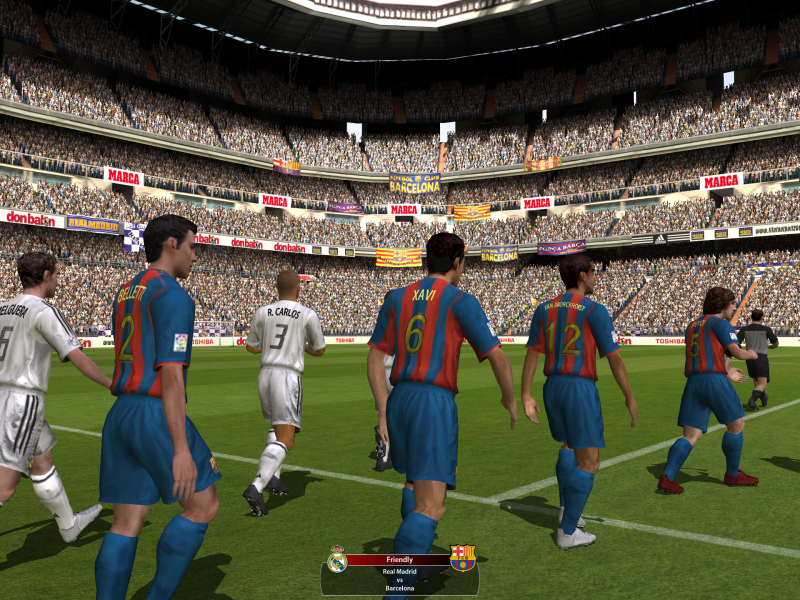
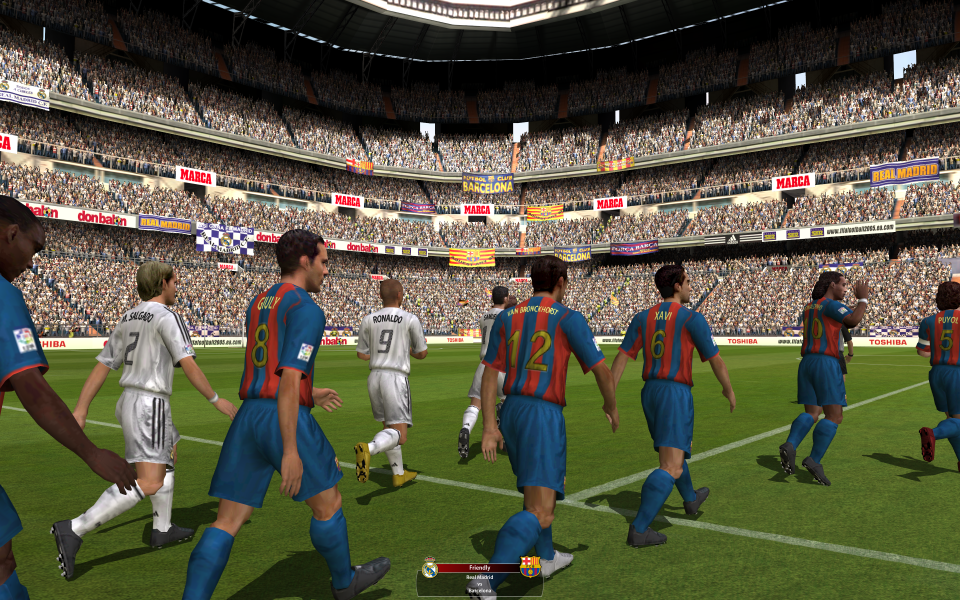
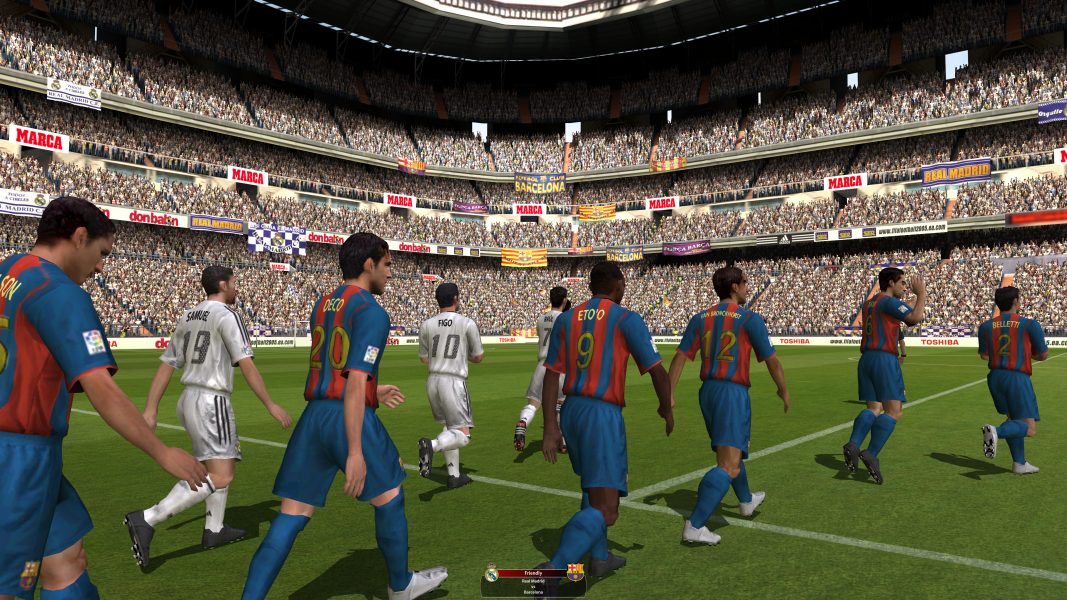
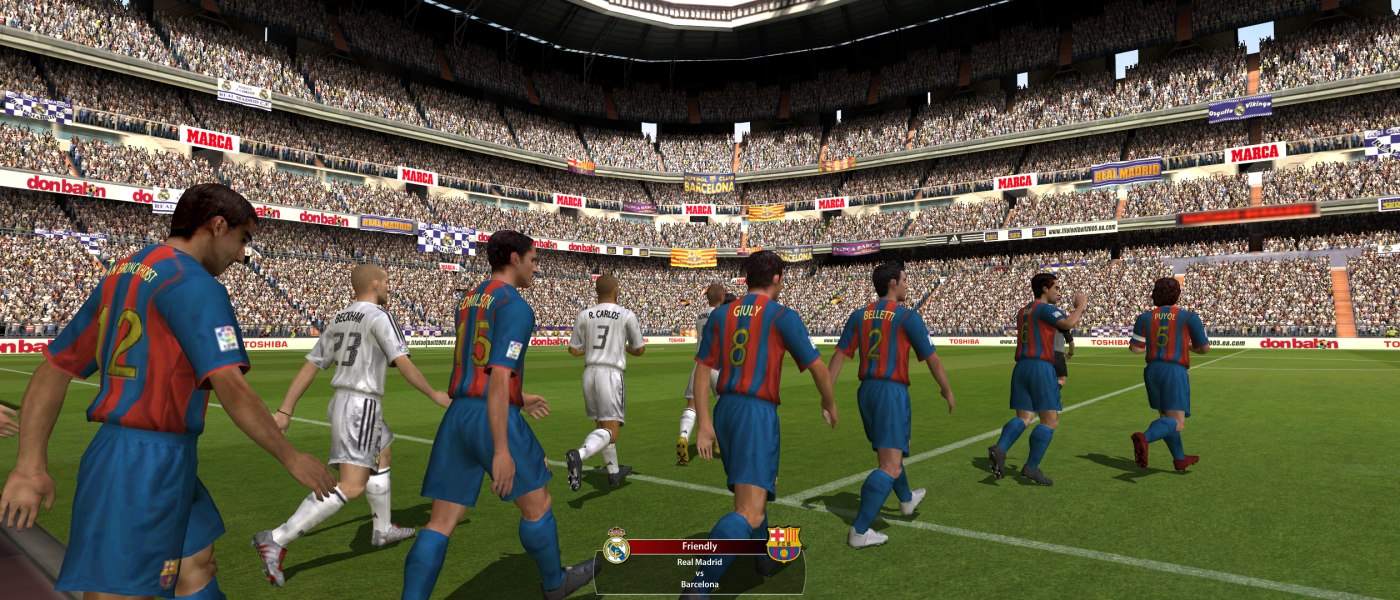

FMV Cutscenes





Menu Screenshots