


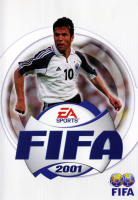


FIFA 2001 was the first version (for the PC) that could be played online, which was revolutionary, and the first game in the franchise on a 6th generation video game console in USA and Europe.
Support Summary
Game Information
Screenshots Comparison
Solutions & Issues
STEP 1
Open "x:\FiFA 2001\3DSetup\3DSetup.ini" and add any resolution you want in the "
# Defaults -- lots of screen resolutions at 16-bit" section.
For example:
# Defaults -- lots of screen resolutions at 16-bit
CARD_ALL /C:16 /TB:0 /R:640x480 /R:800x600 /R:1024x768 /R:1280x1024 /R:2880x1800 /R:5760x1080 /R:3840x2160 /R:1920x1440 /R:2520x1080 /R:2560x1440
Open "3DSetup.exe" and select Direct 3D APi [Should appear as your GPU name] and then the resolutions you typed earlier will appear in options. Select your desired resolution.
If you use Glide APi with nGlide installed, you won't be able to select above 640x480. So it's better to just se the APi to Direct 3D.
STEP 2
Download: https://github.com/UCyborg/LegacyD3DResolutionHack/releases
And paste the dlls on root dir of FiFA 2001 [Where the exe file exists] to remove resolution limit.
The game will still crash while pausing during gameplay. So for this, you need DgVoodoo as shown in step 3.
STEP 3
Download Dgvoodoo2: http://dege.freeweb.hu/dgVoodoo2/dgVoodoo2.html
And paste "D3DImm.dll" to root dir of FiFA 2001.
Open Dgvoodoo and set D3D resolution to your desired resolution and save settings.
STEP 4
This is very important. Use "XVI32" hexeditor and open the exe file of FiFA 2001.
Search for AB AA AA 3F. You will find two of them. Replace both of them with the FOV value of your desired Aspect ratio.
Common aspect ratio values can be found on: http://www.wsgf.org/article/common-hex-values
Then save it. Without doing this, your game will have stretched 4:3 during gameplay.
Setting 16:9 and 16:10 cuts the screen vertically but the effect is negligible.
Same solution as Baseline widescreen. Just set FOV hex values to that of 21:9 aspect ratio.
Vert- gameplay and cutscenes become very noticeable but its still playable.
Solution is same as Baseline Widescren solution.
Just set set hex values of FOV as the one for multimonitors.
Game is unplayable on multi monitor because everything is chopped off. Cutscenes are Vert- and you can barely see a thing, gameplay is barely playable because of this and zooming out with tower cam wont help much.
HUDs will be very tiny if you set resolution to 4k on 3Dsetup.exe.
In this case, just set the resolution to 1920x1080 or a bit higher and use DgVoodoo2 to force resolution to 4k.
That way you can avoid tiny HUDs.
But if you want Draw distance to high resolution grass to increase, then you have to set 4k on 3Dsetup.exe. Tiny HUD, but better grass, Pick your poison.
Gameplay Screenshots

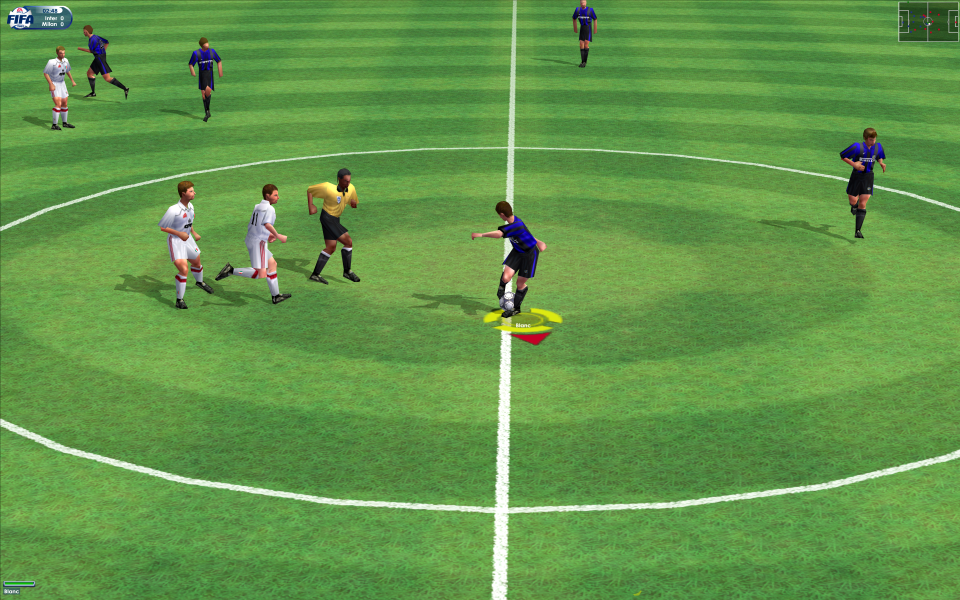
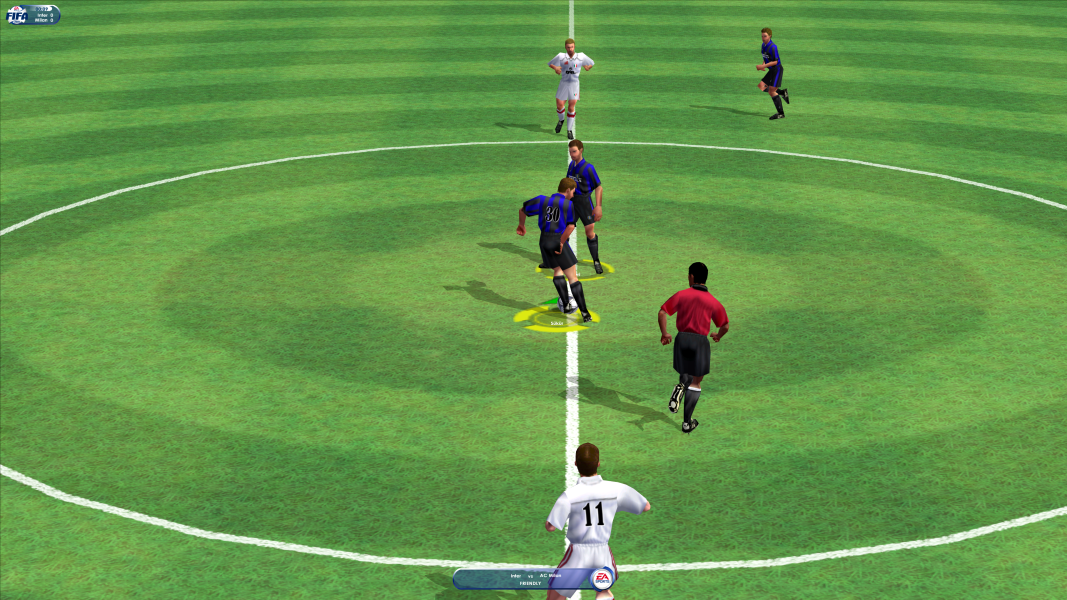
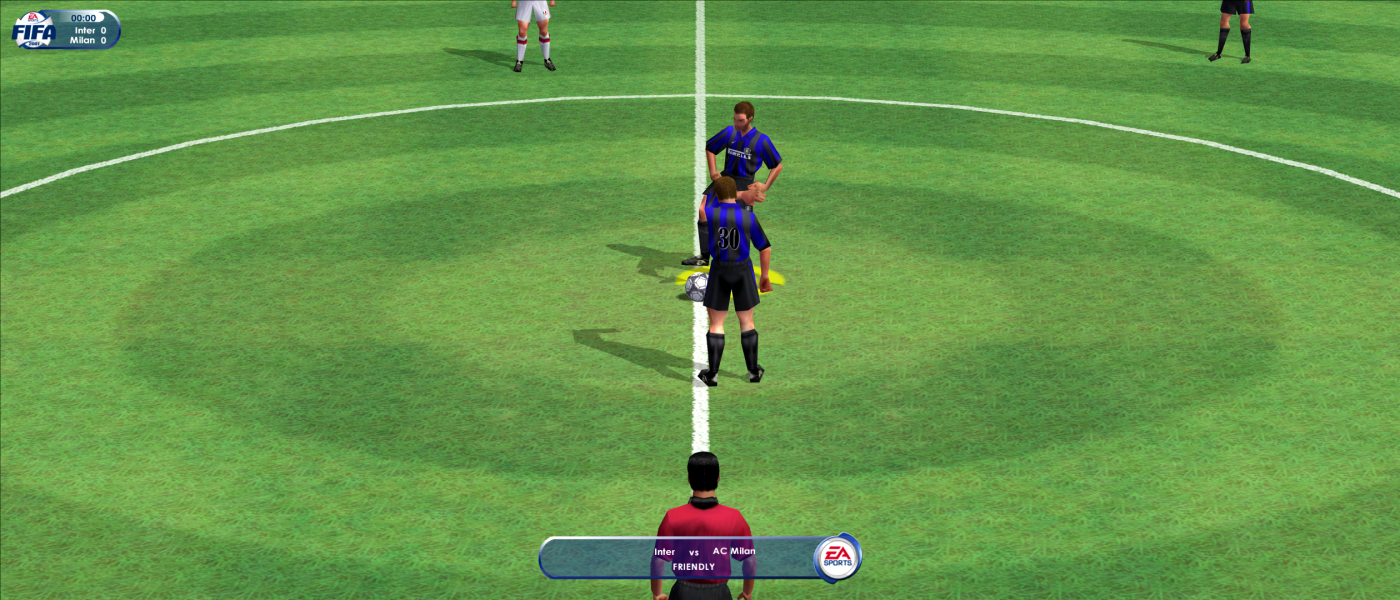


In-Game (Rendered) Cutscenes
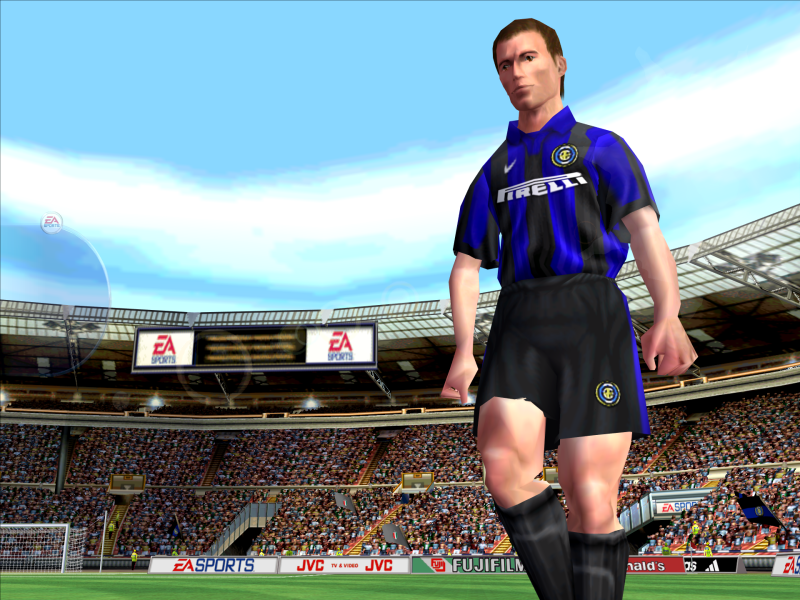
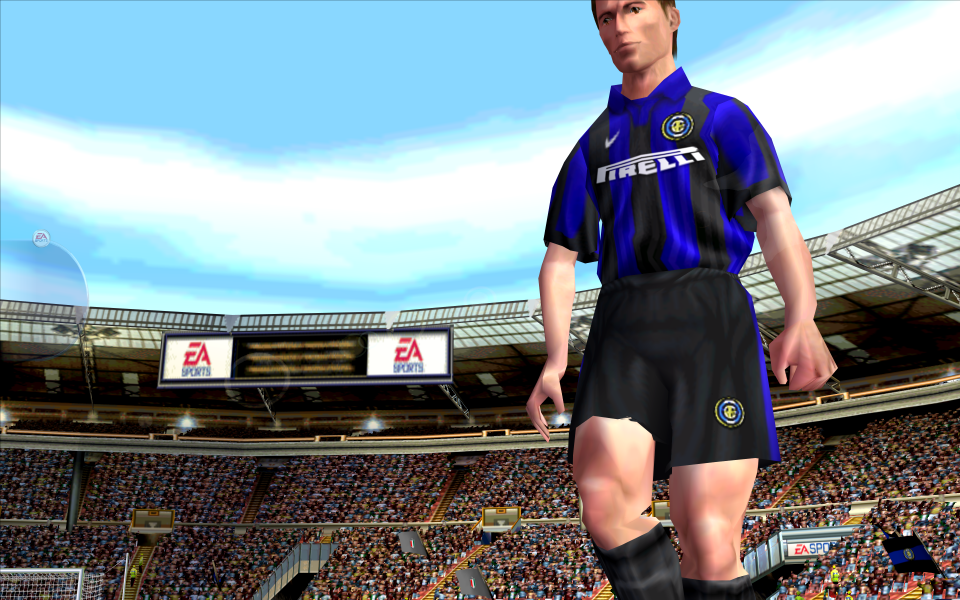
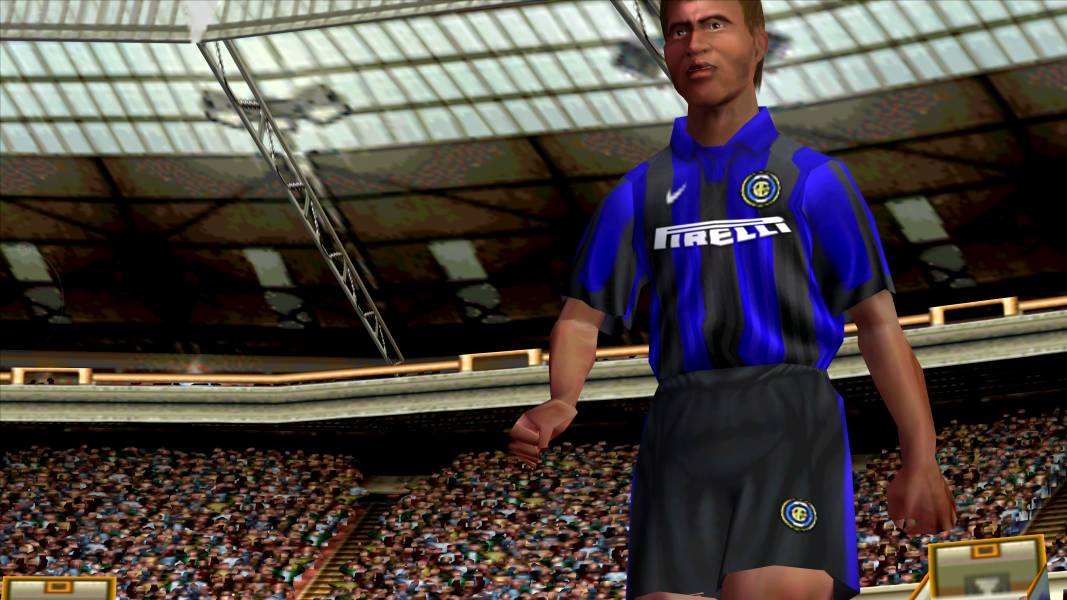
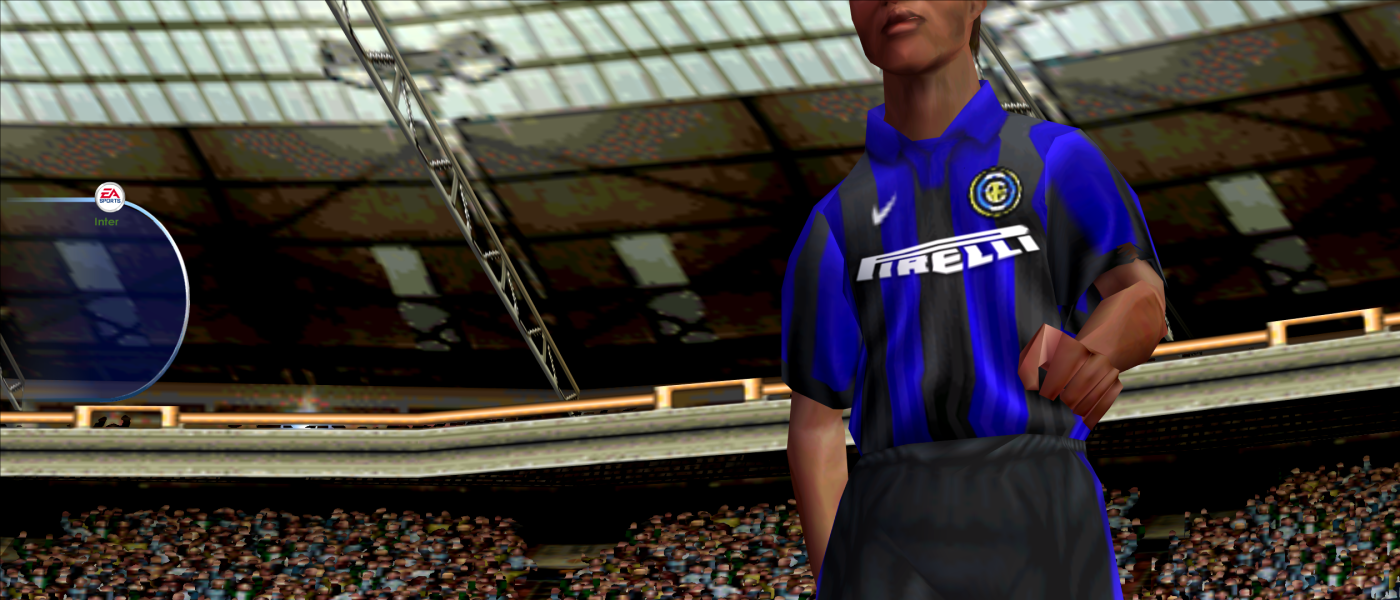

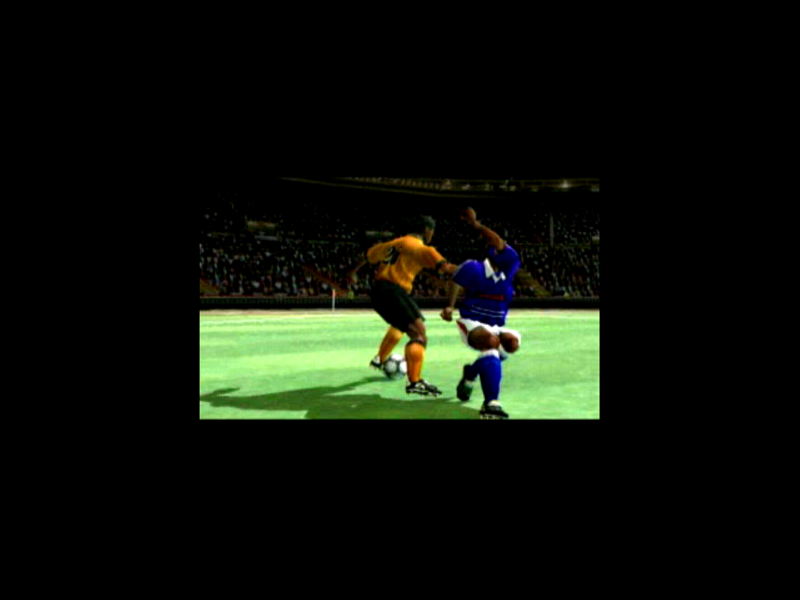
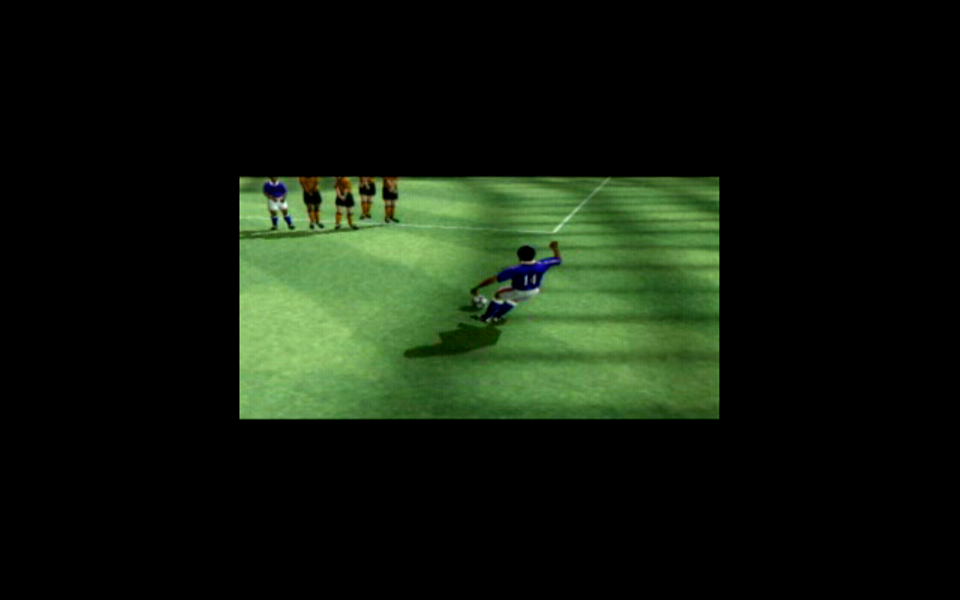
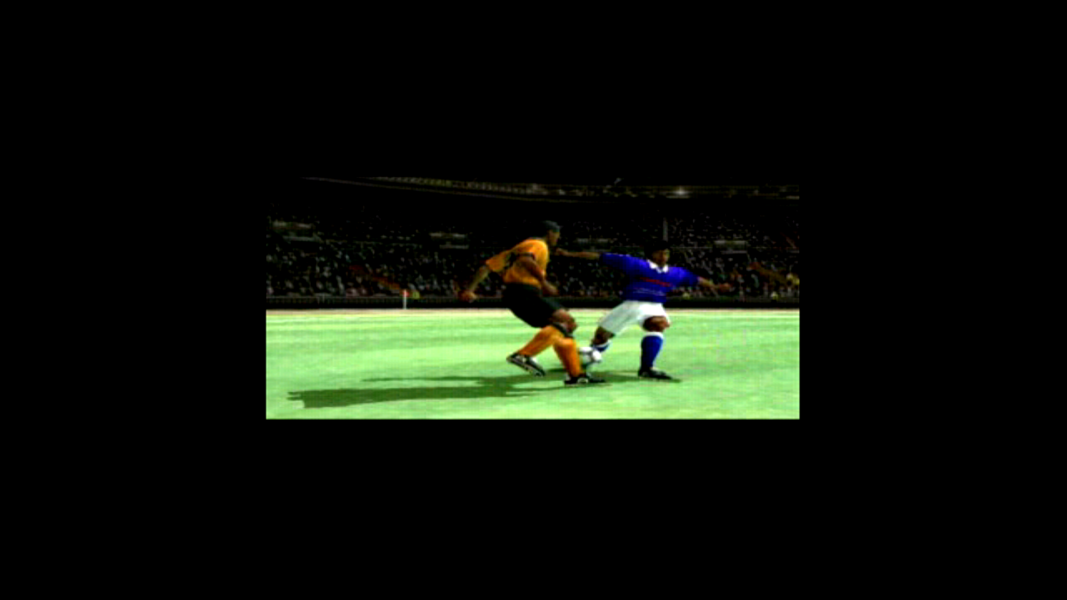
FMV Cutscenes


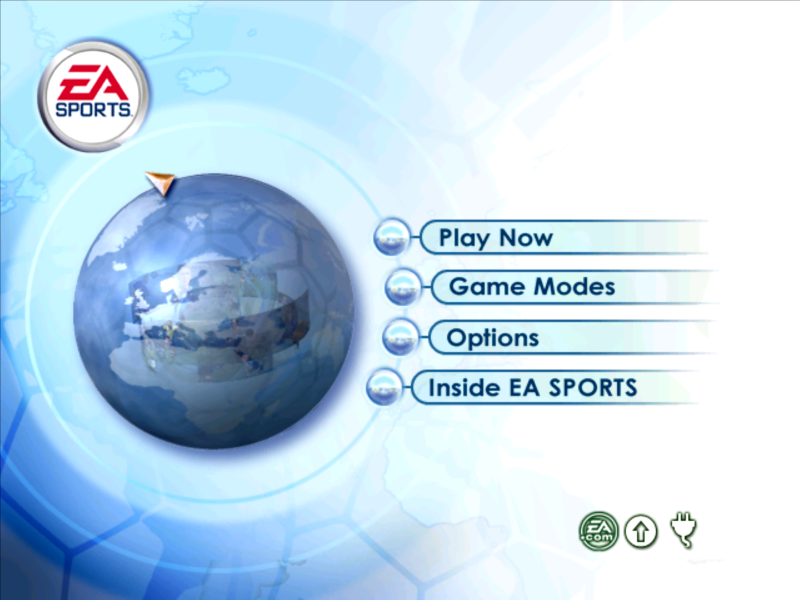
Menu Screenshots


Additional Screenshots




