





Fez is a semi-open two-dimensional puzzle-platformer. In a peaceful world of pixelated shapes and bright colors, Gomez' only foes are dead ends, hidden doors and impassable gaps. His schtick : rotating the view by quadrants, thus re-aligning objects in the 3D world to use in his 2D endeavors. Sounds simple enough - but at the heart of the game lies a cubic ton of areas, collectibles, code-cracking challenges and obscure references that will wake you up at night like a kawaii dream of cerebral torture. Perspective, right ?
Support Summary
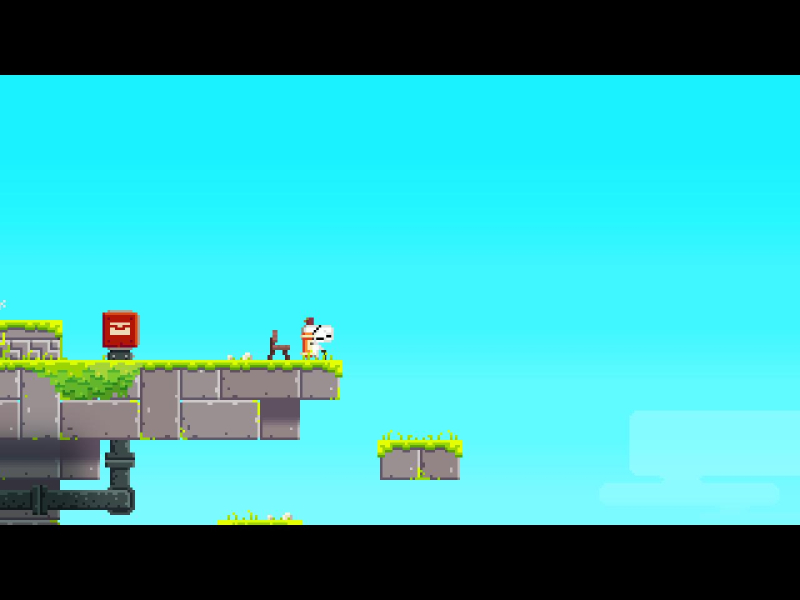
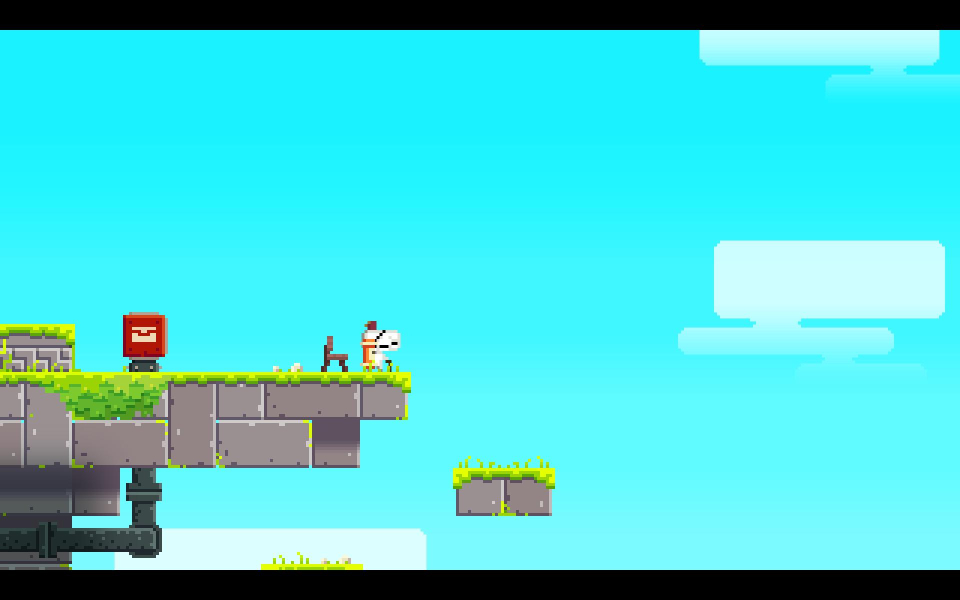
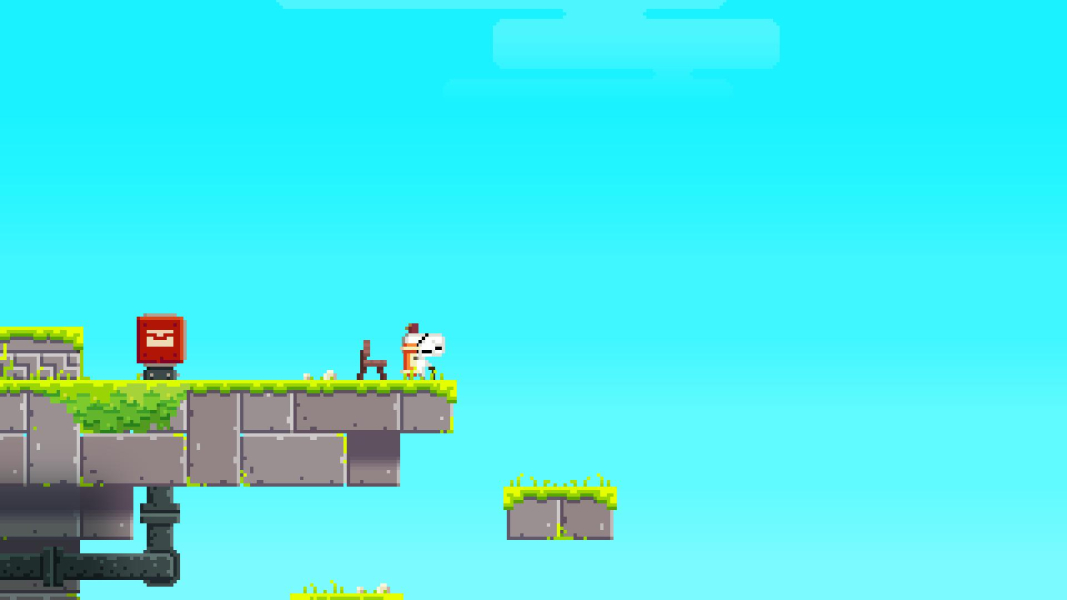
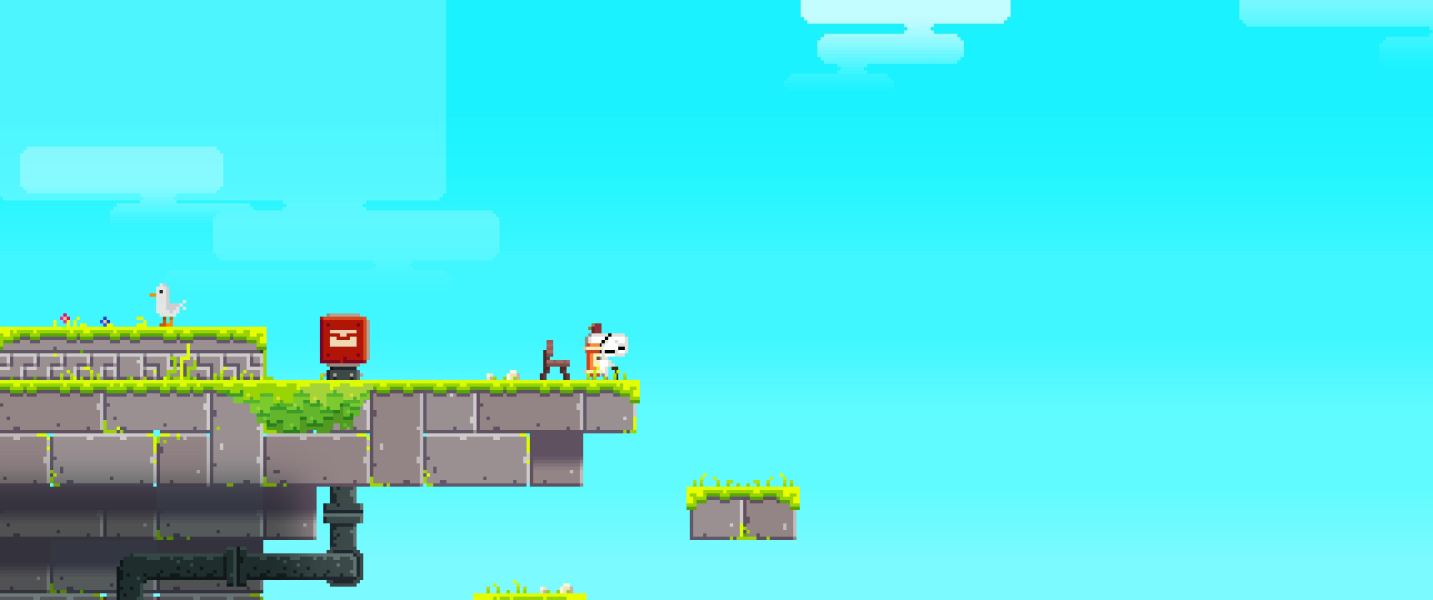
Screenshots Comparison
Solutions & Issues
Fez initially runs at 720p. Display mode can be changed at any time from the Help & Options menu. Resolutions lower than 1280x720 are unsupported (cropping).
Screen change is anamorphic and partly pixel-based. Width must be a multiple of 1280 or 1920, or height a multiple of 720 or 1080 for the 16:9 FOV to be maintained. Other resolutions get arbitrary adjustments in letterboxing thickness and subsequent FOV. Screen change is still anamorphic-like, just not 16:9 anamorphic.
For example, compared to HD (720p & 1080p):
- 4:3 resolution 1280x960 is "Hor=" but 2048x1536 is slightly Hor+ and 1600x1200 very Hor+ !
- 16:10 resolutions 1920x1200 & 1280x800 are "Hor=" but 1680x1050 is Hor+.
- 16:9 resolutions 1360x768, 1366x768 and 1600x900 are also letterboxed and Hor+.
Rotating map screen is even worse as pixel count appears to come into play more directly: map FOV decreases slightly from 1280x720 to 1920x1080 to 2560x1440. With 5 levels of zoom it's never a problem at any res, though.
Native Hor+ support. The only difference between 2560x1080 and 3440x1440 is the map screen FOV, but both are actually Hor+ to their 16:9 counterpart (1920x1080, 2560x1440).
Following Toothless Spoon's feedback to the devs, patch 1.11 fixed the Vert- behavior. Screen change is strictly Hor+ from 48:9 up; narrower aspects are both Hor+ and letterboxed.
Support should be native. If you can't access display options because the game runs cropped inside a small window on a forced 1280x720 desktop, do the following:
- Alt+F4 to quit the game.
- open the file %APPDATA%\FEZ\Settings in any text editor to manually adjust display options.
Gameplay Screenshots
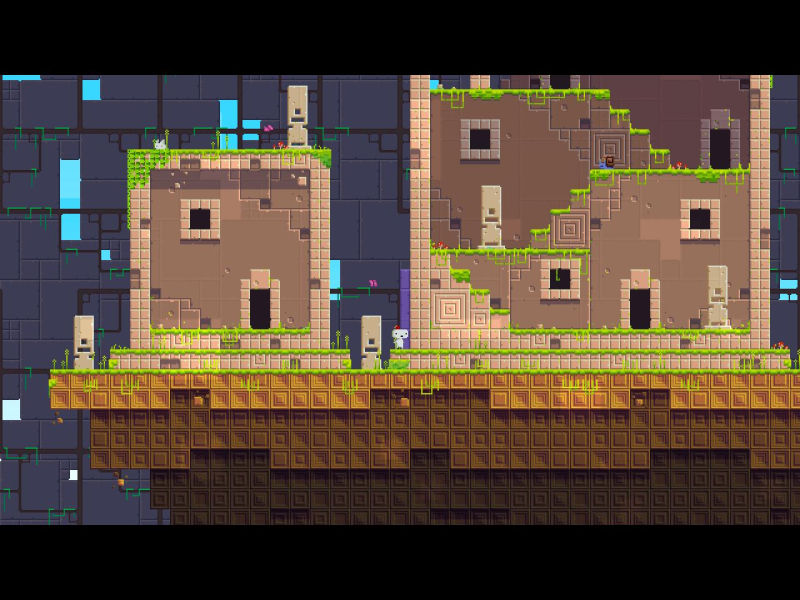
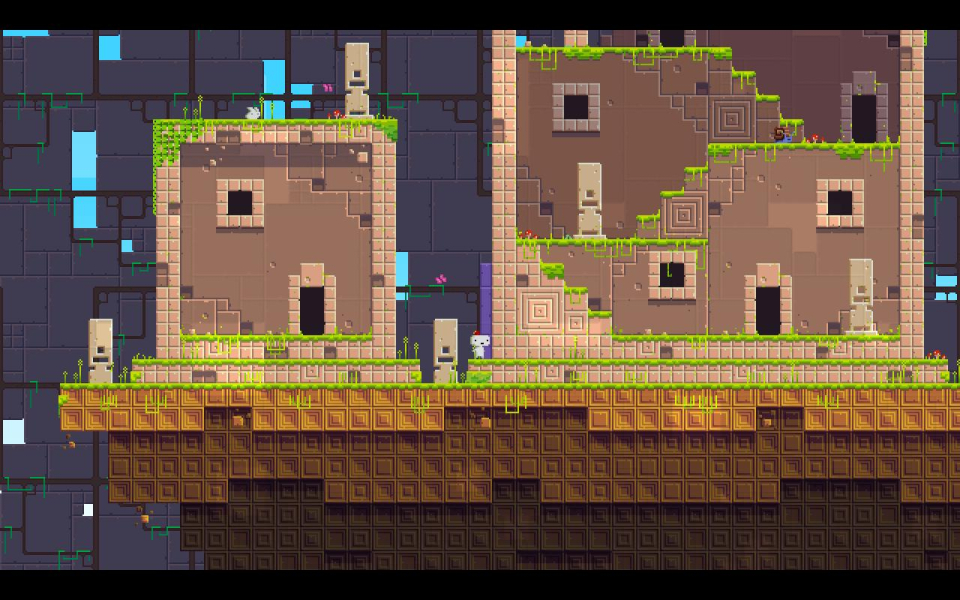
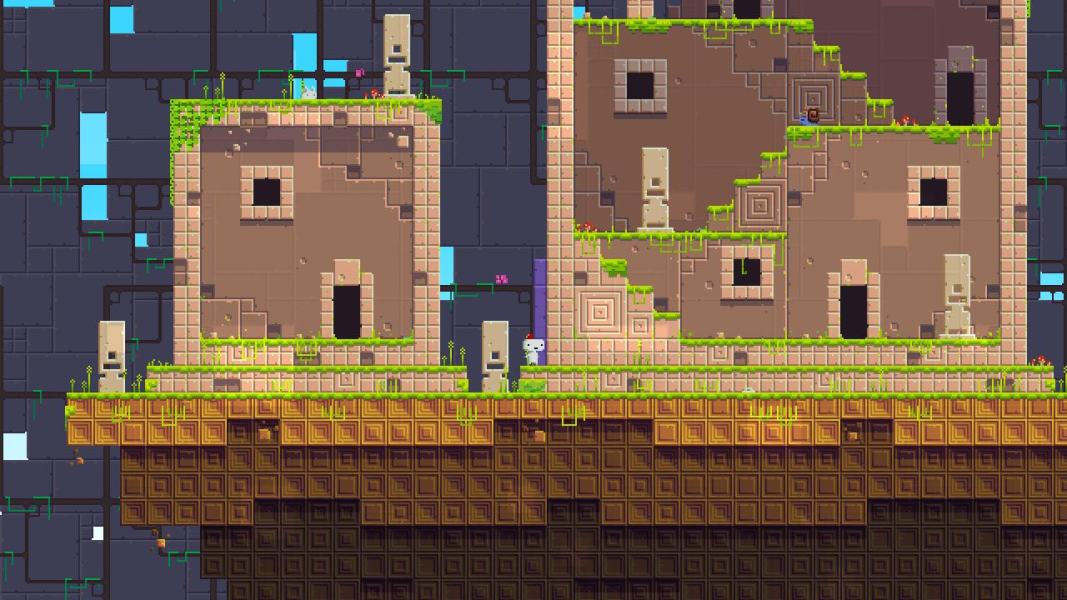
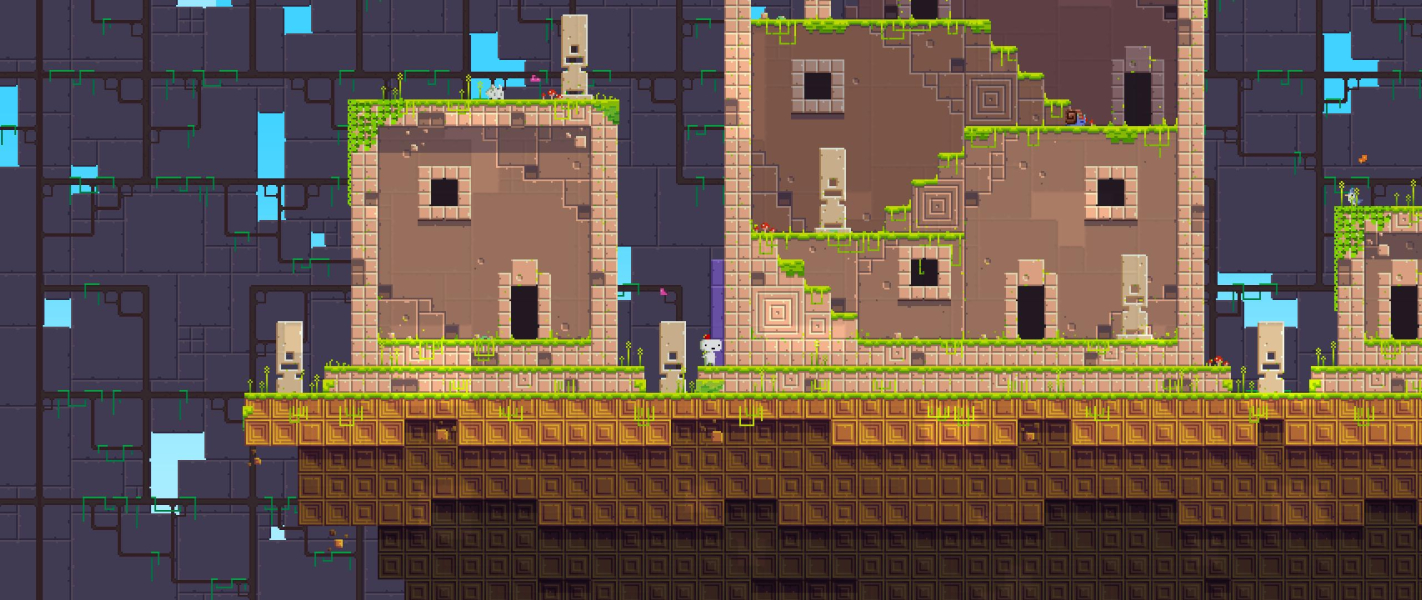


In-Game (Rendered) Cutscenes

Menu Screenshots
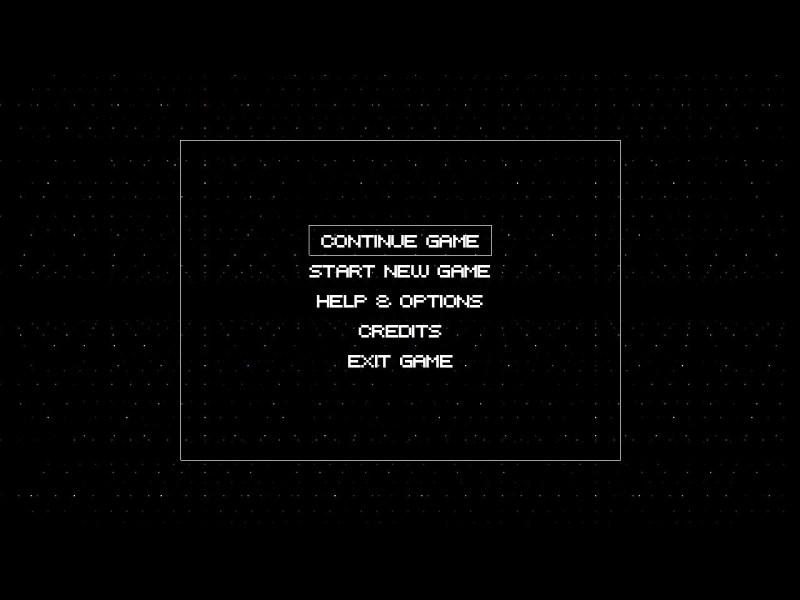
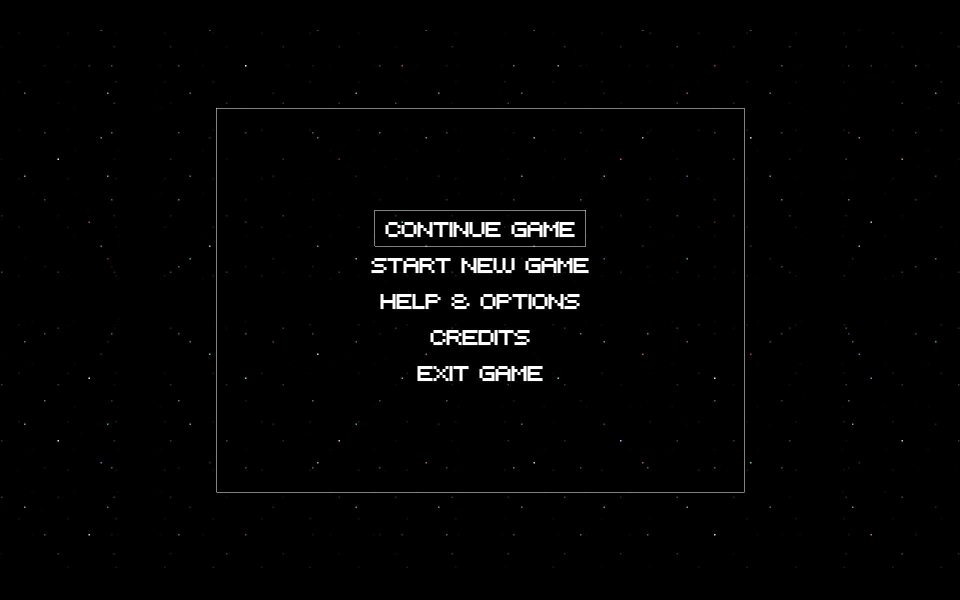
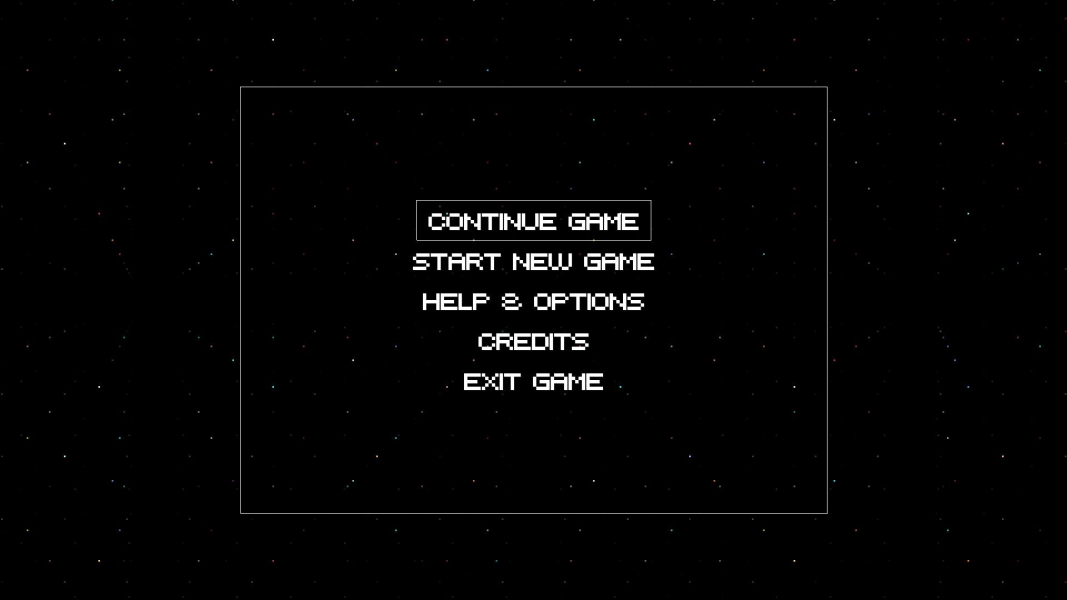
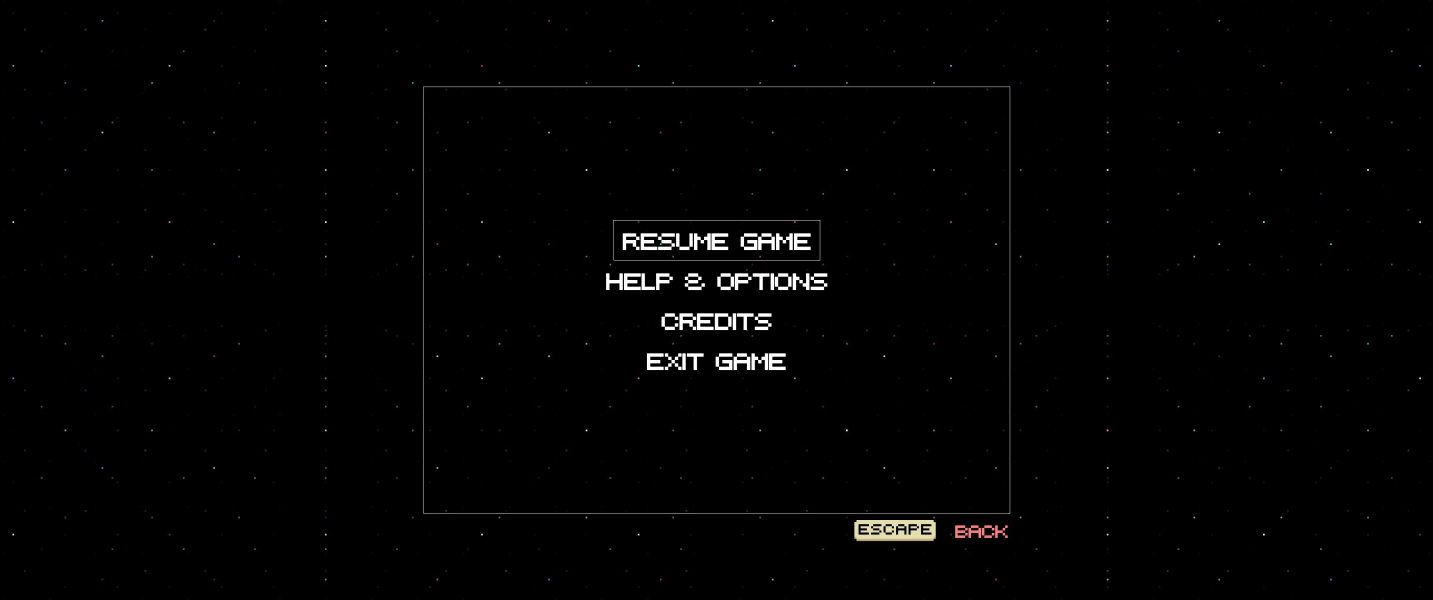

Additional Screenshots


