F.E.A.R. Extraction Point

Extraction Point is an expansion pack to the wildly popular F.E.A.R.

Support Summary

Widescreen
Ultra/Super‑Wide
Multi-Monitor
4K Ultra HD
Support
Method
HUD
Cutscenes
FMVs

Game Information

Game Status:Released
Release Date:
Tested Version:demo
Setting:
Genre:FPS
Developer:TimeGate

Screenshots Comparison

4:3 Screenshot
16:10 Screenshot
16:9 Screenshot
21:9 Screenshot
A monitor with a question mark on it. The text above it reads "There is currently no image uploaded for this field." There is a semi-transparent WSGF logo in the background, while the main background is white. The image aspect ratio is 21:9.
32:9 Screenshot
Eyefinity / Surround Screenshot
Solutions & Issues
Widescreen Solution & Issues:

F.E.A.R. got native support for widescreen in patch 1.8, but I think Extraction Point was based on v1.07 and it never got patched.

Launch the game once, and set all of the graphics options as you wish. Set the resolution to 1024x768.
Go to C:\Documents and Settings\All Users\Documents\TimeGate Studios\FEARXP
Edit settings.cfg.
Change the following lines to set your resolution.
"ScreenWidth" "1024"
"ScreenHeight" "768"

4:3 Screenshot
16:10 Screenshot
16:9 Screenshot
21:9 Screenshot
A monitor with a question mark on it. The text above it reads "There is currently no image uploaded for this field." There is a semi-transparent WSGF logo in the background, while the main background is white. The image aspect ratio is 21:9.
32:9 Screenshot
Eyefinity / Surround Screenshot
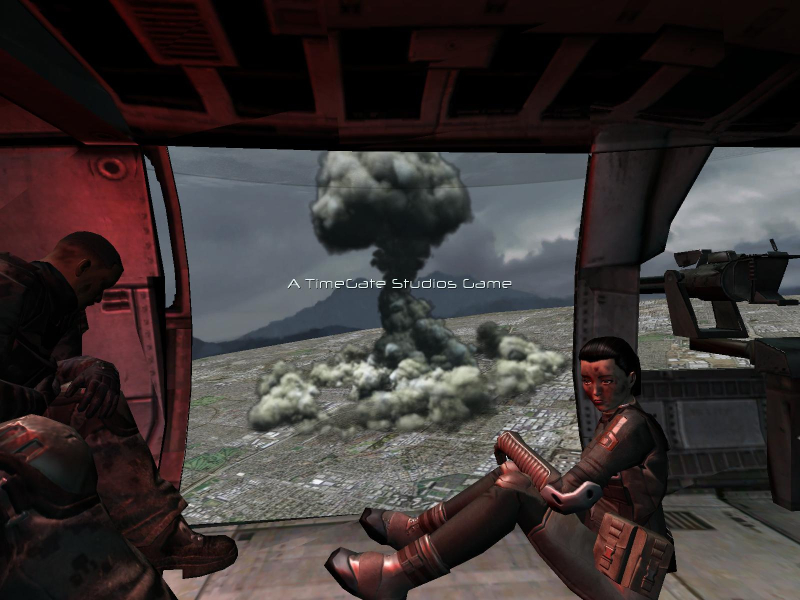
4:3 Cutscene
16:10 Cutscene
Uploaded by: skipclarke
16:10 Aspect ratio
Uploaded by: skipclarke
16:9 Aspect ratio
Uploaded by: skipclarke
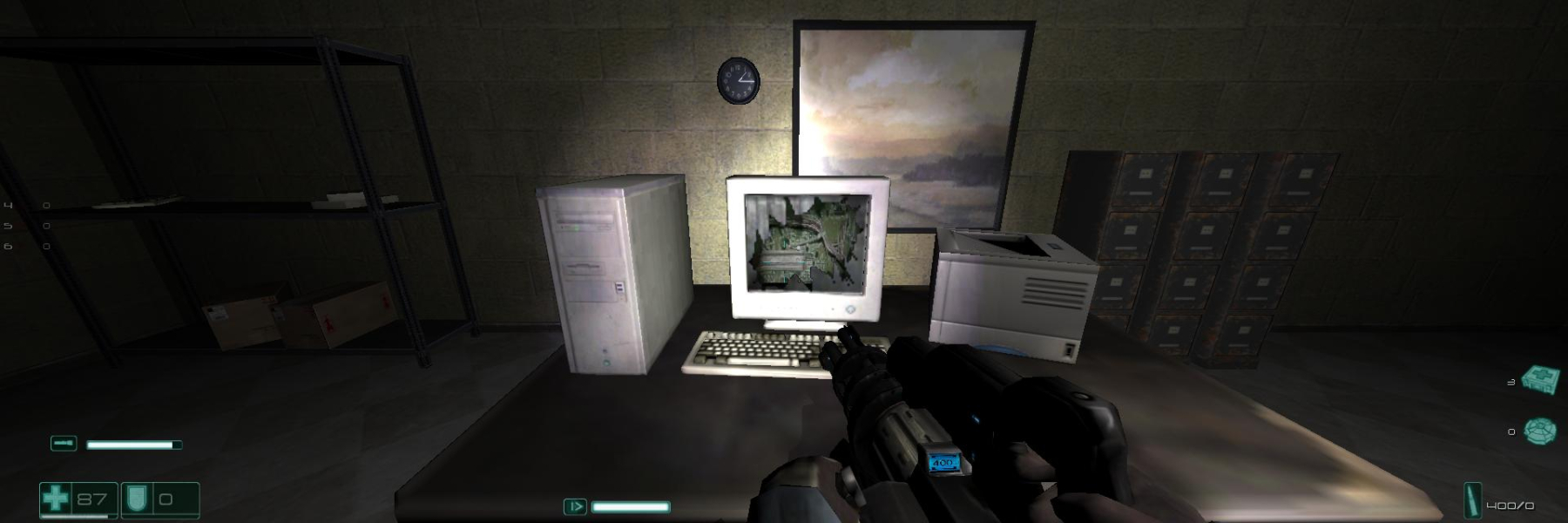
3x1 Aspect ratio
15:9 Resolutions:1280x768
16:9 Resolutions:
Eyefinity / Surround Resolutions:
Multi-Monitor Layouts:3x1-L