





The highly anticipated follow-up of F.E.A.R. will still be a FPS with loads of graphical violence and bullet time in a paranormal atmosphere.
Support Summary
Game Information
Game Status:Released
Release Date:
Tested Version:GOG
Play Styles:
Genre:FPS
Developer:Monolith Productions
Screenshots Comparison
Solutions & Issues
Widescreen Solution & Issues:
Native: The patch adds a Widescreen setting in the Advanced graphics options. 'Widescreen Off' renders the game fullscreen : no more black bars.
The widescreen toggle can be found in the Options\Performance\Advanced submenu.
Optional FOV:
Go to --> Edit %USERPROFILE%\Documents\WBGames\FEAR2\\settings.cfg
Add the following line at the bottom, changing the FOV to whatever you want: "FovY" "85.00000"
Save, close, and set the file to read-only as needed
Ultra/Super-Wide Specific Solution & Issues:
Native. Turn 'Widescreen Off' in Advanced graphics options.
Eyefinity / Surround Specific Solution & Issues:
Native. Turn 'Widescreen Off' in Advanced graphics options.
4K UHD Specific Solution & Issues:
Native.
Gameplay Screenshots
4:3 Screenshot

16:10 Screenshot

16:9 Screenshot

21:9 Screenshot
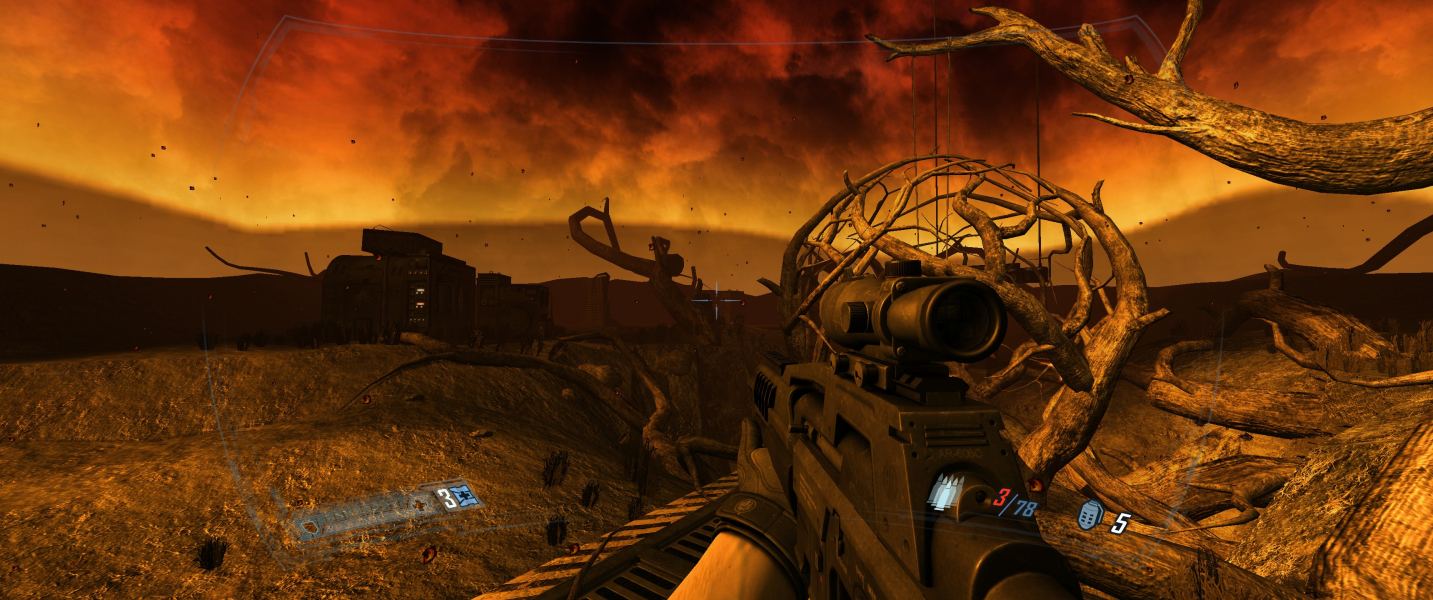
32:9 Screenshot

Eyefinity / Surround Screenshot

In-Game (Rendered) Cutscenes
4:3 Cutscene
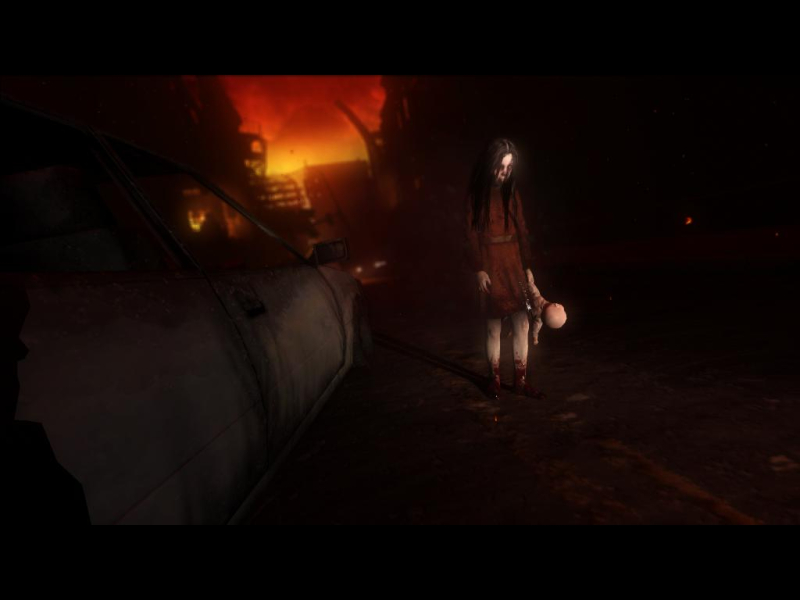
16:10 Cutscene

16:9 Cutscene

21:9 Cutscene
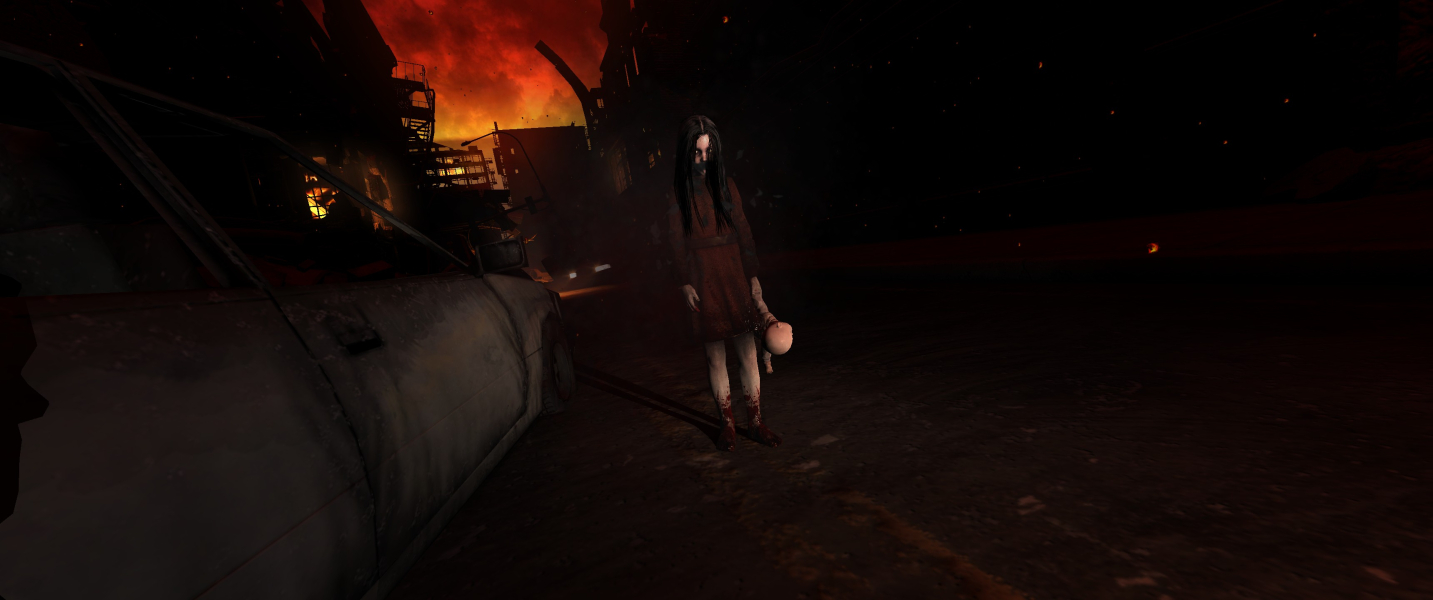
Eyefinity / Surround Cutscene

FMV Cutscenes
4:3 FMV Cutscene

16:10 FMV Cutscene

16:9 FMV Cutscene

21:9 FMV Cutscene
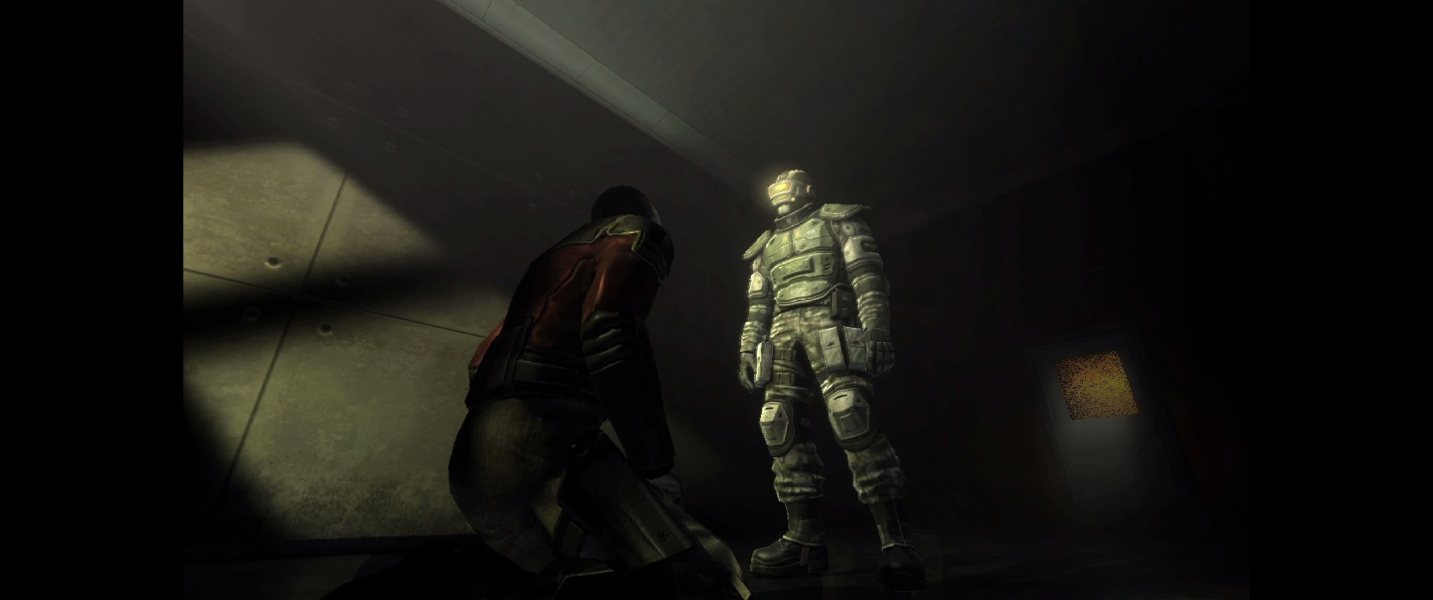
Eyefinity / Surround FMV Cutscene

Menu Screenshots
4:3 Menu
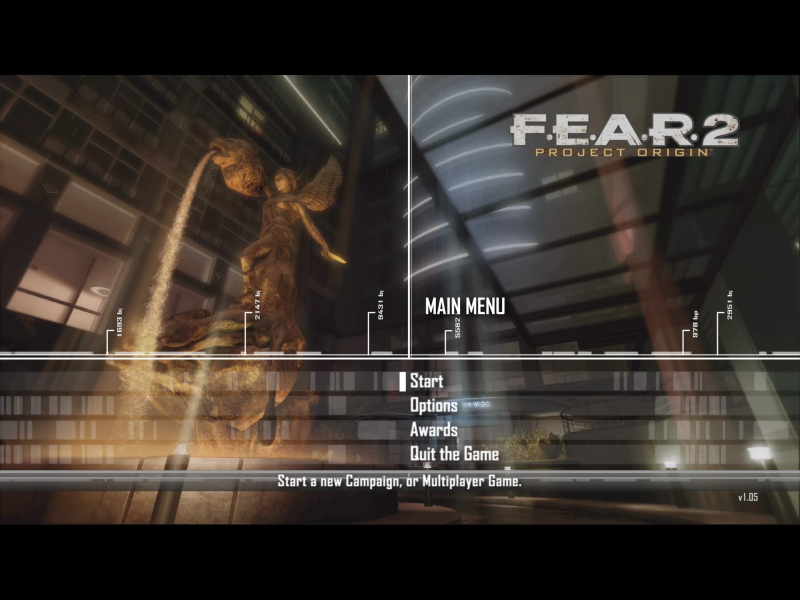
16:10 Menu

16:9 Menu
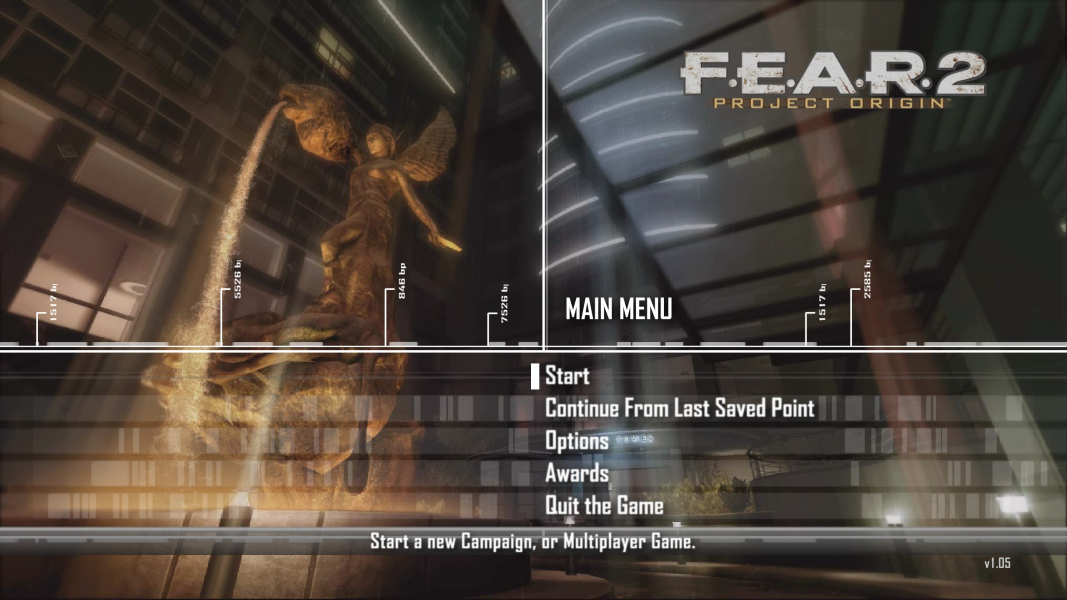
21:9 Menu

Eyefinity / Surround Menu

4K UHD Screenshots
4K Gameplay Screenshot

4K In-Game Cutscene
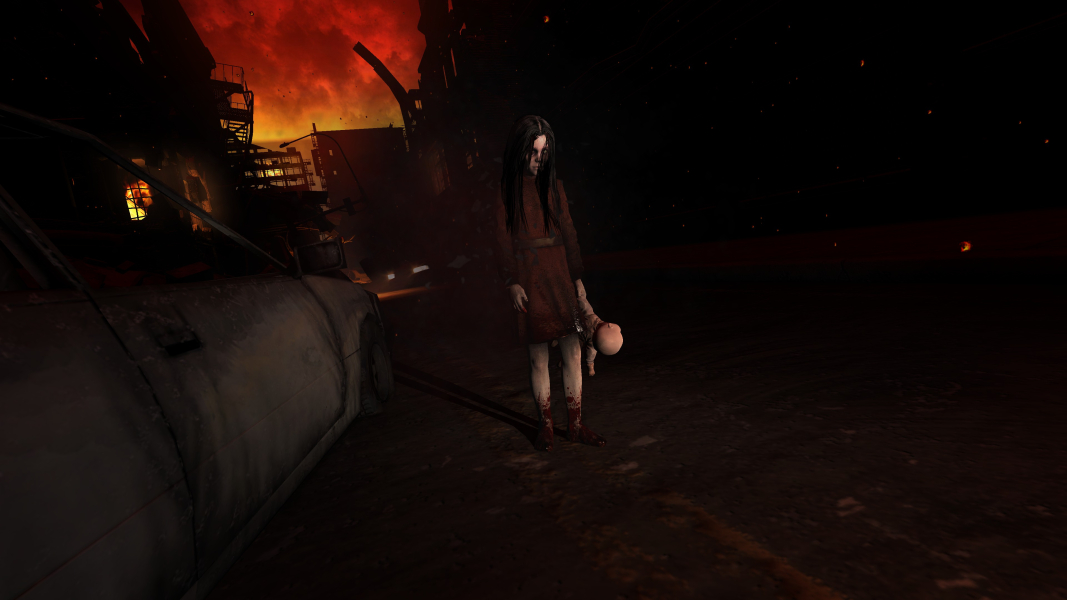
4K FMV Cutscene
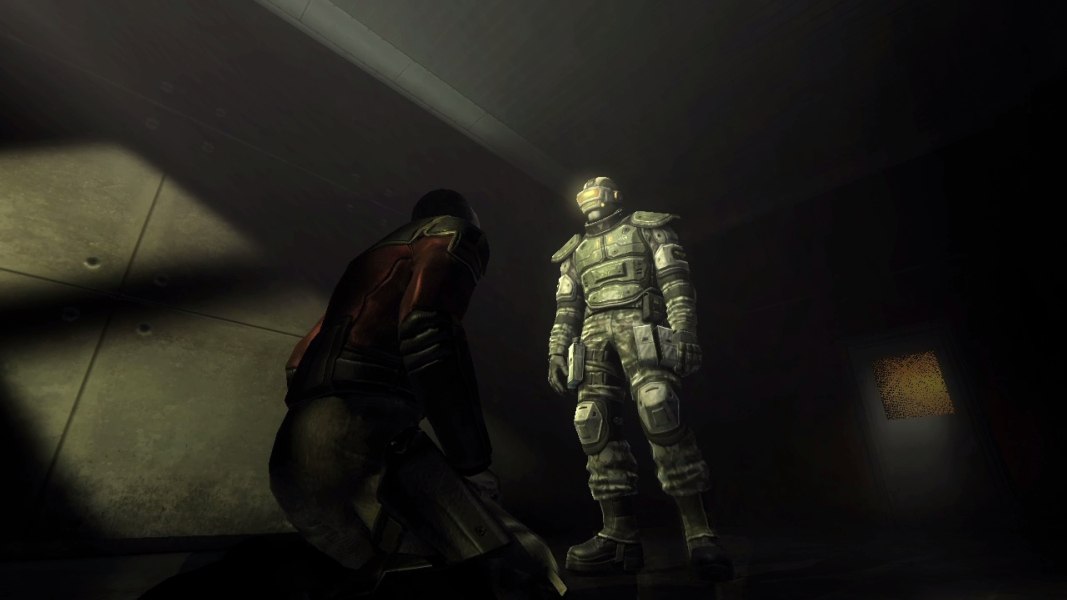
4K Menu Screenshot
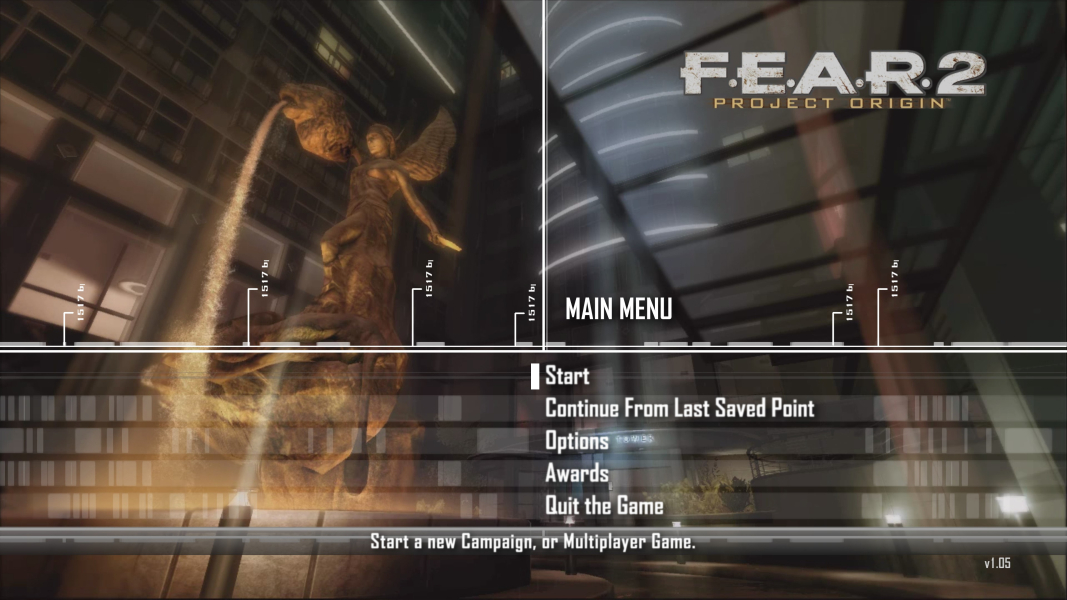
Additional Screenshots
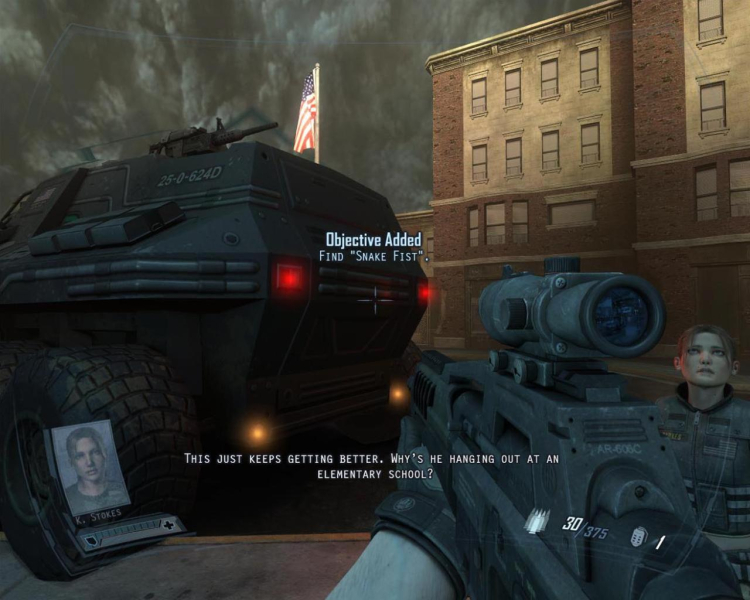
5:4 Widescreen Off selected
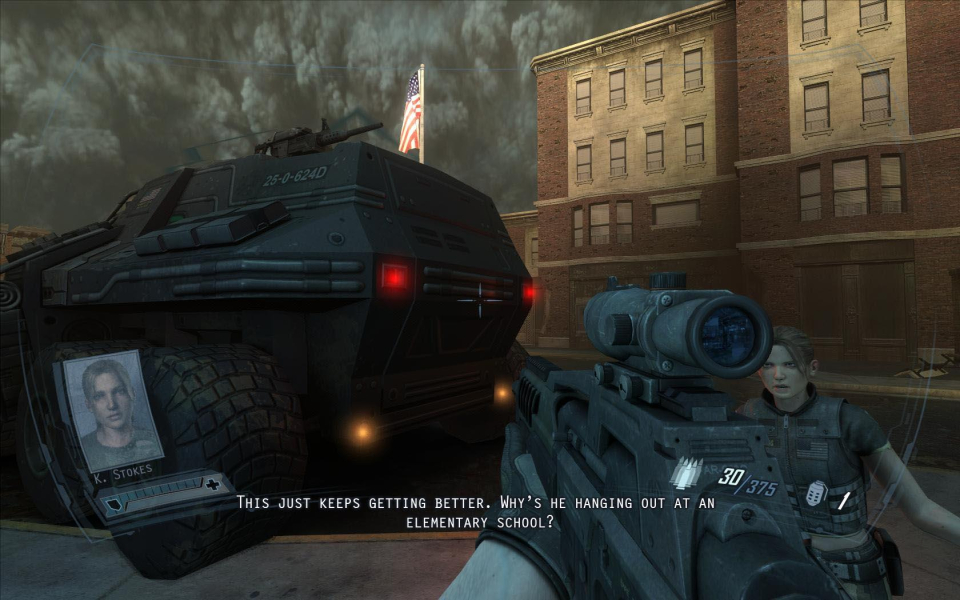
16:9 Widescreen Off selected
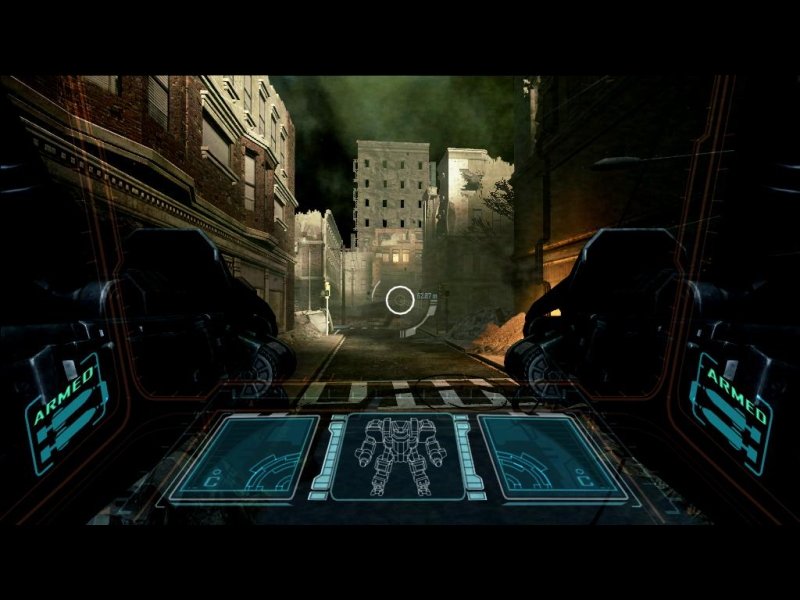
4:3 HUD
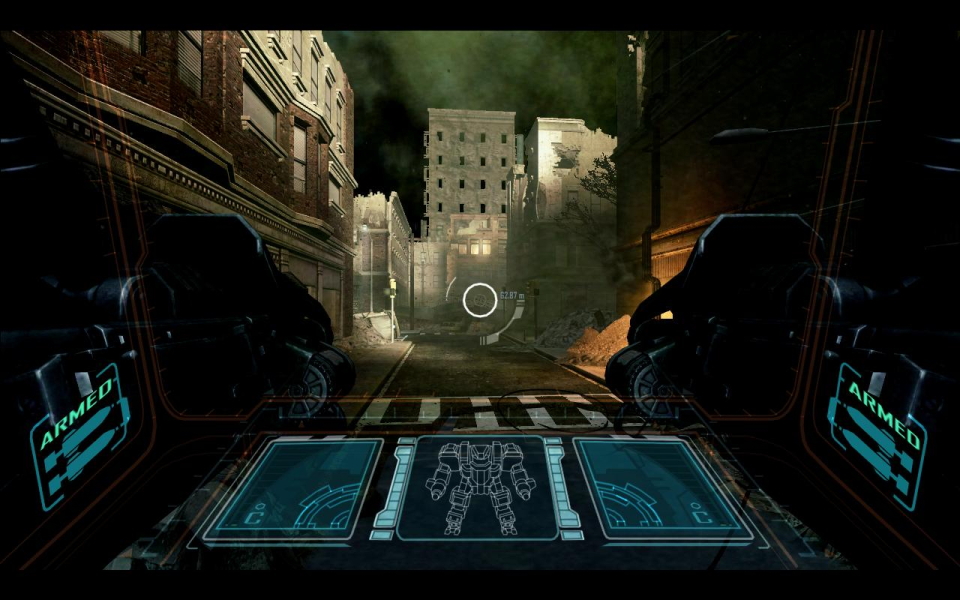
16:10 HUD
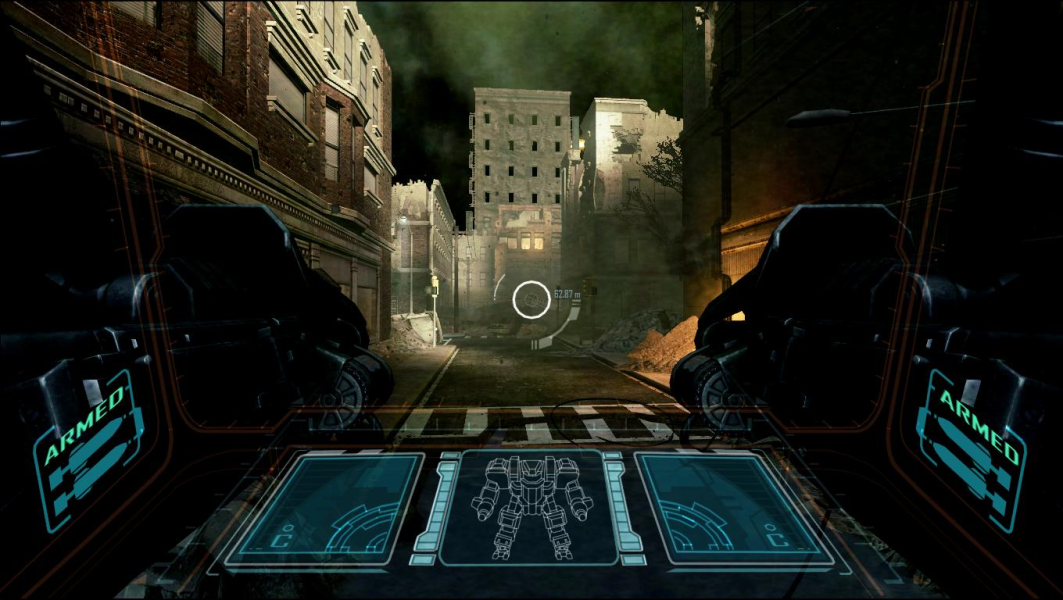
16:9 HUD

3x1 HUD

3x1, Widescreen Off selected
Resolutions & Configurations
15:9 Resolutions:1280x768
4K UHD Resolutions:3840x2160
Multi-Monitor Types:Nvidia Surround
Multi-Monitor Layouts:3x1-L


