

Far Cry New Dawn is a first-person shooter developed by Ubisoft Montreal and published by Ubisoft. The game is a spin-off of the Far Cry series and a narrative sequel to Far Cry 5.
Source - Wikipedia
Support Summary
Game Information
Screenshots Comparison
Solutions & Issues
Native Widescreen support. Vert+ behaviour for aspect ratios below 16:9.
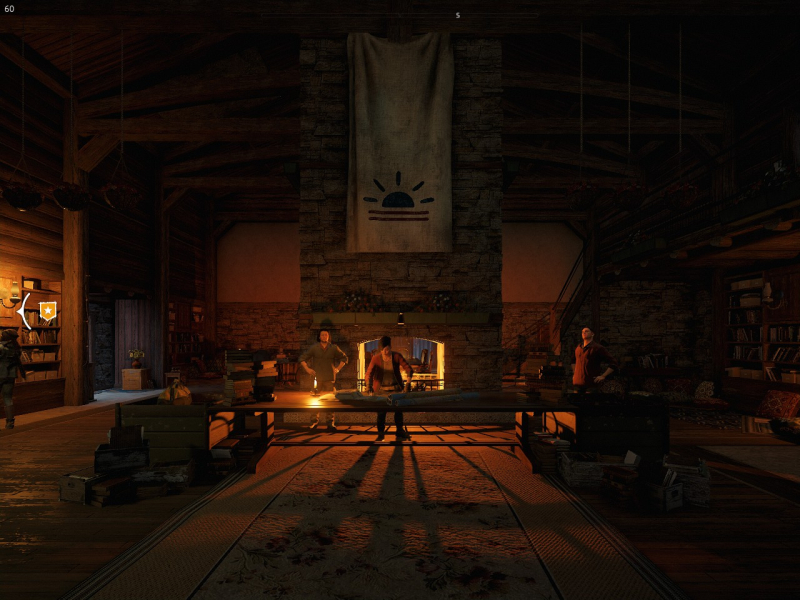
Native Multi-monitor support. However, the in-game FoV slider is locked when using multi-monitor, and the FoV defaults to a nauseating 60.
To unlock the FoV slider for multi-monitor:
- Download: FCND_Unlock_FOV_1_04.7z files available from the PC Gaming Wiki Community Files (search there)
- Copy Unlock_FOV.exe to the game's \bin folder
default paths:
C:\Program Files (x86)\Steam\steamapps\common\Far Cry New Dawn\bin for Steam
or
C:\Program Files (x86)\Ubisoft\Ubisoft Game Launcher\games\Far Cry New Dawn\bin for Uplay
- Run Unlock_FOV.exe and apply patch to FC_m64.dll
- Run game and setup desired FOV in the Advanced options of the Video menu (I recommend 90)
Game updates may require running patch again.
If future game updates require an updated FoV patch, check in the New Dawn multi-monitor FoV thread: http://www.wsgf.org/forums/viewtopic.php?p=175232#p175232
Native 4K support.
Gameplay Screenshots


Menu Screenshots