

Faces of War is a 2006 world war 2 real time strategy game for the PC
Support Summary
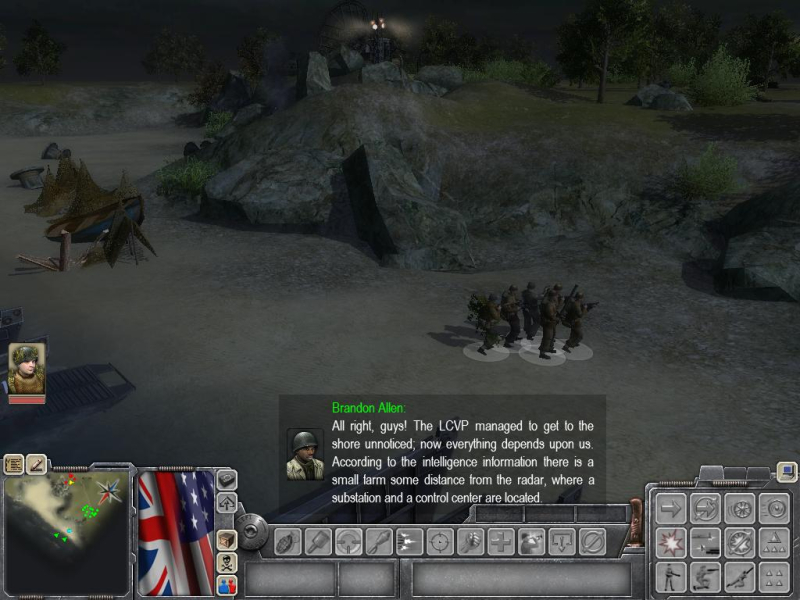
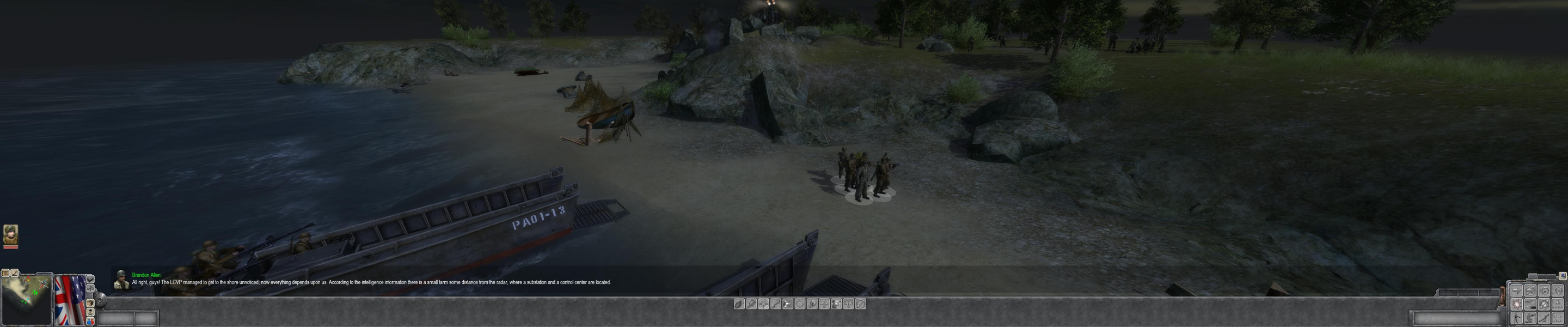
Screenshots Comparison
Solutions & Issues
The "prequel" to the recently released Men of War supports all resolutions natively but is Vert- out of the box (in TH as well). Luckily some easy editing is all you need for Hor+ gameplay.
Owners of the full game please consider writing a Detailed Report I'll gladly assist, just PM me.
Detailed method based on chichi007's findings
Open the game's install folder, should be C:\Program Files\Ubisoft\Faces Of War\
Open resource.pak in WinRAR, navigate to resource.pak\set\registry\
Back in Windows Explorer, open \resource\
Create a new "set" folder. Open it.
Create a new "registry" folder. Open it.
You should now be in C:\Program Files (x86)\Ubisoft\Faces Of War Demo\resource\set\registry
Extract resource.pak\set\registry\camera.reg to C:\Program Files (x86)\Ubisoft\Faces Of War Demo\resource\set\registry
Edit the first fov value (65) in C:\Program Files (x86)\Ubisoft\Faces Of War Demo\resource\set\registry\camera.reg :
Code:
{camera
{perspective
{viewAngle 23}
{distance 1600}
{fov 65}
Suggested values (rounded FOVCalc results) :
For 16:10
{fov 75}
For 16:9
{fov 81}
For TripleHead (15:4)
{fov 122}
For Wide TripleHead (4.8:1)
{fov 130} (132 might be better actually)
Sidenotes :
The 'perspective' fov is all you need to edit for Hor+ gameplay.
The 'parallel' fov value is 0, so obviously nothing to edit here.
I couldn't find what the 'preview fov' value is for, maybe a feature not present in the demo ?
Result :
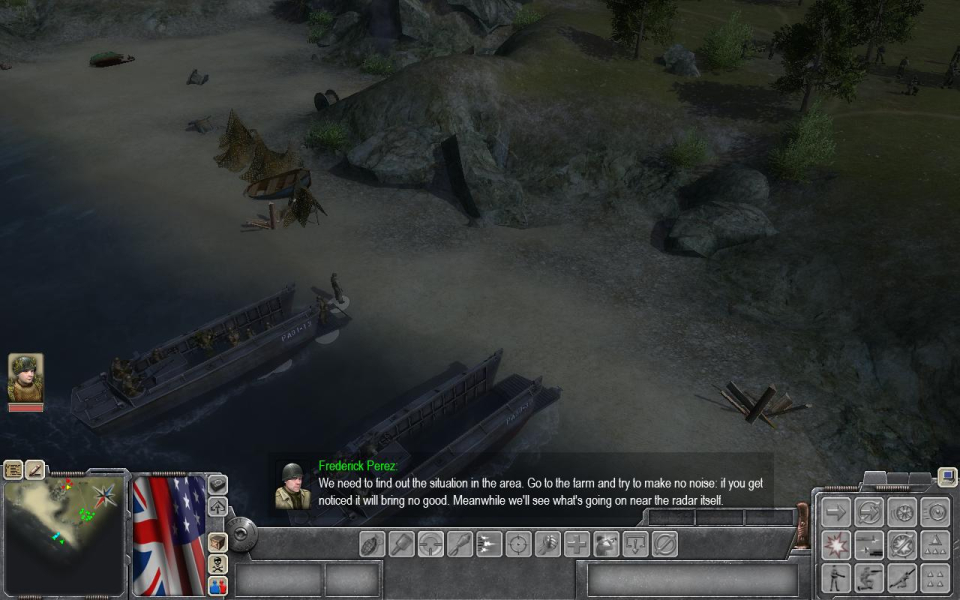
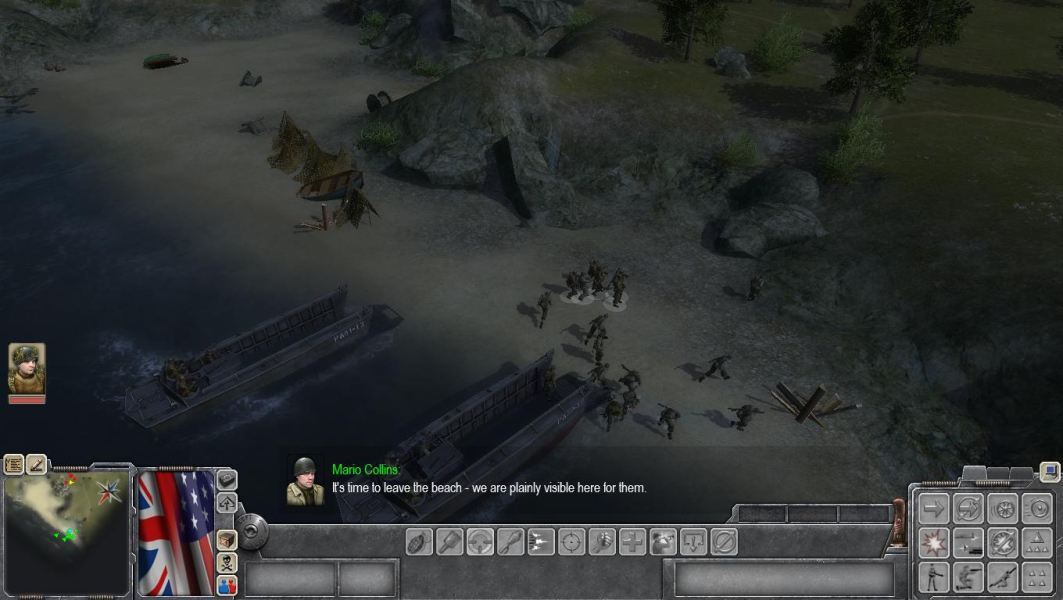
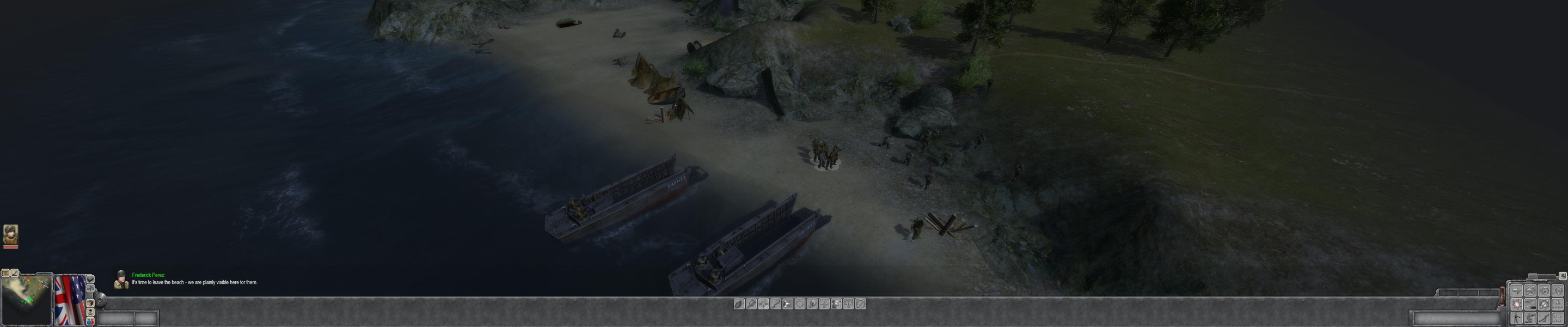
Hor+gameplay, HUD spans but all elements scale correctly. Real-time rendered cut scenes are still Vert- though.
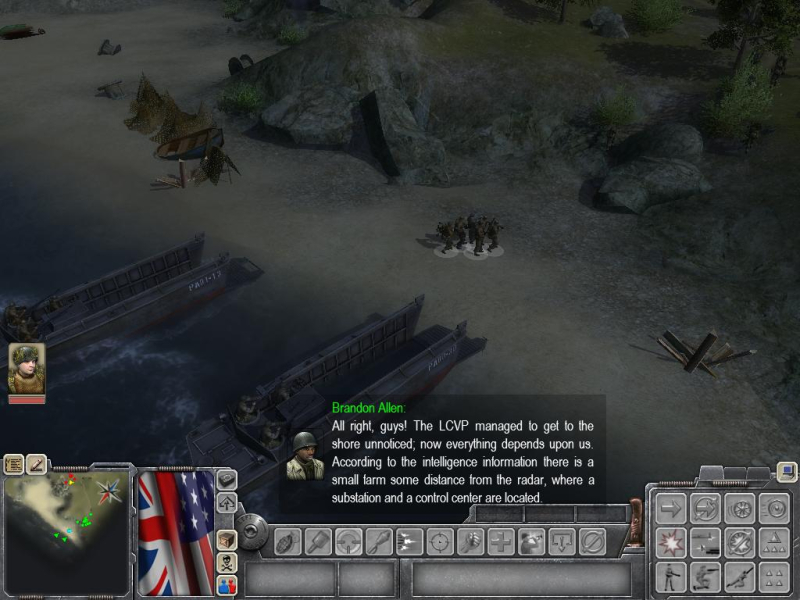
Gameplay Screenshots


Additional Screenshots