

RPG from the mind of Peter Molyneux. In Fable, the players' every action determines their character's skills, appearances and moralities. Life stories are created from childhood through adulthood and on to old age. Players may choose the paths of righteousness or dedicate their characters' lives to evil; observing as they transform into reflections of their actions and decisions. As players' characters develop, the world reacts to them and their actions. People comment on their successes, failures, appearances and behaviors. Their many opinions are expressed through applause, mockery, trepidation, panic and even flirtation. With each person characters aid and every creature they slay, the world is changed forever. In Fable, gamers decide: "Who will I be?
Support Summary
Widescreen | Ultra/Super‑Wide | Multi-Monitor | 4K Ultra HD | |
Support | ||||
Method | ||||
HUD | ||||
Cutscenes | ||||
FMVs |
Game Information
Screenshots Comparison
Solutions & Issues
Native.
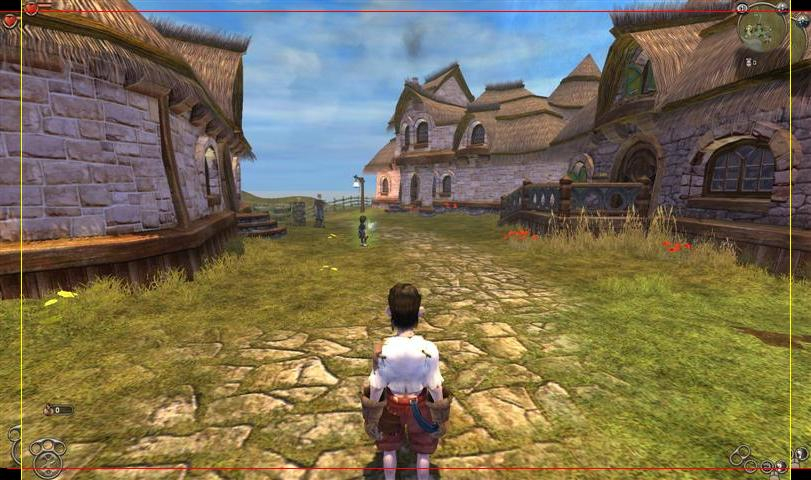
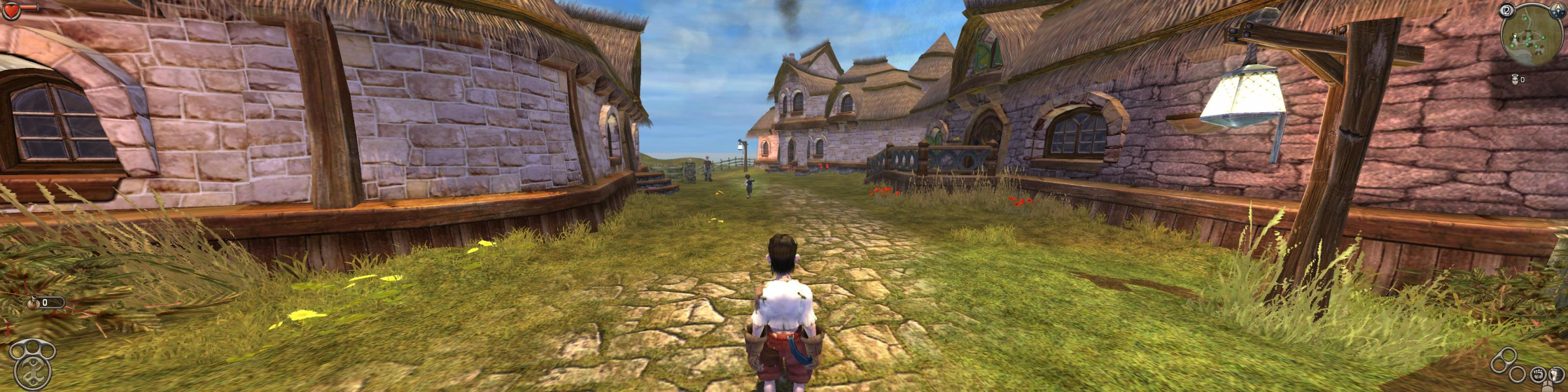
I did a comparison of the pictures. Some horizontal FOV is gained, but some vertical FOV is lost. In these comparison pictures, I've put the 4:3 picture on top of the widescreen one so that they share the same common area, and another one where I put a 16:10 picture on top of the 16:10 one. Details to the left and right of the yellow lines represent FOV gained, and details above and below the red lines represent FOV lost. See additional images. It appears that more FOV is gained than lost, so this is graded as if it were hor + (certified).
2022 Update: In looking at the screenshots, it appears to be a mixed bag of gain vs. loss without using the Fable Explorer FOV tool. Adjusting this to having a "Blemish" (Minor Issues, Grade B). Suggestion is to use the tool to get the proper FOV.
This is what I did after downloading Fable Explorer (PCGW Download Link):
1.) Extracted the program into the Fable installation folder.
2.) Opened up Fable Explorer and under the CAMERA_MODE subset, selected "CAMERA_PC_NORMAL" and increased the FOV from 90.
3.) "Appl[ied] Changes" and then saved the mod and launched the game from the toolbar menu.
Fable Explorer has an alternate DirectX9 dll, so it didn't get along too well with SoftTH. Without SoftTH it worked well, and when SoftTH was initialized after Fable Explorer everything worked fine.
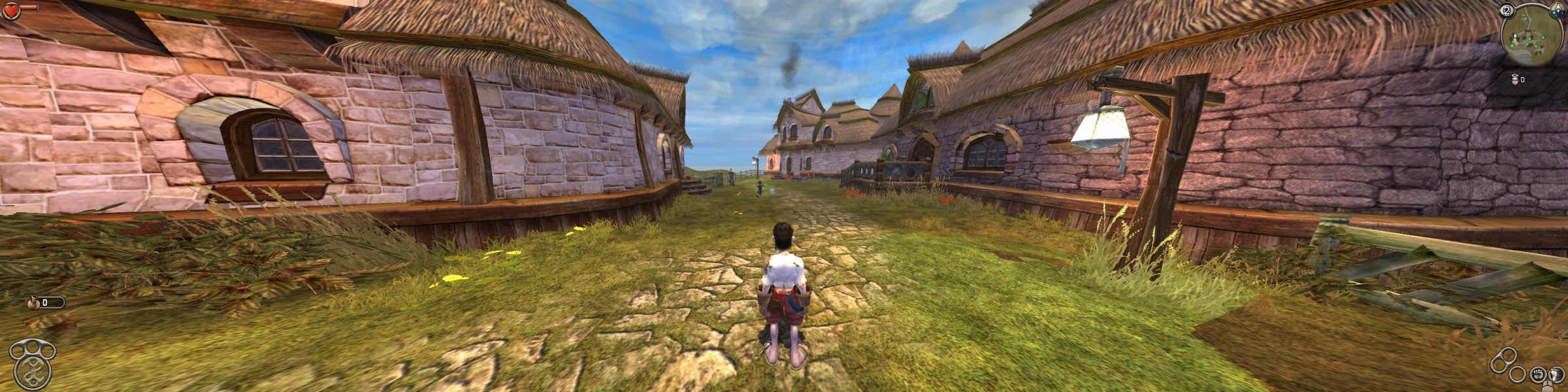
I tried out four FOVs for the main camera. 110, 120, 130, and 150. 150 was the result I got from an online FOV calculator for a 4.8 AR, 110 was a conservative estimate, 130 a good midpoint, and 120 seemed to be the best. Looking at the shots now compared to the original 4:3, I think that somewhere between 110-115 would probably be correct. Refer to additional screenshots.
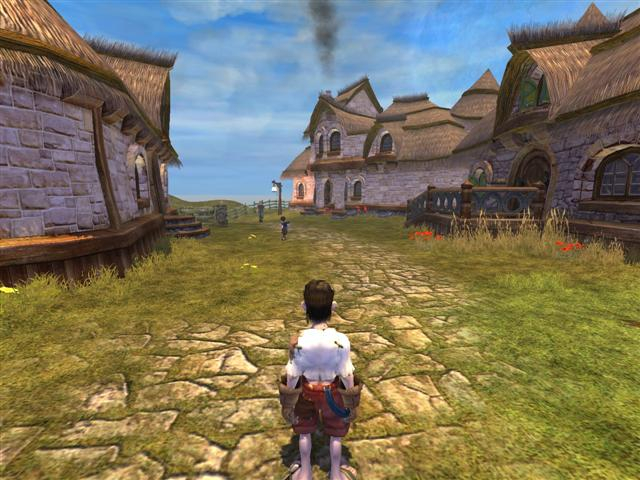
Gameplay Screenshots


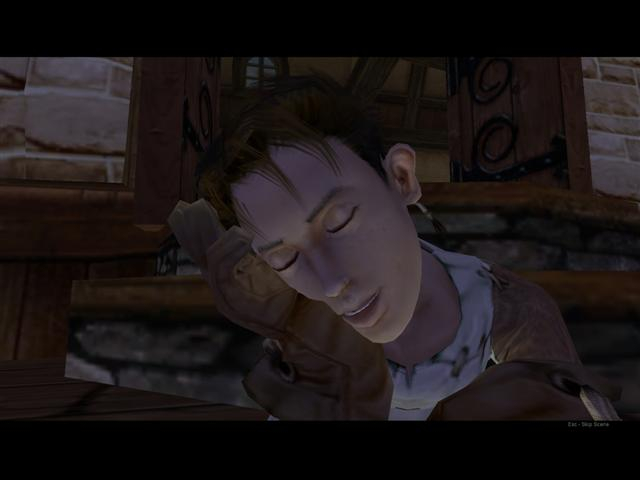
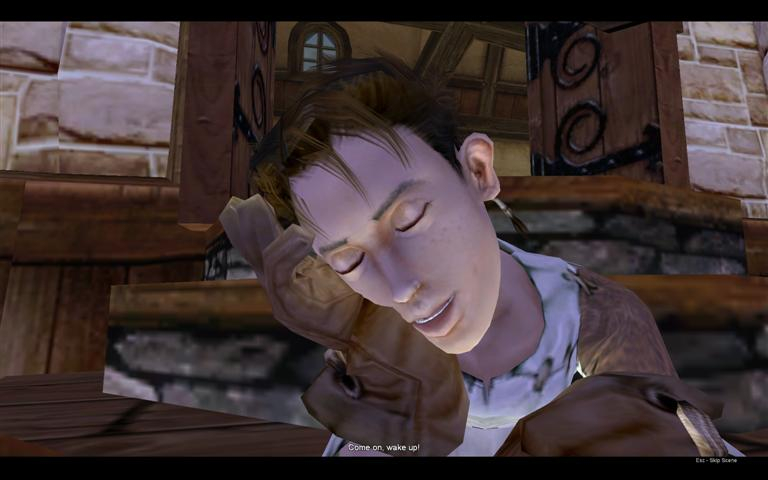
In-Game (Rendered) Cutscenes

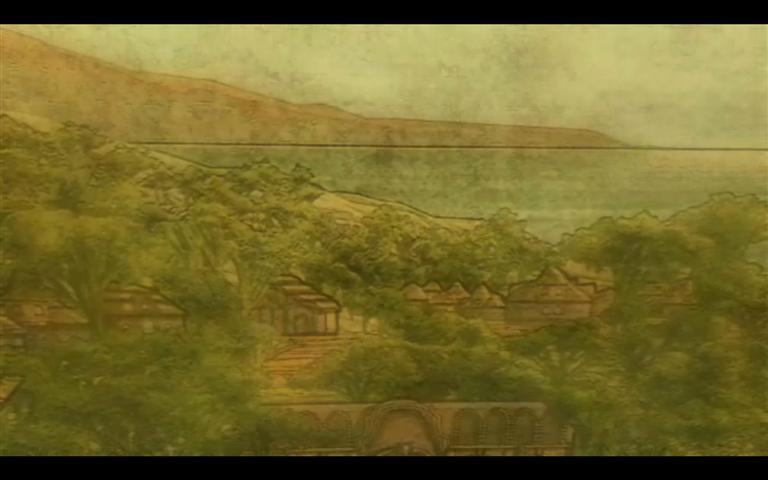
FMV Cutscenes

Additional Screenshots