




The EverQuest II detailed report needs to be updated at some point
Support Summary
Screenshots Comparison
Solutions & Issues
Widescreen Solution & Issues:
EverQuest II supports widescreen resolutions natively, offering you any resolution supported by your monitor. Custom resolutions can be achieved by editing eq2_recent.ini.
Code:
cl_screenwidth 1680
cl_screenheight 1050
Unfortunately, like it's predecessor, EQ2 is vert- with a fixed fov.
The UI has a fixed resolution and does not scale or stretch (edit: may not be true with the current game 2012; there are options for hotbars/windows). Many custom UIs exist at www.eq2interface.com that do scale with button size options, expanding hotbars, fully movable windows, etc
Gameplay Screenshots
4:3 Screenshot

16:10 Screenshot
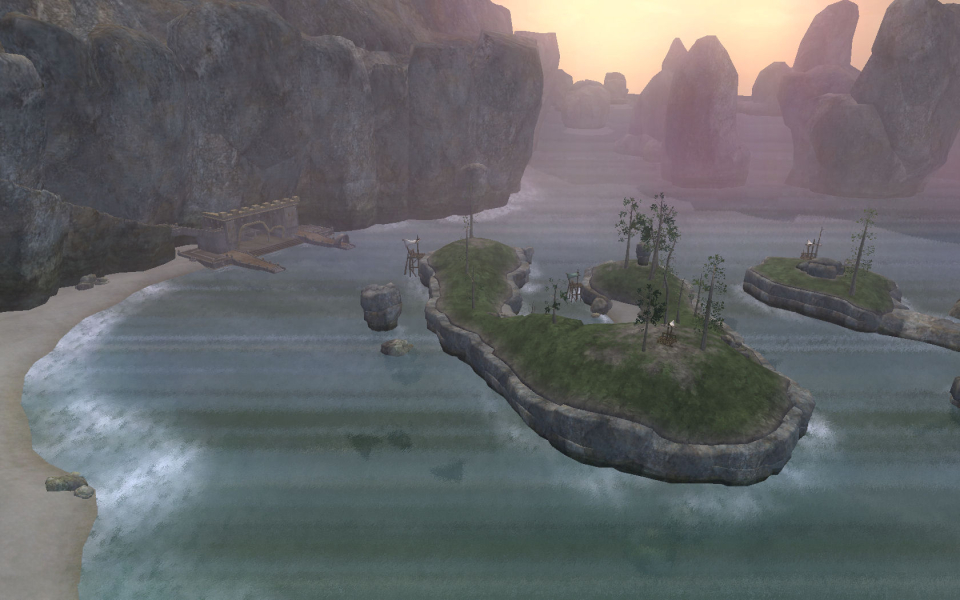
16:9 Screenshot
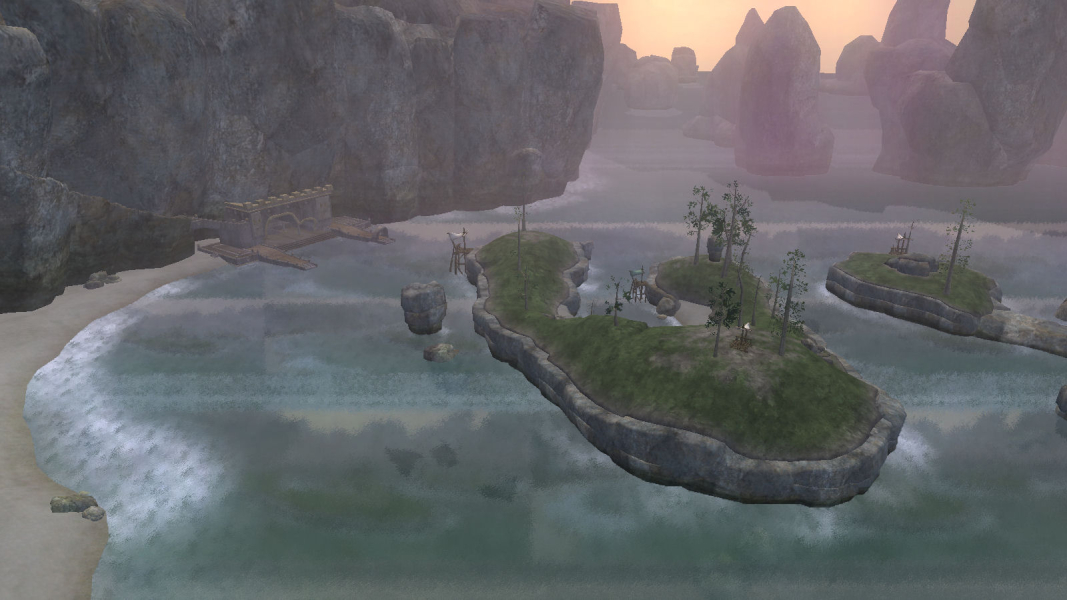
21:9 Screenshot

32:9 Screenshot

Eyefinity / Surround Screenshot


