





A multi-layered adventure game both celebrating and freed from the great dependency of the genre: the inventory.
Bring machinery and memories back to life, unravel the mysteries of the deserted town of Pinwheel, and reconnect a demented mind with its history. Return to visited areas instantly and teleport to your shack at any time to ponder over clues or get an item from your shelves. And if solving riddles and fiddling with levers is not your thing, you may even skip any number of puzzles and still progress through to the story's end.
Support Summary
Game Information
Screenshots Comparison
Solutions & Issues
Native support. FOV is "Vert+" and can also be adjusted via a slider under Advanced Options (default HFOV: 90, range: 60-120).
UI blemishes in aspects narrower than 16:9:
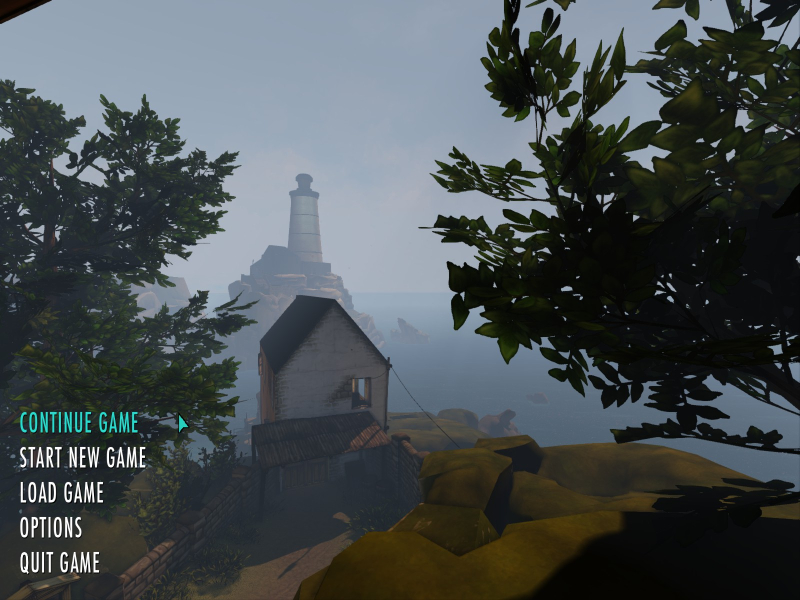
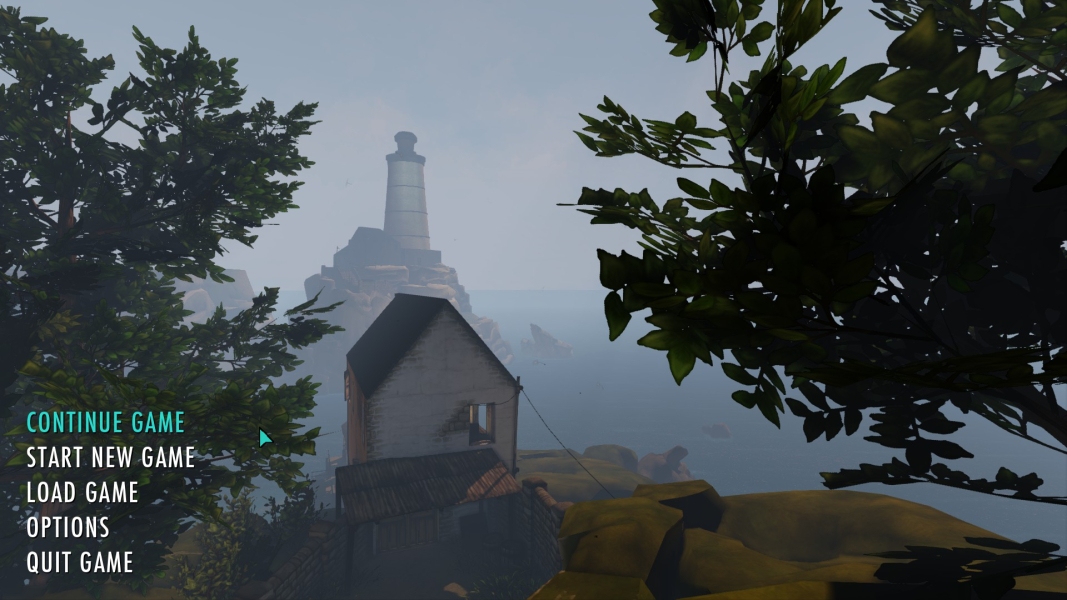
- Squished mouse cursor and menu items. The crosshair scales correctly.
- Squished readable documents. Subtitles and contextual help text scale correctly.
Native support through the FOV slider: under Advanced Options, set FOV Amount to ~106.
Perfectionists may want to use the .ini edit detailed below with either one of these values:
DefaultFOV=106.26 for 64:27 i.e 2560x1080
DefaultFOV=106.69 for 43:18 i.e 3440x1440
UI blemishes:
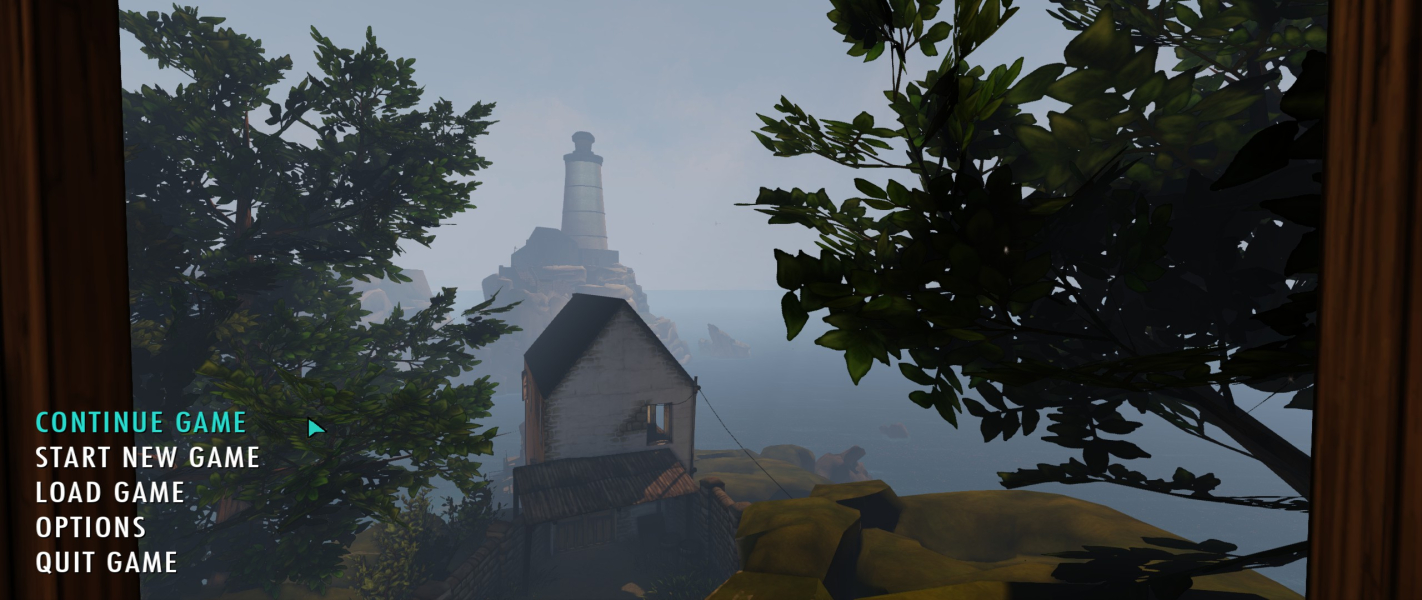
- Mouse cursor and menu items stretch. The crosshair scales correctly.
- Readable documents stretch. Subtitles and contextual help text scale correctly.
An .ini edit is required to bypass the FOV slider's upper limit.
Open UDKEtherSettings.ini found in the game's install folder, for example:C:\Program Files (x86)\Steam\steamapps\common\Ether One\UDKGame\Config\UDKEtherSettings.ini
Look for the line starting with:DefaultFOV=
Here are FOVCalculated values for a few basic Multi-Mon aspects:
DefaultFOV=90 for 16:9 equals...
DefaultFOV=129.27 for 15:4
DefaultFOV=139.35 for 48:10
DefaultFOV=143.13 for 48:9
UI and graphics blemishes:
- Mouse cursor and menu items stretch. The crosshair scales correctly.
- Readable documents stretch. Subtitles and contextual help text scale correctly.
- The zoom is a bit more powerful than it should be, with no advert consequences on the gameplay.
Gameplay Screenshots
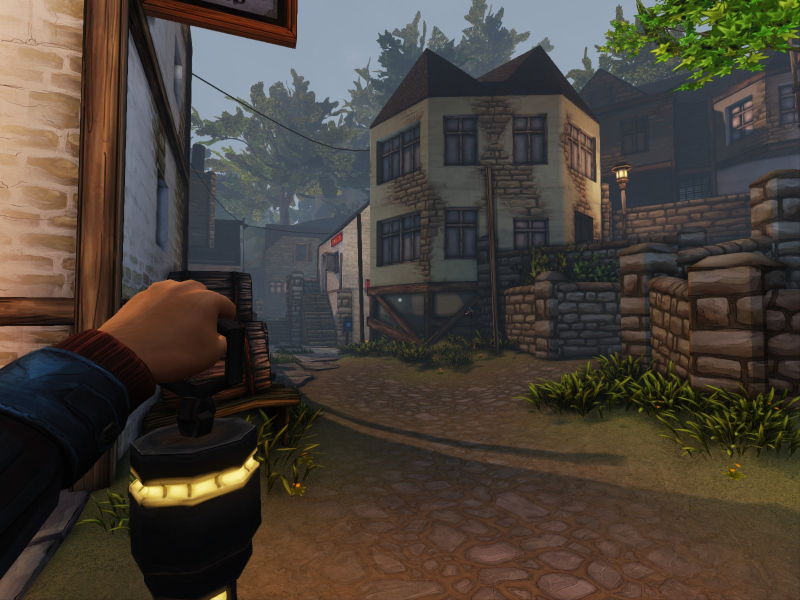

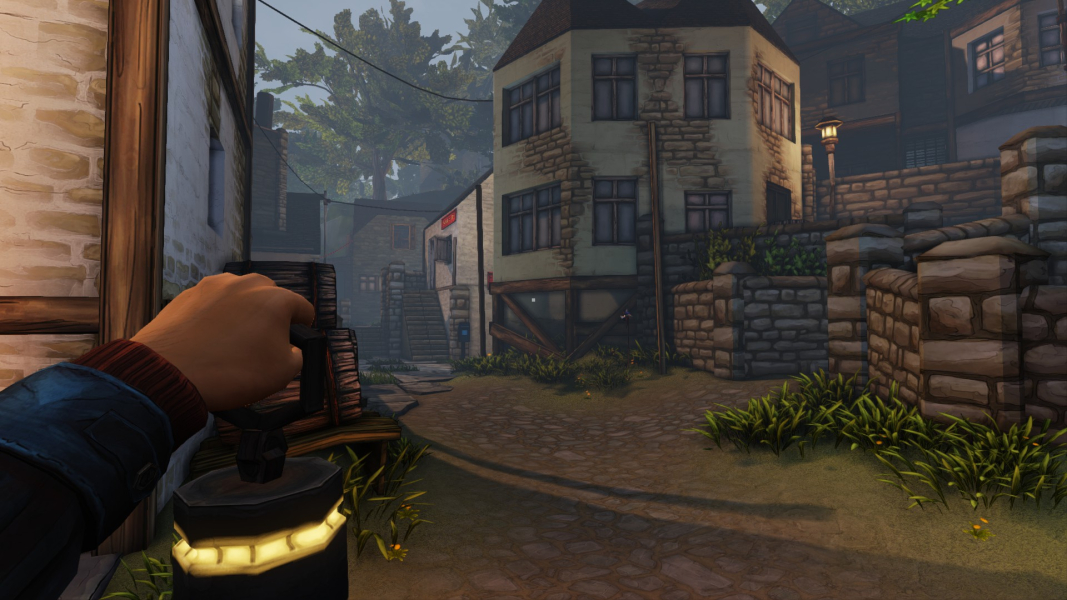
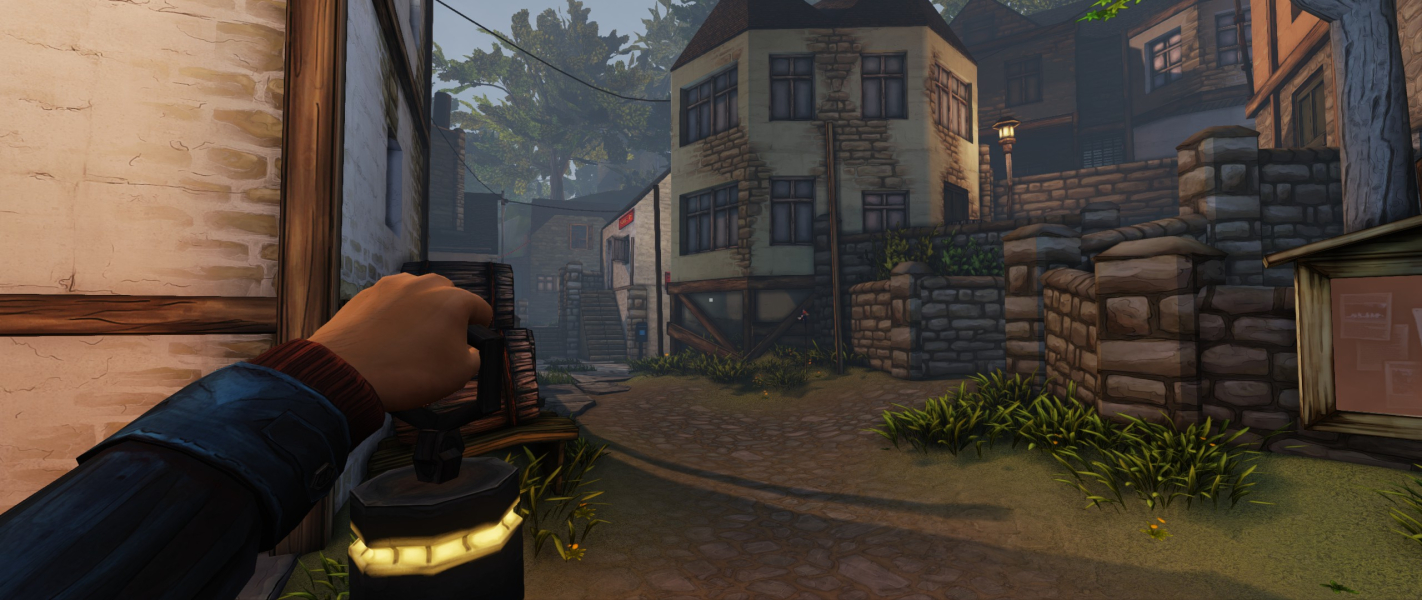


Menu Screenshots


Additional Screenshots


