

Space combat game in the style of the classic Wing Commander series.
Support Summary
Game Information
Screenshots Comparison
Solutions & Issues
All resolutions are detected in the launcher. Only 16:9 and 16:10 resolutions are shown by default (check the Show All Resolutions box in the launcher to see other resolutions).
Some parts of the HUD and UI vary in size between aspect ratios (while still having the correct proportions).
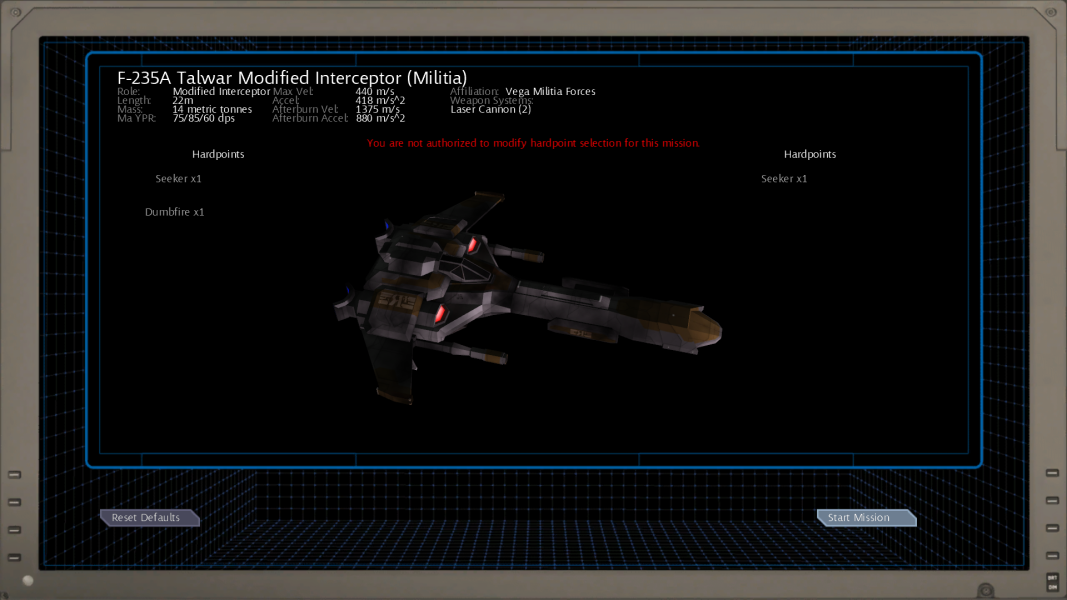
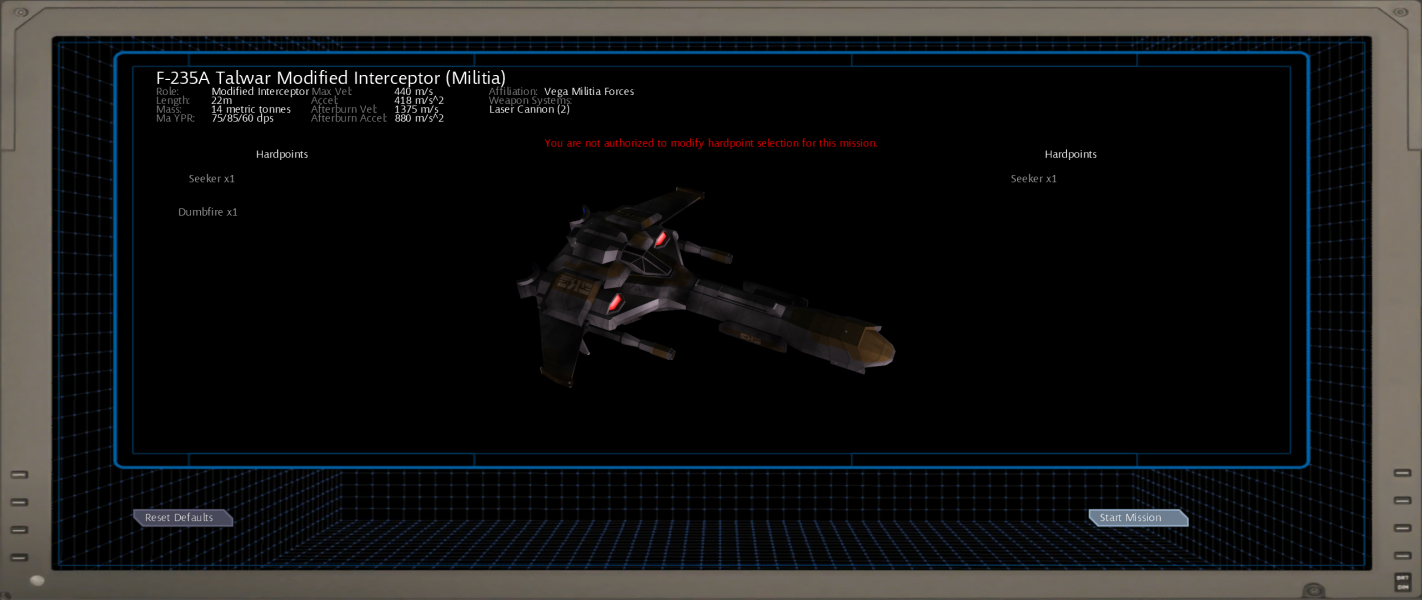
The computer screen background image for briefings/loadouts is very slightly stretched between aspect ratios.
Check the Show All Resolutions box in the launcher to see ultra-widescreen resolutions.
Works with the following flaws:
- The main menu background is Vert- with part of the image cut off.
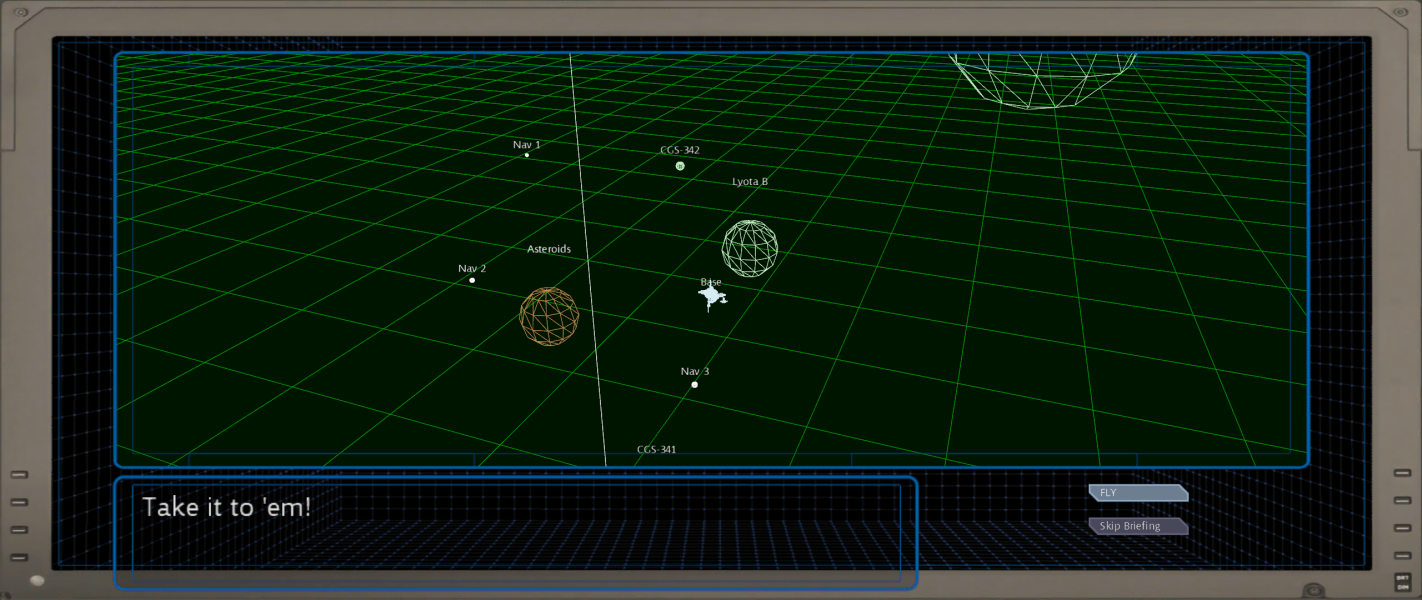
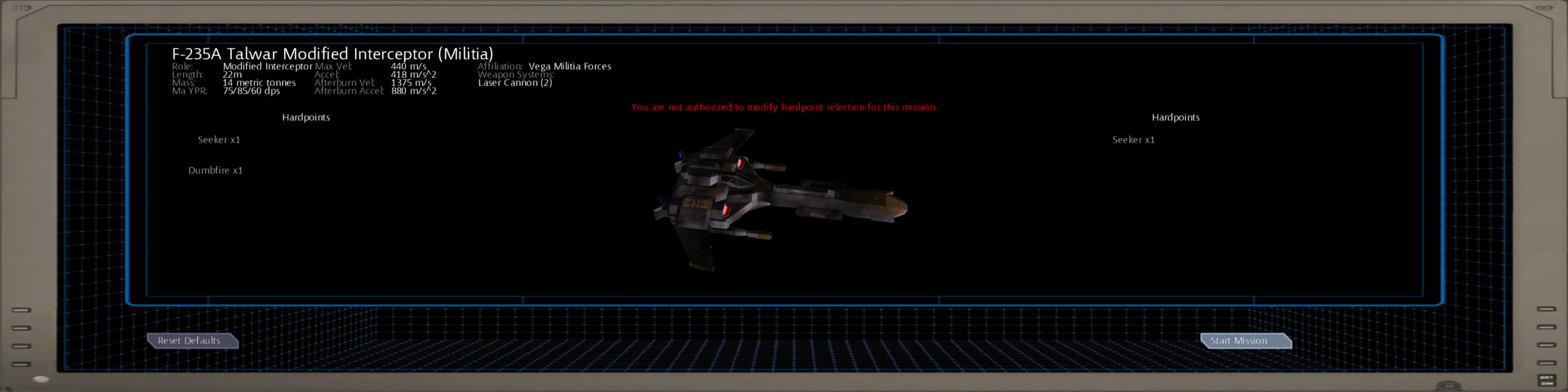
- The computer screen border and background for the briefing and ship loadout screens is stretched.
- The briefing text box moves outside the edges of the computer screen background image (all text is fully visible).
Check the Show All Resolutions box in the launcher to see multi-monitor resolutions. 4800x900 and 5760x1080 resolutions are listed but the game exits after starting. 3072x768 works.
The HUD is built into the cockpit so is centred appropriately for multi-monitor. Tutorial prompts are centred but other text boxes span the entire output. Chat/taunt messages during space combat are displayed near the ship that sent the message so may appear on the sides of the output.
Ultra-widescreen flaws apply along with some additional issues:
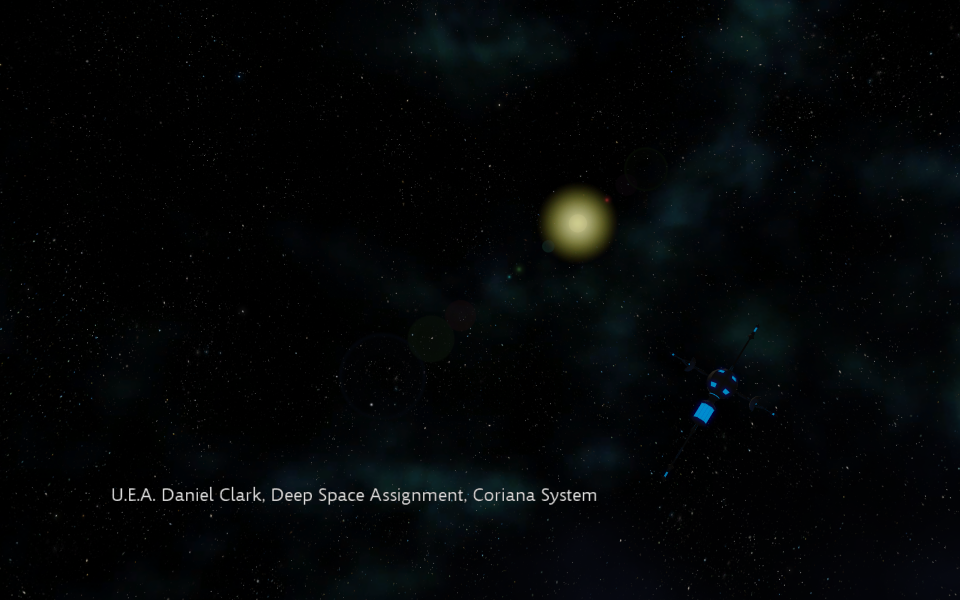
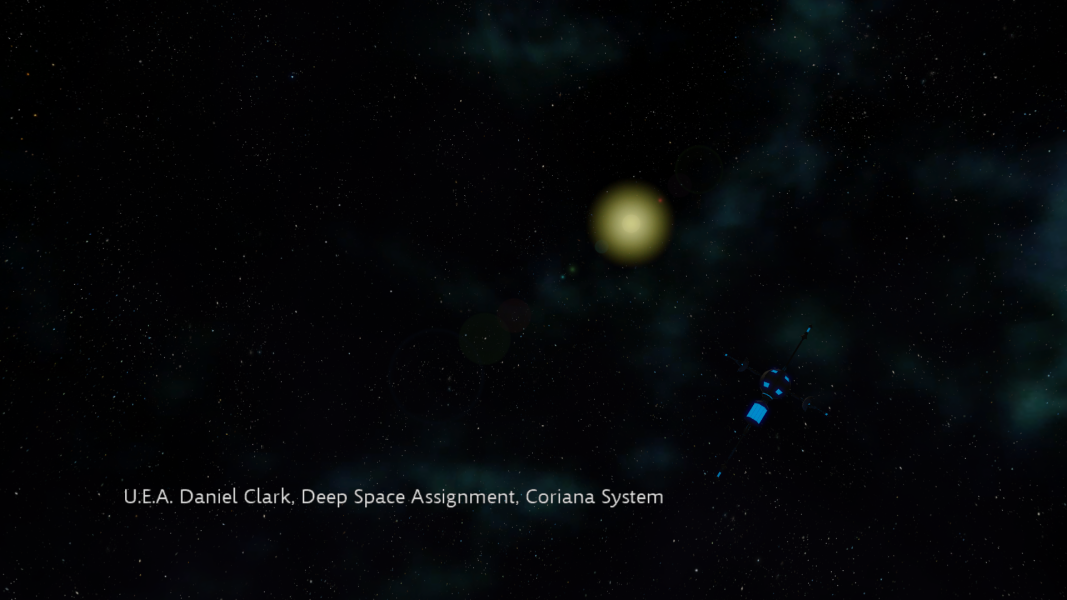
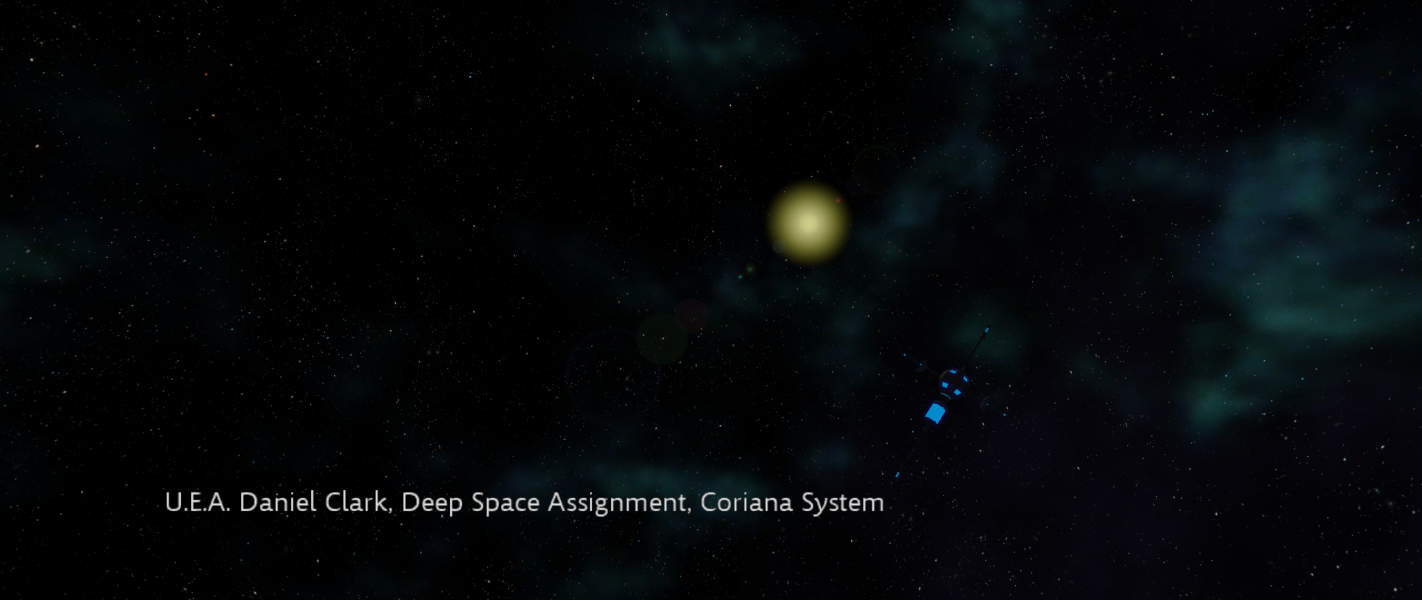
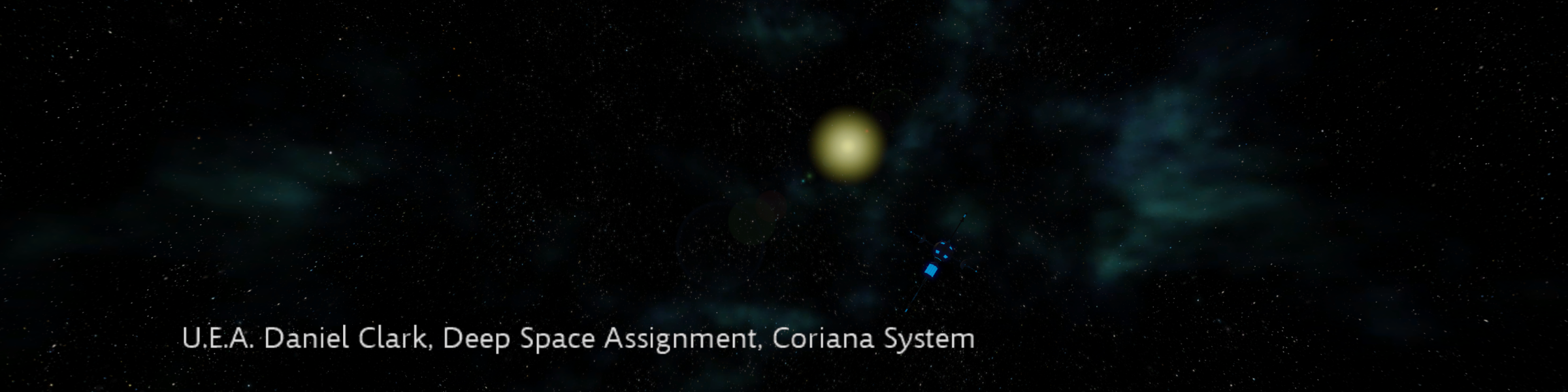
- Cutscene text captions are very large (but still fit on the screen).
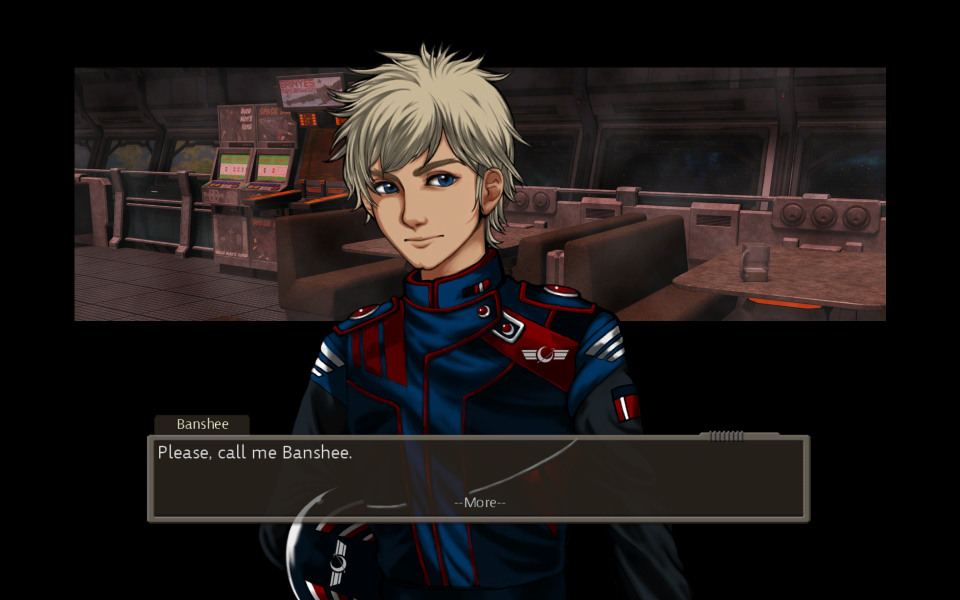
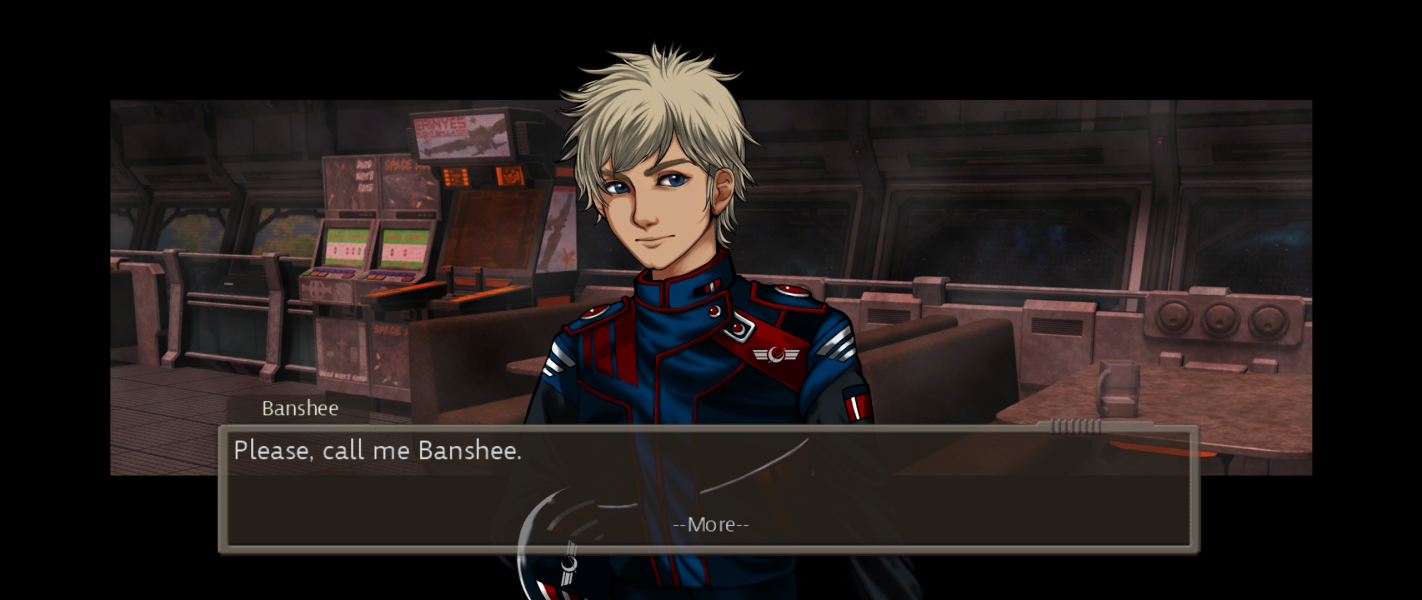
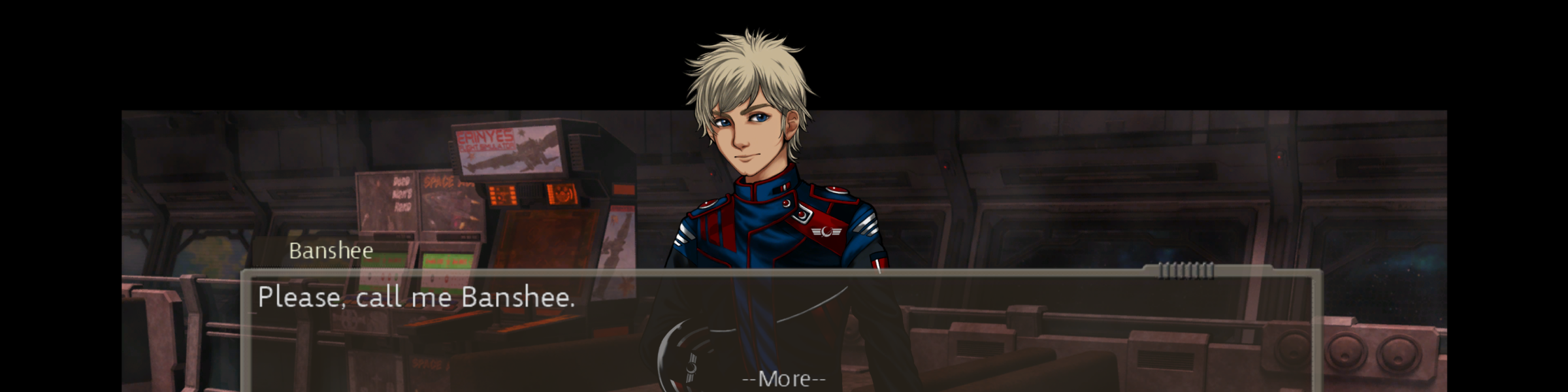
- Conversation backgrounds are partially cropped at the bottom.
- Text boxes for conversations and briefings are cropped at the bottom (text is still within the visible area).
- The second line of briefing text is slightly cropped (see additional screenshots).
Gameplay Screenshots

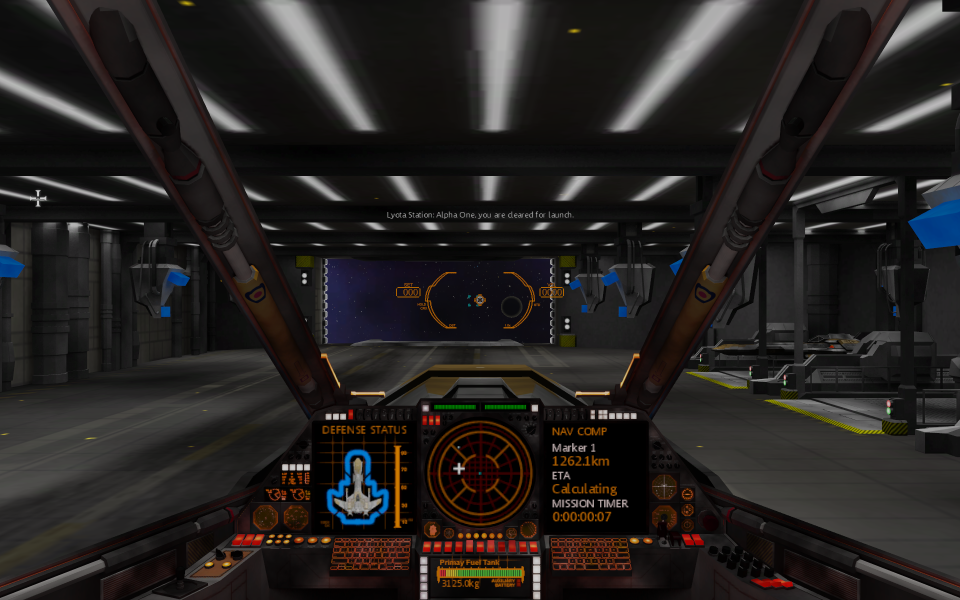
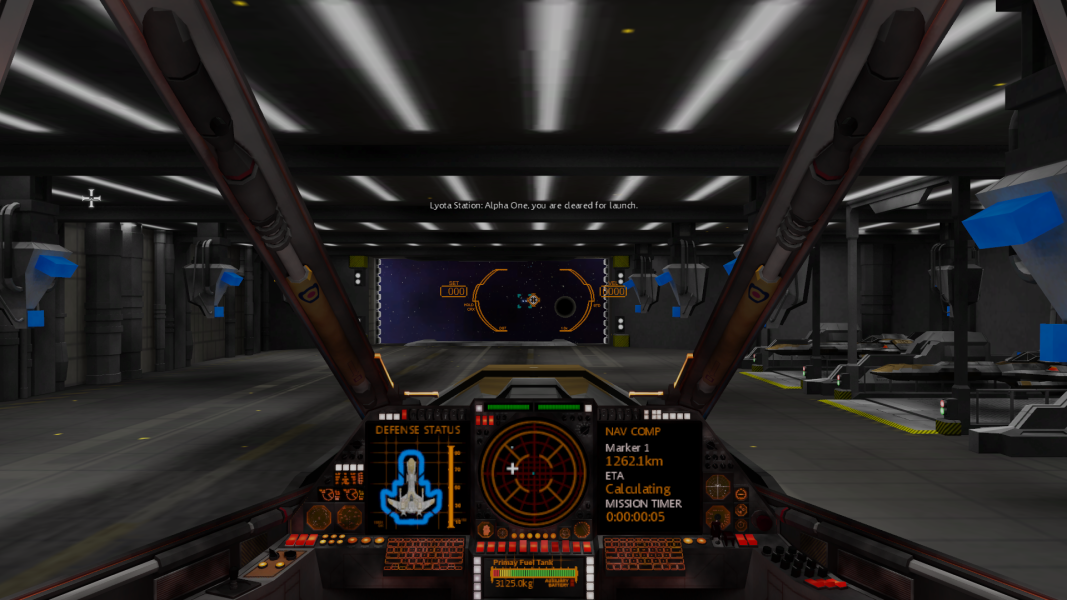
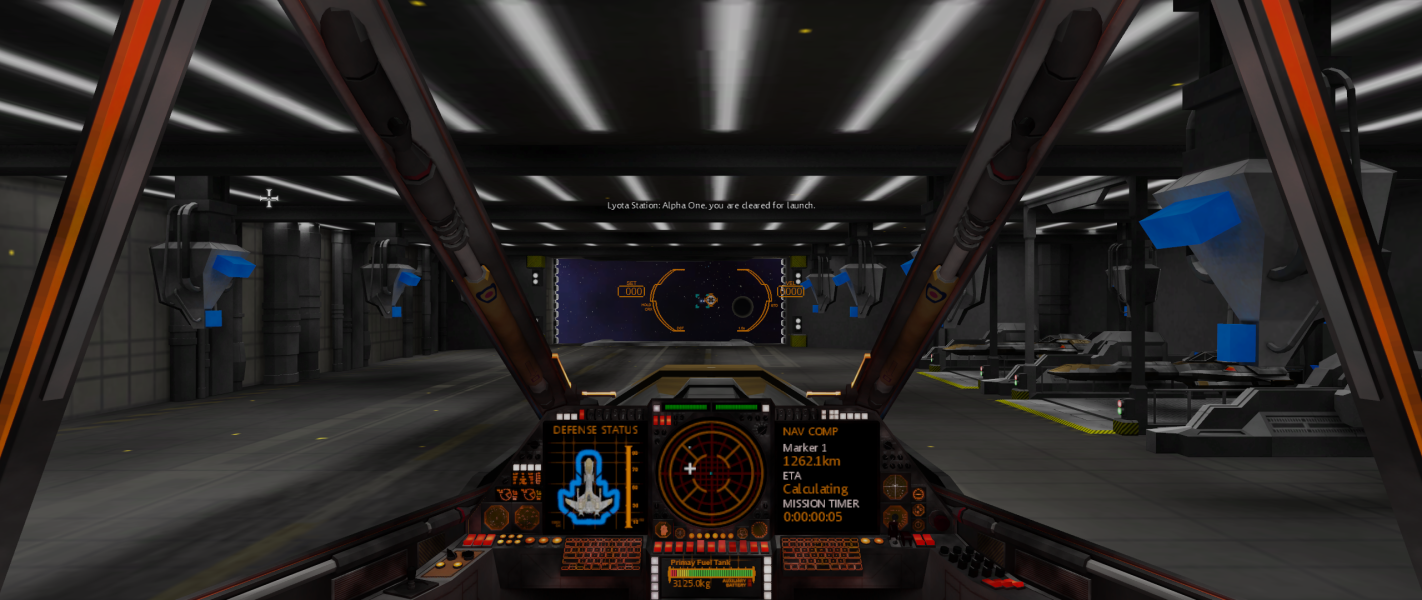

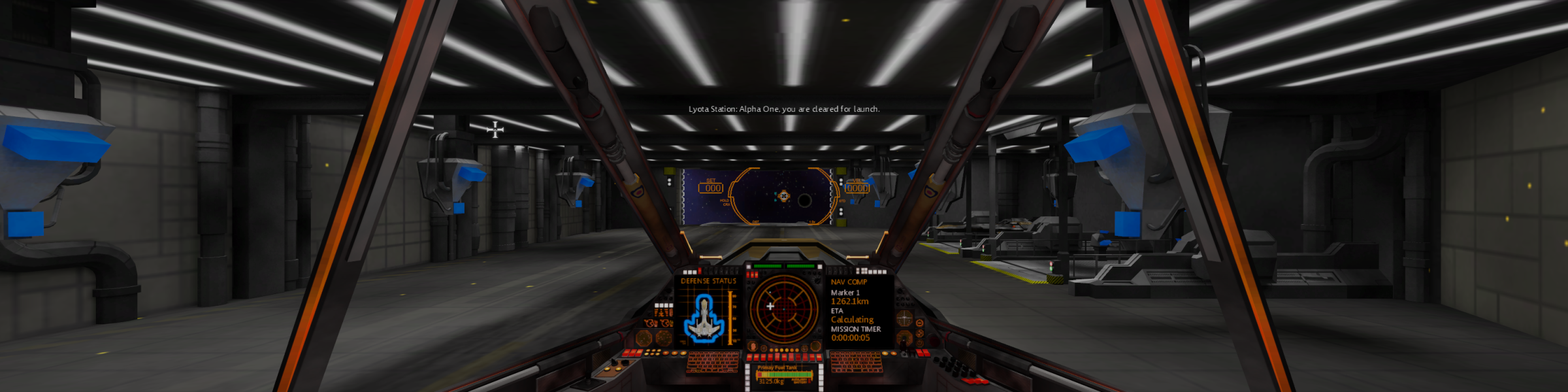
In-Game (Rendered) Cutscenes

Menu Screenshots
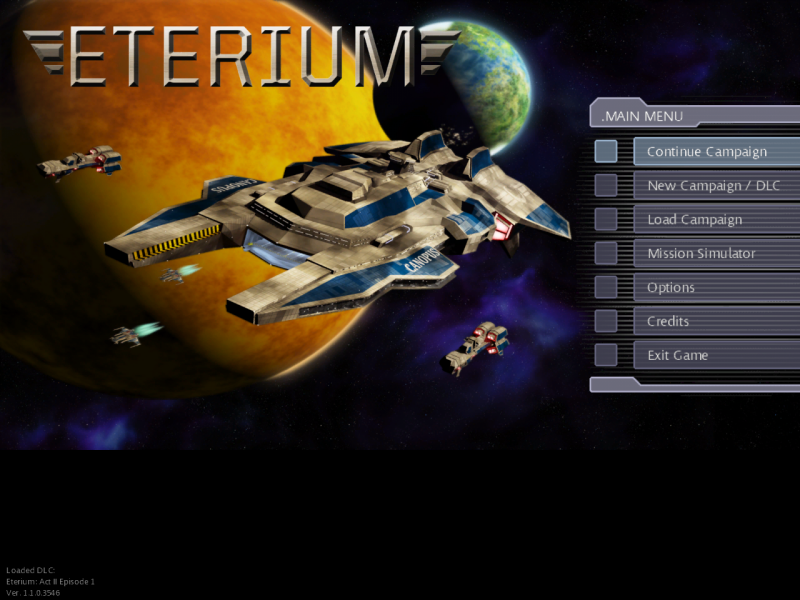
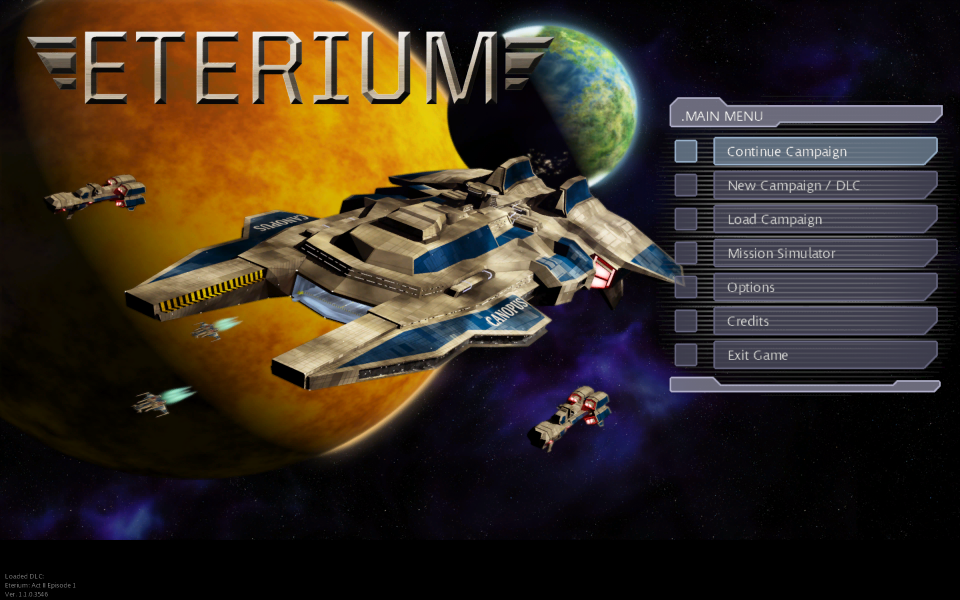
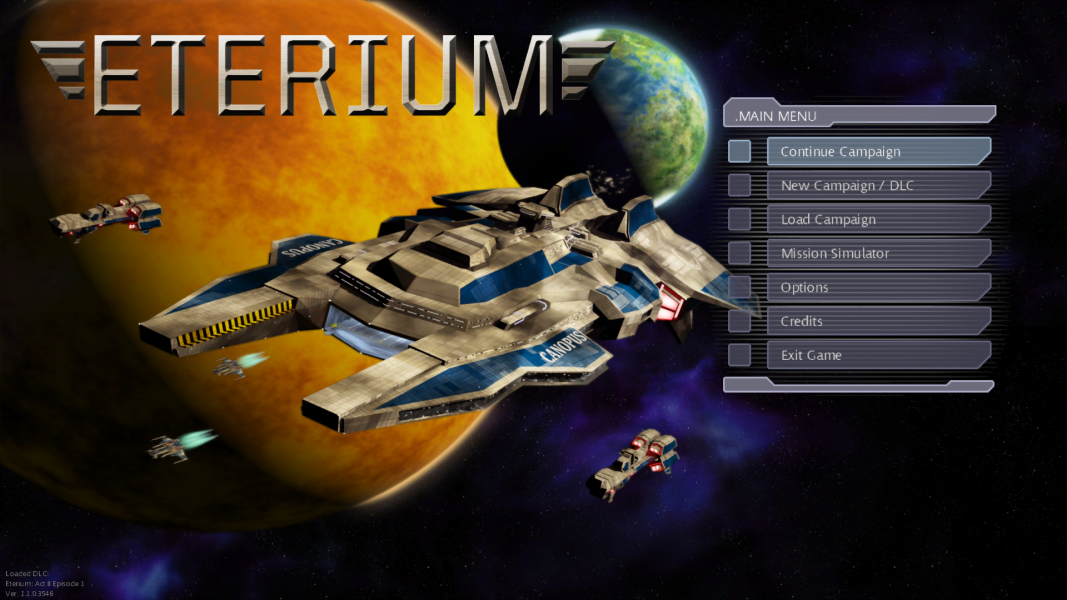


Additional Screenshots