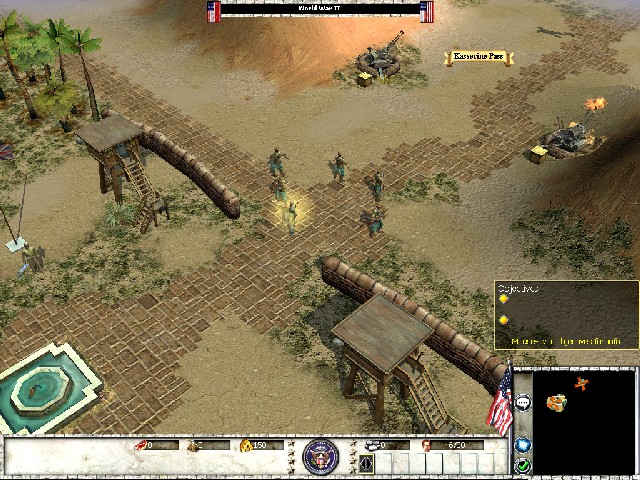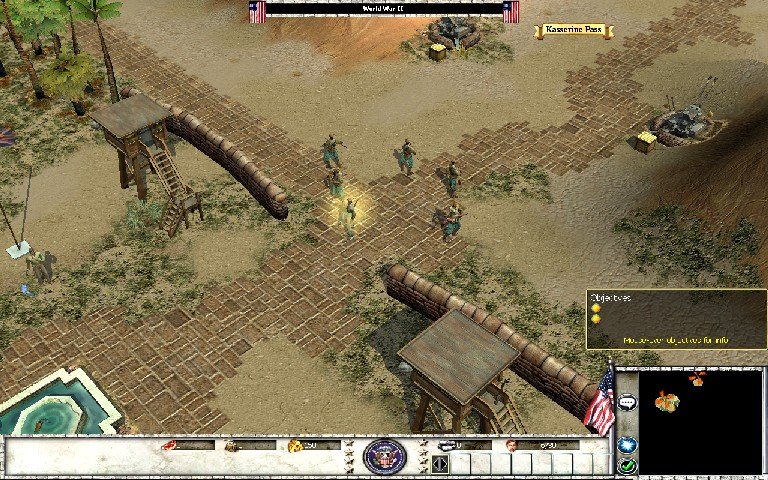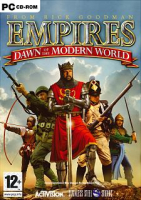


Empires: Dawn of the Modern World is a 2003 real time strategy game for the PC
Support Summary
Screenshots Comparison
Solutions & Issues
This is a registry hack, i tried it before and for some reason i thought it didn't work (maybe because it didn't show up as valid res in vid selection screen).
Open regedit and go to \HKEY_CURRENT_USER\Software\SSSI\Empires\
look for the keys 'Game Window Height' and 'Game Window Width', change them to decimal 900 and decimal 1440 (for 1440x900) and thats it.
There seems to be a minor graphical weirdness in the menus but it did not seem to interfere. In game the HUD (?) is also stretched but the 3d view seems to be proper aspect. To verify aspect, start botmatch game, choose england and your town center has clock that appears circular.
HDTV users, i set video card to not stretch image and the game seems to use the whole screen (although menus 'appear' stretched), this leads me to believe the 'custom' resolution is in effect from game launch to game exit. You should be able to use the game with whatever custom resolution you prefer and still be able to navigate menus.
I would set all other graphical options like water relections, show blood, before editing registry since the custom resolution does not appear in that screen it will probably revert to a predefined 4:3 res. Then you would have to re-edit registry to change res back (although HDTV may have to do this anyways).
Gameplay Screenshots