

Second game in the Echelon series of sci-fi space combat games.
Support Summary
Game Information
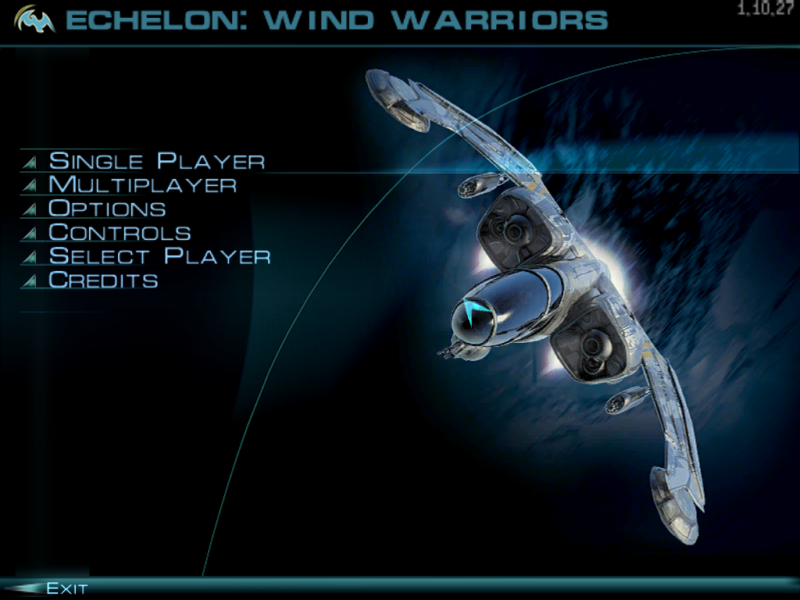
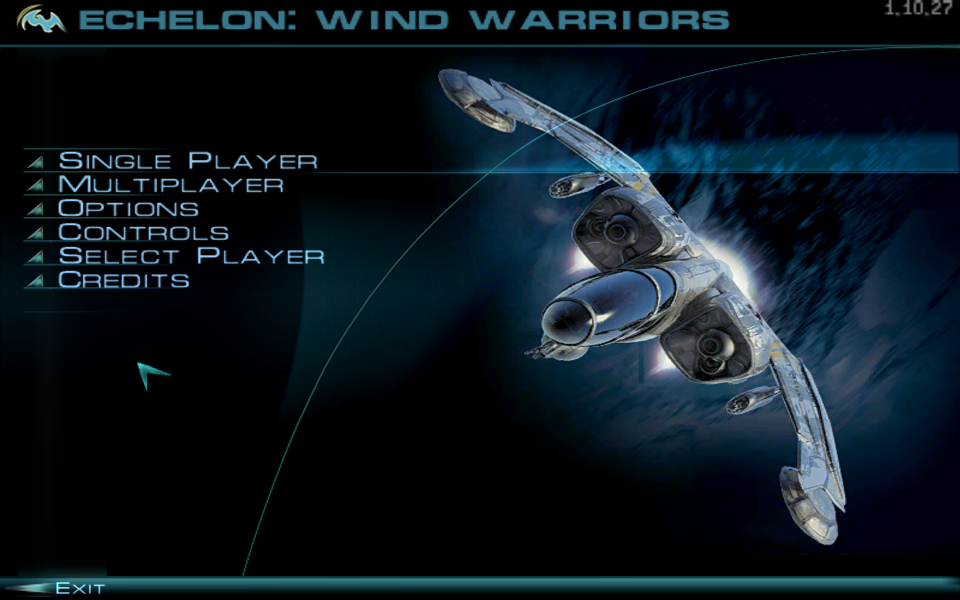
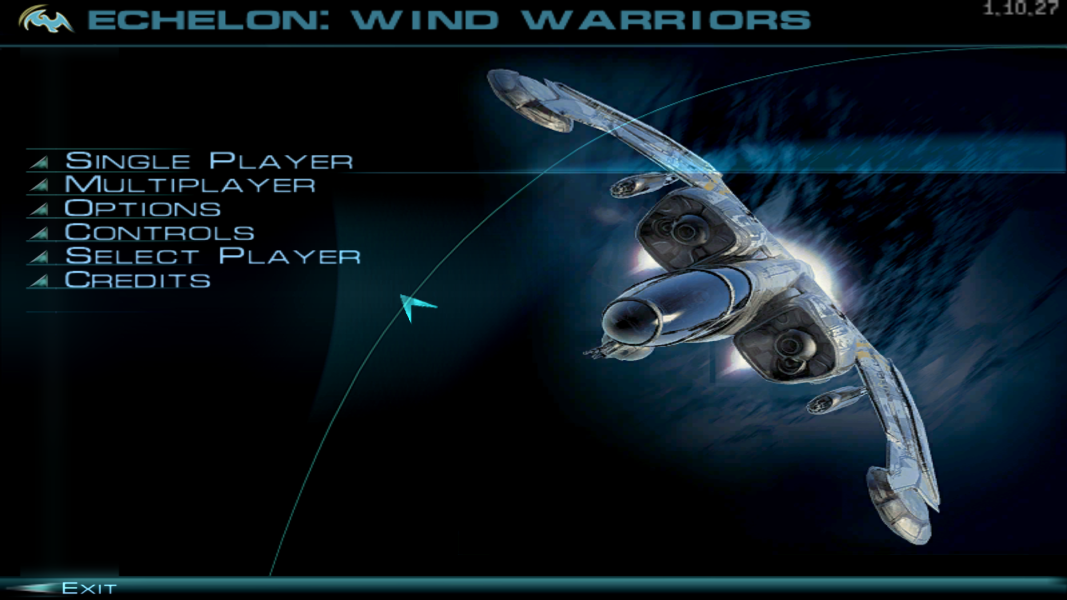
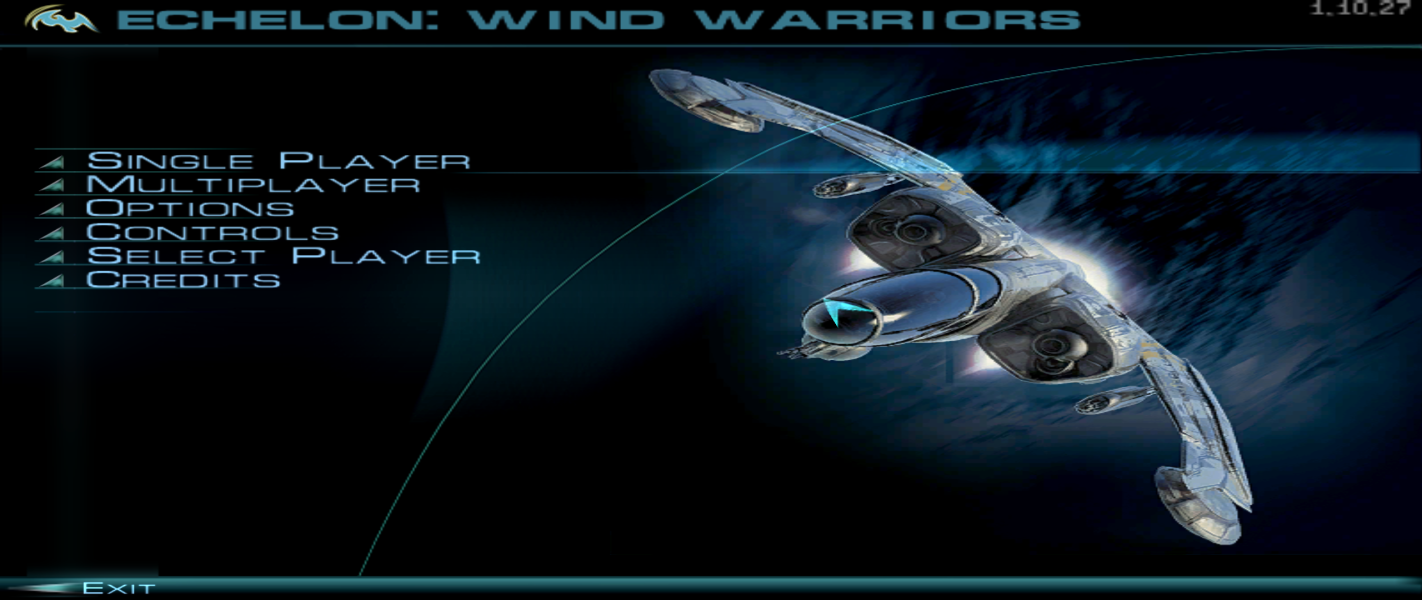
Screenshots Comparison
Solutions & Issues
Options.exe only detects 4:3 resolutions. Other resolutions can be set in the registry:
HKEY_CURRENT_USER\SOFTWARE\Classes\VirtualStore\MACHINE\SOFTWARE\Wow6432Node\Madia\Echelon 1.5\Video
Edit Width and Height in Decimal mode. The path may vary depending on your system (e.g. for 32-bit versions of Windows omit Wow6432Node).
The Steam version always runs Options.exe at startup which will undo the resolution change; to fix this edit GameLauncher.bat in the installation folder and add REM to the start of the line start /d"%QQ%" /wait Options.exe
Output is Vert-. When flying open the console (~ or similar) and enter cm_fov 120 (replace with the FOV you want up to 120). FOV must be reapplied every time you fly.
Some higher resolutions like 2560x1440 will crash the game; use dgVoodoo 2 to remove resolution limits.
FMV cutscenes run on the desktop in a borderless window (output is letterboxed and has the correct aspect ratio).
Same as widescreen. FOV is limited due to 120 FOV limit.
Same as widescreen. FOV is too low due to 120 FOV limit.
Mouse sensitivity in the menu is lower vertically than horizontally.
Gameplay Screenshots


Menu Screenshots